Paper Cup Mockup Set v.4
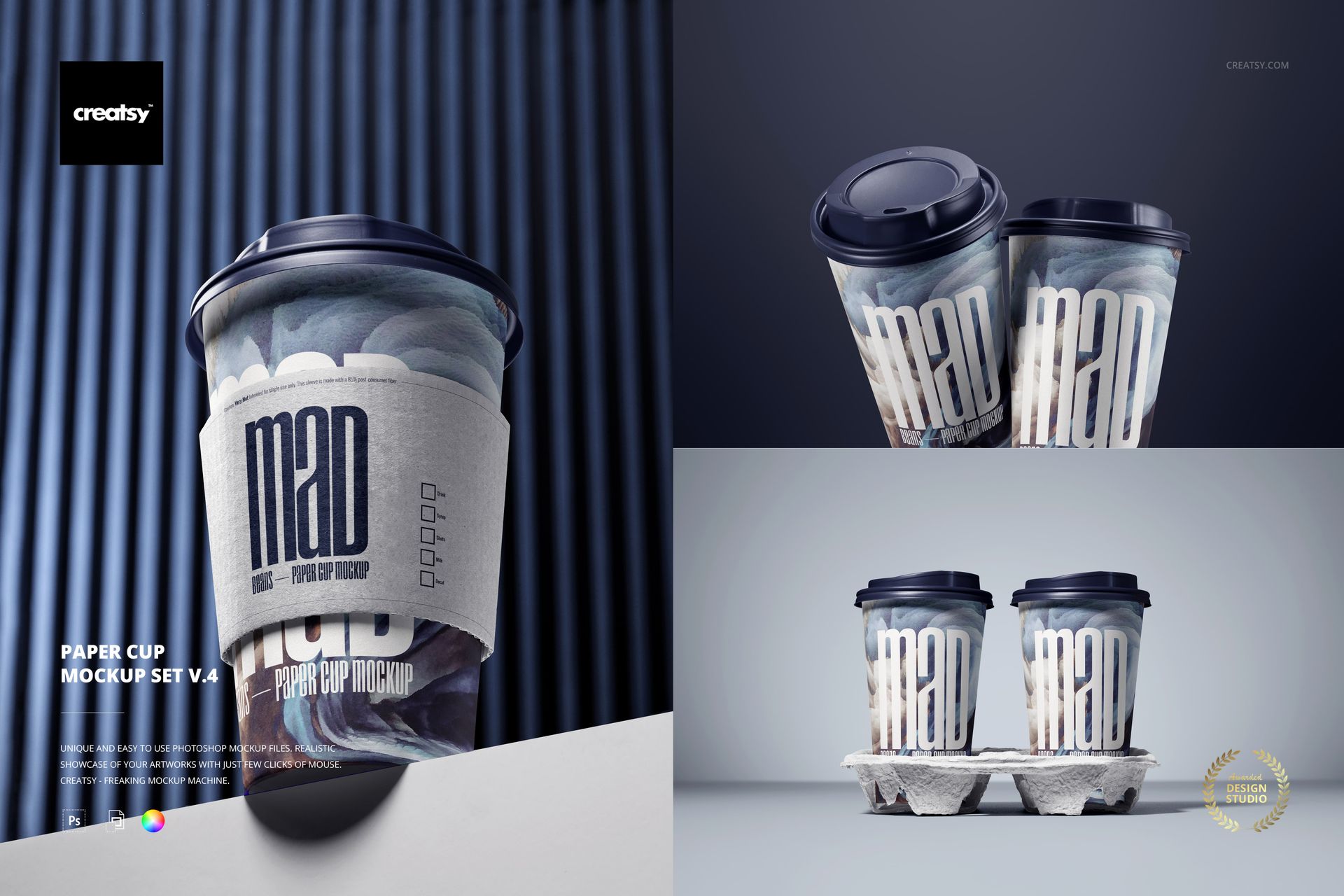
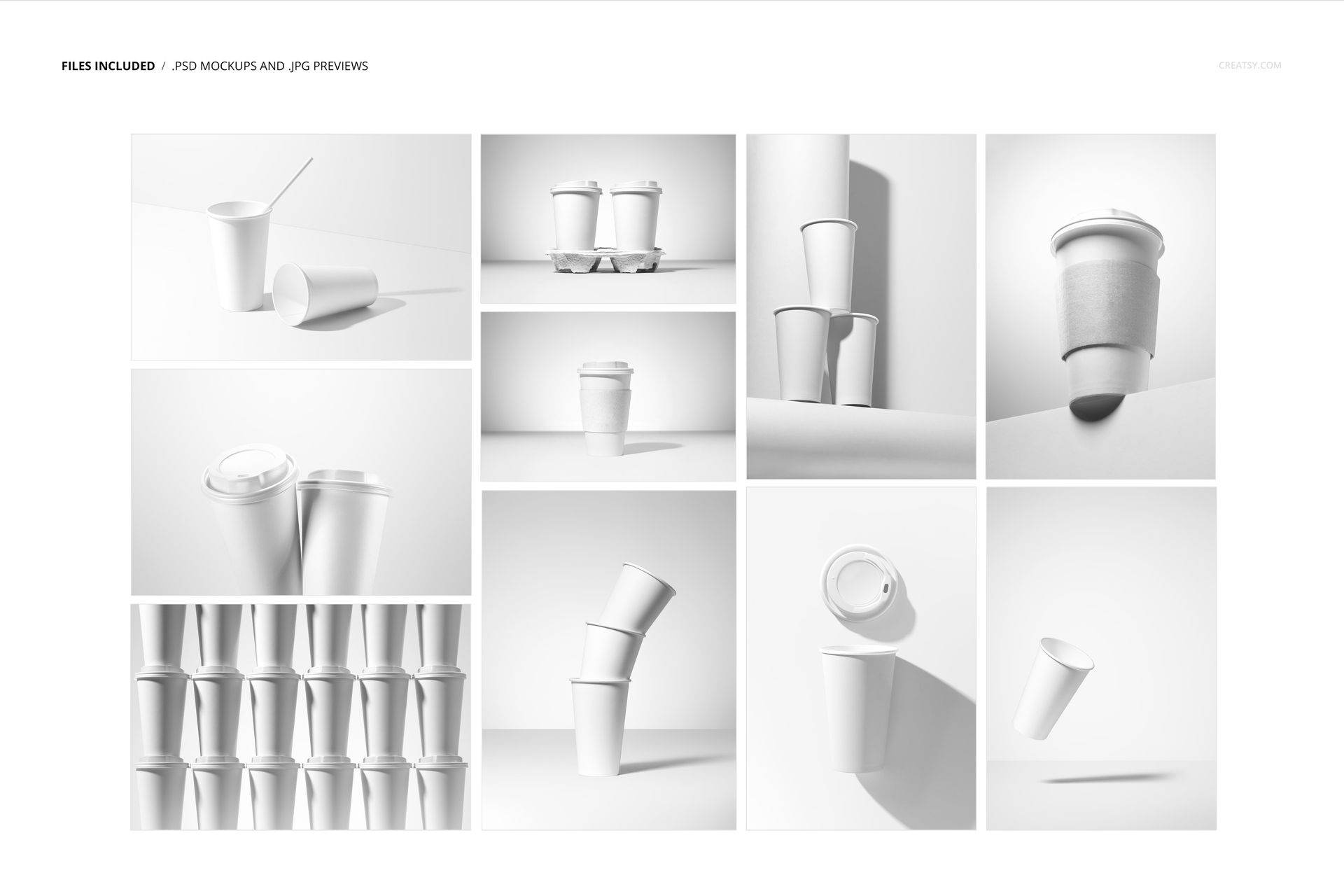
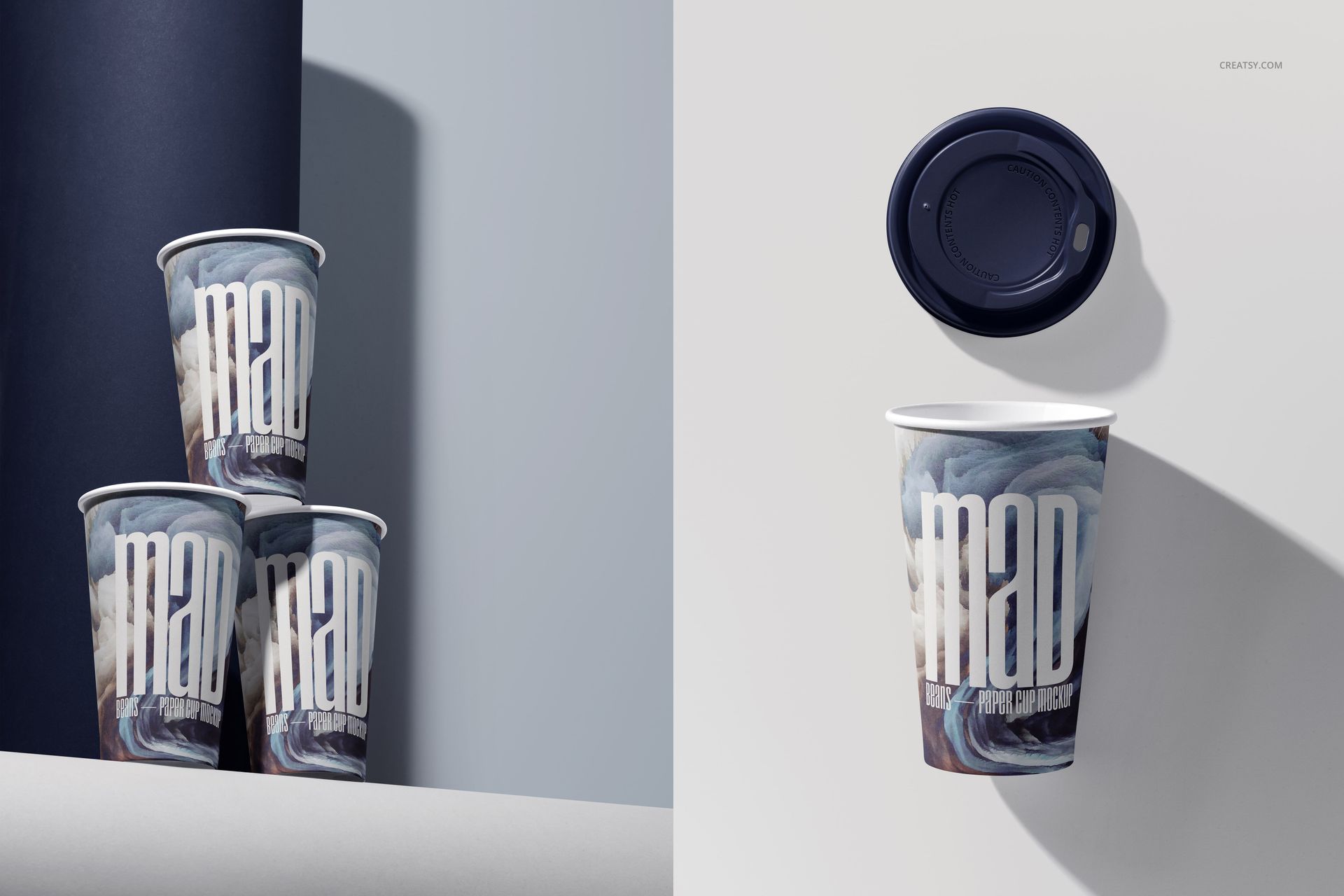
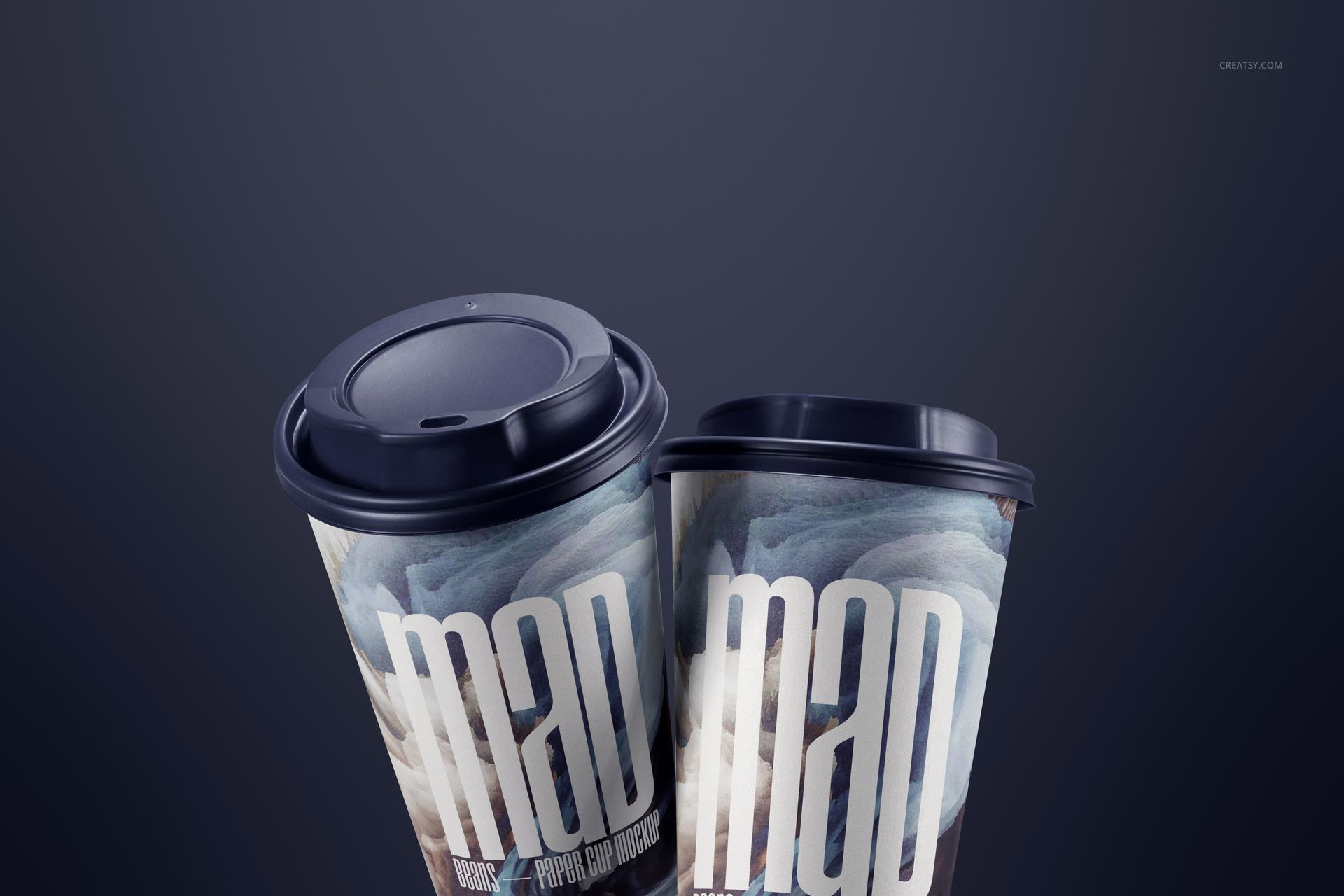
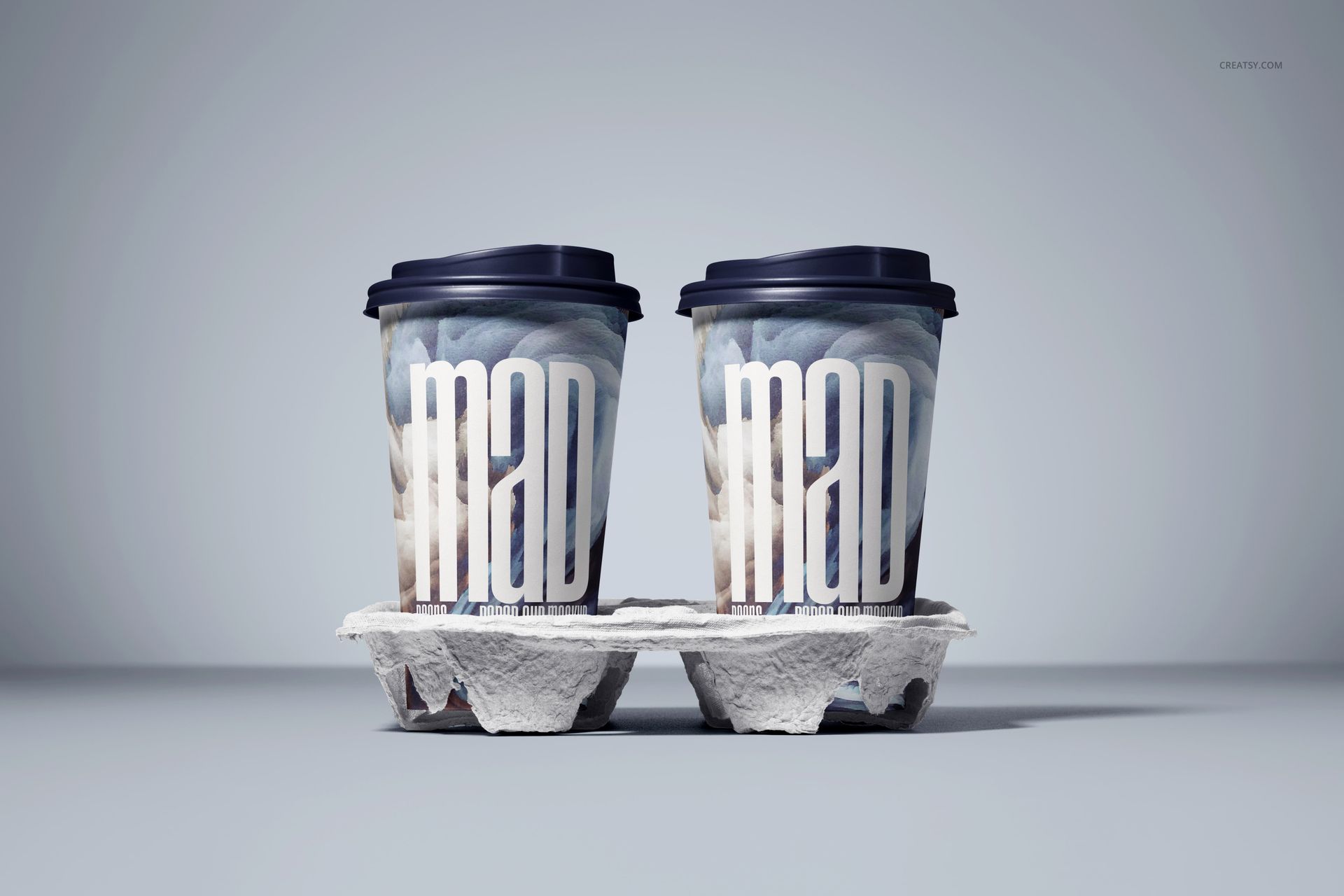
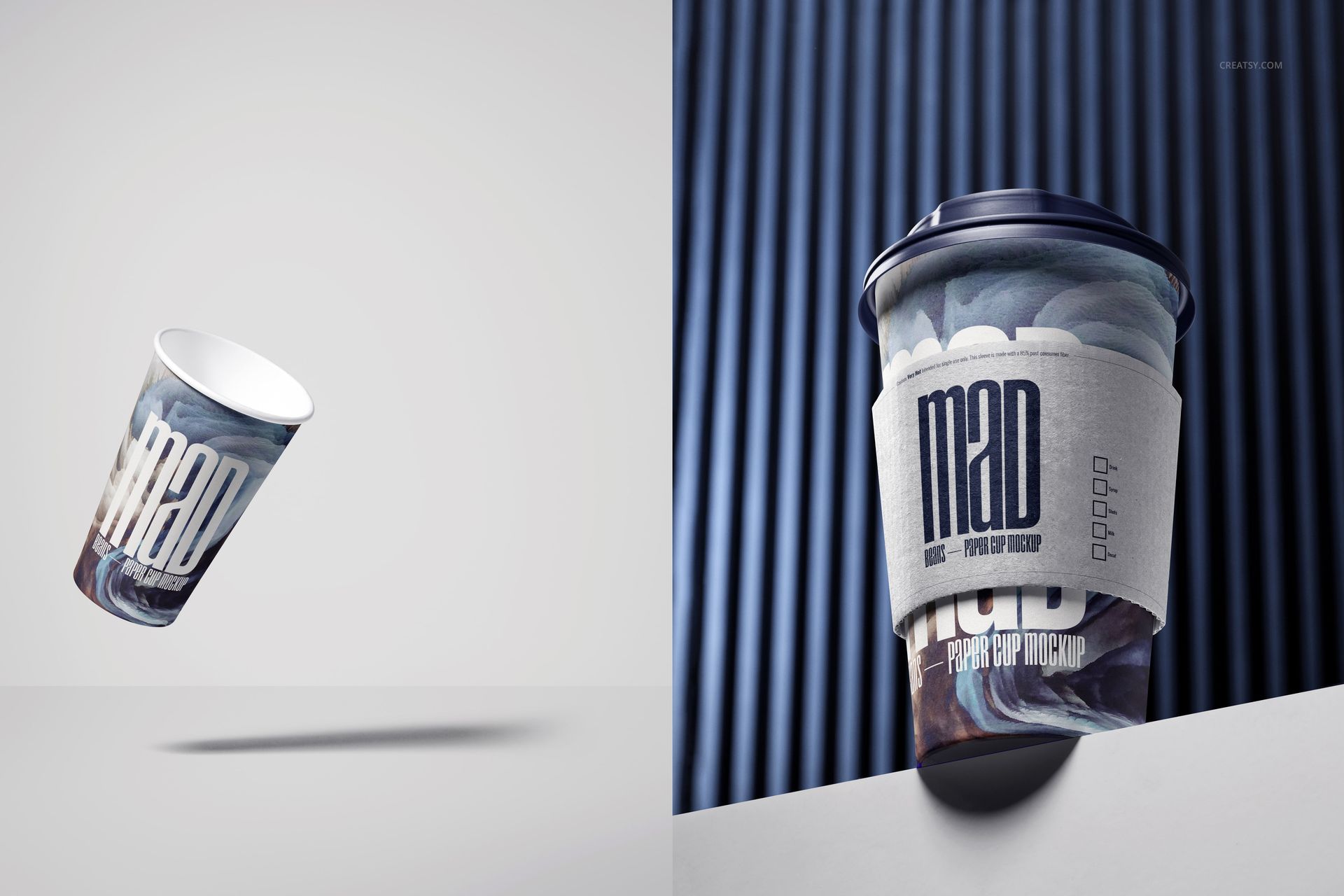
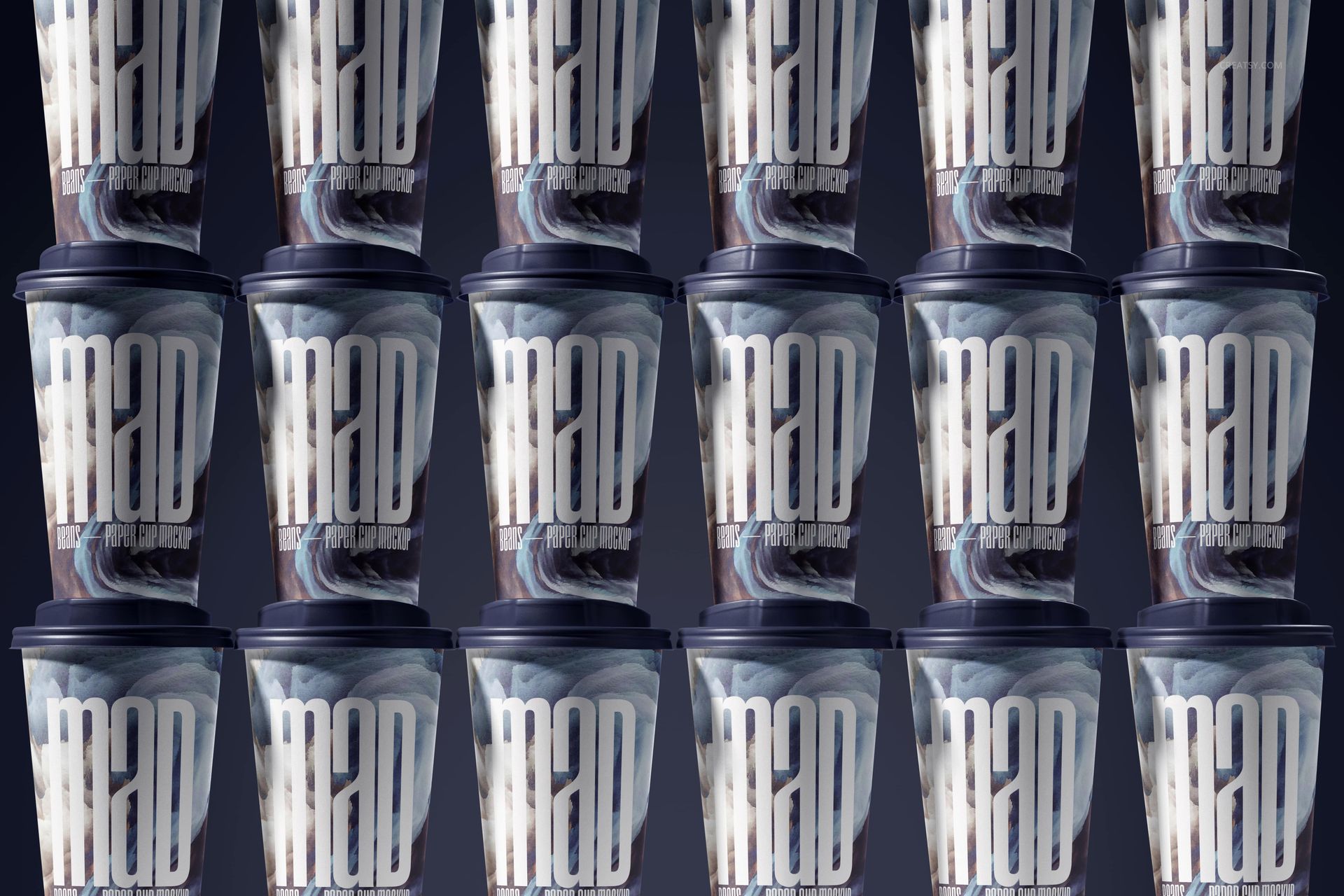
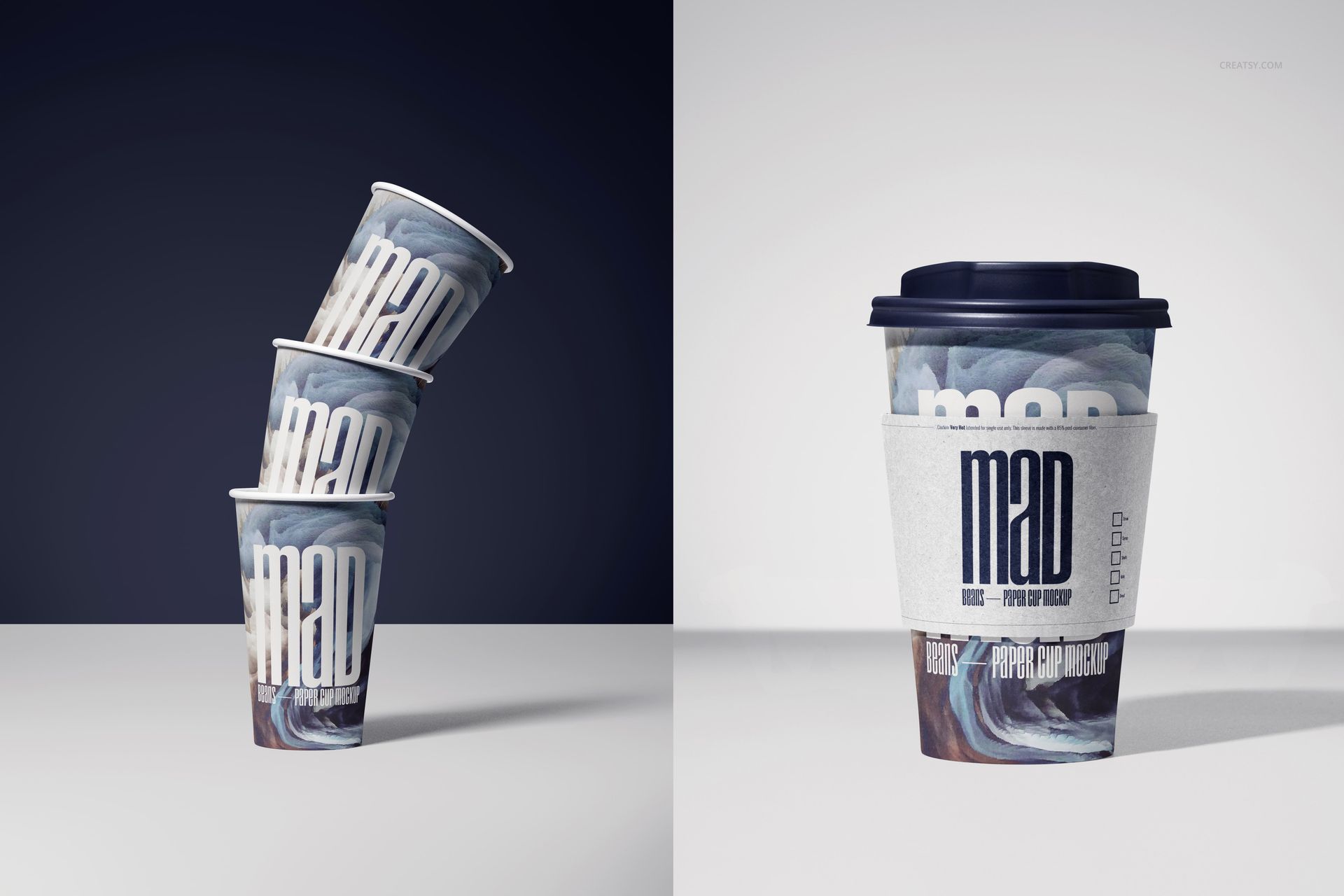
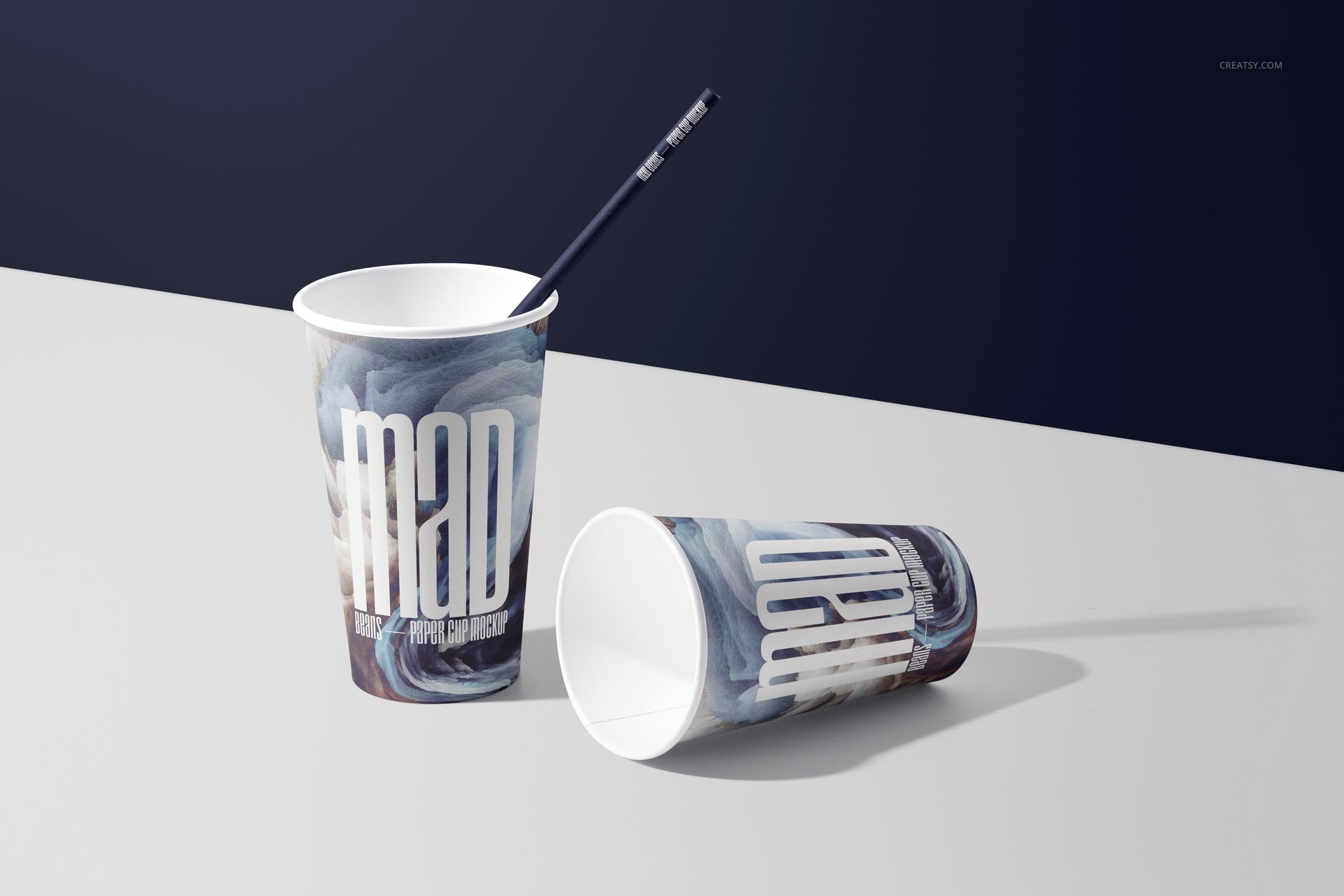
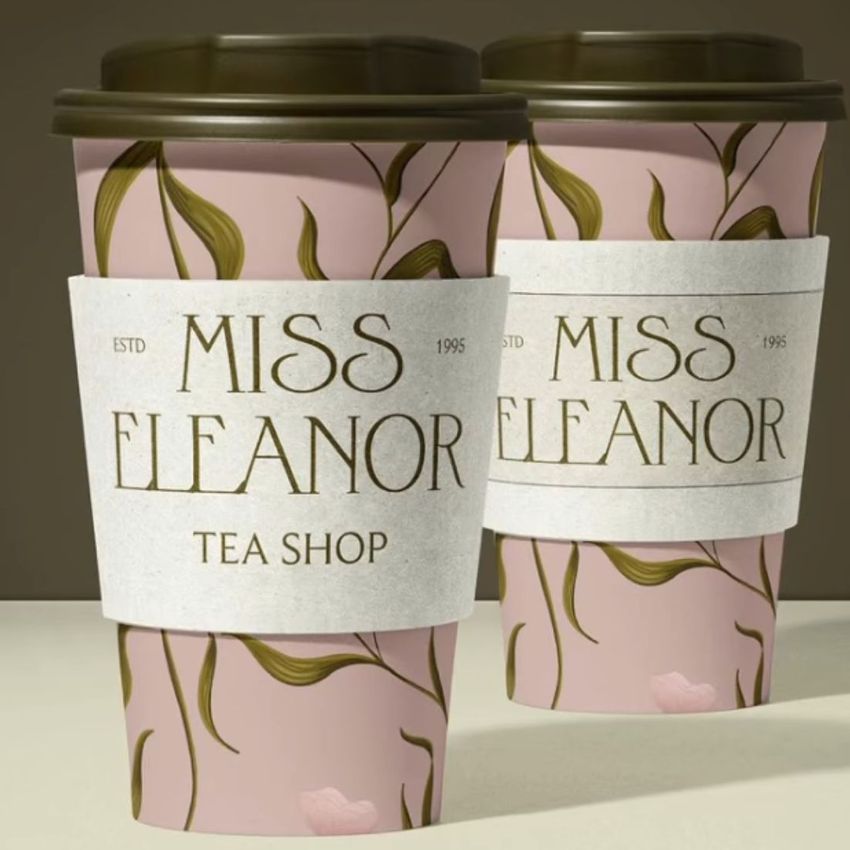
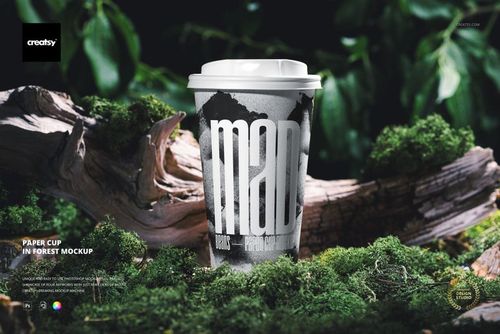
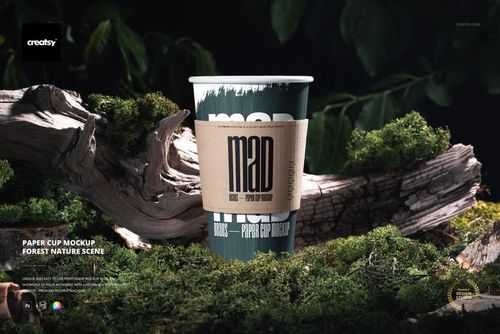
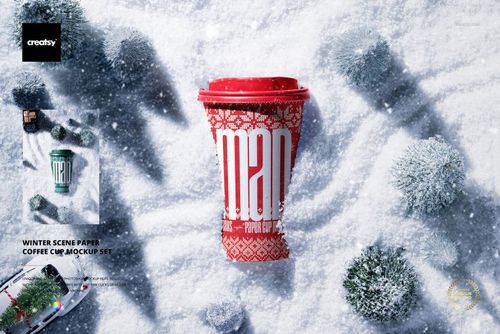
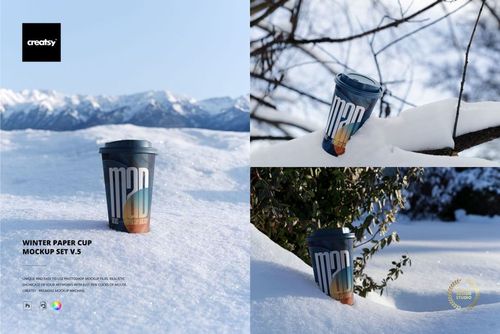
Present a complete takeaway drink identity across ten prepared studio compositions. The set covers single cups, paired cups, a two-cup carrier, stacked and grid arrangements, an open cup with a separate lid, a sleeved cup, a straw cup, and upright, horizontal, floating and angled views. Light, dark and split-tone backgrounds create useful options for menus, launch graphics, online shops, client approvals and social content.
A Ten-Scene Studio Toolkit
10 layered PSD working files, one scene per file
10 small JPG reference previews and a User Manual PDF
Landscape and portrait canvases listed at 6000 x 4000 and 4000 x 6000 px
300 DPI as declared in the current product specifications
Adobe Photoshop CS6 or later and product-specific Photopea compatibility
Editable Cup and Scene Details
Use Smart Objects to place artwork on the tapered paper cup surfaces. Change the cup artwork and color, edit sleeve artwork and color, recolor straws and backgrounds, and adjust the colors of lids and the drink holder. Prepared lighting, shadows, surface texture and perspective keep the result connected to each scene.
Built for Brand Systems, Not One-Off Images
Use the grouped layouts to compare flavor variants or coordinated colorways, the sleeved and lidded views to check hierarchy across components, and the straw or open-cup scenes for cold drink concepts. Single-cup views suit hero images, while multi-cup scenes help explain a broader cafe or beverage range.
Important Notes
This is a digital mockup product. The cups, lids, straws, holder, sample graphics and photographs are not physical items. The sample patterns shown in the previews are not included. Add your own artwork and consult the packaging supplier's dieline and print specifications before production.
Preview Artwork Credit
Product preview imagery is credited to Creatsy. No separate external author is identified for the sample cup graphics.