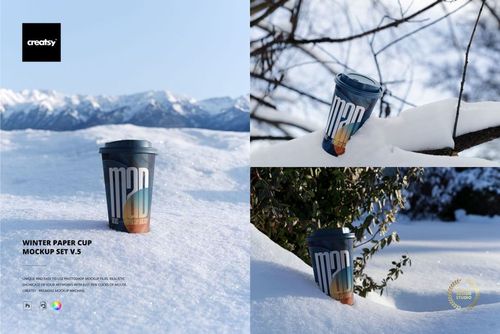
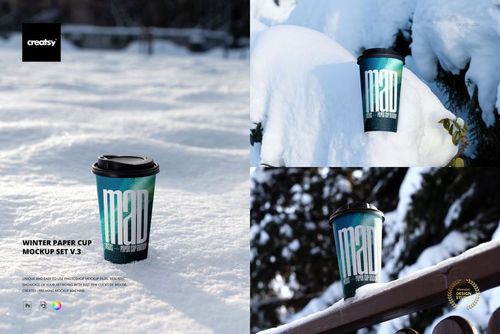
Paper Cup Mockup Set (urban edition)
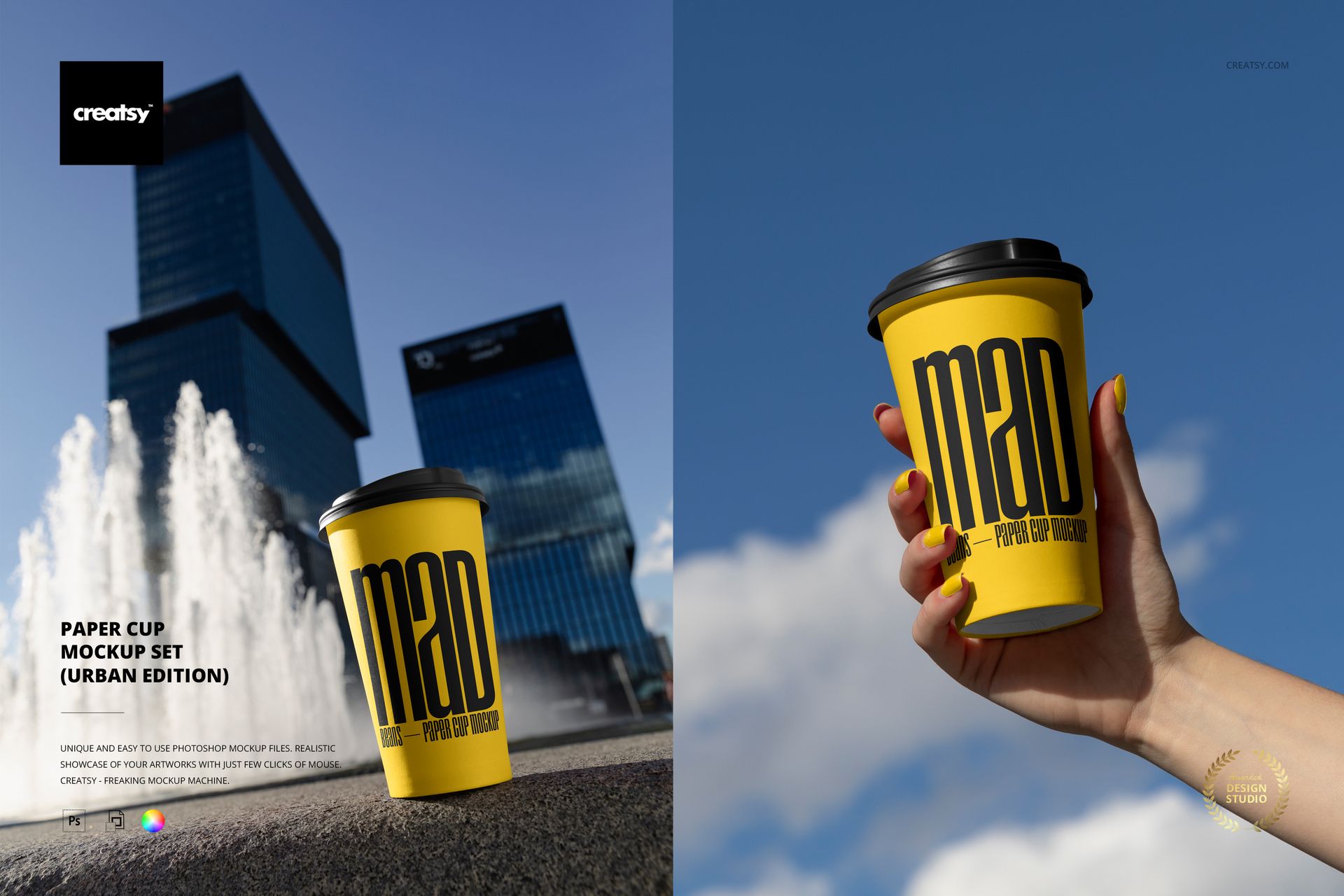
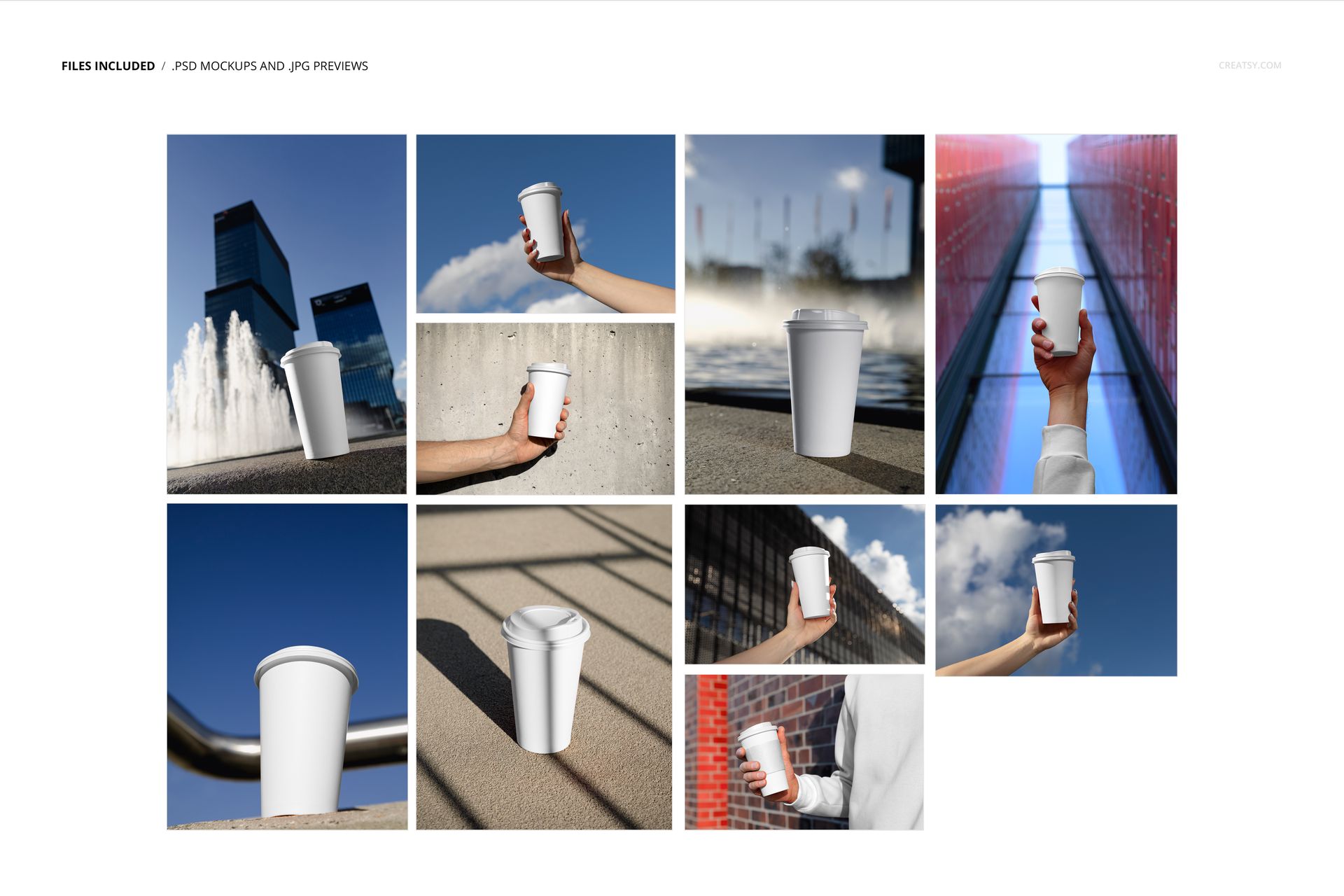
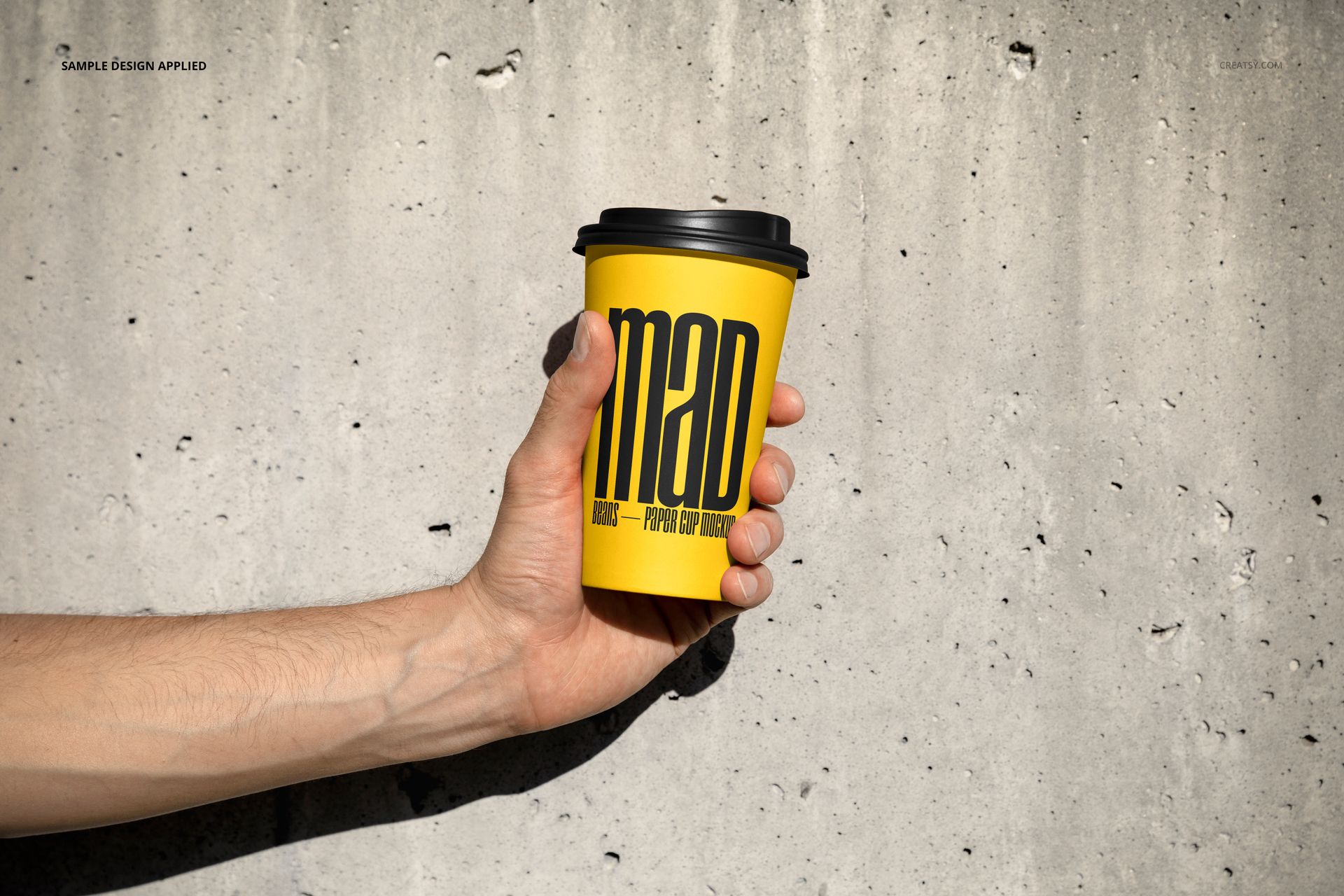
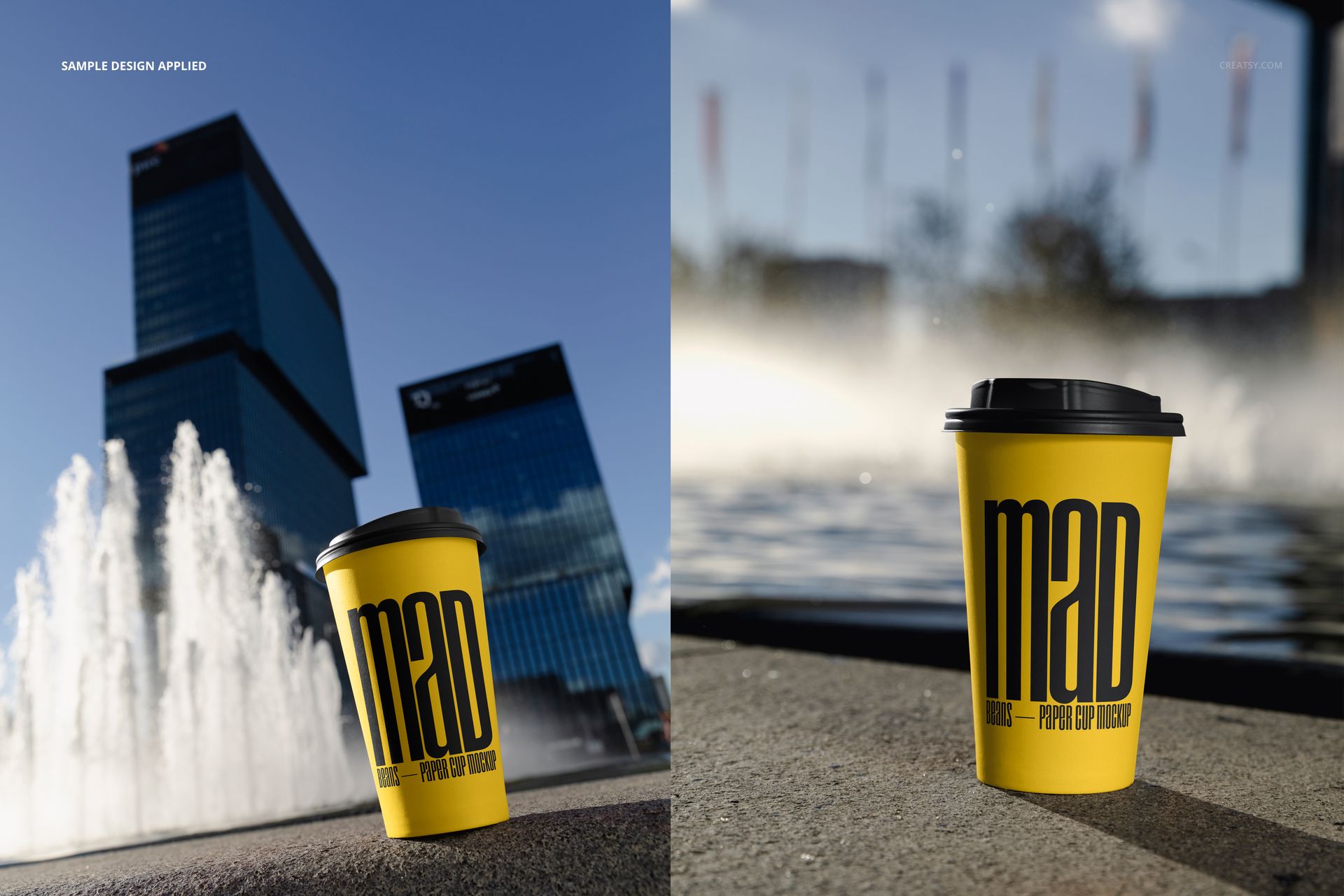
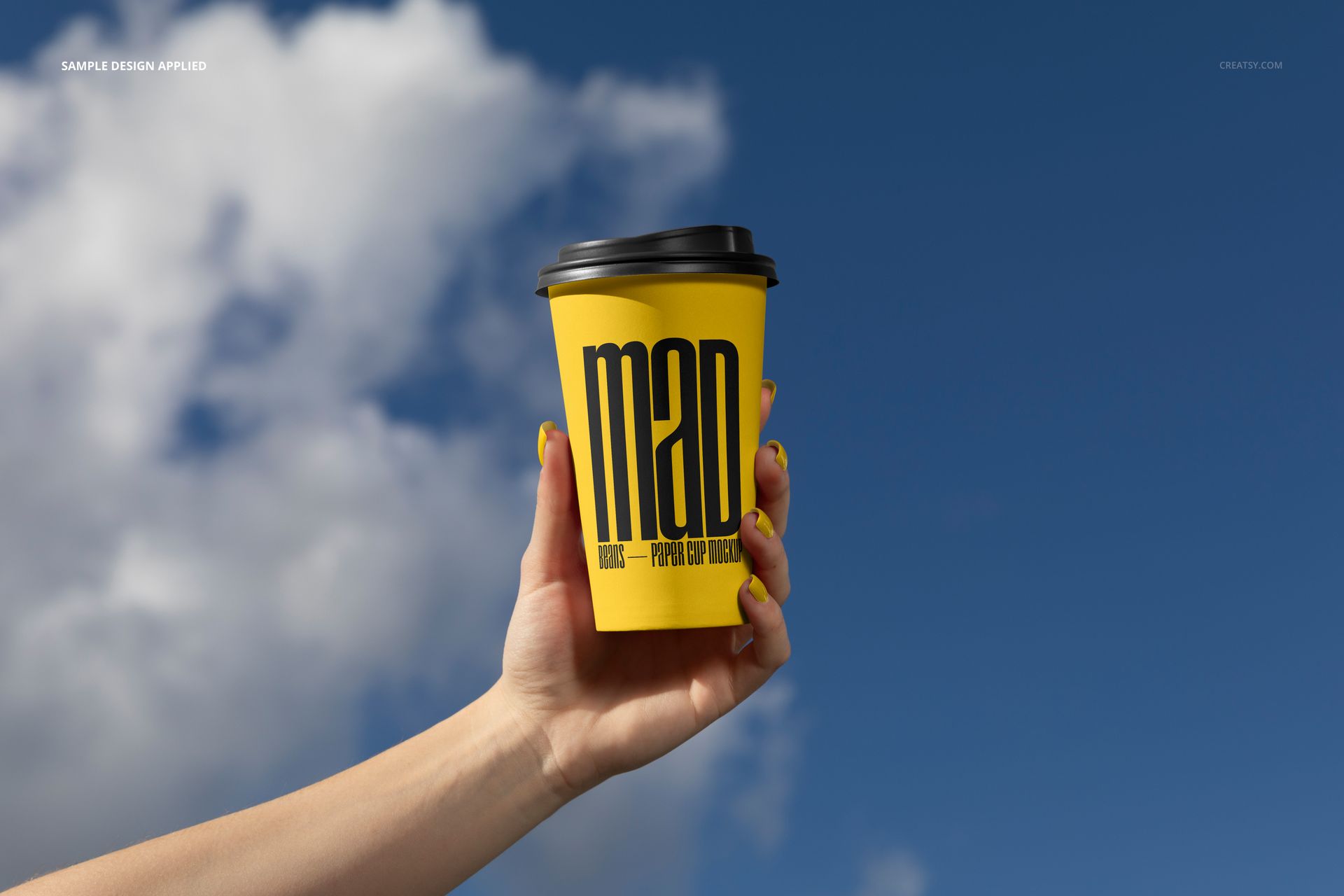
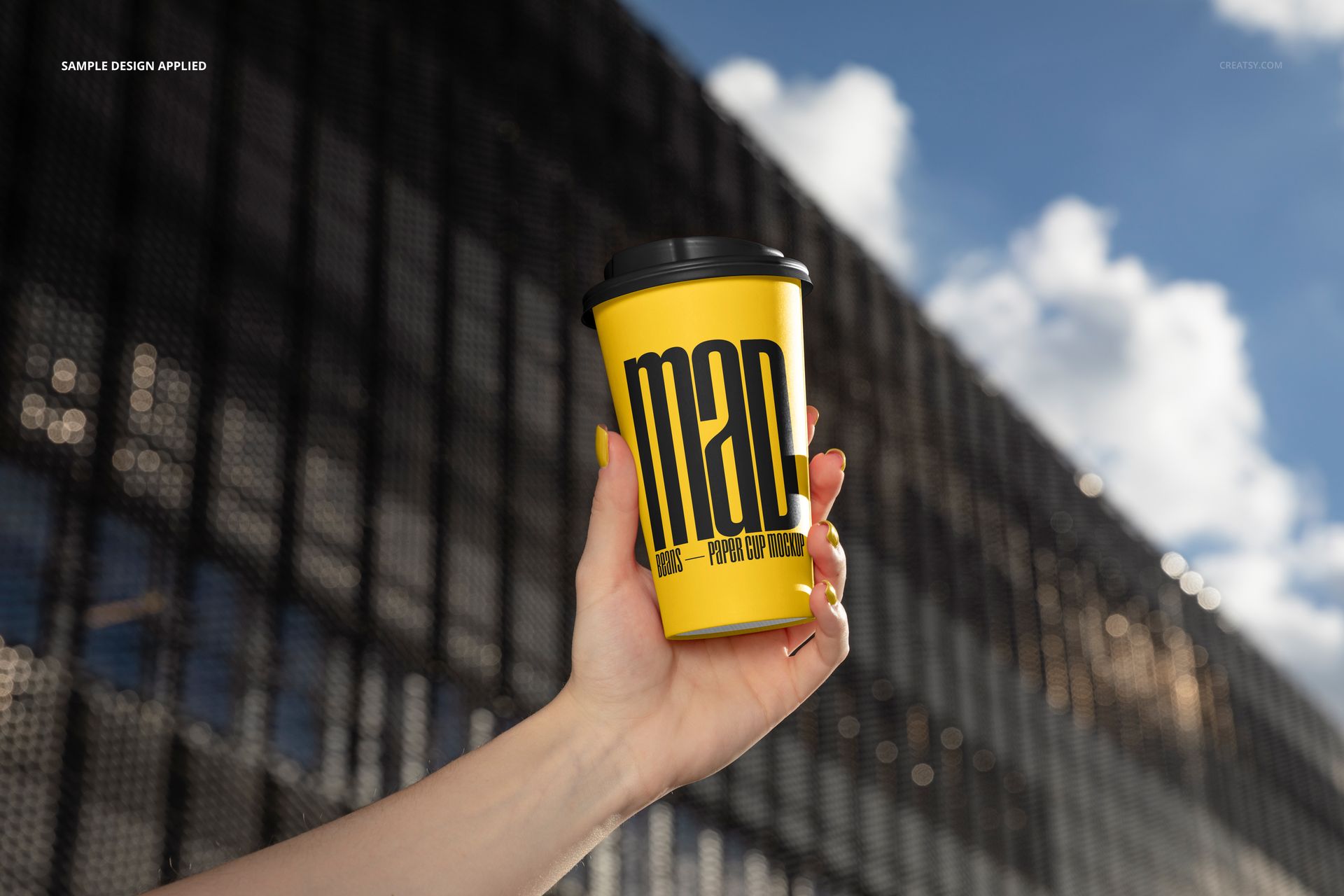
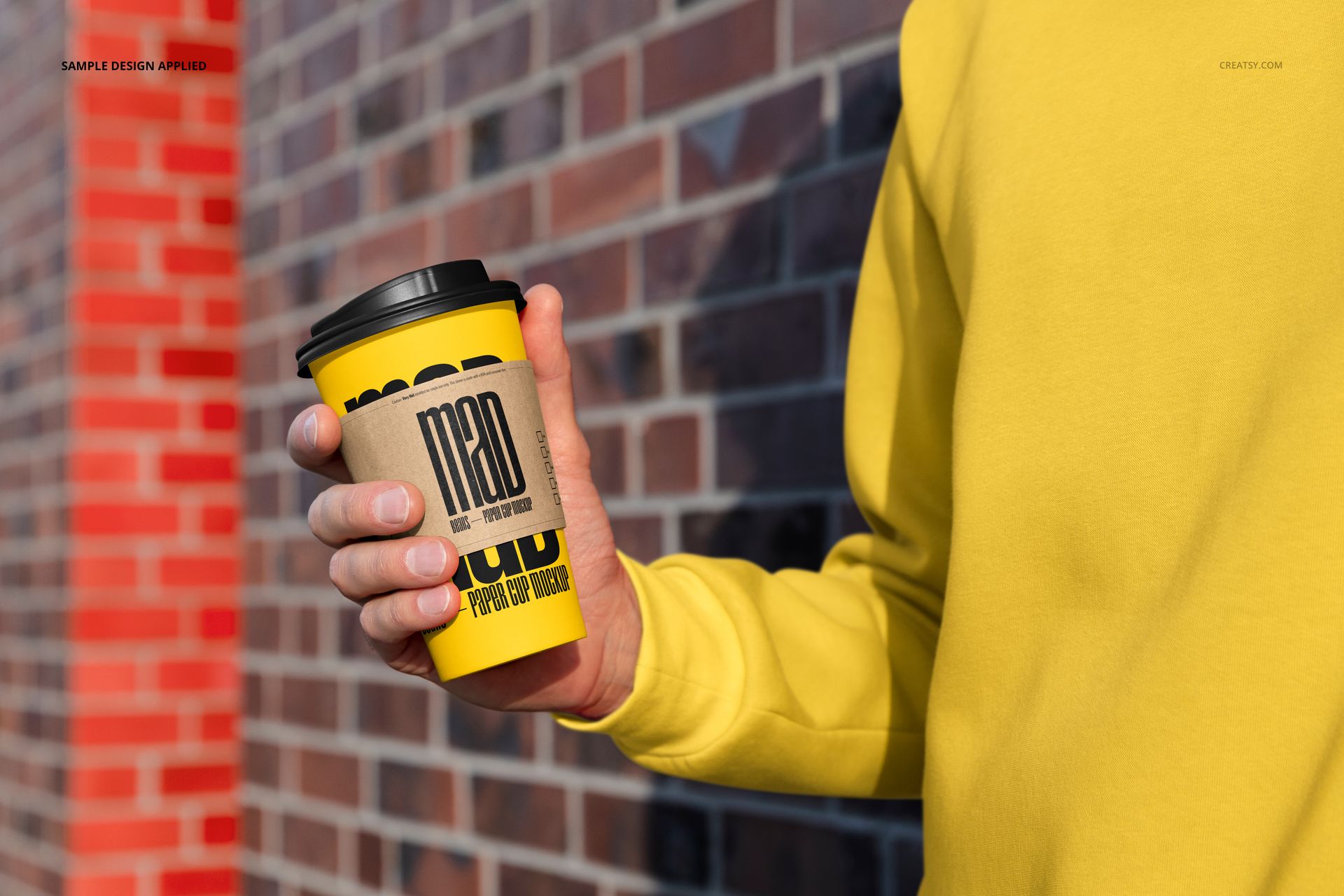
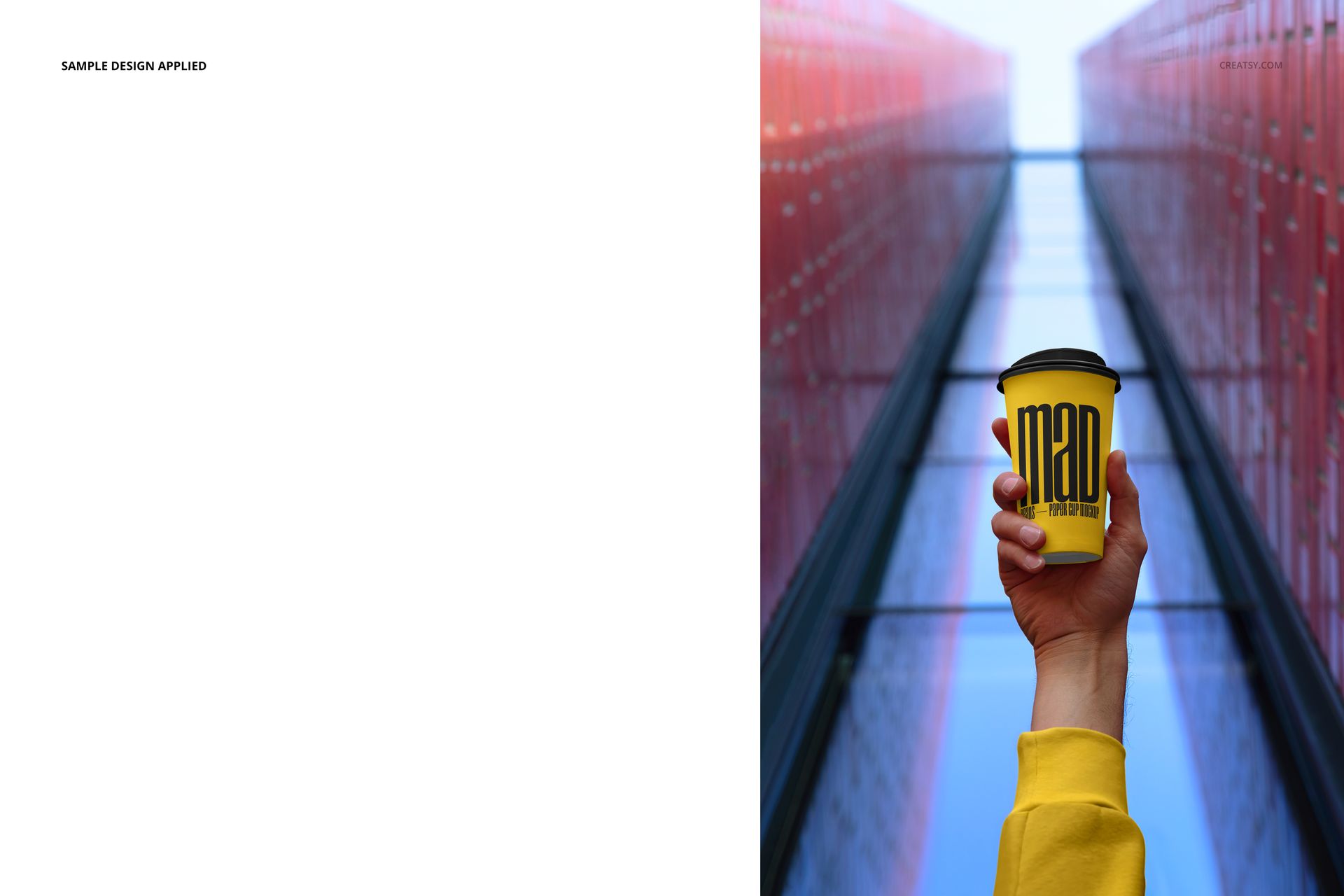
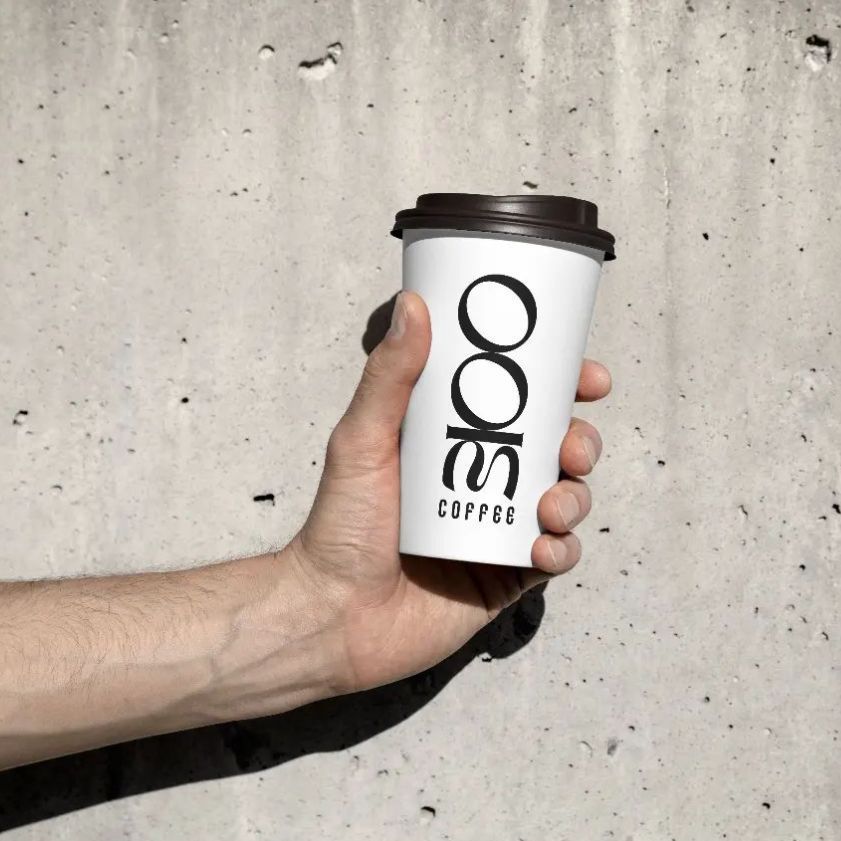
Present takeaway drink branding across ten outdoor city scenes built around a tall, tapered paper cup with a plastic sipping lid. The set moves between hand-held views and cups placed on concrete, using blue skies, glass towers, fountains, brickwork, hard sunlight and architectural shadows to give one cafe concept several campaign contexts.
What Is Included
10 layered PSD working files
10 paired JPG preview images
1 PDF user manual
PSD set listed at approximately 6000 x 4000 px and 300 DPI
Ten fixed photographic urban backgrounds
One Branding System, Ten Urban Touchpoints
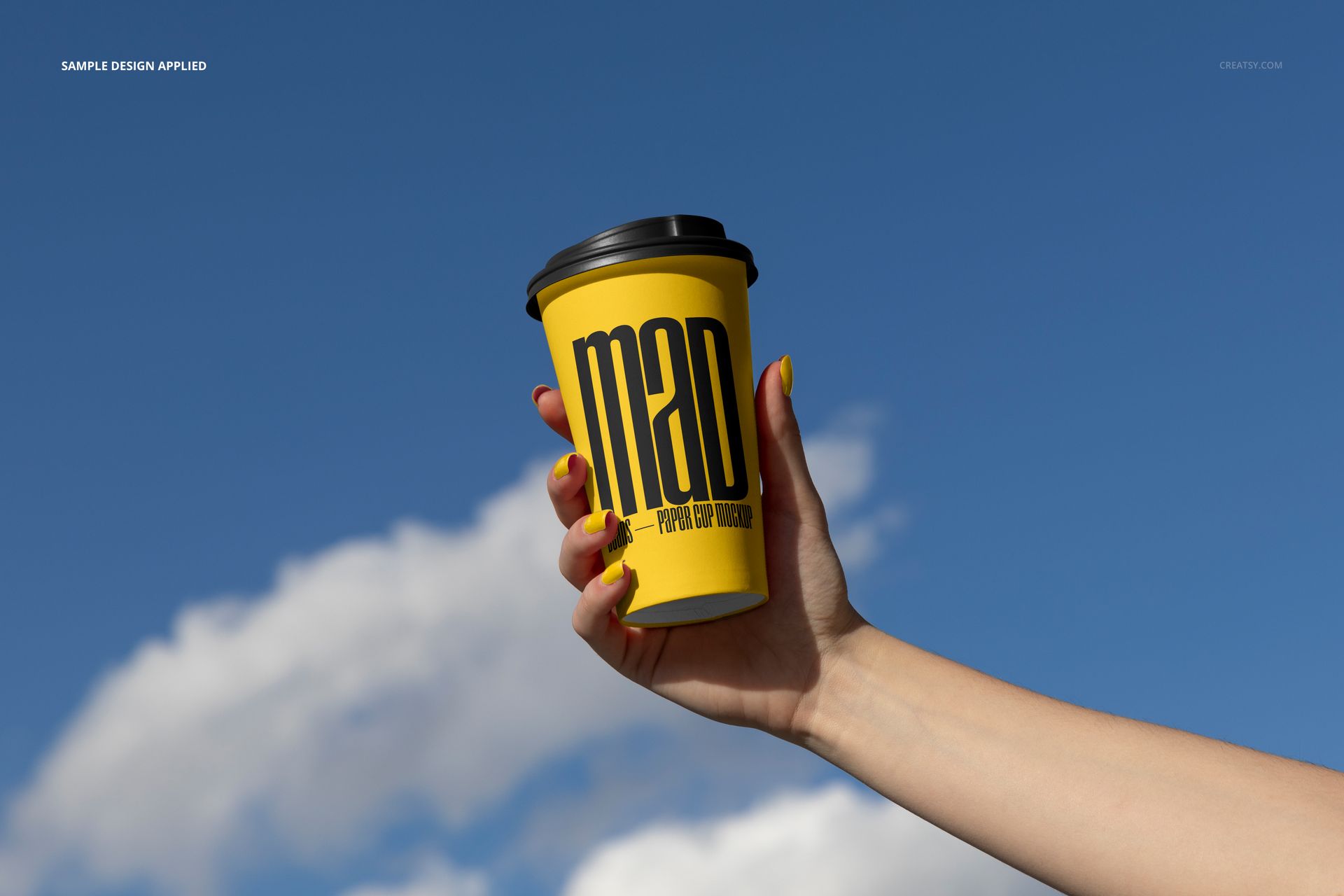
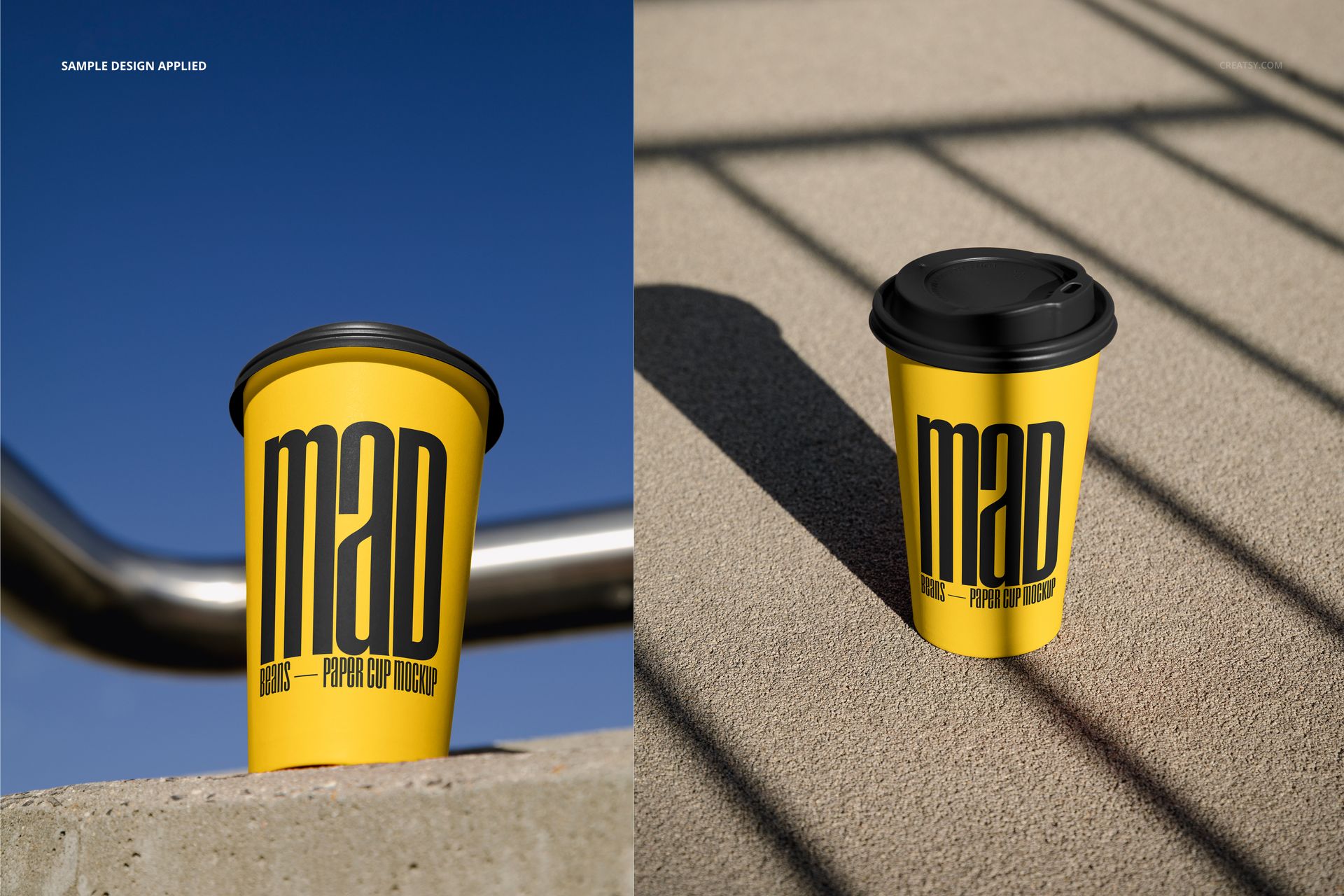
Compare how a logo, typographic layout or repeat pattern reads in close views, full cup views, hand-held scenes and ground-level compositions. The cup appears against open sky, concrete, water, modern facades and a brick wall, giving the same artwork both product-focused and lifestyle applications. One scene also includes a kraft paper sleeve, while selected hand-held views show editable nails or a sweatshirt.
Easy Smart Object Editing
Open each PSD in Adobe Photoshop CS6 or later, or in Photopea. Place the artwork inside the prepared Smart Object, save it and return to the scene to see the design follow the cup surface, perspective, light and shadow. You can change the paper cup color and lid color. Where those elements appear, you can also change the sleeve, nail and sweatshirt colors. The photographic backgrounds are fixed, and the ten PSD scenes are edited separately.
Perfect For
Cafe and coffee shop branding presentations
Takeaway cup packaging reviews
Client pitch decks and visual identity case studies
Outdoor advertising and social campaign concepts
Menu launches, seasonal drinks and portfolio images
This is a digital download. No physical cup, lid, sleeve or printed item will be shipped. Sample graphics shown in the previews are for demonstration and are not supplied as a separate artwork file.
Preview Artwork Credit
The product preview imagery is credited to Creatsy. No separate external author is identified for the sample cup graphics.