Blue Walls Red Accents Poster Template

ID: 1610676565 | Updated: Apr 17, 2026

Product Details

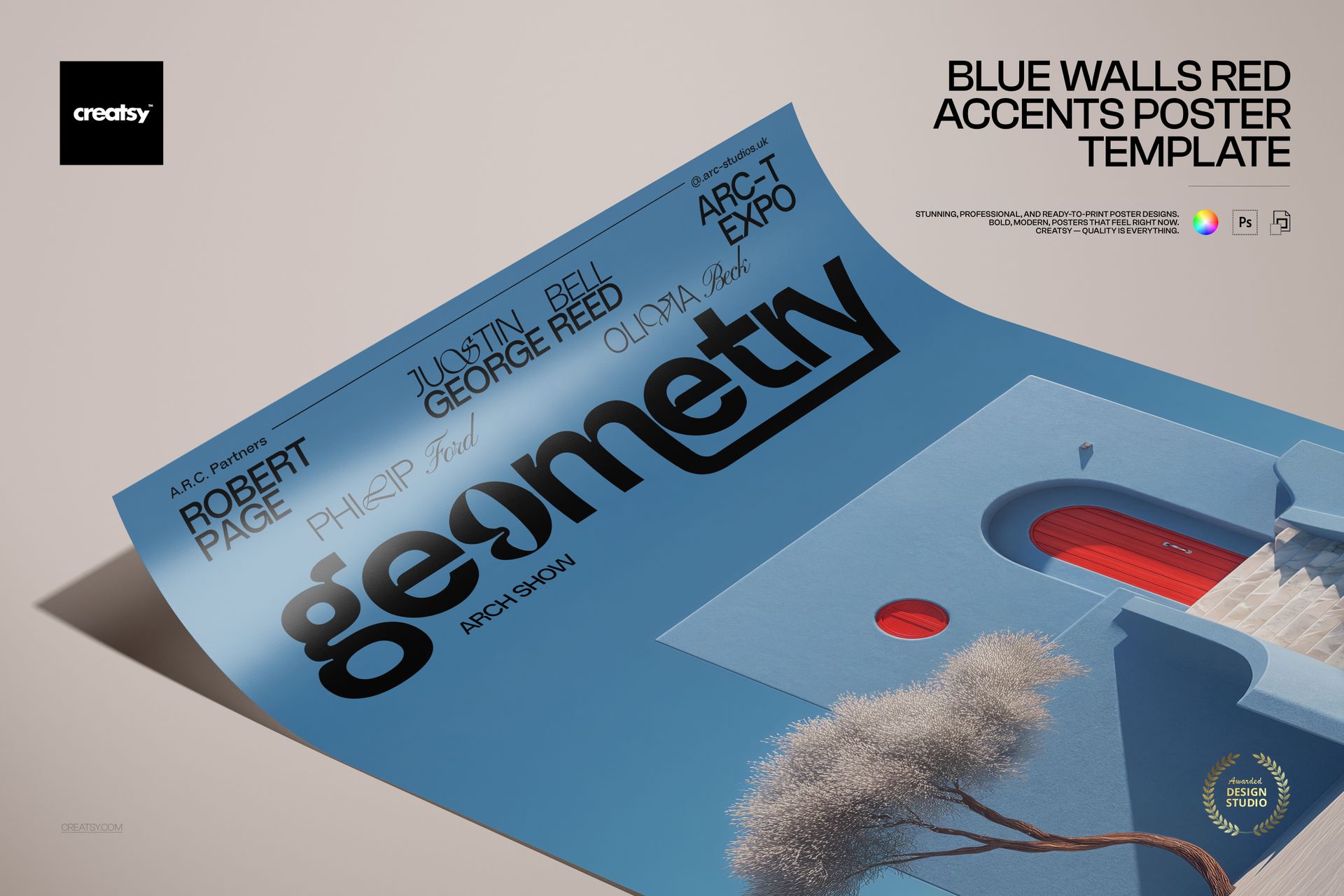
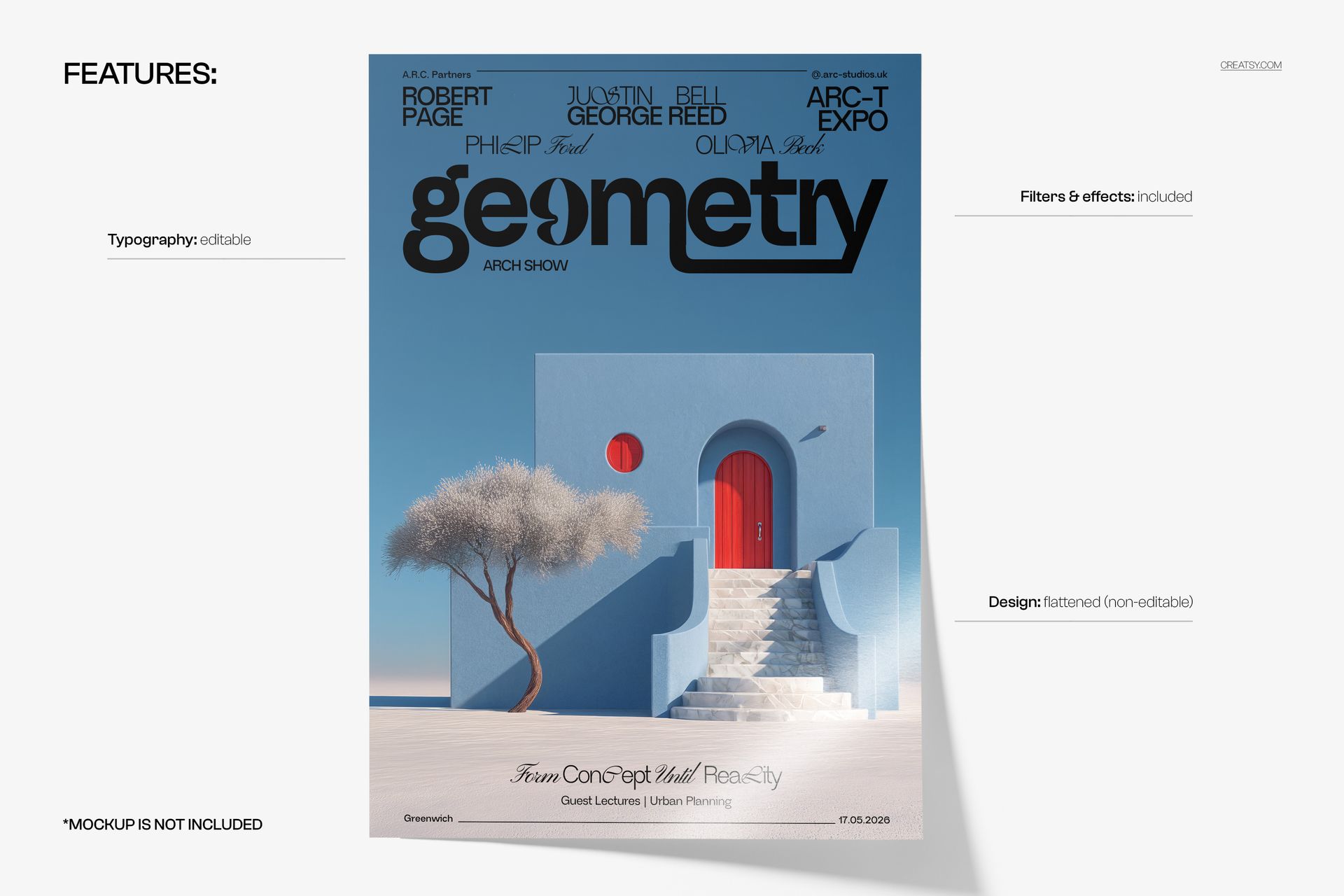
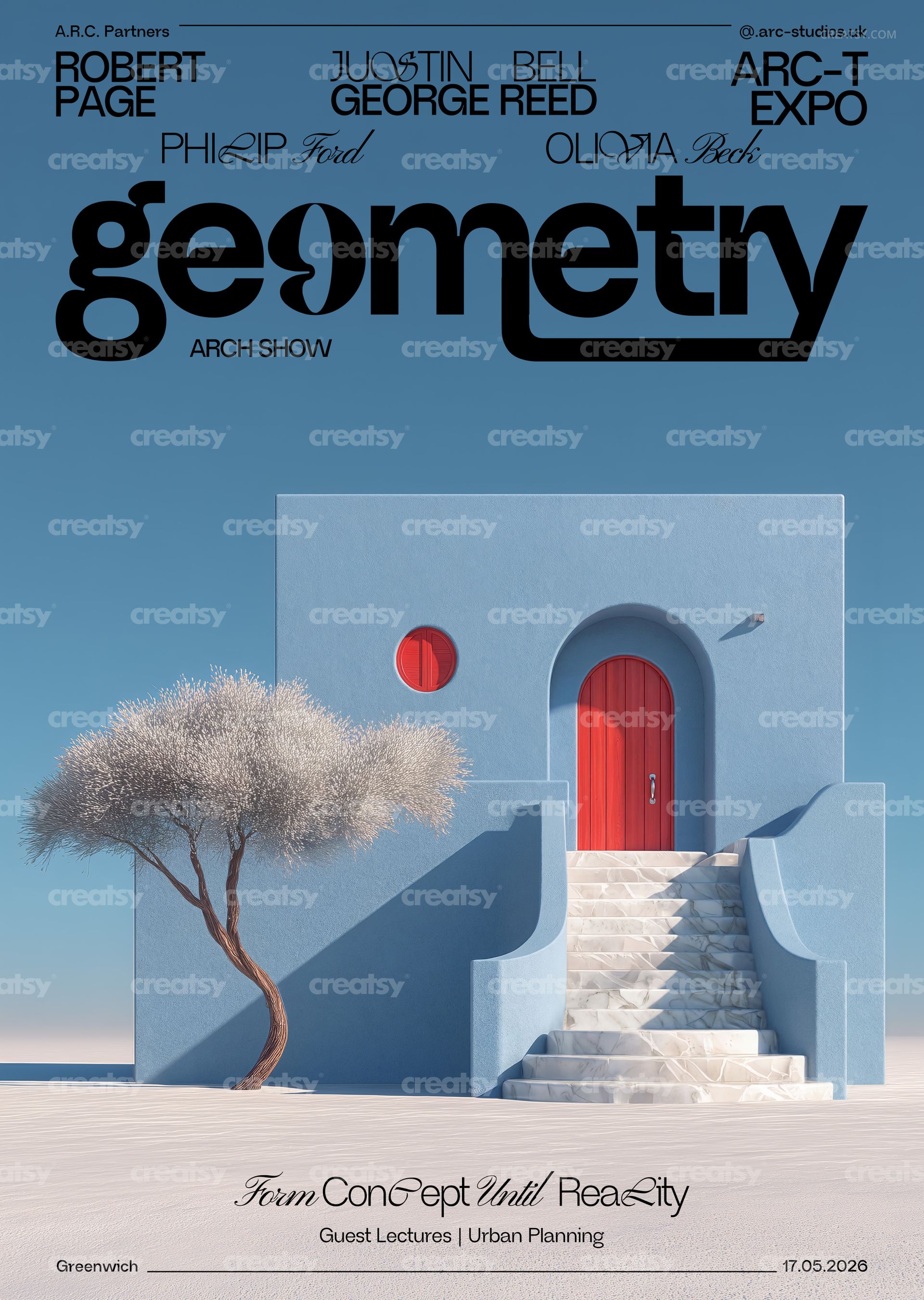
Make a bold statement with the Blue Walls Red Accents Poster Template — a striking minimalist poster featuring geometric typography, architectural blue wall imagery, and vibrant red accent details. This print-ready PSD template is perfect for creating modern exhibition posters, architectural event promotions, gallery prints, conceptual art displays, and design studio materials with a clean, high-contrast aesthetic.

What's Inside:

  • 2 fully layered PSD files (CMYK version + RGB version)

  • Print-ready dimensions: 97 × 420 mm + 3 mm bleed on each side

  • High-resolution 300 DPI output for sharp, professional prints

  • Organized layer structure for easy text and layout editing

  • Compatible with Adobe Photoshop CS6 and newer versions

Design Capabilities:

  • Edit all text layers — swap headlines, event details, and body copy with your own content

  • Adjust colors and geometric elements to match your brand or exhibition palette

  • Toggle individual design elements on and off for layout variations

  • Both CMYK (for professional printing) and RGB (for digital/web use) versions included

Print Specifications:

  • Trim size: 97 × 420 mm (tall, narrow poster format)

  • Bleed: 3 mm on all sides for safe trimming

  • Resolution: 300 DPI — ideal for offset and digital printing

  • Color modes: CMYK for print production, RGB for screen display

Ideal For:

  • Architects and design studios creating exhibition and event promotional materials

  • Gallery owners and curators designing conceptual art show posters

  • Urban planning organizations promoting expos, conferences, and public installations

  • Graphic designers building minimalist, geometric, or modernist visual identities

  • Print-on-demand sellers and poster shops seeking bold, architectural wall art

File details

Compatibility
PhotopeaAdobe Photoshop
Number of files included
3
Package size
142 MB142 MB|149 MB149 MB
Files type
.psd
TEST FOR FREE

MEET THE SHOP

Creatsy logo

Creatsy

Poland
4.7 (644)

Bring your ideas to life.

We're a family-run studio in Katowice, Poland, making PSD mockups by hand since 2016. Everything in this shop starts in our own studio. We shoot the photography, build the 3D, and put together every Smart Object PSD ourselves - then we test it, organize the layers, and only ship it once it actually works...
GO TO SHOP

HOW IT WORKS

3 clicks. That's it.

No tutorial needed. If you can copy-paste, you can use this.

  1. 1OpenDouble-click the smart object inside the PSD - in Adobe Photoshop, or free in your browser with Photopea.
  2. 2PasteDrop in your pattern, print, or artwork. Any design, any style.
  3. 3SaveHit save and the mockup wraps it in for you - shadows, folds, and lighting included.

FROM IDEA TO IMAGE

Built for real workflows

Show the finished print on the wall Poster, canvas, or acrylic - drop your art in and the client sees the hung piece before it goes to print.

See it on the product, not a swatch Drop your file into the smart object and the scene's lighting and folds wrap around it, so you judge the real thing before you commit.

Smart Objects

Edit once and you're done. Your artwork drops into a smart object and the mockup updates itself - no masking, no warping by hand.

Perfectly Organized

Named layers and folders you can actually navigate. Find what you need, change what you want, and get out fast.

Print-Ready

High-resolution files built to hold up on screen and in print. Exact size and DPI are in this product's Details above.