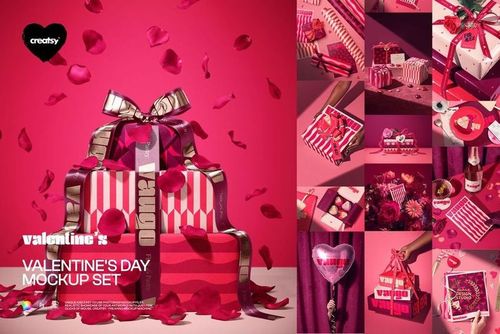
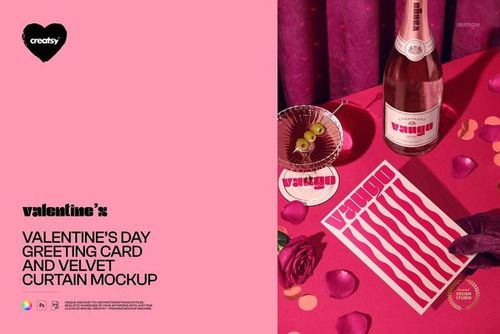
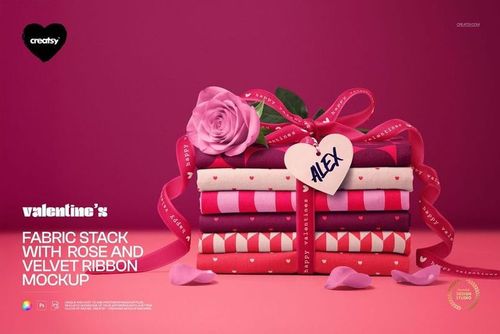
Valentine’s Wrapping Papers & Gifts Mockup

This product is a part of Valentine's Day Mockup Set
ID: 1568667989 | Updated: Feb 6, 2026

Product Details

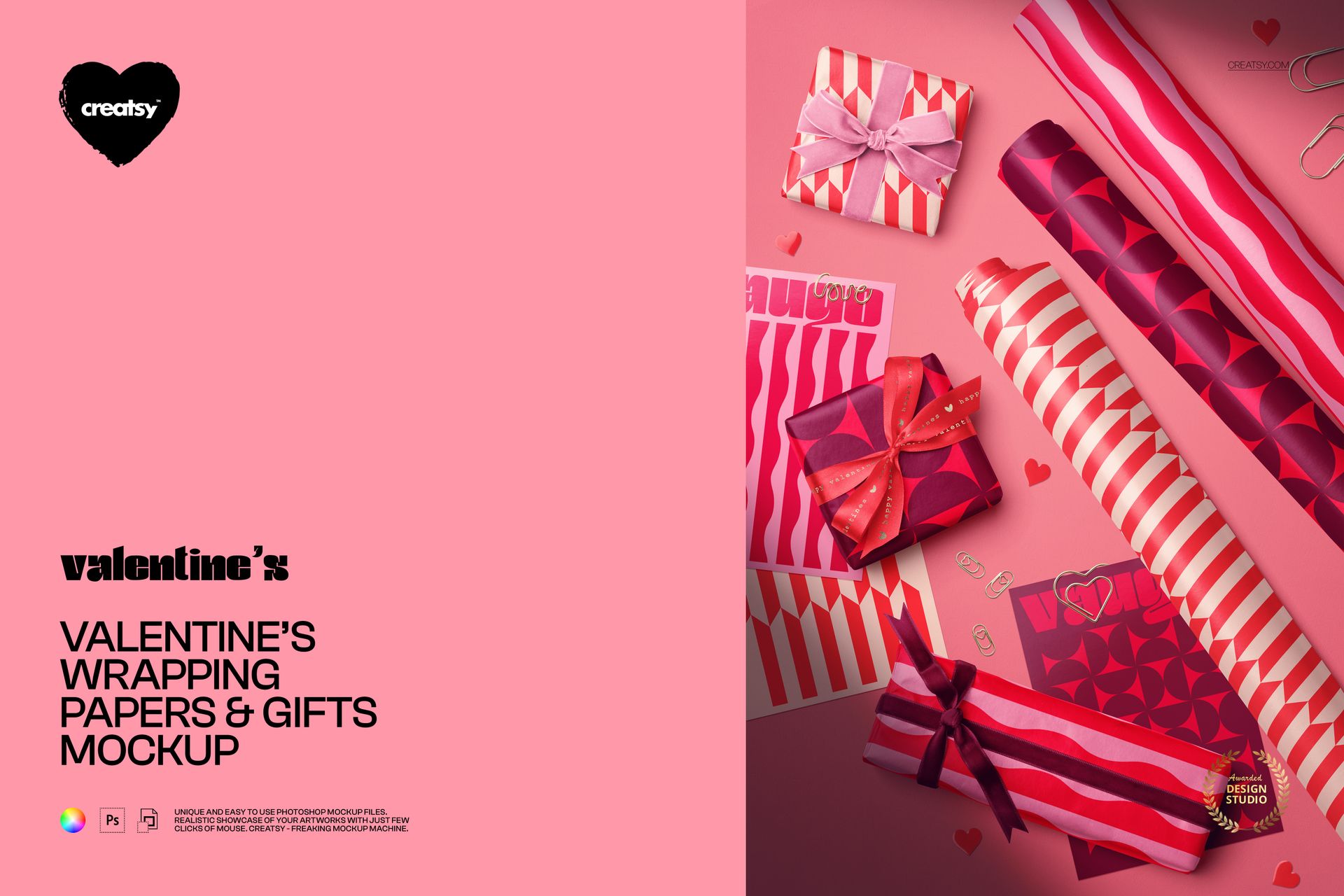
Valentine’s wrapping paper mockup with a full gift-wrap flat-lay

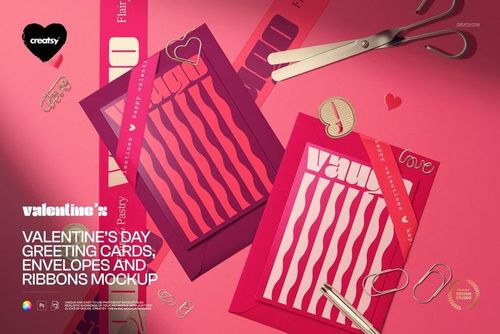
This is a Valentine’s wrapping paper mockup built as an overhead flat-lay of a whole gift-wrap set: paper rolls, wrapped boxes, ribbons, cards, heart stickers, and clips arranged on a soft romantic surface. Load your patterns and artwork, recolor the pieces, and you present an entire coordinated Valentine’s collection in one photo, with no props to buy, no shoot to book, and no printing.

The scene

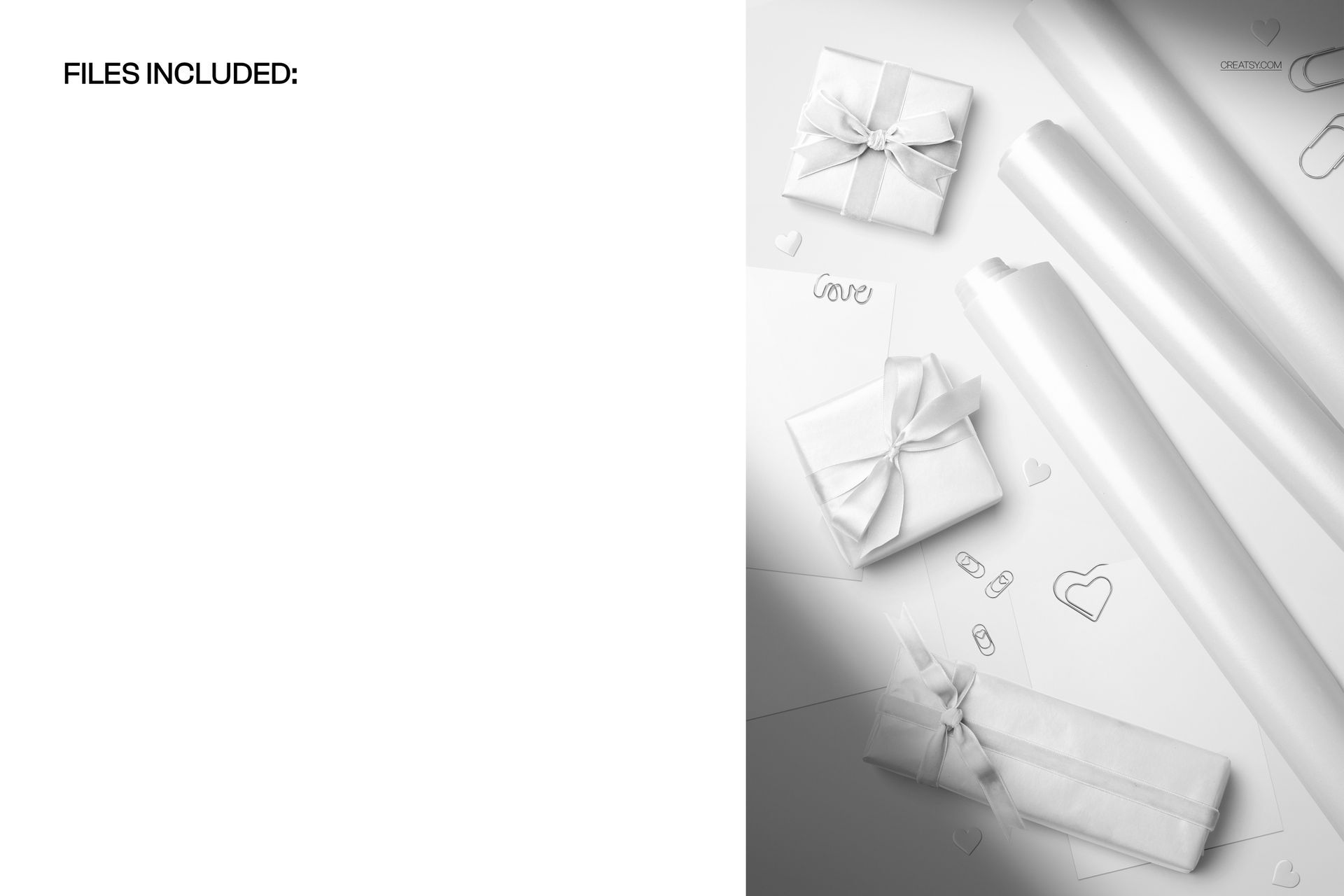
Shot from directly above, the layout mixes long paper rolls, small wrapped gifts tied with bows, greeting cards, hearts, and paper clips scattered like a stylist arranged them. The mood is warm and Valentine themed, ready for a February drop the moment your designs go in. Because the pieces stay in place, every pattern you load appears in the same considered layout, so a range of prints reads as one collection.

What you can edit

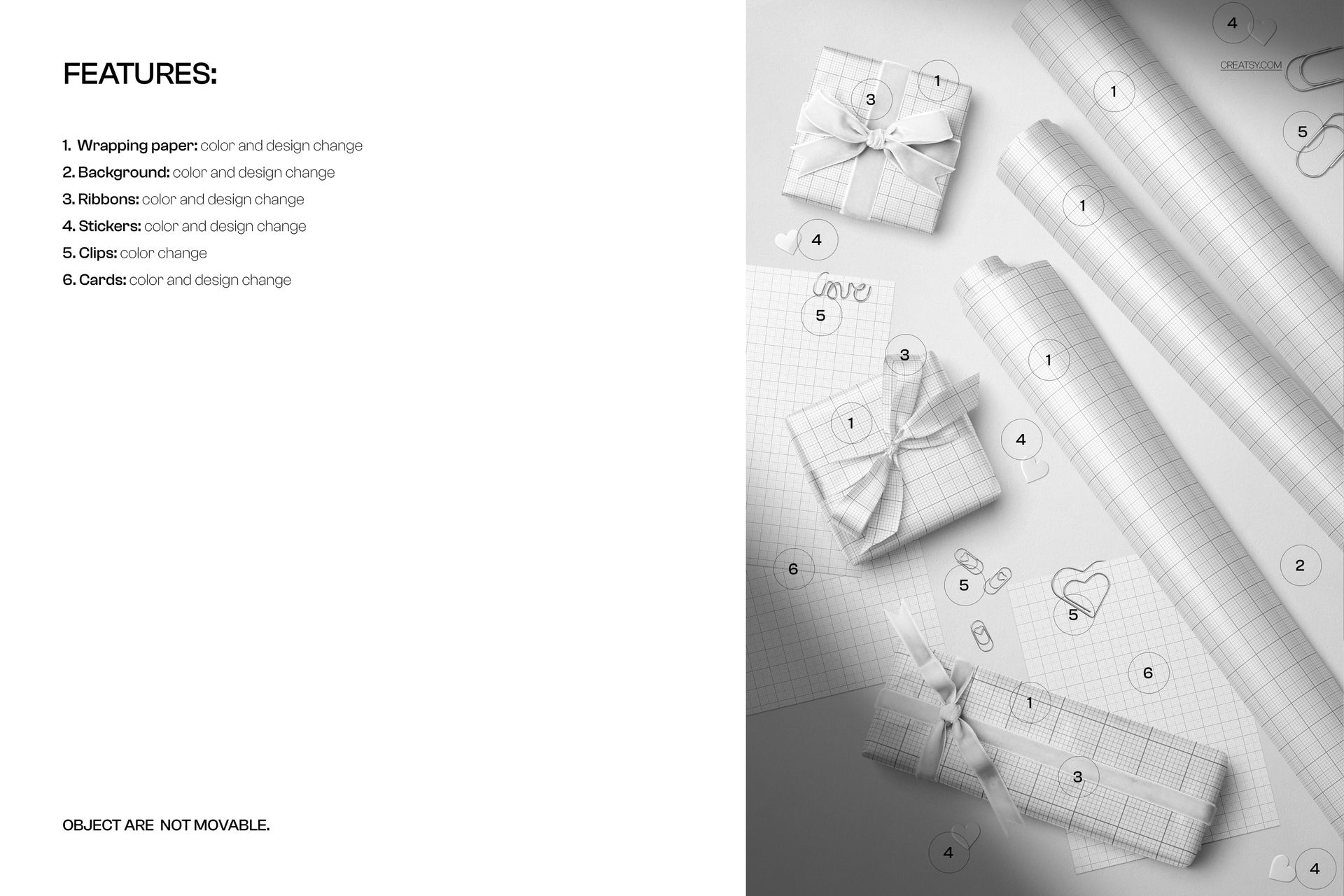
Six parts of the scene are yours to control. The wrapping paper takes a color and a design change through smart objects, so your pattern wraps the rolls and the boxes with real folds and shadow. The ribbons, the stickers, and the greeting cards each change color and design too, and the background changes color and design so you can set the whole mood. The paper clips change color. The pieces are held in a fixed flat-lay and the objects do not move, so this is one polished overhead angle rather than a scene you rearrange.

Show a whole collection in one shot

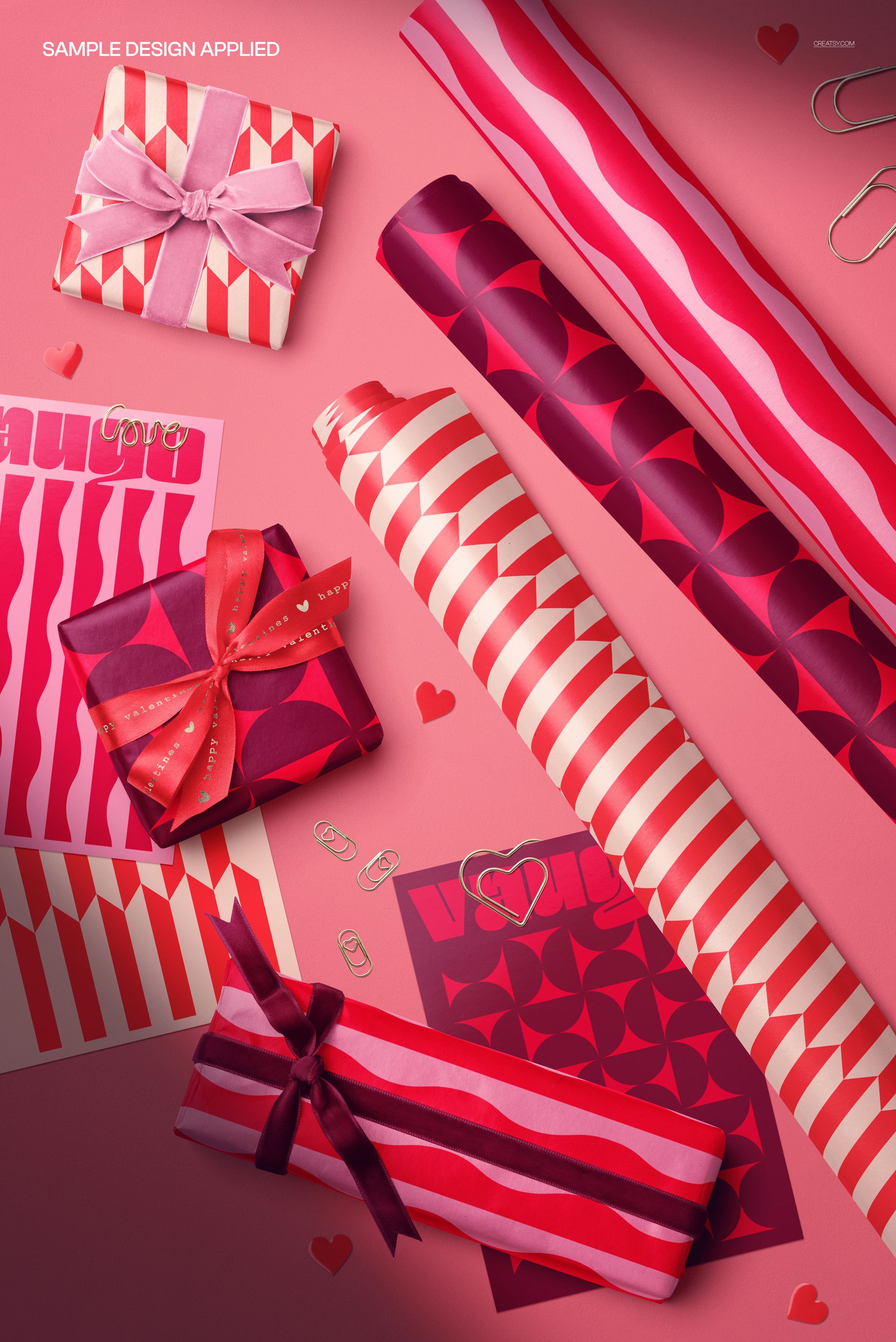
The strength here is coverage. Instead of one sheet of paper on white, you can drop a main print on the rolls, a coordinating pattern on the wrapped boxes, a matching design on the cards, and a tie-in color on the ribbons, and show how the whole set works together. For a pattern designer that is the pitch: not a single tile, but a finished, shoppable Valentine’s range in a single frame.

Why the flat-lay works

An overhead gift-wrap scene reads as lifestyle and editorial at once, the kind of image shoppers save and share around the holidays. Real folds, curled paper edges, and soft shadows make a flat pattern look like it is already wrapping a present, which helps a buyer imagine the finished gift. That context tends to earn more clicks in a seasonal search grid than a plain repeating tile, and it costs nothing once your art is loaded.

How it works

Open the PSD in Photoshop or in Photopea, the free browser editor. Double-click a smart object, drop in your pattern or artwork, and save, and it appears on that element with the folds, curls, and soft light already over it. Recolor the ribbons, cards, stickers, and background to match, export a JPG or PNG, and the flat-lay is ready for an Etsy listing, a shop banner, a social post, or a seasonal ad.

Specifications

  • 1 layered PSD file

  • 6000 x 4000 px, 300 dpi

  • Editable wrapping paper, background, ribbons, stickers, and cards (color and design)

  • Editable clip color

  • Designs placed through smart objects

  • Fixed overhead flat-lay, objects are not movable

  • Well organized, clearly named layers

  • Works in Adobe Photoshop CC2020 or newer and in Photopea

  • Package size about 696 MB

Who it is for

It fits pattern and surface designers building a Valentine’s or February collection, gift-wrap and stationery brands, and Etsy or Shopify sellers launching seasonal paper, cards, and gift sets. Studios can use it to show a client a full themed range in one image. If you want a warm, editorial Valentine’s flat-lay without styling a shoot, this gives you that and keeps working for every new print you add.

File details

Compatibility
PhotopeaAdobe Photoshop
Number of files included
2
Package size
696 MB696 MB|730 MB730 MB
Files type
.psd, .jpg
TEST FOR FREE

MEET THE SHOP

Creatsy logo

Creatsy

Poland
4.7 (662)

Bring your ideas to life.

We're a family-run studio in Katowice, Poland, making PSD mockups by hand since 2016. Everything in this shop starts in our own studio. We shoot the photography, build the 3D, and put together every Smart Object PSD ourselves - then we test it, organize the layers, and only ship it once it actually works...
GO TO SHOP

HOW IT WORKS

3 clicks. That's it.

No tutorial needed. If you can copy-paste, you can use this.

  1. 1OpenDouble-click the smart object inside the PSD - in Adobe Photoshop, or free in your browser with Photopea.
  2. 2PasteDrop in your pattern, print, or artwork. Any design, any style.
  3. 3SaveHit save and the mockup wraps it in for you - shadows, folds, and lighting included.

FROM IDEA TO IMAGE

Built for real workflows

Skip the photo shoot Show your artwork on the real product type for approvals or listings - no studio, no model, no sample.

See it on the product, not a swatch Drop your file into the smart object and the scene's lighting and folds wrap around it, so you judge the real thing before you commit.

Smart Objects

Edit once and you're done. Your artwork drops into a smart object and the mockup updates itself - no masking, no warping by hand.

Perfectly Organized

Named layers and folders you can actually navigate. Find what you need, change what you want, and get out fast.

Print-Ready

High-resolution files built to hold up on screen and in print. Exact size and DPI are in this product's Details above.