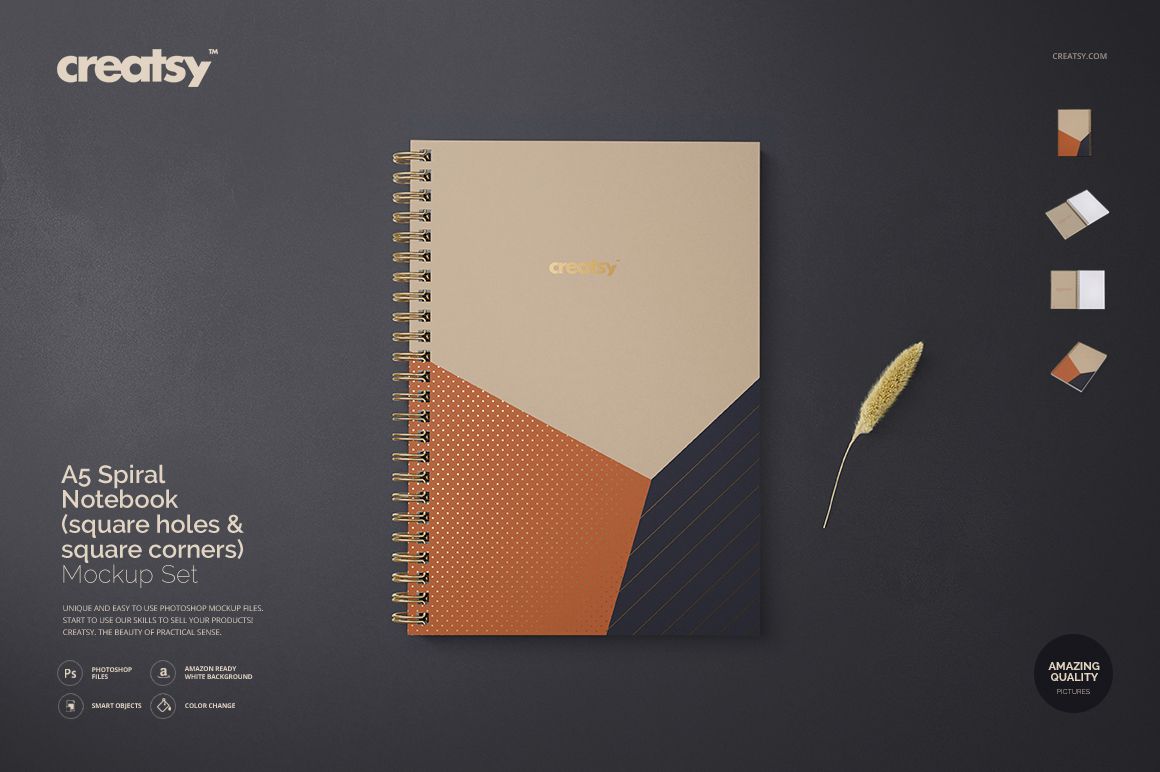
A5 Spiral Notebook Mockup Set (square holes & corners)
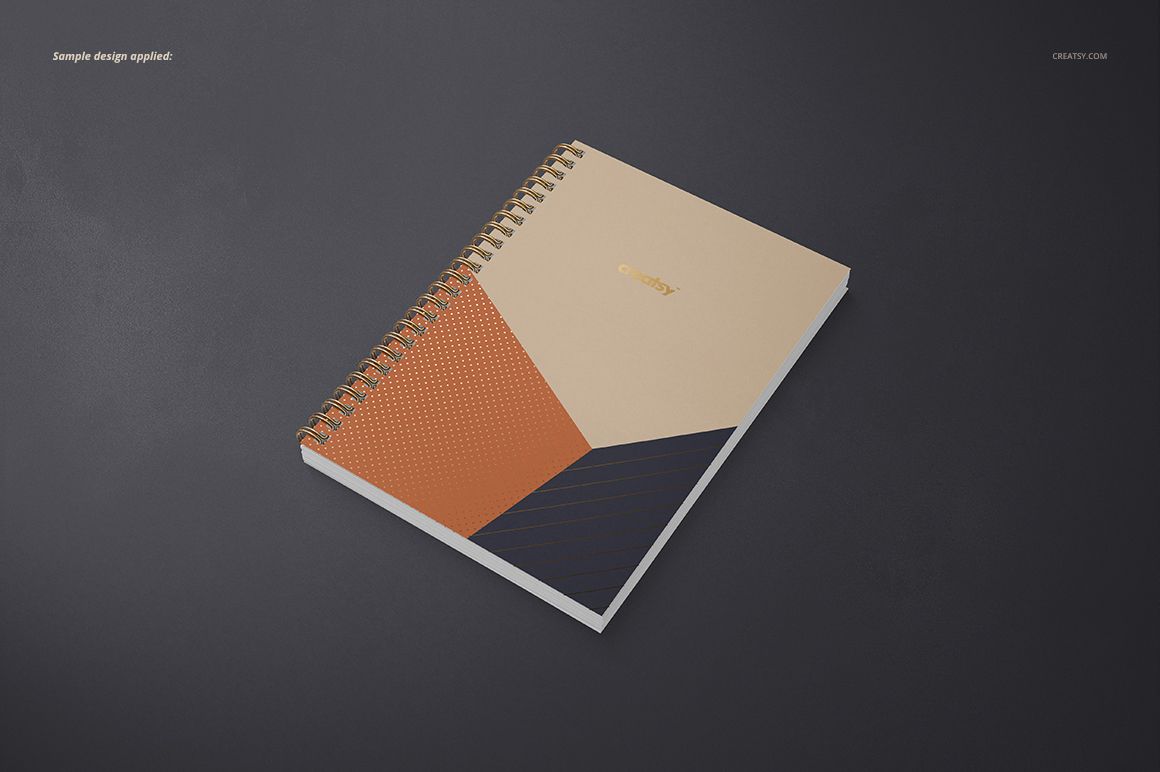
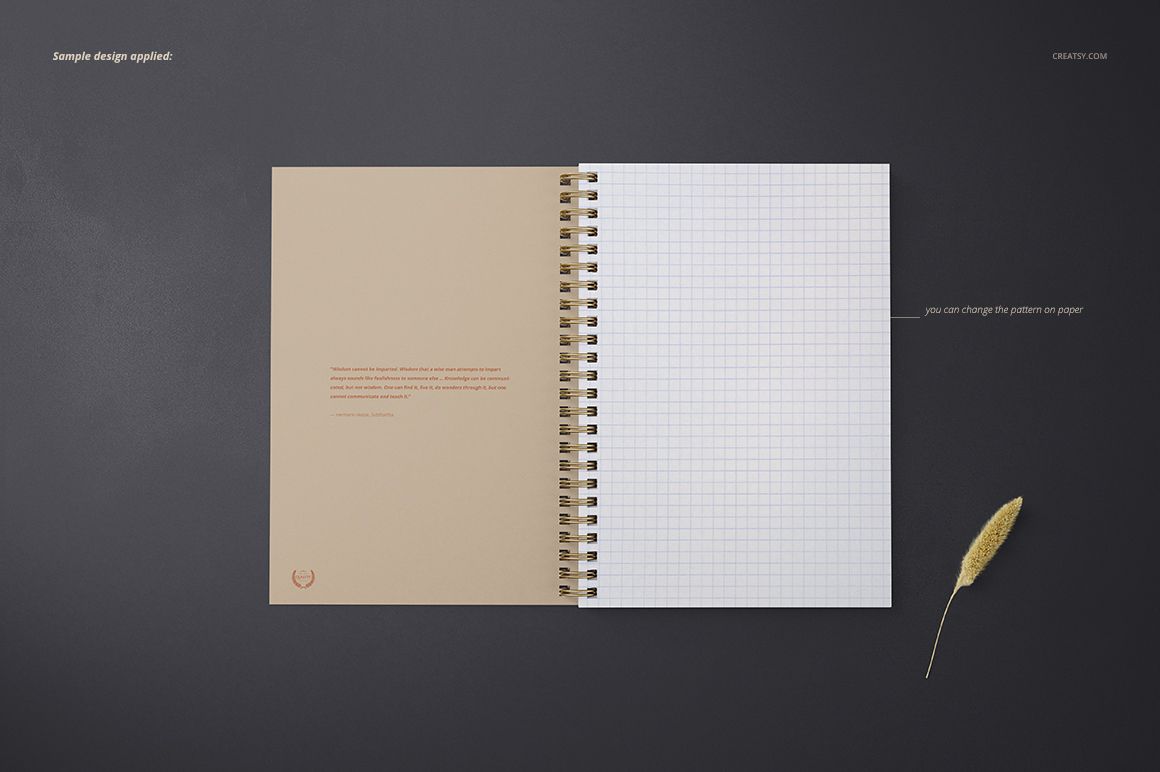
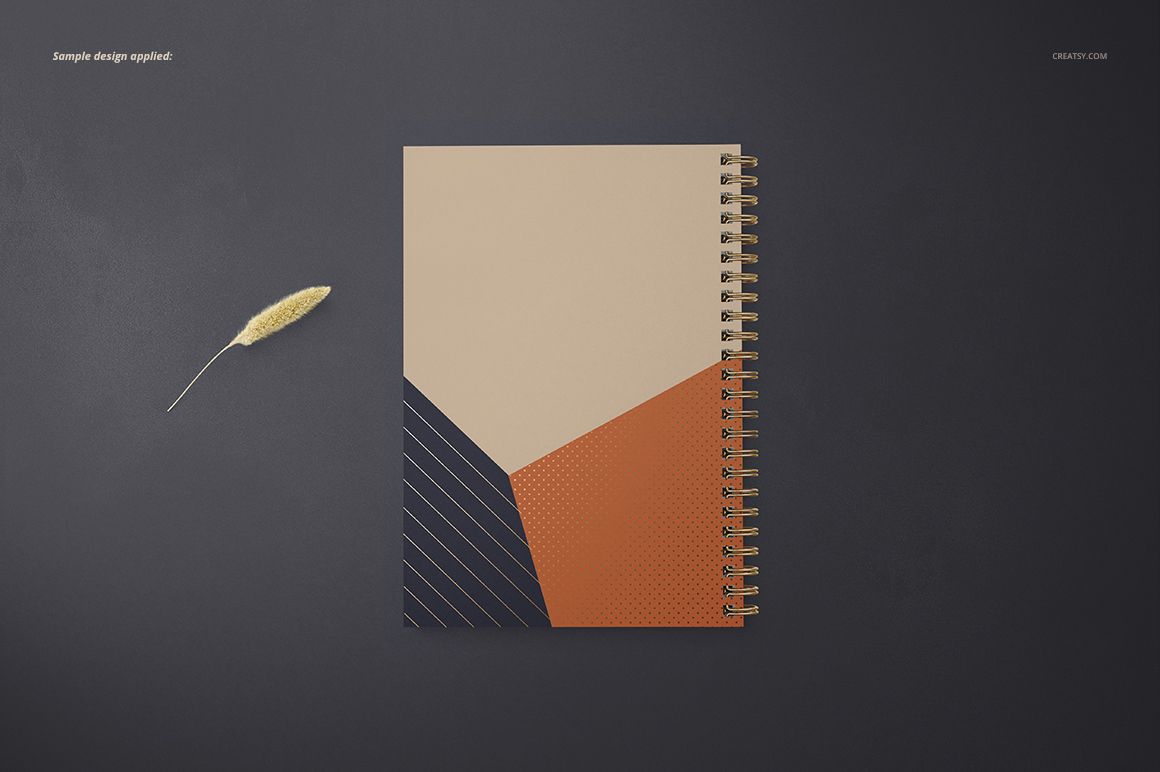
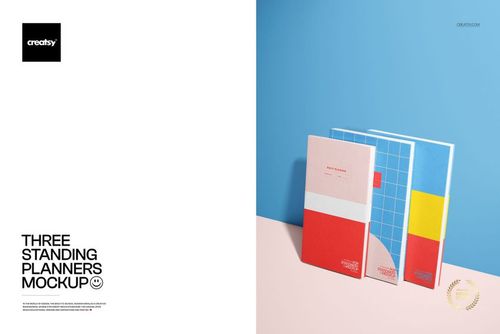
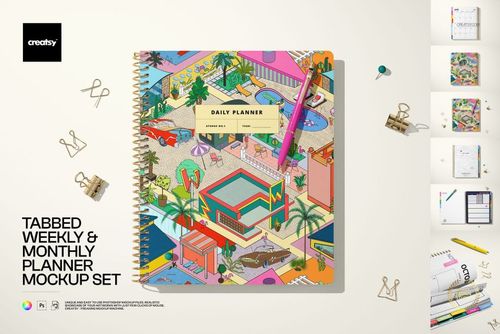
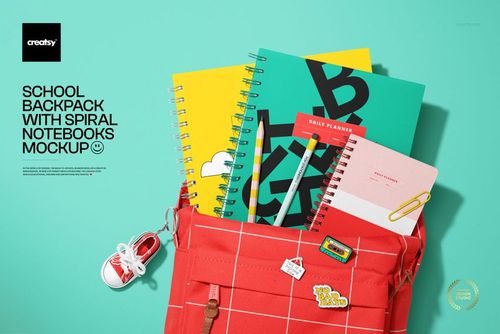
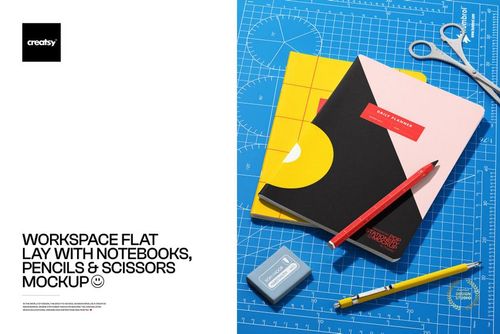
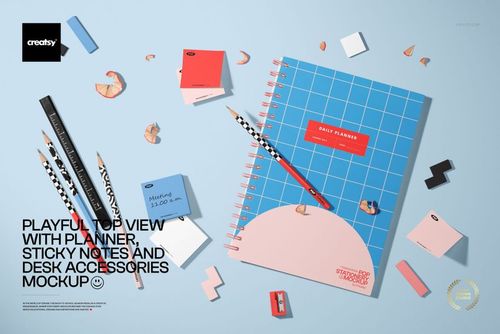
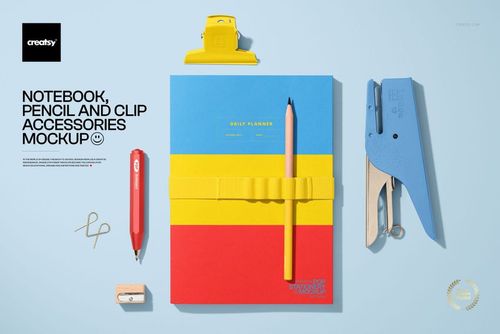
Present A5 notebook covers, grid pages, and coordinated stationery artwork across five editable scenes. The set combines open, closed, straight-on, and angled perspectives with square binding holes and square corners for consistent product images, portfolio visuals, and client presentations.
What Is Included
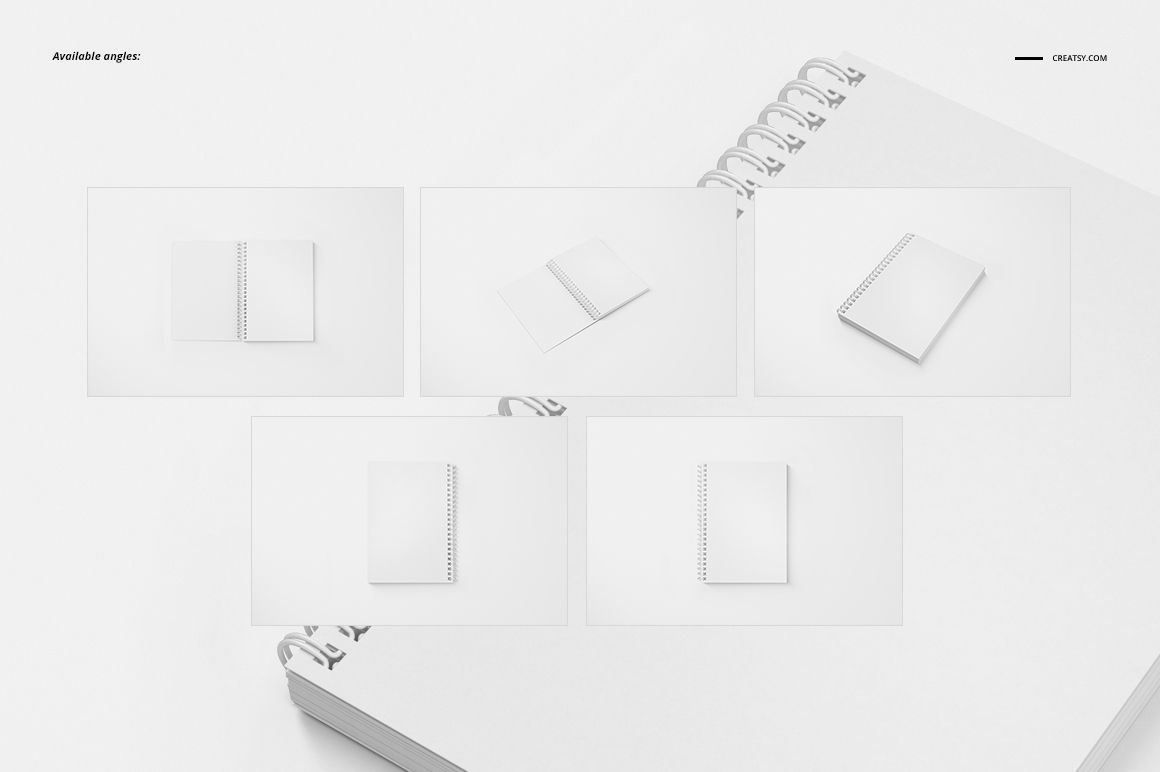
Five A5 Perspectives
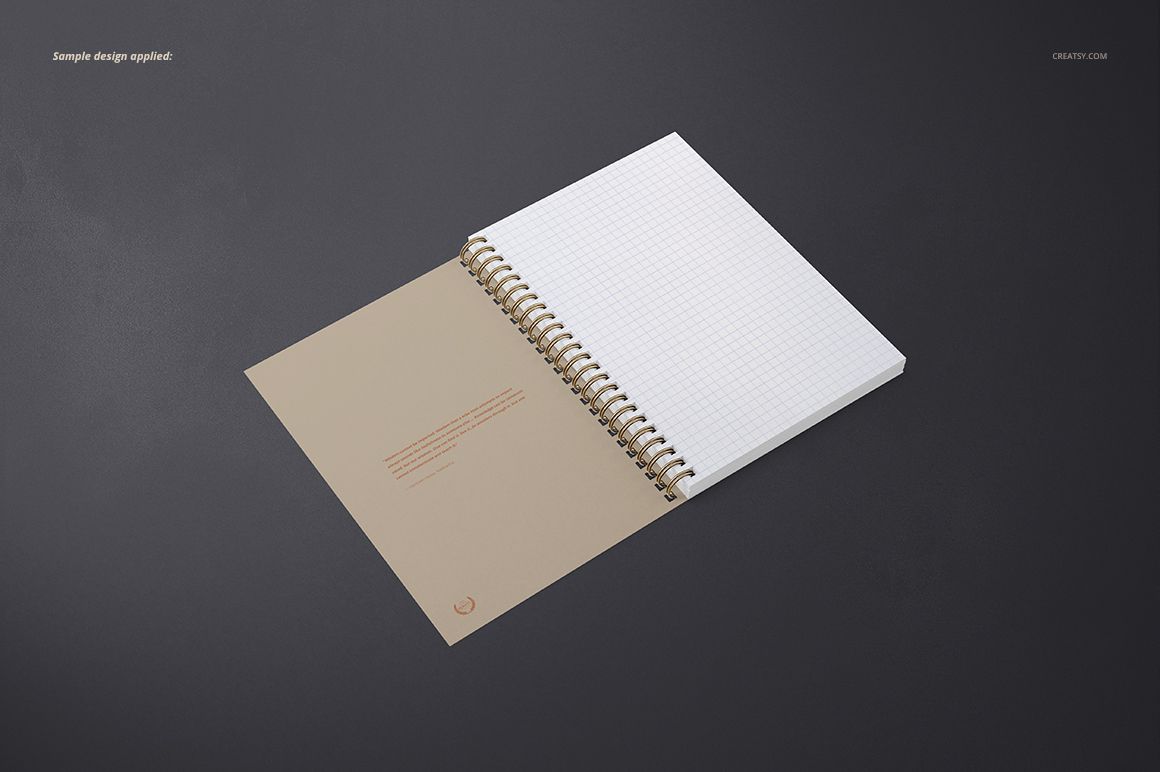
Move between clean cover views, open notebook layouts, angled depth, and front or back presentations. The coordinated camera angles make it easy to show a complete notebook concept while keeping the square-hole and square-corner construction visible.
Smart Object Editing
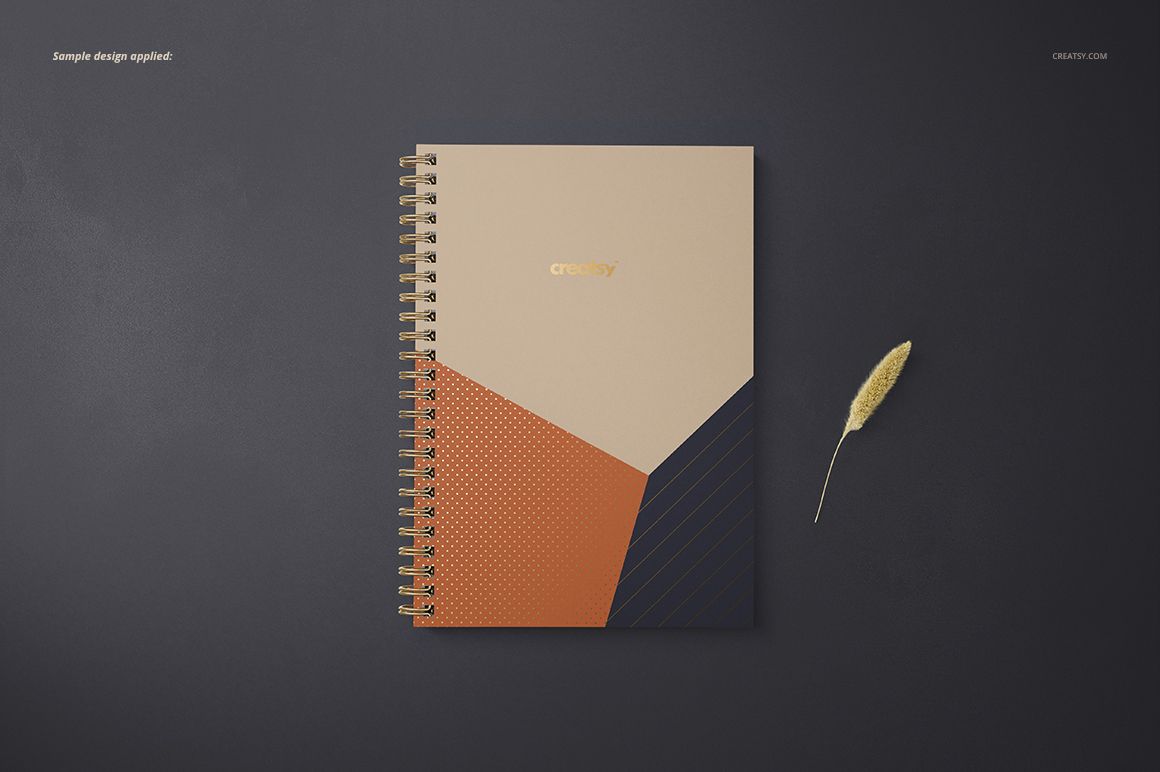
Replace the sample cover and page artwork through prepared Smart Objects. Organized PSD layers preserve the realistic perspective, lighting, and notebook structure while you update the design.
Editable Paper, Spiral, and Foil
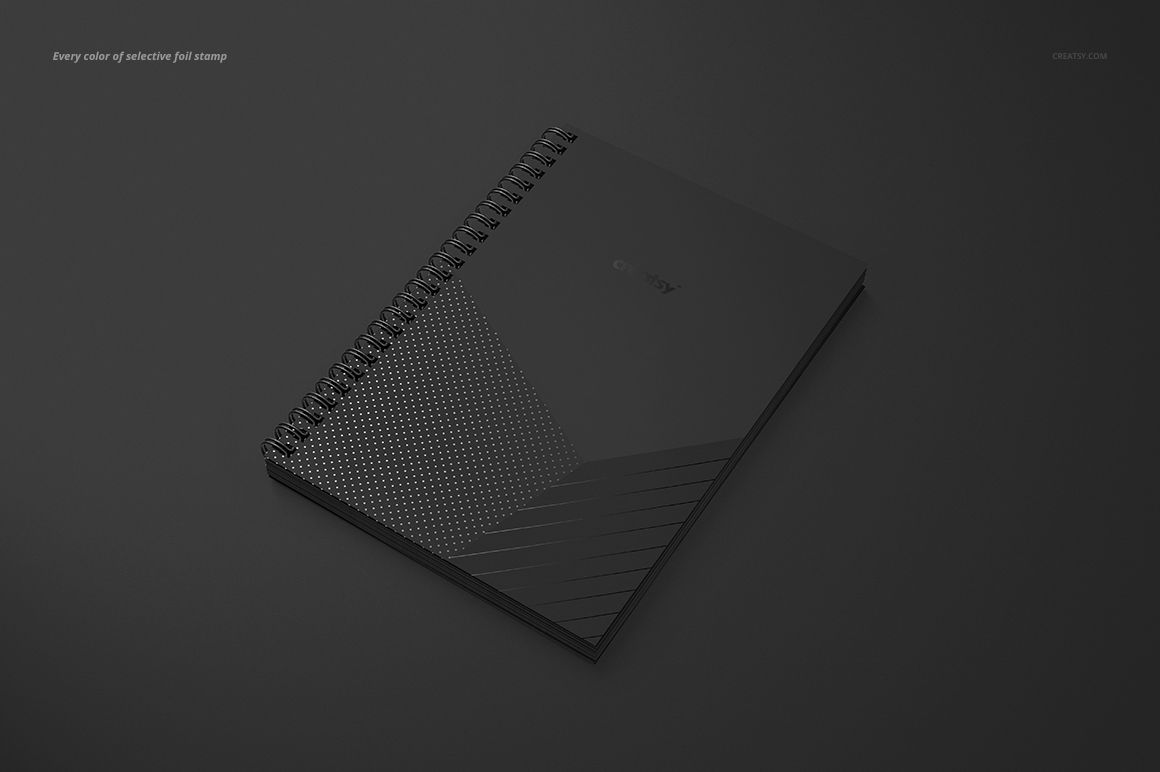
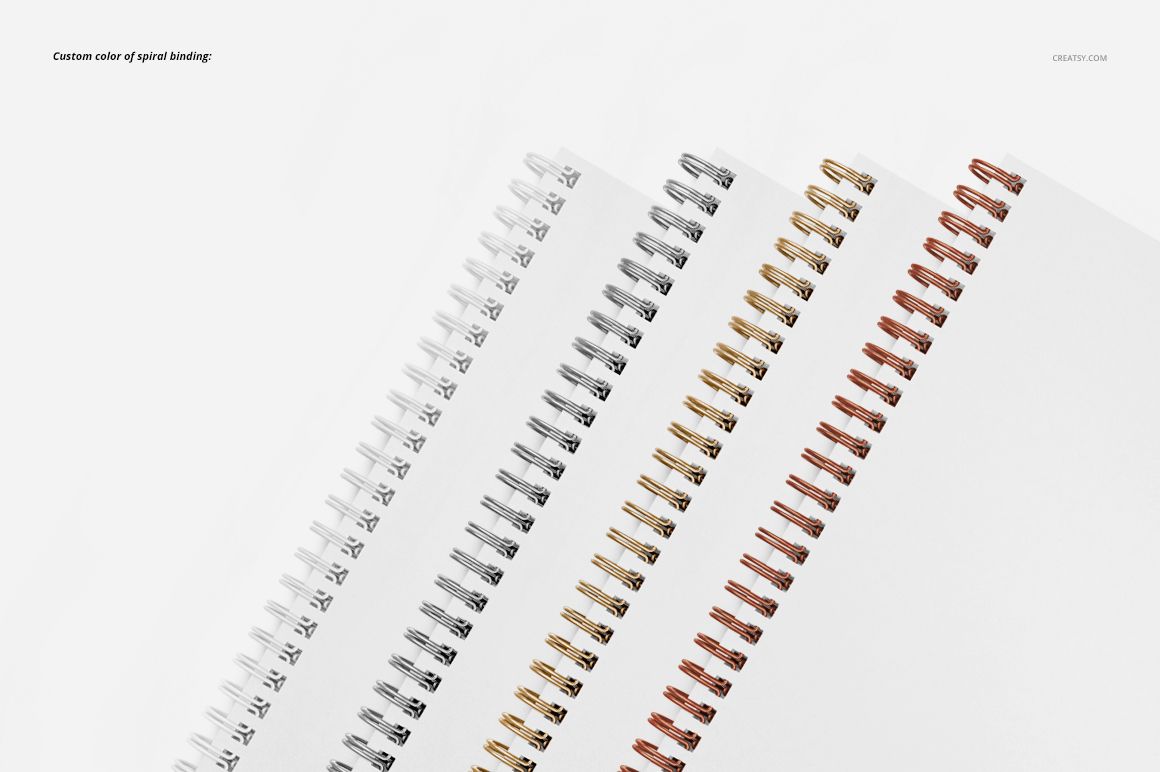
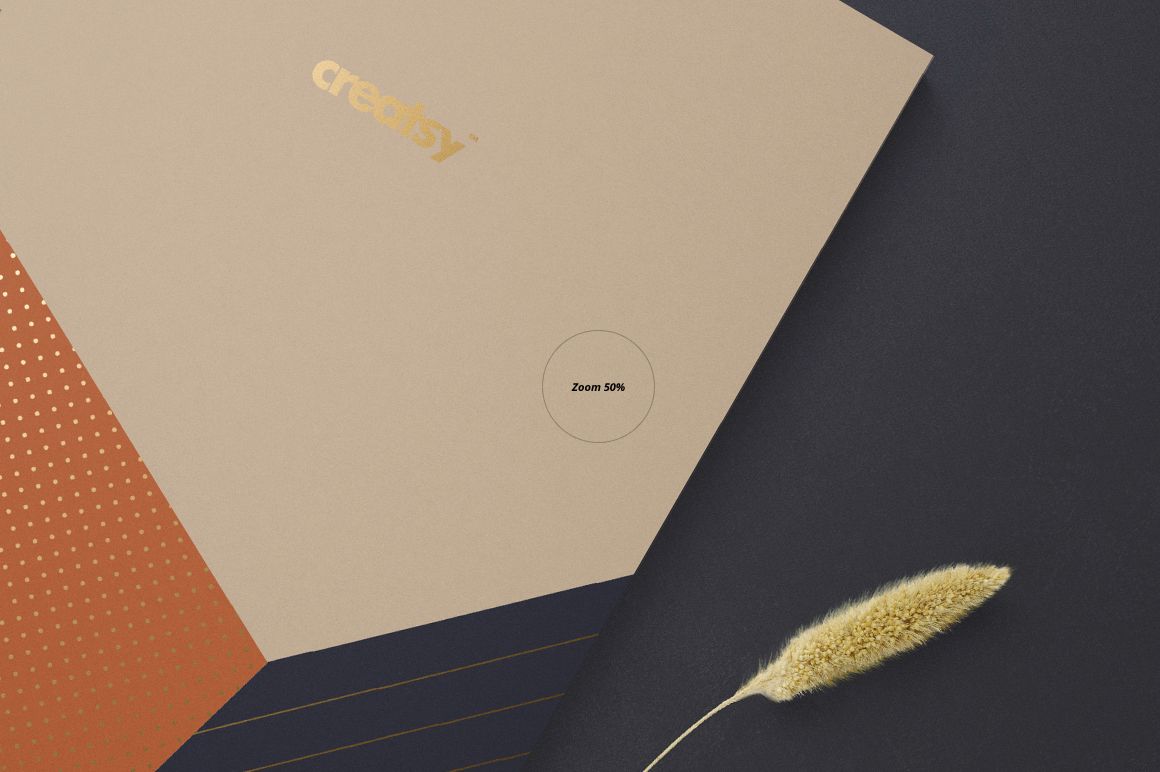
Change the pattern on the paper where supported and coordinate the spiral binding with your palette. The previews demonstrate light, dark, gold, and copper binding options, while supported selective foil-stamp details can also be recolored.
Flexible Background Options
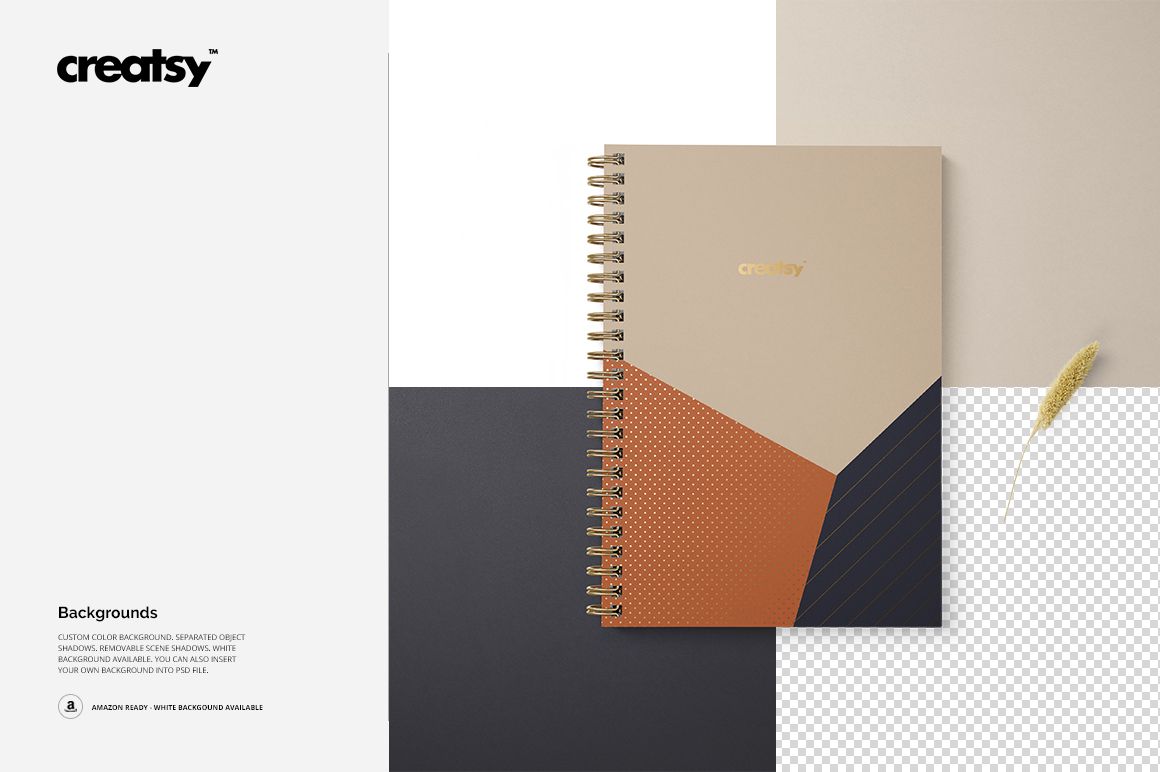
Adjust the background color, use the included white-background option, or insert your own backdrop. Separated notebook objects and removable shadows provide additional control when building custom compositions.
Designed For
A5 notebook, journal, and planner cover presentations
Stationery branding and surface pattern portfolios
Cover and grid-page design comparisons
Shop images, lookbooks, and client approval visuals
Compatibility
Edit the layered PSD files in Adobe Photoshop CC 2015 or later. The files are also compatible with Photopea for browser-based Smart Object editing.
Important Product Notes
This is a downloadable digital mockup product. No physical notebook will be shipped. The sample artwork and patterns shown in the previews are not included.