Acrylic and Aluminum Print Closeup PSD Mockup Set
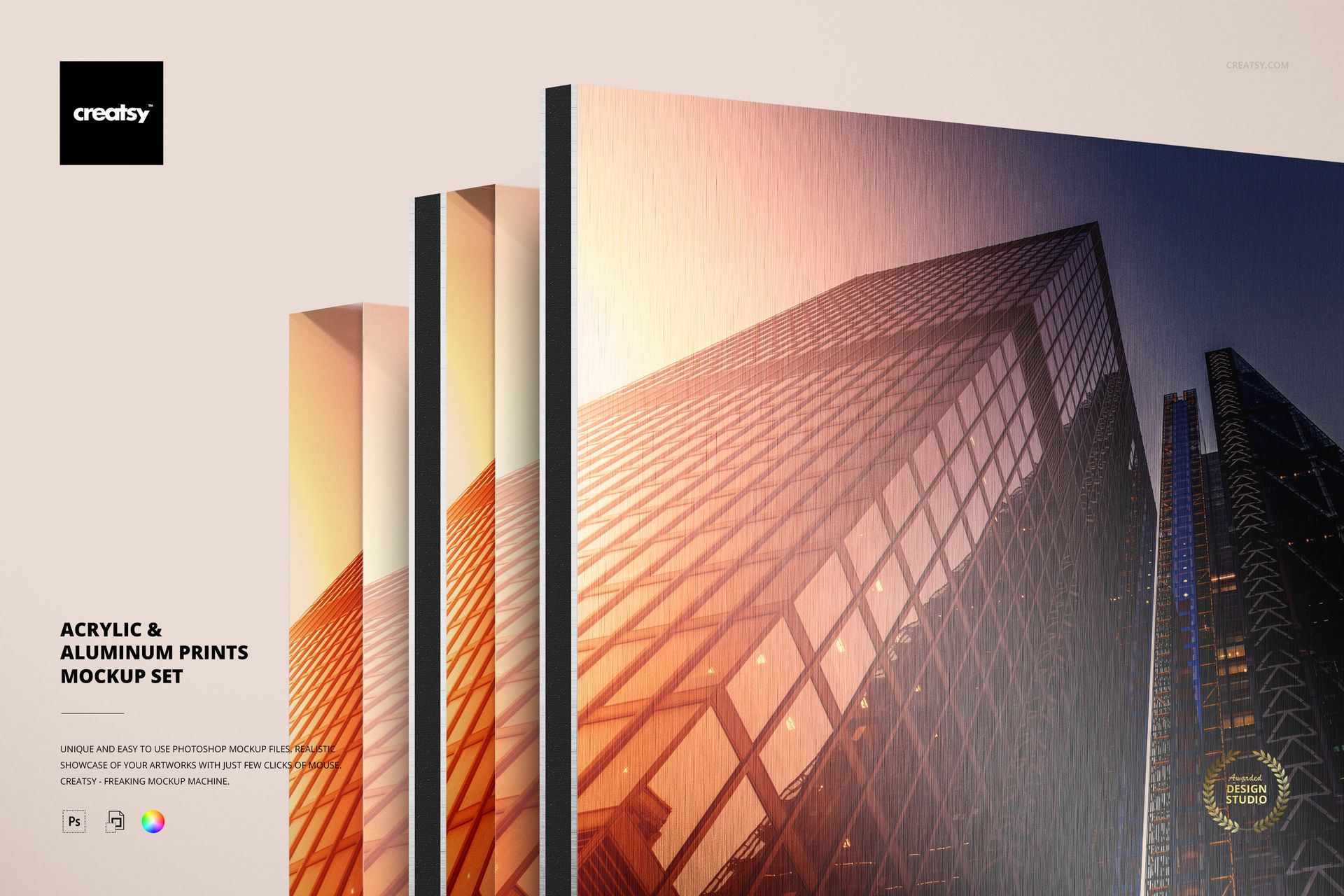
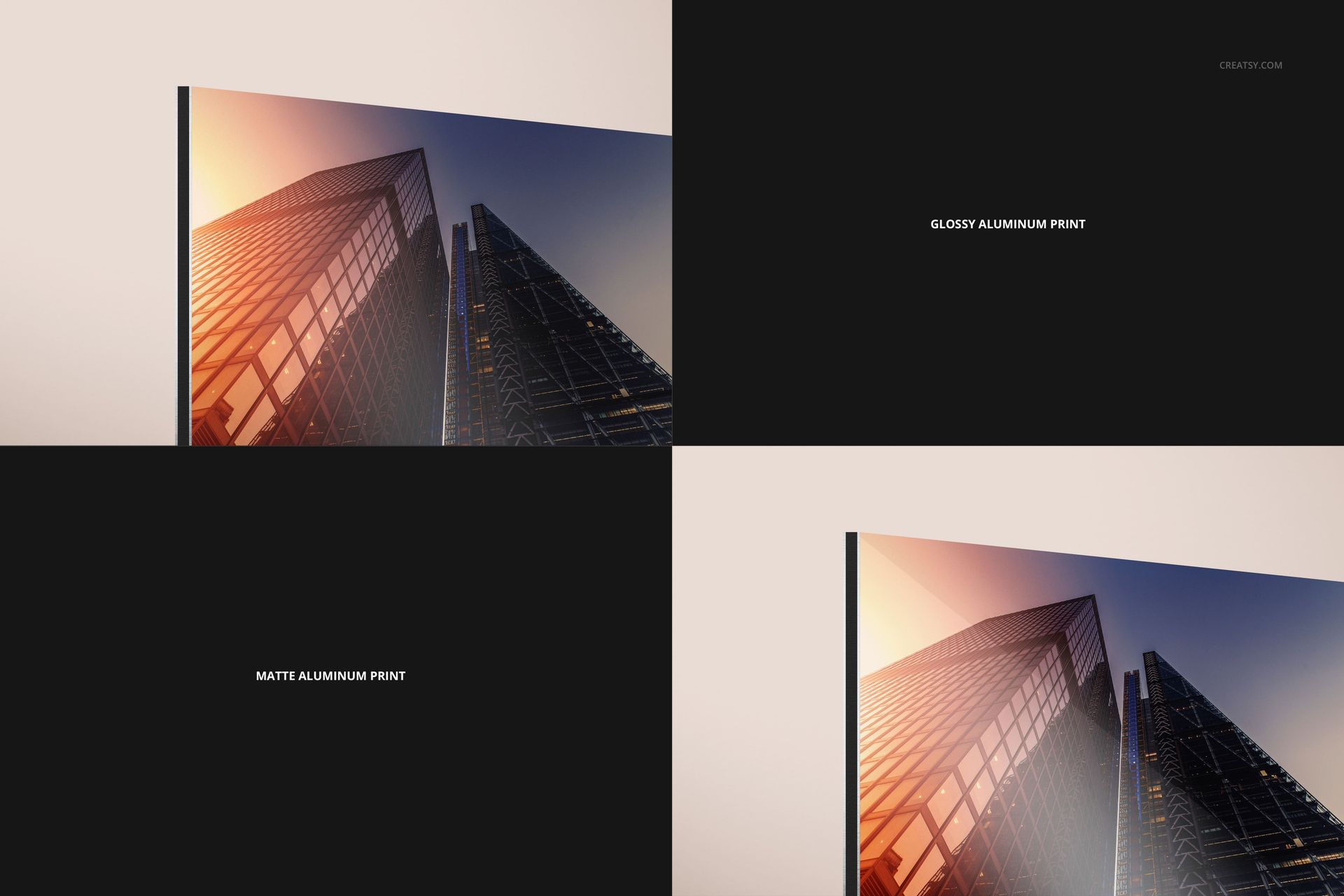
Compare the edge profile and surface character of acrylic and aluminum wall art in one coordinated collection. Ten layered PSD mockups keep a similar horizontal close-up angle while changing the material, backing and finish.
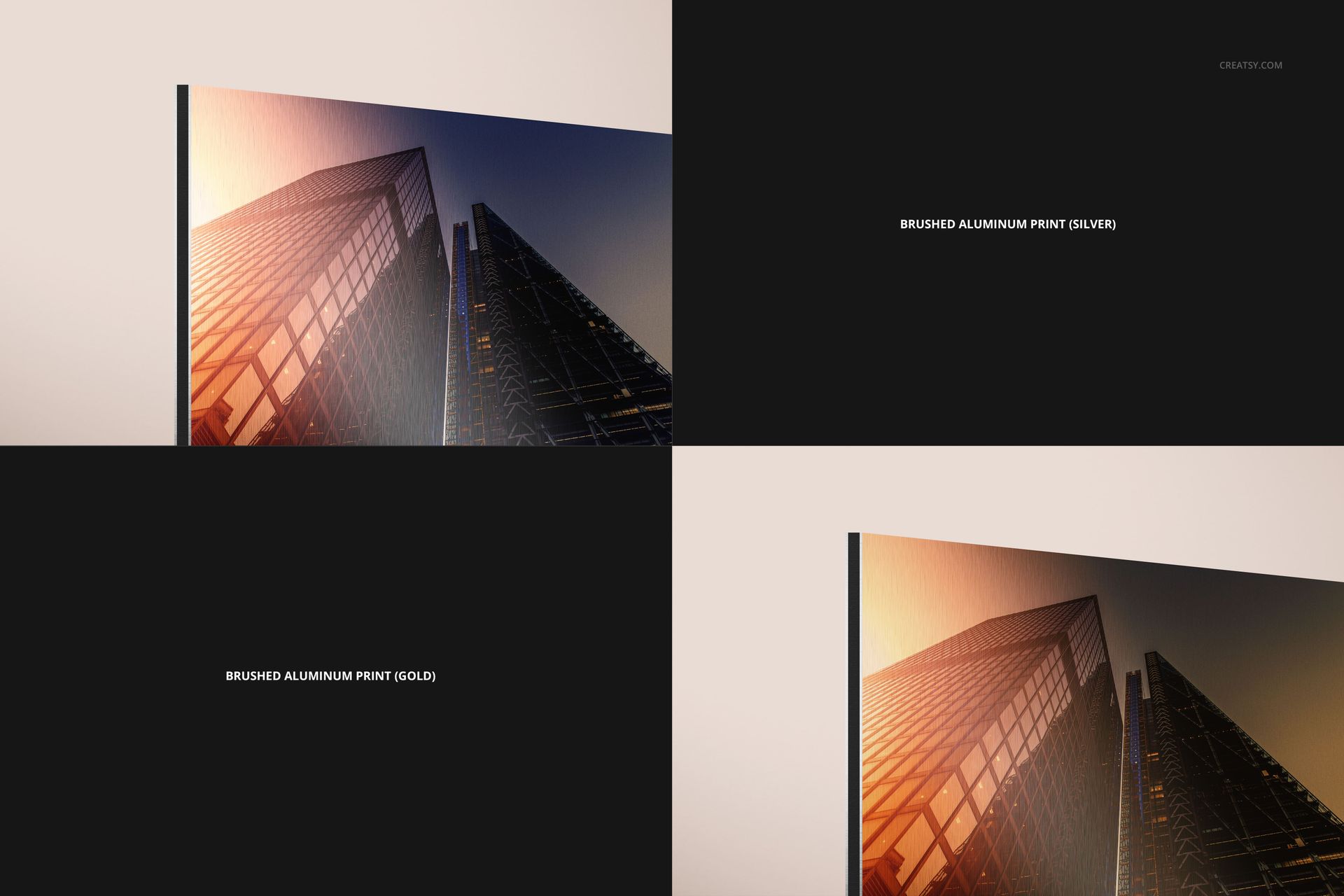
Use the set to show one photograph or illustration across clear acrylic, acrylic with aluminum backing, matte or glossy aluminum, and brushed silver or gold surfaces.
What Is Included
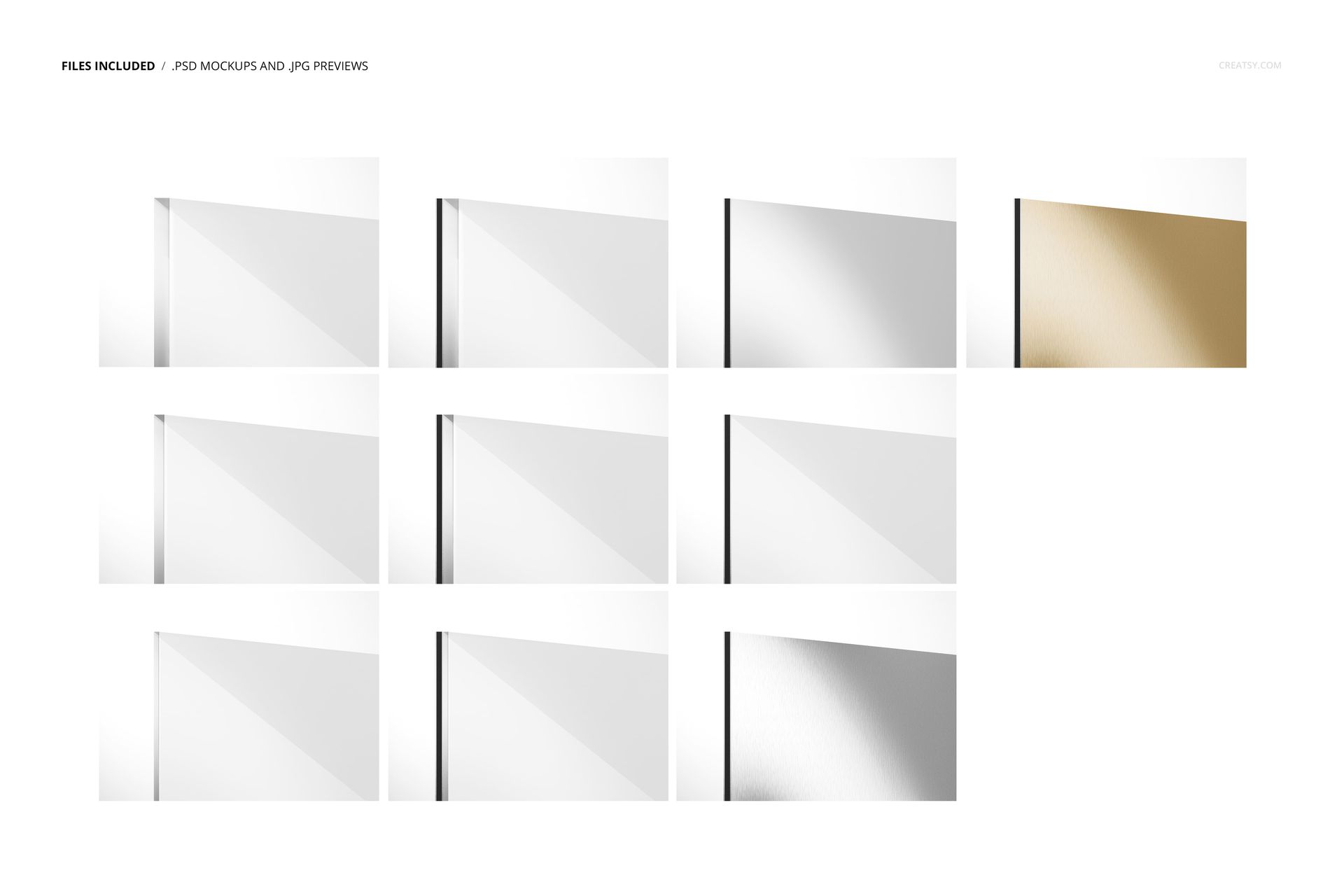
10 layered PSD mockup files
10 small JPG preview files
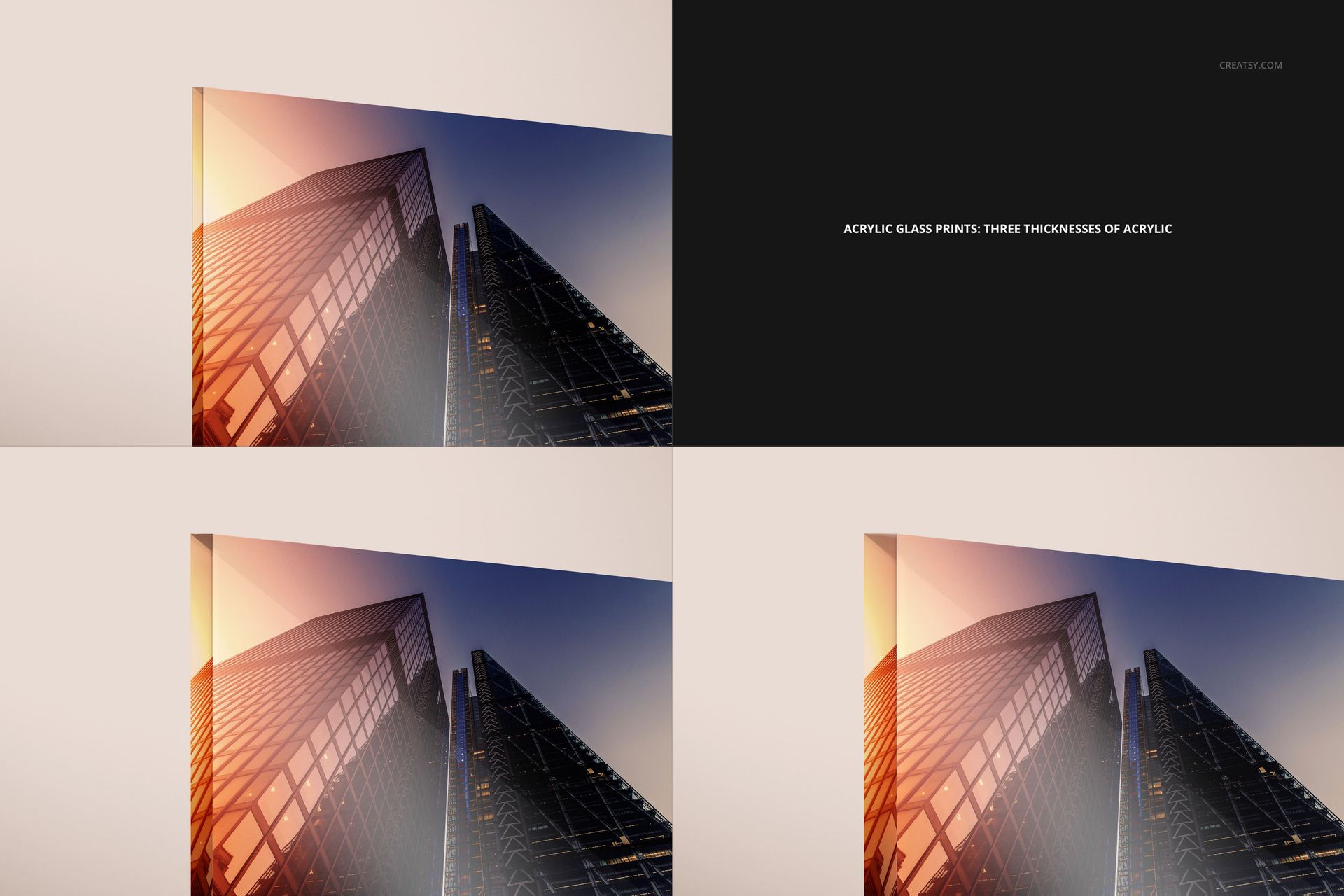
Three acrylic print variants
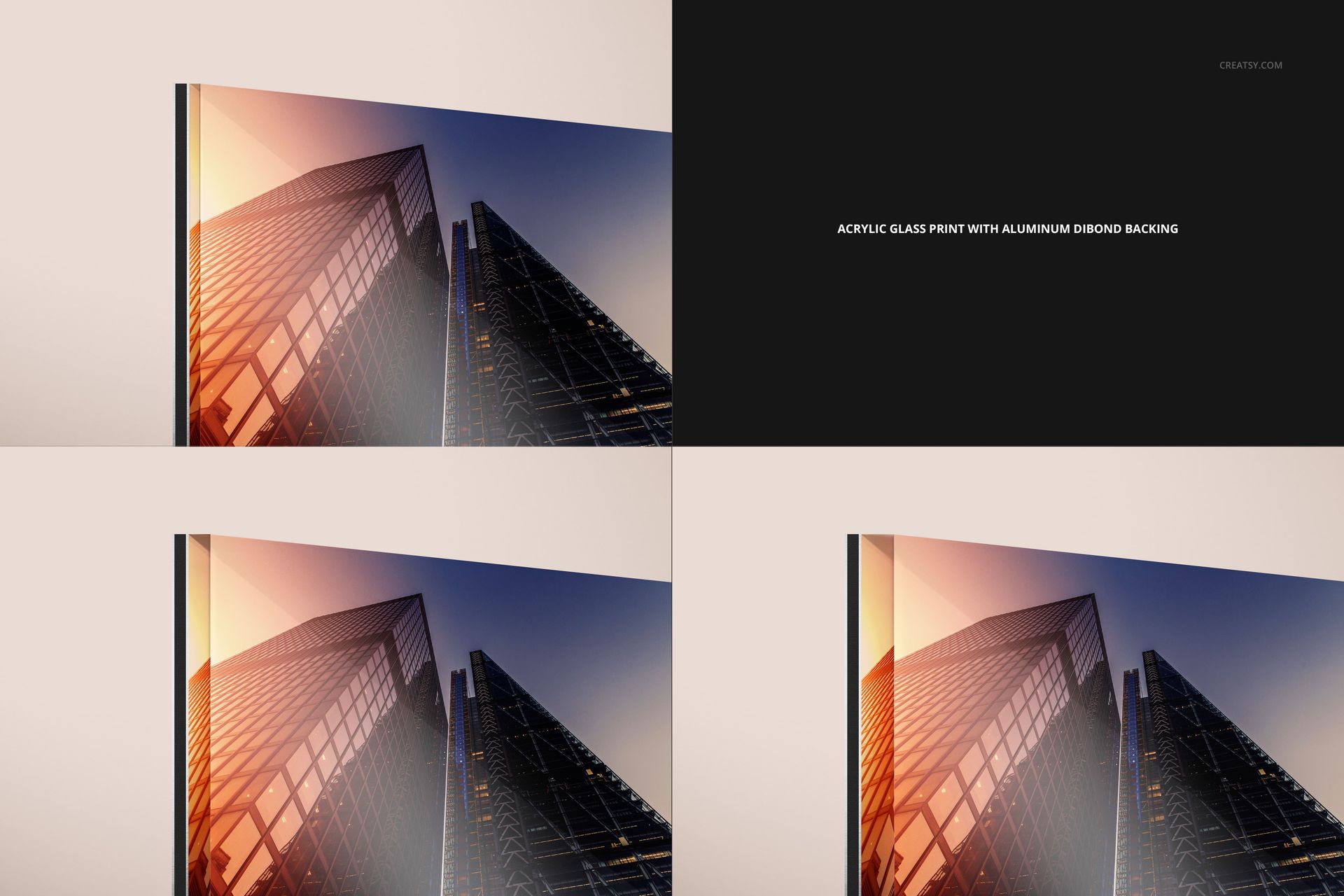
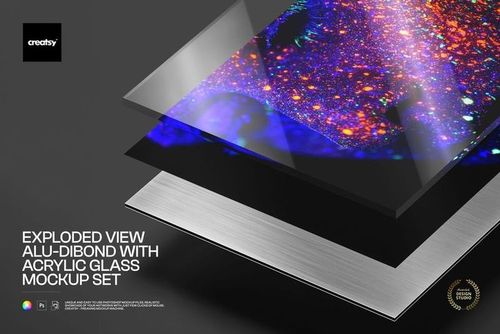
Three acrylic print variants with Dibond aluminum backing
Matte and glossy aluminum print variants
Brushed aluminum variants in silver and gold
Compare Ten Material and Finish Options
The collection focuses on ten material or finish variants rather than ten unrelated camera angles. A comparable close-up view makes edge depth, reflections, backing and brushed metal texture easier to review side by side.
Replace Artwork with Smart Objects
Open the artwork Smart Object in the selected PSD, place a horizontal design and save it to update the print surface. Reuse the same artwork across the set when you need a controlled finish comparison.
Background, Shadow and Export Controls
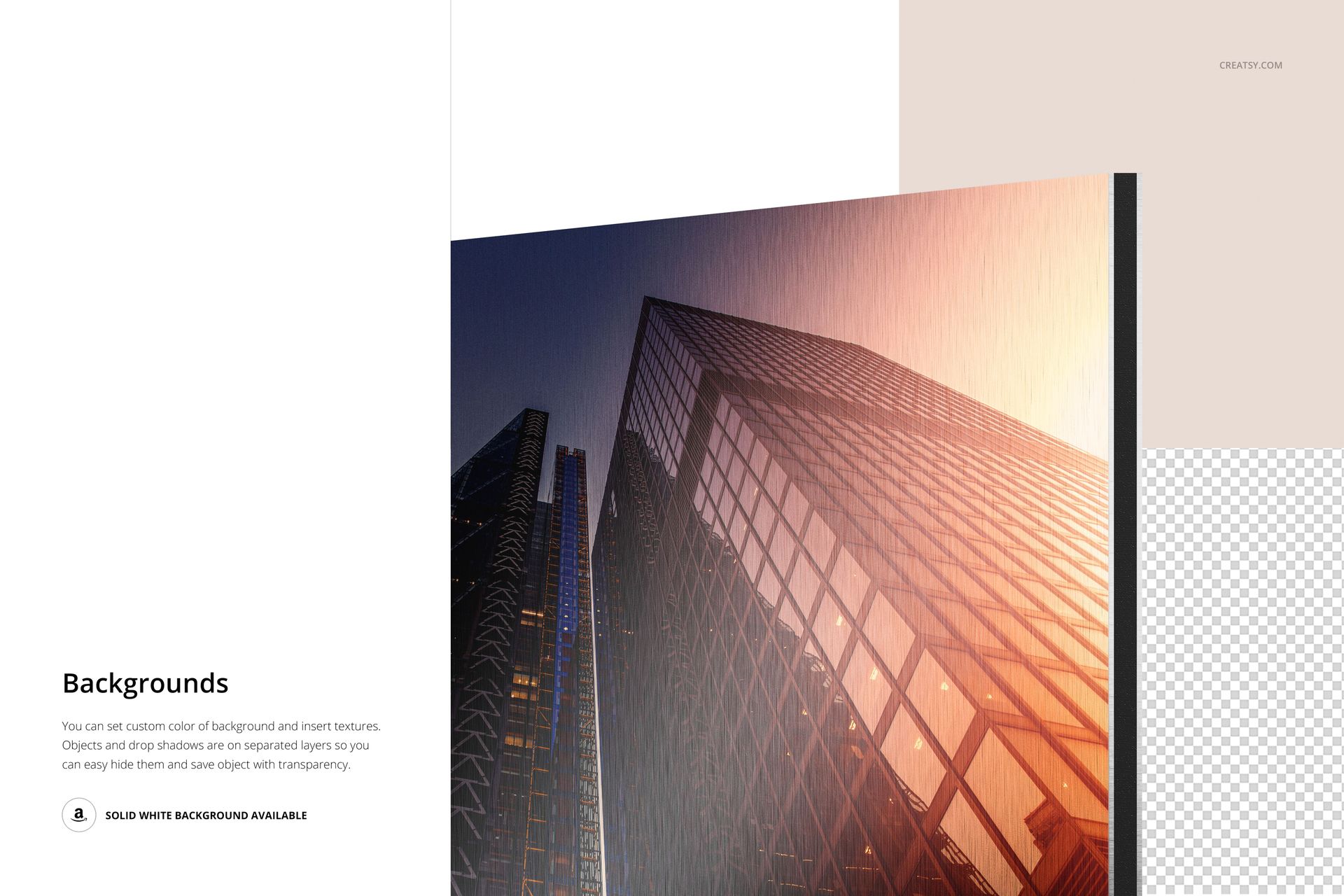
Change the background color
Add a custom background texture or design
Control the print object and drop shadow separately
Hide the shadow when a cleaner edge is needed
Use the solid white background or export on transparency
Useful For
Wall art material comparison pages
Photography and illustration presentations
Client finish selection guides
Print shop catalogs and sales proposals
Ecommerce galleries with consistent product angles
This is a downloadable digital mockup set, not a physical acrylic or aluminum print. The demonstration artwork shown in the previews is not included.