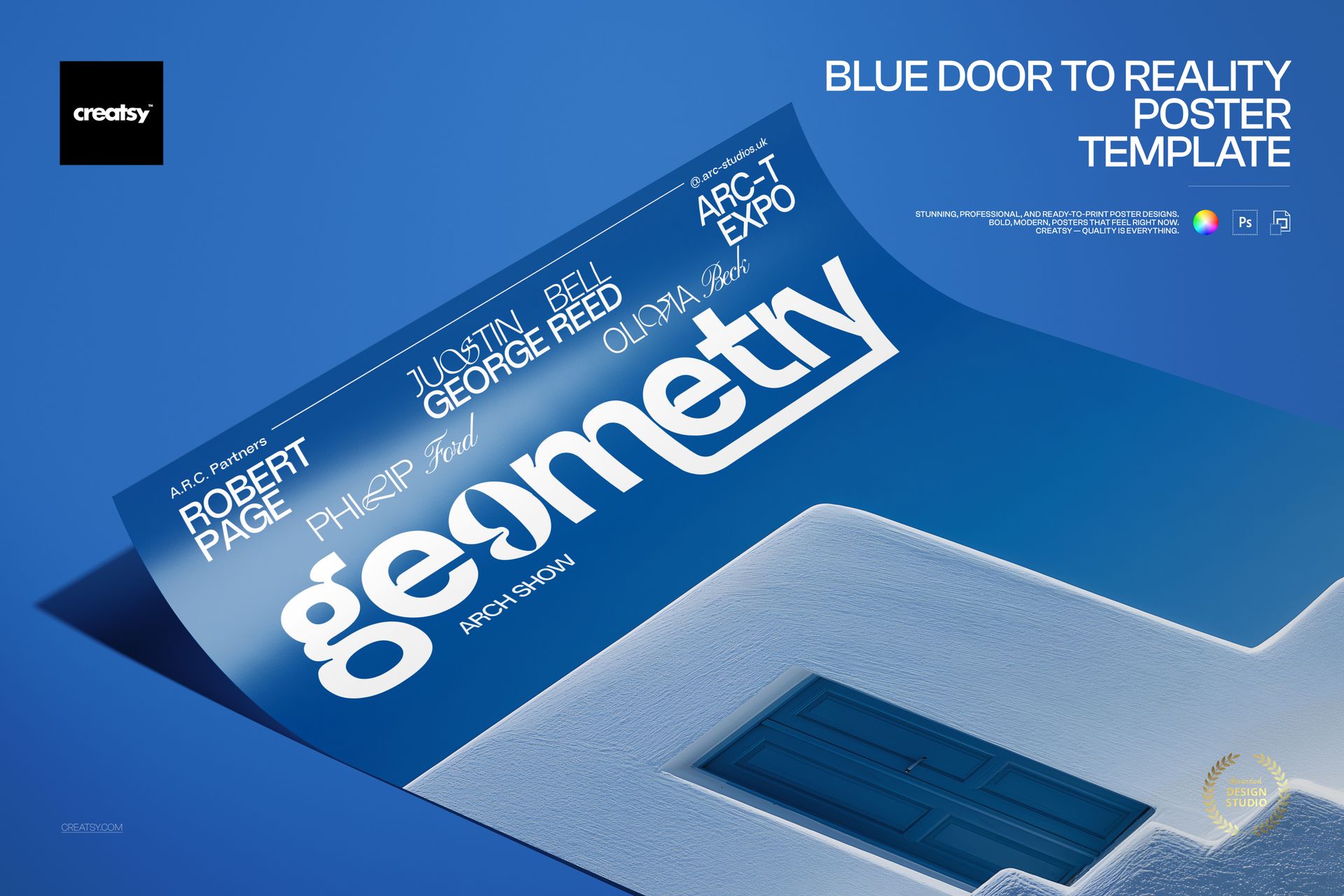
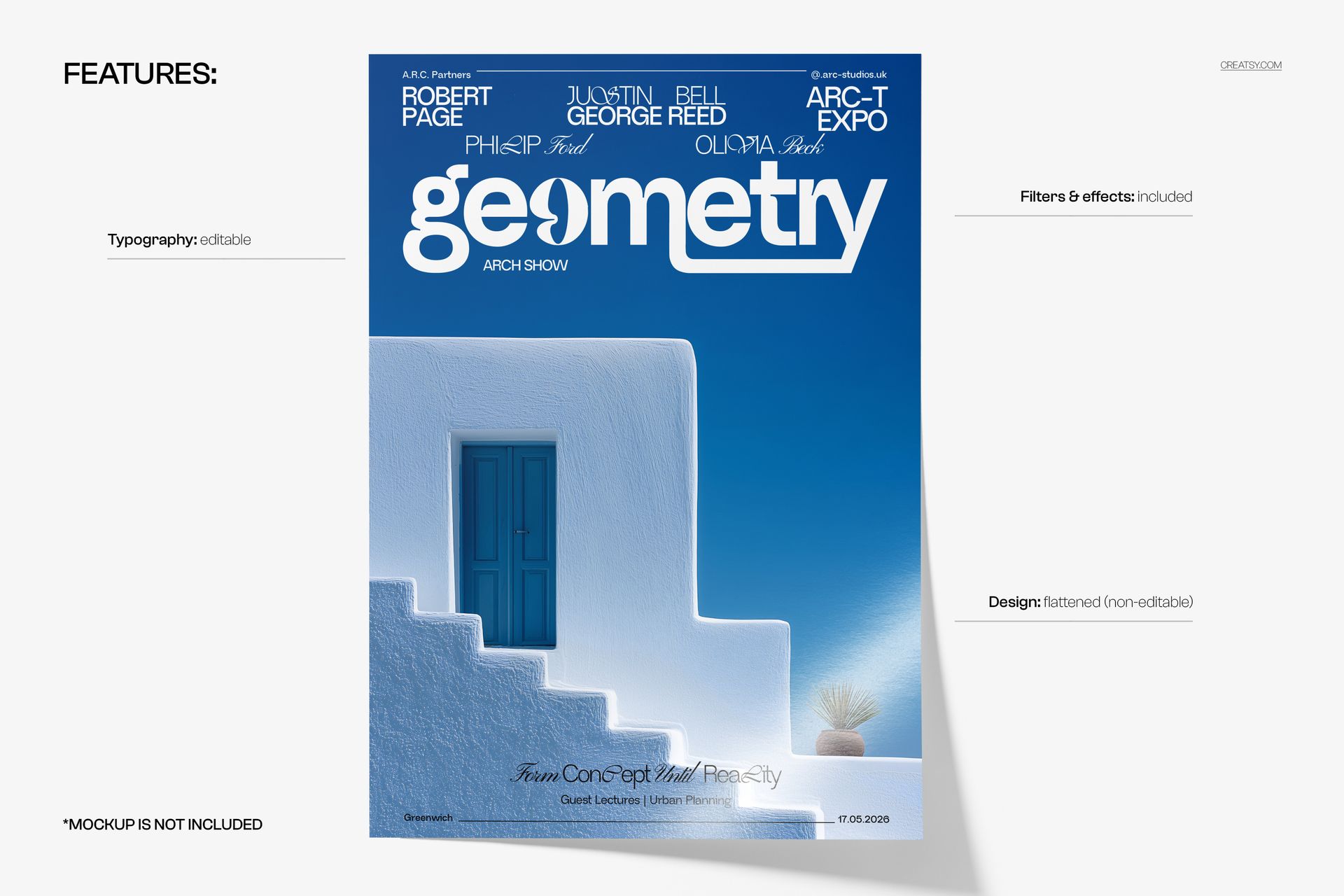
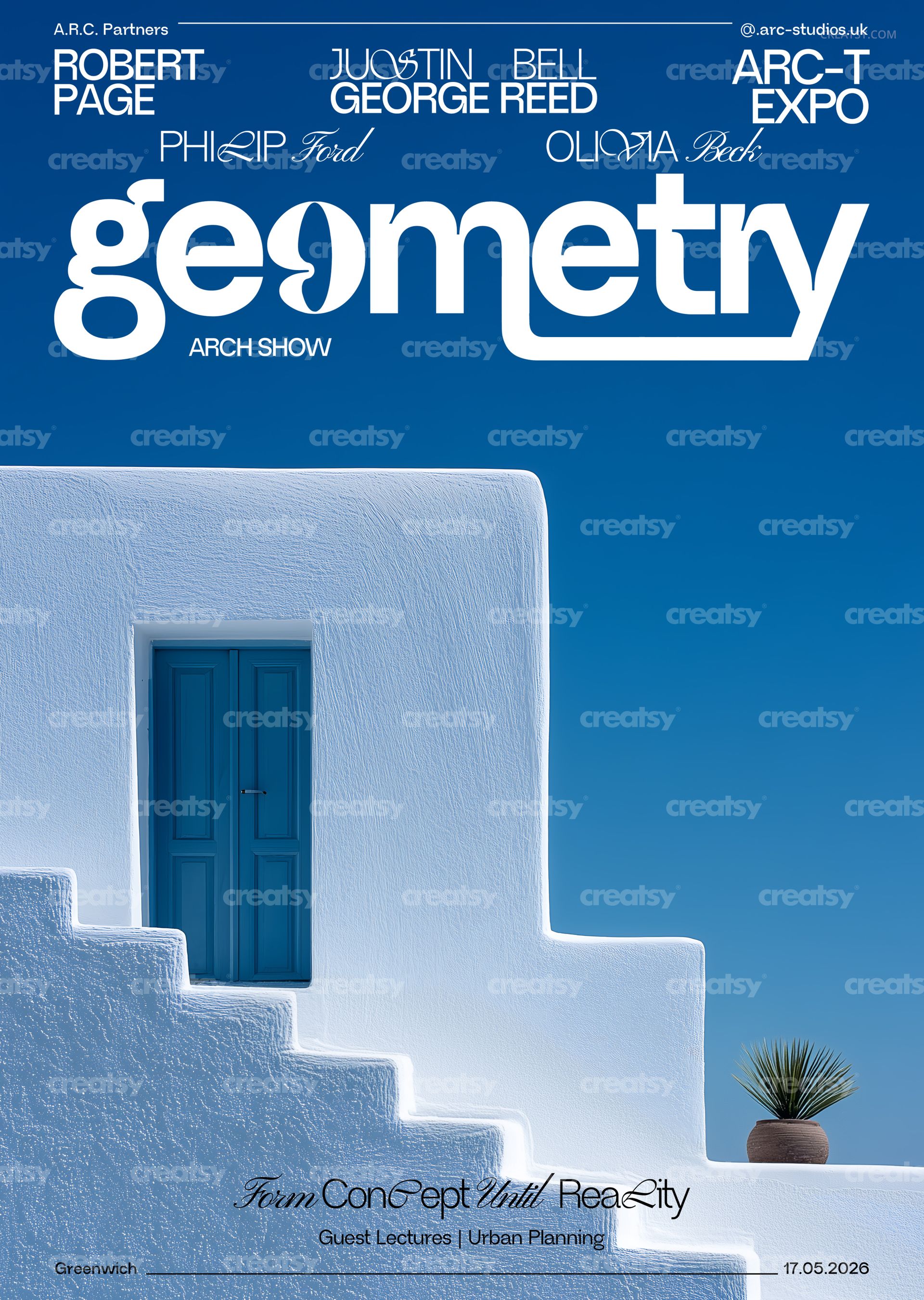
Open a portal to bold design with the Blue Door to Reality Poster Template — a striking minimalist poster featuring geometric typography, architectural elements, and a high-contrast blue and white palette. This print-ready PSD template is perfect for creating modern exhibition posters, architectural event promotions, gallery prints, conceptual art displays, and urban planning expo materials with a clean, avant-garde aesthetic.
What's Inside:
2 fully layered PSD files (CMYK version + RGB version)
Print-ready dimensions: 97 × 420 mm + 3 mm bleed on each side
High-resolution 300 DPI output for sharp, professional prints
Organized layer structure for easy text and layout editing
Compatible with Adobe Photoshop CS6 and newer versions
Design Capabilities:
Edit all text layers — swap headlines, event details, and body copy with your own content
Adjust colors and geometric elements to match your brand or exhibition palette
Toggle individual design elements on and off for layout variations
Both CMYK (for professional printing) and RGB (for digital/web use) versions included
Print Specifications:
Trim size: 97 × 420 mm (tall, narrow poster format)
Bleed: 3 mm on all sides for safe trimming
Resolution: 300 DPI — ideal for offset and digital printing
Color modes: CMYK for print production, RGB for screen display
Ideal For:
Architects and design studios creating exhibition and event promotional materials
Gallery owners and curators designing conceptual art show posters
Urban planning organizations promoting expos, conferences, and public installations
Graphic designers building minimalist, geometric, or Bauhaus-inspired visual identities
Print-on-demand sellers and poster shops seeking modern, architectural wall art