Mirrored Packaging Tape Mockup
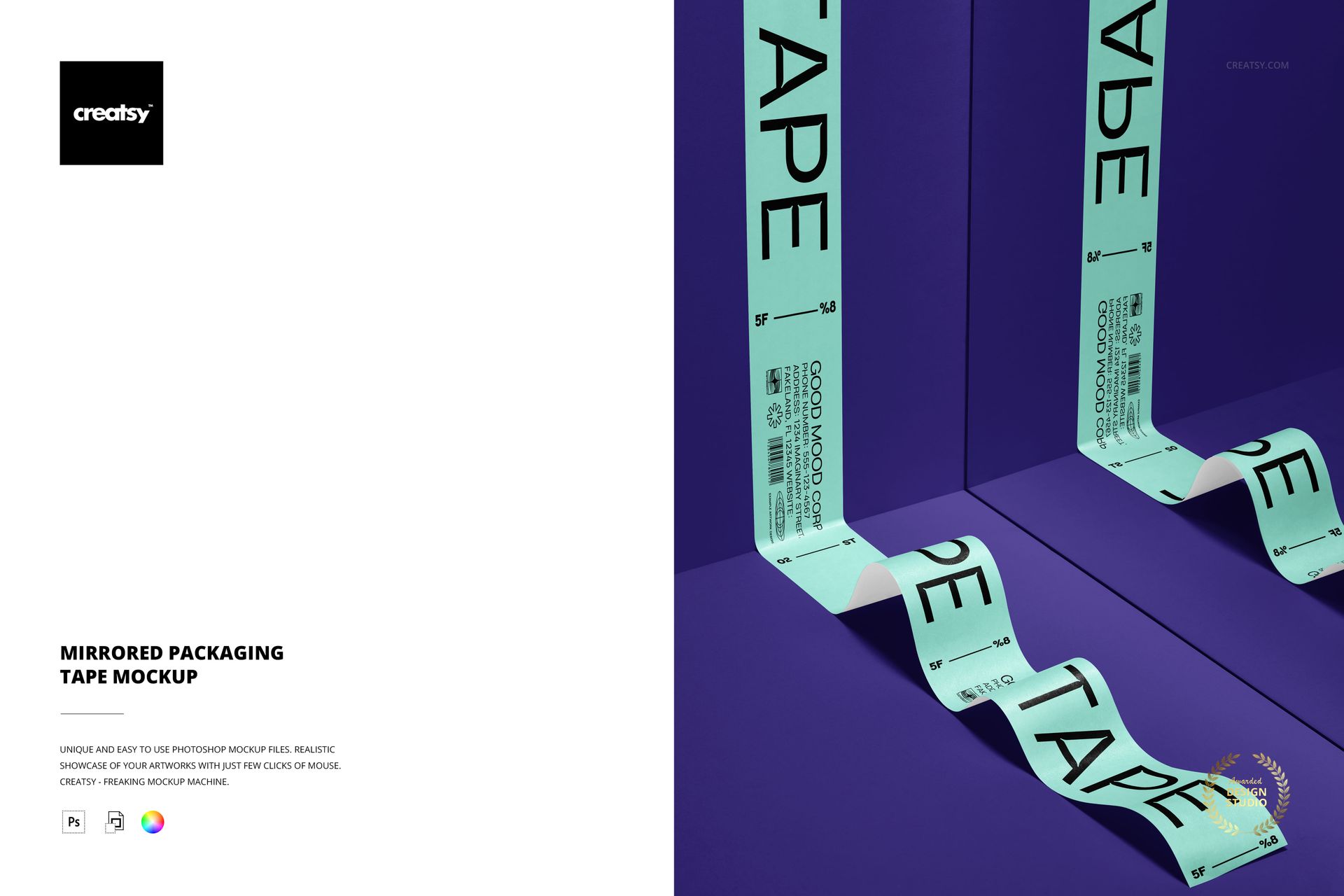
Present a continuous tape design as it bends through a geometric interior and repeats in mirror reflections. Straight, curved, upright, and foreground sections show how logos, typography, and repeat patterns behave across changing directions within one landscape scene.
What You Can Edit
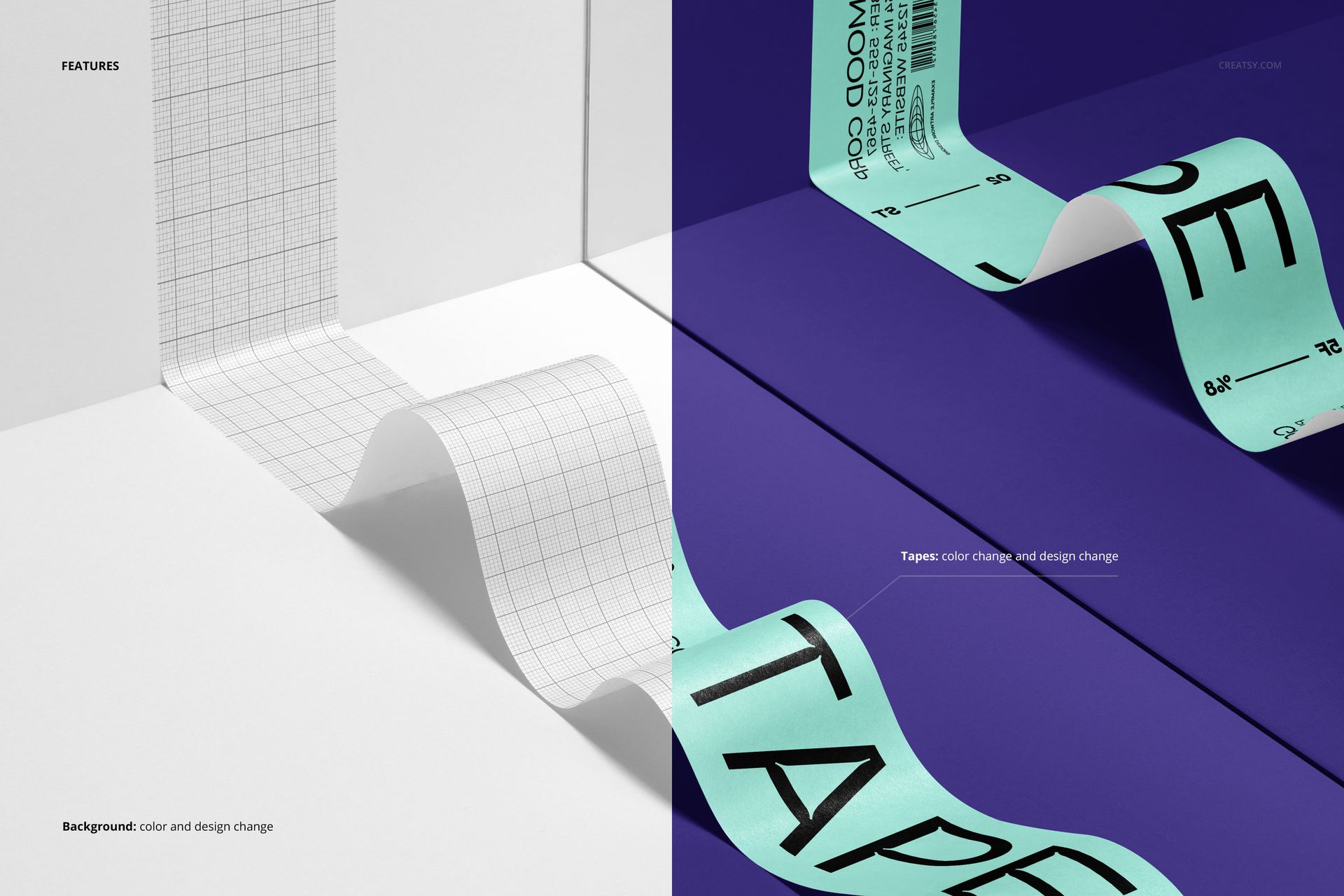
Replace the tape artwork through Smart Objects
Change the tape color and design
Change the background color or design
Why the Reflected Layout Is Useful
The mirrored view makes spacing, contrast, reading direction, and repeat scale easier to compare than on a flat strip alone. It also turns a functional packaging element into a distinctive campaign image for a brand system.
Workflow and Compatibility
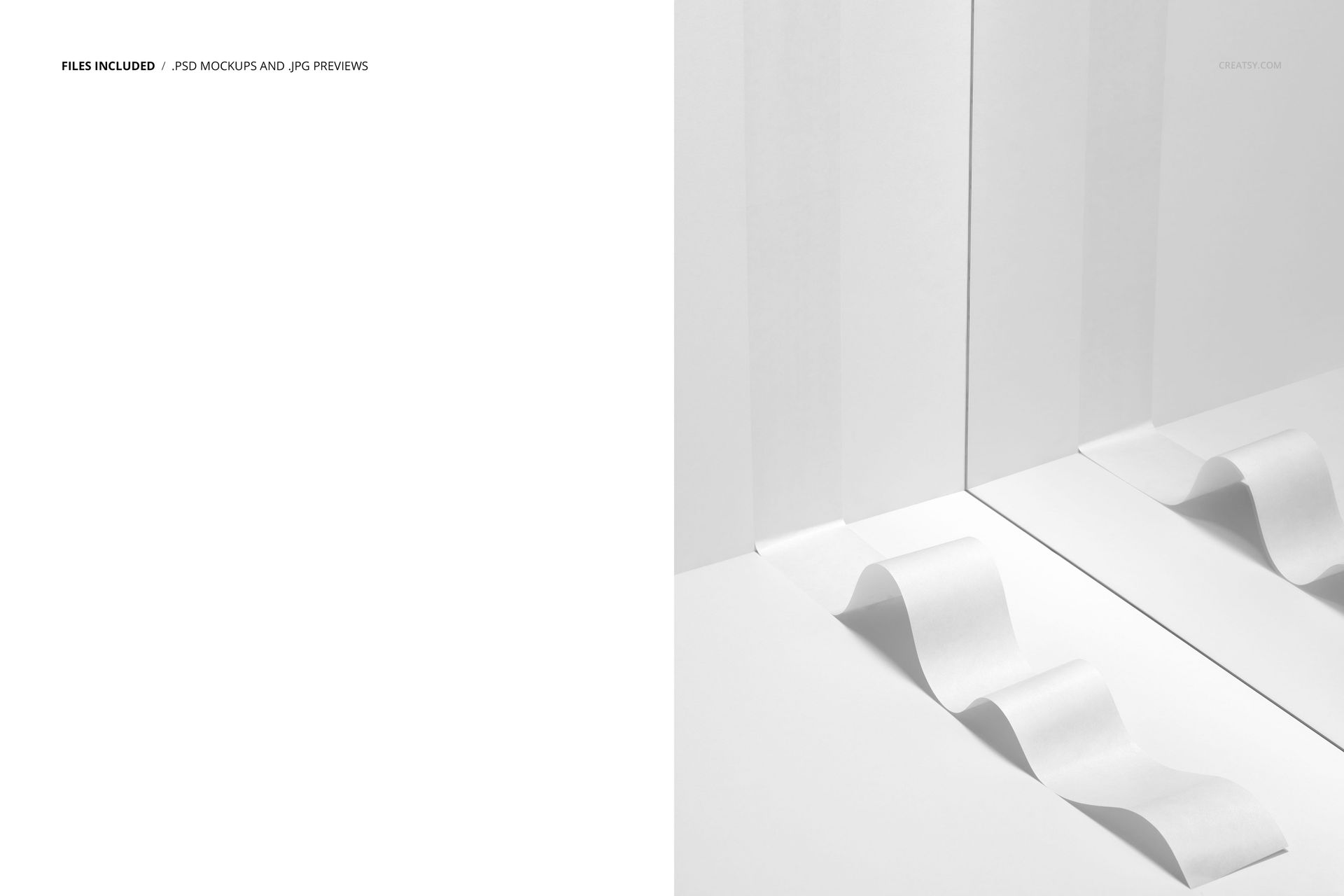
1 layered PSD mockup and 1 JPG preview
6000 × 4000 px landscape canvas at 300 DPI
Prepared Smart Objects and well-organized layers
Adobe Photoshop CC2020 or newer and Photopea
Recommended Uses
Packaging identity and shipping brand presentations
Pattern and typography reviews before production
Client approvals, pitch decks, and portfolio case studies
Ecommerce galleries, campaign graphics, and social content
Mockup imagery and layered PSD production are credited to Creatsy. The Good Mood Corp graphics are sample artwork with no separately identified external artist; they are shown for demonstration and are not included.