Twisted Packaging Tape Mockup
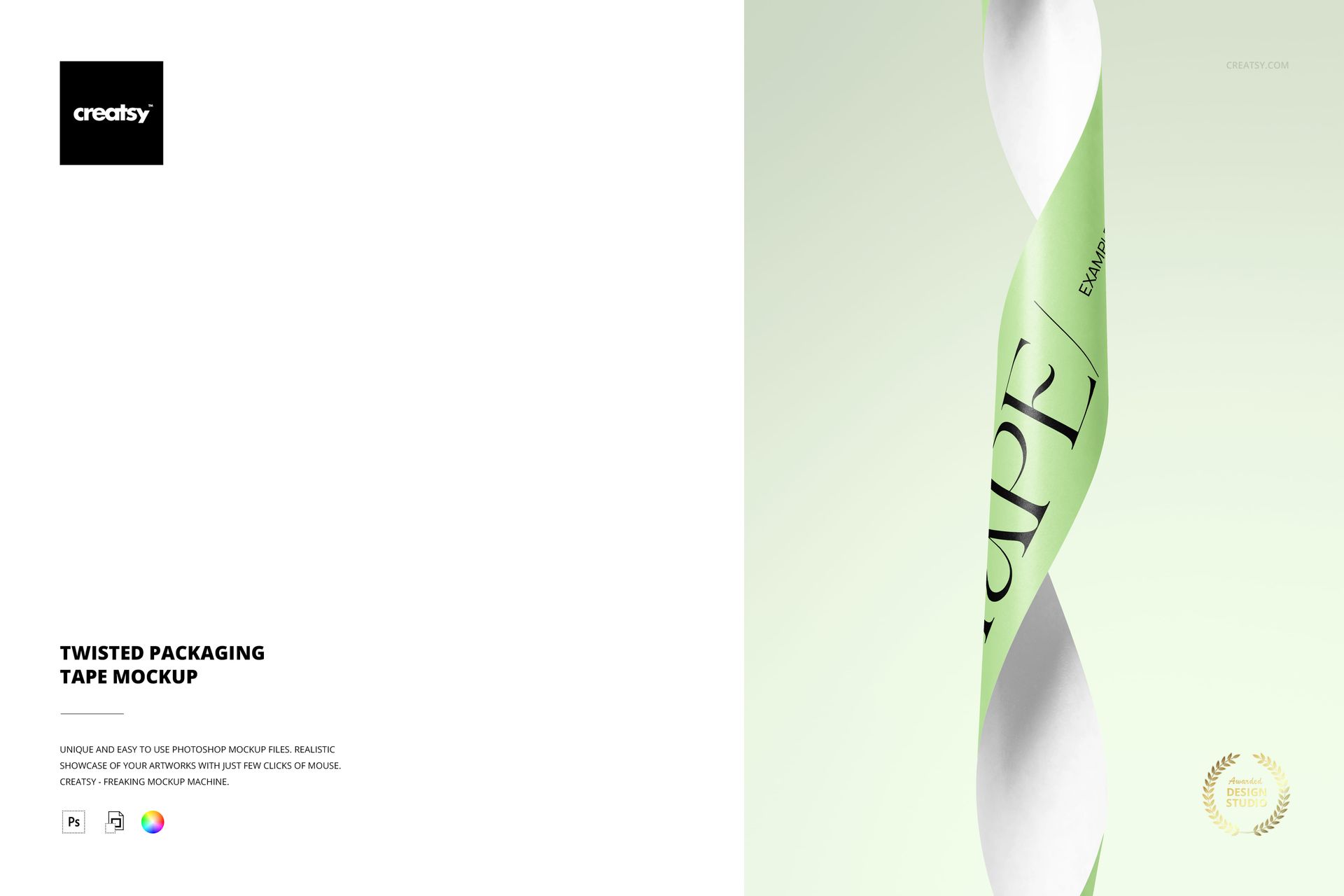
Give a flat tape print a sculptural presentation. A single strip twists vertically through the scene, alternating broad visible surfaces with narrow turns. With no roll or parcel competing for attention, the spiral shape makes typography, color blocks and repeating graphics the main event.
See the Artwork Turn
A straight strip shows a repeat evenly; this view shows how the same design appears as the surface turns toward and away from the viewer. Use it to present a bold tape concept with a sense of movement in a still image.
What Is Included
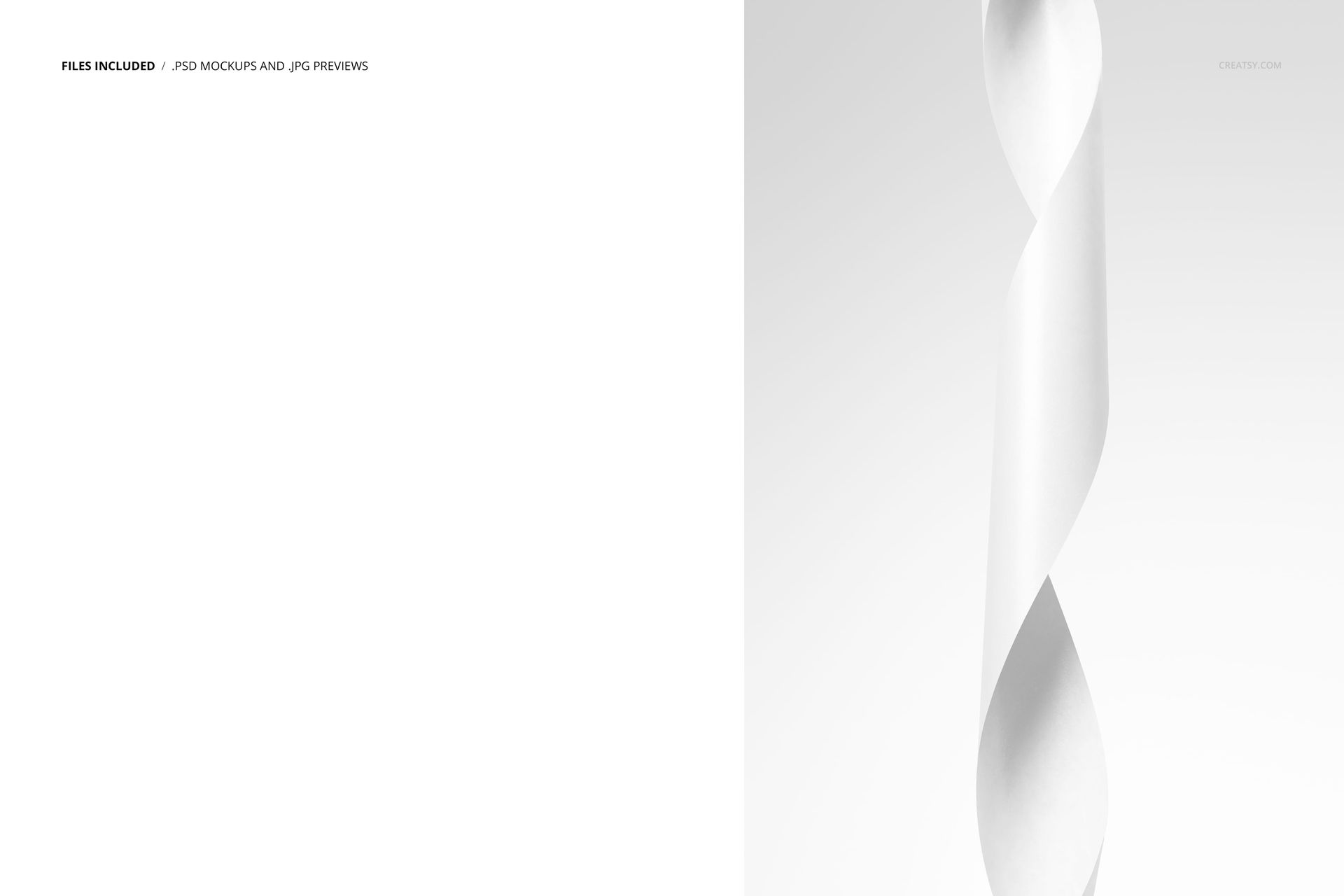
1 layered PSD mockup with one prepared twisted-strip scene
6000 px long edge and 4000 px short edge, at 300 DPI
1 JPG preview at 341 x 512 px, 2 files in total
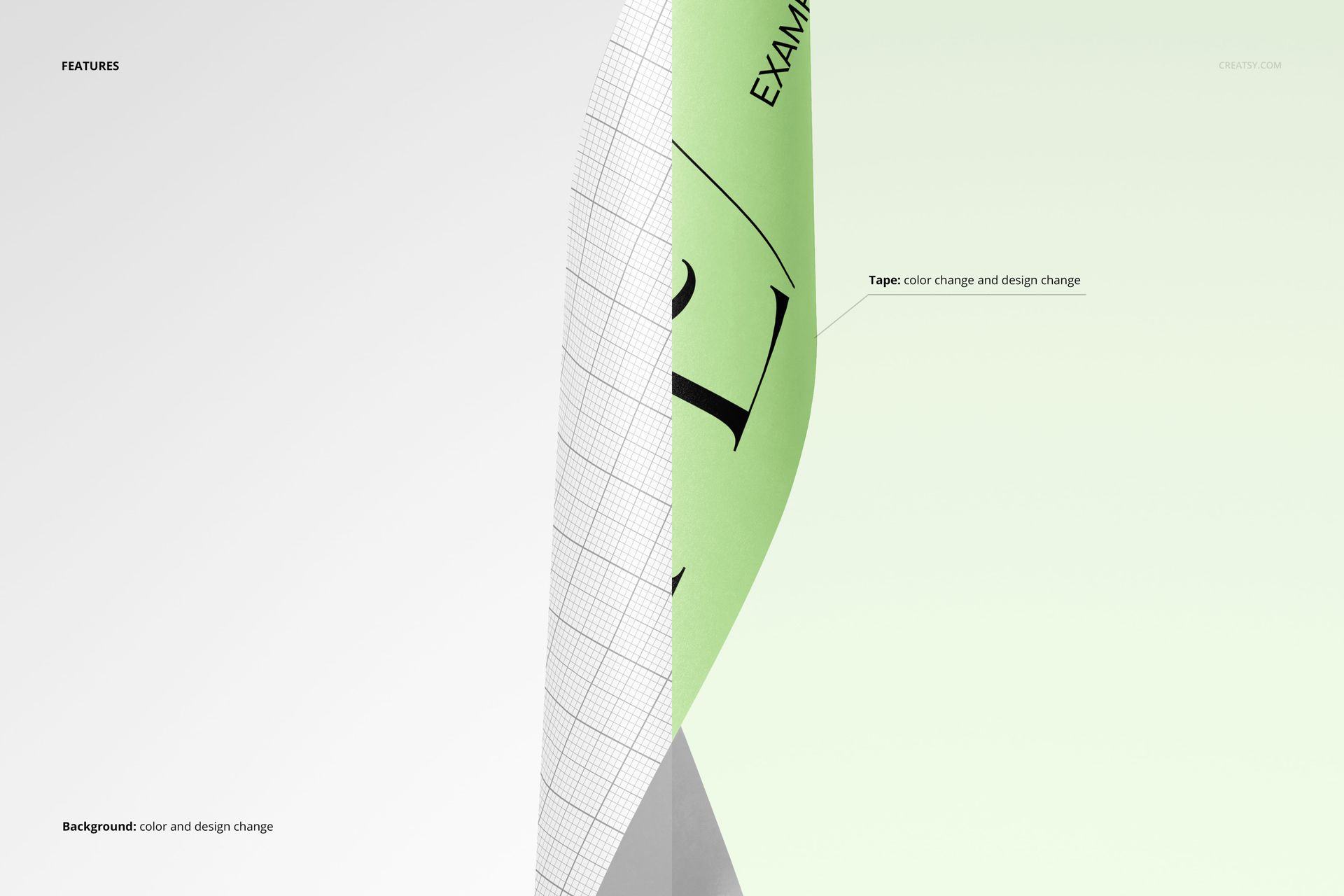
Tape and background color and design changes
Compatibility with Adobe Photoshop CC2020 or newer and Photopea
Easy Smart Object Editing
Add your artwork through Smart Objects, adjust the tape color and set the background to complement the print. Organized layers make it easier to find the relevant controls and develop different design versions within the same spiral composition.
A Graphic Image for Packaging Campaigns
Present a tape identity to a client, introduce a surface pattern in your portfolio or create a distinctive supporting image for a stationery launch. The close view puts the printed strip ahead of the complete roll, making it useful when the artwork is the focus.
This is a digital mockup, not a physical tape product. Sample artwork in the previews is for presentation only and is not included as a separate design asset.