Single Unrolled Packaging Tape Mockup
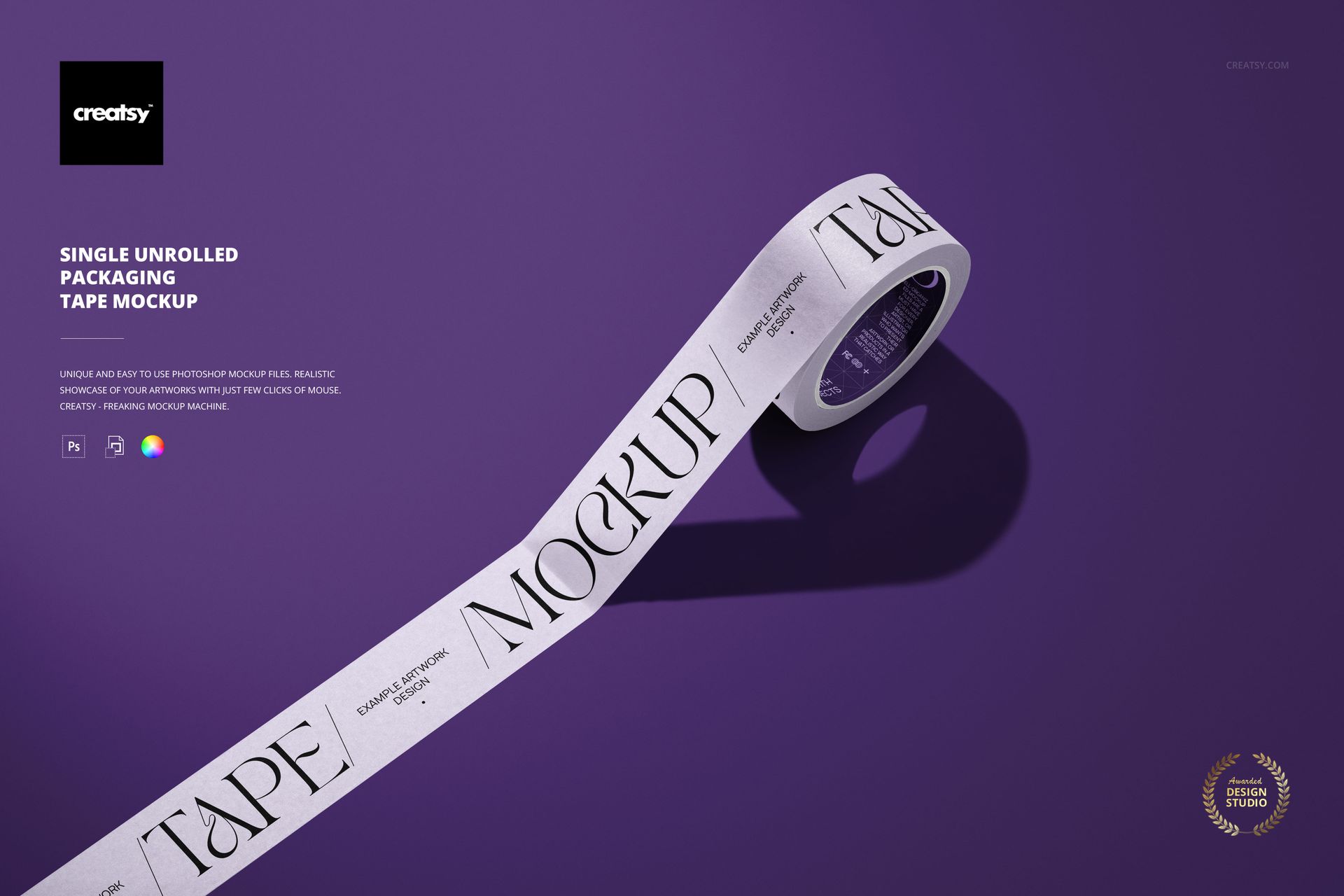
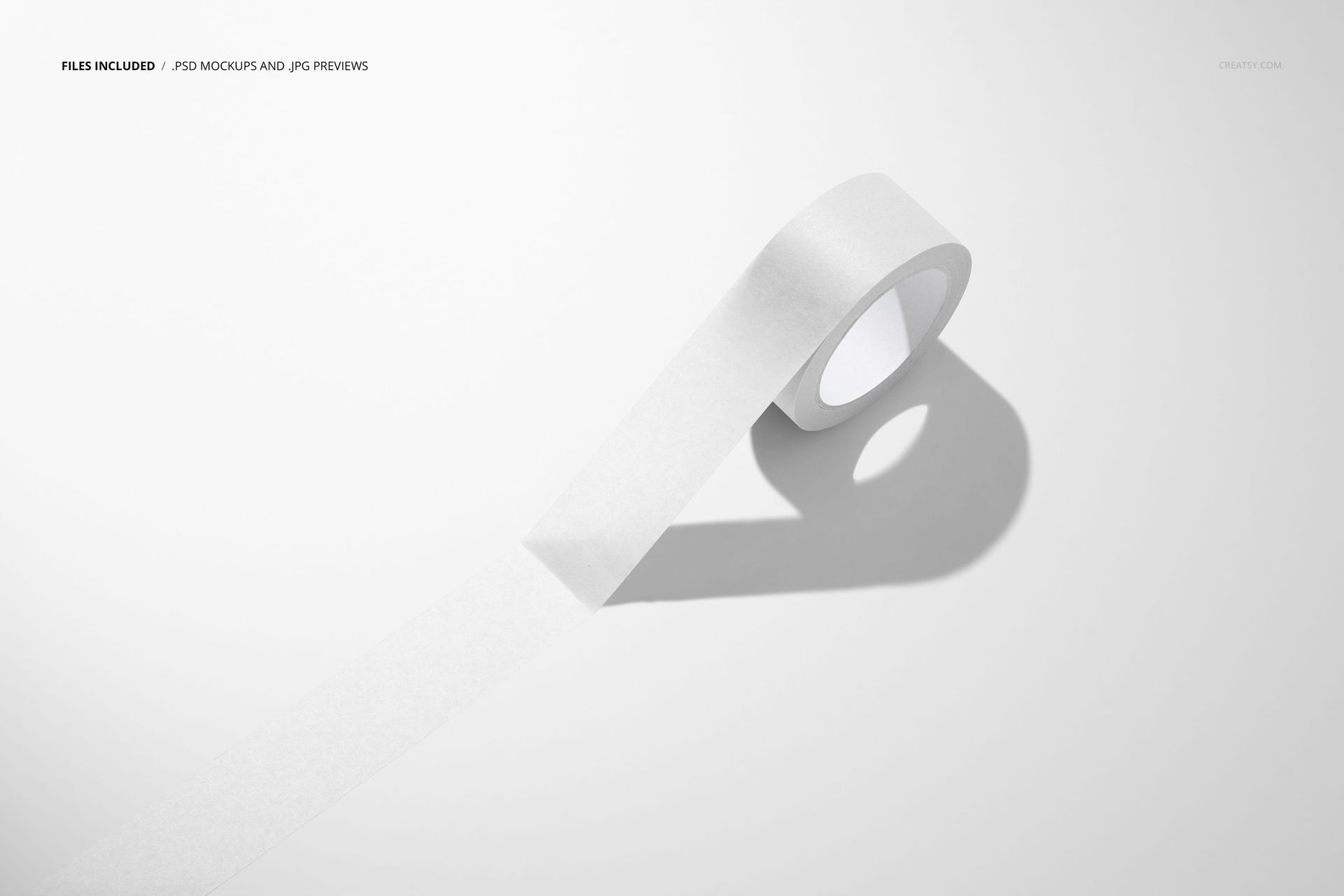
A long strip leads from the lower edge of the scene to a single upright tape roll, creating a clear diagonal path for your artwork. The visible curve, open core and strong cast shadow give a simple packaging graphic a more dimensional presentation.
Give One Design the Whole Scene
Use the extended tape to present a wordmark, illustrated motif or short brand message without competing rolls in the frame. The strip and curved outer surface show the same design language in two different viewing conditions, making this a useful hero image for one tape design.
What Is Included
1 layered PSD mockup, 6000 x 4000 px at 300 DPI.
1 JPG preview at 512 x 341 px, 2 files in total.
One landscape composition with a single unrolled packaging tape.
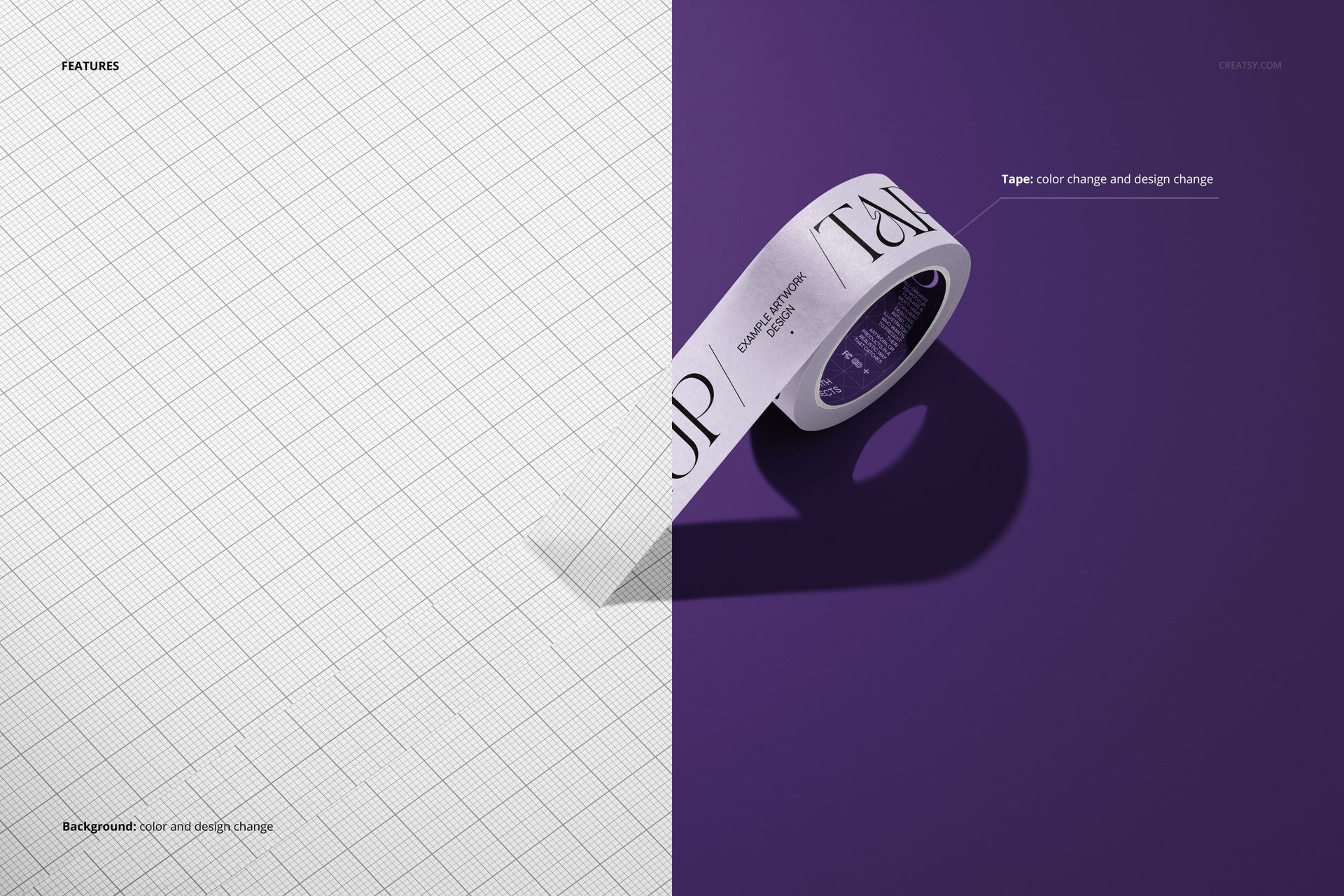
Tape color and design editing, plus background color and design changes.
Easy Smart Object Editing
Open the PSD in Adobe Photoshop CC2020 or newer, or Photopea, and replace the example artwork through Smart Objects. The organized layers help you locate the tape and background controls while keeping the scene consistent across design revisions.
A Focused Branding Preview
Packaging designers, printed-tape suppliers and surface pattern designers can use this scene for a client approval deck, portfolio case study or product catalog. Keep the background quiet for a type-led design, or use a contrasting color to give a compact motif more presence.
This is a digital mockup, not physical packaging tape. Example artwork is for demonstration and is not included as separate design assets.