Jacquard Woven Blanket and Bedding Boho Scene & Size Comparison Mockup Set
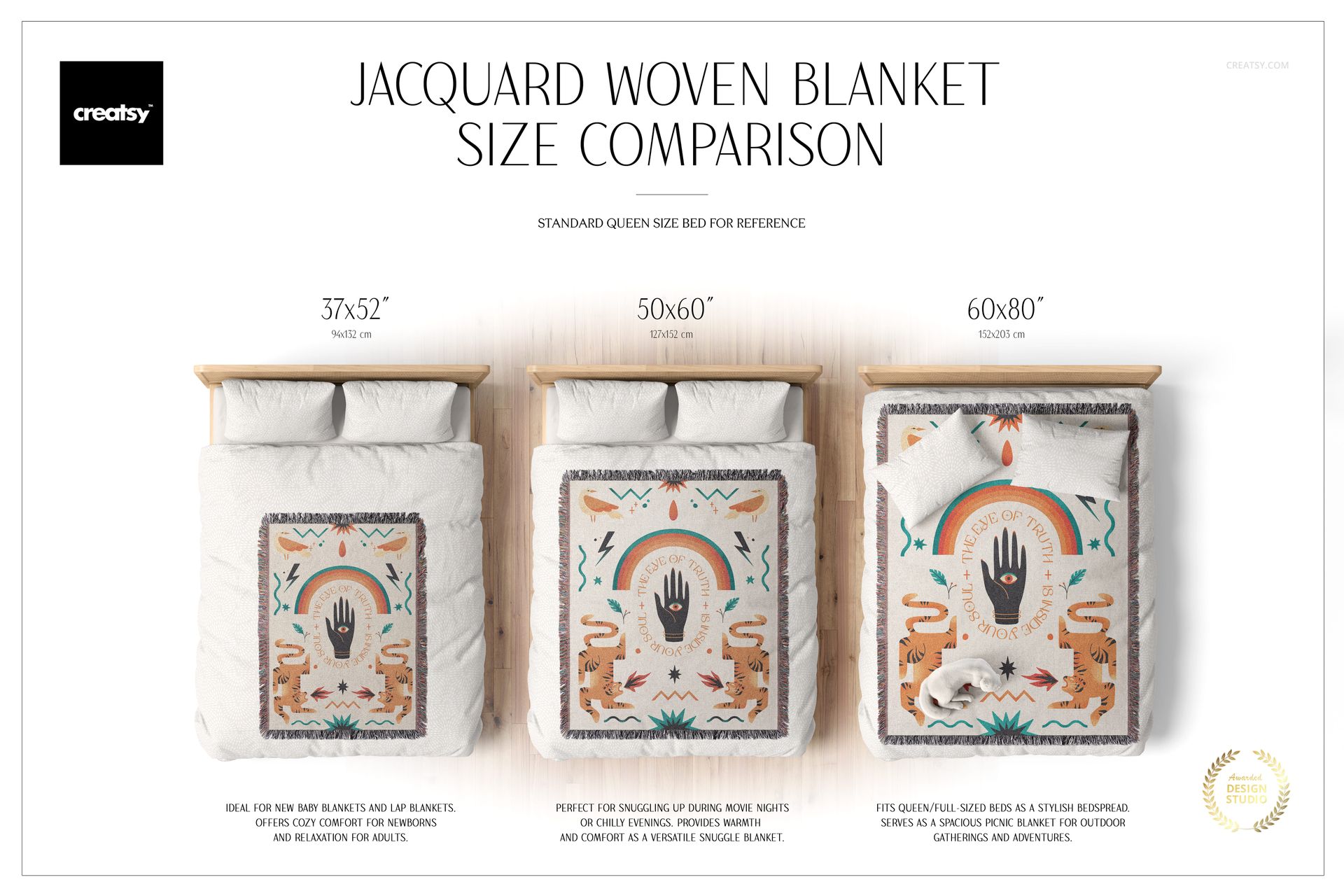
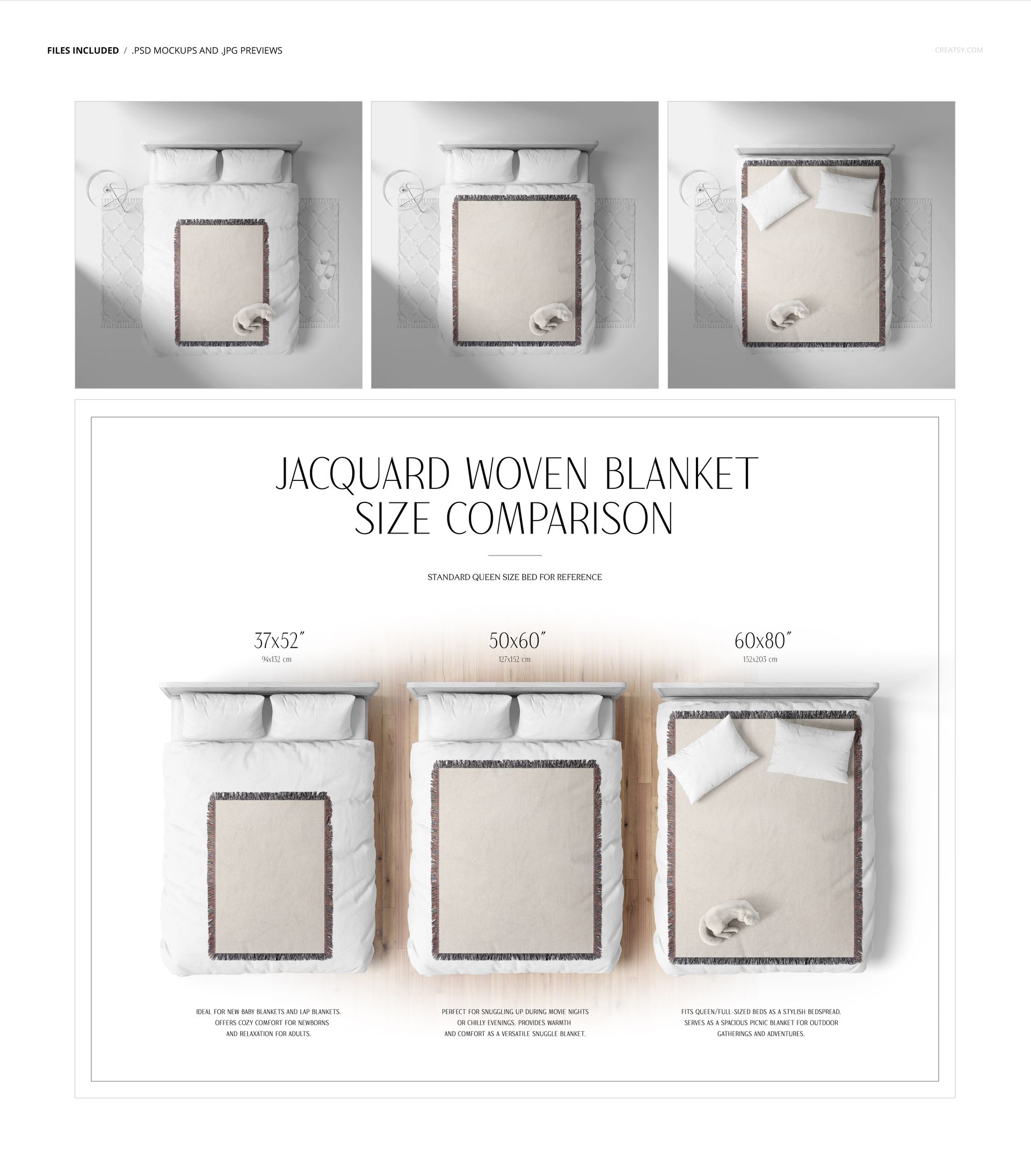
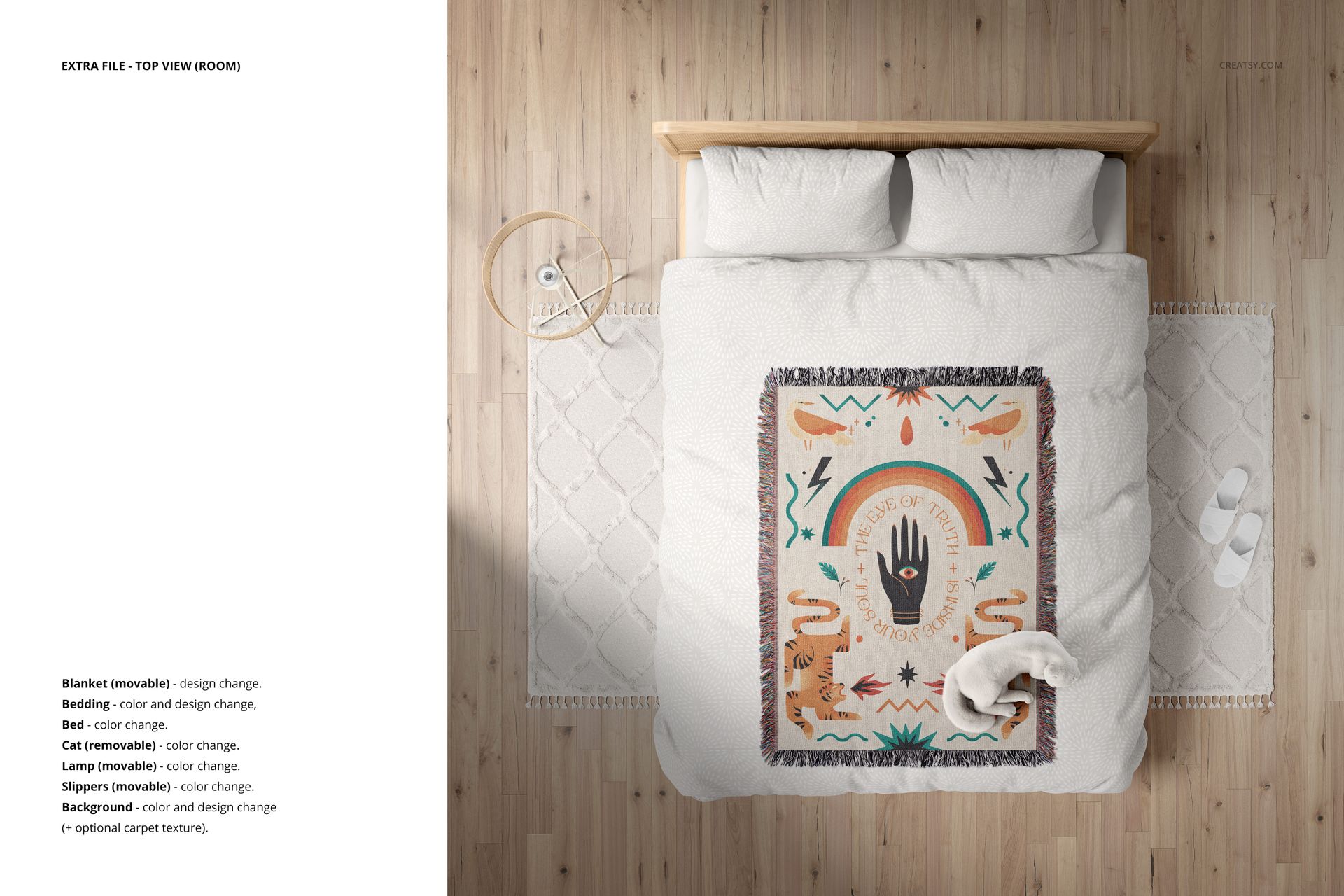
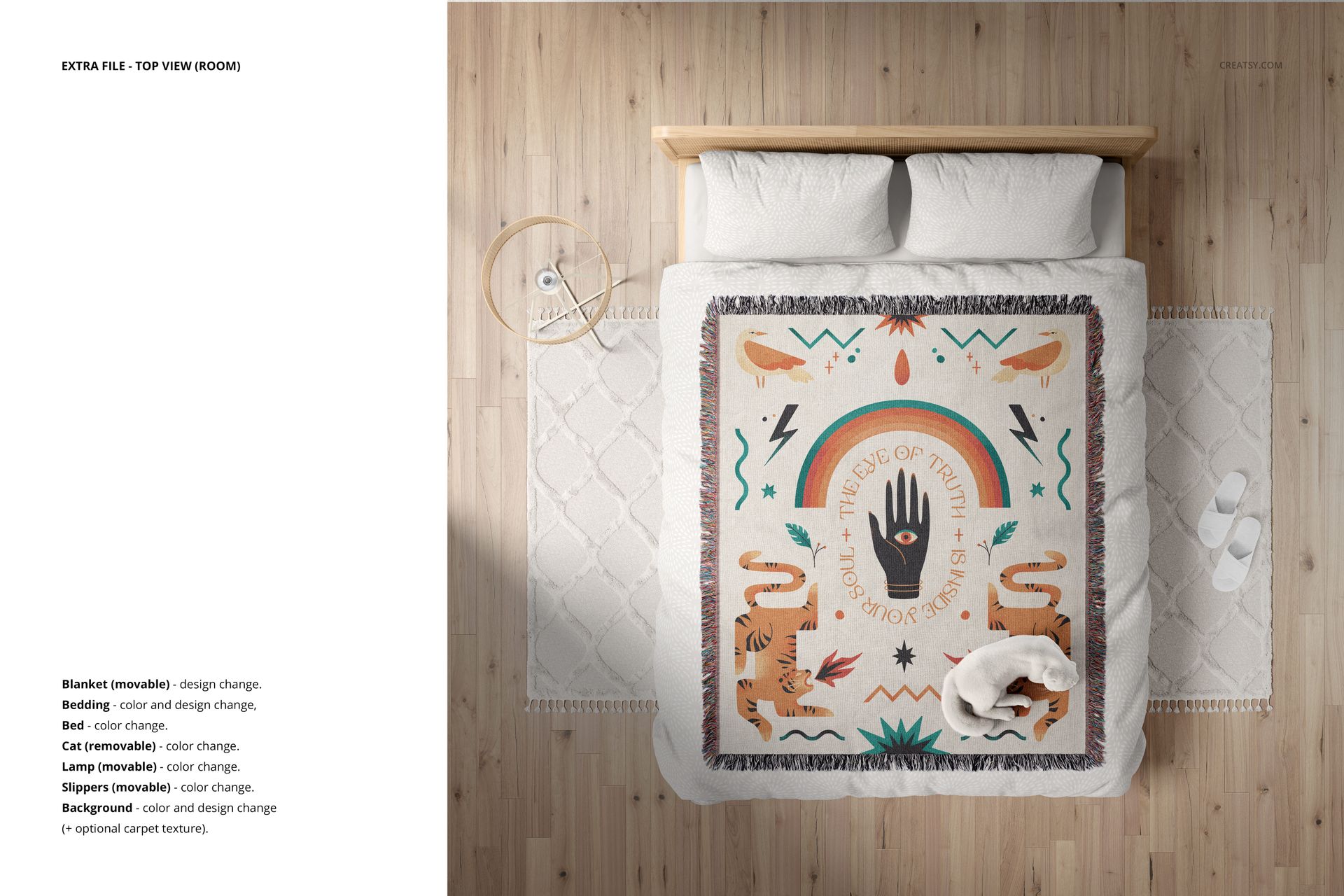
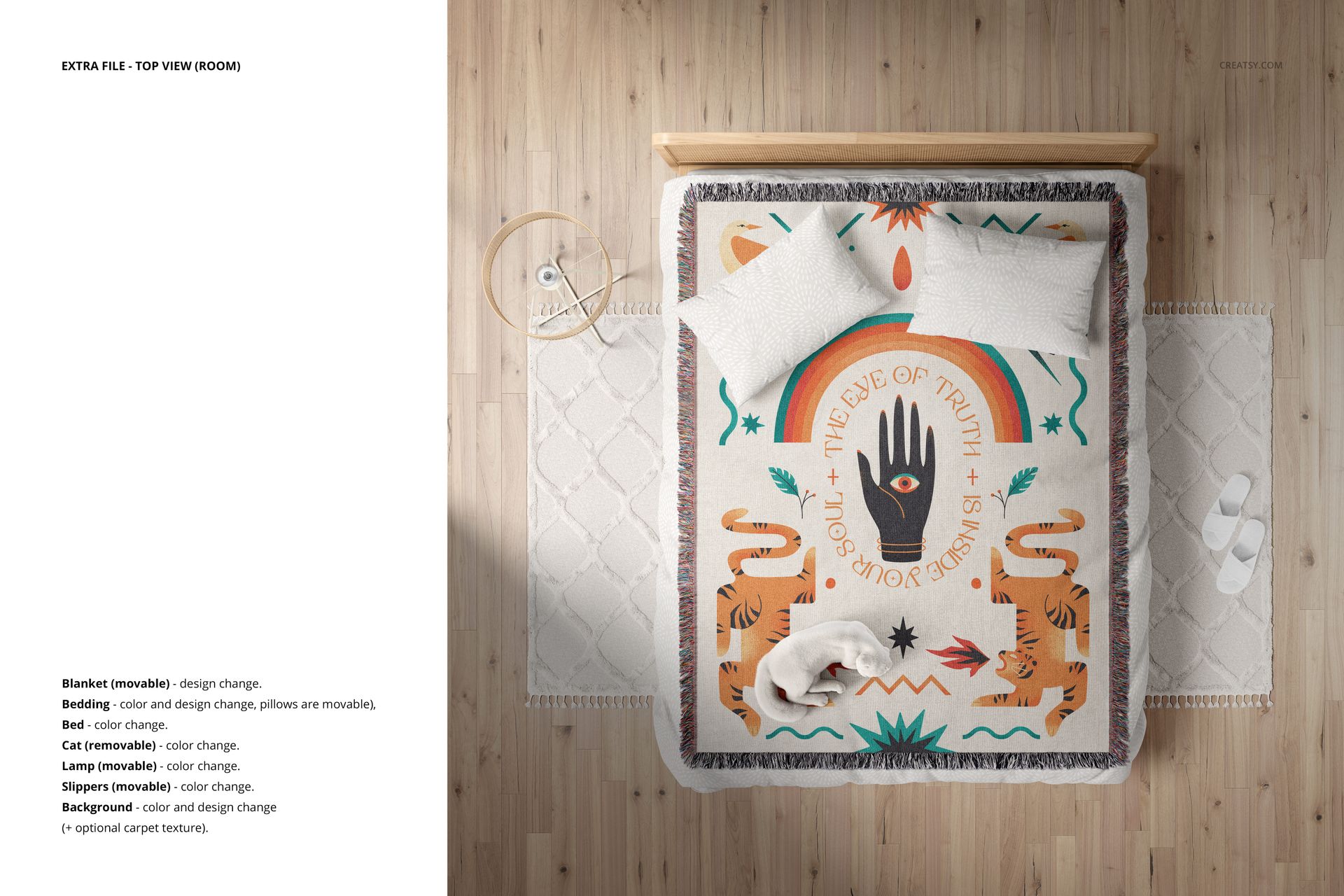
Compare three woven blanket sizes on queen-sized beds in a boho bedroom viewed from above. A comparison layout and three individual room scenes help you show blanket coverage and coordinate your artwork with bedding.
What is included
4 editable PSD files: 1 size-comparison layout and 3 individual bedroom scenes.
3 PSD files at 6000x6000 px and 1 PSD file at 6000x4765 px, all at 300 DPI.
4 JPG previews, 1 Woven Colors ACT palette, 1 PDF manual, and 2 font files.
Blanket sizes represented: 37×52? (approximately 94×132 cm), 50×60? (approximately 127×152 cm), and 60×80? (approximately 152×203 cm).
Editing options
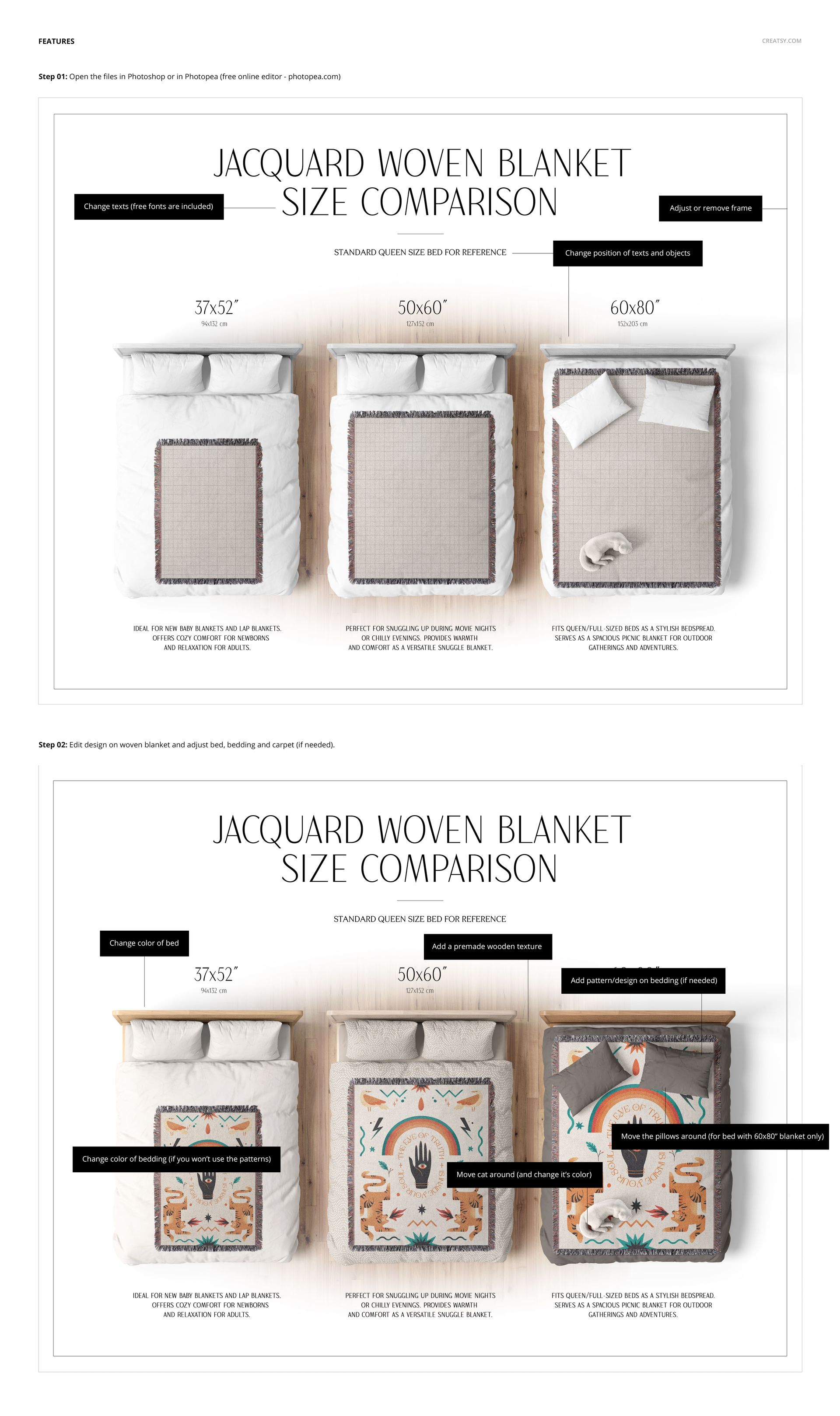
Replace the blanket design through Smart Objects and move the blanket within the room layout.
Change bedding colors and designs, bed colors, and background colors or designs; use the included wood textures for the bed and optional carpet texture.
Move and recolor the lamp and slippers; remove or recolor the cat. Move pillows in the 60×80? scene.
Edit comparison text, move text and objects, and adjust or remove the comparison frame.
Works in Adobe Photoshop CC2020 or later and Photopea. Use the set for size guides, coordinated textile collections, shop listings, and design presentations.
This is a digital mockup download. No physical blanket or bedding is supplied.
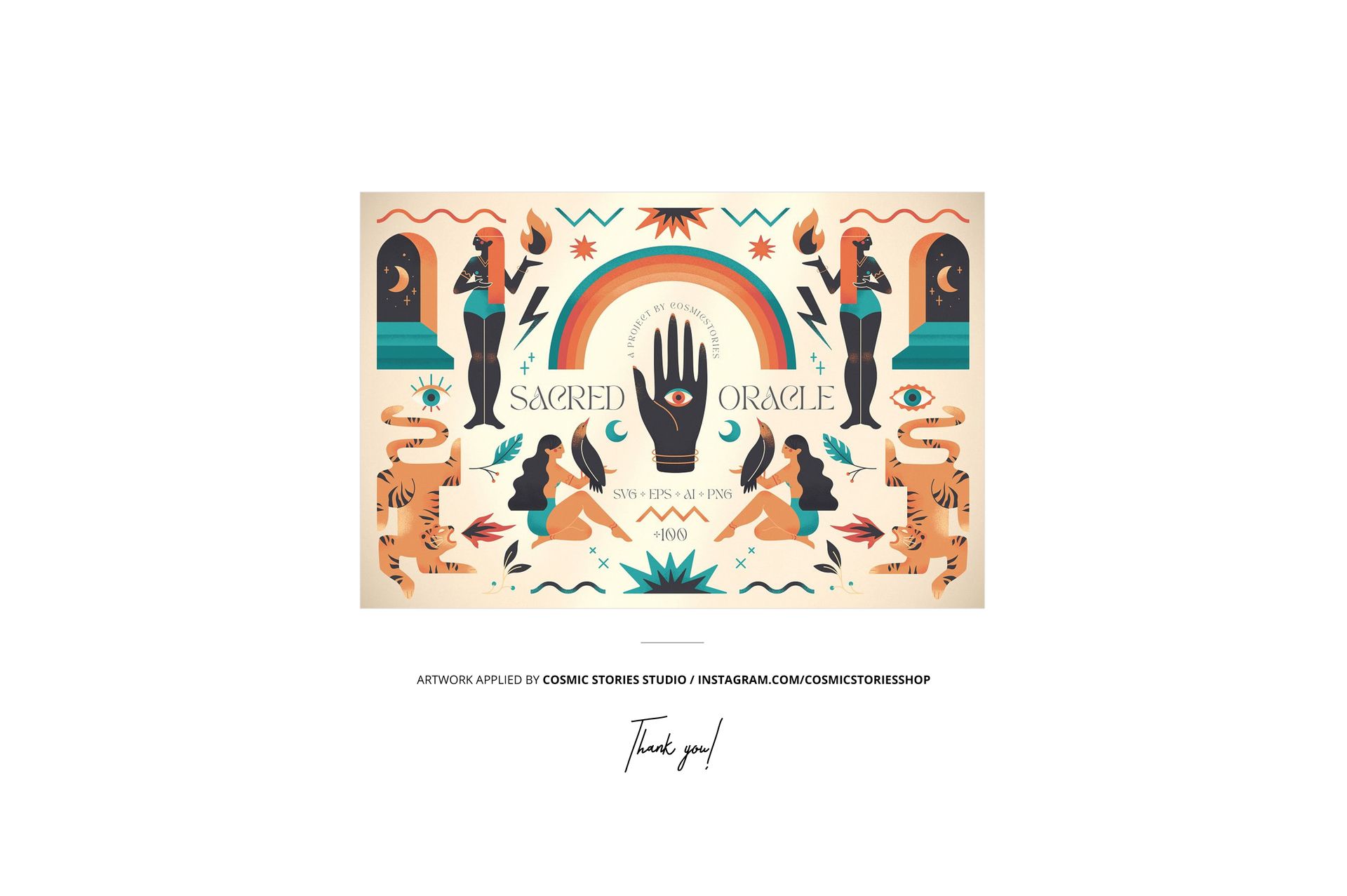
Sample artwork by Cosmic Stories Studio is shown for demonstration and is not included.






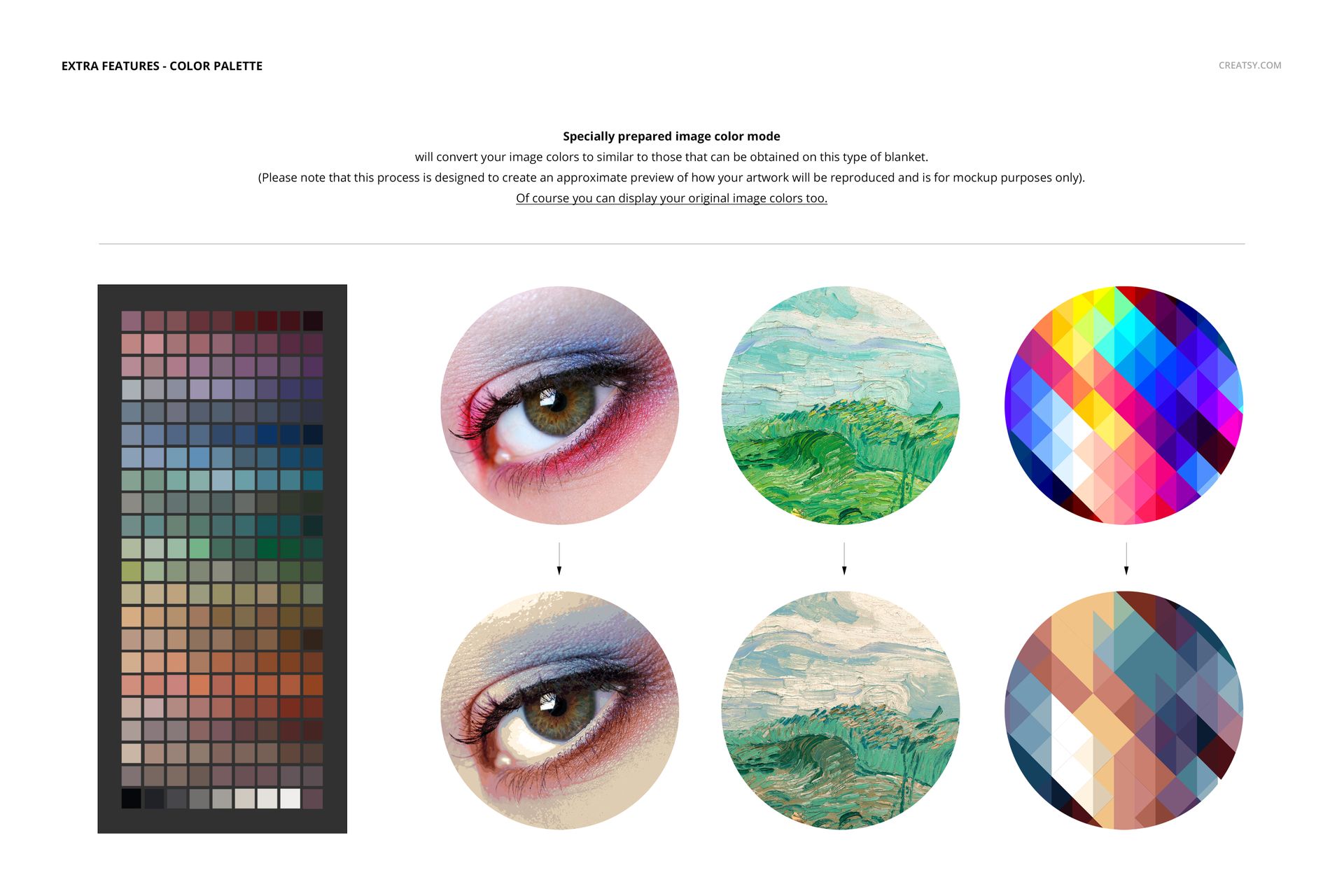






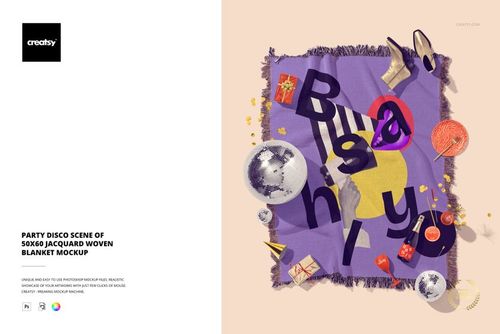
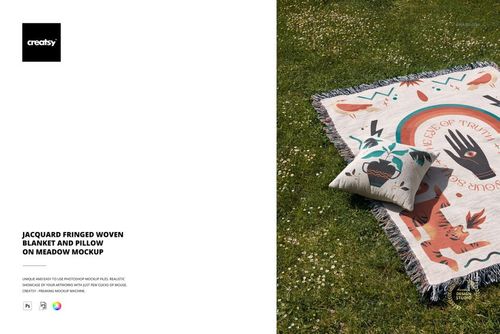
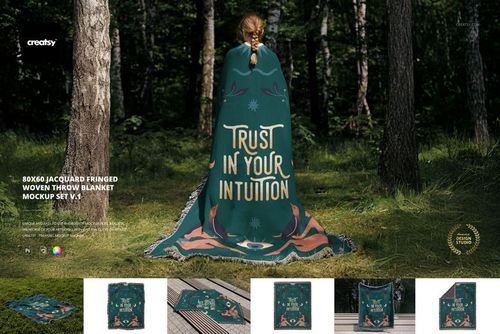
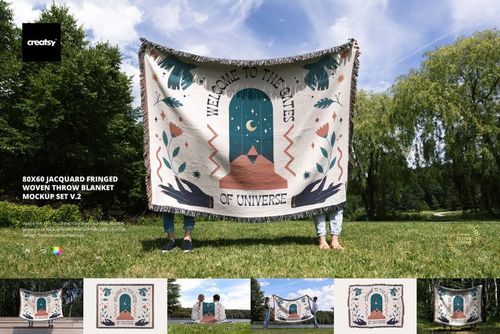
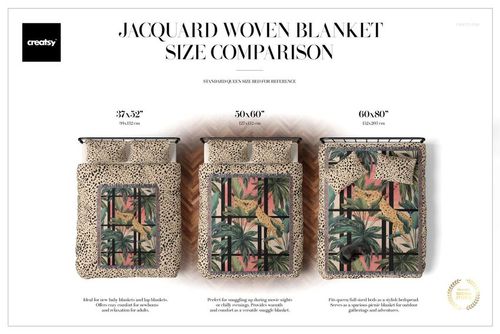
This mockup allows for a flat, overhead view of woven blankets on queen-sized beds, both three in a row to compare sizes and individual mockups for each size. I like that you can swap out colors for the bedding, and remove objects if desired. I like that the included color profile makes the blankets appear more realistic, and that the images are high-definition so no upscaling is needed. Definitely a great addition to any product photos.
Thank you so much for this thoughtful review! We’re delighted to hear the overhead size-comparison mockup, editable bedding colors, removable objects, and included color profile were so useful for your product photos. We truly appreciate your support and kind words. Happy creating ✨