Jacquard Fringed Woven Throw Blanket Mockup Set v.8
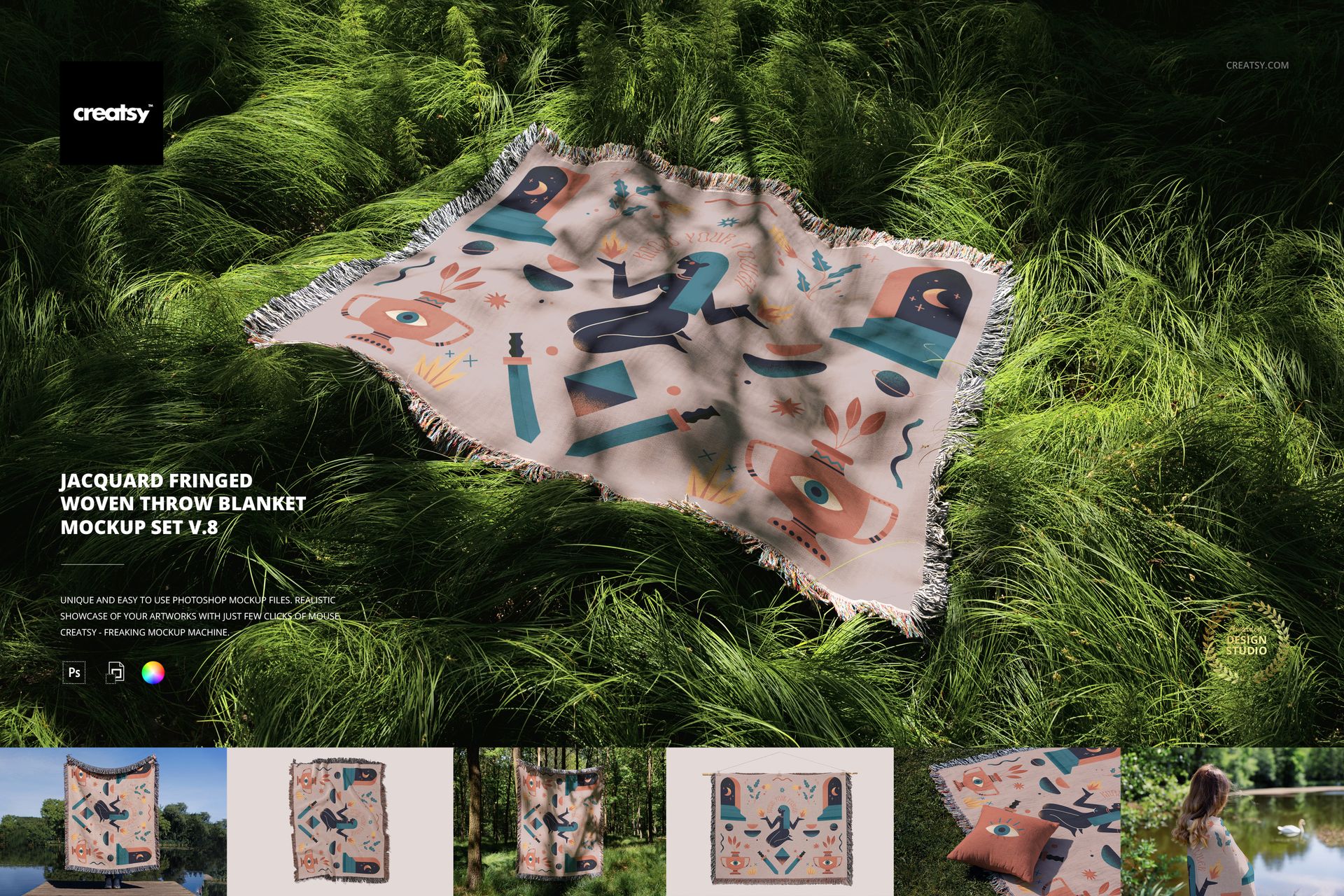
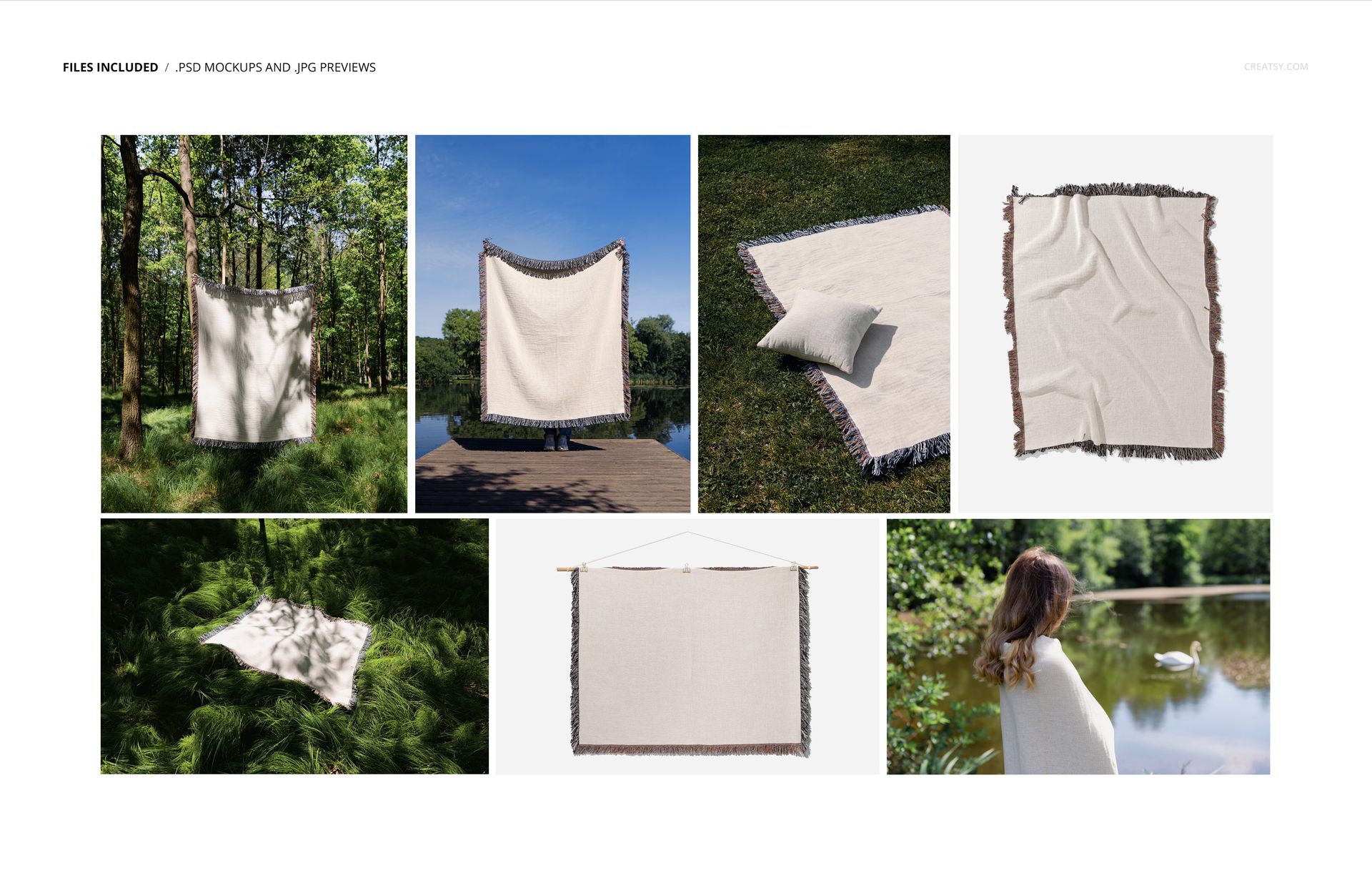
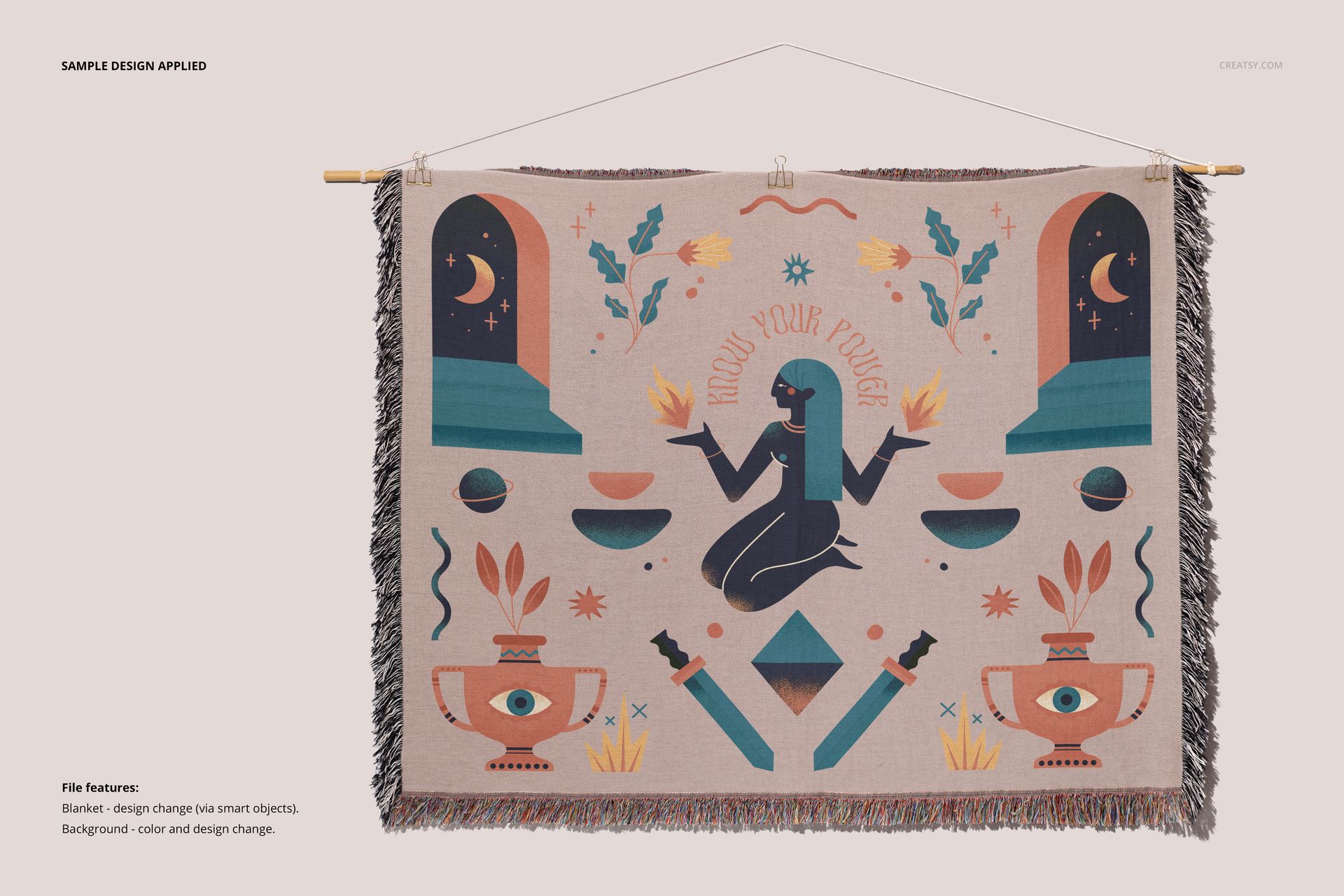
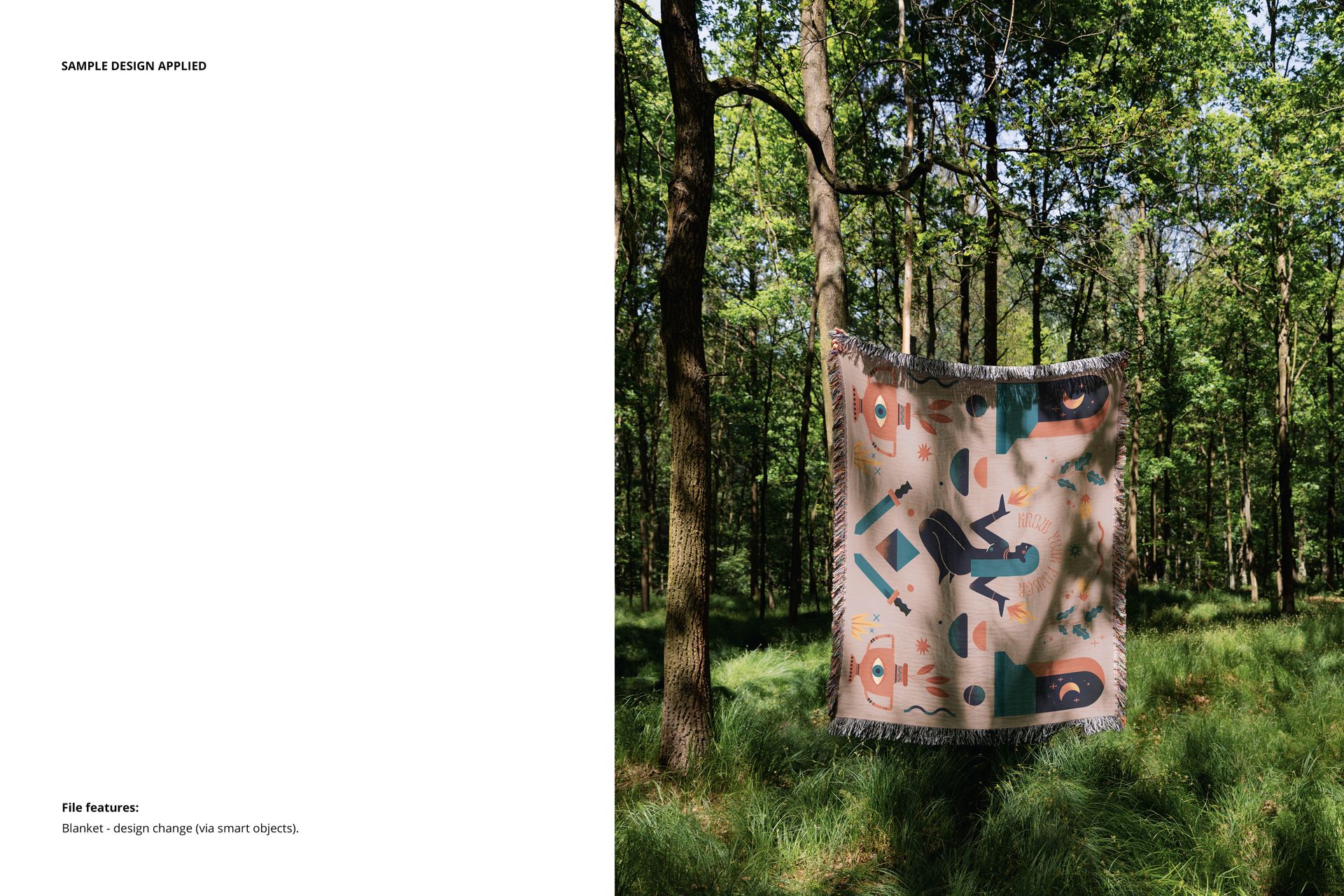
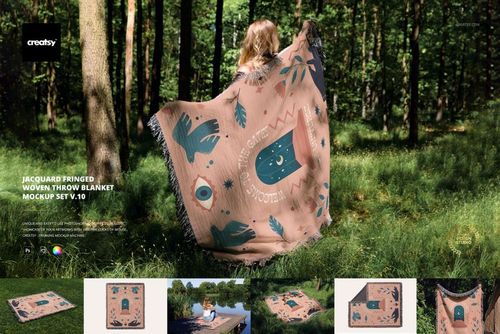
Take the first step into a forest where design meets serenity. The Jacquard Fringed Woven Throw Blanket Mockup Set v.8 is a creative journey guided by the golden light filtering through the trees. Each of the 7 included PSD files offers a peaceful moment captured in lush, natural surroundings – designed for textile artists, illustrators, and creatives who know that the best fabric ideas are often born outdoors.
Wander Into the Wild With Your Designs
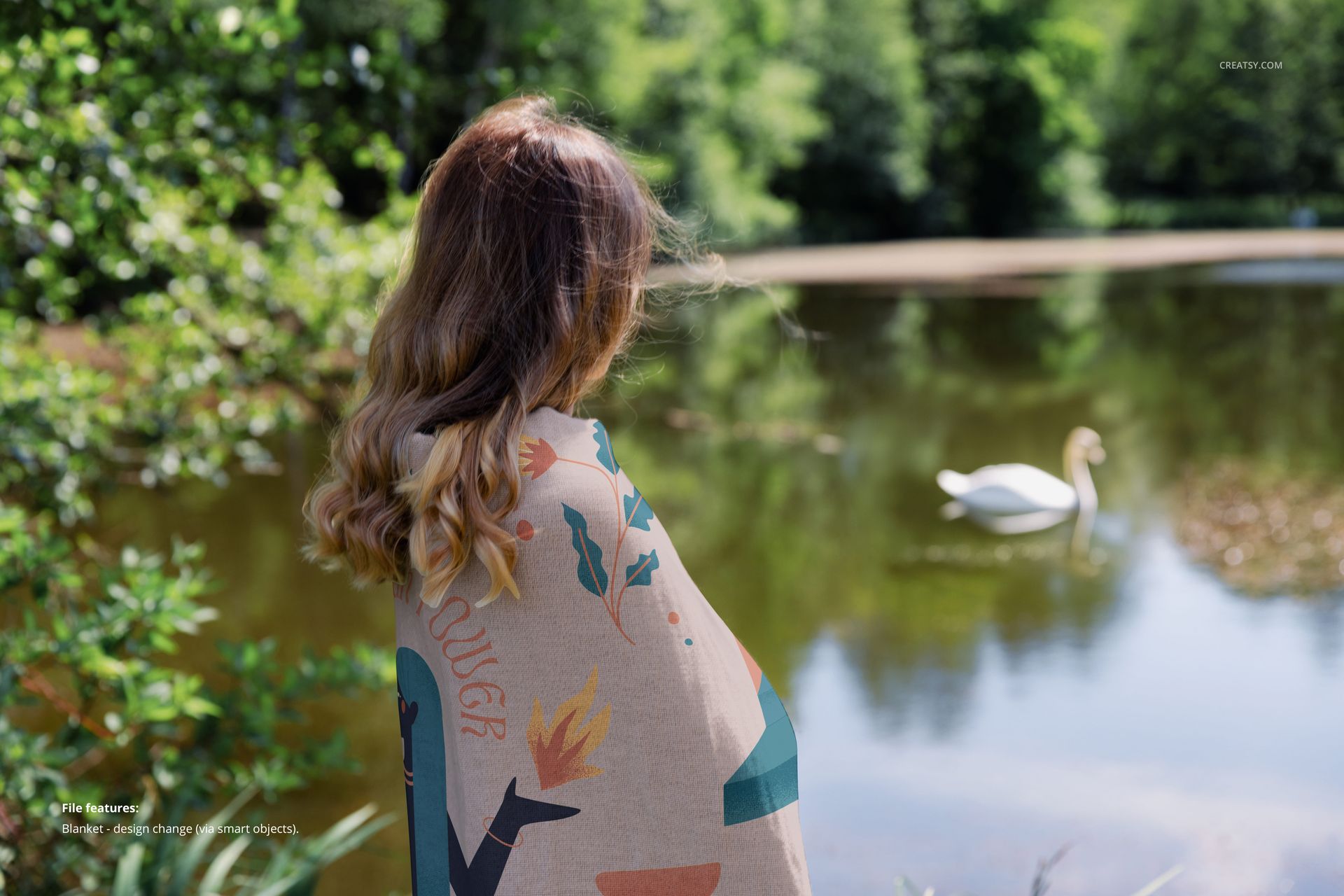
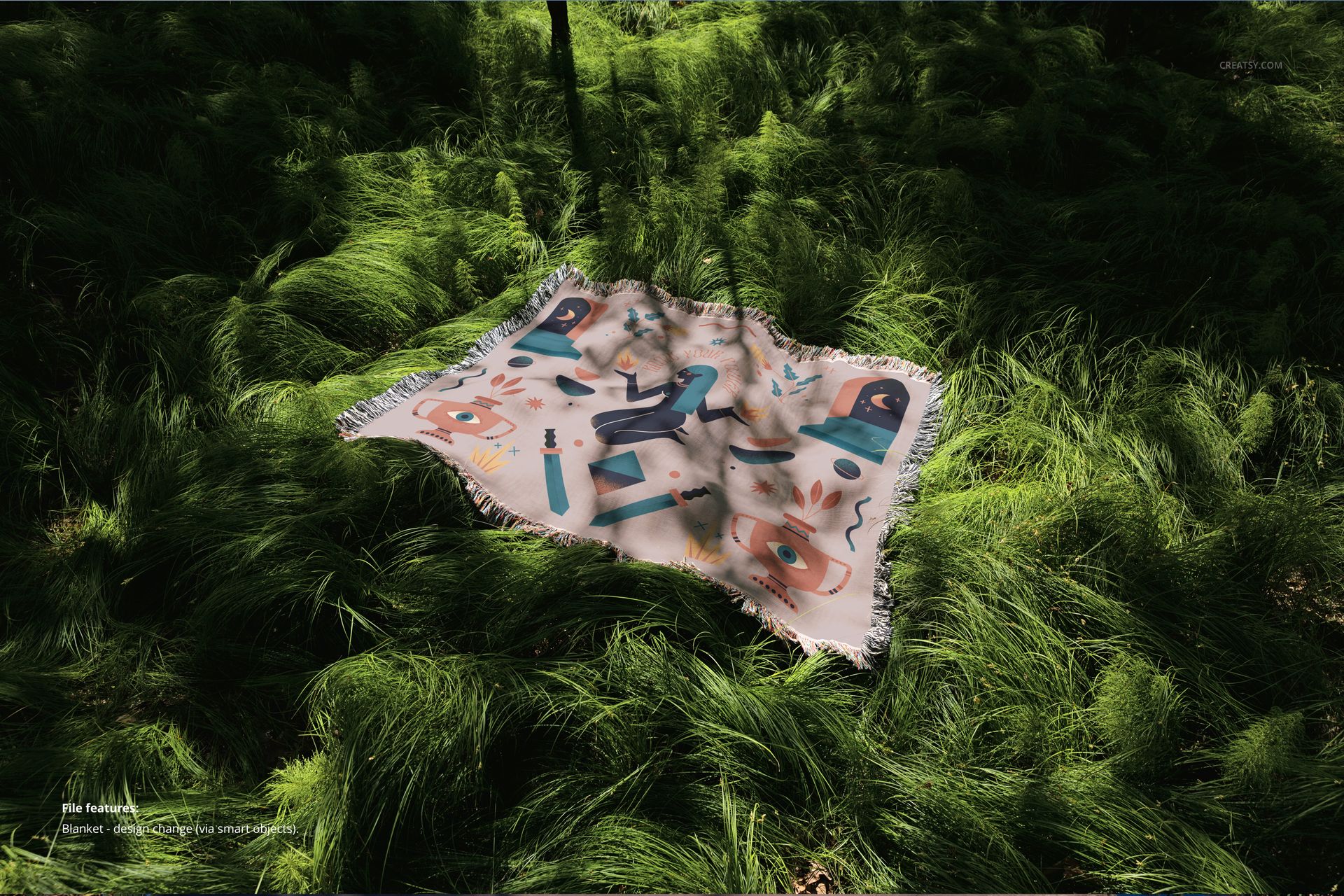
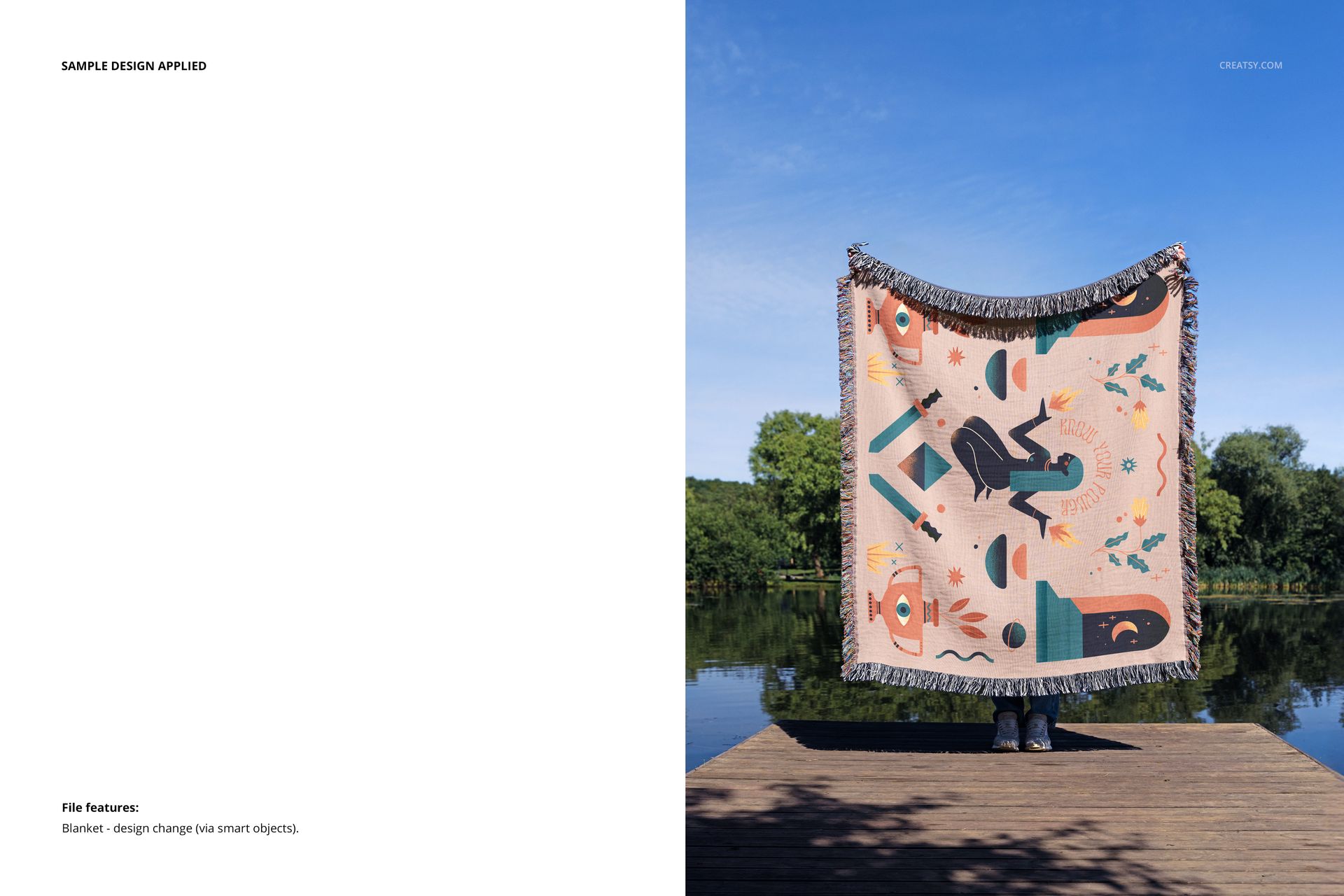
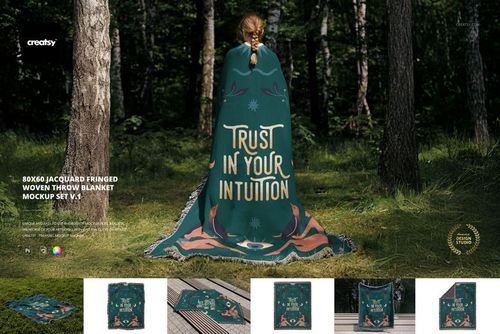
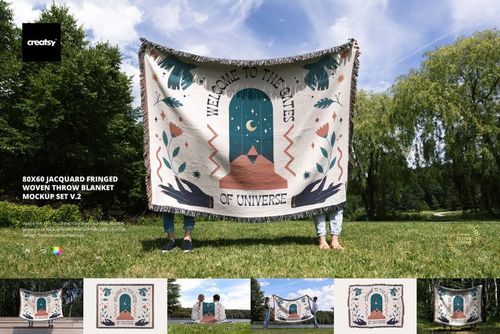
This set captures your jacquard blanket design in breathtaking forest clearings, across sun-dappled grass, and in calm lakeside moments. You’ll find a blanket spread out for a peaceful picnic, gently draped between trees, or folded over the shoulders of a model watching the water. These aren’t just lifestyle shots – they’re invitations to imagine your textile patterns living in real, beautiful spaces.
A Canvas Made for Texture and Color
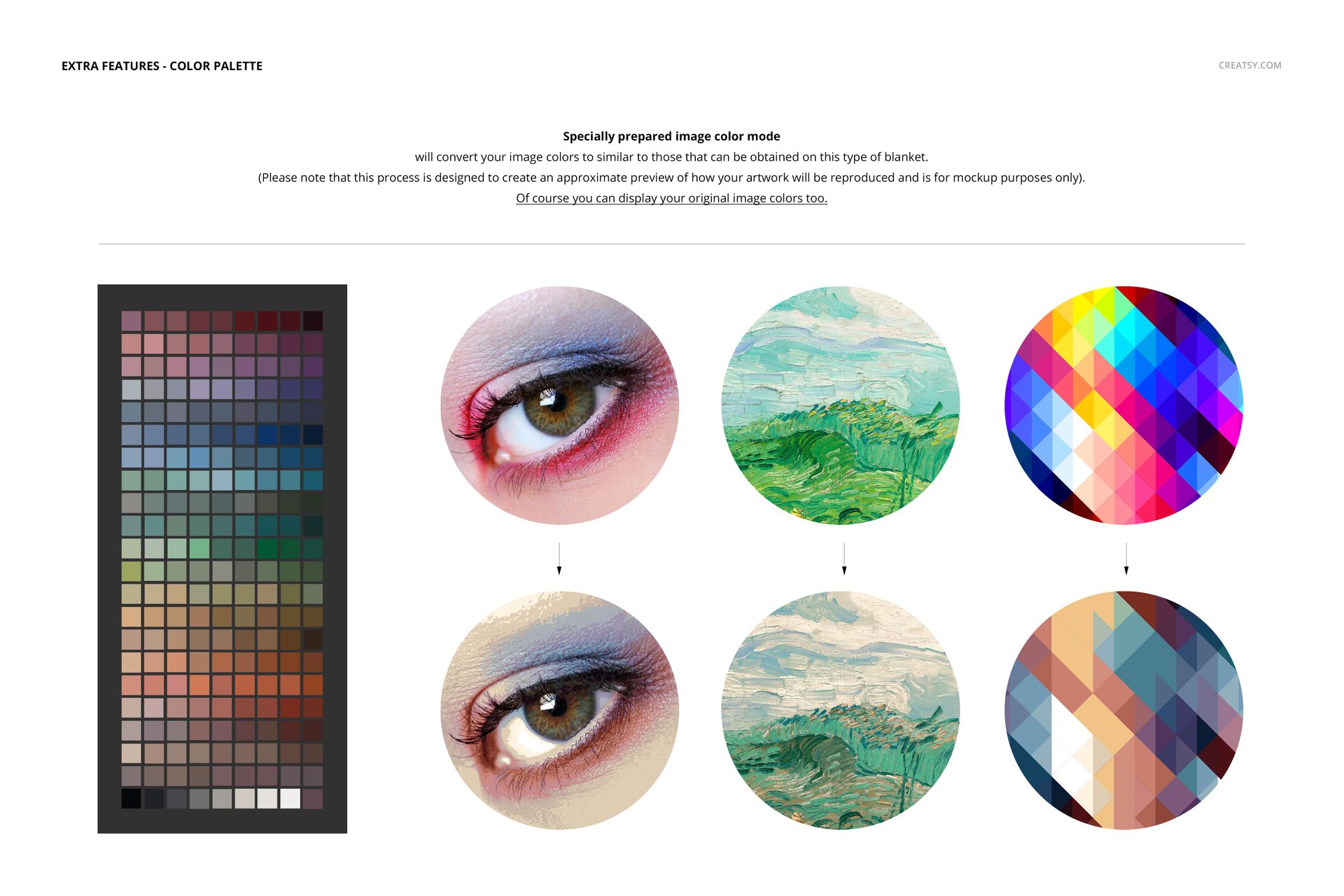
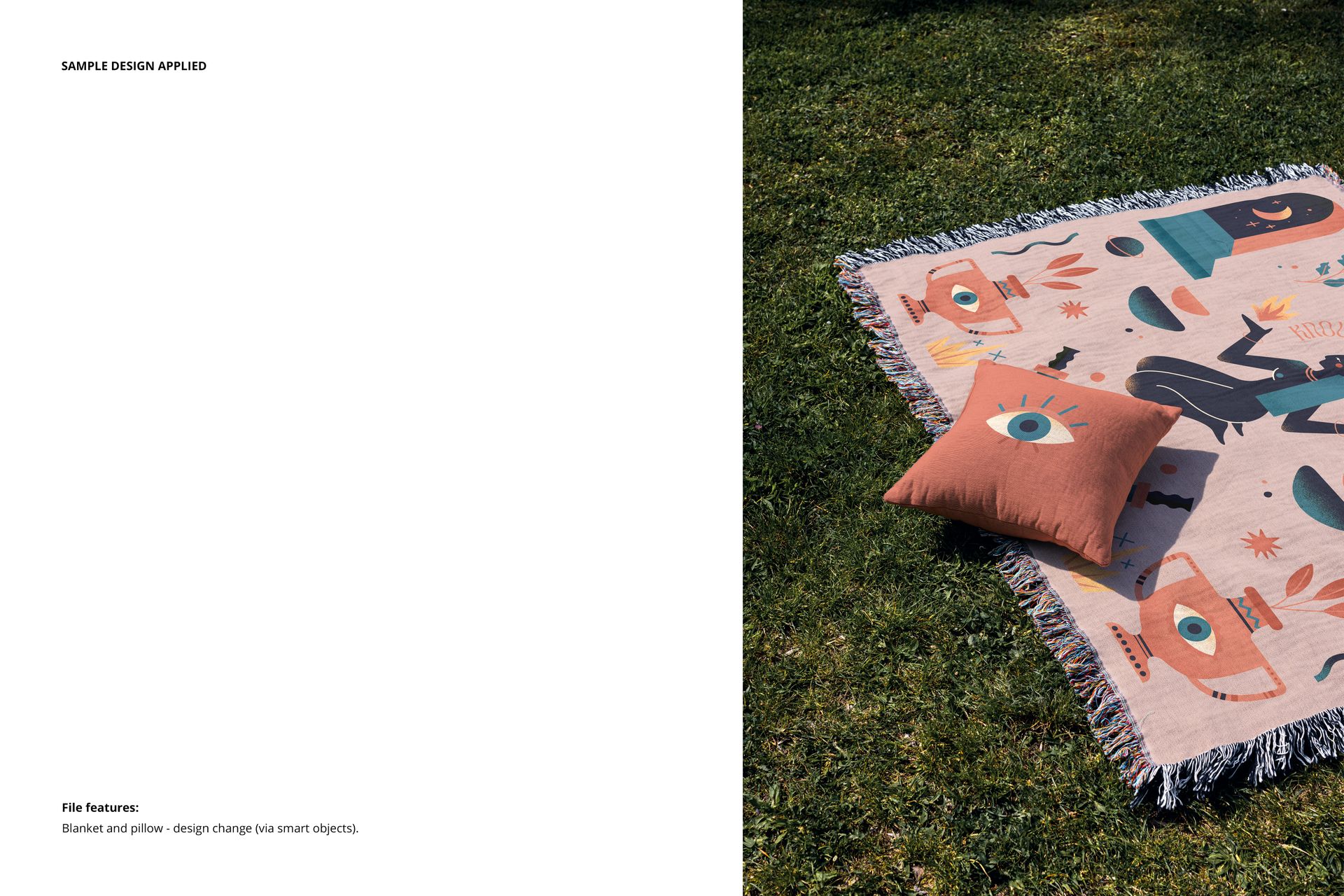
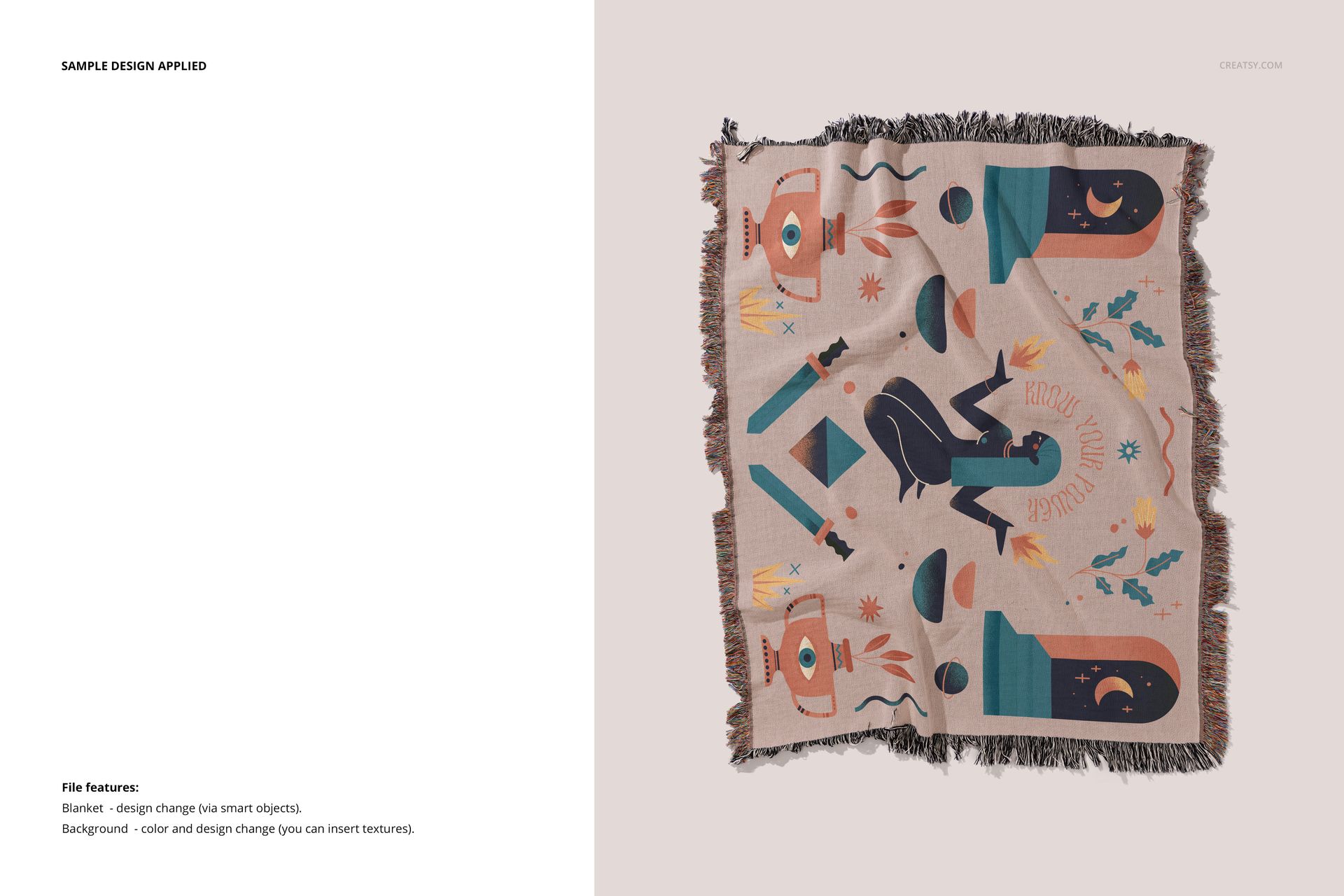
Every detail has been considered, from the texture of the jacquard fabric to the soft shadows playing across the blanket’s surface. Apply your own artwork, patterns, or lettering using smart objects, then enhance your presentation with a special image color mode that ensures your colors translate with natural accuracy. Add your own textures or backgrounds to the minimalist studio shots to align your brand vision with the final image.
Files work only in Photoshop (min. version CC2020) and in free online editor: Photopea.com;
Pack includes 7 .psd files: 6000x4000 px, 300dpi;
Check screenshots for all the features;
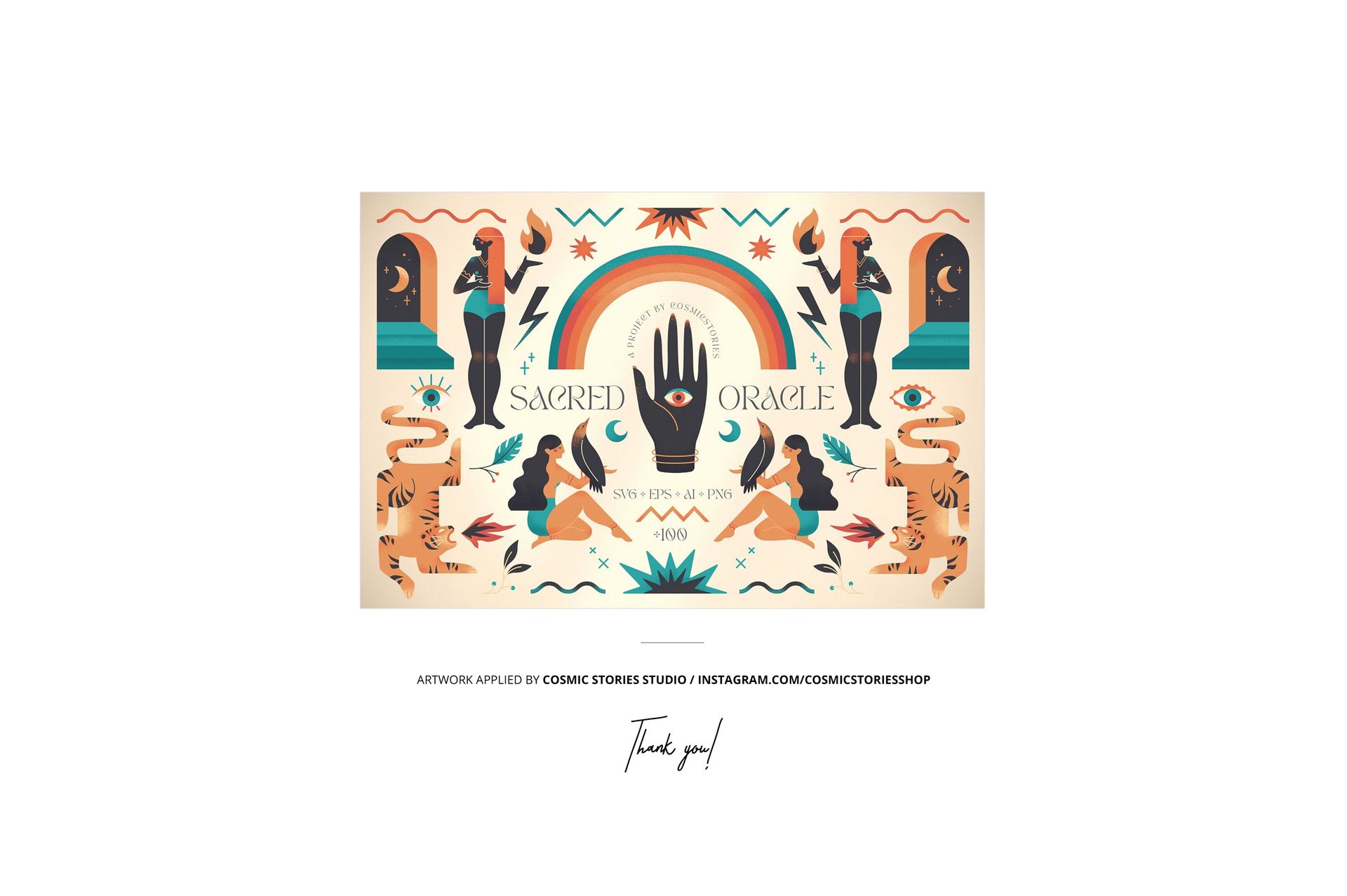
Design applied on mockups by Cosmic Stories Studio: instagram.com/cosmicstoriesco (not included in the main zip file);
Well organized layers.