About the Product
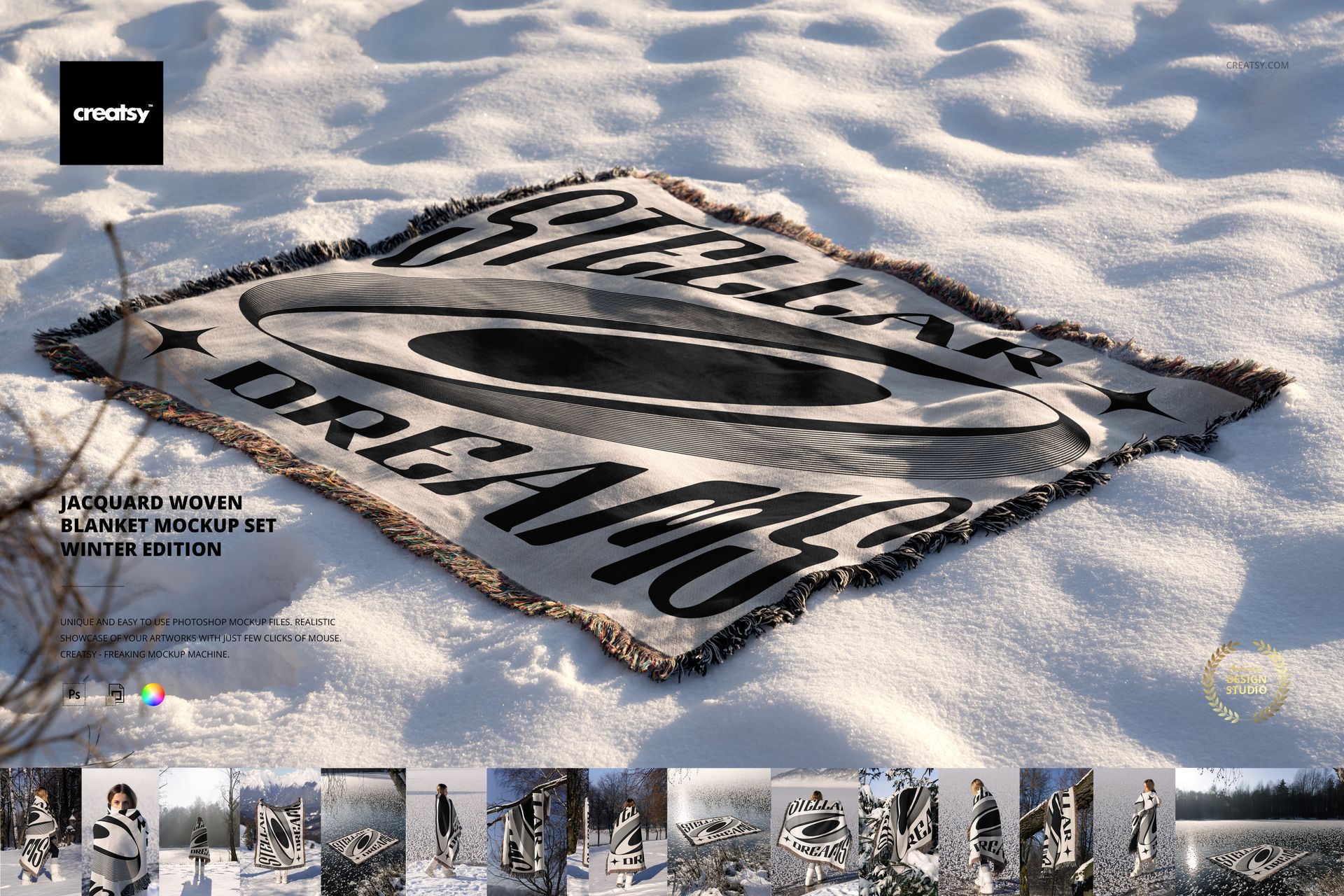
Jacquard Woven Blanket Mockup Set - Winter Edition by Creatsy is a blanket mockup that weaves your design into the fabric itself, so it reads like a real jacquard throw instead of a flat print laid on top. You get 19 layered Photoshop PSD scenes at up to 6000 by 4000 px, 300 dpi, with smart objects and recolor layers. Drop in one pattern and you walk away with 19 styled product shots, which is exactly what a print-on-demand seller needs to fill an Etsy or Printful listing without booking a winter photo shoot.
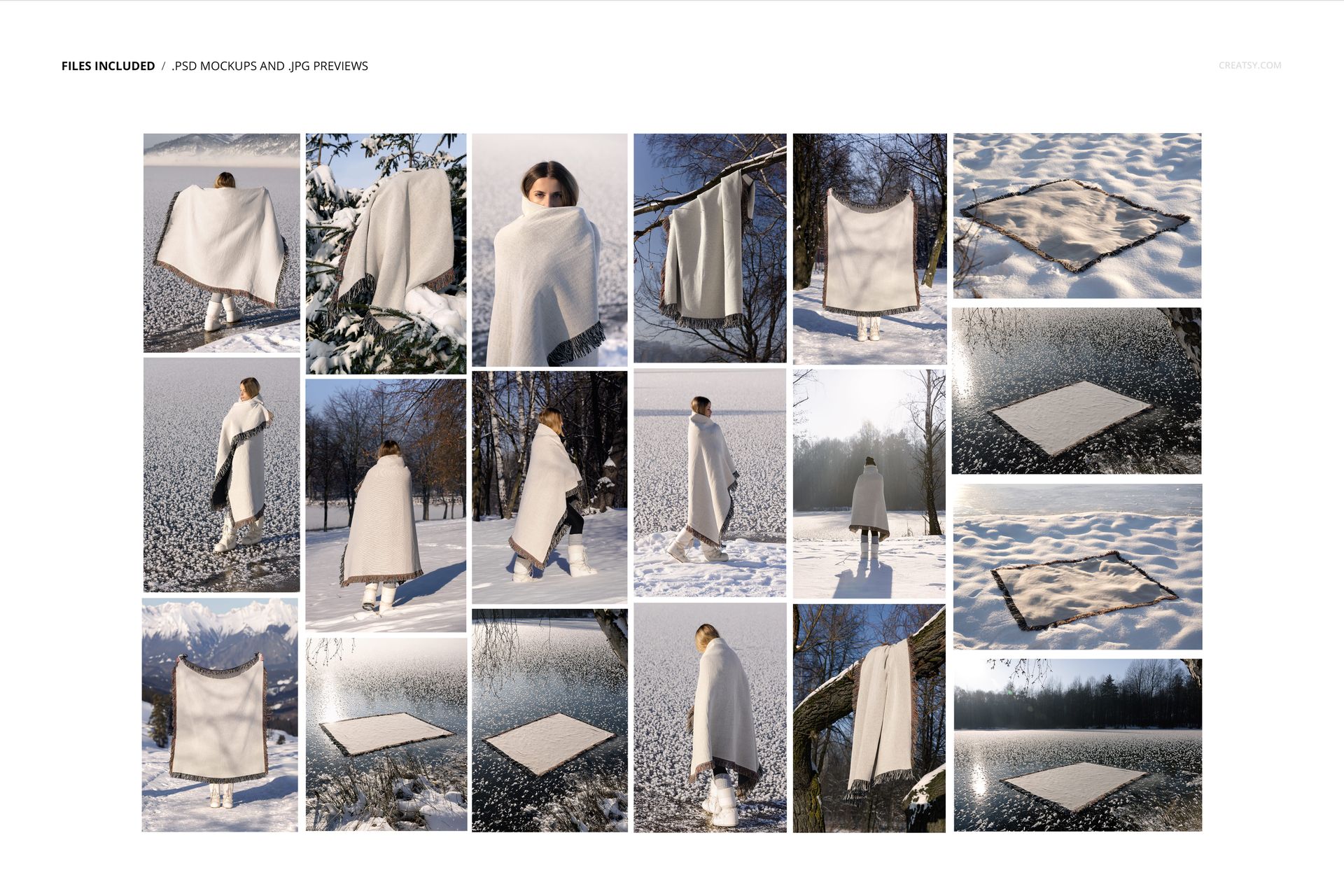
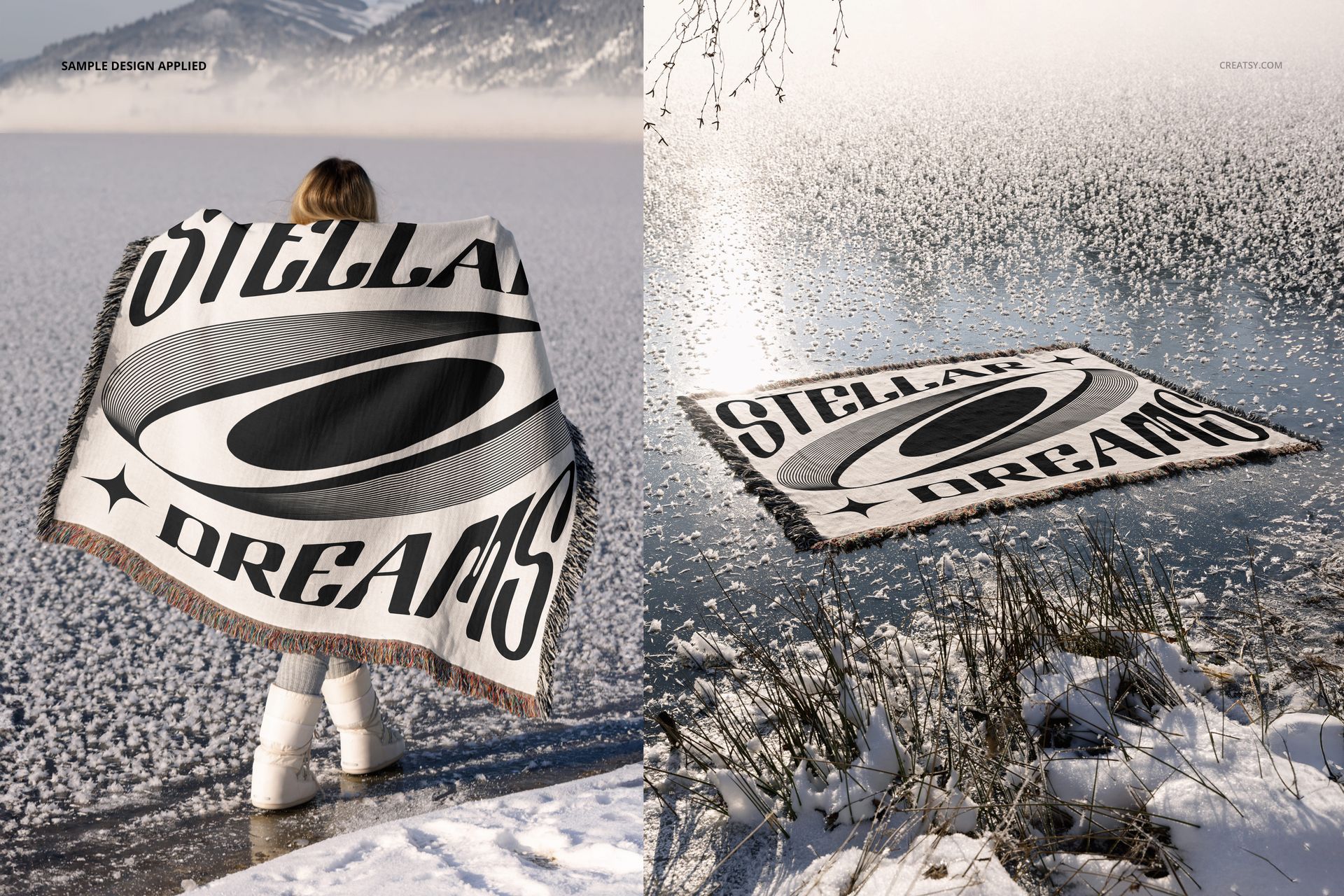
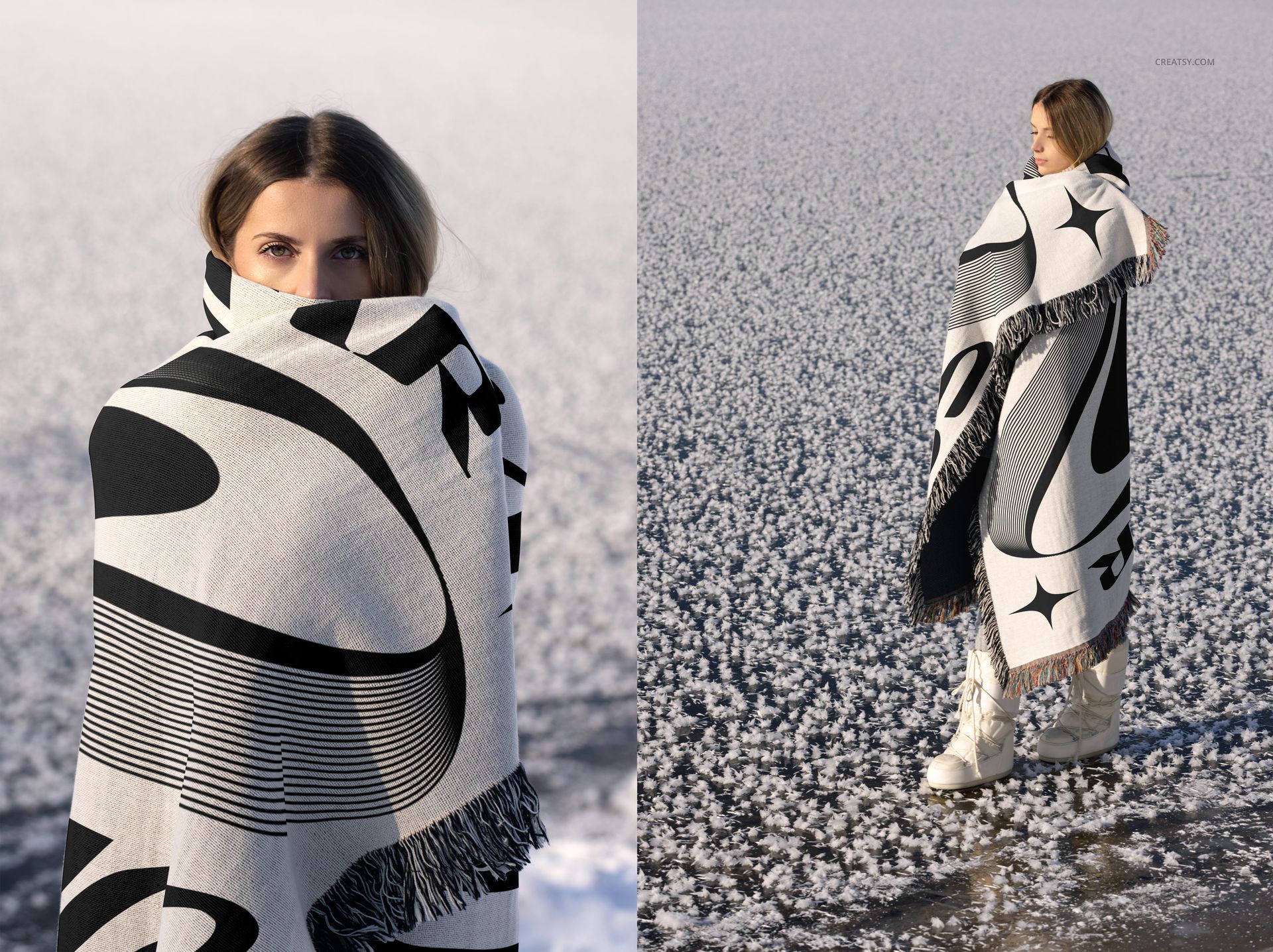
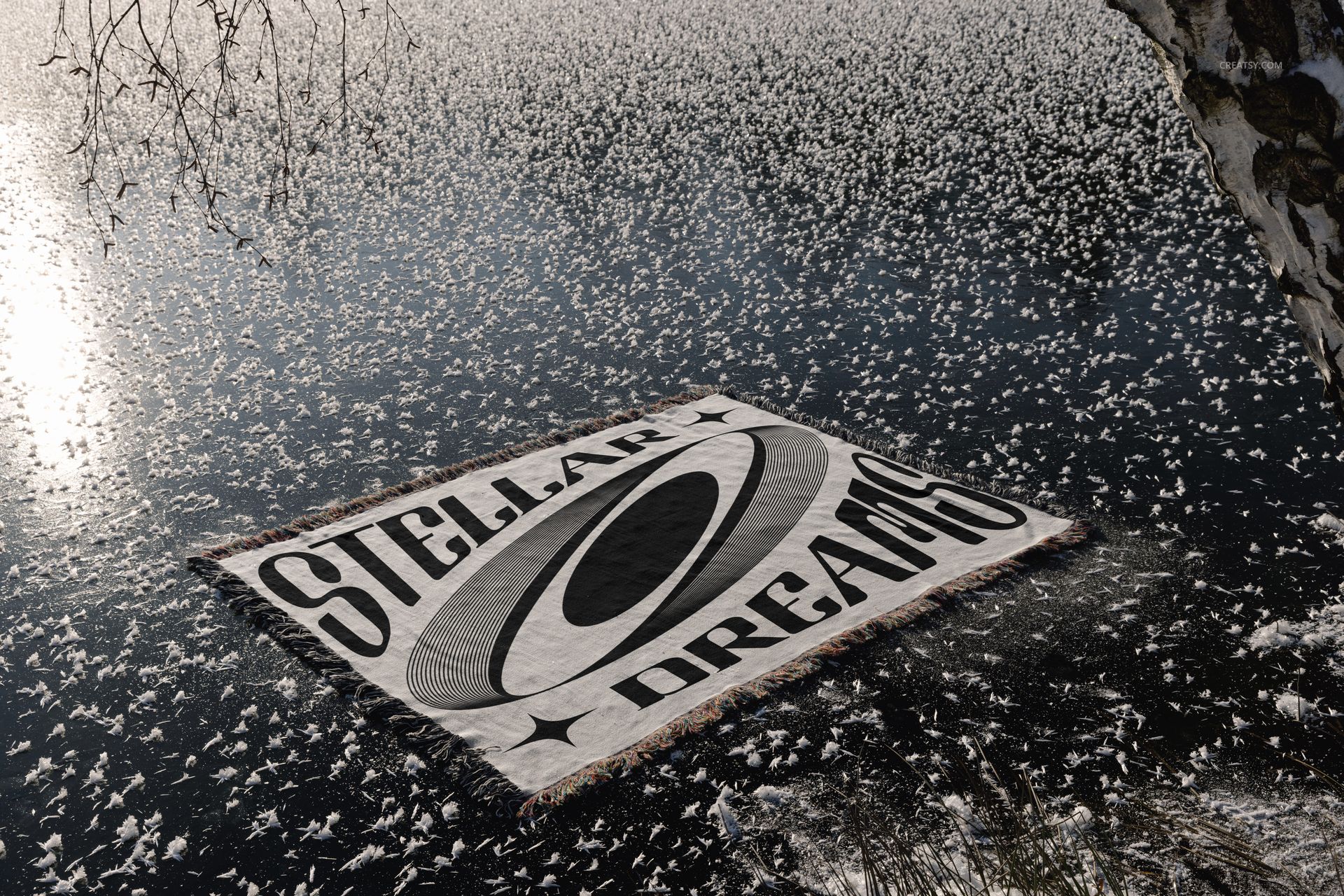
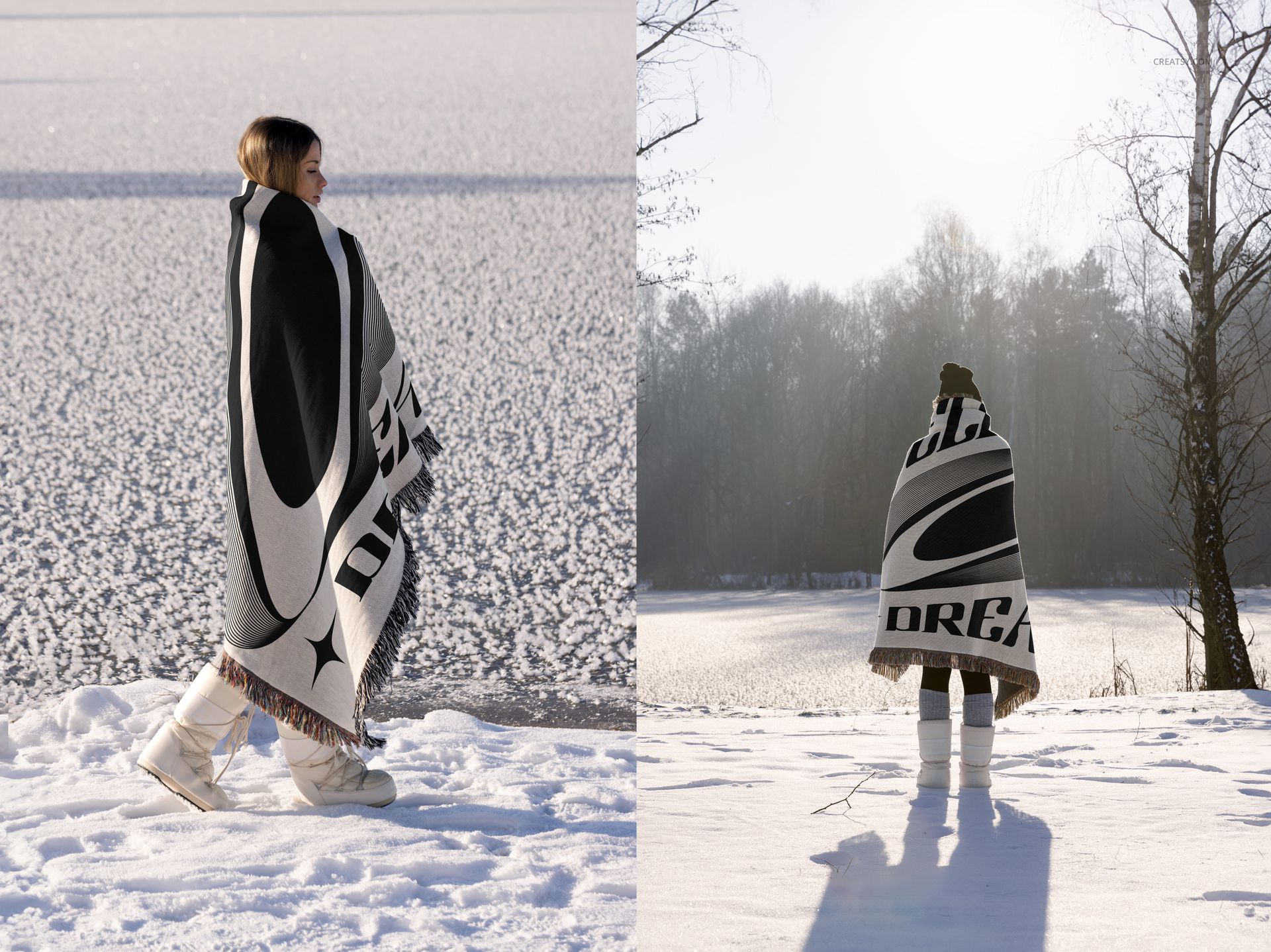
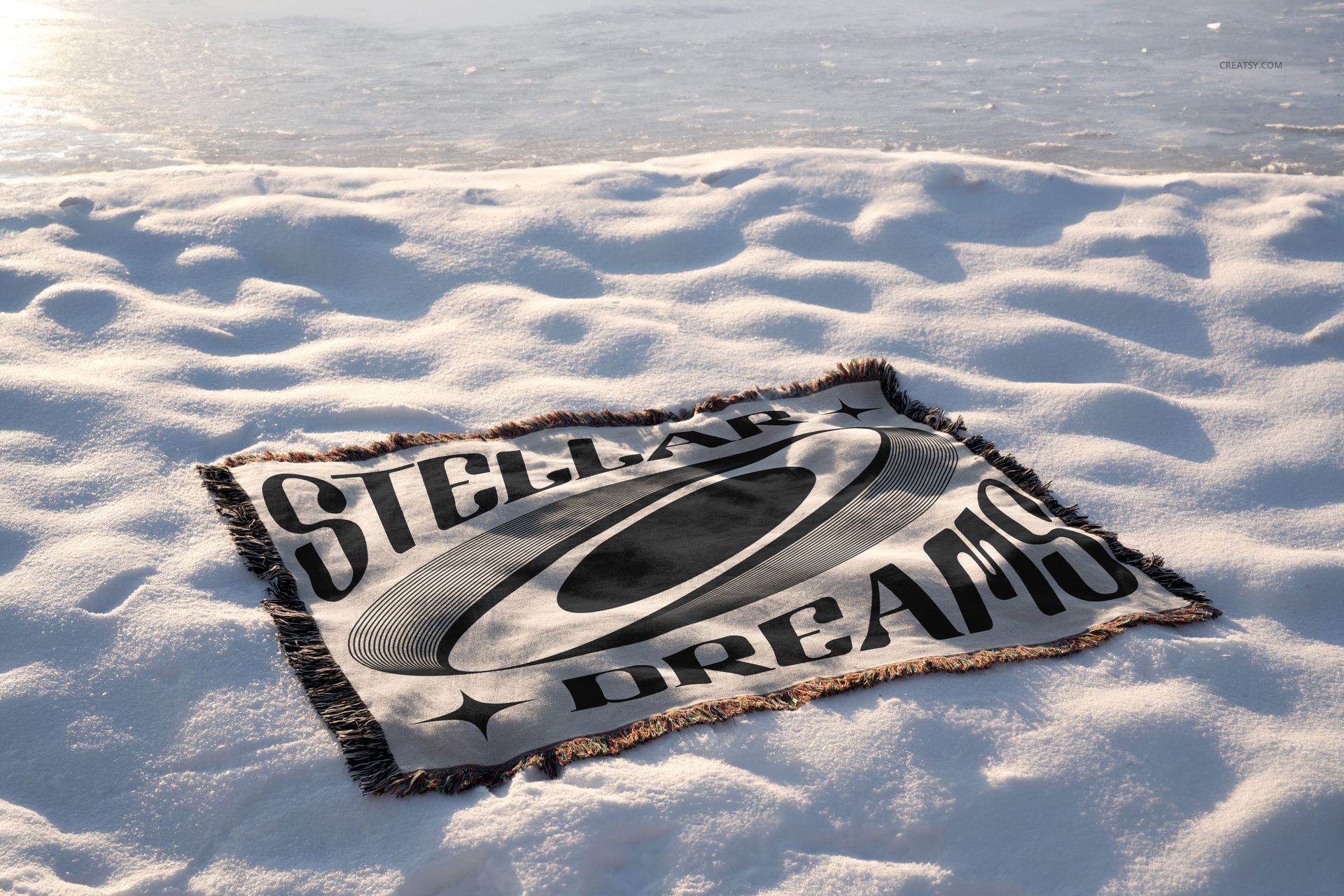
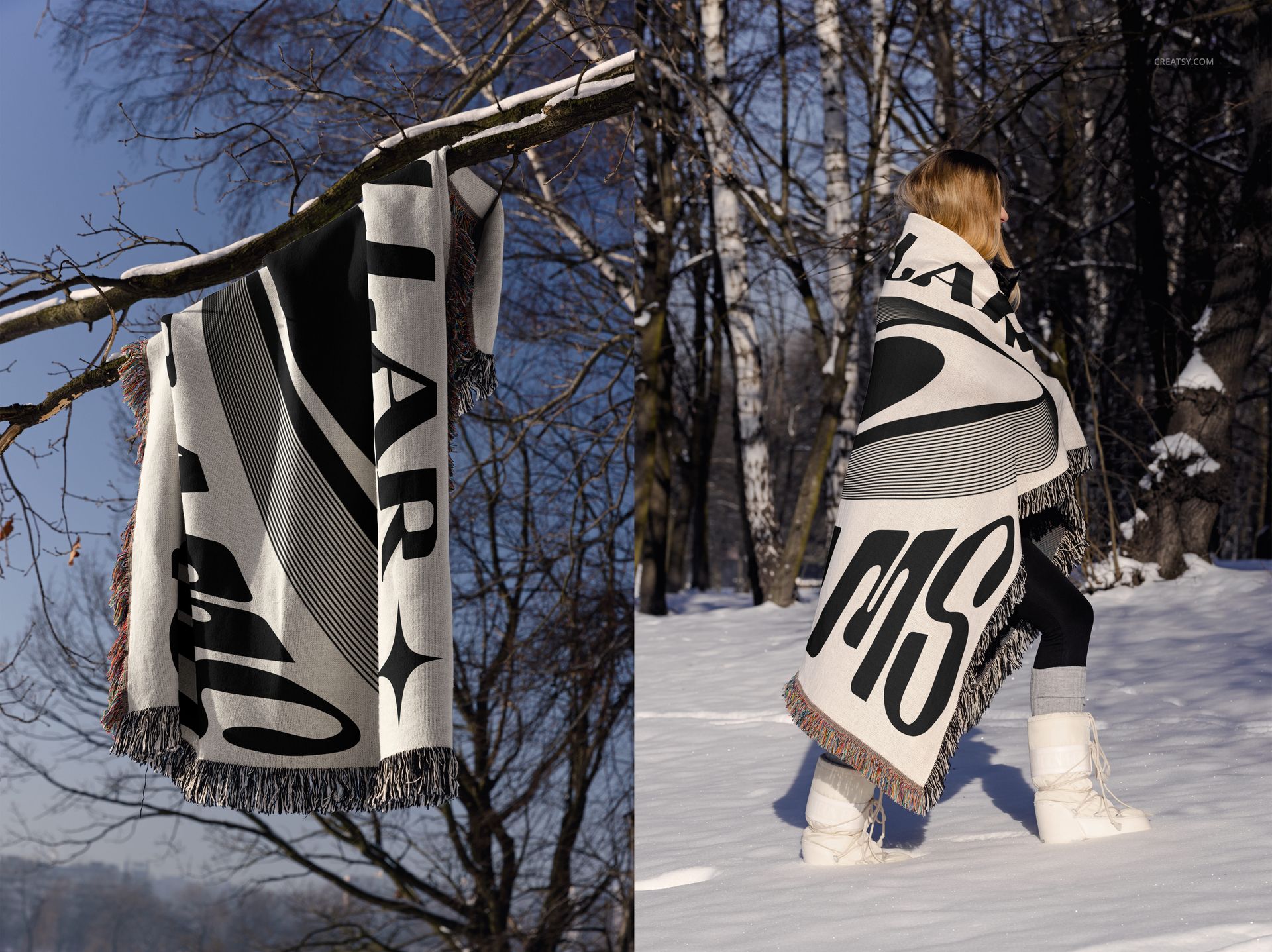
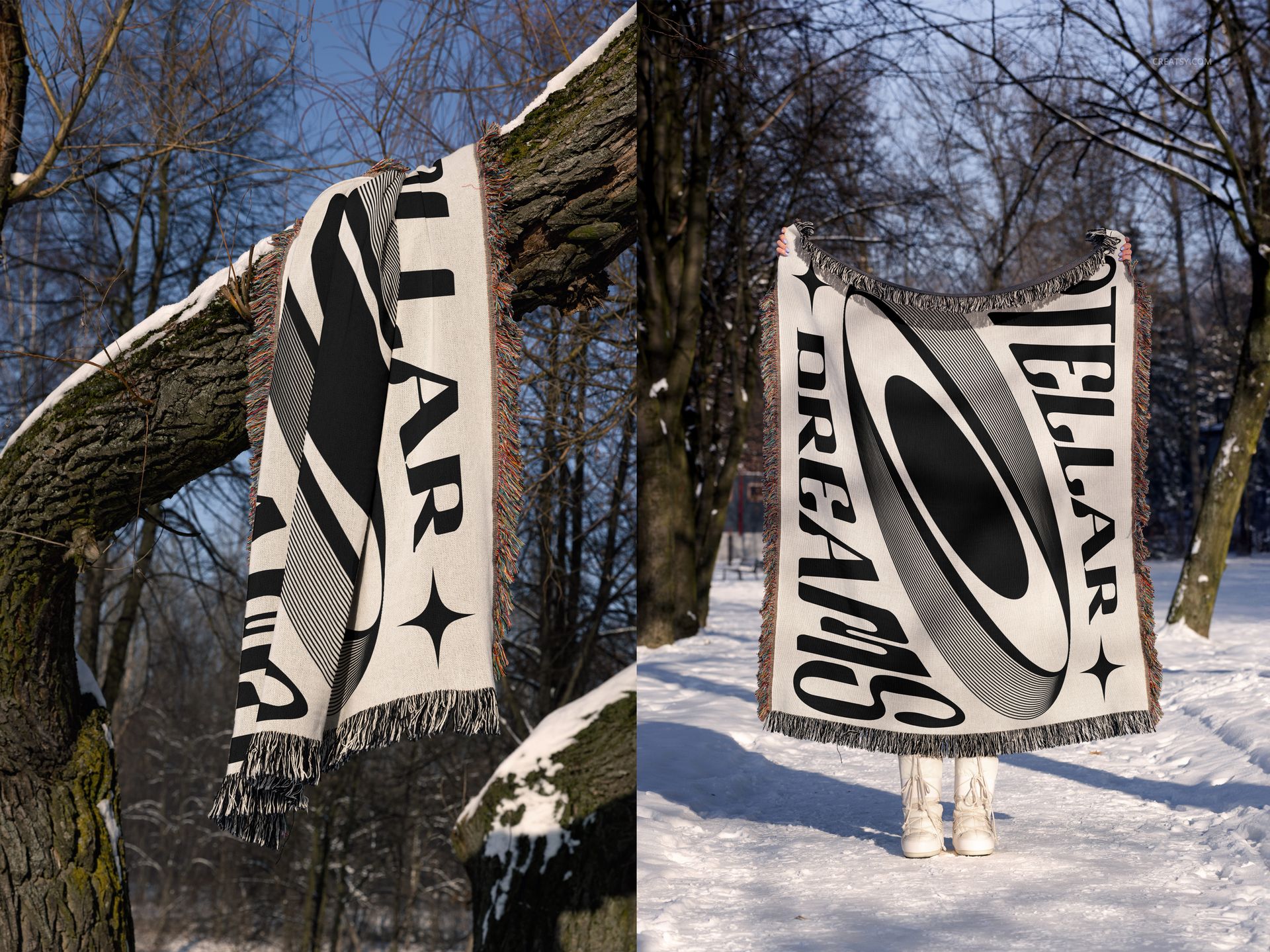
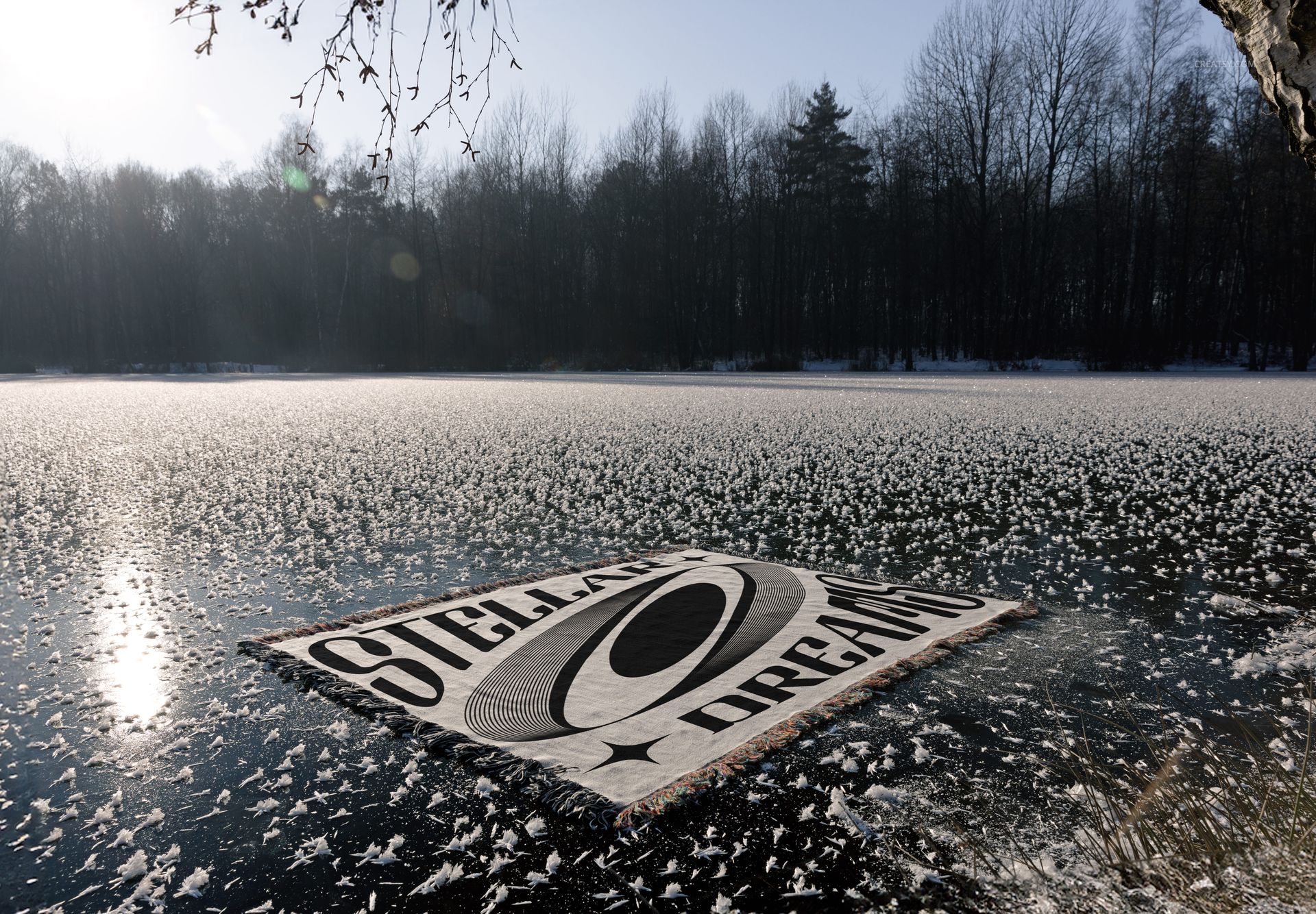
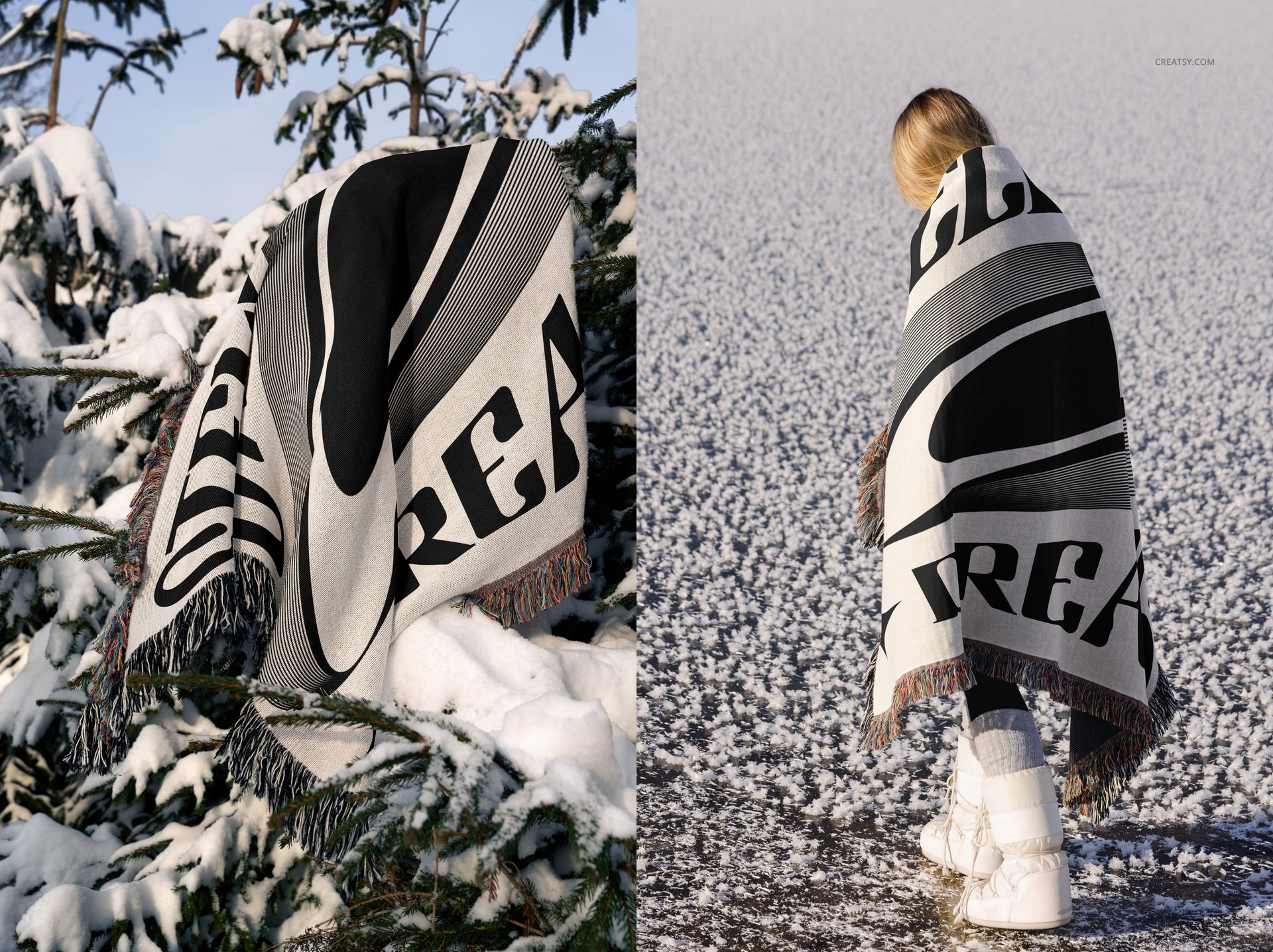
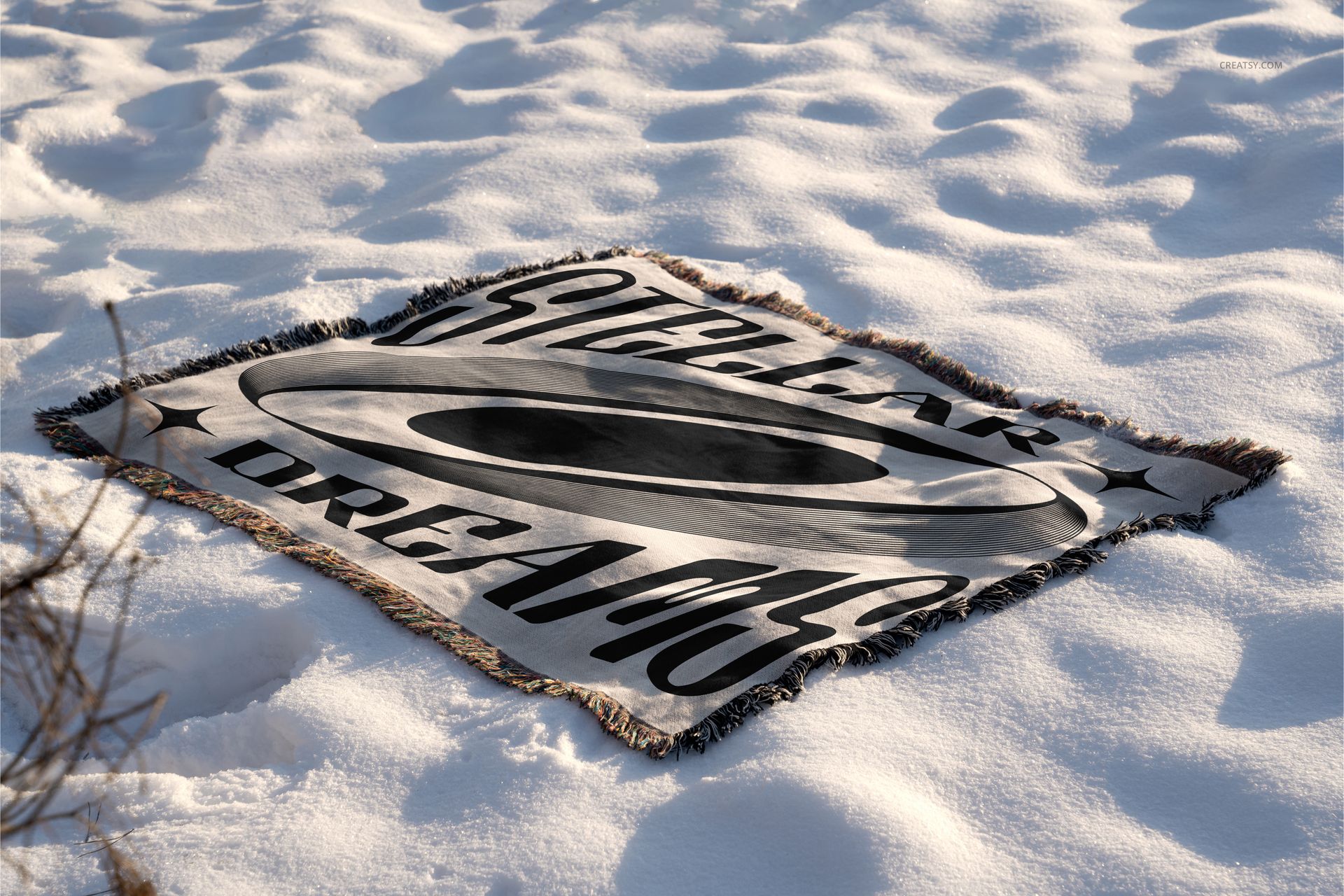
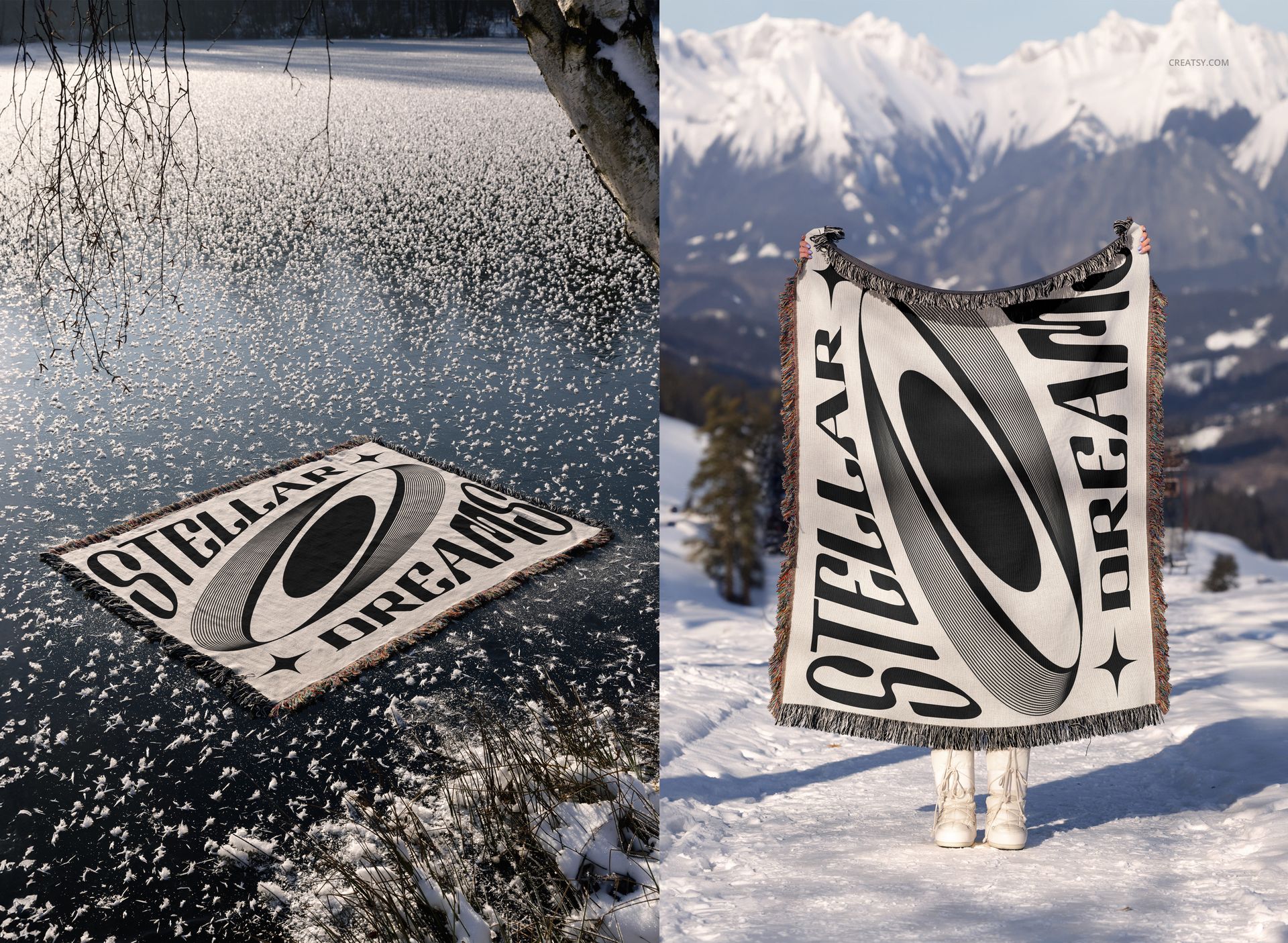
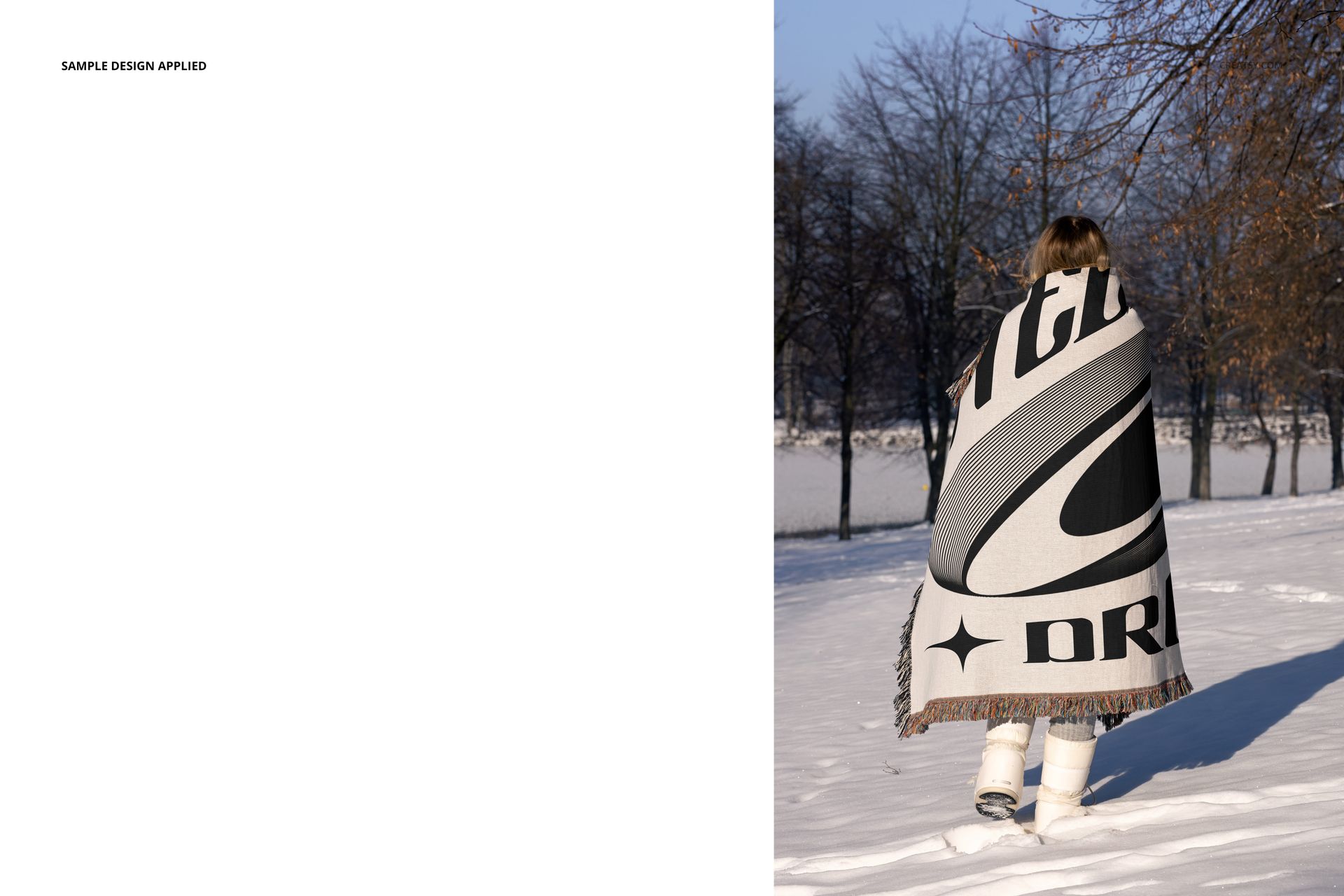
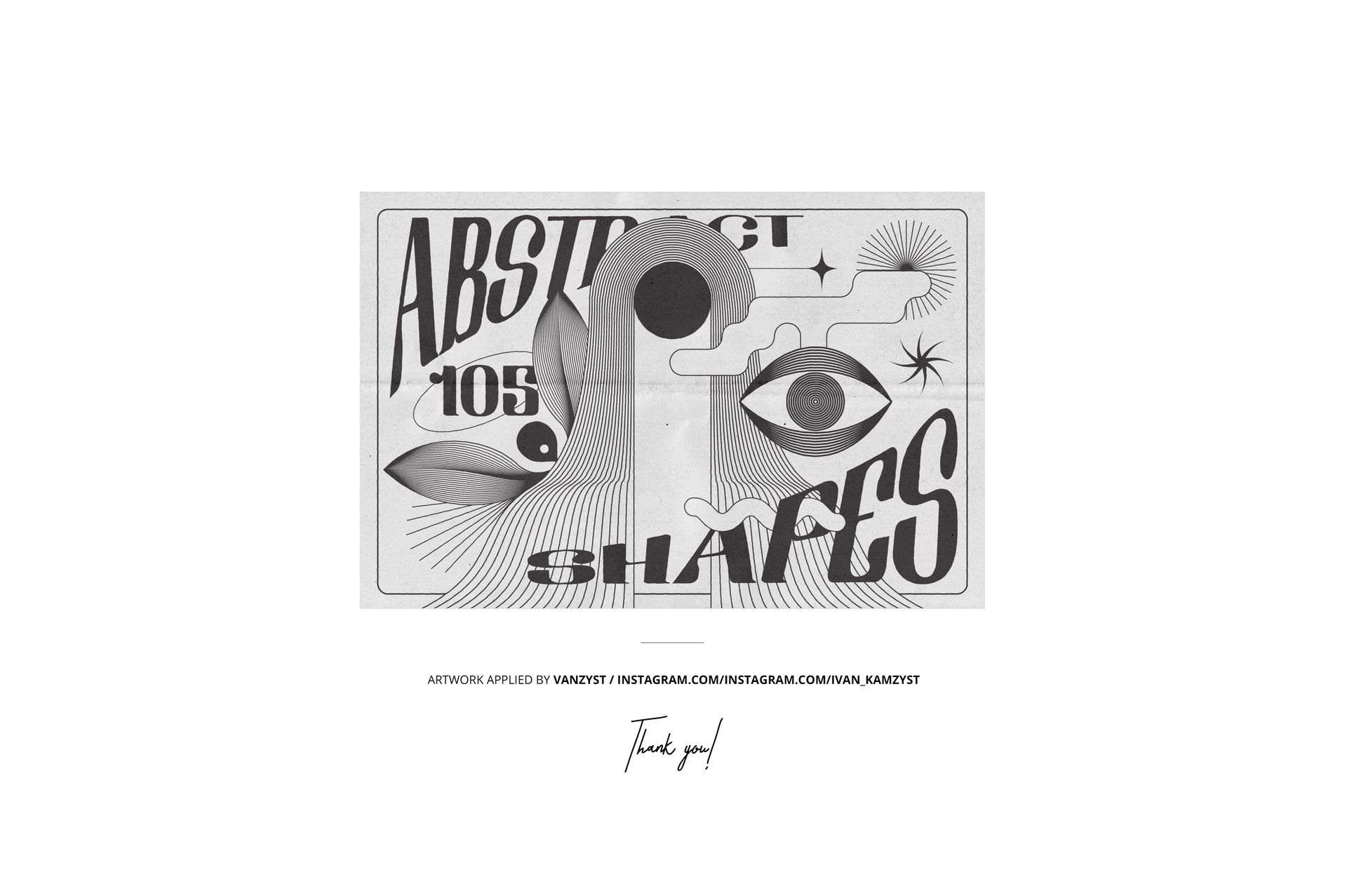
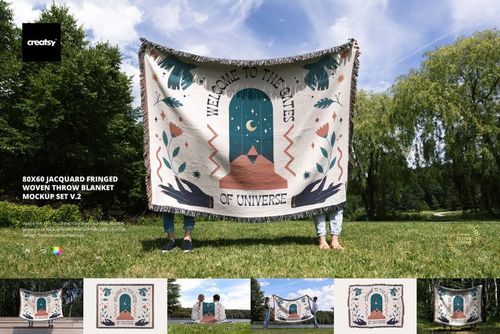
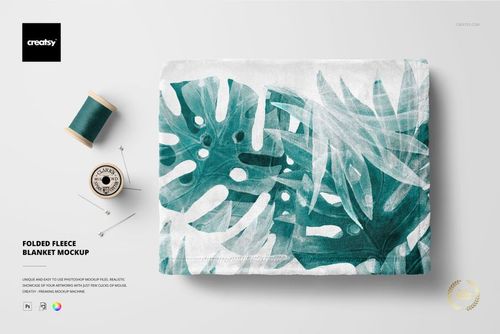
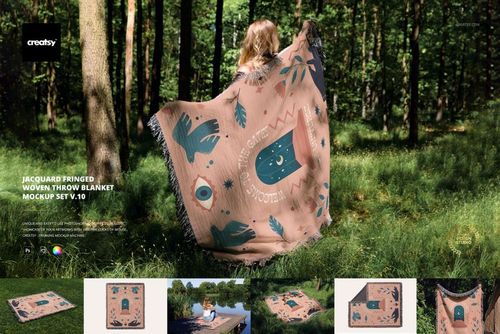
The scenes are shot outdoors in snow: the throw laid flat from above, draped over a person, spread on a frozen lake, and folded to show its fringed edge. Because the design follows the weave, fine lines and bold graphics both pick up the texture and the shadow of the fabric, so your pattern looks knitted in rather than stuck on. The example artwork shown in the previews was made by Vanzyst and is not part of the download.
What you get
19 layered Adobe Photoshop PSD scenes, up to 6000 by 4000 px at 300 dpi
Smart objects for the blanket surface, so your artwork takes the woven texture automatically
A range of winter scenes: flat lay from above, draped on a person, on a frozen lake, fringed-edge close-ups, and large-graphic layouts
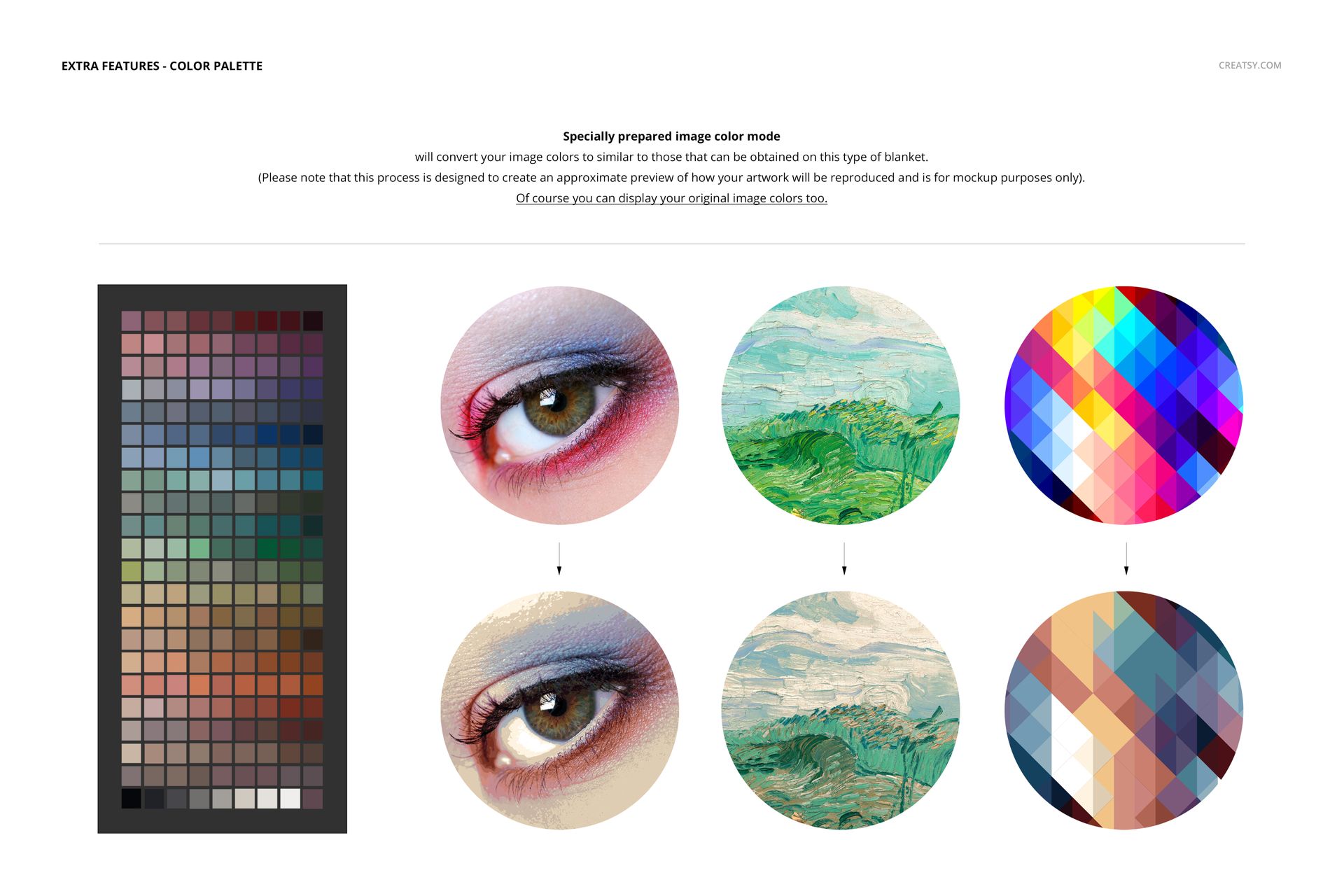
A color-palette reference with sample designs, so you can plan a collection
Fringed jacquard throw with visible weave on every scene
File types .psd and .jpg; 40 files in total; package size 1.74 GB on Windows, 1.87 GB on macOS
Built for Adobe Photoshop, CC2020 or later, and free online editor Photopea.com
Specifications
Scenes: 19 layered PSD files
Files total: 40 (.psd and .jpg)
Resolution: up to 6000 by 4000 px, 300 dpi
Editable: smart objects plus recolor layers
Texture: design woven into the fabric (jacquard)
Software: Adobe Photoshop CC2020 or later
Package size: 1.74 GB (Windows) / 1.87 GB (macOS)
License: Standard, $30.40
How it works
Open a scene PSD in Adobe Photoshop CC2020 or later.
Double-click the blanket smart object and paste your pattern or graphic.
Save, and your design takes on the weave, fringe, and scene light.
Export the JPG for your Etsy or Printful listing, portfolio, or pitch.












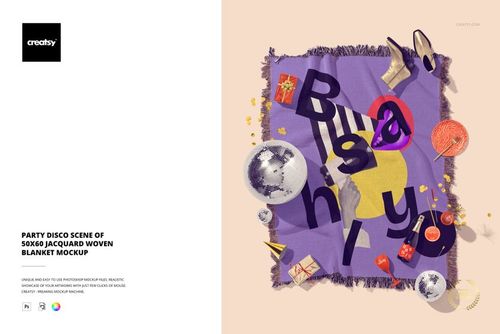
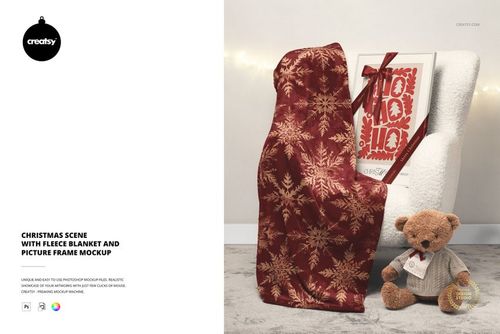
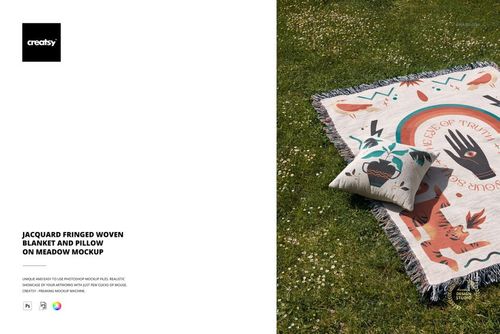
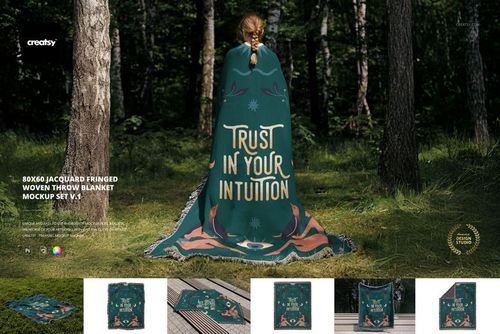
The Jacquard Woven Blanket Mockup Set - Winter Edition is absolutely stunning! From the moment I started using these mockups, I was blown away by the attention to detail and the realistic textures. The cozy, wintery feel perfectly captures the essence of the season and adds a professional, polished touch to my product listings. The variety of scenes and angles included in this set is fantastic, offering so much versatility for showcasing my designs. Whether it’s for marketing campaigns, social media, or my online shop, these mockups make my products look warm, inviting, and ready for the holidays. What I especially love is how easy the files are to use. The layers are organized, and customizing the mockups with my designs is seamless. It saves me so much time while giving my products a high-end presentation. If you’re looking to elevate your Jacquard Woven Blanket designs this winter, this mockup set is a must-have. I’m incredibly happy with this purchase and can’t wait to see what other seasonal mockups they create next!
Thank you so much for this beautiful review! We’re so happy to hear the Winter Edition helped you create such a warm, polished presentation and that the cozy atmosphere, variety of scenes, and easy workflow stood out to you. Your kind words mean a lot to us, and we can’t wait to show you what else we create next. Happy creating ✨