Jacquard Fringed Woven Throw Blanket Mockup Set v.10
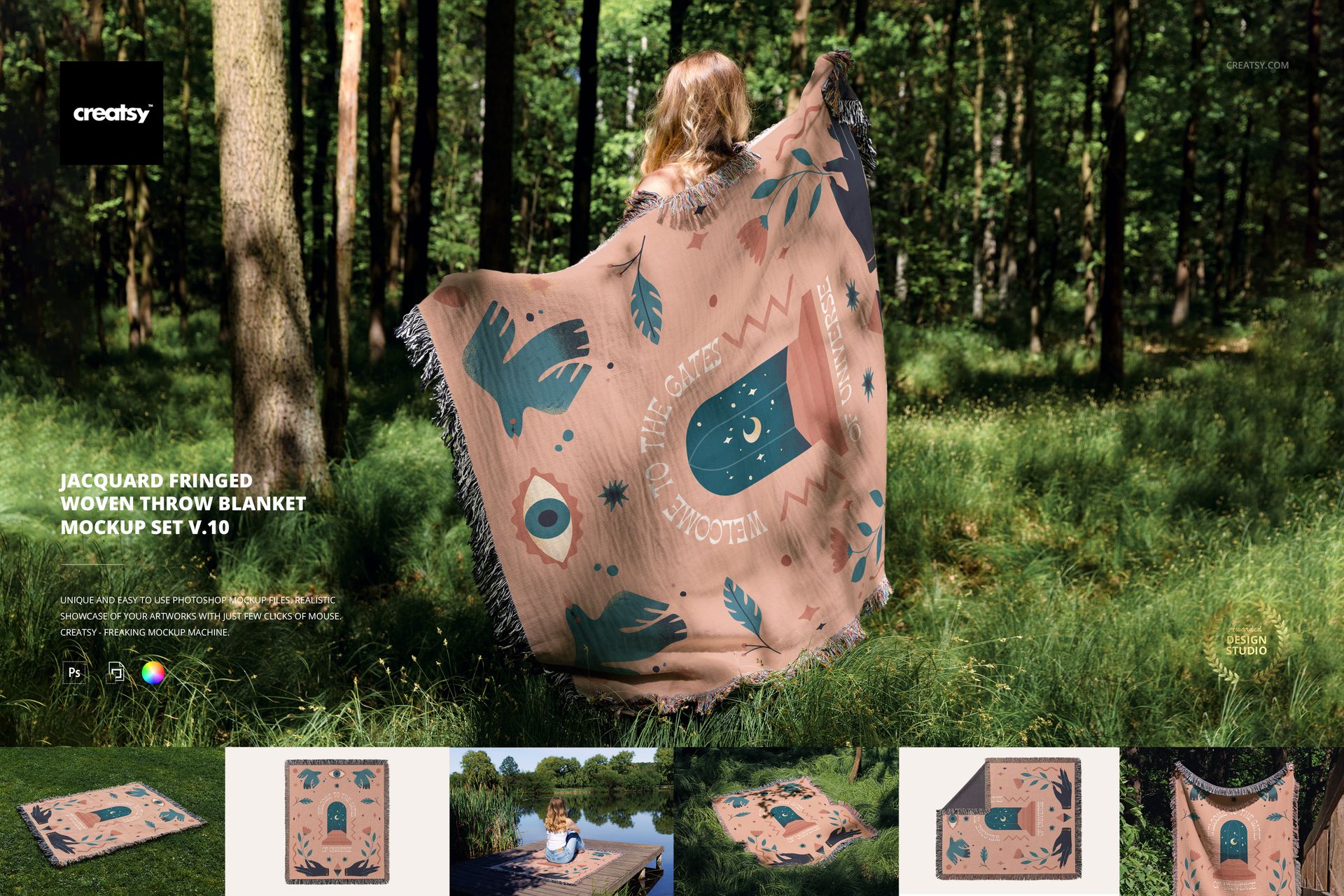
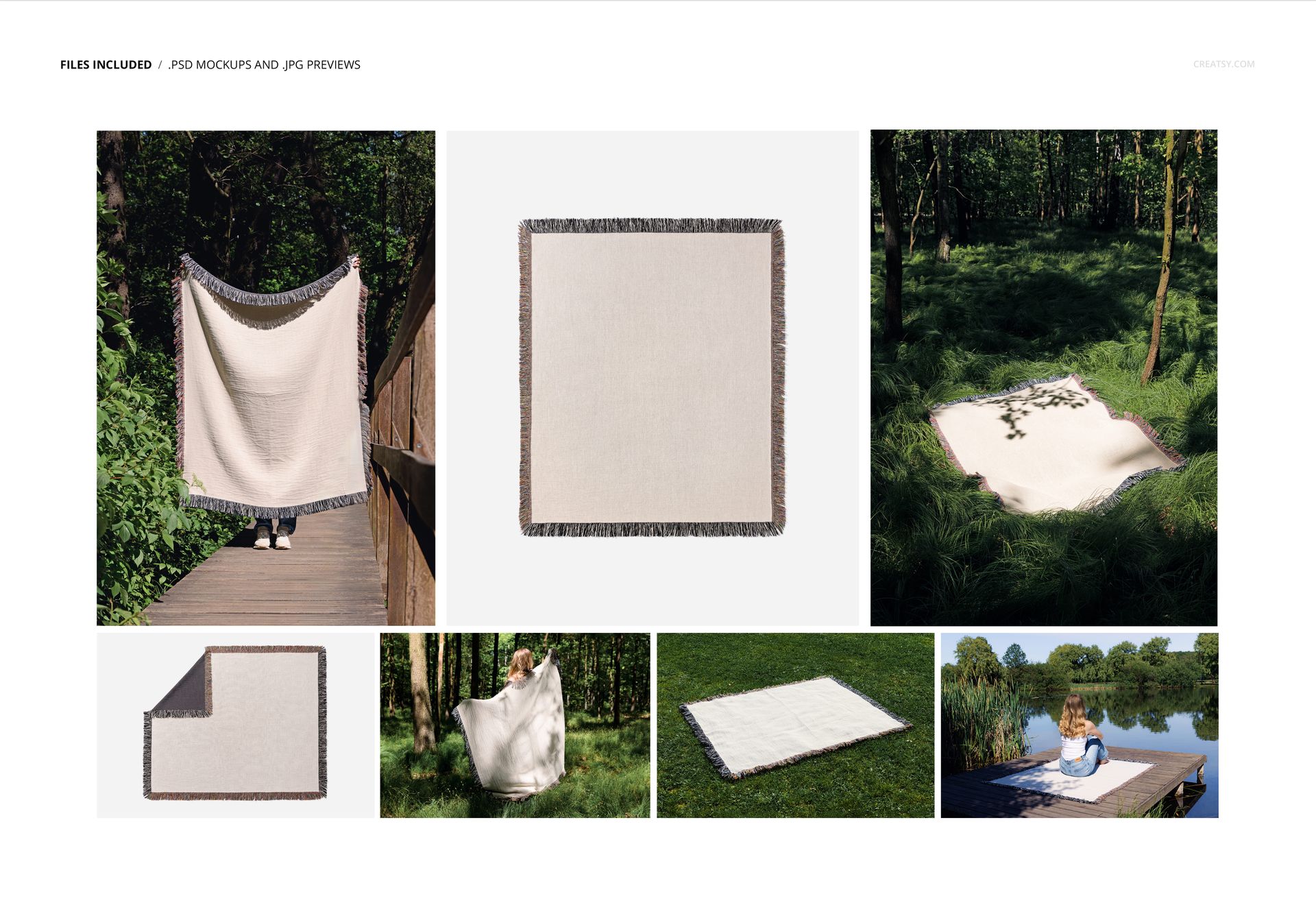
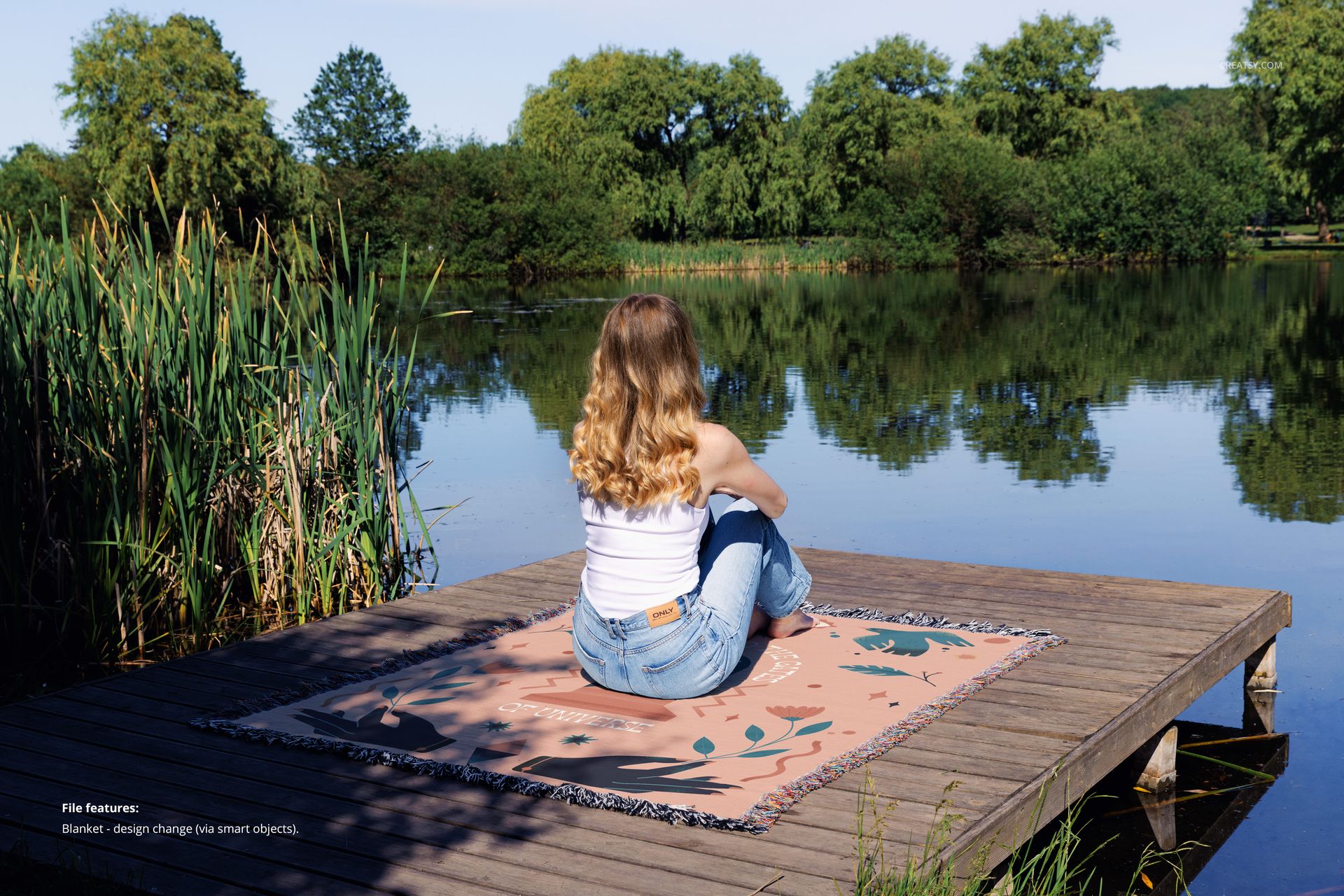
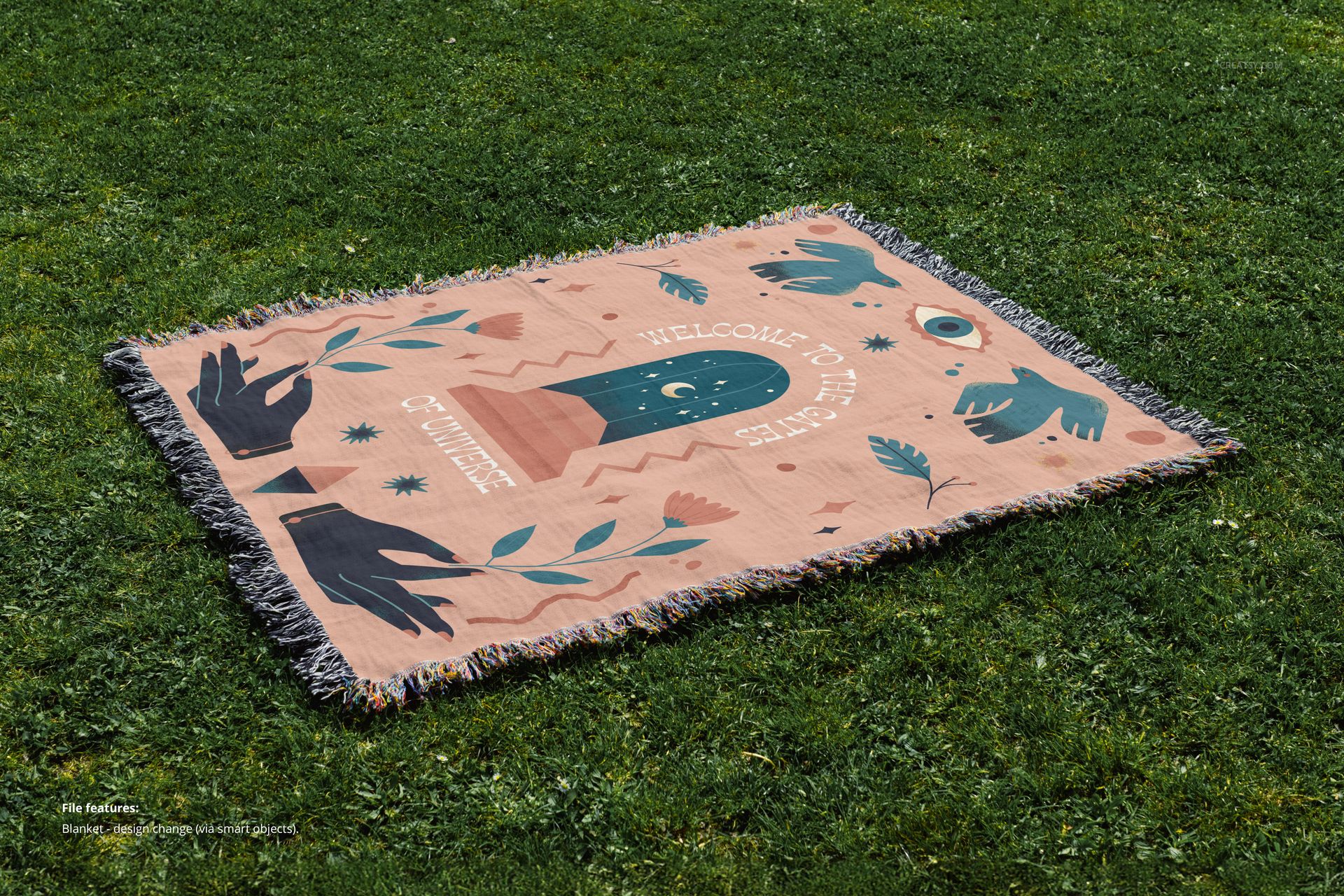
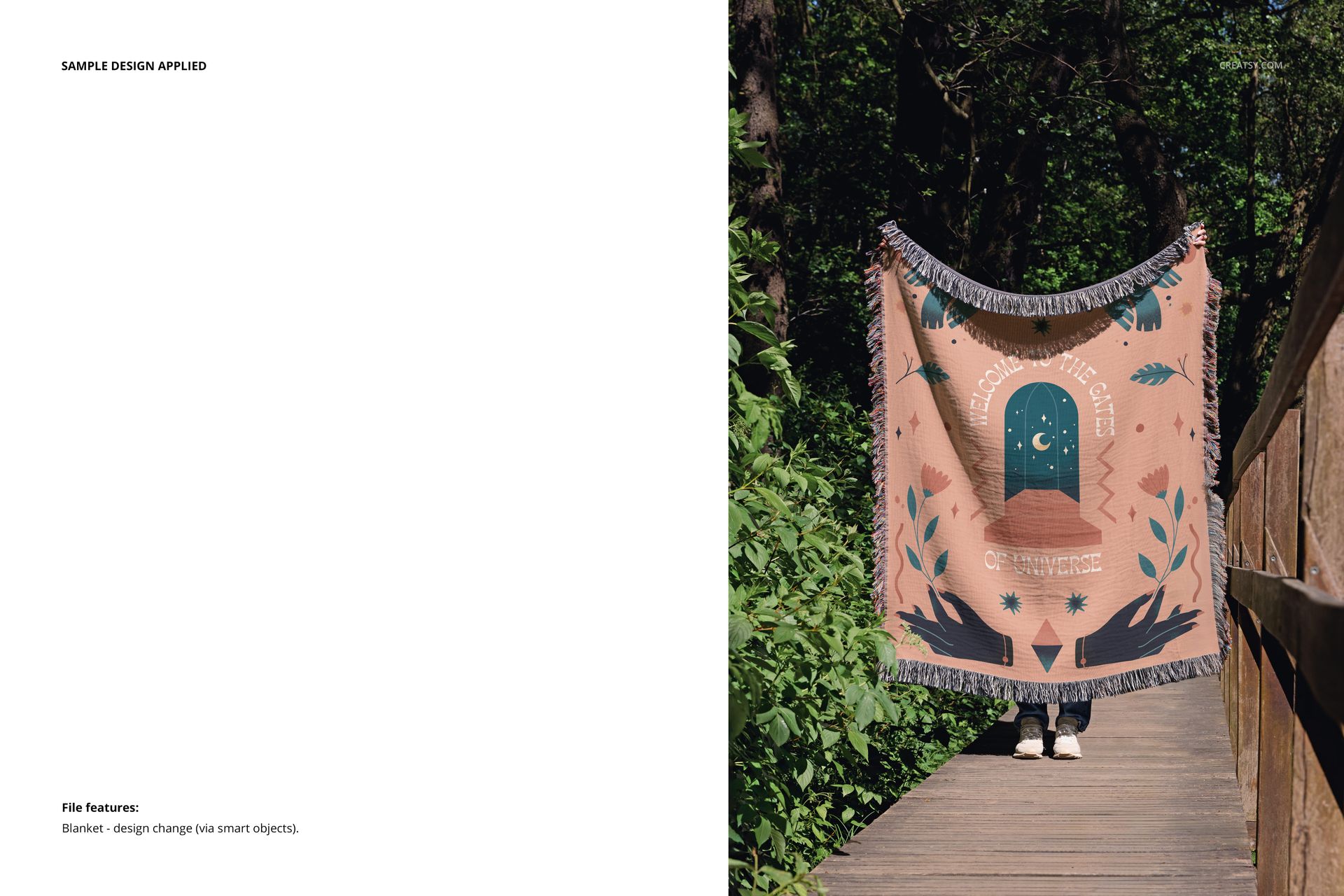
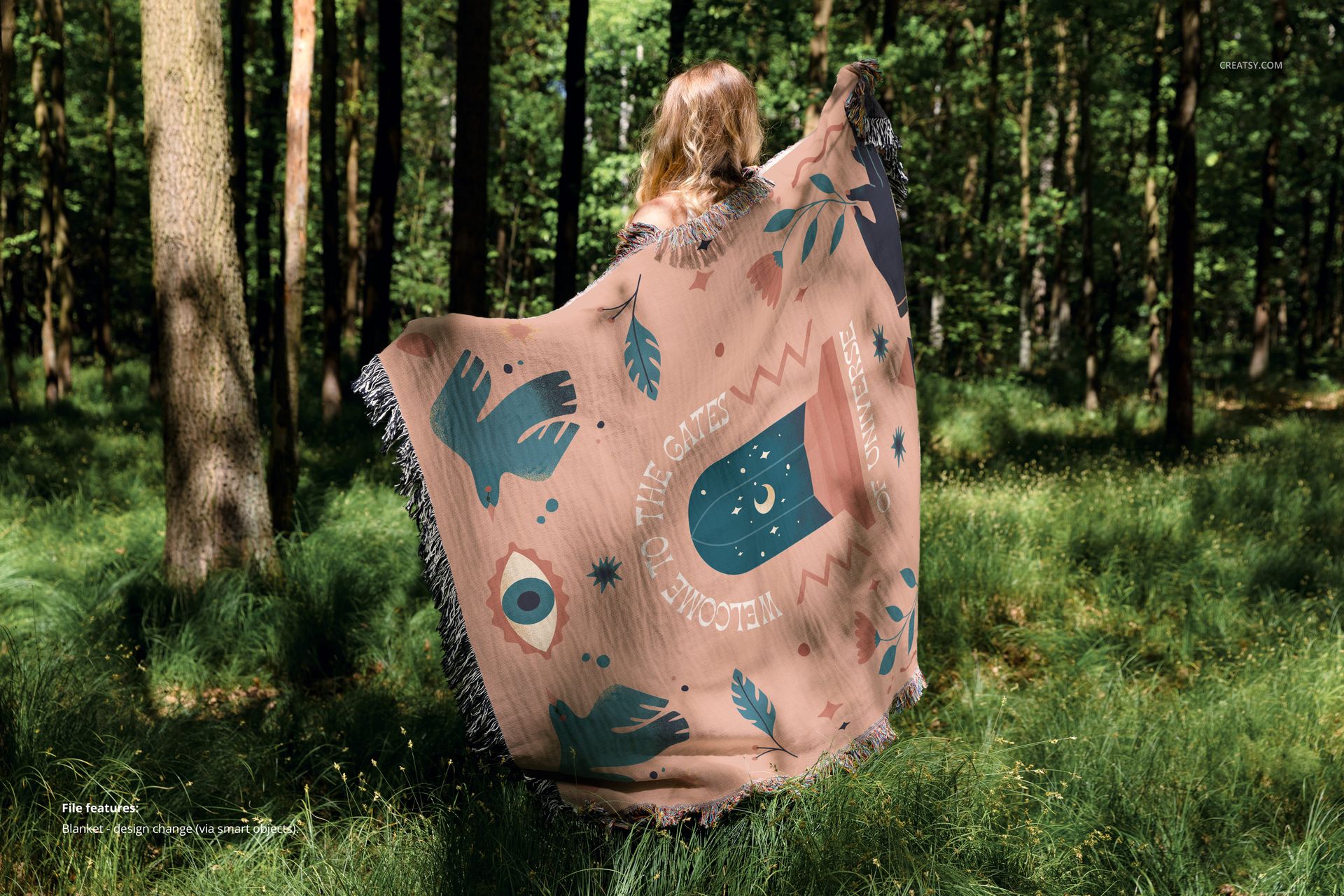
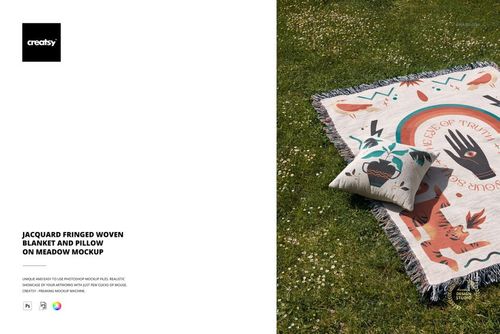
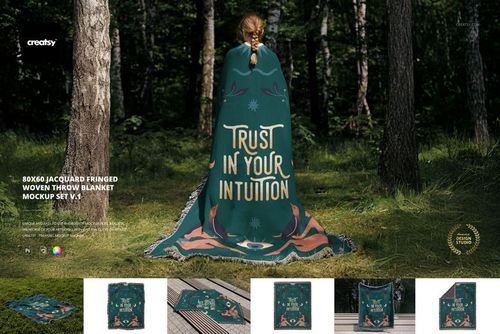
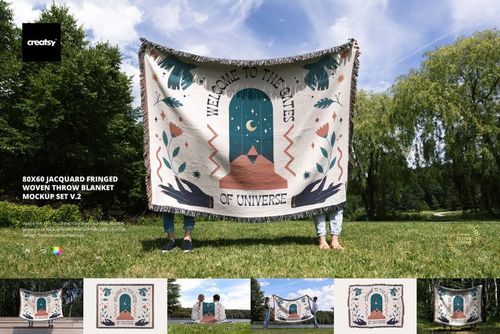
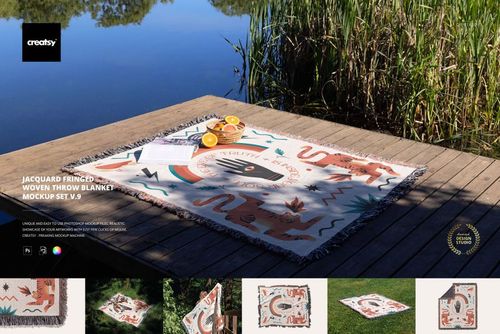
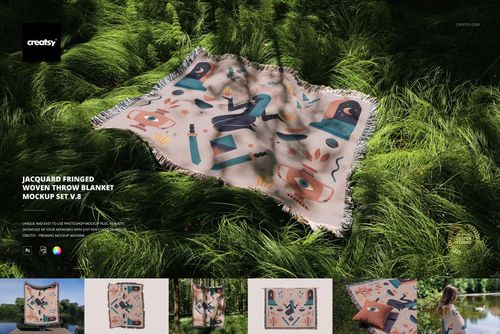
Combine woodland and lakeside lifestyle images with two studio views of a jacquard fringed throw. This seven-file set shows the blanket held on a wooden walkway, draped behind a model among trees, spread on grass and used on a lakeside dock.
Outdoor context and studio detail
7 editable PSD mockups and 7 JPG previews.
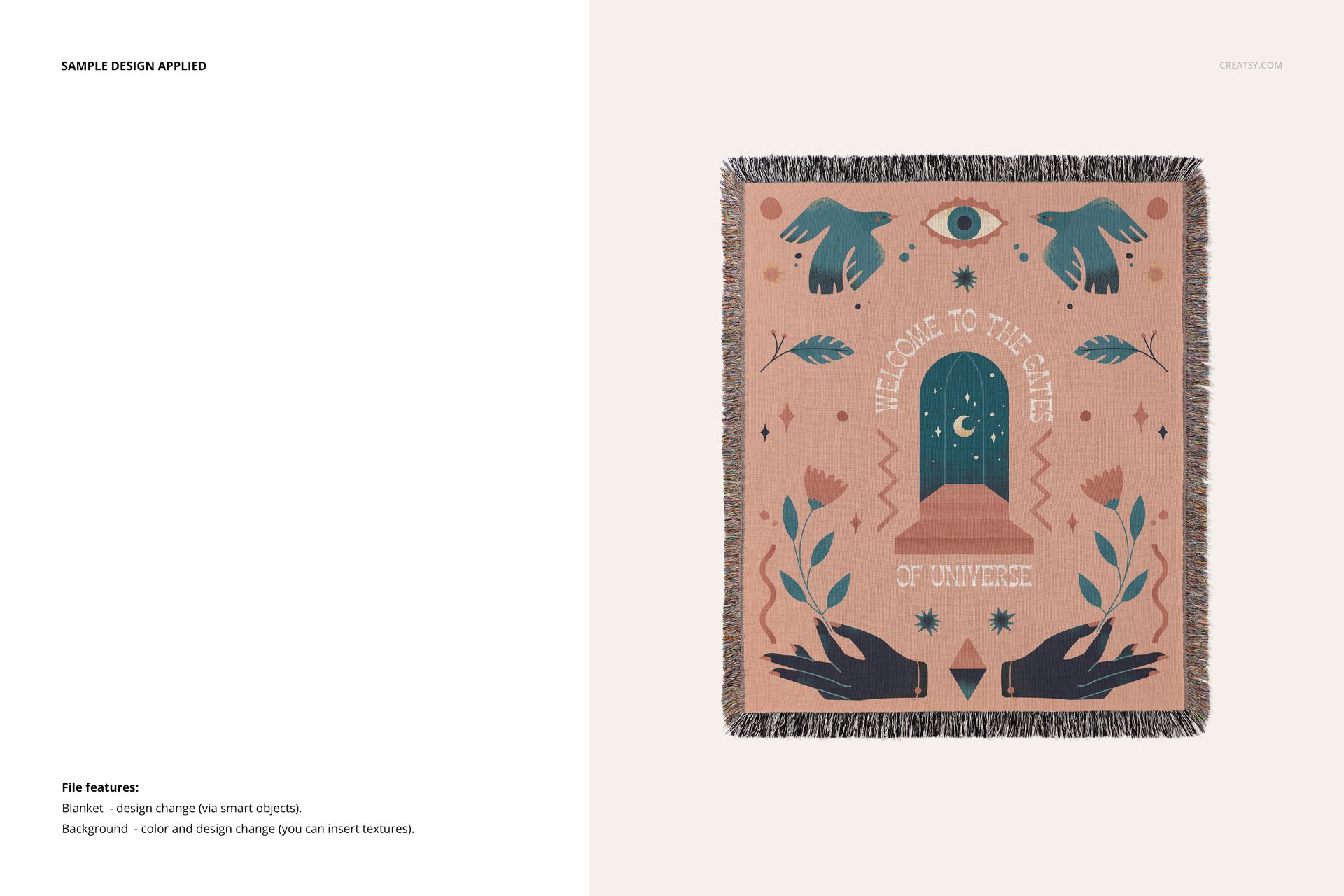
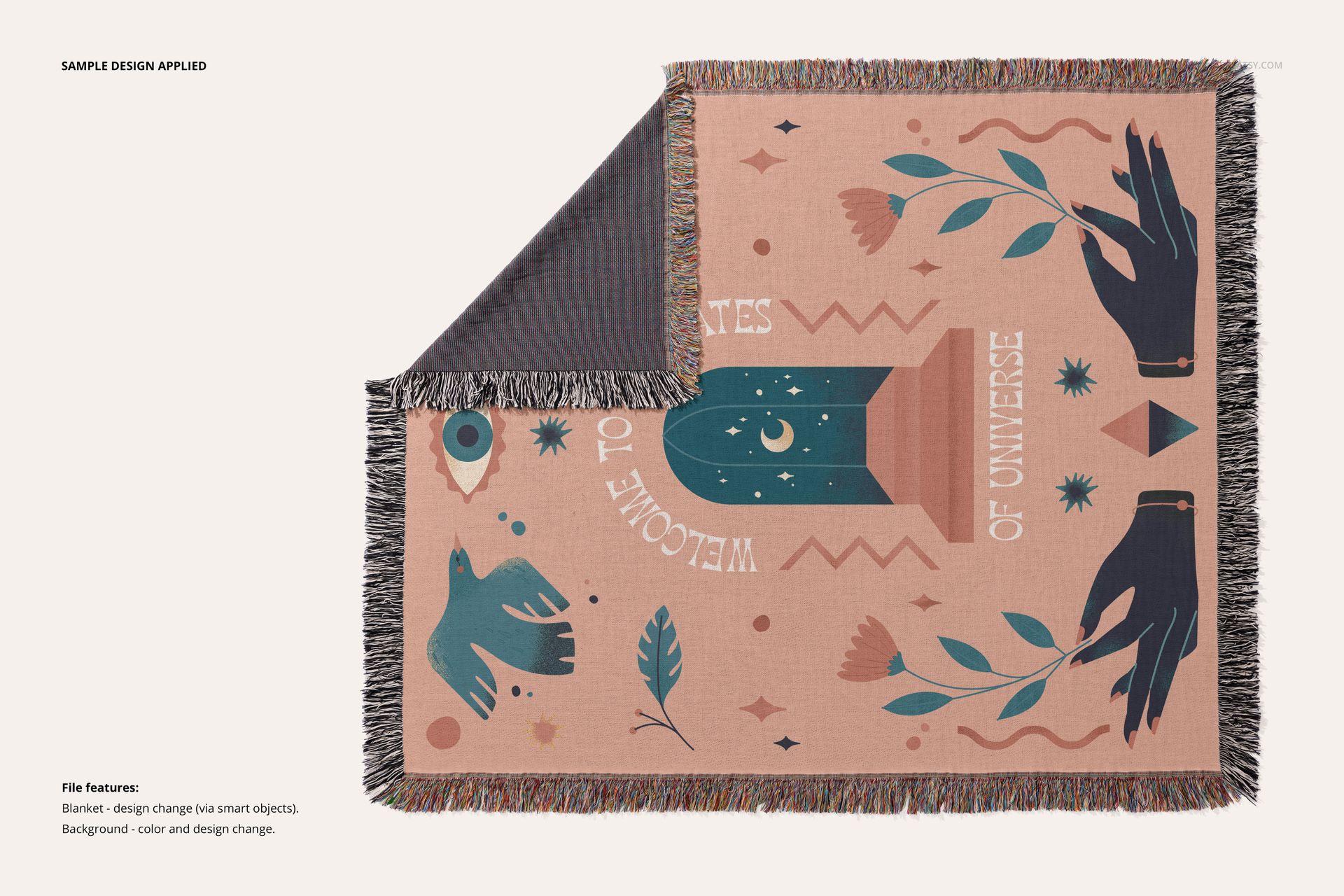
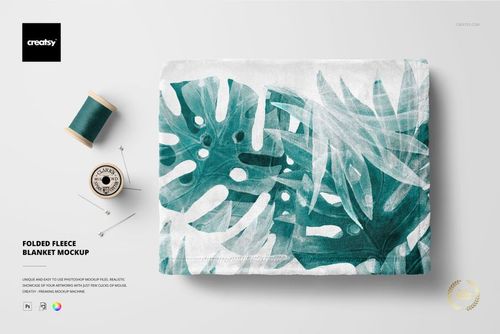
Five outdoor scenes and two studio compositions: a full blanket view and a view with a turned corner exposing the reverse.
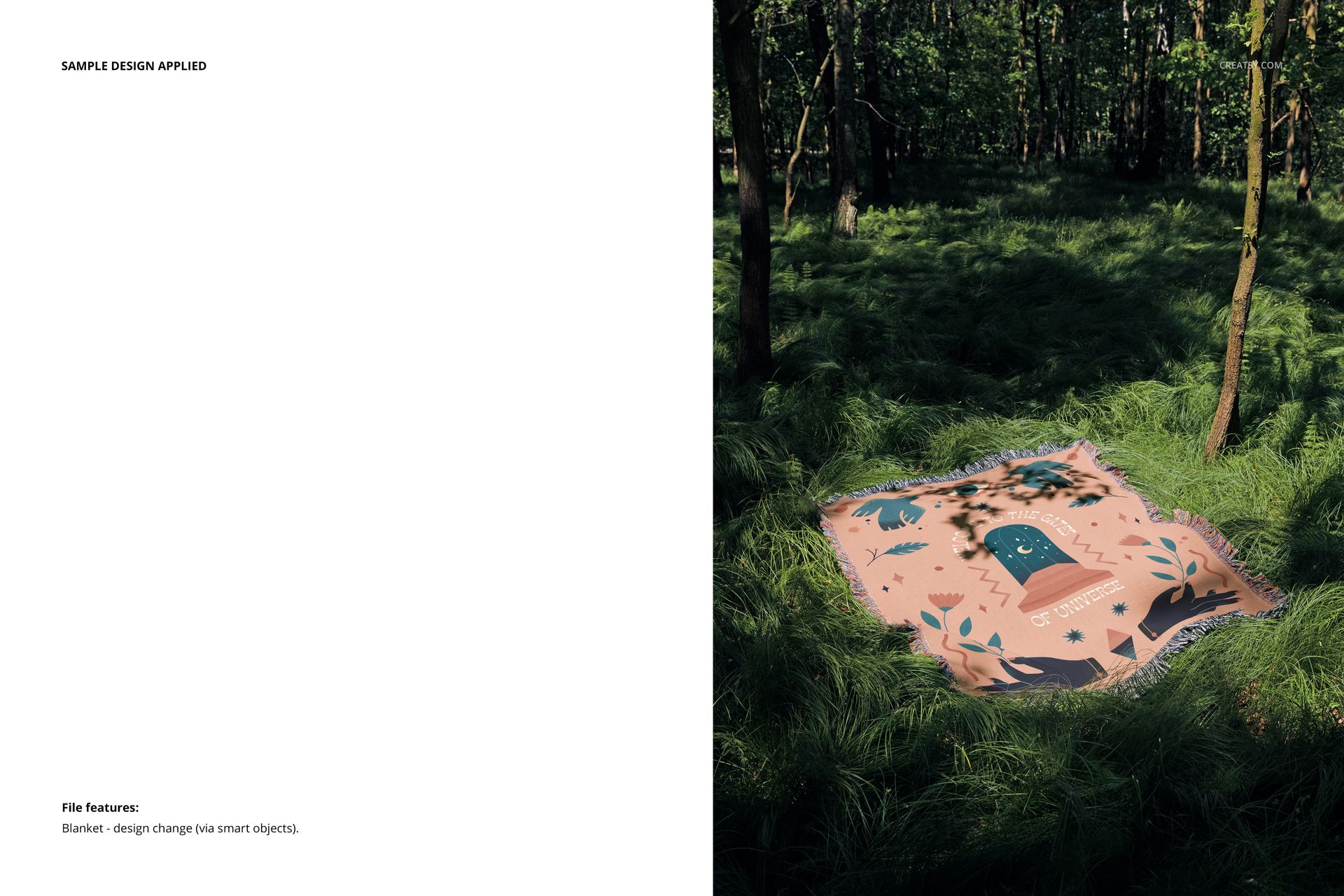
Replace the blanket artwork through Smart Objects. In the studio views, change the background color or insert a design or texture.
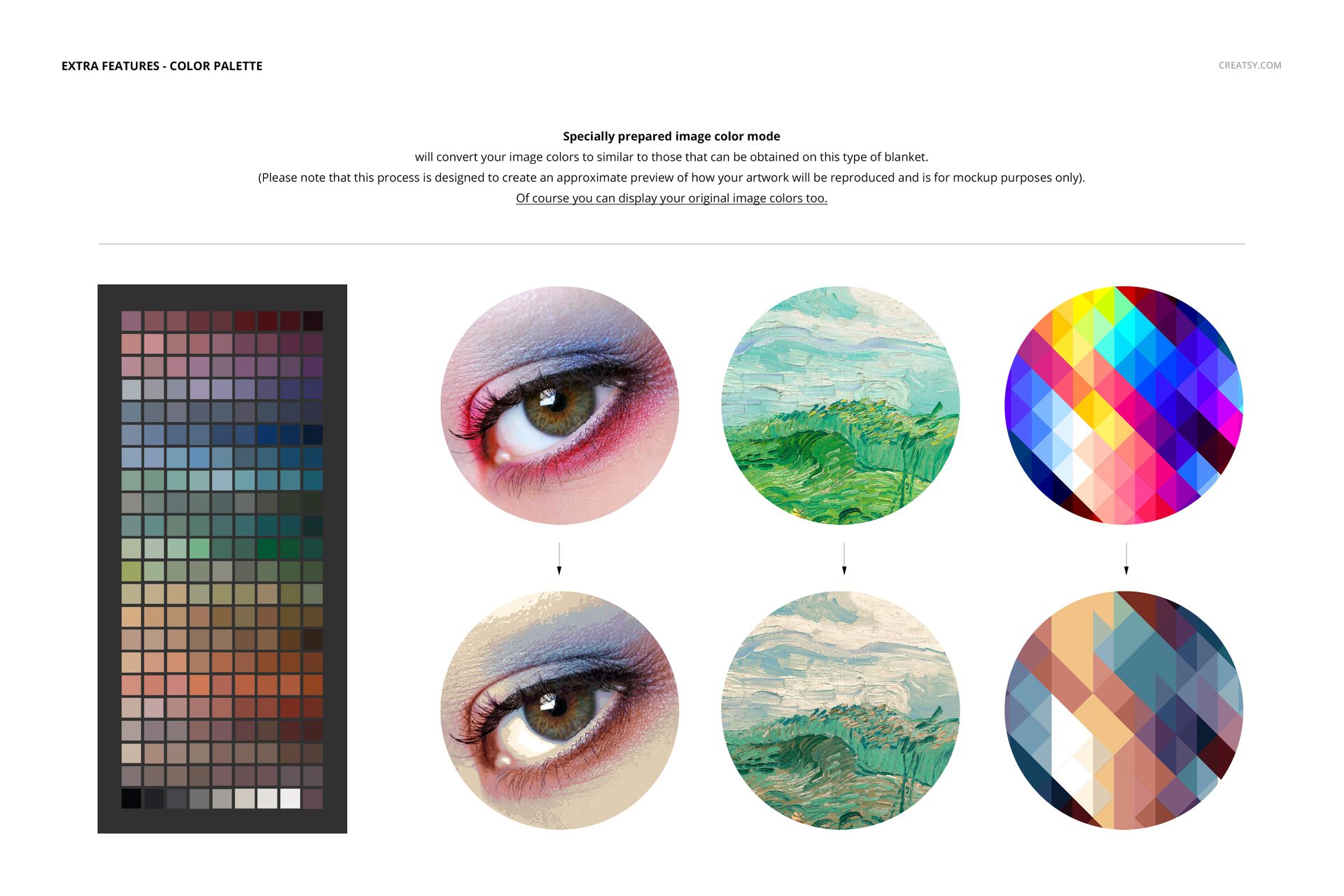
Includes an ACT palette and a Woven Colors PDF manual for the optional approximate woven color preview. Original artwork colors can also be displayed.
Use the studio files to show artwork placement and fringed edges, then add outdoor views to a woven blanket listing, seasonal lookbook or textile portfolio.
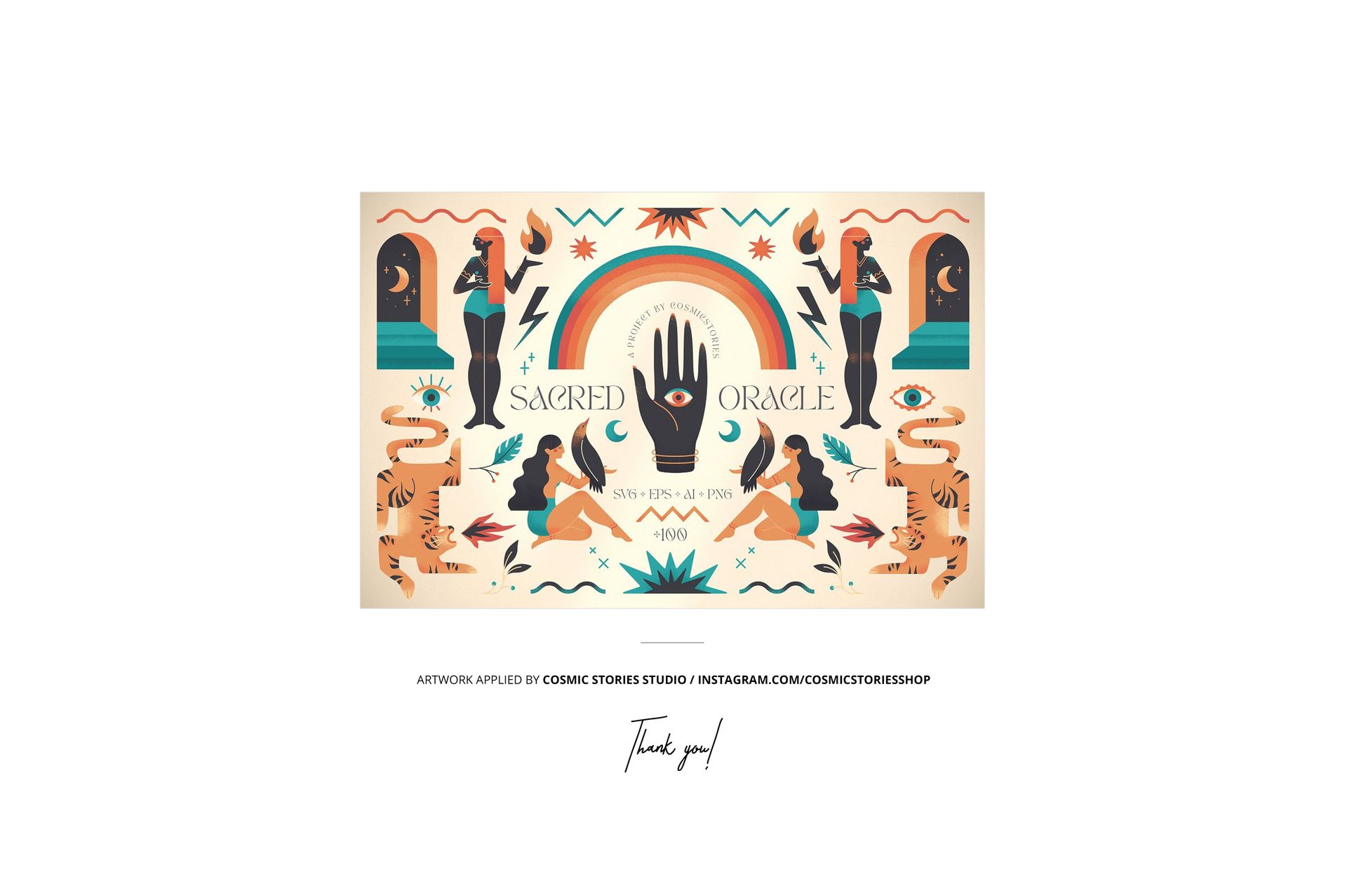
This is a digital mockup set; no physical blanket is included. Sample artwork by Cosmic Stories Studio is shown for demonstration and is not included.












I purchased this mockup set to showcase print-on-demand woven blankets on Etsy. I'm new to using Photoshop, but I was able to easily modify these mockups with Photopea (free) software. I tried them both with and without the color modification for the image (to mimic colors of woven blankets) and I found that easy to do in Photoshop with the included directions. The color profile makes a huge difference, and I'm happy it was included with this bundle. The images are high-resolution so no upscaling is needed and look great! Buying more as they are well worth the price to me to be able to offer the best images to my buyers.
Thank you so much for this wonderful review! We’re especially happy to hear the mockups worked well for you both in Photoshop and Photopea, and that the included directions and color profile were helpful. Your kind words about the quality and value mean a lot to us. Happy creating ✨