Jacquard Fringed Woven Throw Blanket Mockup Set v.9

Product Details
Jacquard Fringed Woven Throw Blanket Mockup Set v.9
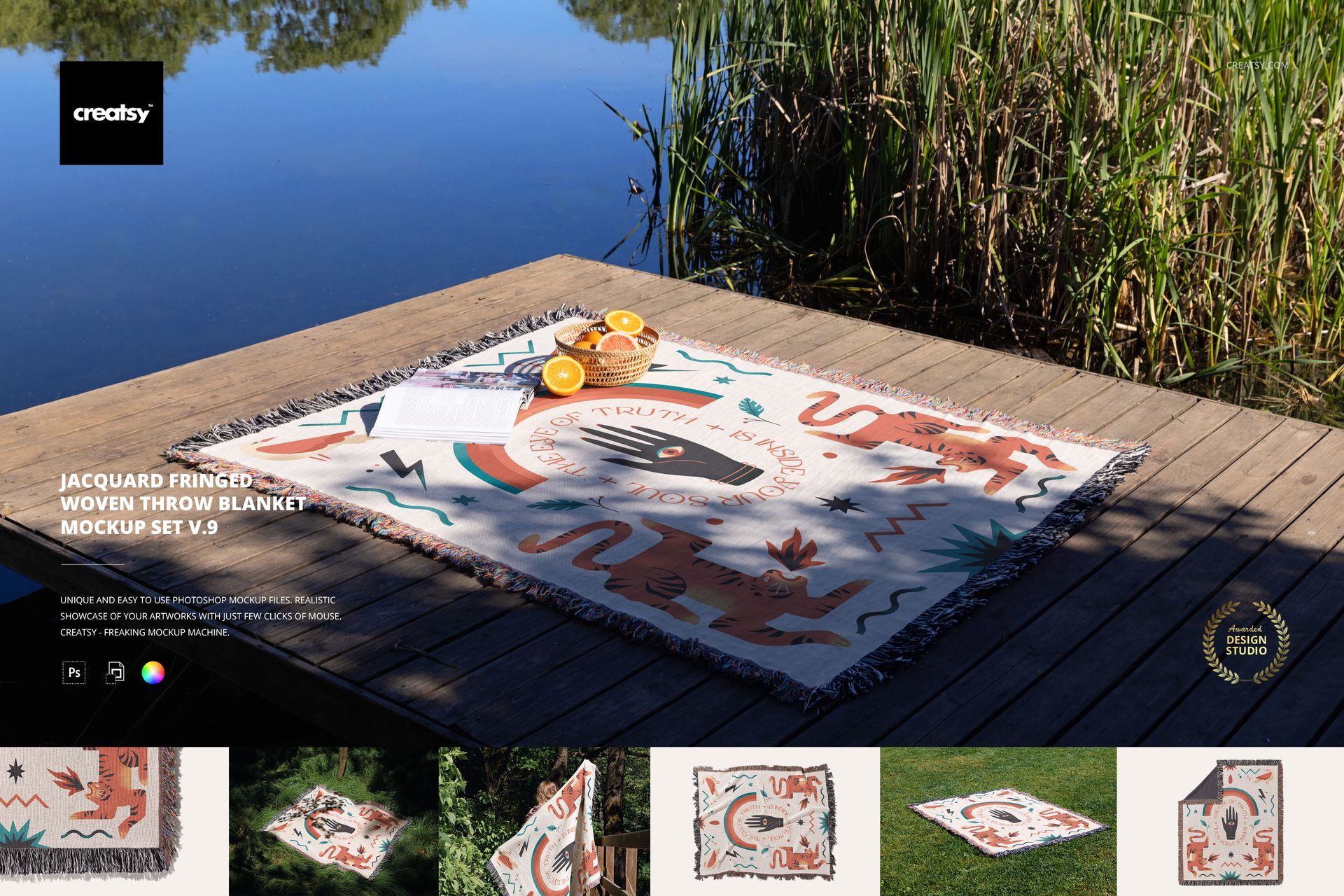
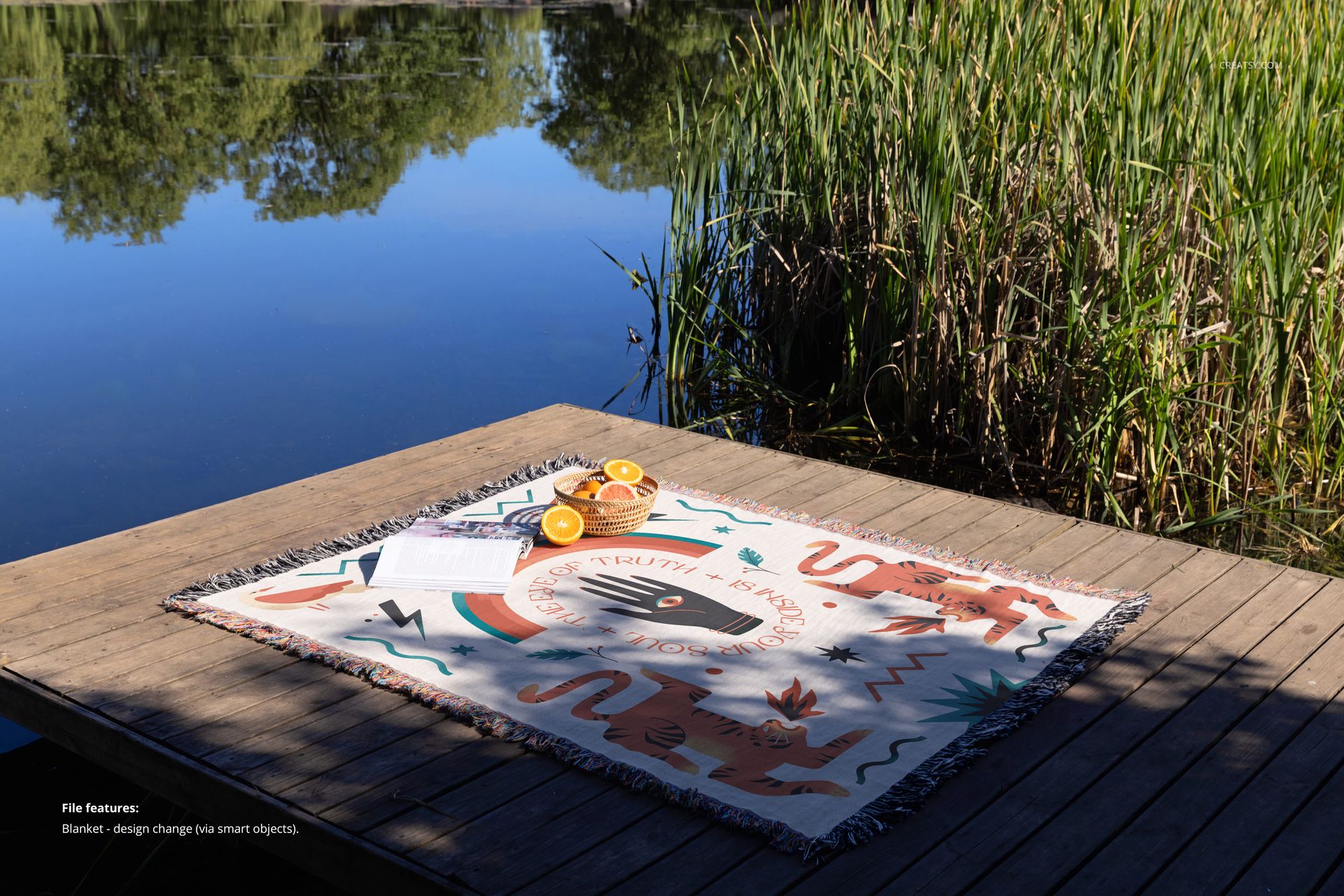
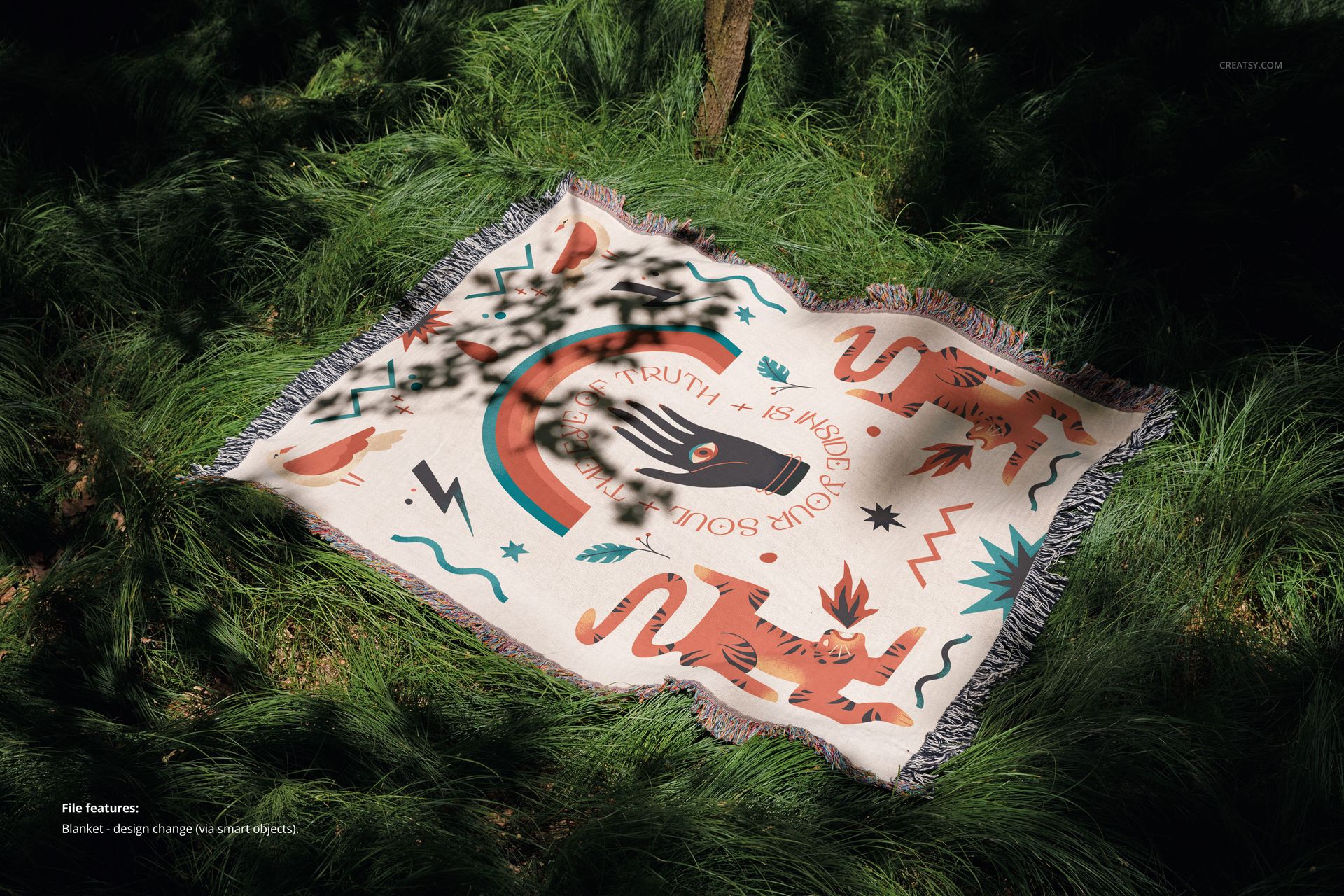
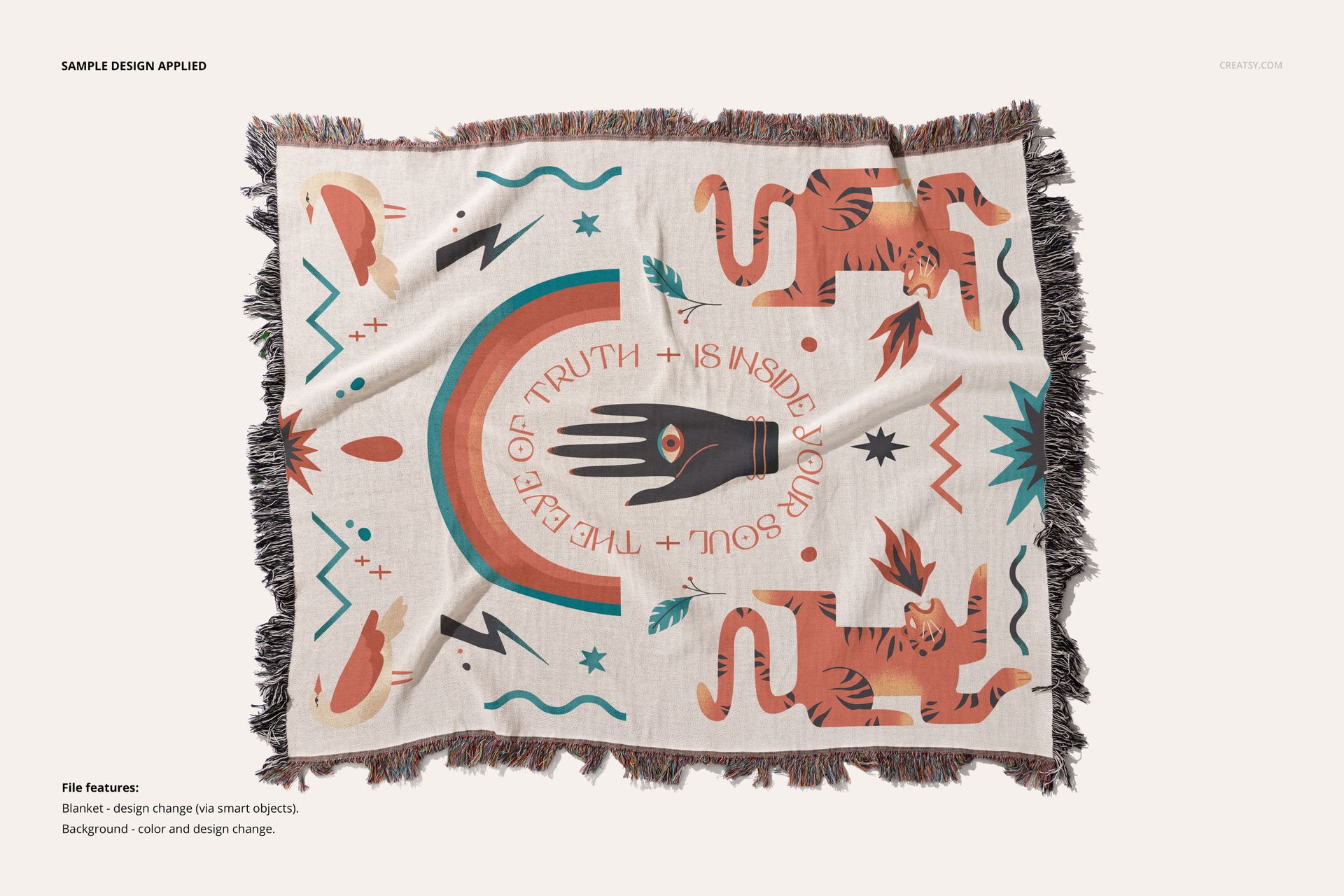
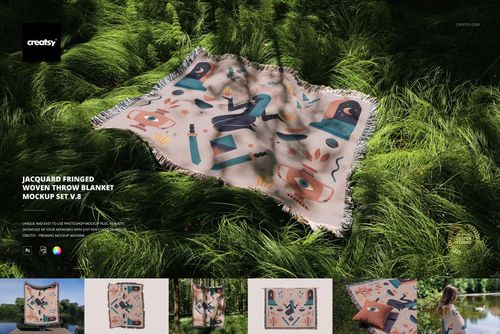
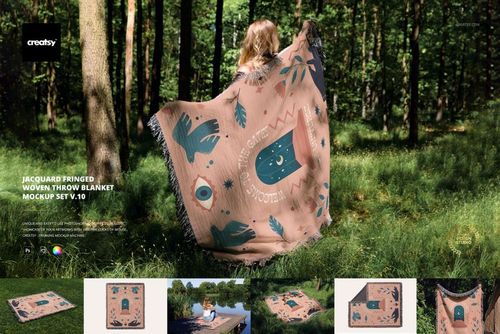
Lay back, breathe in the scenery, and let your imagination unfold. The Jacquard Fringed Woven Throw Blanket Mockup Set v.9 invites you into a tranquil world where nature becomes your creative studio. Inspired by the quiet beauty of lakeside mornings and forest hideaways, this set of 7 PSD mockups was created to help designers capture the essence of calm in their work – right down to every woven thread.
A Blanket, a View, a Story to Tell
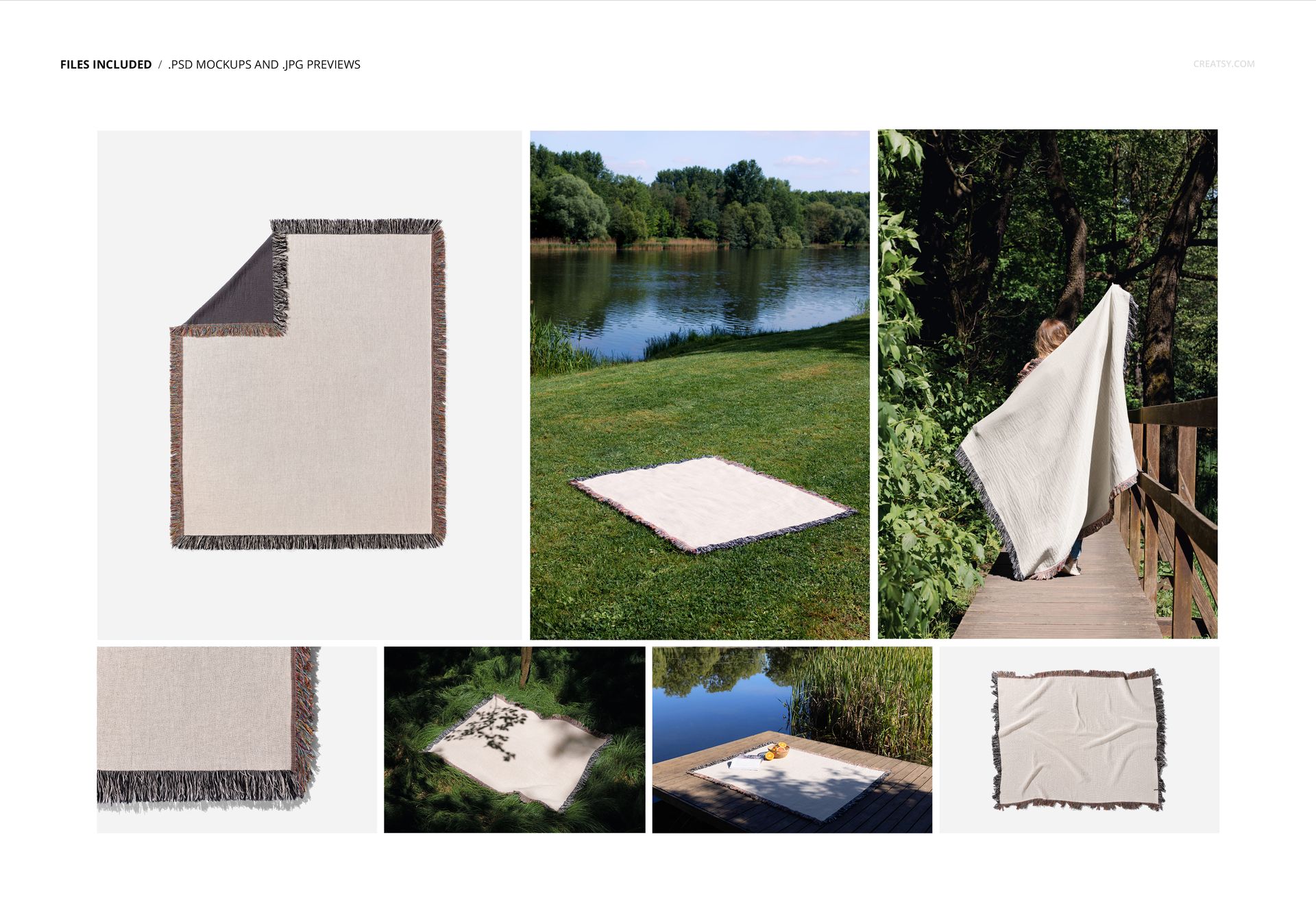
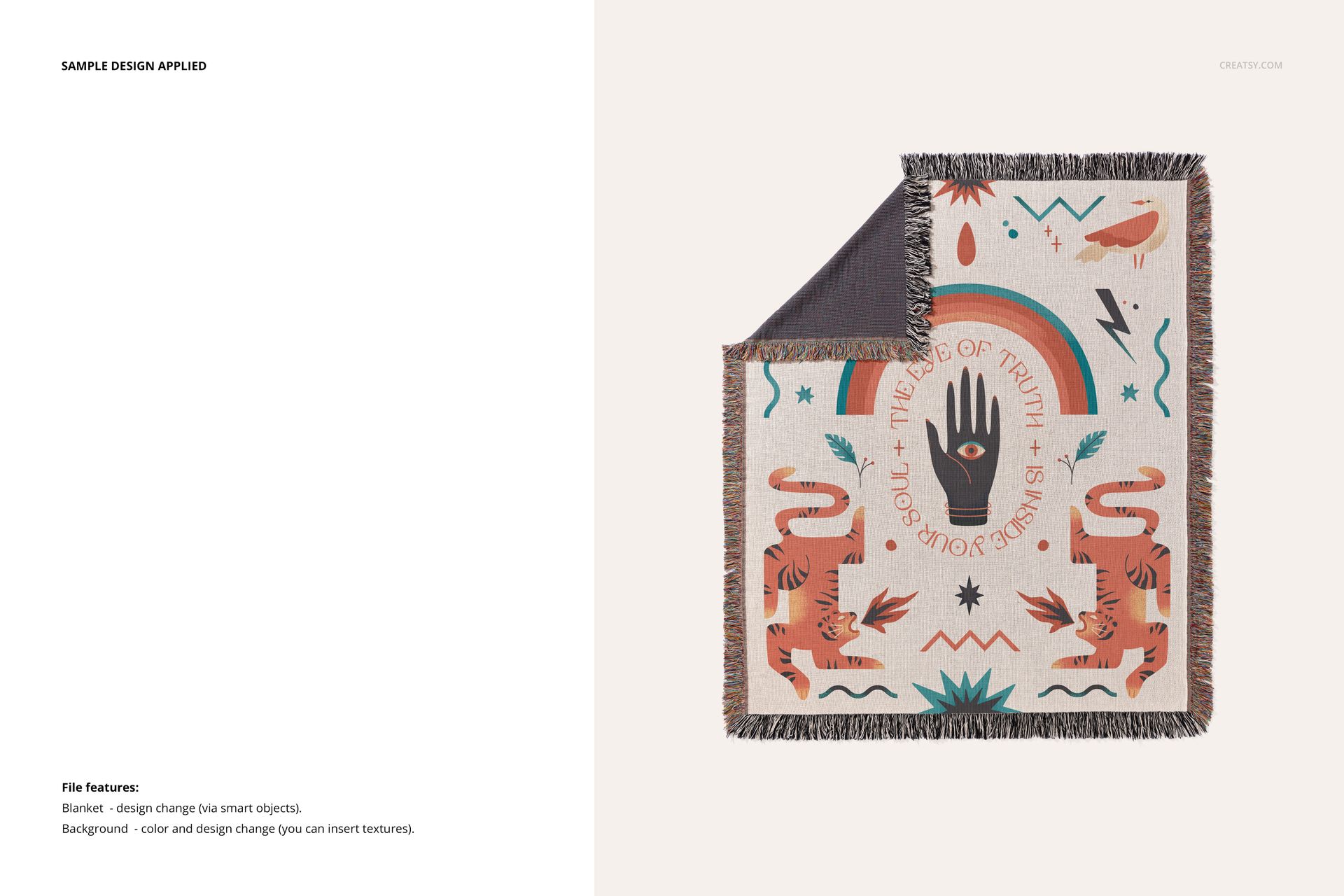
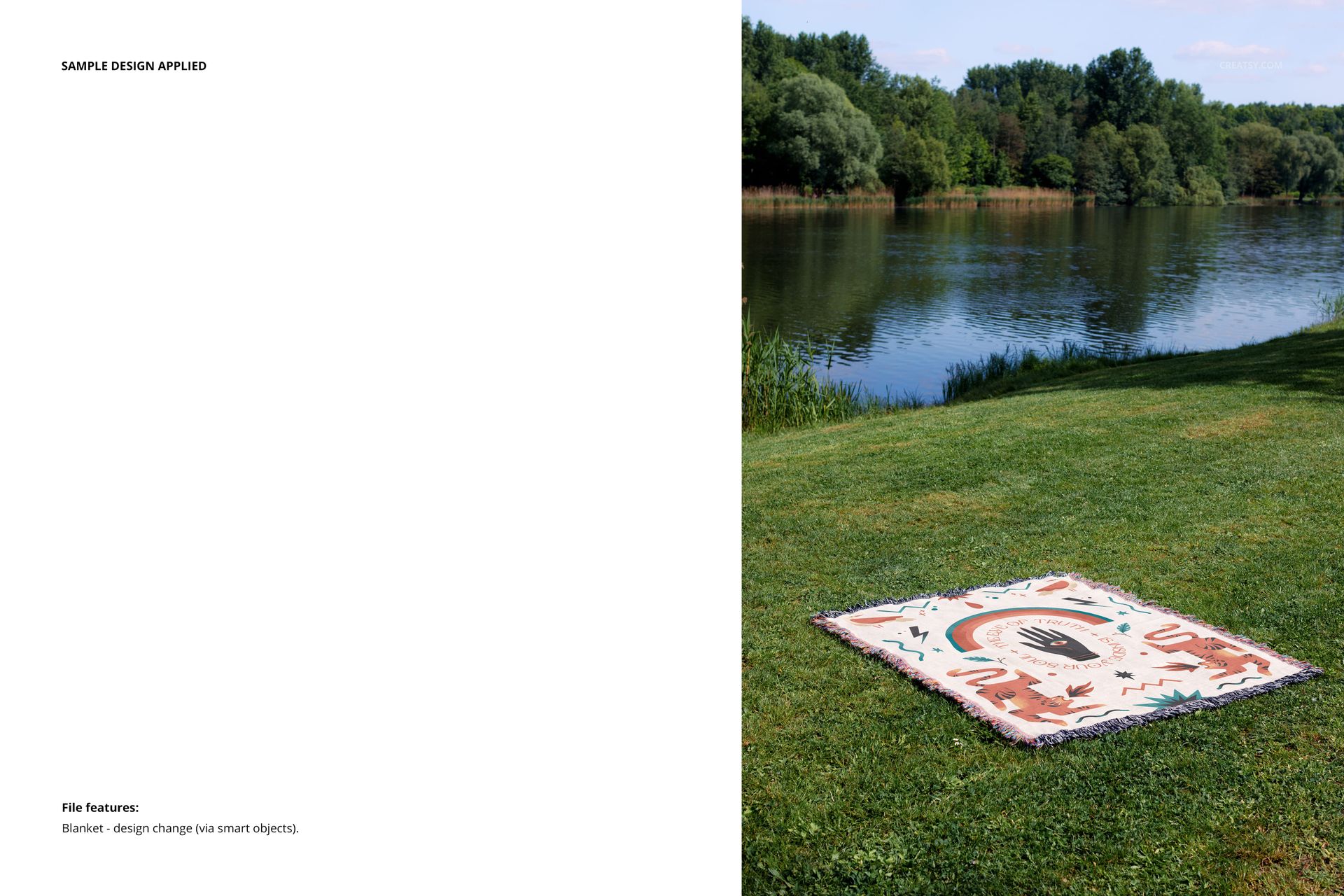
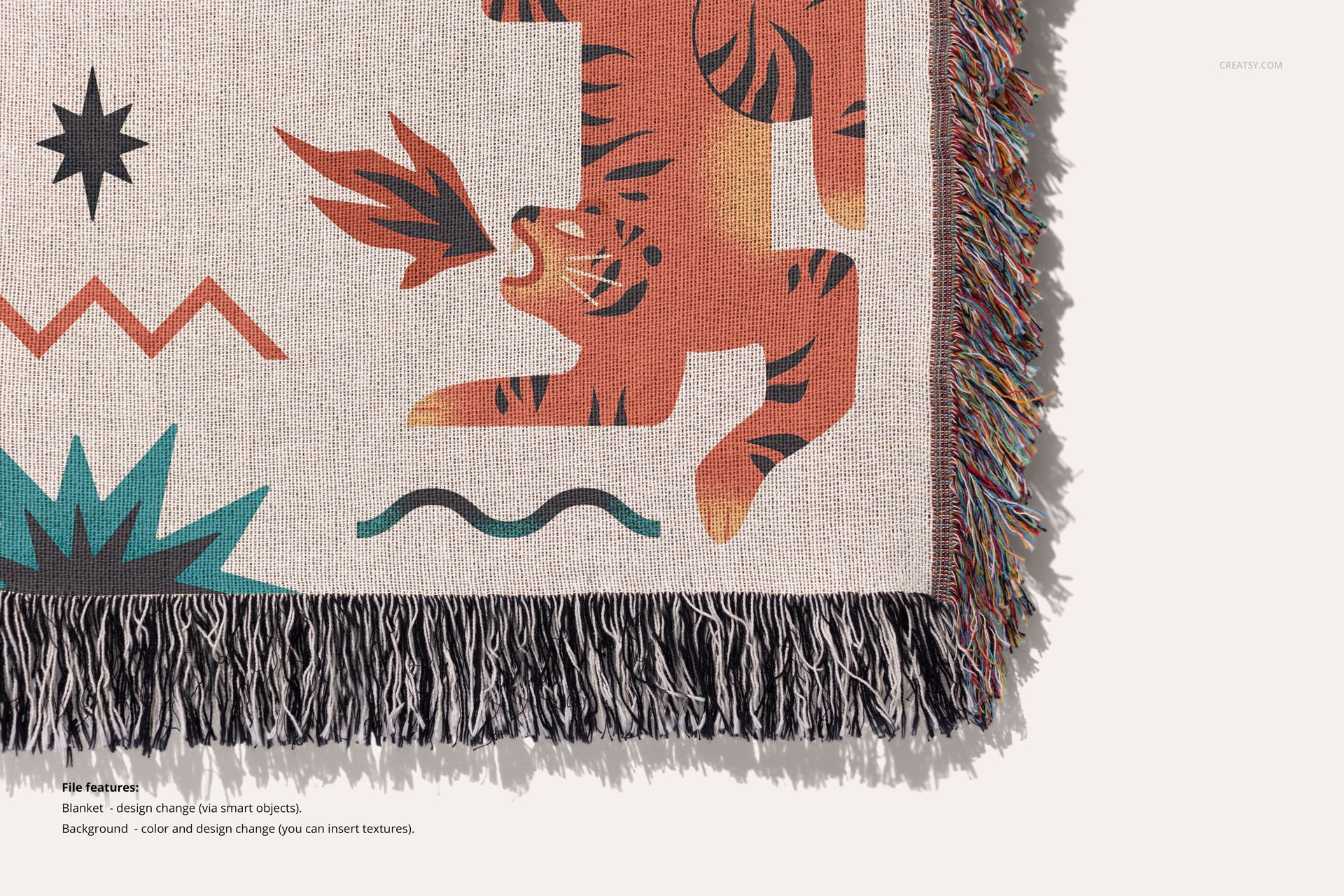
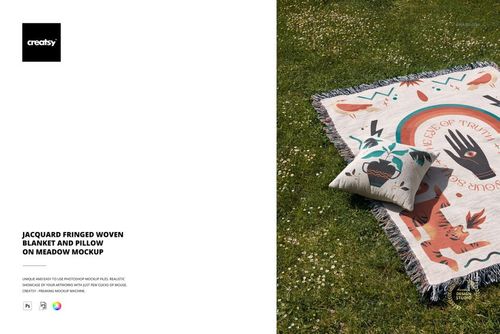
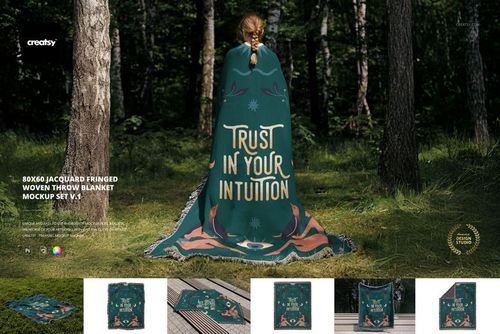
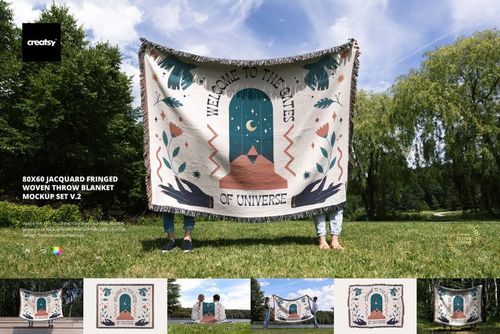
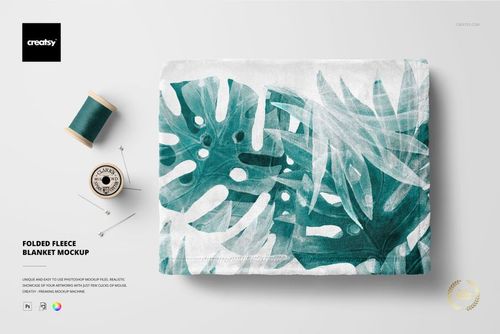
Each mockup is a high-resolution photograph of a real scene – nothing artificial here. Your jacquard blanket designs will find a home on wooden platforms beside still water, grassy fields under open skies, and leafy walkways that lead to quiet reflections. Prefer a crisp studio look? You’ll also find minimalist shots featuring a blanket with soft folds, a neatly turned corner, and a close-up of the fringed fabric – perfect for highlighting your textile art or showcasing fine surface pattern designs.
Customize Every Fiber
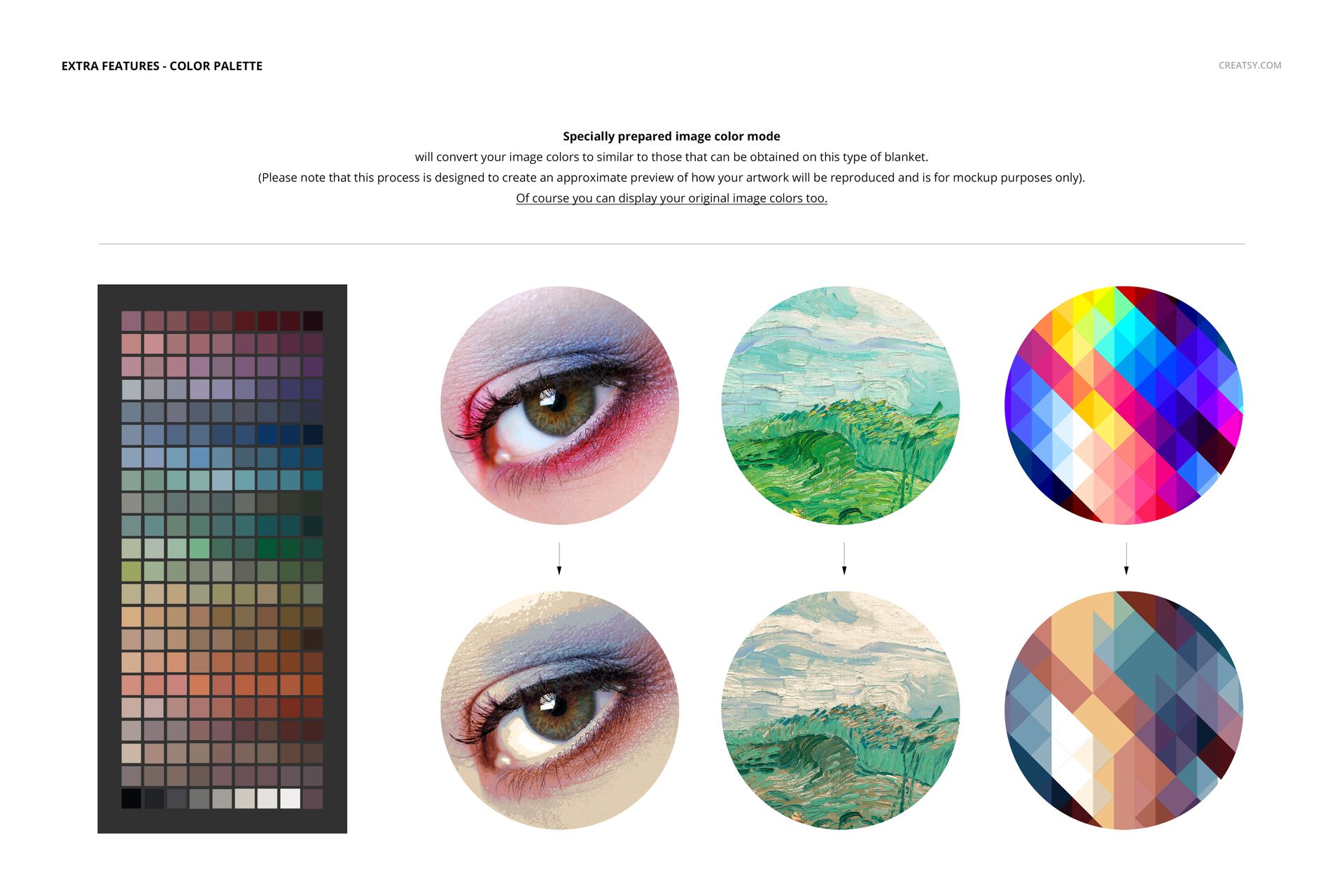
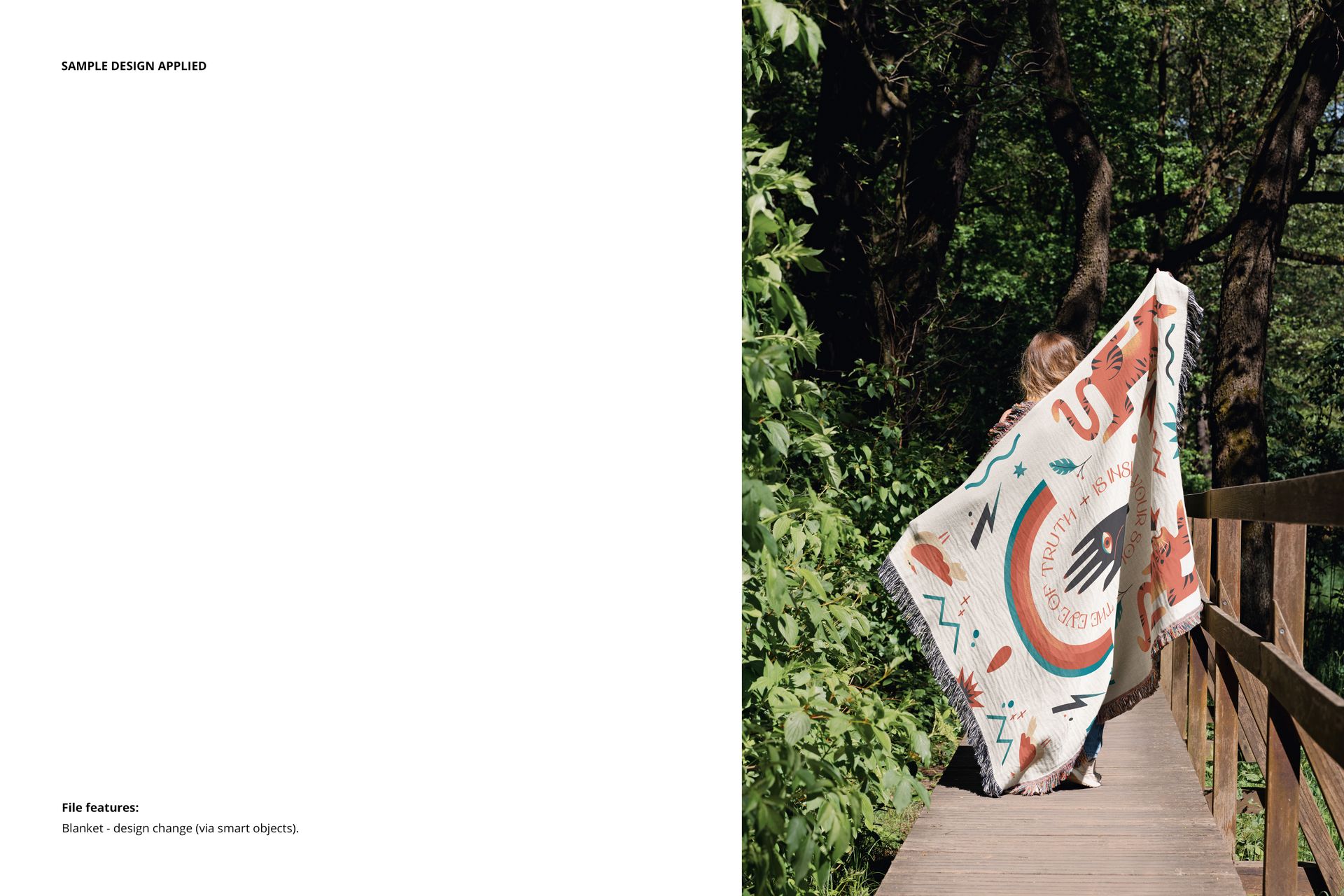
From your color palette to your pattern layout, everything in this mockup set is fully editable. Using smart objects, you can easily apply your blanket designs to the textured surface and bring your fabric mockups to life. The special image color mode ensures your chosen hues convert realistically to the nuanced tones of woven jacquard – a helpful tool for artists seeking authenticity in every detail.
- Files work only in Photoshop (min. version CC2020) and in free online editor: Photopea.com;
- Pack includes 7 .psd files: 6000x4000 px, 300dpi;
- Check screenshots for all the features;
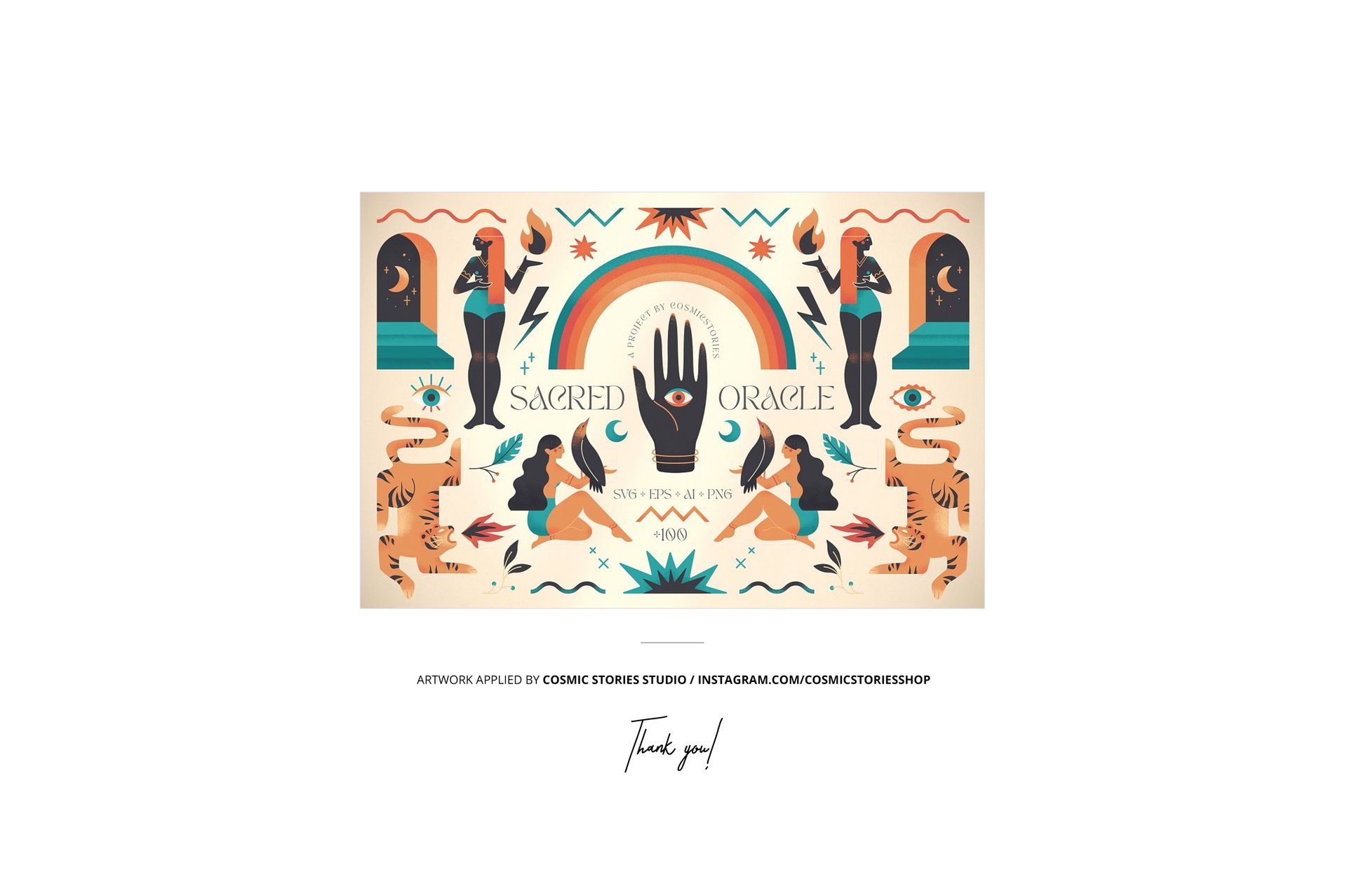
- Design applied on mockups by Cosmic Stories Studio: instagram.com/cosmicstoriesco (not included in the main zip file);
- Well organized layers.
File details
- Compatibility
- Number of files included
- 16
- Package size
- 487 MB
|510 MB
- Files type
- .psd, .jpg
- Files size
- 6000x4000


Reviews
Professional PSD mockups built in-house - editable, realistic, high-resolution, and supported by real people.
MEET THE SHOP

HOW IT WORKS
3 clicks. That's it.
No tutorial needed. If you can copy-paste, you can use this.
- 1OpenDouble-click the smart object inside the PSD - in Adobe Photoshop, or free in your browser with Photopea.
- 2PasteDrop in your pattern, print, or artwork. Any design, any style.
- 3SaveHit save and the mockup wraps it in for you - shadows, folds, and lighting included.
FROM IDEA TO IMAGE
Built for real workflows
You just finished a print collection and need portfolio-ready shots - without booking a $2,000 photo shoot or waiting two weeks.
Your client wants to see the pattern on a real dress before approving. Send them a photorealistic mockup, not a flat swatch and a "trust me."
You're launching a summer drop on Etsy or Shopify and need listing images that actually convert.
You're pitching resort wear to a brand and your lookbook needs to feel like a million bucks. This gets you there for the price of lunch.
Smart Objects
Edit once and you're done. Your artwork drops into a smart object and the mockup updates itself - no masking, no warping by hand.
Perfectly Organized
Named layers and folders you can actually navigate. Find what you need, change what you want, and get out fast.
Print-Ready
High-resolution files built to hold up on screen and in print. Exact size and DPI are in this product's Details above.


Cool stuff
Thank you so much! We’re really glad you like the mockup and truly appreciate your support. Happy creating ✨