80x60 Jacquard Fringed Woven Throw Blanket Mockup Set v.1

Product Details
80x60 Jacquard Fringed Woven Throw Blanket Mockup Set v.1
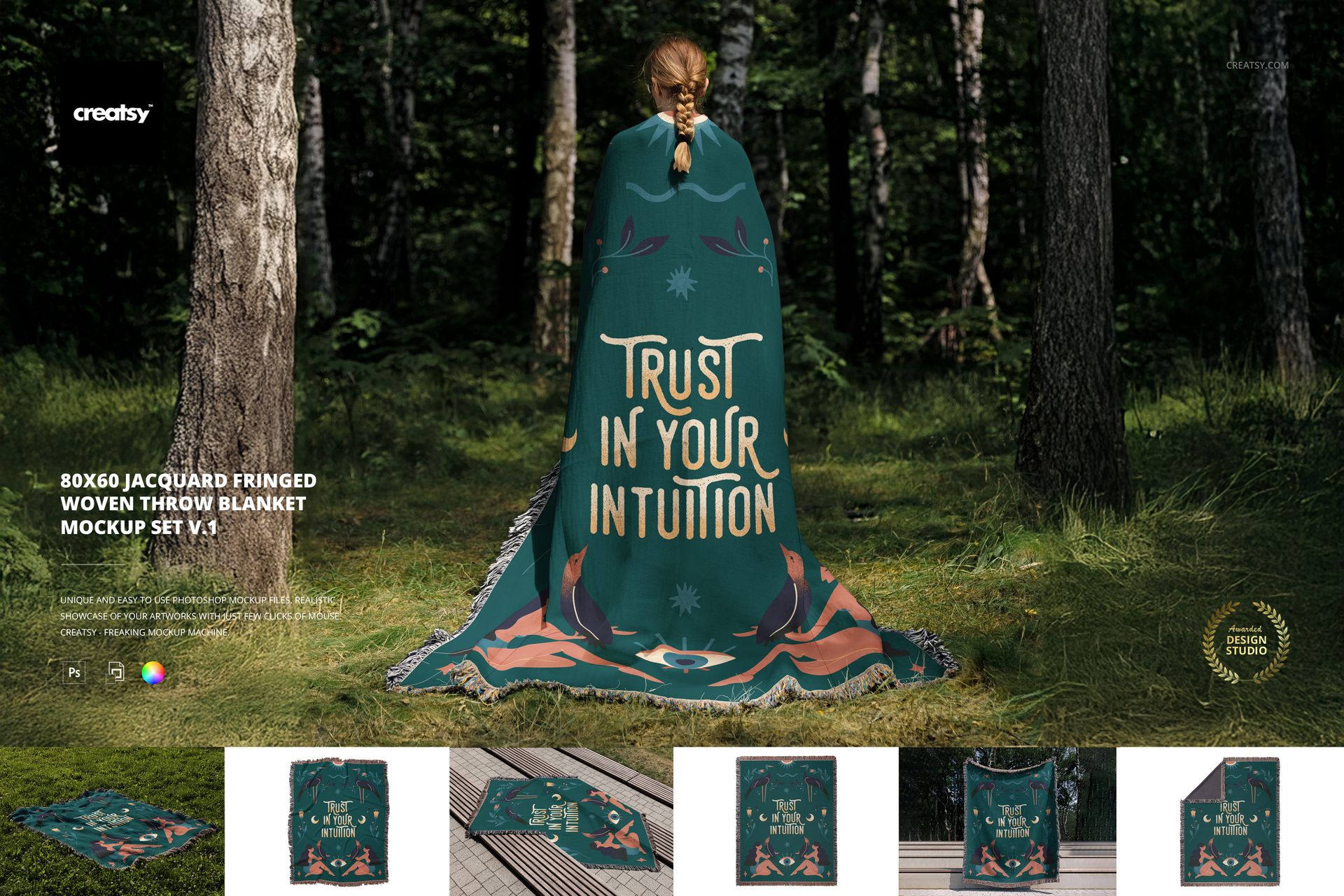
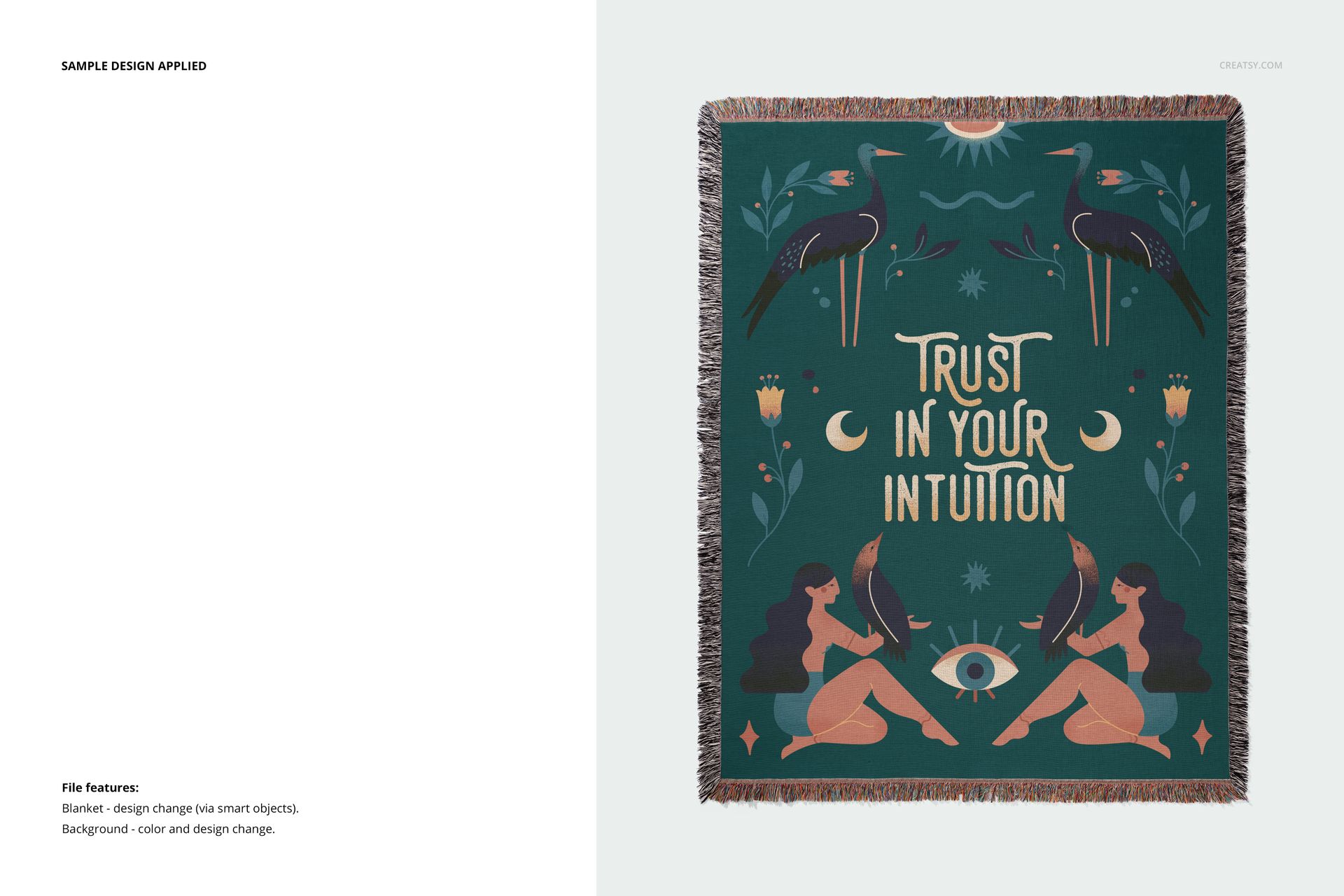
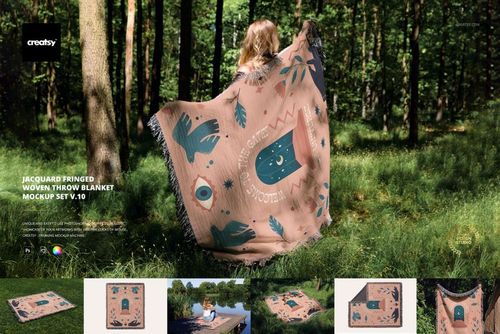
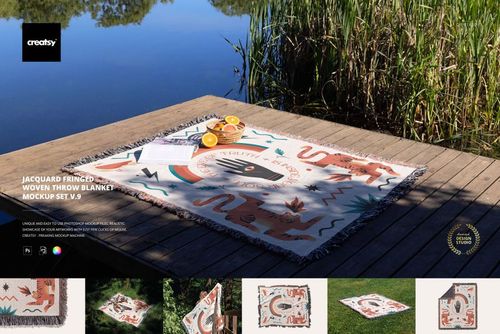
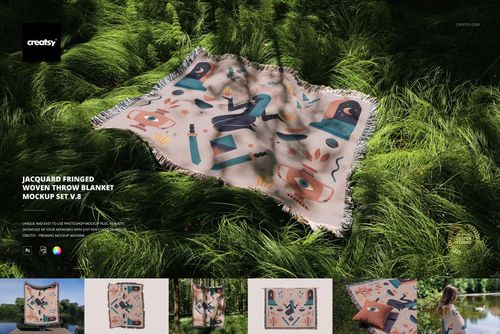
Why settle for ordinary when your designs can become legends? The 80x60 Jacquard Fringed Woven Throw Blanket Mockup Set v.1 is here to wrap your creativity in texture, depth, and just the right touch of mystery. With every fold and thread, this mockup set transforms a simple product into a visual tale worth sharing.
A Blanket That Tells a Story
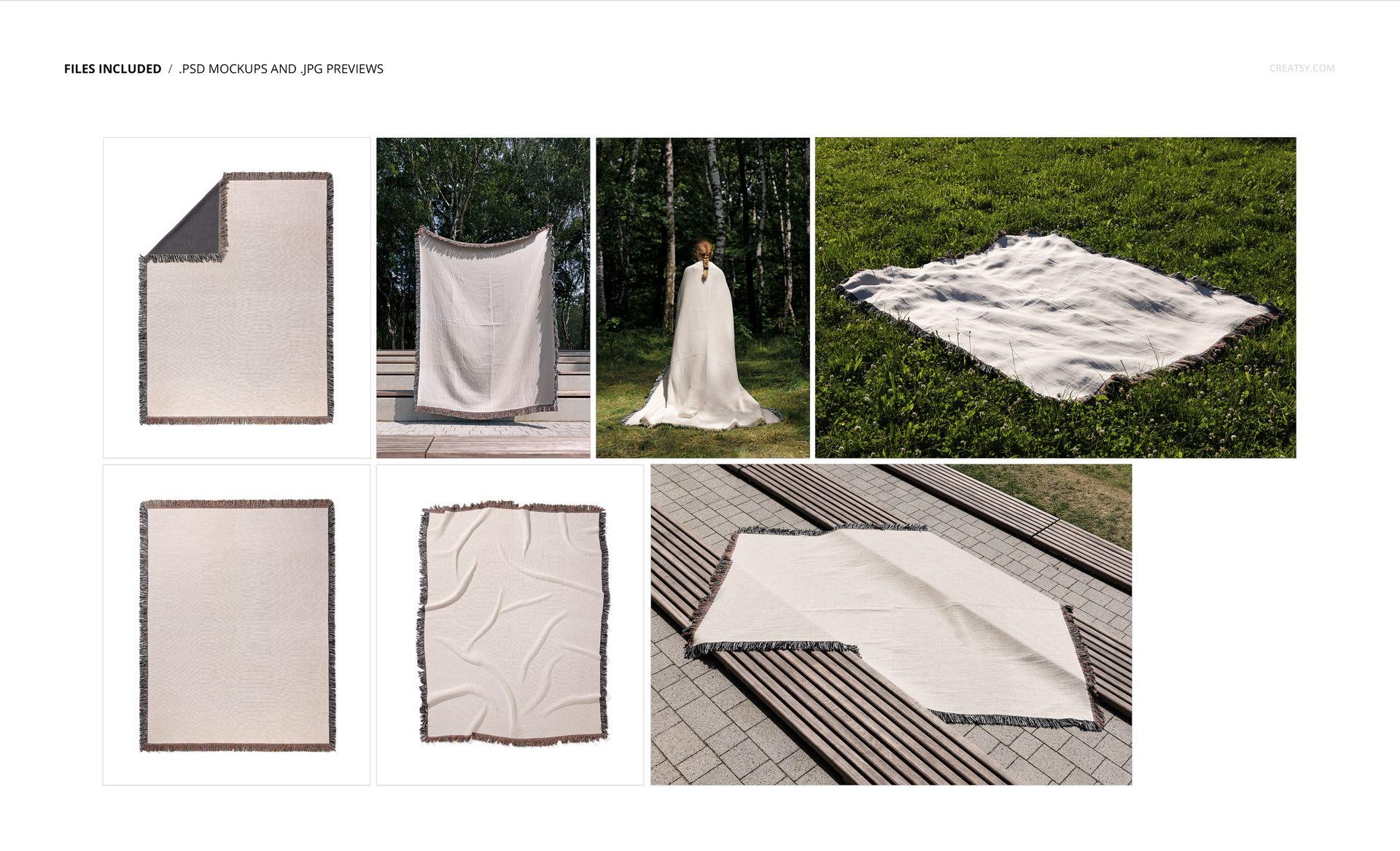
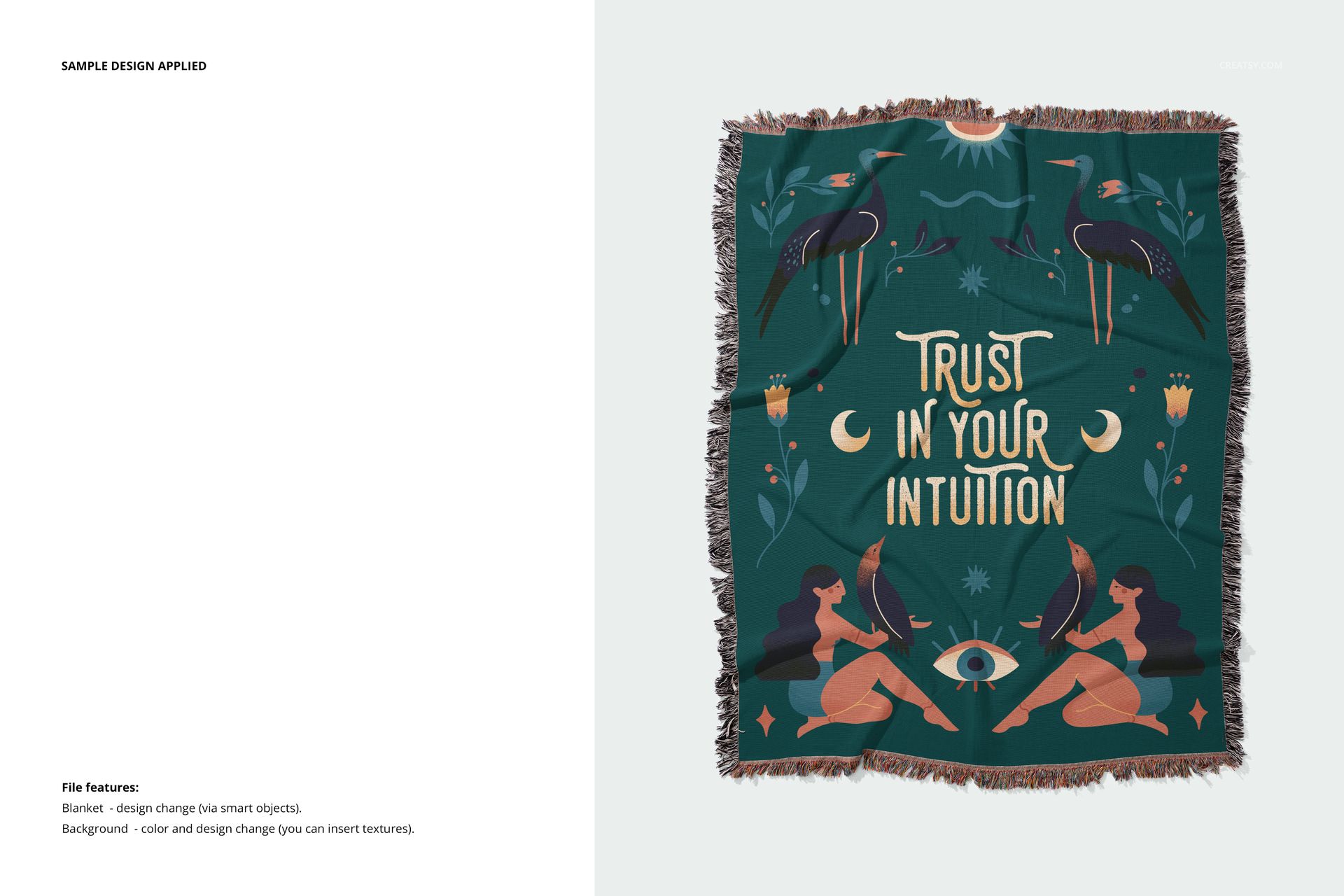
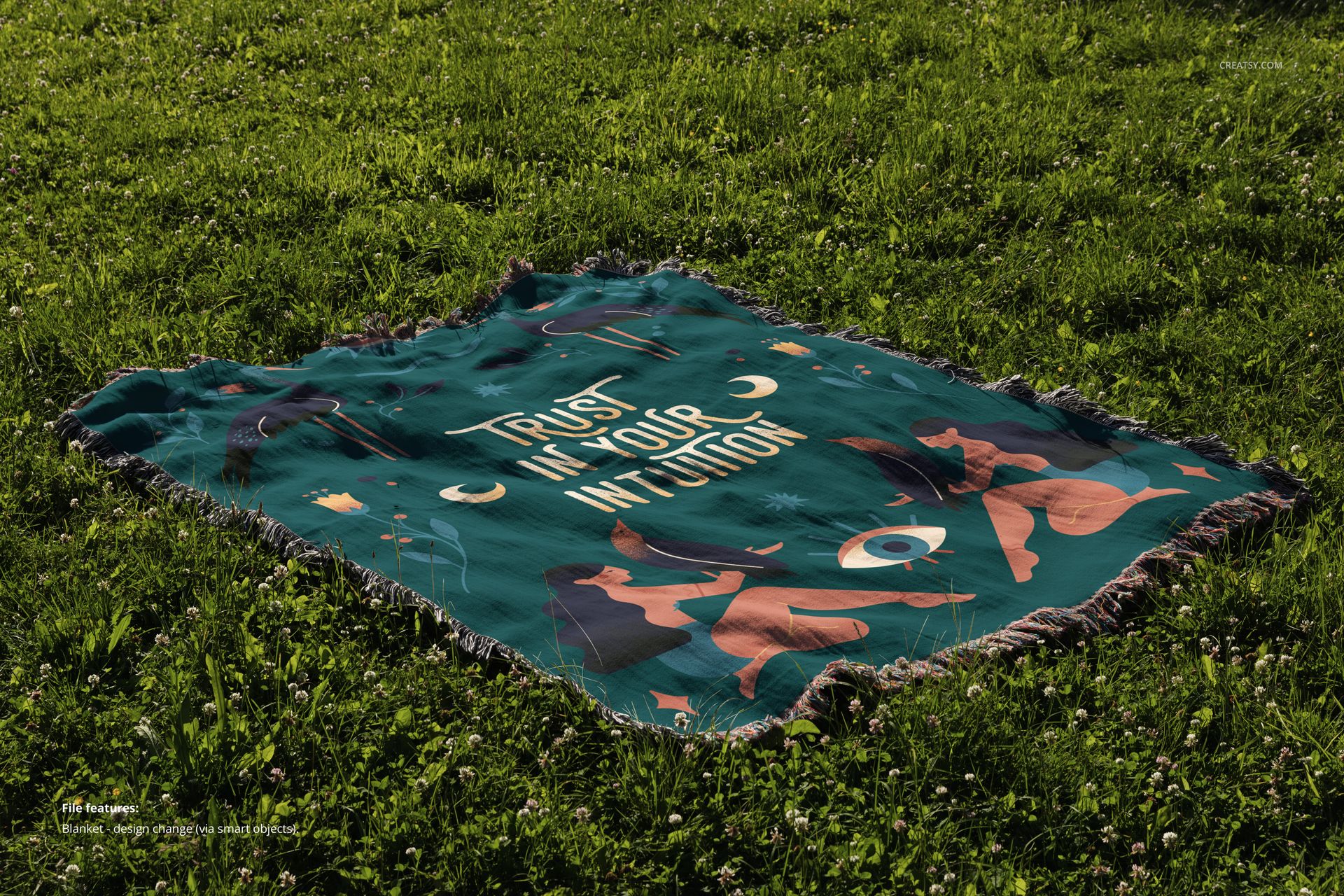
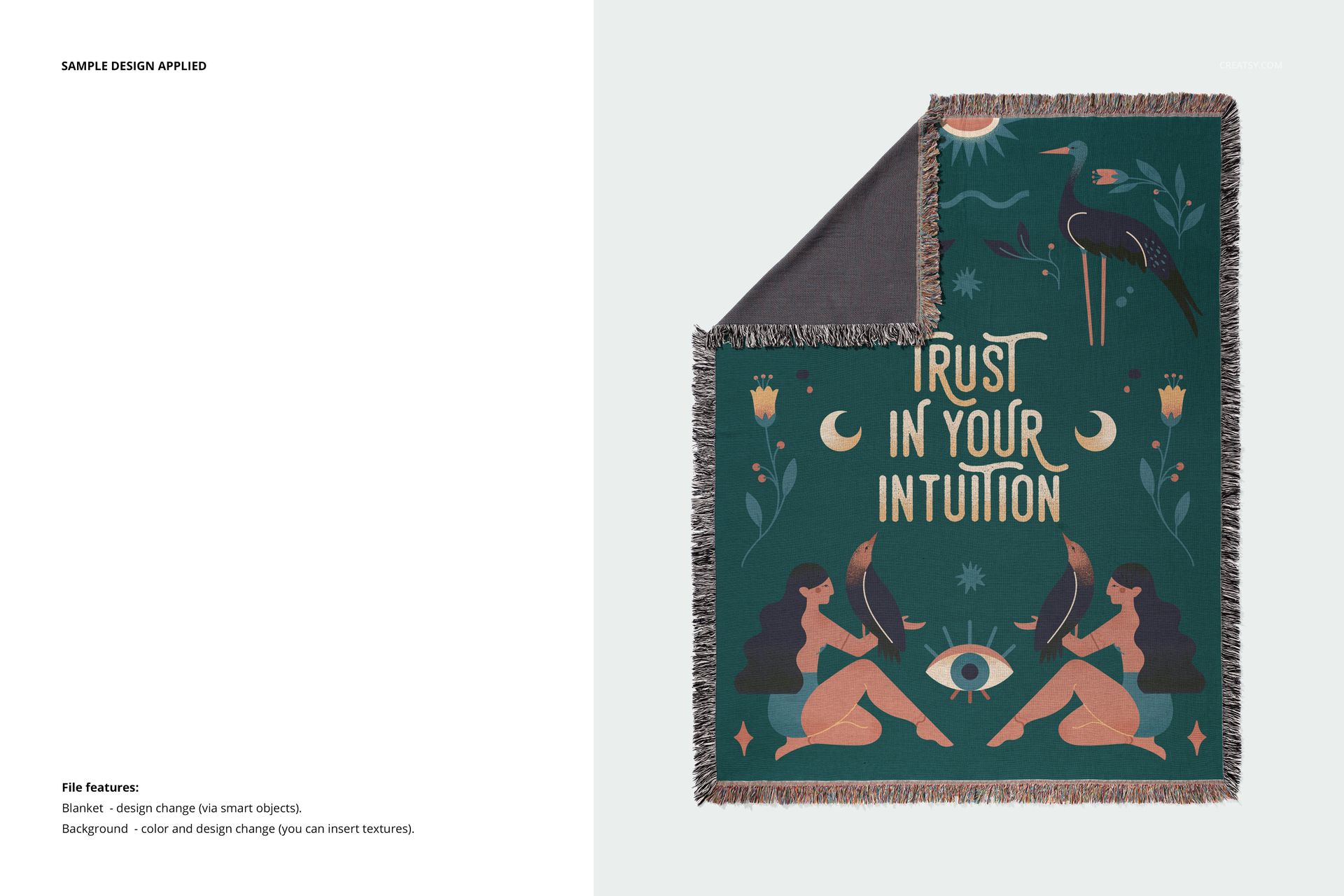
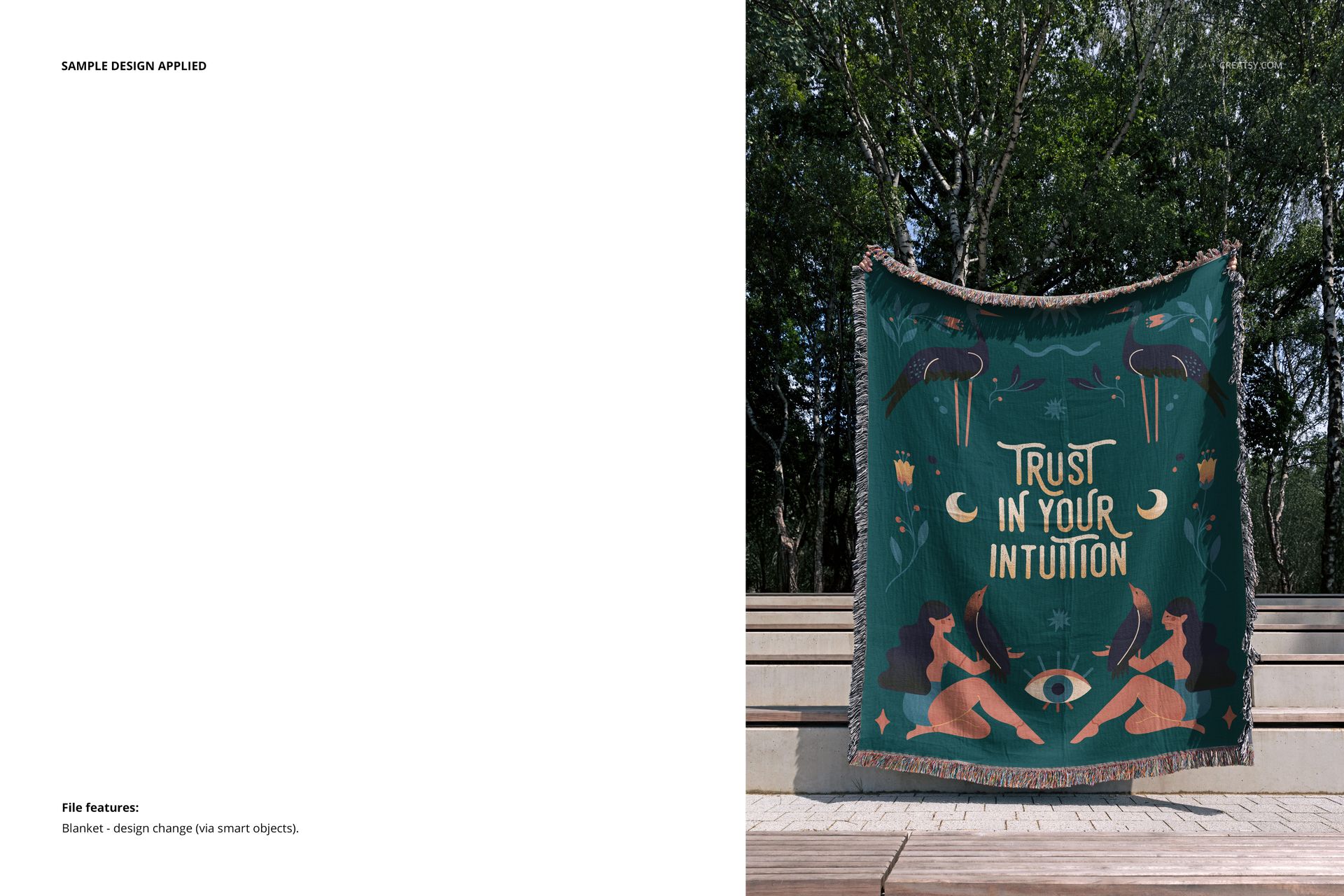
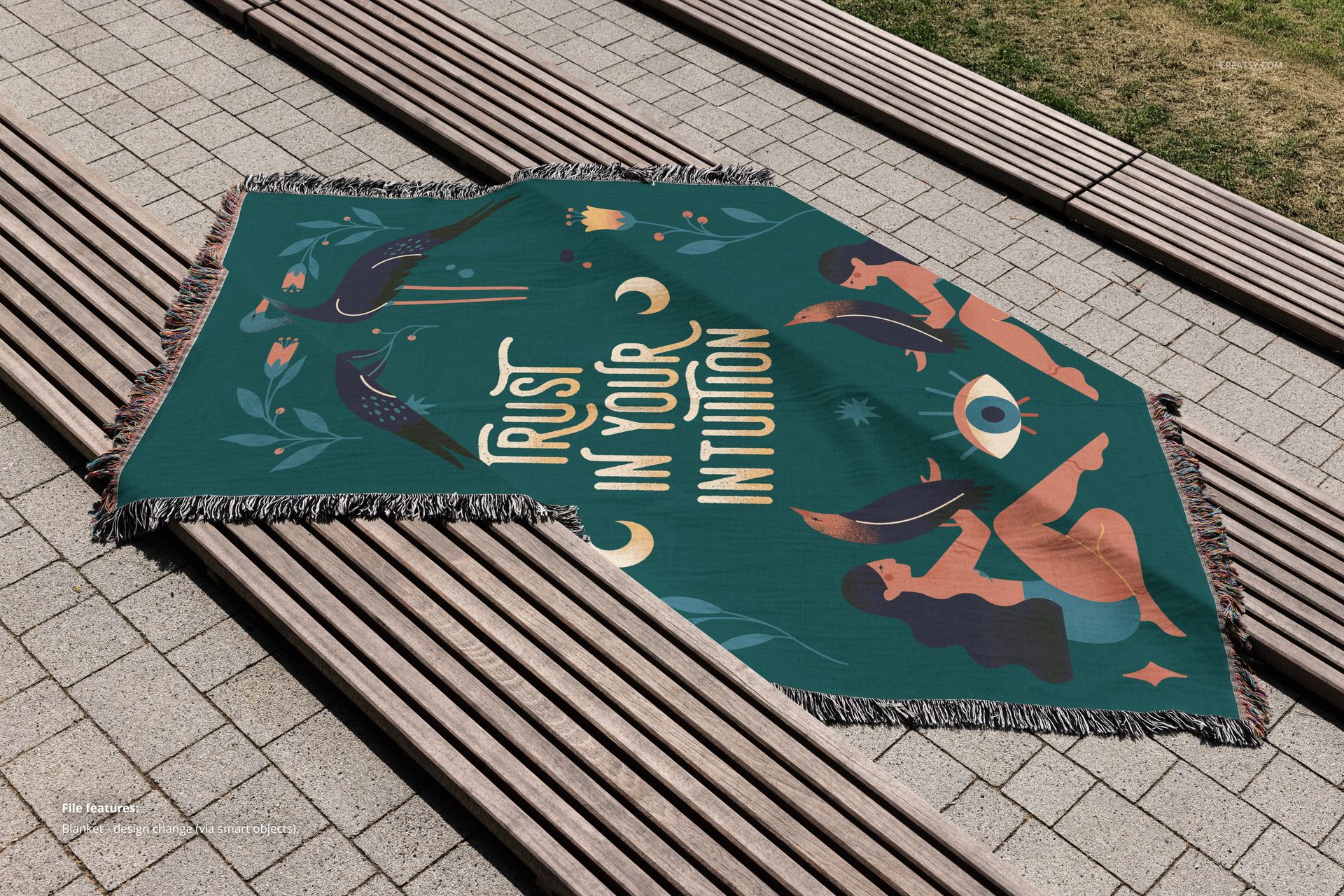
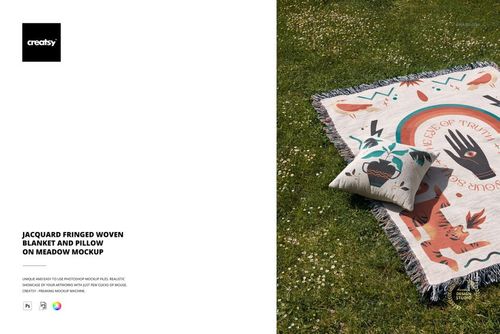
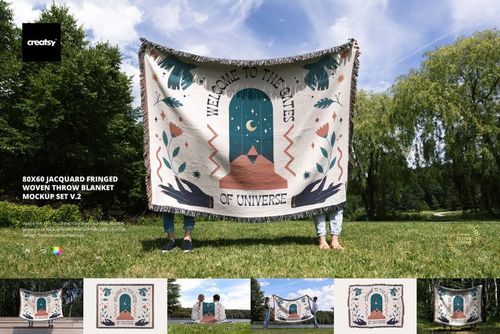
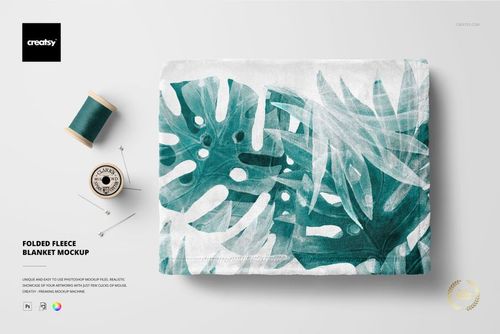
From nature to studio, this collection includes 7 PSD files that bring your textile art to life. Display your patterns, prints, or woven illustrations in calm indoor settings – flat, folded, corner-peeked, or subtly draped. Then take them into the wild: a blanket lounging in the grass, artfully arranged across wooden steps, or worn like a cloak by a model disappearing into the forest. Each mockup invites storytelling and breathes life into your work through atmospheric composition and thoughtful photography.
Design, Wrap, Repeat
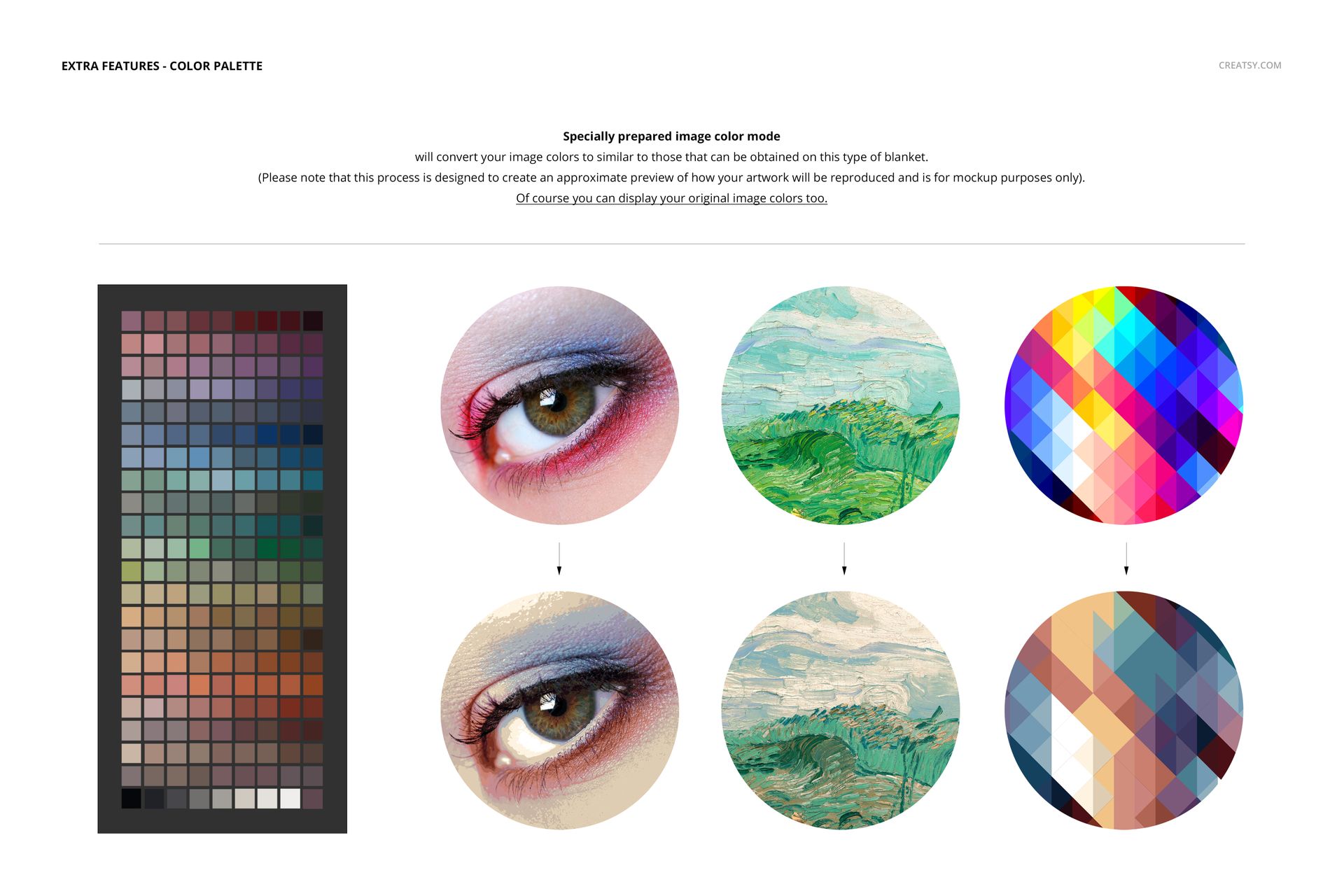
Add your patterns, color palettes, or meaningful typography directly onto the woven surface. Customize every detail of the fabric with your own design to reflect the vibe of your collection—modern, folkloric, spiritual, boho, or rustic. In the studio scenes, switch out the background patterns and textures, adjust color tones, and use our included color image mode for easy palette harmony and enhanced realism.
Files work only in Photoshop (min. version CC2020) and in free online editor: Photopea.com;
Pack includes 7 .psd files: ~6000x4000 px, 300dpi;
Check screenshots for all the features;
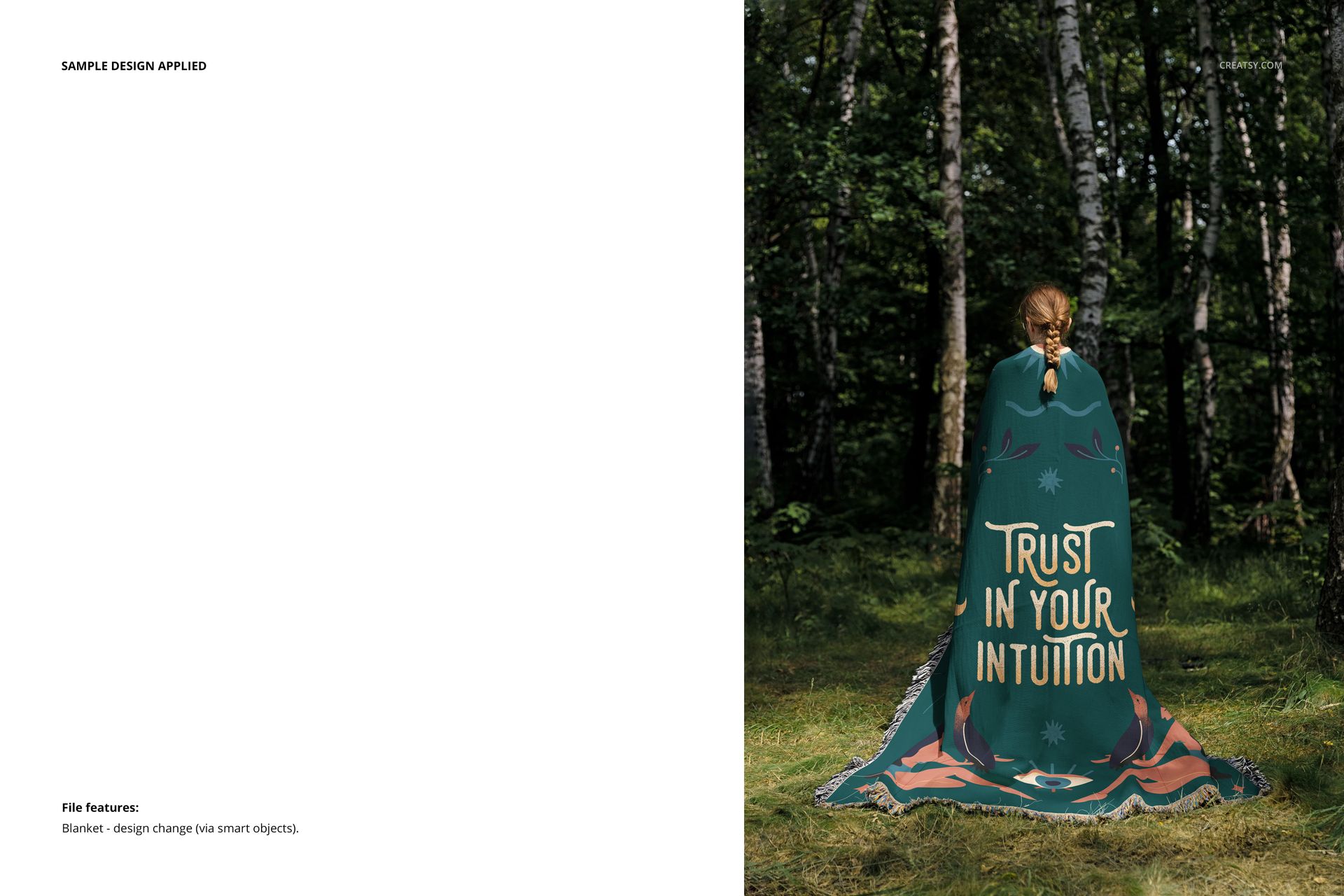
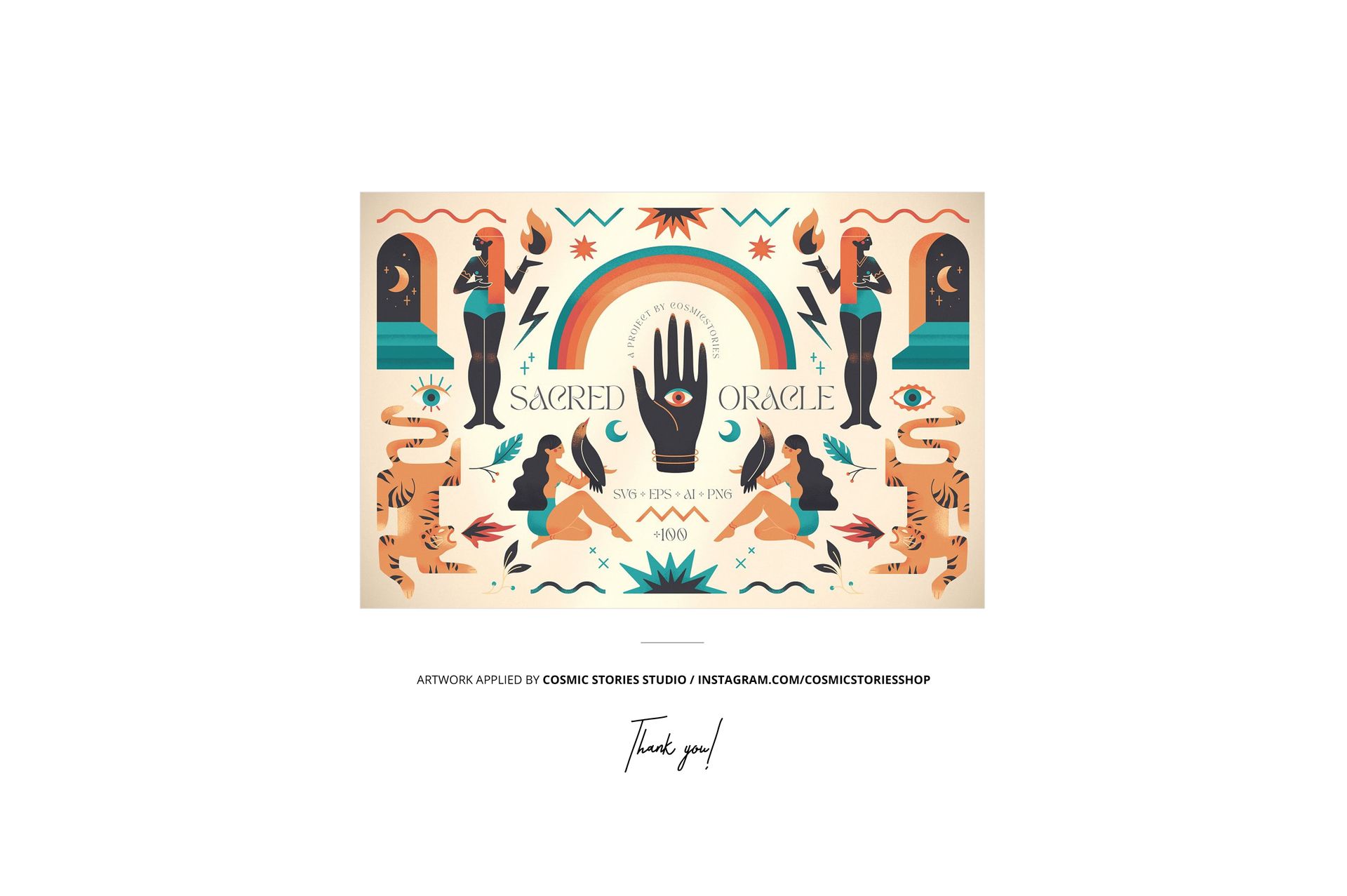
Design applied on mockups by Cosmic Stories Studio: instagram.com/cosmicstoriesco (not included in the main zip file);
Well organized layers.
File details
- Compatibility
- Number of files included
- 18
- Package size
- 646 MB
|677 MB
- Files type
- .psd, .jpg
- Files size
- 6000x4000


MEET THE SHOP

HOW IT WORKS
3 clicks. That's it.
No tutorial needed. If you can copy-paste, you can use this.
- 1OpenDouble-click the smart object inside the PSD - in Adobe Photoshop, or free in your browser with Photopea.
- 2PasteDrop in your pattern, print, or artwork. Any design, any style.
- 3SaveHit save and the mockup wraps it in for you - shadows, folds, and lighting included.
FROM IDEA TO IMAGE
Built for real workflows
Skip the photo shoot Show your artwork on the real product type for approvals or listings - no studio, no model, no sample.
See it on the product, not a swatch Drop your file into the smart object and the scene's lighting and folds wrap around it, so you judge the real thing before you commit.
Smart Objects
Edit once and you're done. Your artwork drops into a smart object and the mockup updates itself - no masking, no warping by hand.
Perfectly Organized
Named layers and folders you can actually navigate. Find what you need, change what you want, and get out fast.
Print-Ready
High-resolution files built to hold up on screen and in print. Exact size and DPI are in this product's Details above.