Mailing Boxes with Stickers Mockup Set
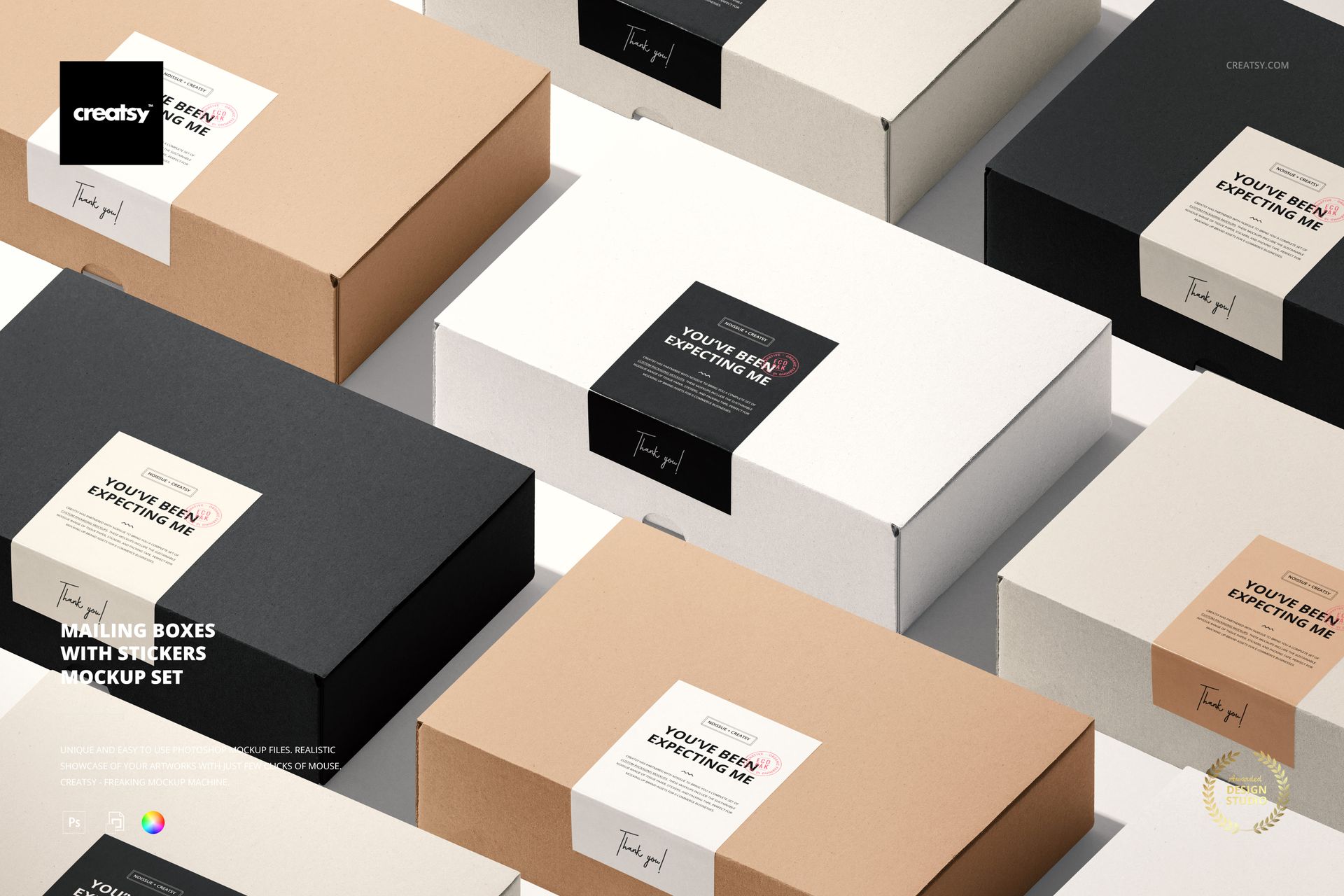
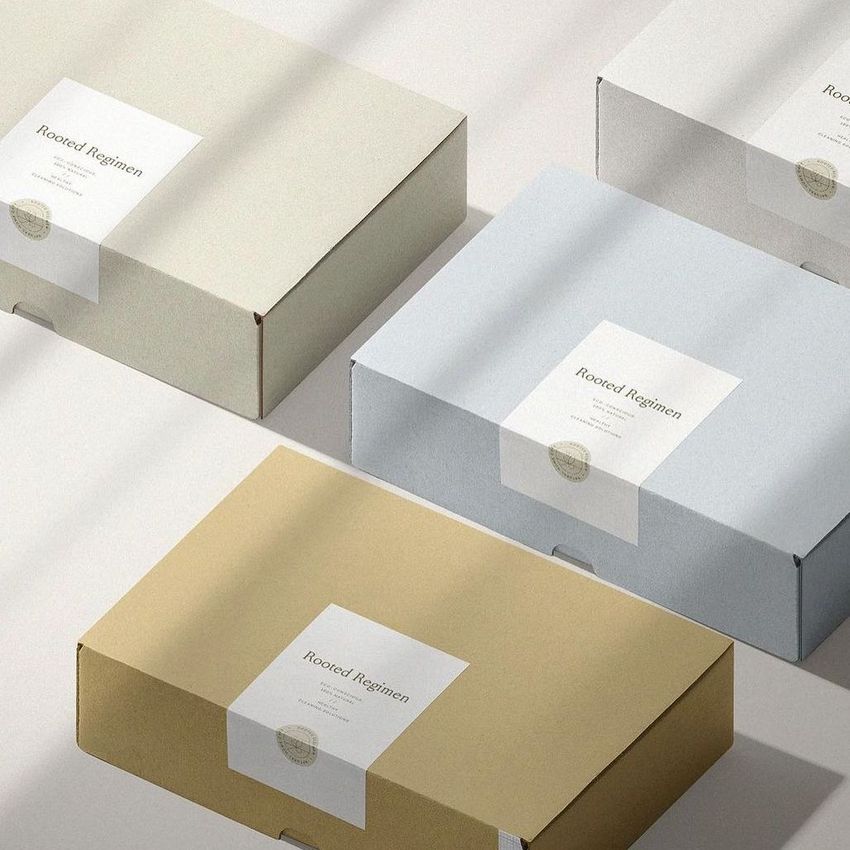
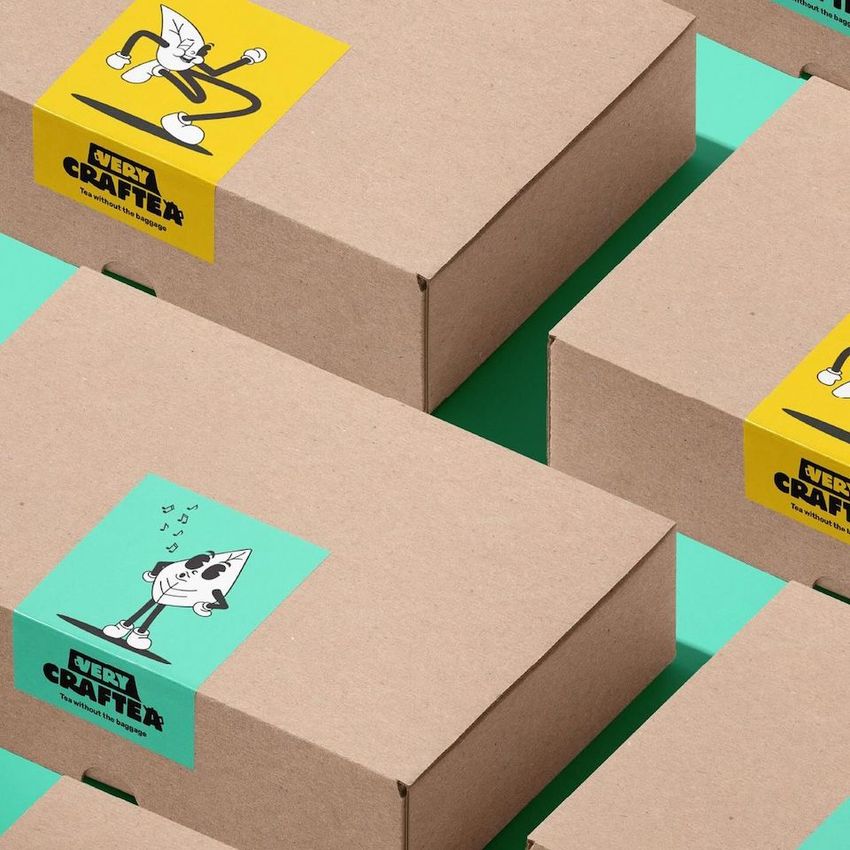
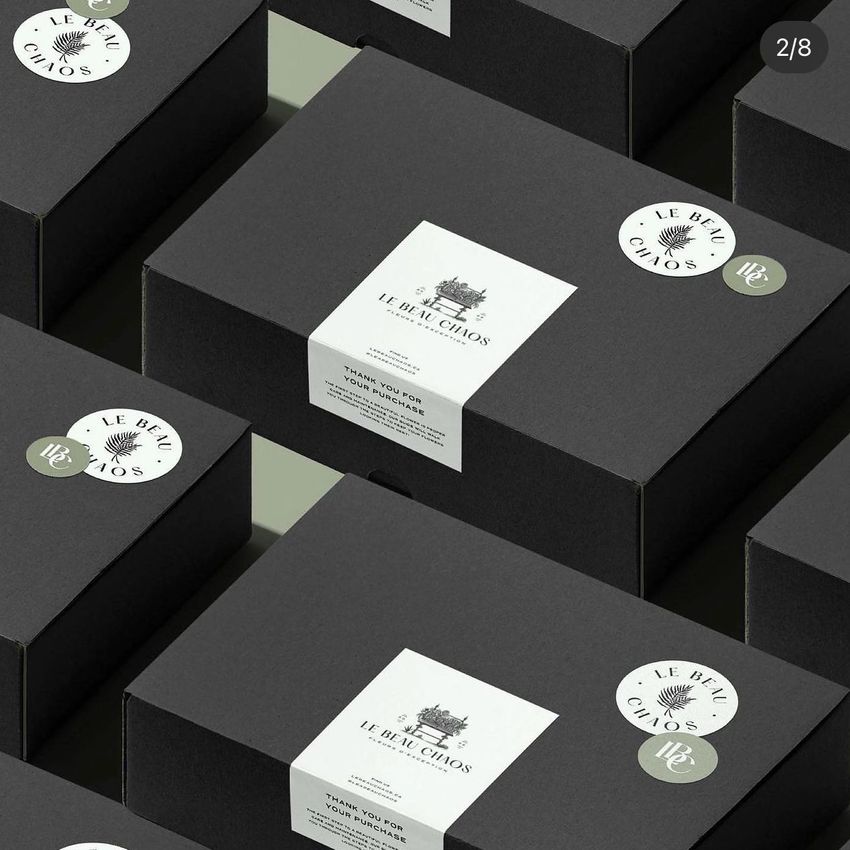
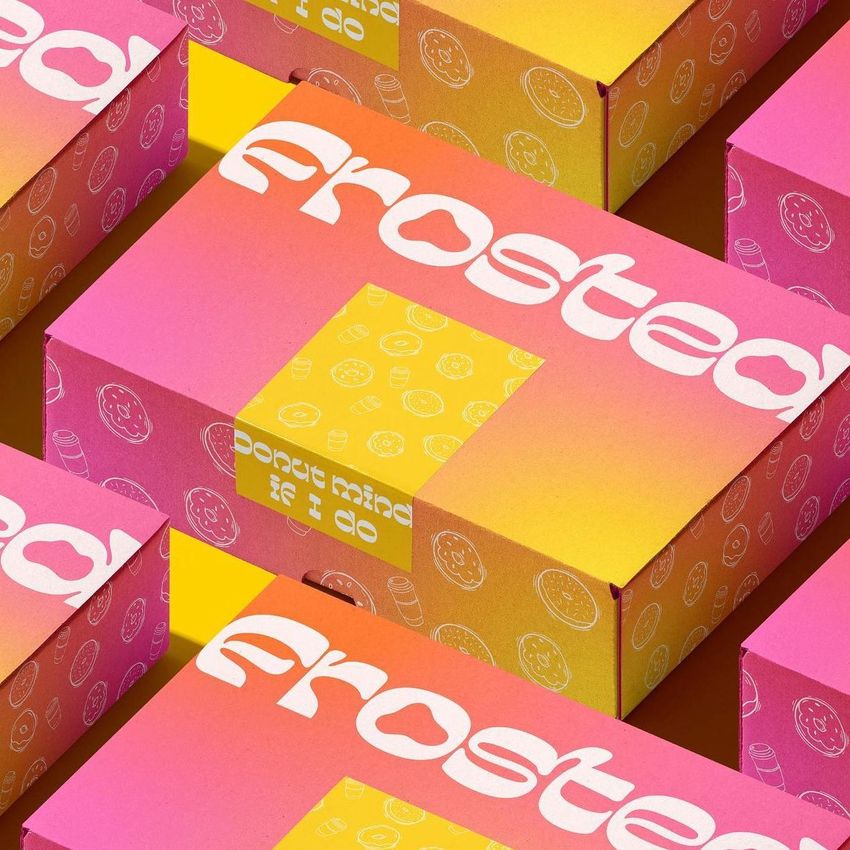
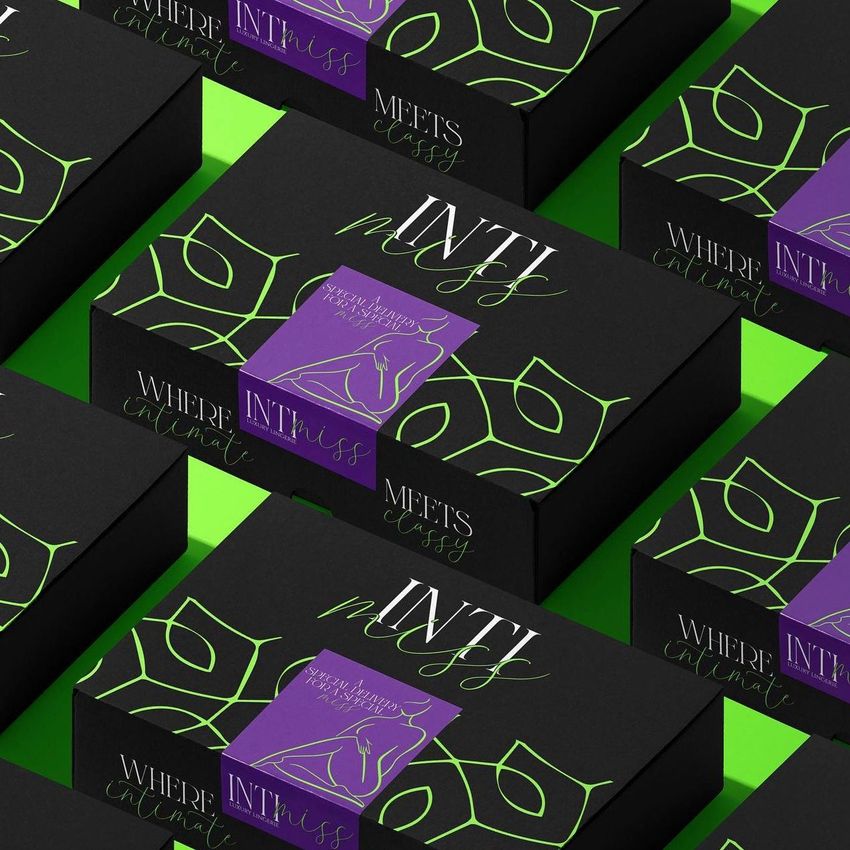
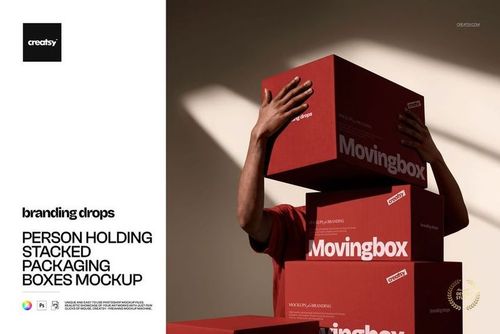
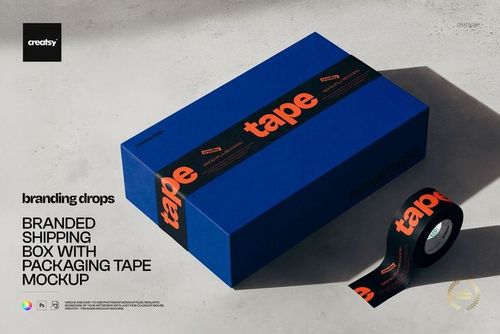
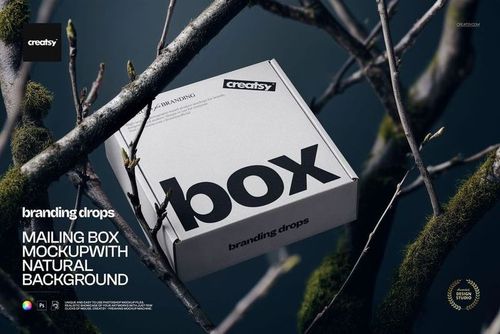
A packaging identity needs to read across a collection, not just on one box. This mailing box mockup places closed cartons in staggered diagonal rows, with rectangular stickers folded from the lid over the front edge. Use the landscape composition to present the relationship between box graphics and sealing sticker artwork.
What Is Included
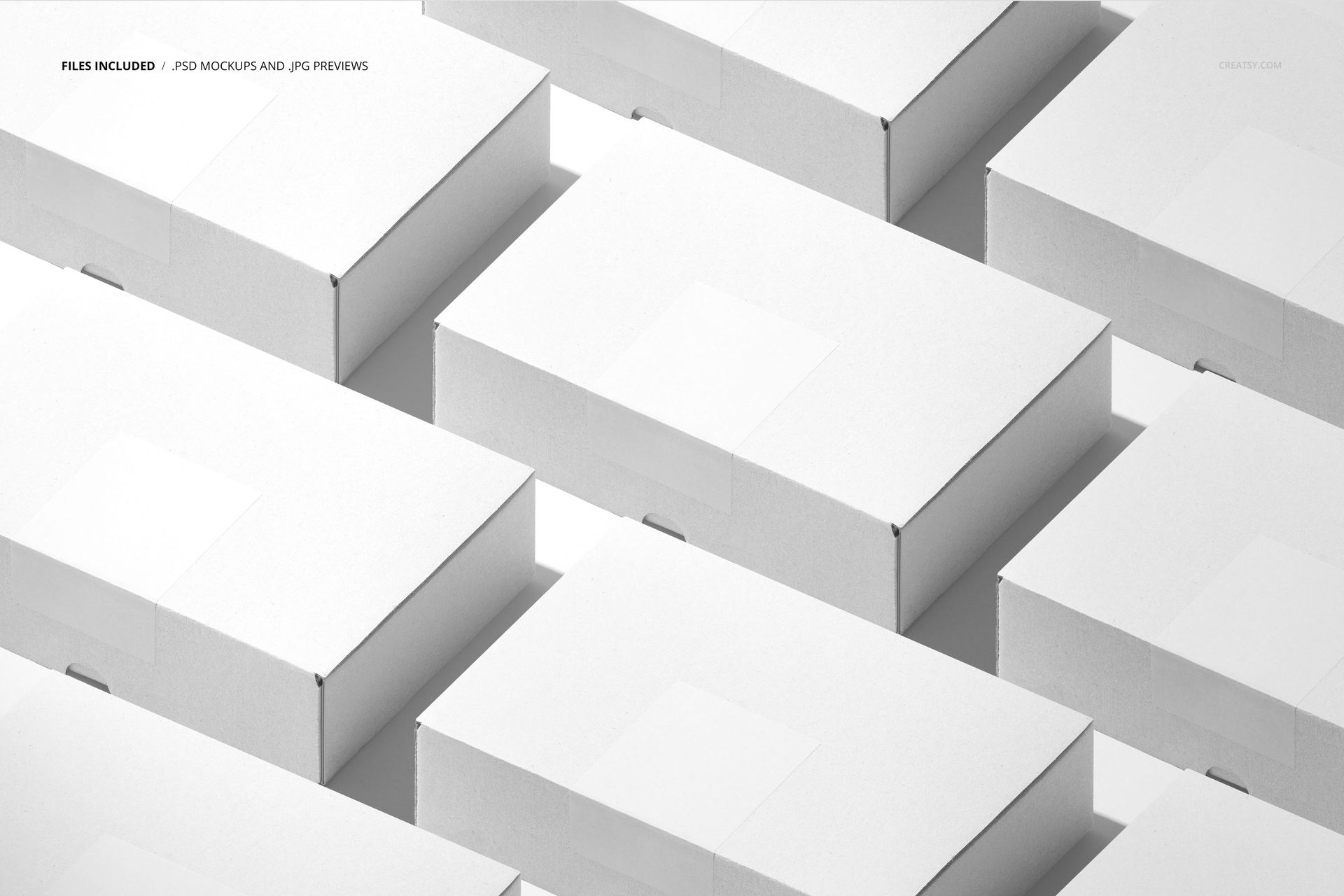
1 layered PSD mockup, 6000 × 4000 px at 300 DPI, with a multi-box arrangement.
1 JPG preview, 256 × 171 px; 2 files in total. The JPG is a small reference image, not another editable scene.
Box Graphics and Stickers in One Collection View
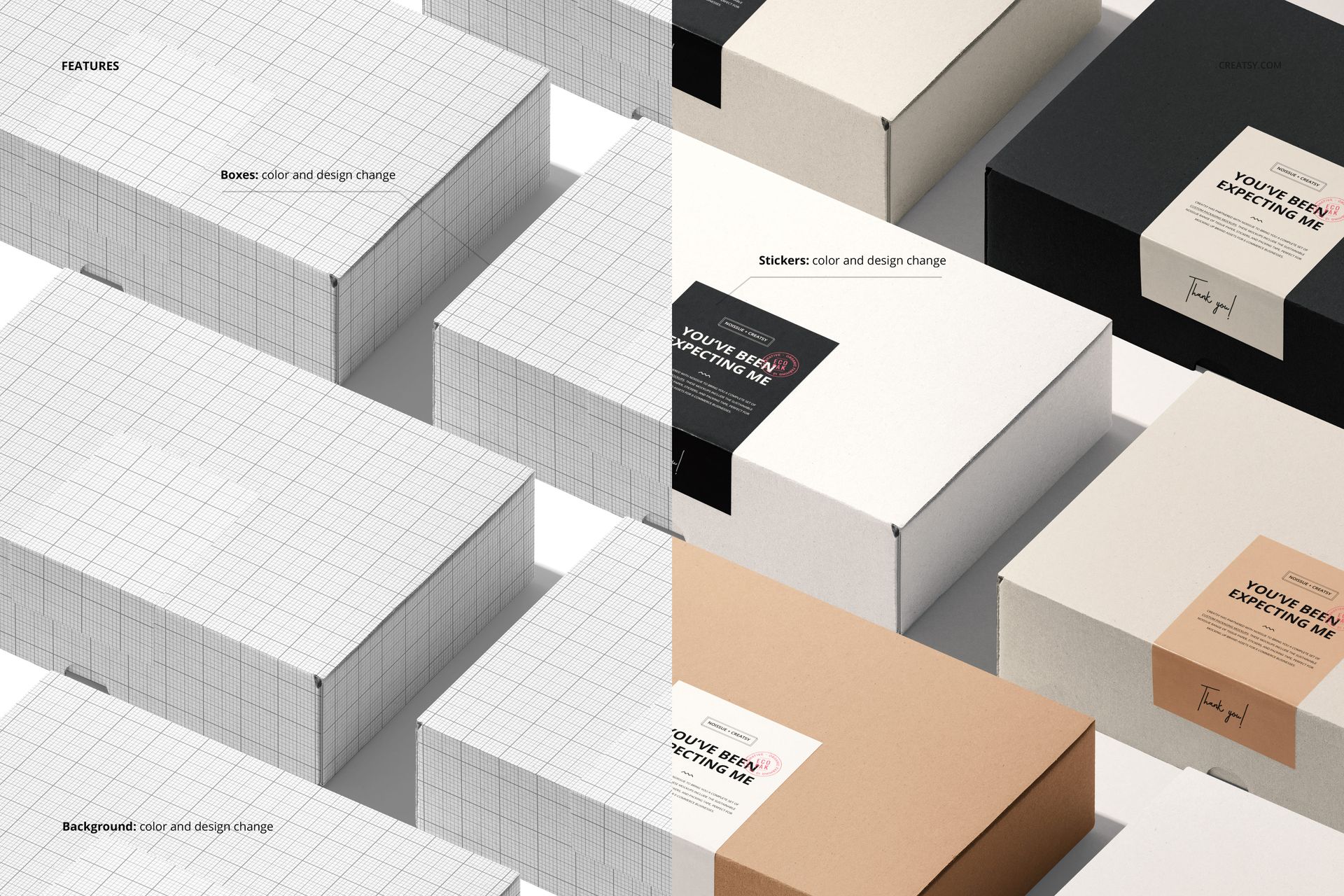
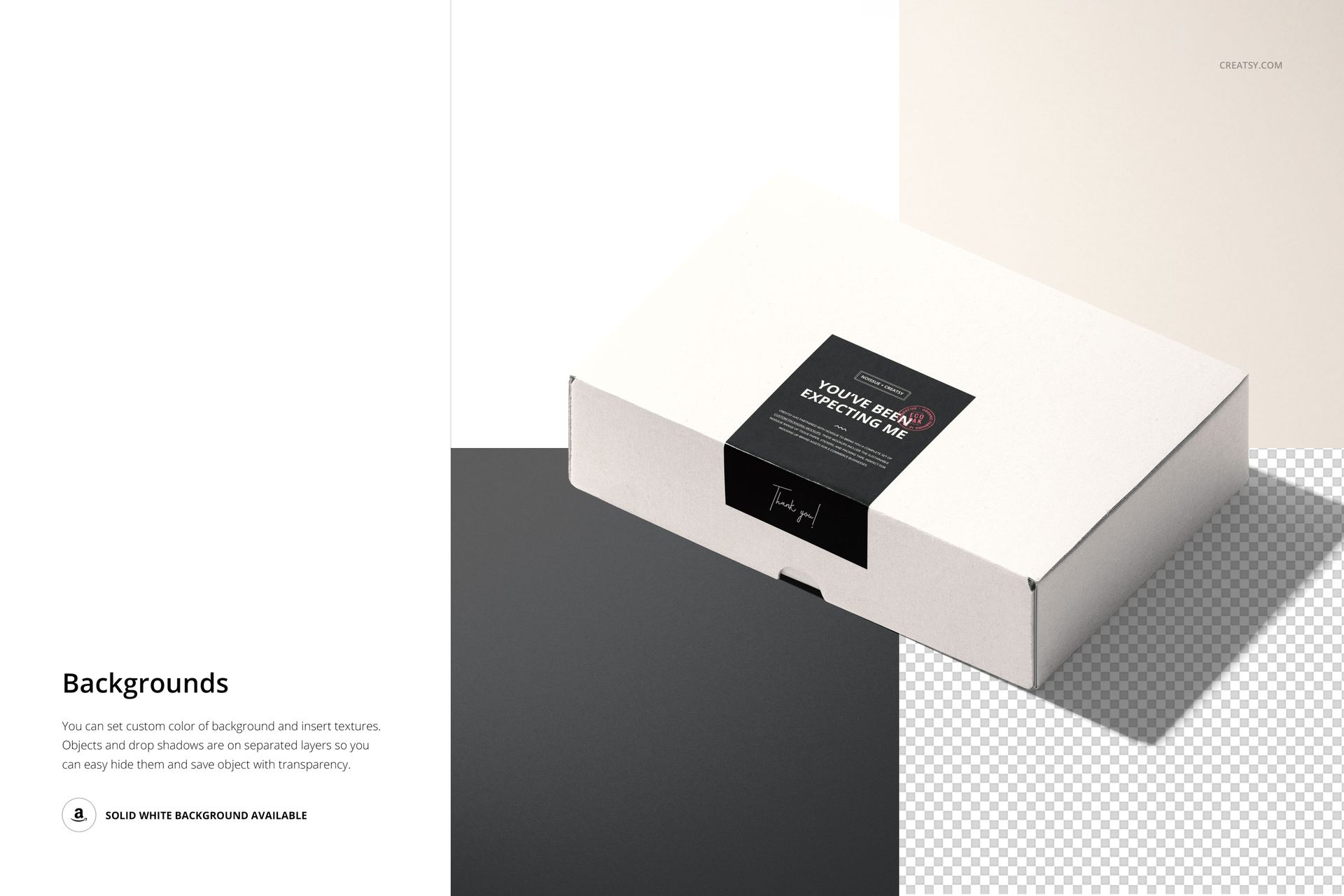
Change the colors and designs of the boxes and stickers, then coordinate the background with your packaging concept. The repeated arrangement helps show how bold patterns, quiet surfaces and small label details work together. Background colors and textures can be changed, while separate object and drop-shadow layers support hiding elements and exporting with transparency.
Easy Smart Object Editing
Open the PSD in Adobe Photoshop CC or Photopea, place your artwork in the Smart Objects and save those edits to update the mockup. Well-organized layers help you work through the box, sticker and background settings. Review the full composition after each change to keep contrast consistent across the visible surfaces.
Perfect For
Use this scene for packaging identity presentations, ecommerce brand campaigns, subscription-box concepts and portfolio projects that need a collection-level view. It is especially useful when the box design and the folded sealing sticker share the branding work.
This is a digital mockup product. Physical packaging and sample artwork are not included.