Wrapped Tissue Paper with Vertical Rectangular Sticker Mockup
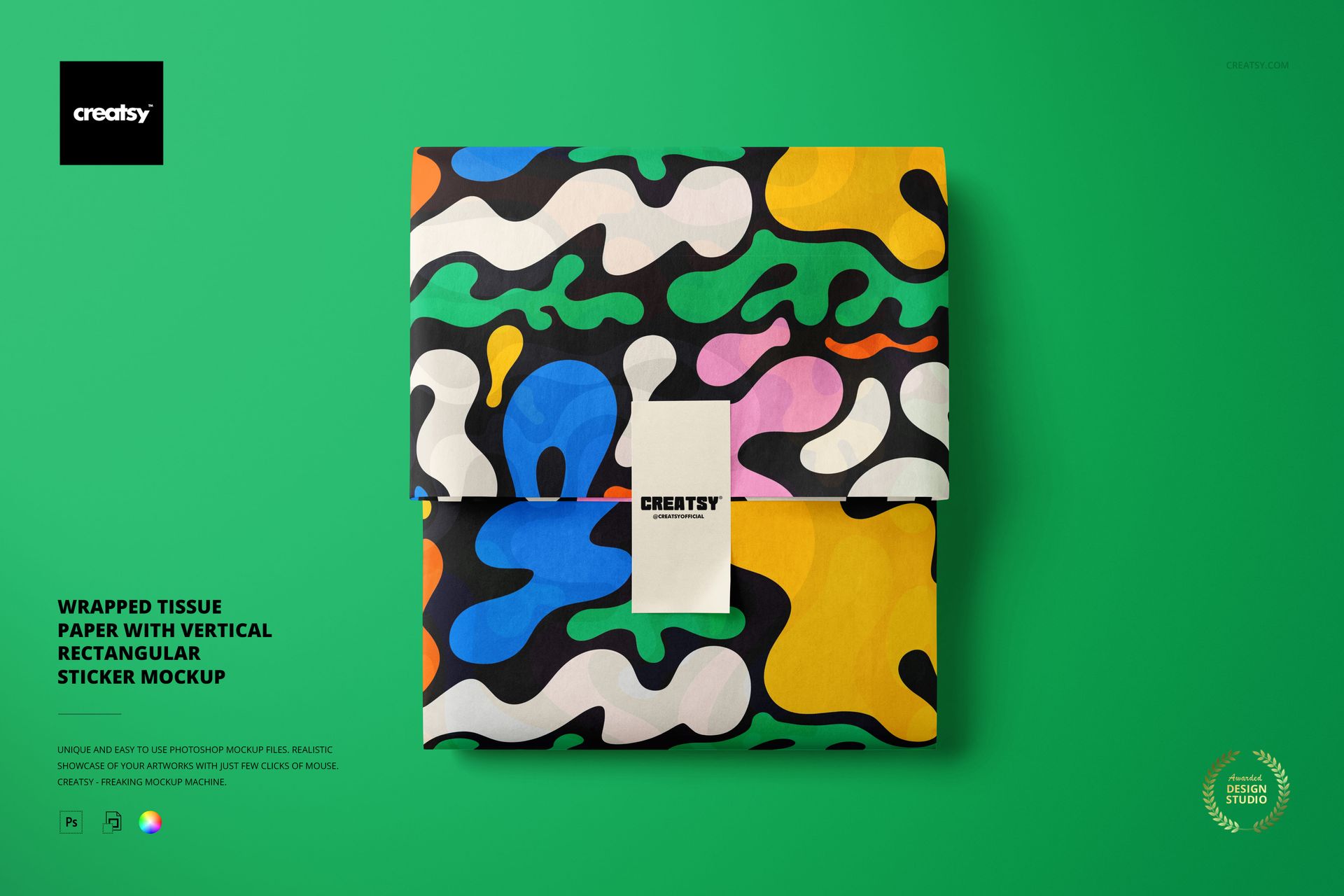
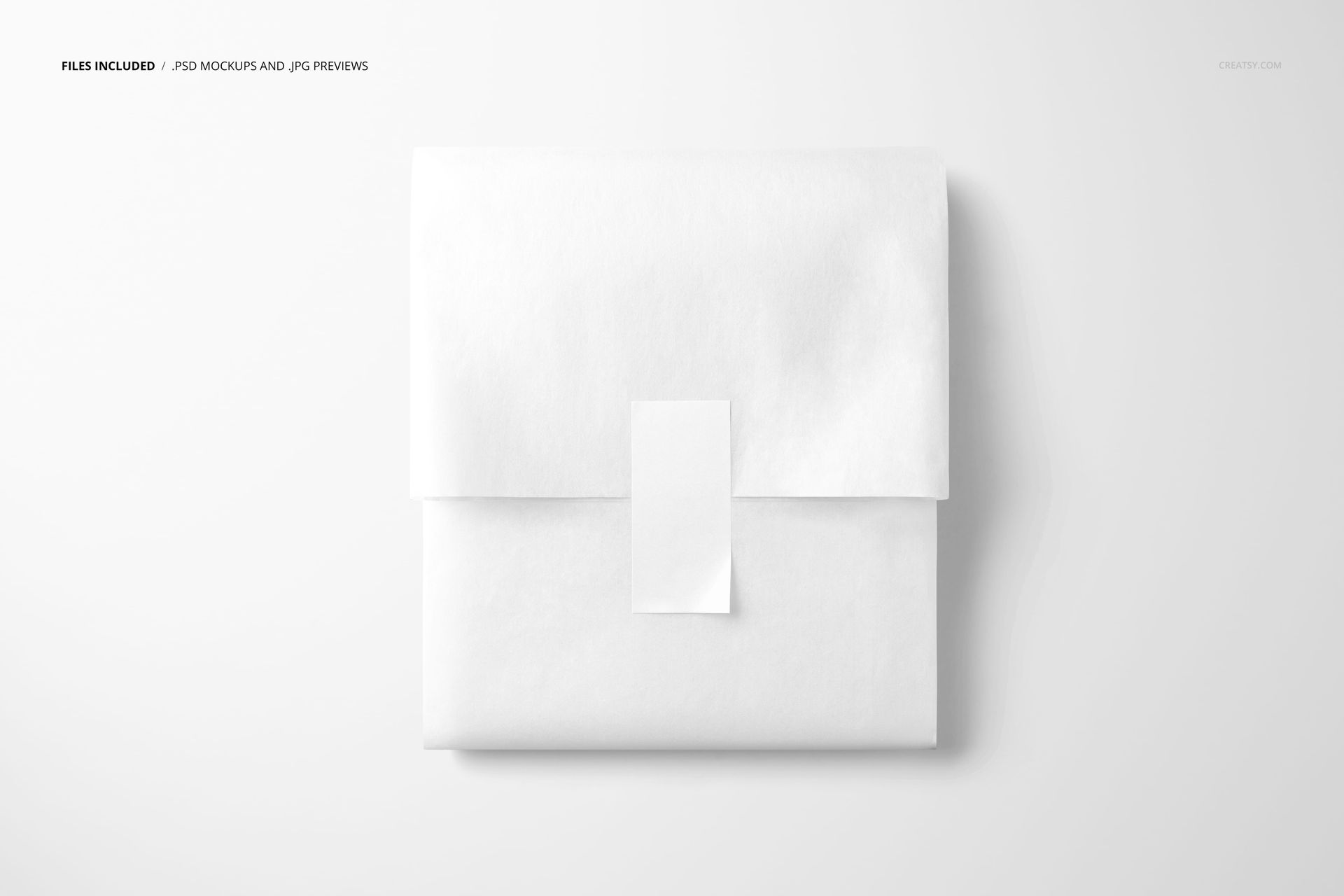
Showcase a wrapped parcel from above with a crisp vertical rectangular sticker at its center. The soft white tissue and open background create a versatile product scene that lets your branding, pattern, or label design lead.
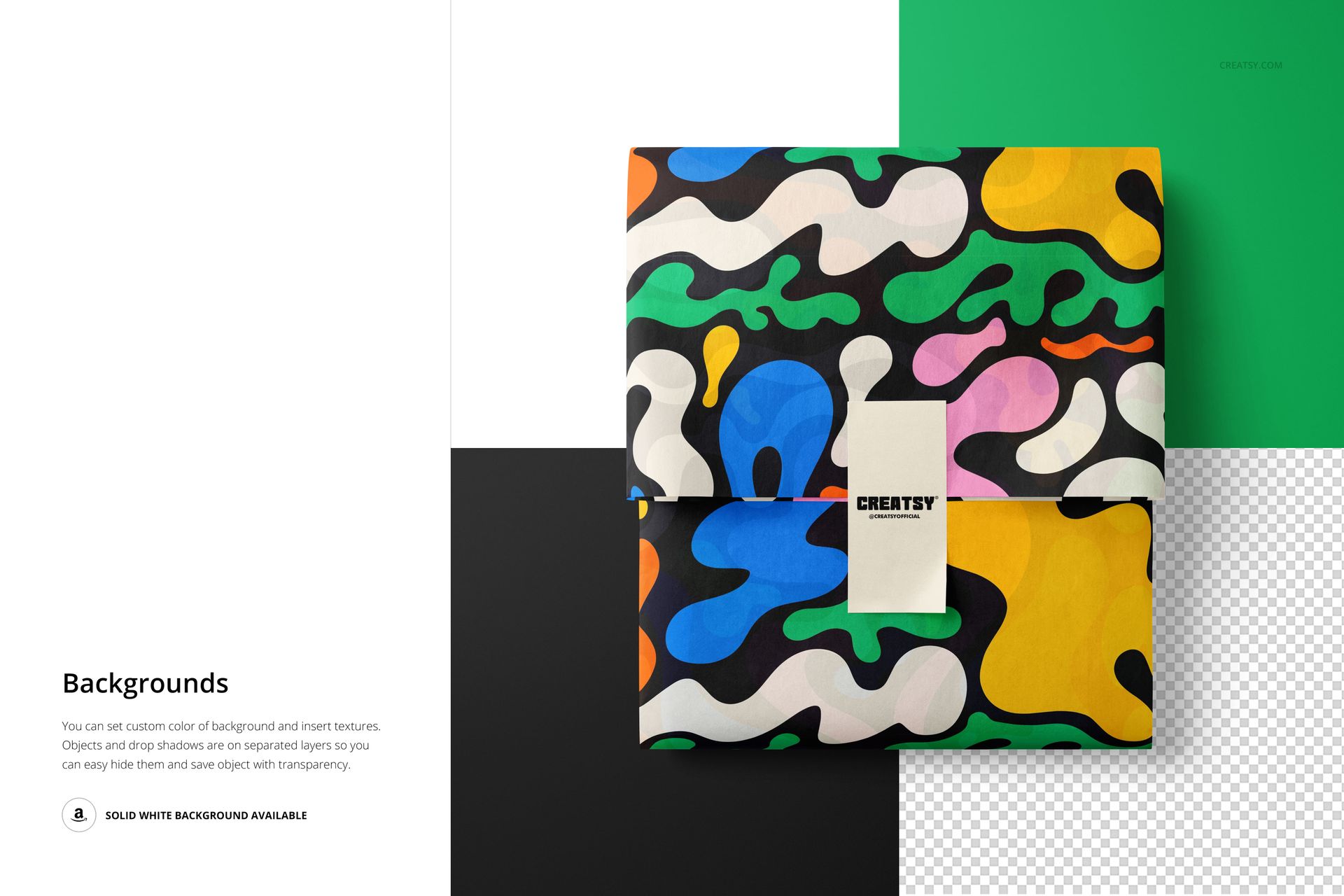
This PSD mockup is suited to packaging concepts, ecommerce visuals, client presentations, and design portfolios. Explore a clean label treatment first, then test bolder color blocks or patterns while keeping the wrap structure realistic.
What Is Included
One editable PSD mockup and one JPG preview for fast presentation checks.
6000x4000 px canvas at 300 dpi for detailed digital output.
Organized layers for a clear, repeatable artwork placement workflow.
Scene & Composition
The top-view scene features folded tissue paper and a vertical sticker running across the package center. Its minimal styling supports both quiet luxury branding and colorful pattern studies.
Editing Workflow
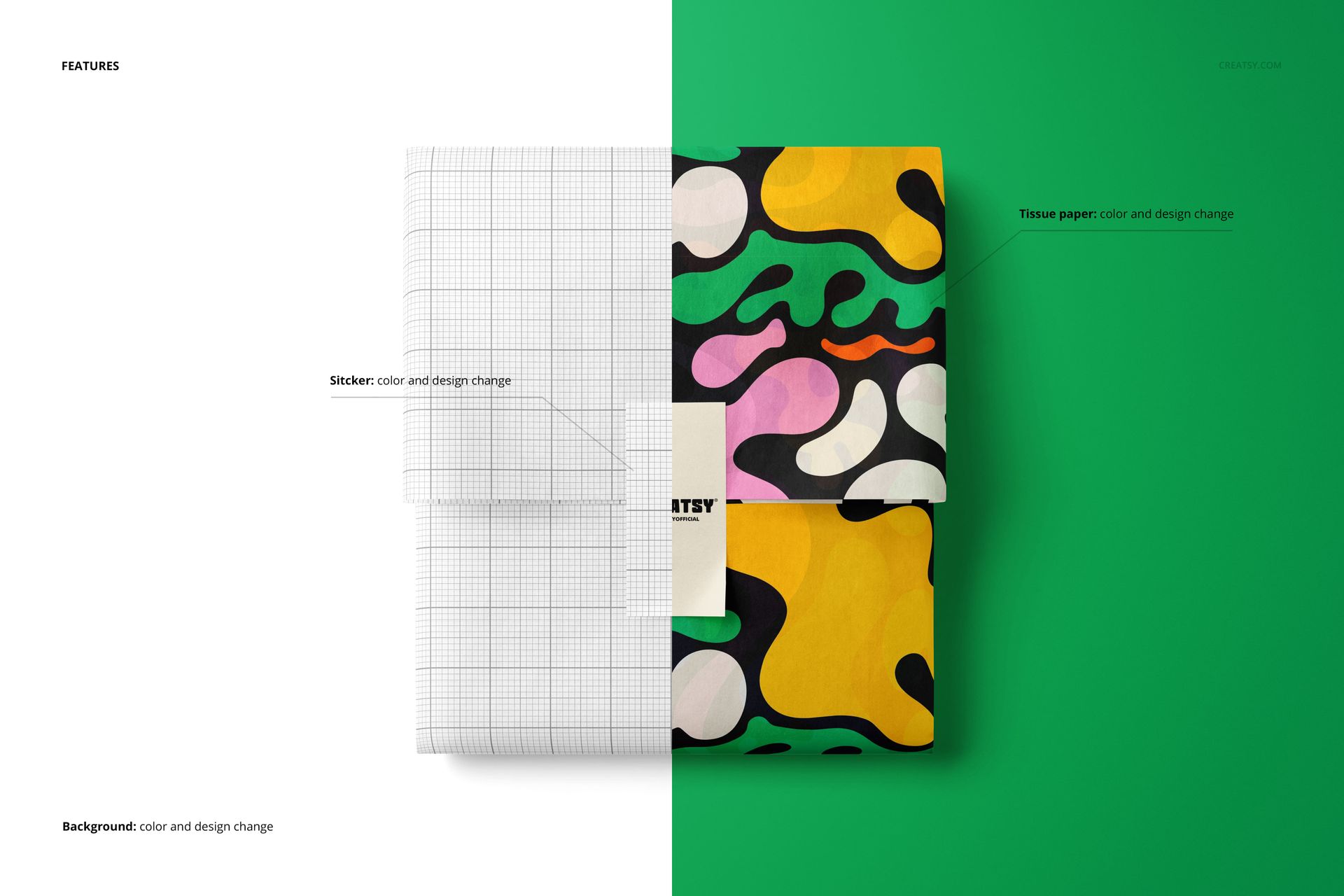
Open the PSD in Adobe Photoshop CC2020 or newer, or use Photopea in your browser. Add artwork to the editable layer, save the file, and compare the result with the included JPG preview.
Branding Applications
Build visuals for boutique packaging, gift wrap, subscription mailers, stationery launches, product labels, and ecommerce campaigns. The centered sticker offers a clear place for a logo, short message, or collection name.
Technical Details
The listing includes PSD and JPG files at 6000x4000 px and 300 dpi. Package size is reported as 262 MB for Windows and 275 MB for Mac.
License & Usage
Choose the license tier that fits your project and read the Creatsy license terms before commercial use. The displayed artwork is illustrative; your purchase contains the editable mockup files.