Can Mockup Set
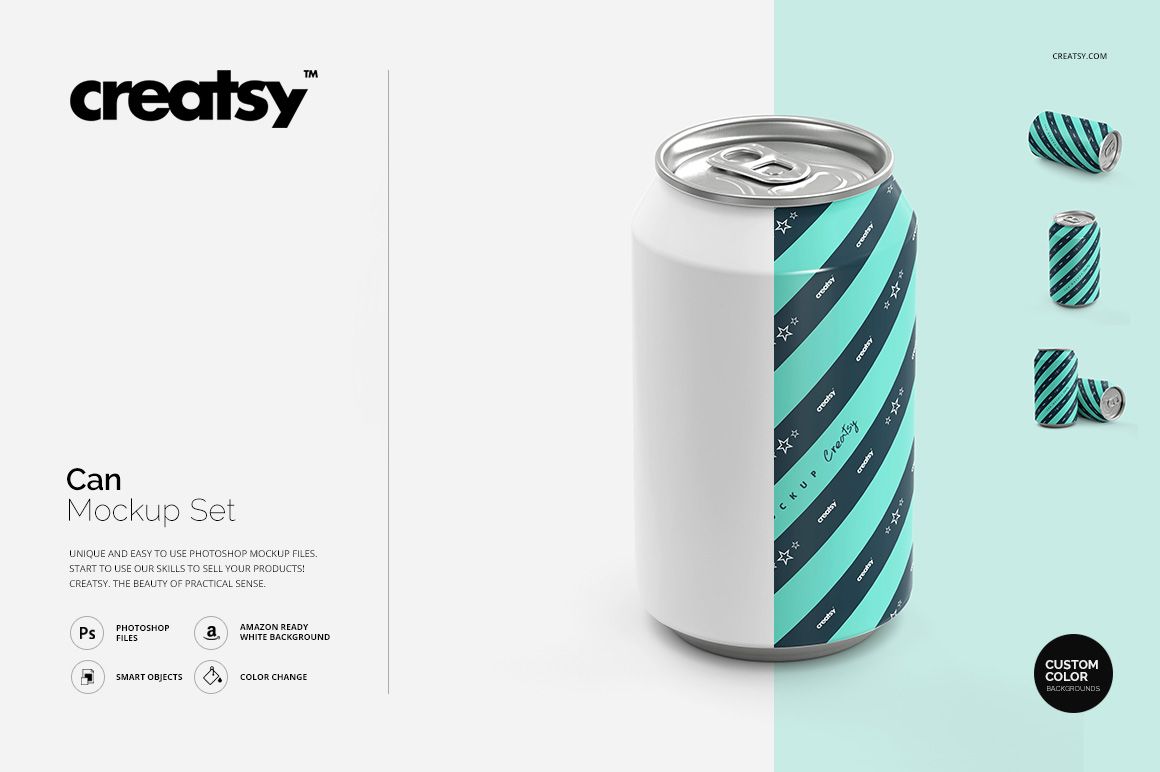
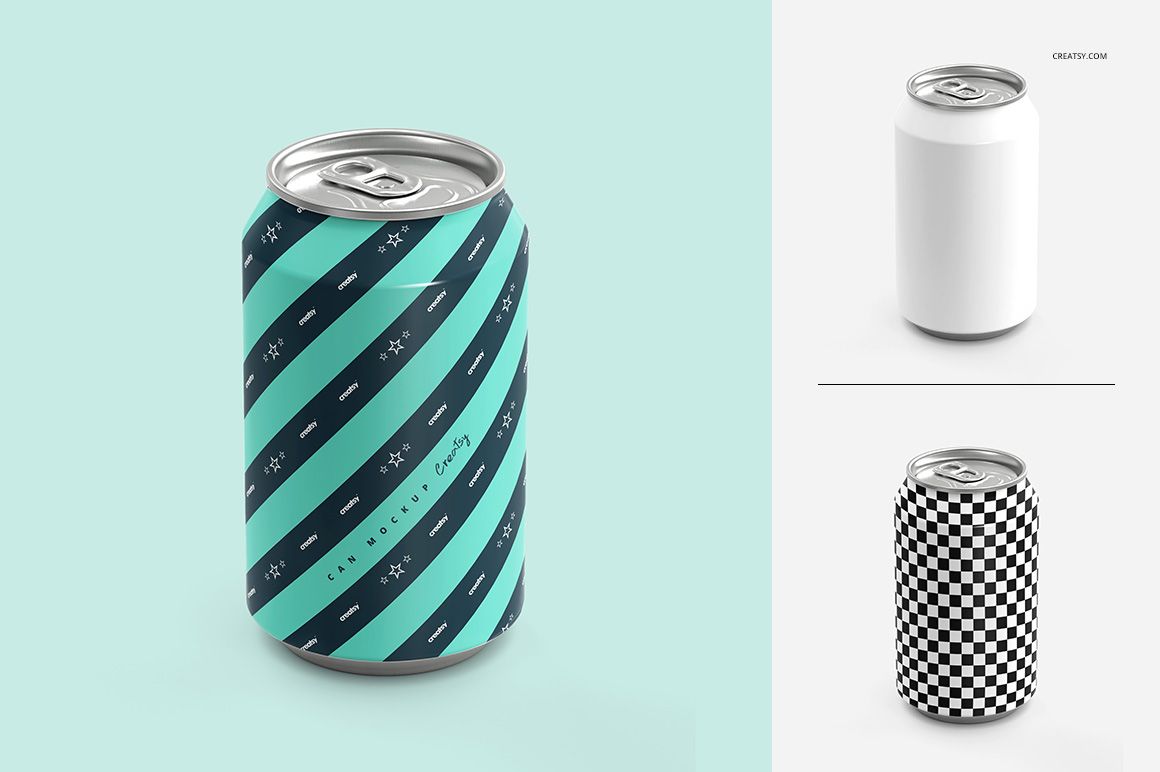
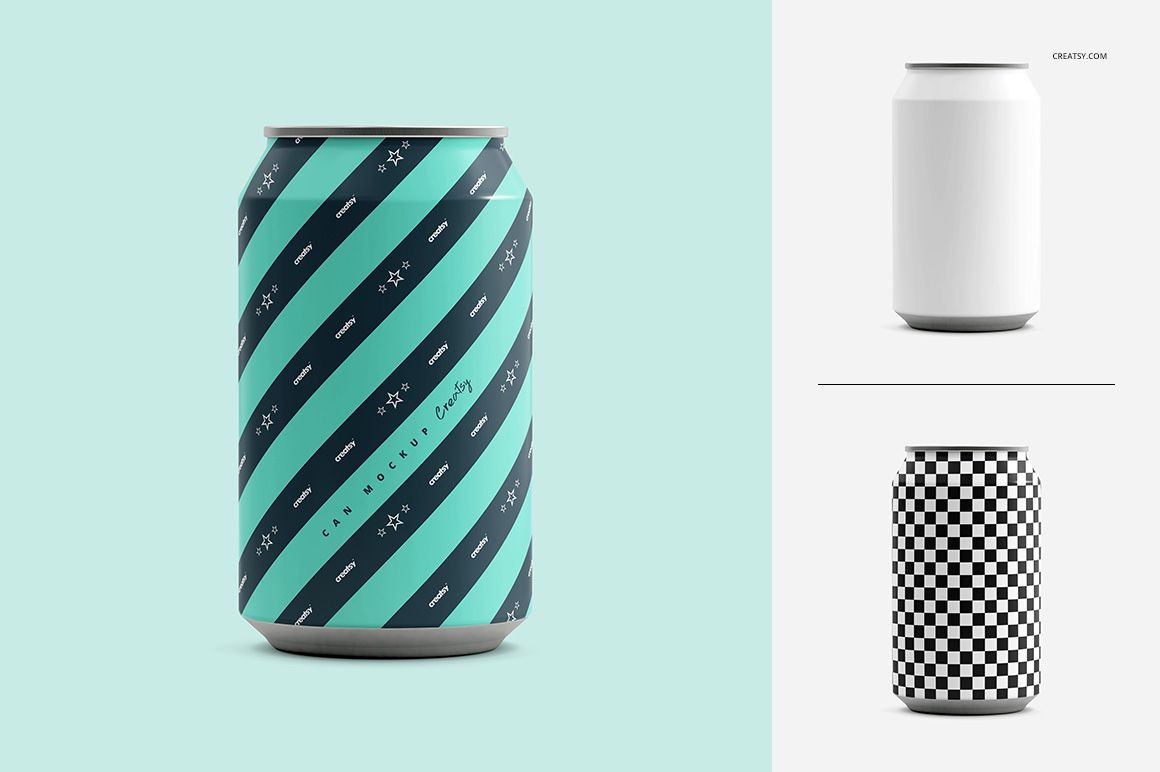
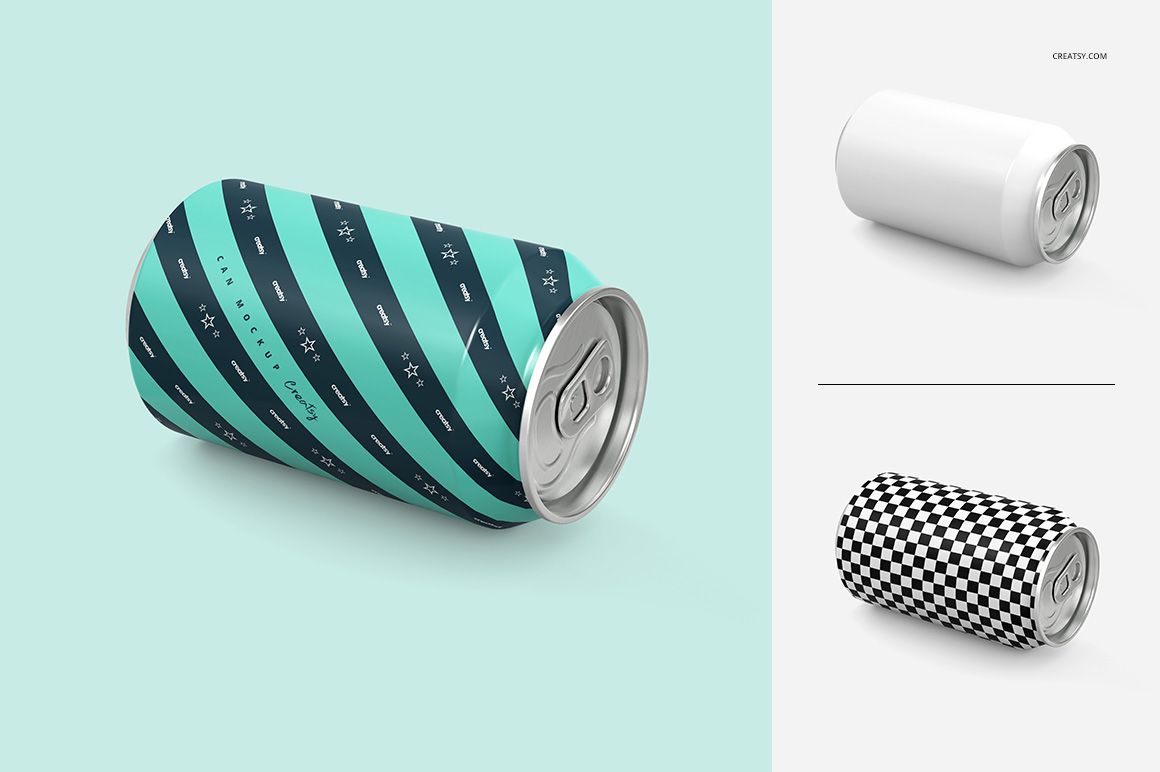
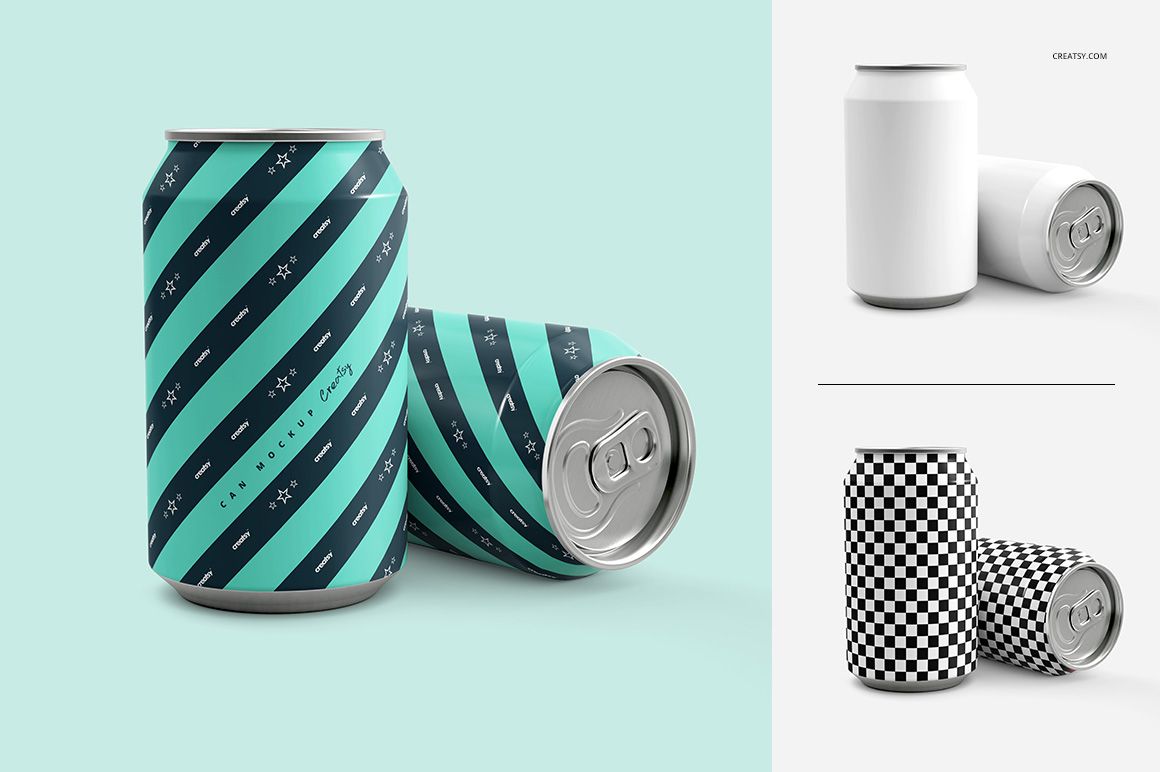
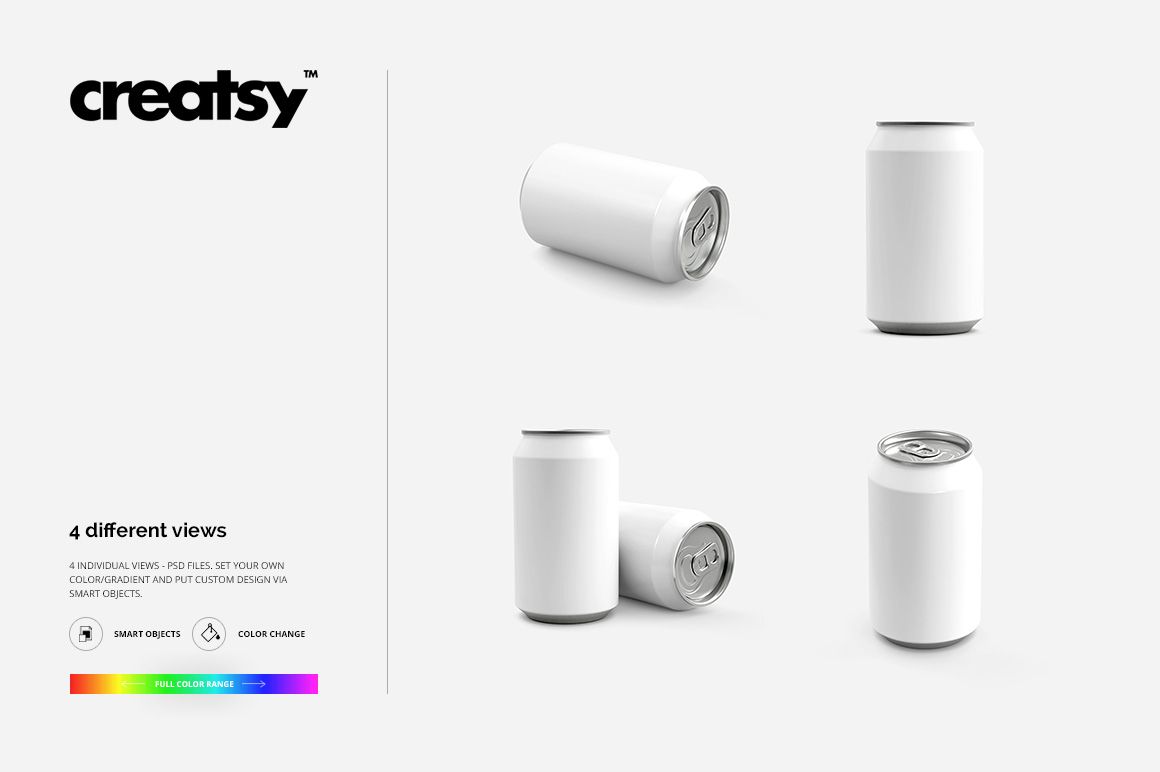
A beverage identity needs to read around a curve, not only on a flat artwork sheet. This four-scene aluminum can mockup set presents your design upright, lying on its side, in a paired composition and from an elevated angle that reveals the pull-tab top.
Use the different views to judge how a logo, flavor name or repeating illustration holds together as it wraps around the can. The clean presentation keeps attention on your packaging rather than on lifestyle props.
What Is Included
4 layered PSD mockup files, each 3000 × 3000 px at 300 DPI.
4 JPG previews and 1 Guide.tif instruction file, 9 files in total.
Four can compositions with organized layers and Smart Object artwork editing.
One Design, Four Views
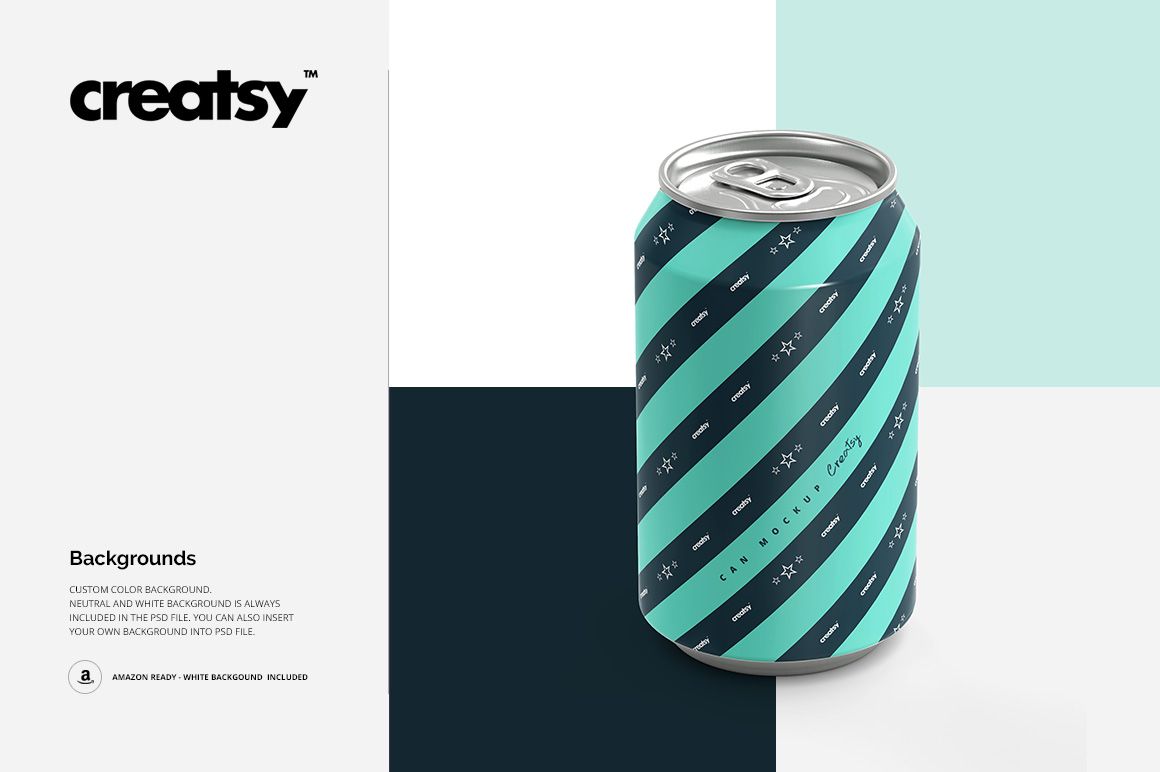
Change the can color and artwork, then use a white or custom background to suit your presentation. The visible metallic rim and top give context to the printed body, while the paired view adds variety to a product gallery.
Easy Smart Object Editing
Open a PSD in Adobe Photoshop CS4 or newer, or Photopea. Open the artwork Smart Object, place your design, save that Smart Object and return to the main scene. Adjust the available color layers and background, then export your presentation image.
Perfect For
Beverage branding proposals for soda, sparkling drinks and other canned beverage concepts.
Comparing flavor colorways and illustration scale across a drink range.
Packaging portfolios and client presentation decks.
This is a digital mockup product, not a physical can. The sample patterns and artwork shown in the previews are not included.