Tall Can Mockup Set
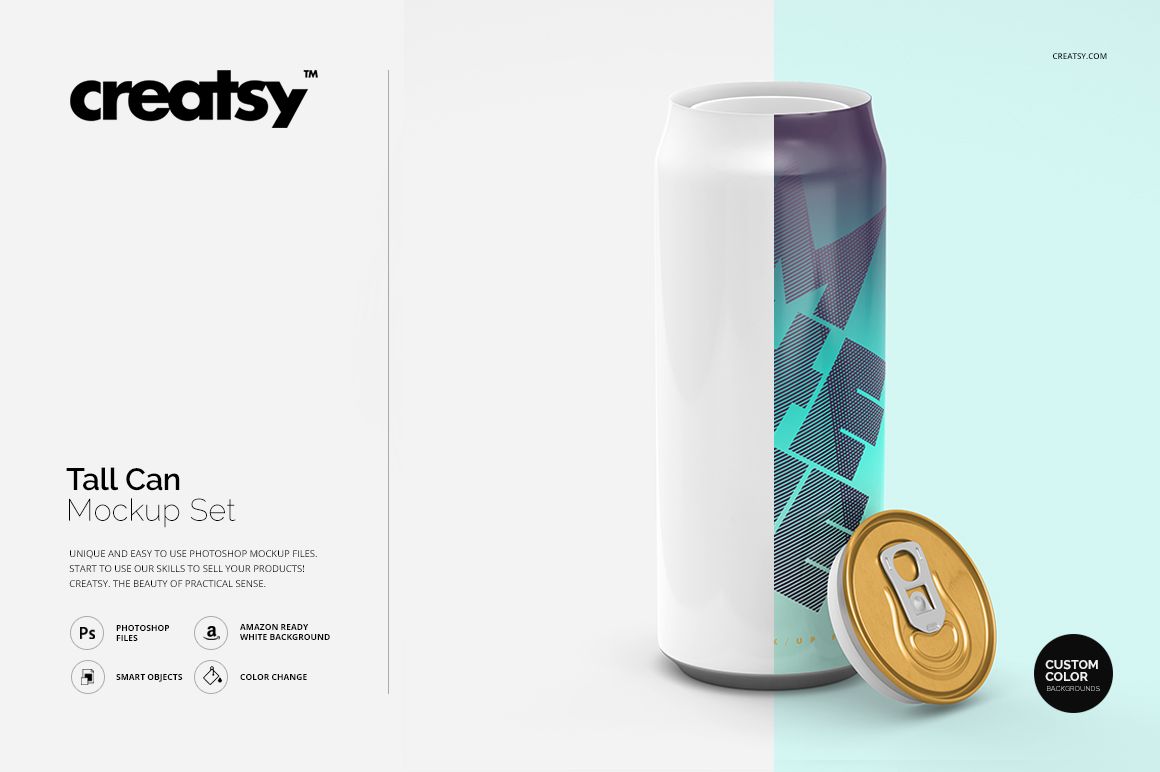
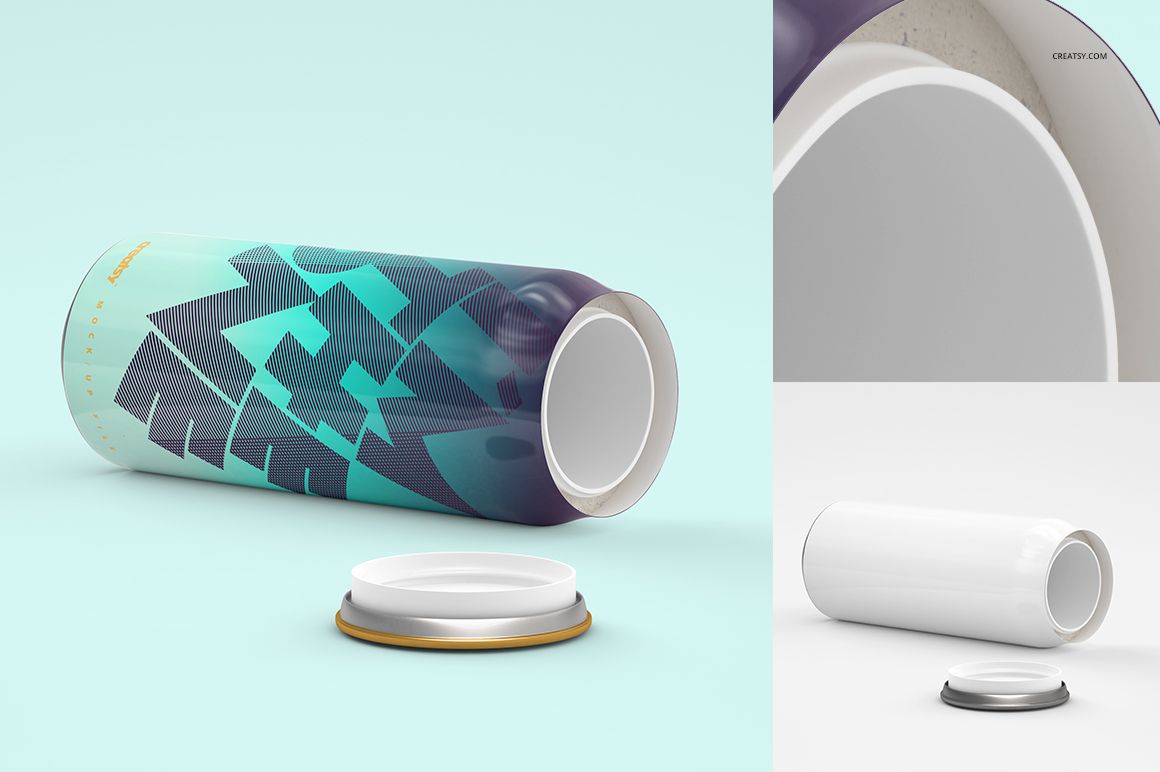
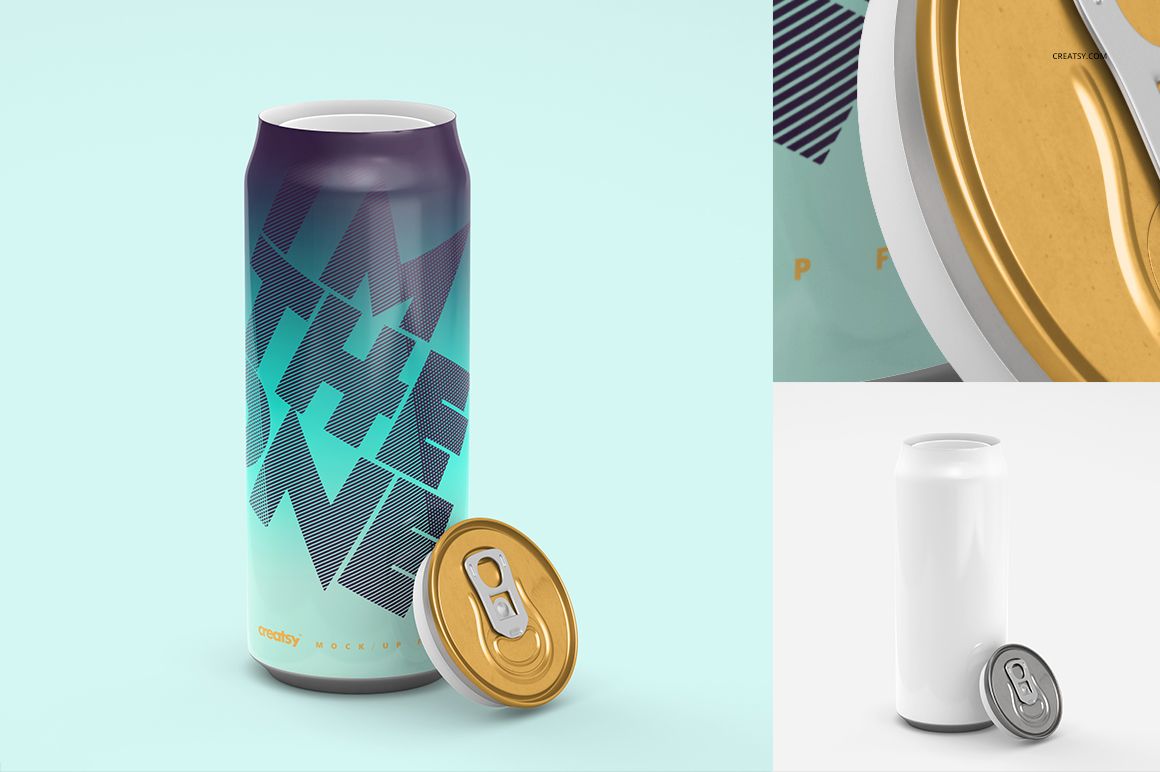
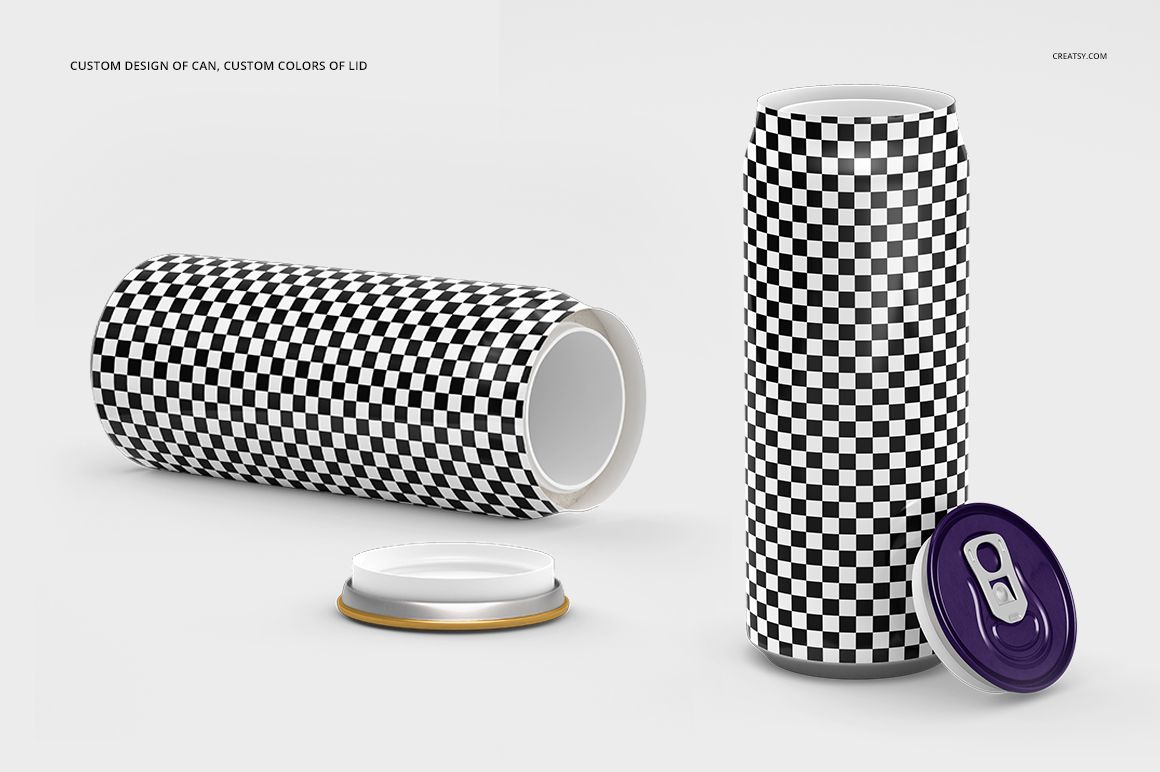
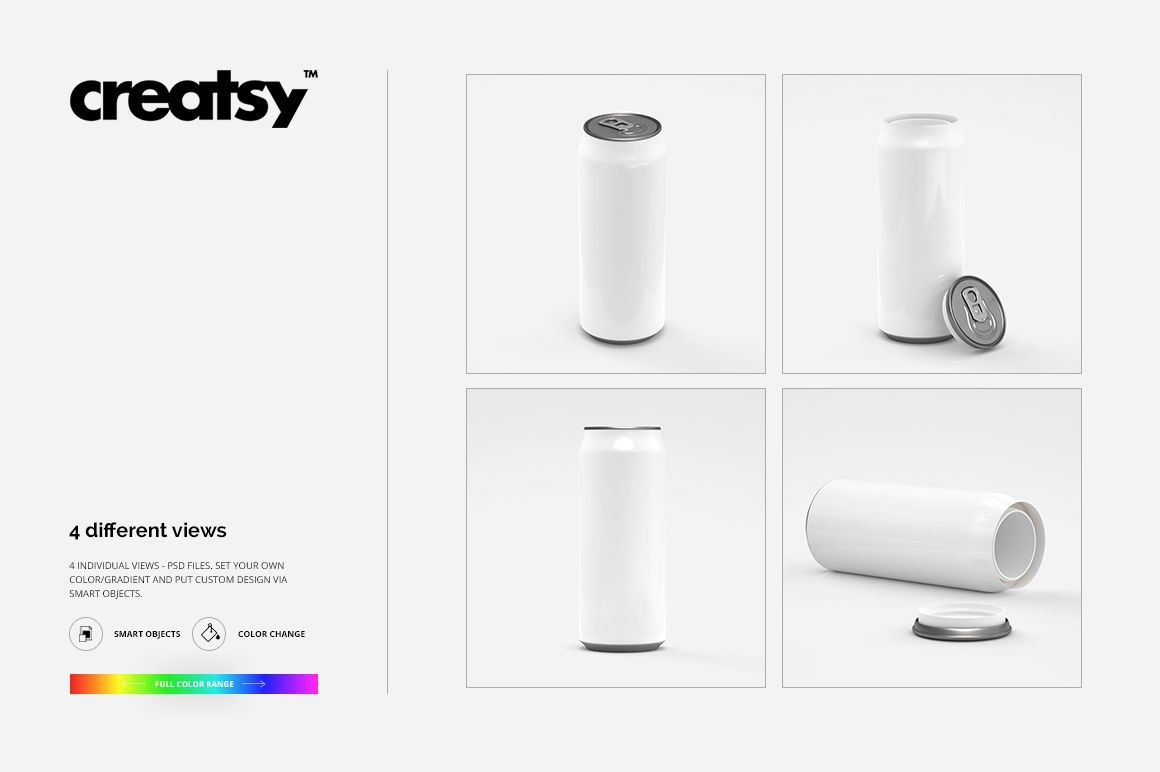
A tall can gives a design plenty of height, but the curved sides decide how much of that design can be read at once. Explore that balance in four PSD views, from upright presentations to a horizontal can with its lid placed beside it.
The clean scenes keep attention on the artwork, metal details and silhouette. Use them to compare a bold vertical wordmark, an illustrated drink concept or a coordinated range of flavors.
What Is Included
4 layered PSD mockups, 3000 × 3000 px at 300 DPI.
4 JPG previews and 1 TIF instruction guide, 9 files in total.
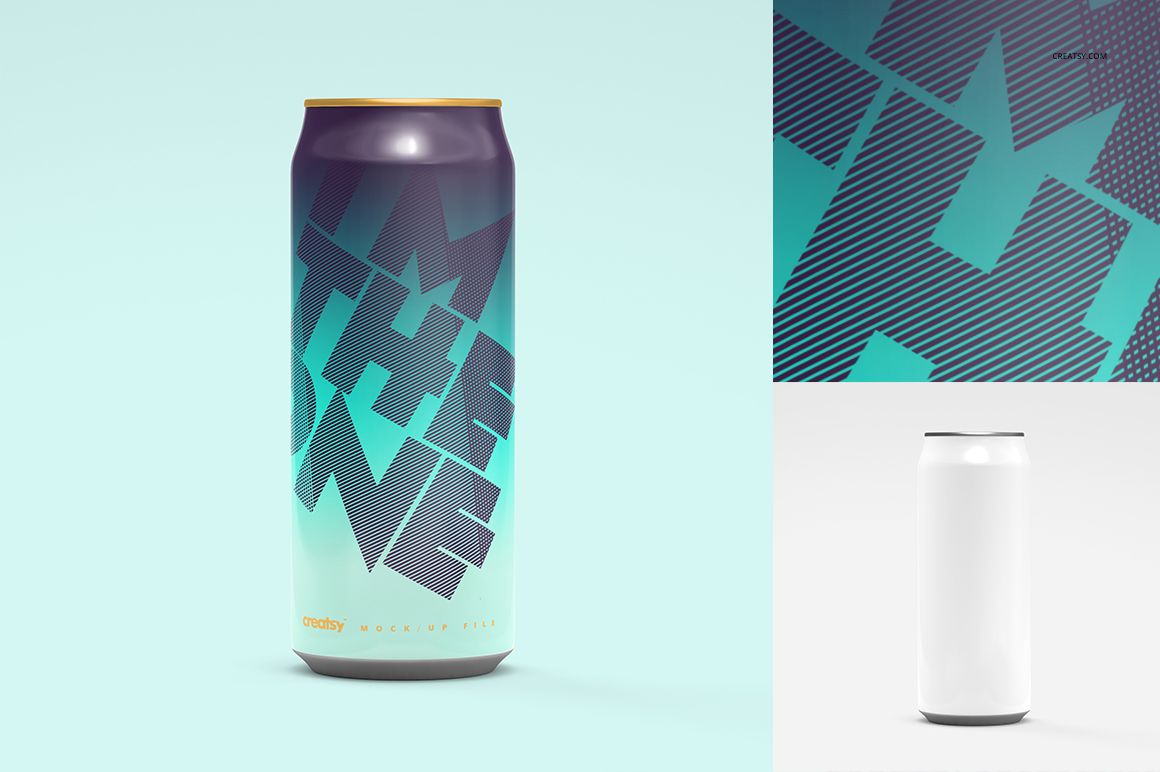
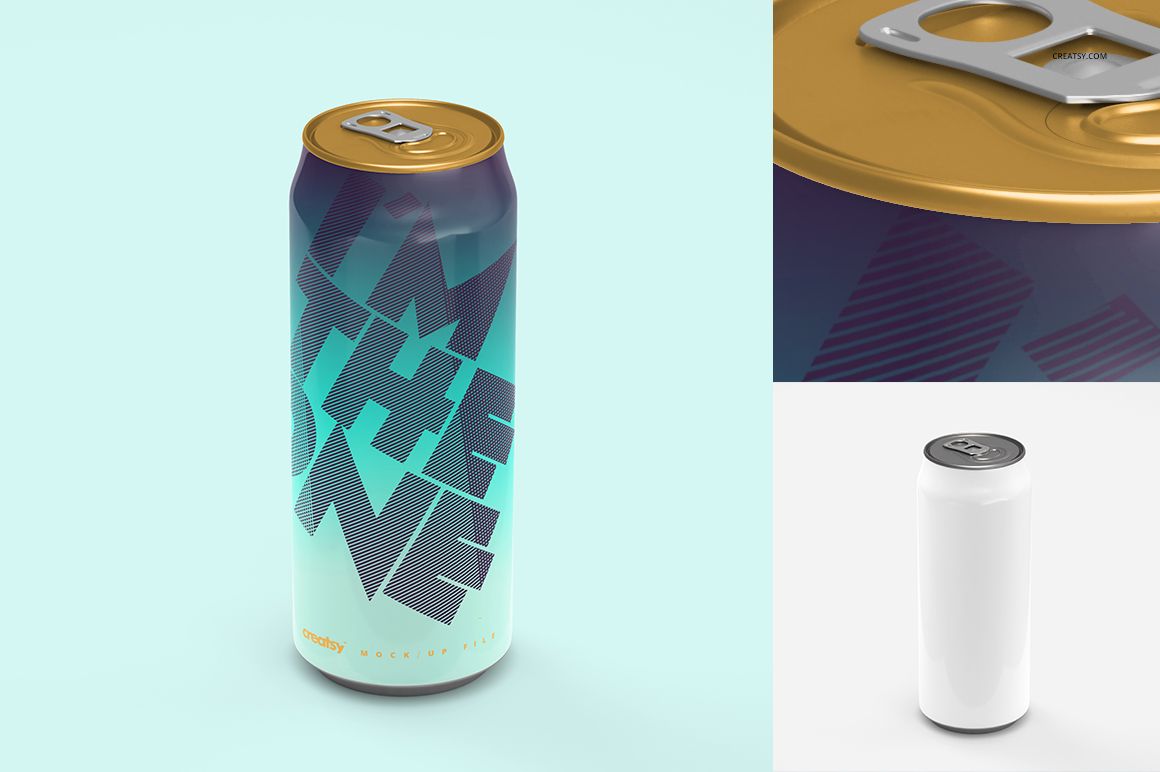
Four square presentations with upright and horizontal can views, including compositions with a separate lid.
Follow the Artwork Around the Cylinder
Replace the can design through Smart Objects.
Change can colors and the available lid colors.
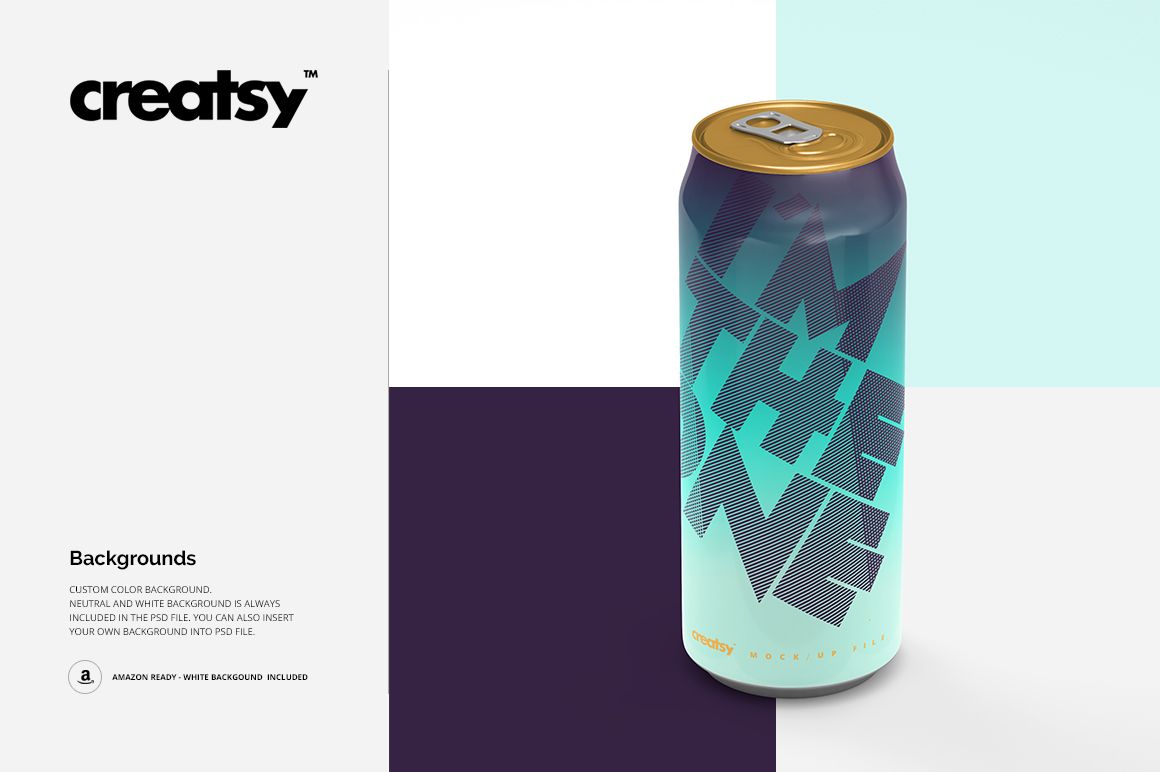
Use a custom background to compare the same identity in different color settings.
Review how large lettering and repeating graphics behave near the curved edges.
Easy Smart Object Editing
Open a PSD in Adobe Photoshop CS4 or newer, or Photopea. Place your artwork inside the relevant Smart Object, save it and return to the scene. Update each PSD you plan to use, keeping the artwork scale consistent across the set.
Perfect For
Beverage brands, packaging designers and illustrators preparing iced tea, soft drink or other tall-can concepts for a client review, brand presentation or portfolio.
This is a digital mockup set. Physical cans, drinks and the example artwork shown in the previews are not included.