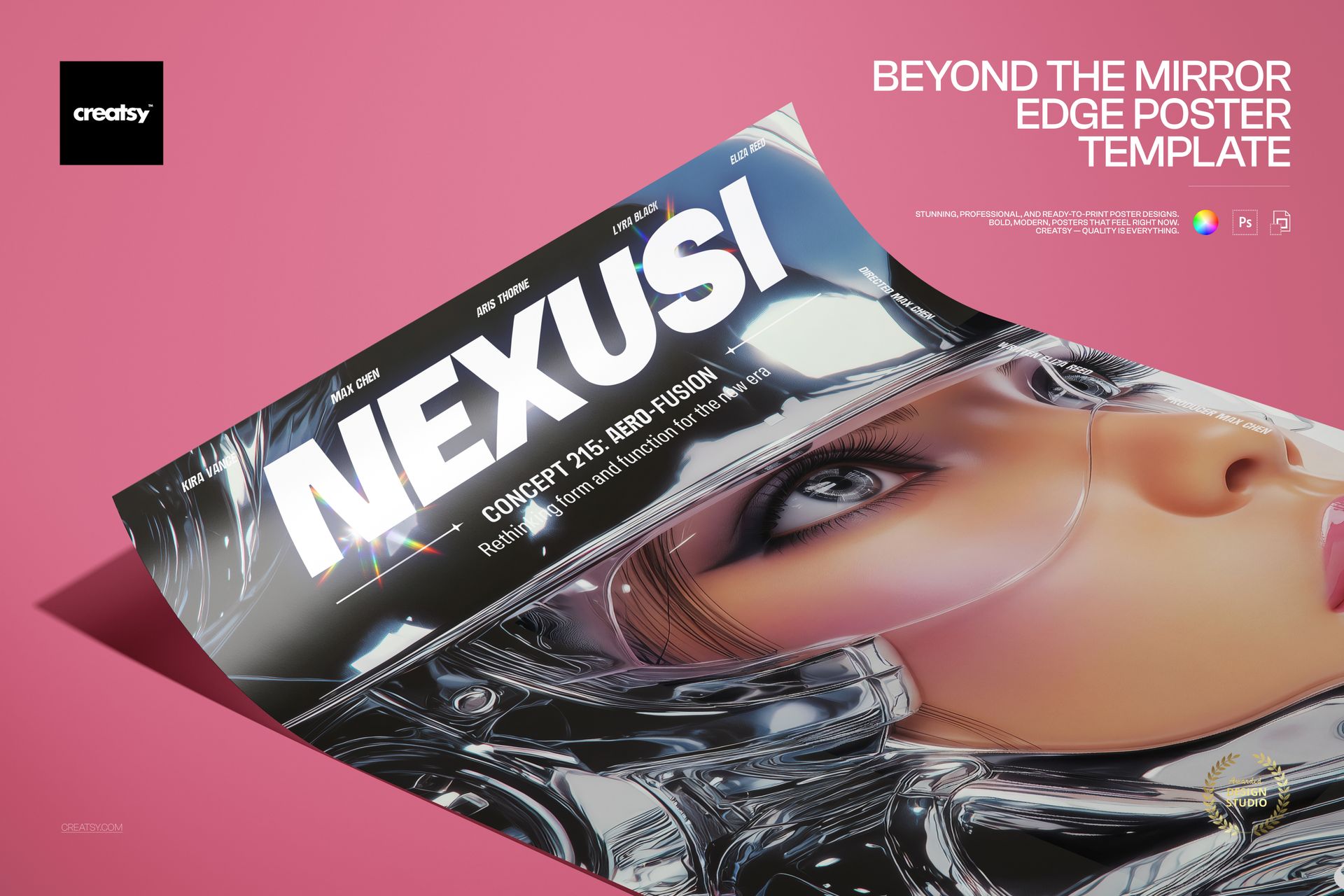
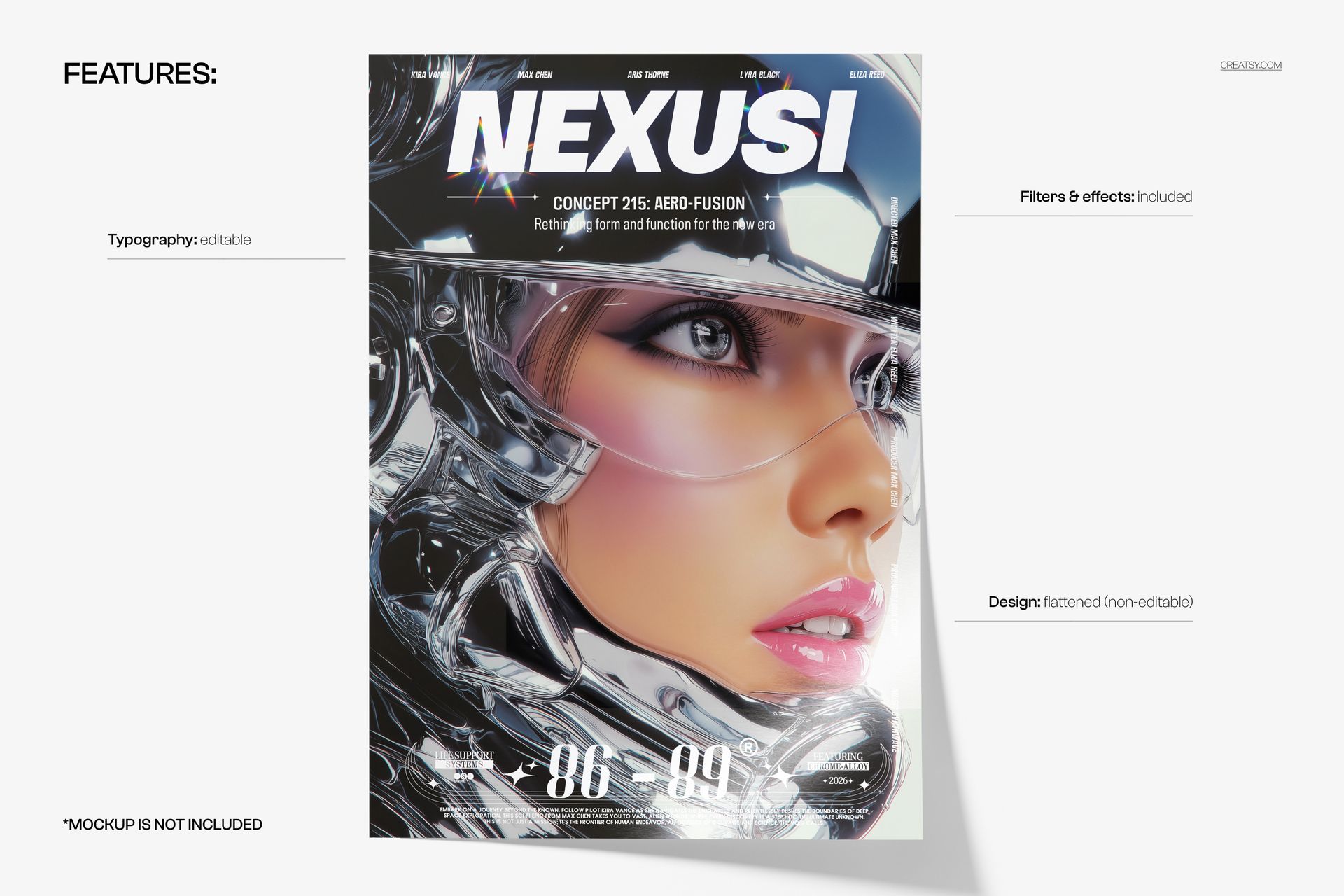
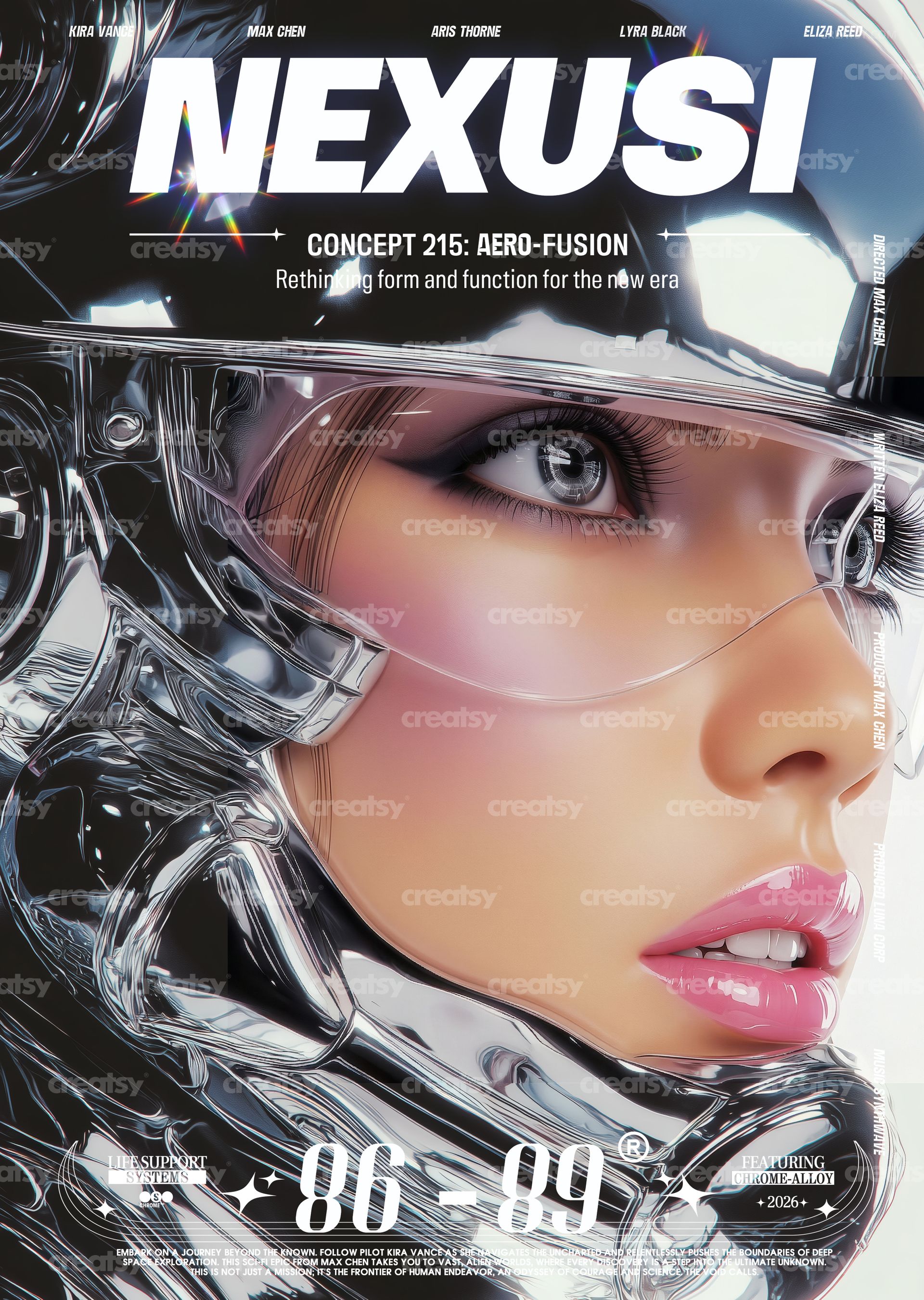
Command attention with the Beyond The Mirror Edge Poster Template — a cinematic, chrome-core editorial poster design featuring futuristic portrait photography, liquid metal aesthetics, and bold magazine-style typography. This print-ready PSD template is perfect for creating striking album covers, movie posters, fashion editorials, gallery prints, and promotional materials with a high-gloss, retro-futuristic aesthetic.
What's Inside:
2 fully layered PSD files (CMYK version + RGB version)
Print-ready dimensions: 97 × 420 mm + 6 mm bleed on each side
Ultra-high resolution 600 DPI output for exceptional print clarity
Organized layer structure for easy text and element editing
Compatible with Adobe Photoshop CS4 and newer versions
Design Capabilities:
Edit all text layers — swap headlines, titles, and body copy with your own content
Replace portrait photography via smart object layers
Adjust colors, chrome effects, and blending modes to match your brand palette
Toggle individual design elements on and off for layout variations
Both CMYK (for professional printing) and RGB (for digital/web use) versions included
Print Specifications:
Trim size: 97 × 420 mm (tall, narrow poster format)
Bleed: 6 mm on all sides for safe trimming
Resolution: 600 DPI — exceptional detail for offset and large-format printing
Color modes: CMYK for print production, RGB for screen display
Ideal For:
Musicians and record labels designing album covers, single artwork, and promotional posters
Film and entertainment studios creating cinematic movie poster layouts
Fashion brands and photographers building editorial portfolio pieces
Graphic designers crafting futuristic, chrome-core, or Y2K-inspired visual identities
Print-on-demand sellers and poster shops seeking bold, high-gloss wall art