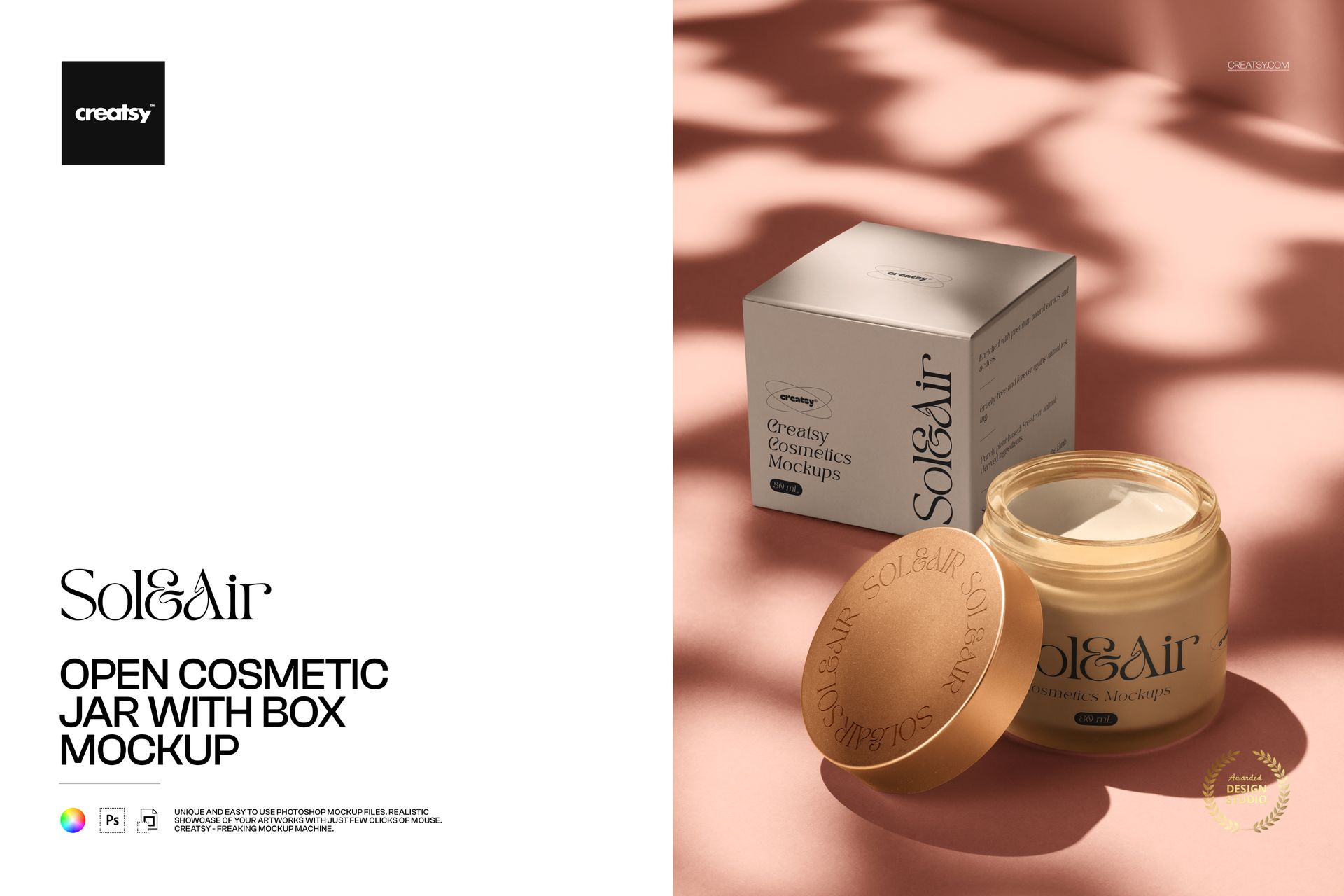
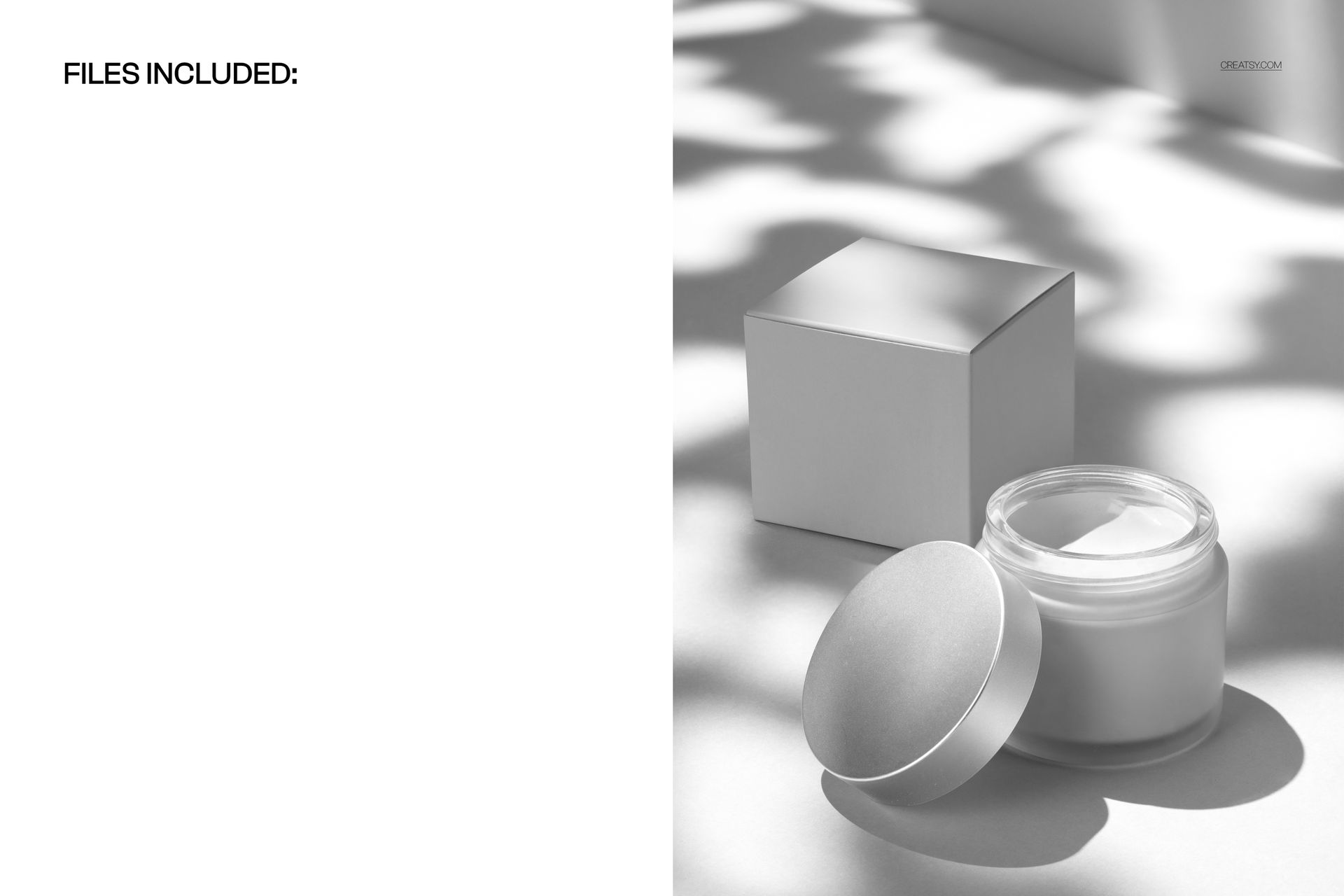
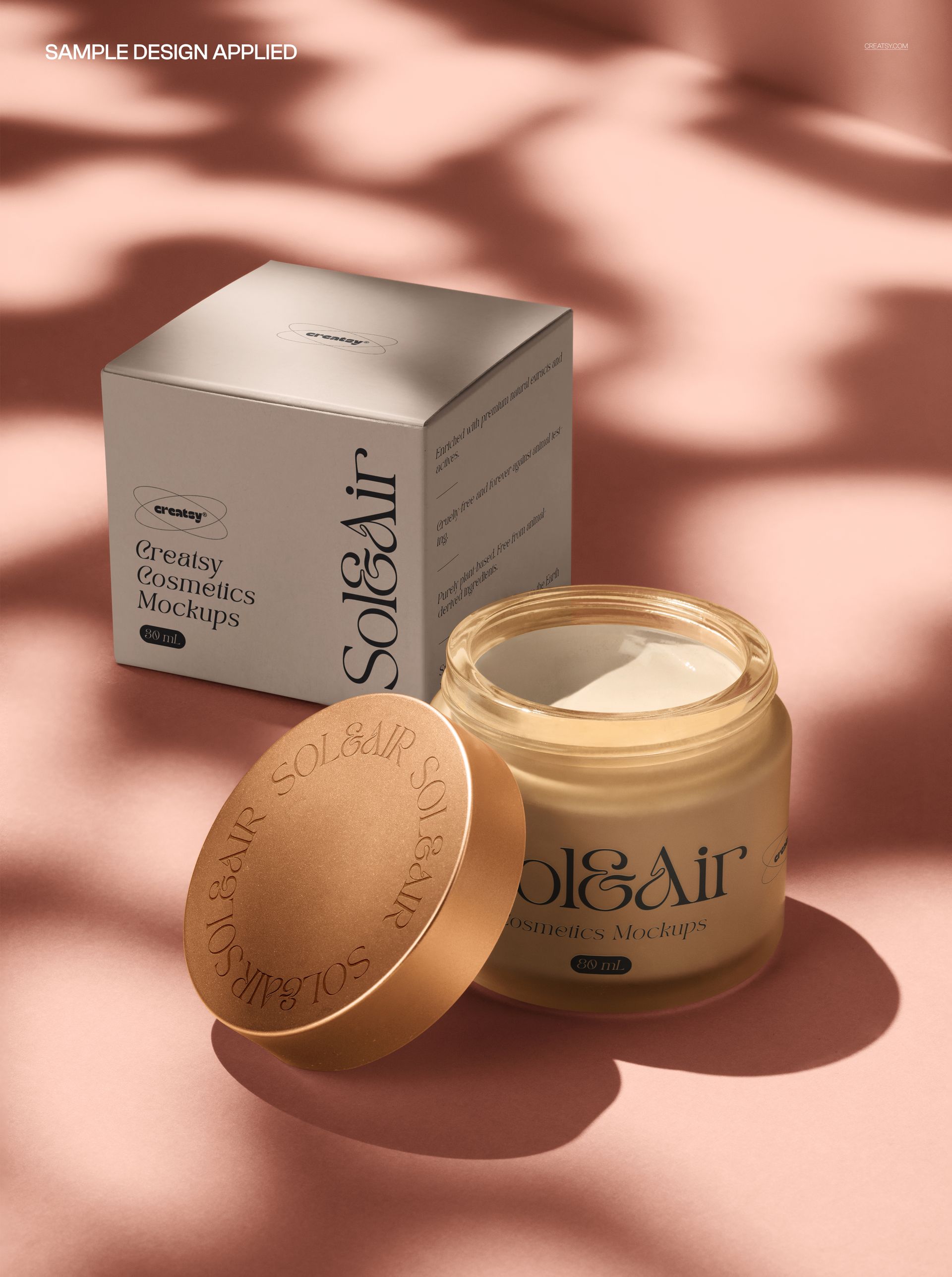
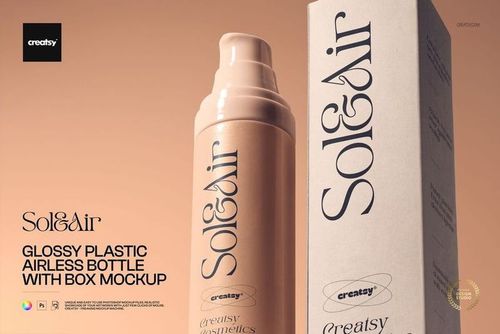
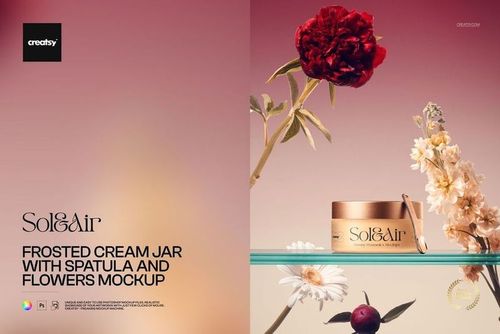
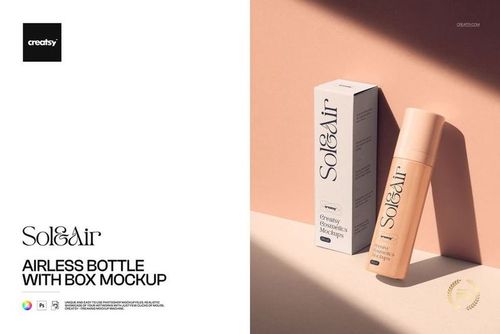
The Open Cosmetic Jar with Box Mockup presents a round skincare jar with its lid removed alongside a matching product box. The scene is lit with clean, premium studio lighting and soft botanical shadows that add depth and organic texture to the composition. This PSD file is built for skincare brands, beauty product designers, packaging agencies, and e-commerce sellers who need to present jar label designs and box packaging together in a single polished visual.
Why This Mockup Works
Showing a cosmetic jar open with its matching box communicates two things at once: what the product looks like inside and how the full packaging system appears together. Buyers, retailers, and brand stakeholders can evaluate the jar label, box artwork, and overall brand identity in one image. The botanical shadow overlay adds a natural, organic feel that aligns with current clean beauty and wellness trends. This makes the mockup particularly effective for skincare lines, face creams, body butters, moisturizers, and other beauty products positioned in the natural or luxury wellness space.
What Is Included
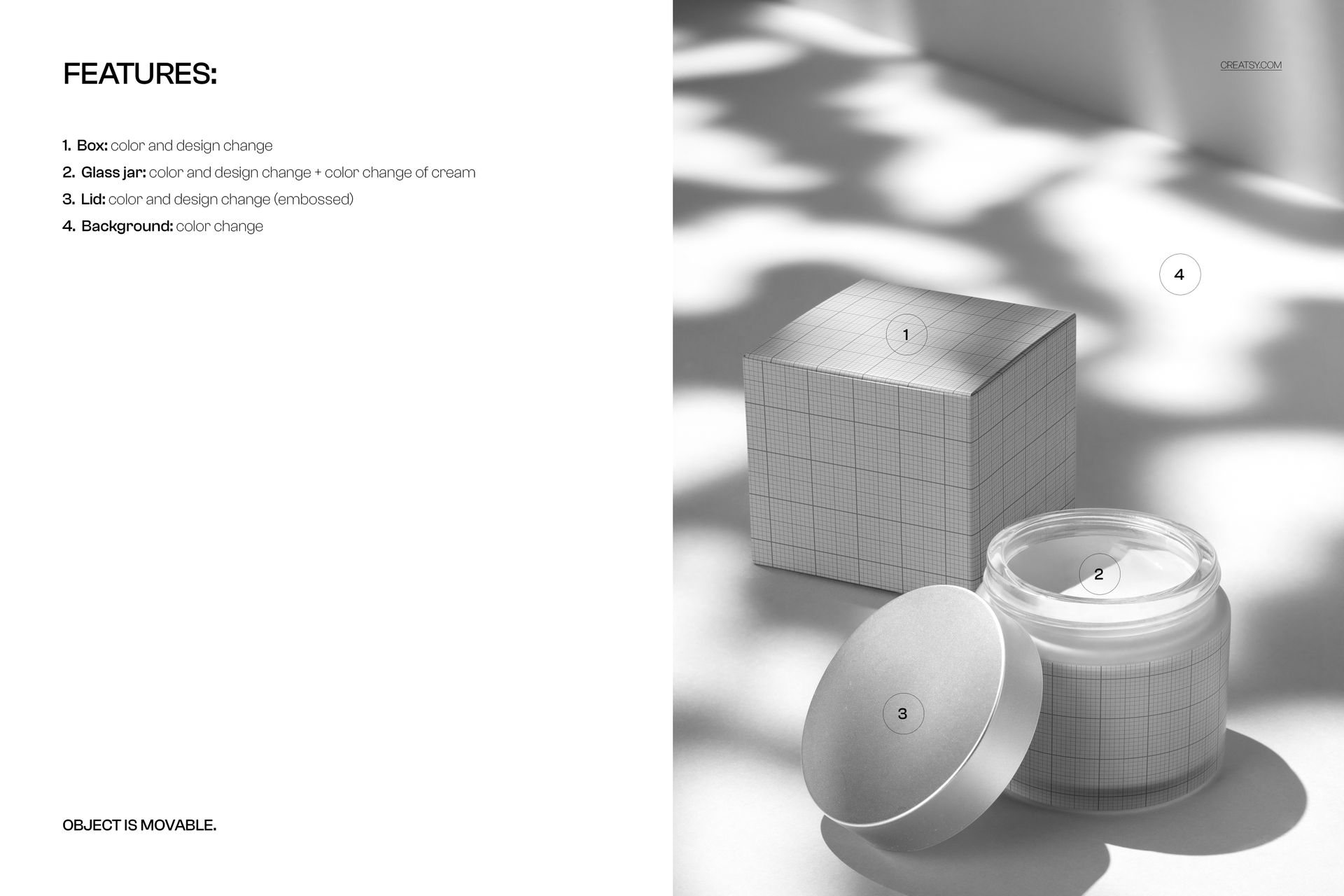
You receive a high-resolution PSD file with organized layers and smart object placement for both the jar label and the box packaging. Drop your label artwork into the jar smart object and your box design into the box smart object to see both elements rendered together with realistic curvature, reflections, and lighting. The open lid position shows the cream or product surface inside the jar, adding a lifestyle quality to the presentation. No additional plugins or third-party tools are required.
What You Can Customize
Replace the jar label design and the box artwork independently using separate smart object layers. Adjust the background color to match your brand palette or keep the neutral studio setting. The botanical shadow overlay provides a natural styling element without needing to source actual props. Test different label layouts, typography treatments, color schemes, and branding directions by swapping smart object content. Export at full resolution for print-ready packaging presentations, or resize for web, social media, and e-commerce use.
Who This Mockup Is For
Skincare brands and beauty companies use this mockup to preview jar and box packaging designs before committing to production. Packaging designers and branding agencies present label concepts to clients in a realistic context that shows the full product system. Graphic designers build portfolio pieces that demonstrate their ability to create cohesive packaging for beauty and wellness products. E-commerce sellers on Etsy, Shopify, and Amazon create product listing images that show both the jar and its box together, giving buyers a clear picture of what they will receive. Social media managers and marketing teams generate branded content for Instagram, Pinterest, and advertising campaigns featuring product visuals with a natural, editorial quality.
File Specifications
Format: PSD (Adobe Photoshop). Resolution: 300 DPI. Organized layers with separate smart objects for jar label and box design. Botanical shadow overlay included. Compatible with Adobe Photoshop CC and later versions.