
Dropper Bottle Mockup Bundle
Product Details
Dropper Bottle Mockup Bundle
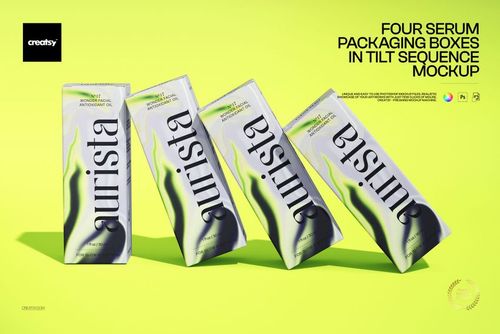
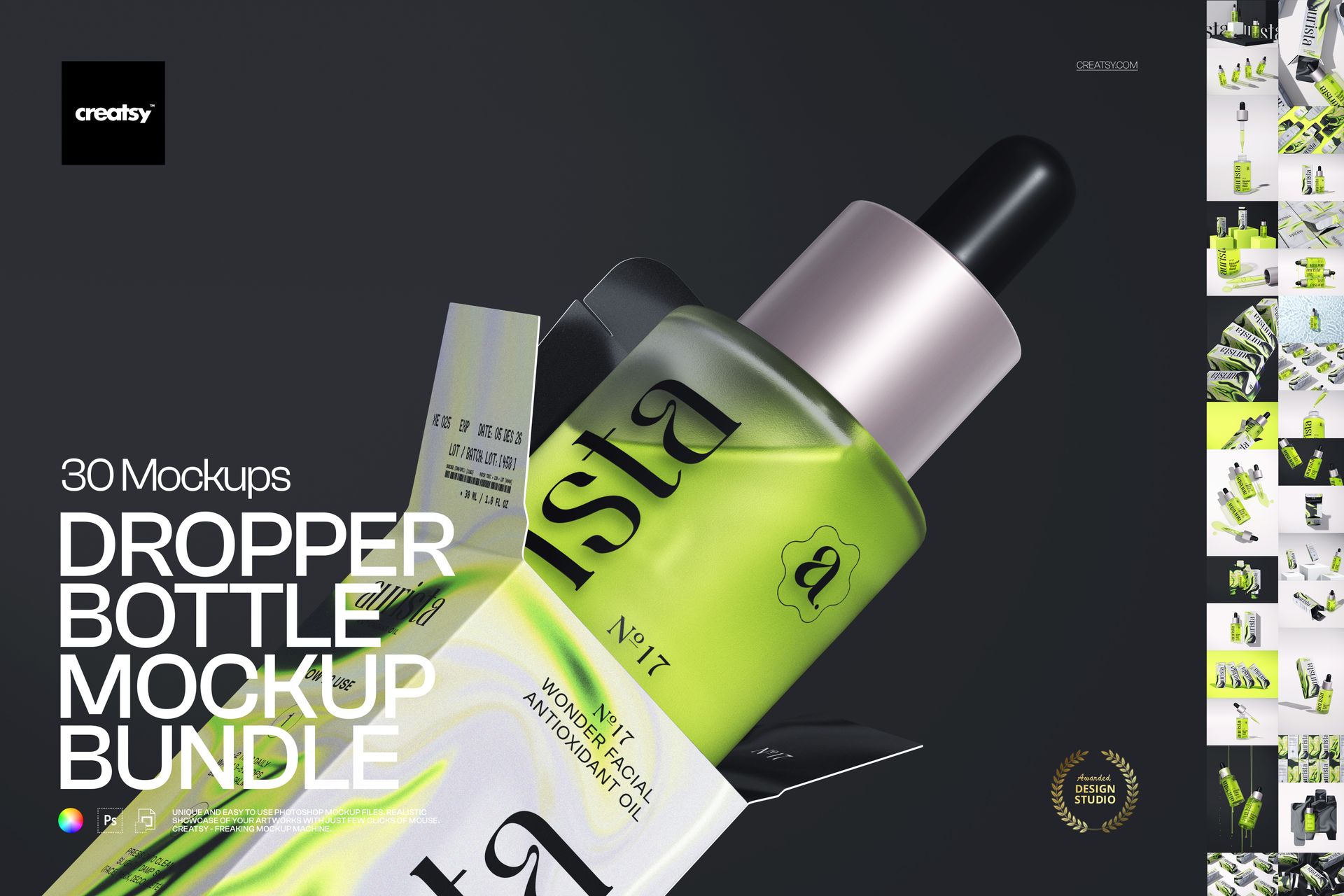
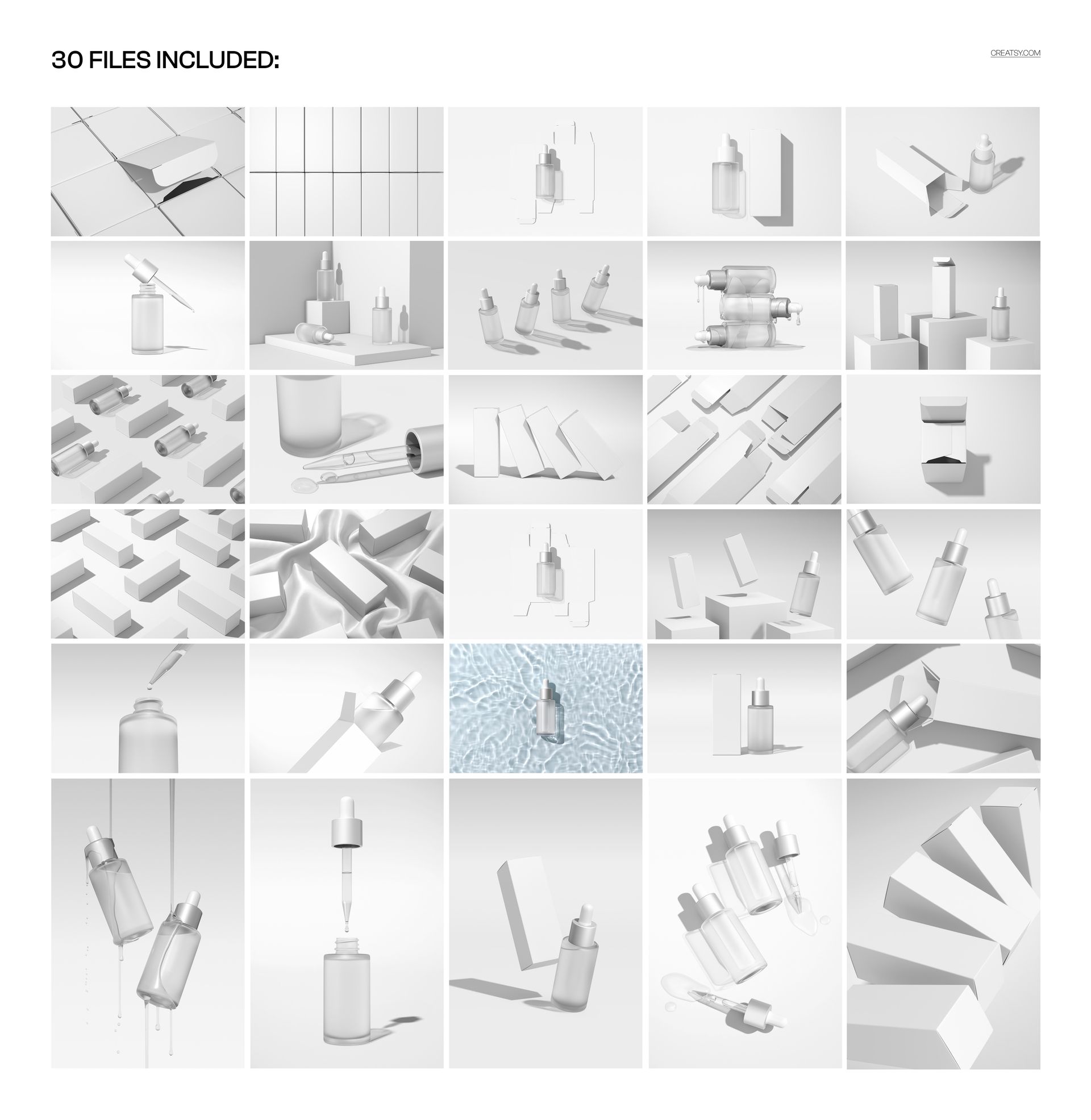
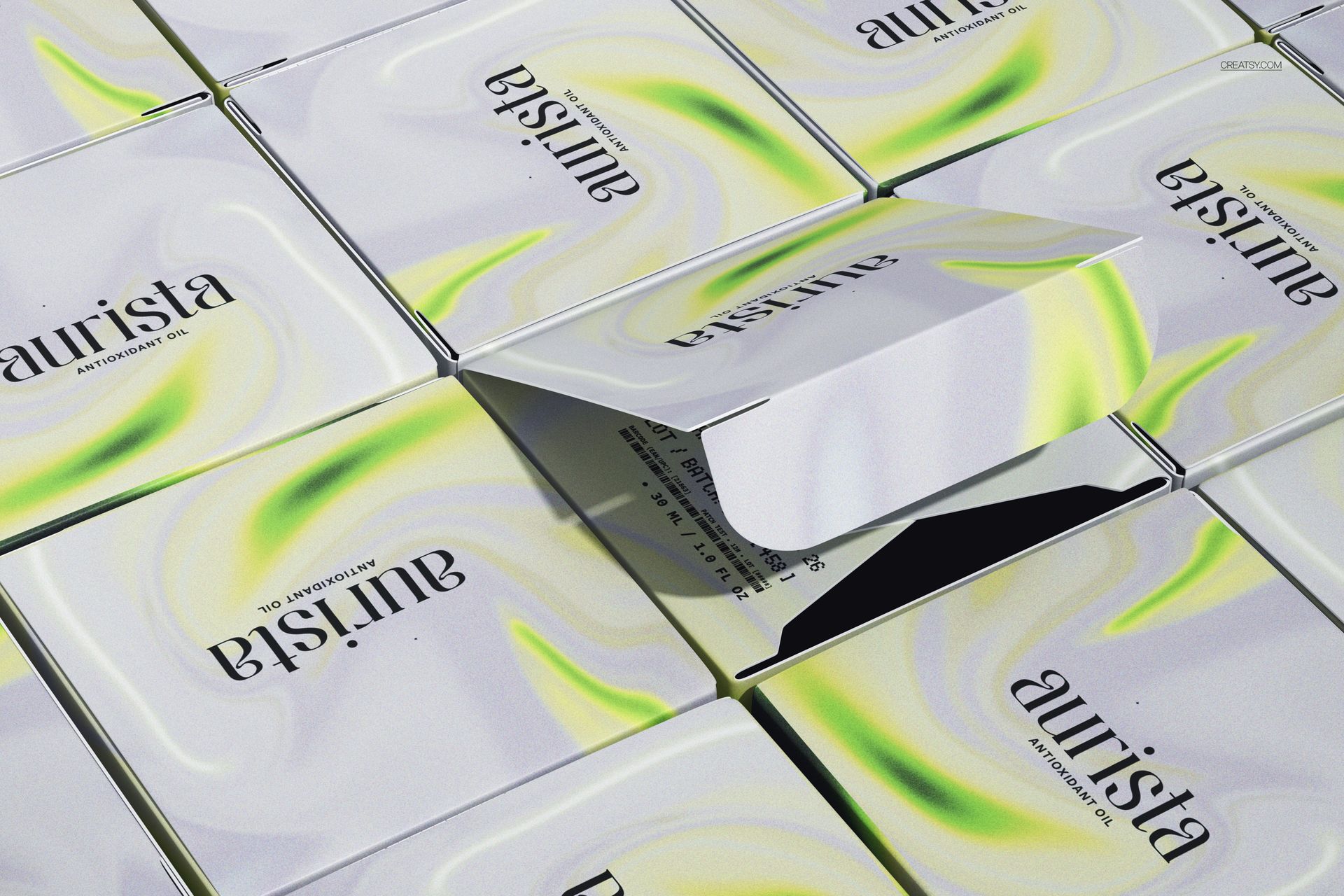
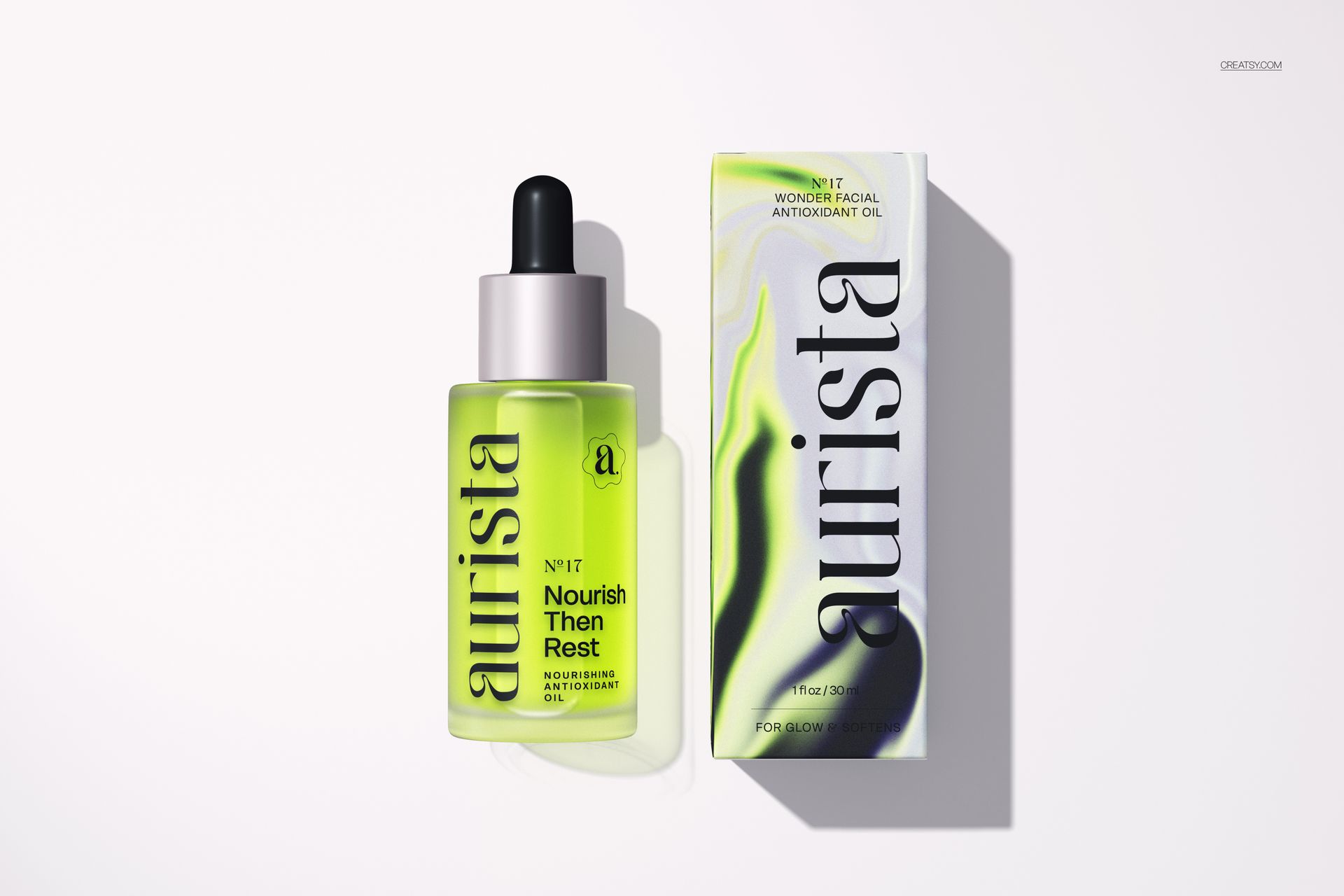
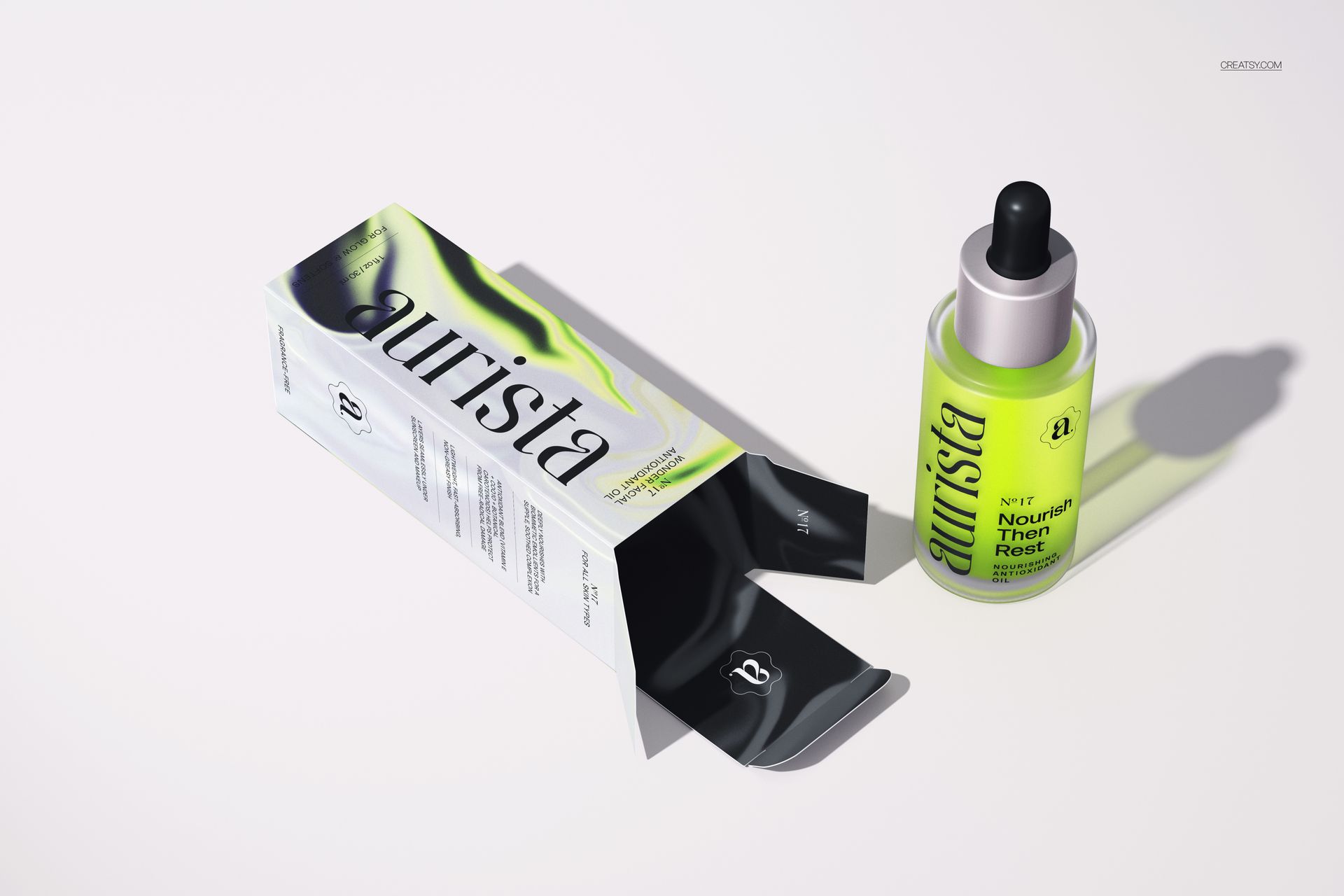
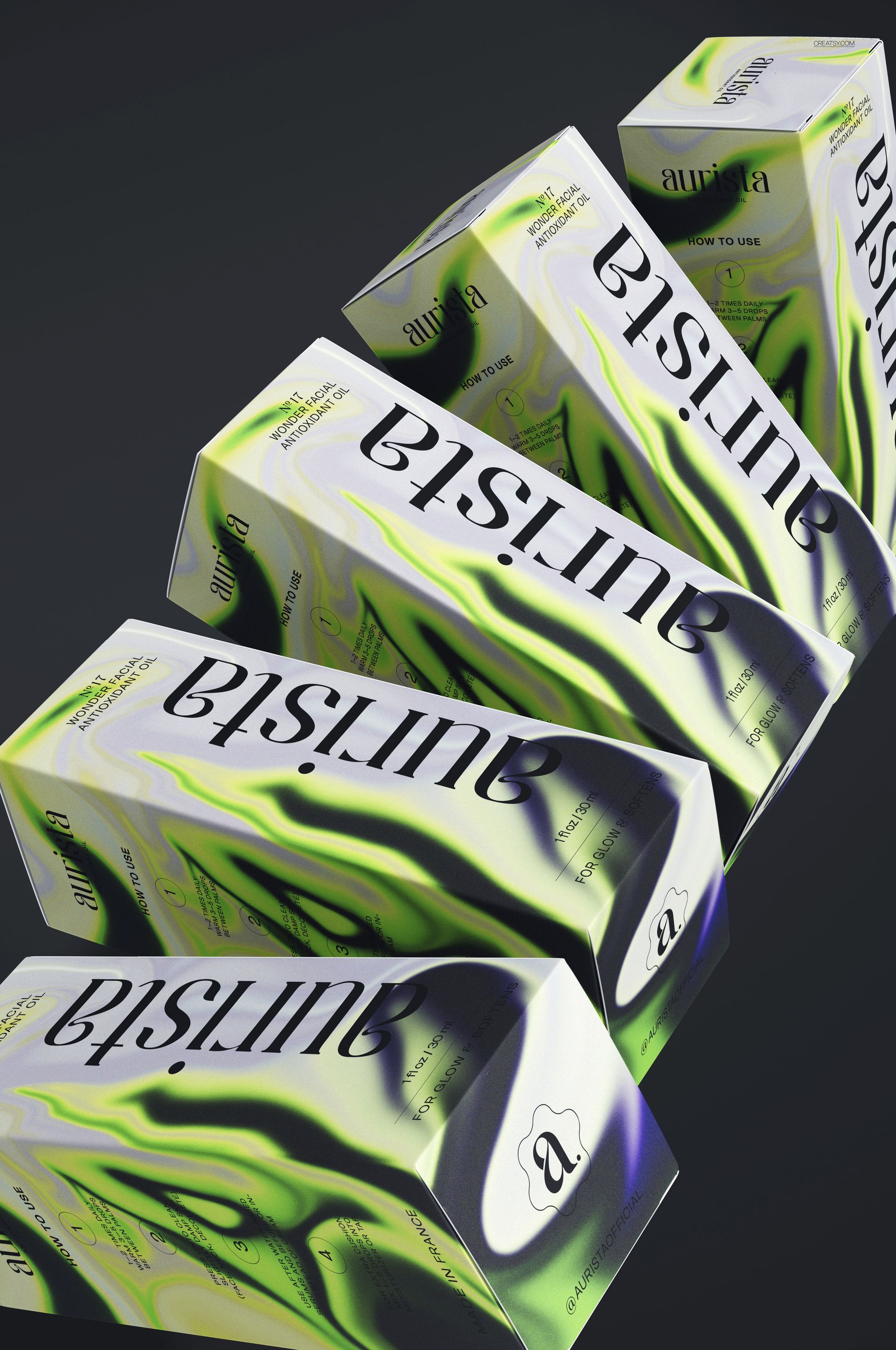
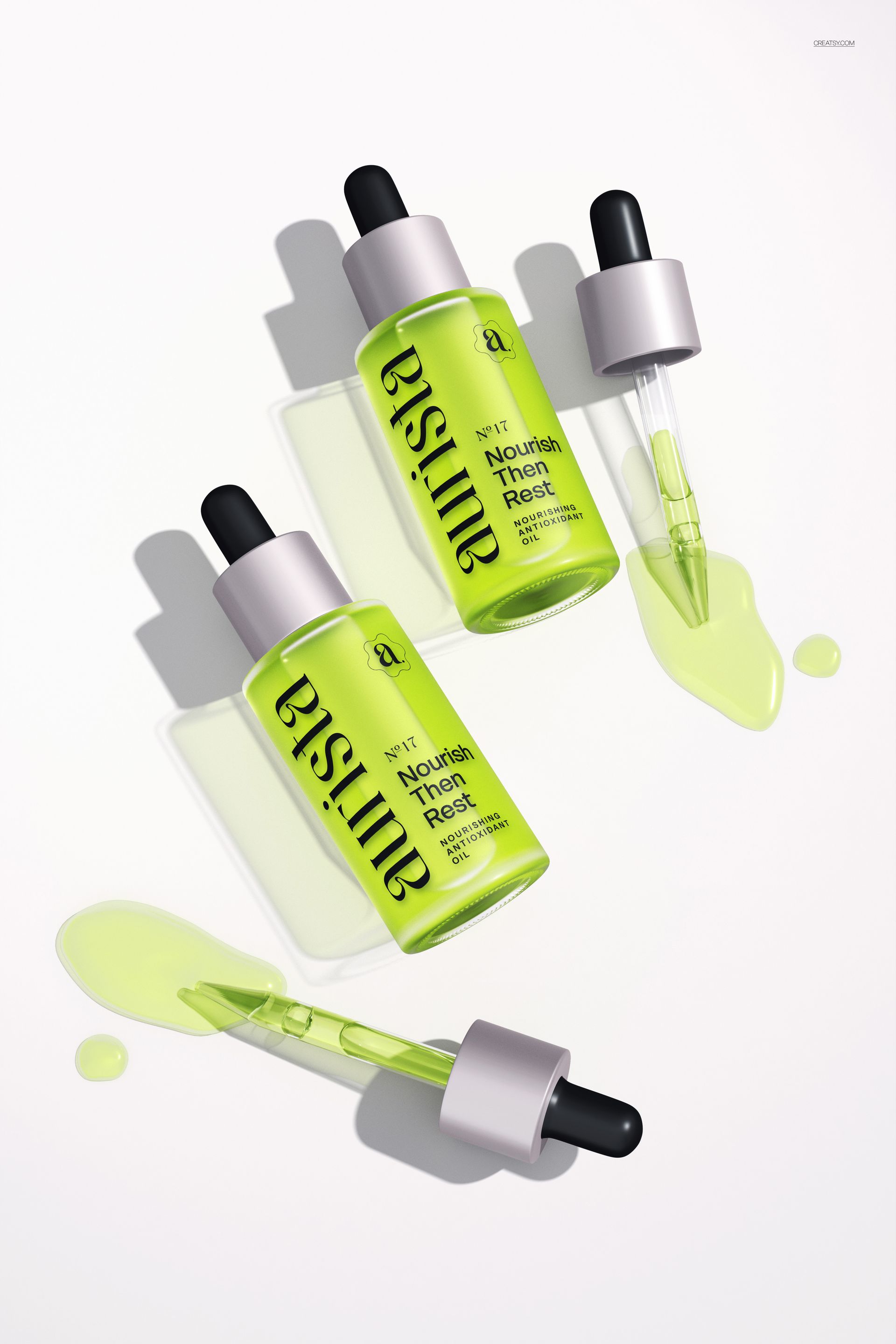
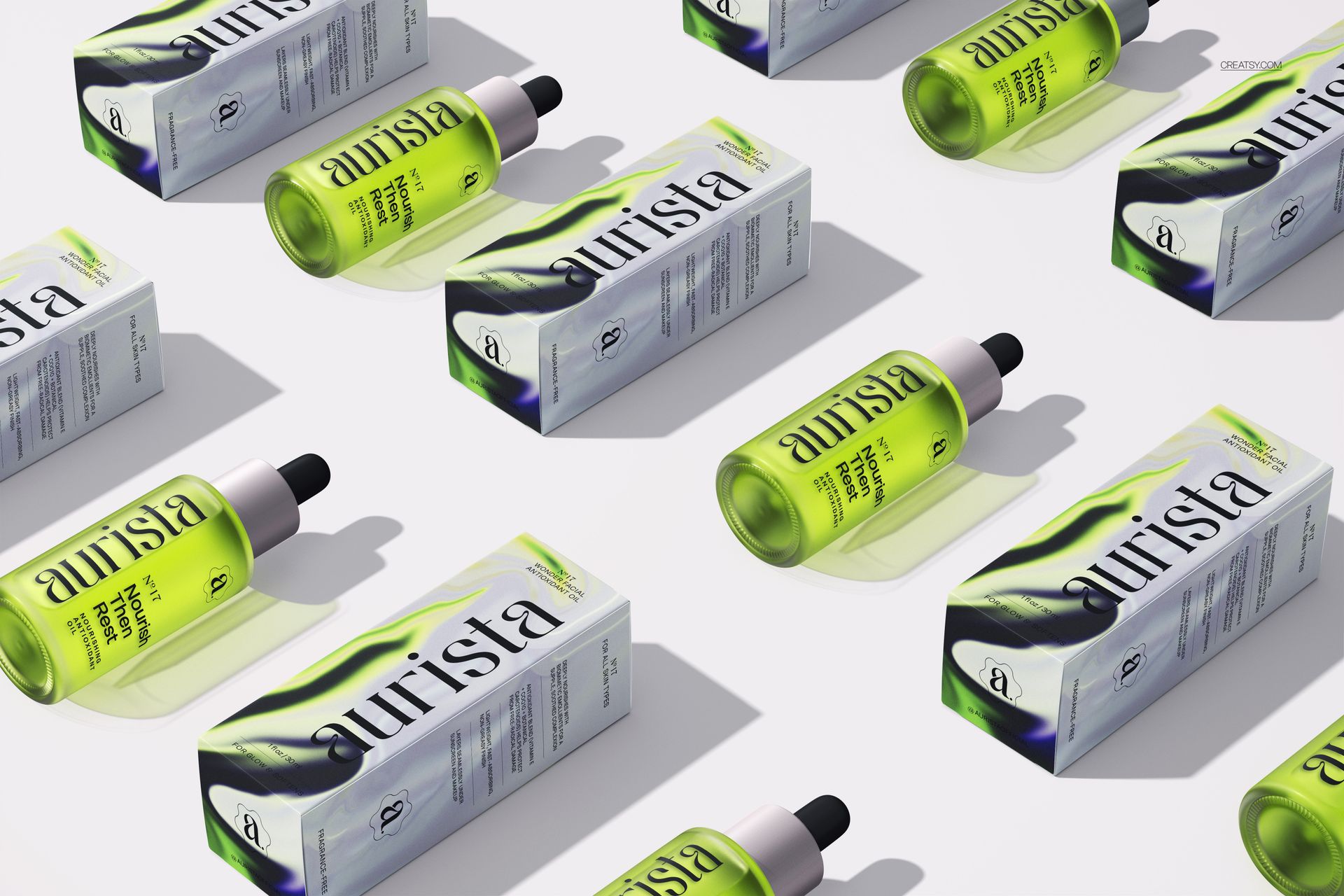
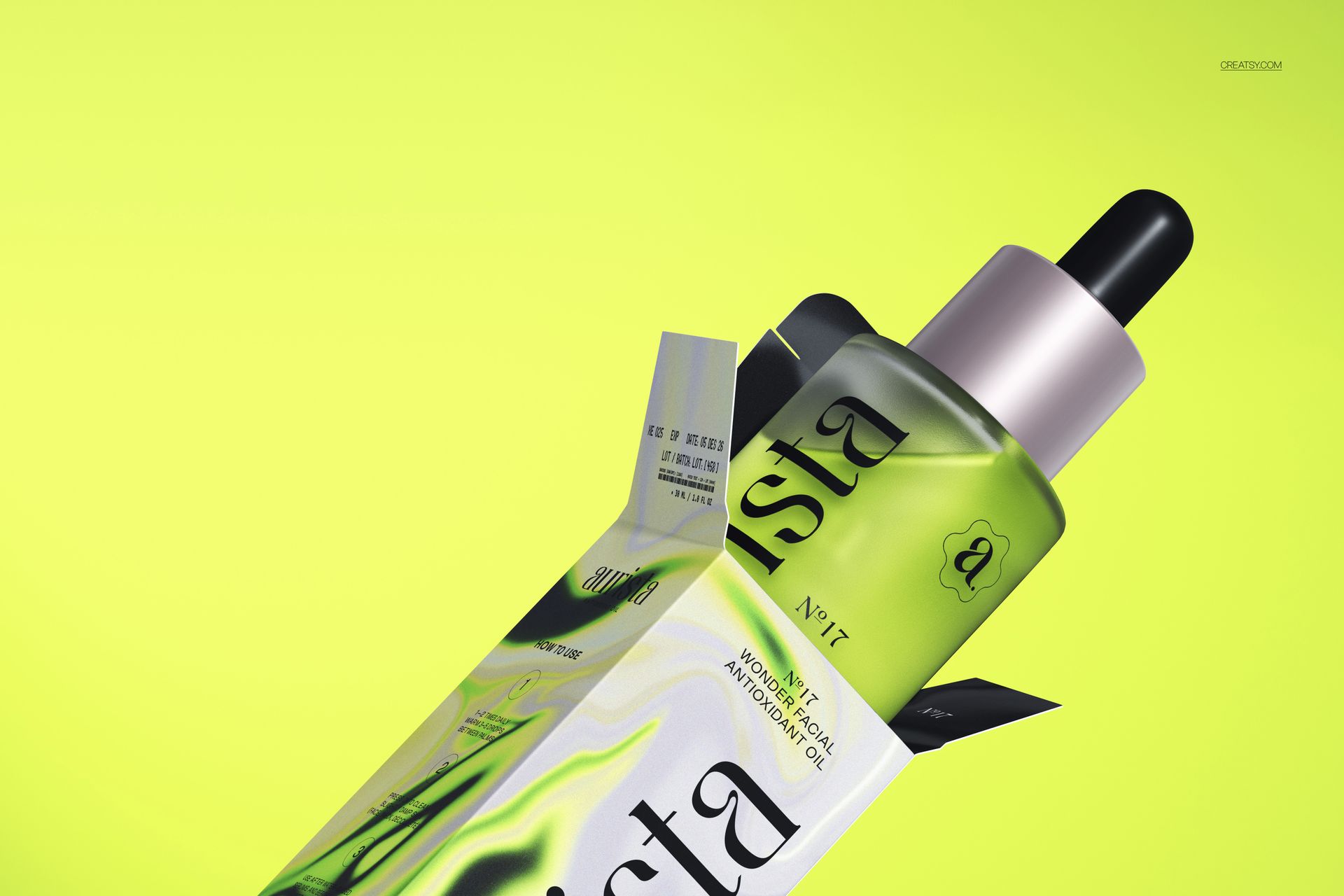
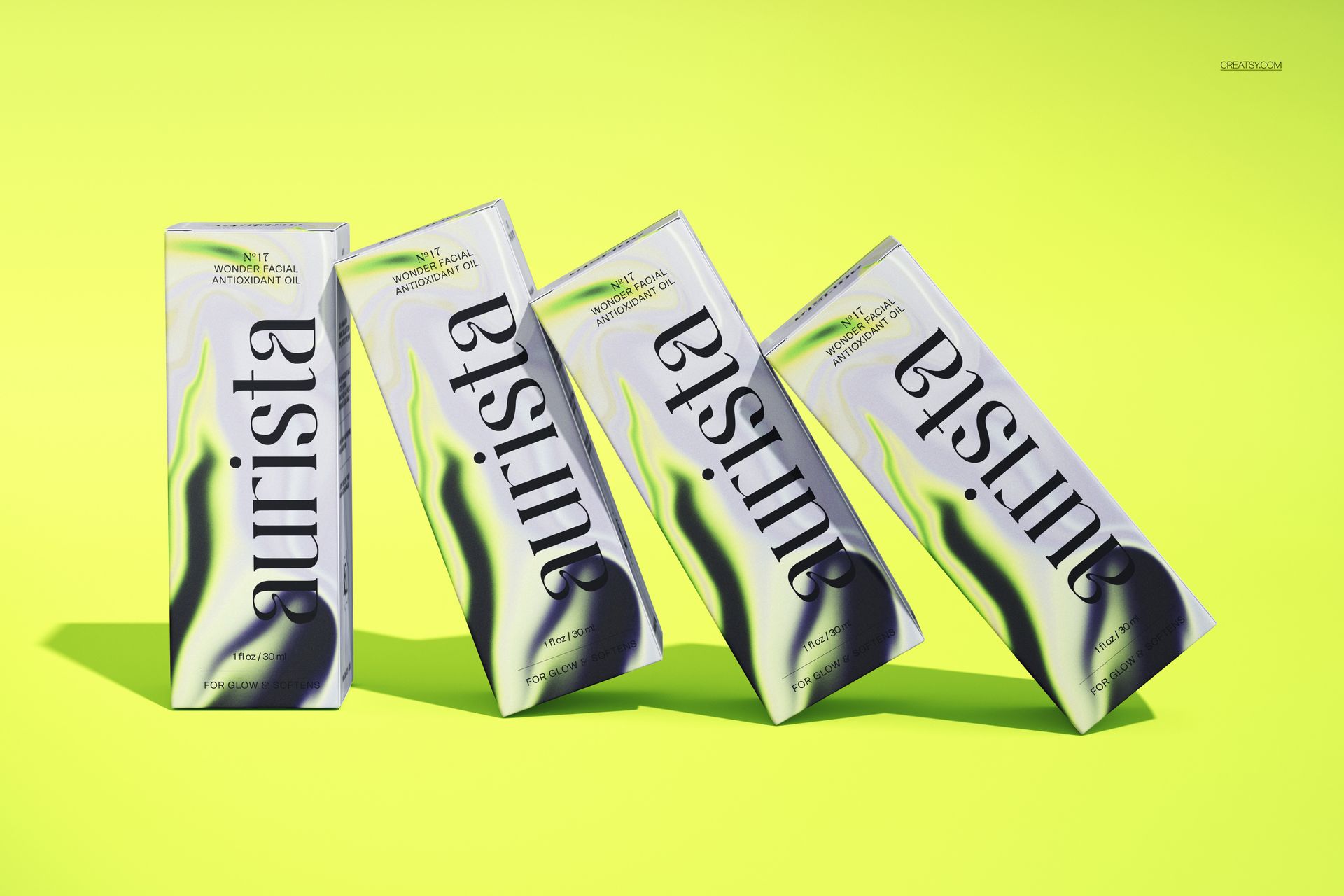
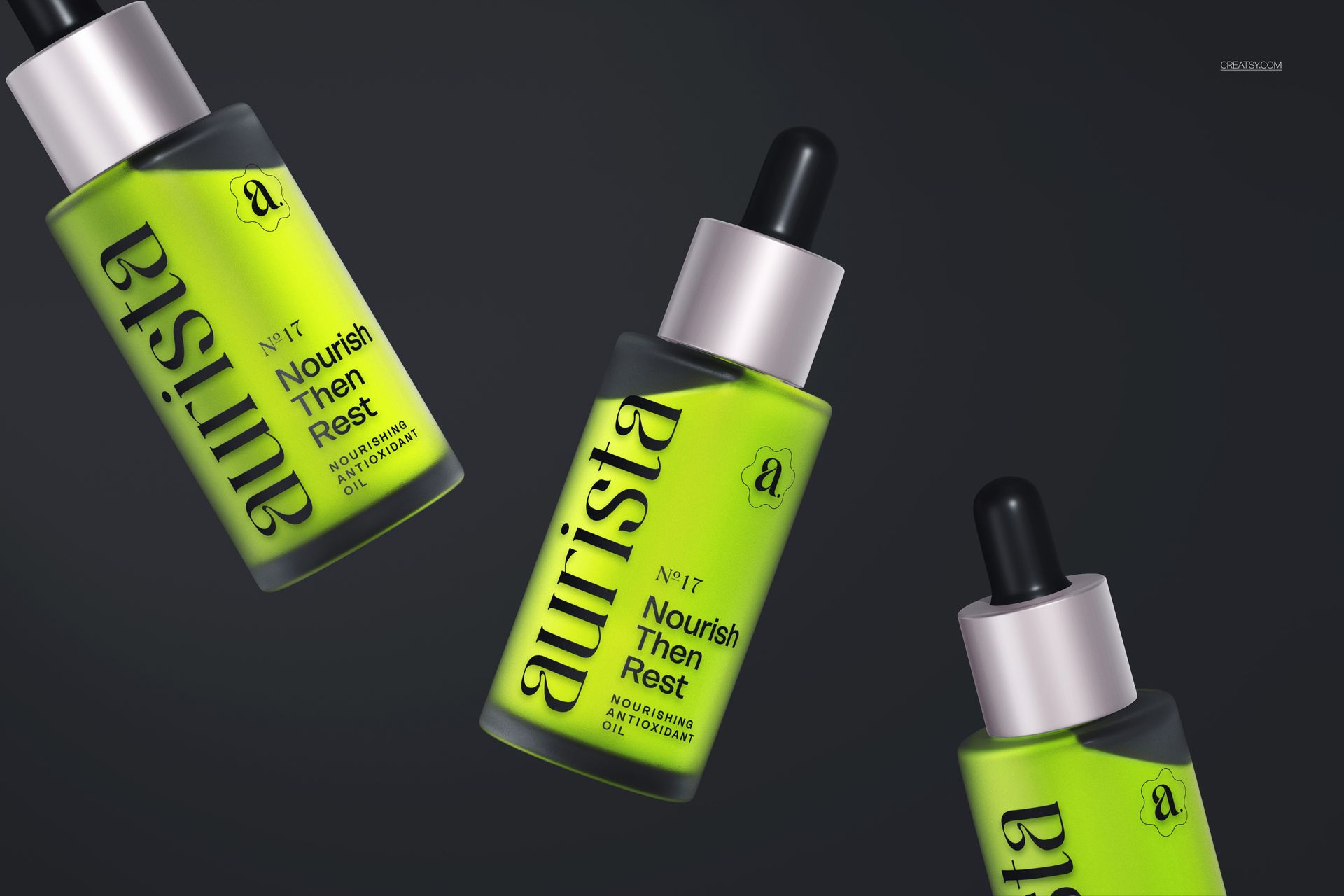
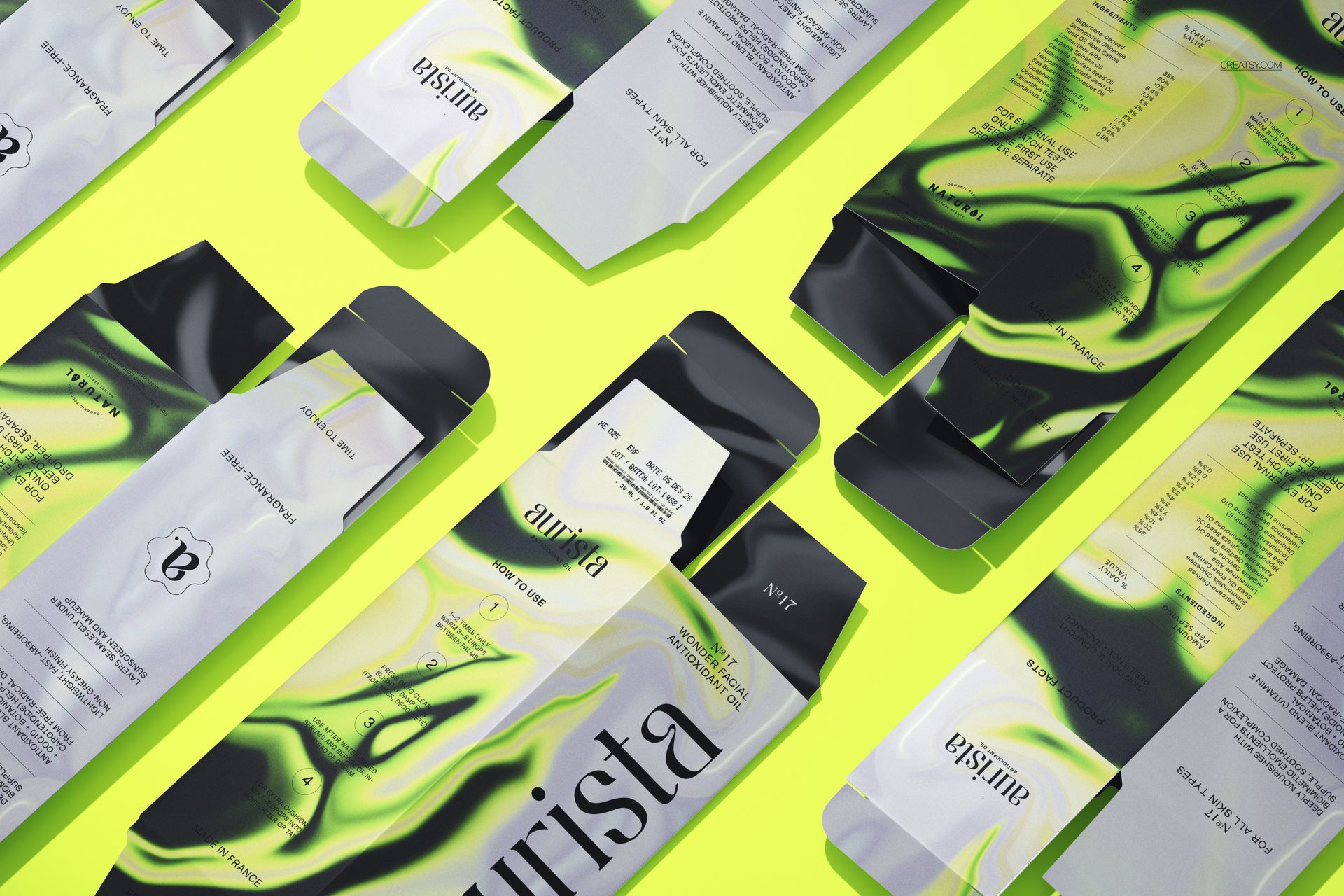
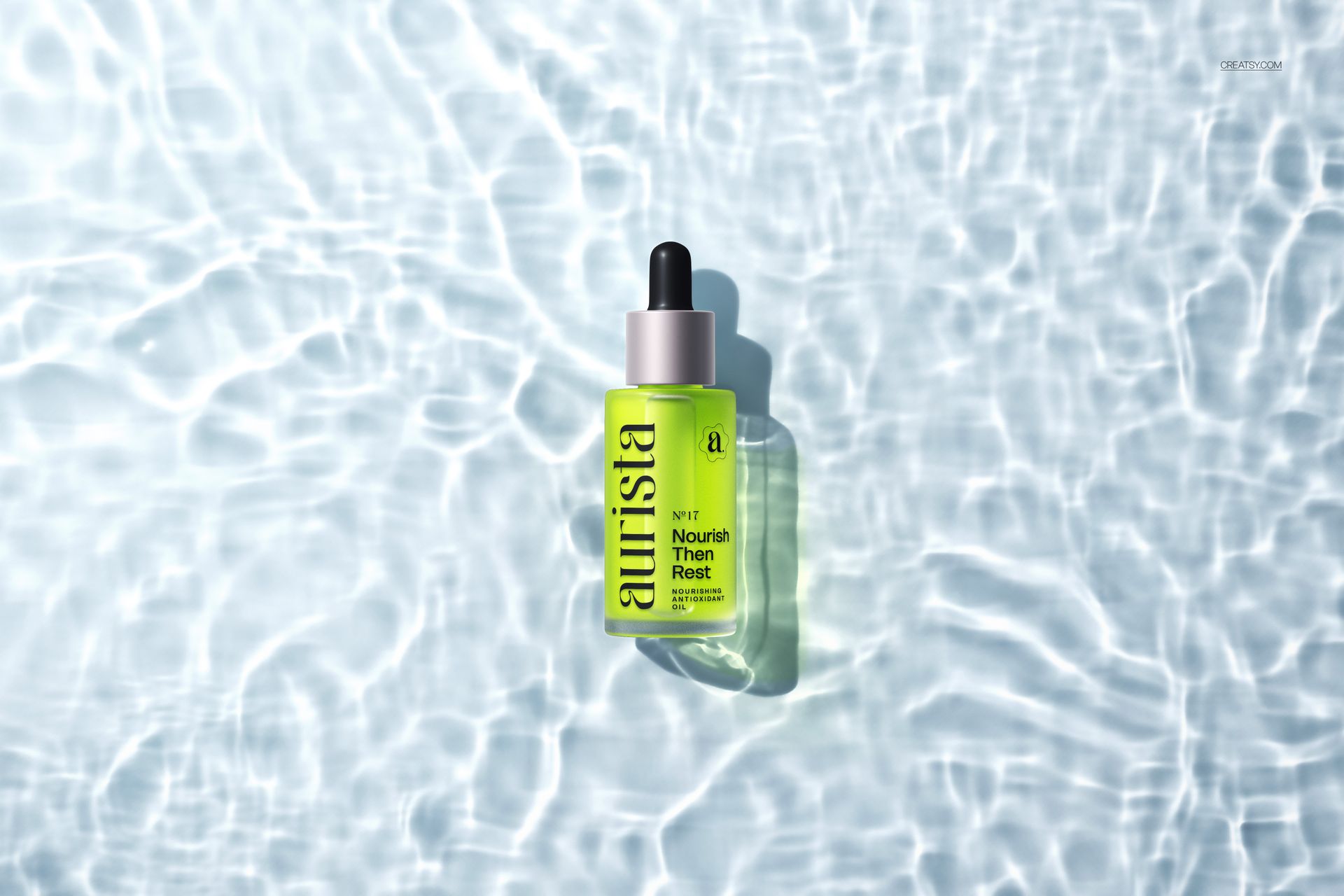
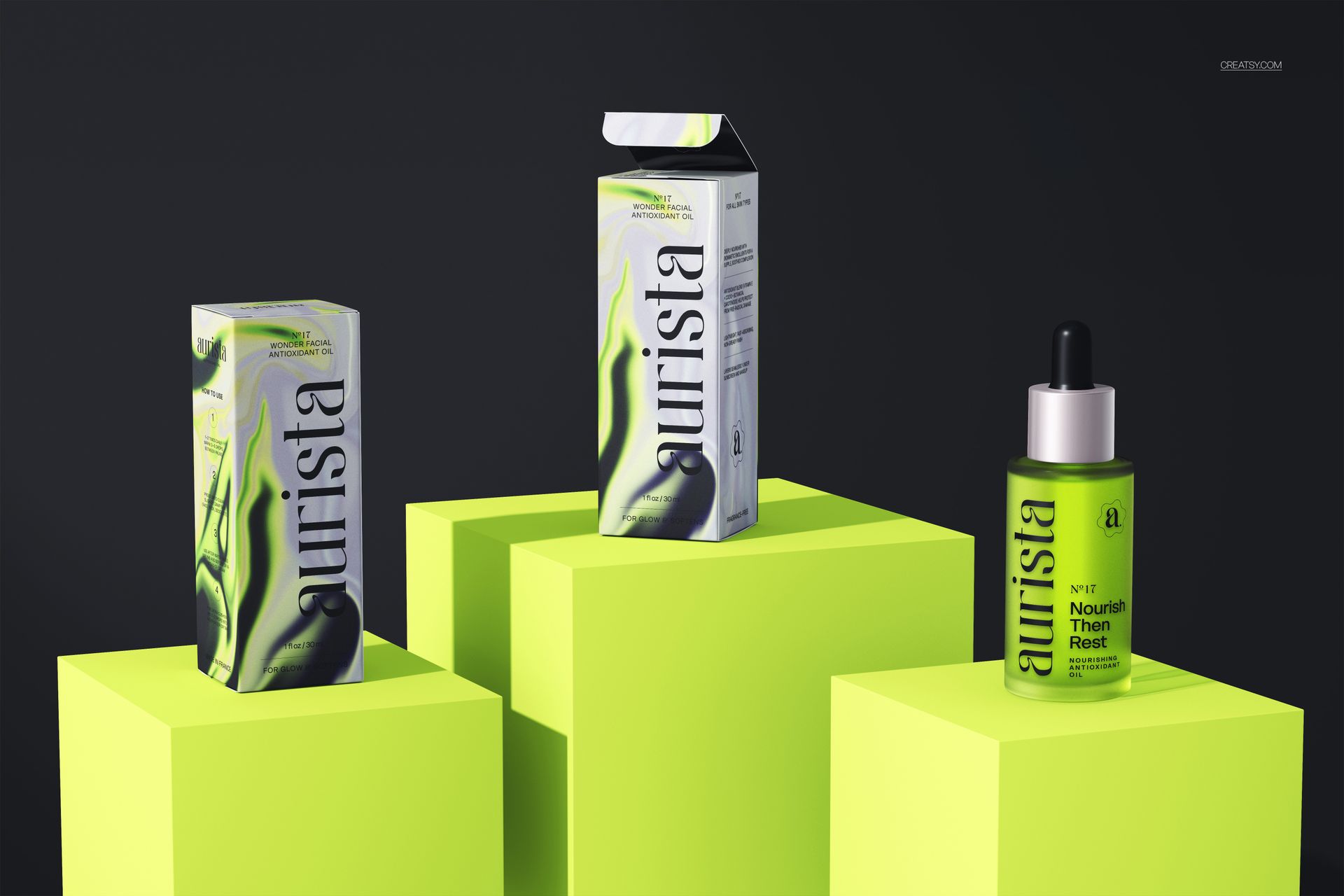
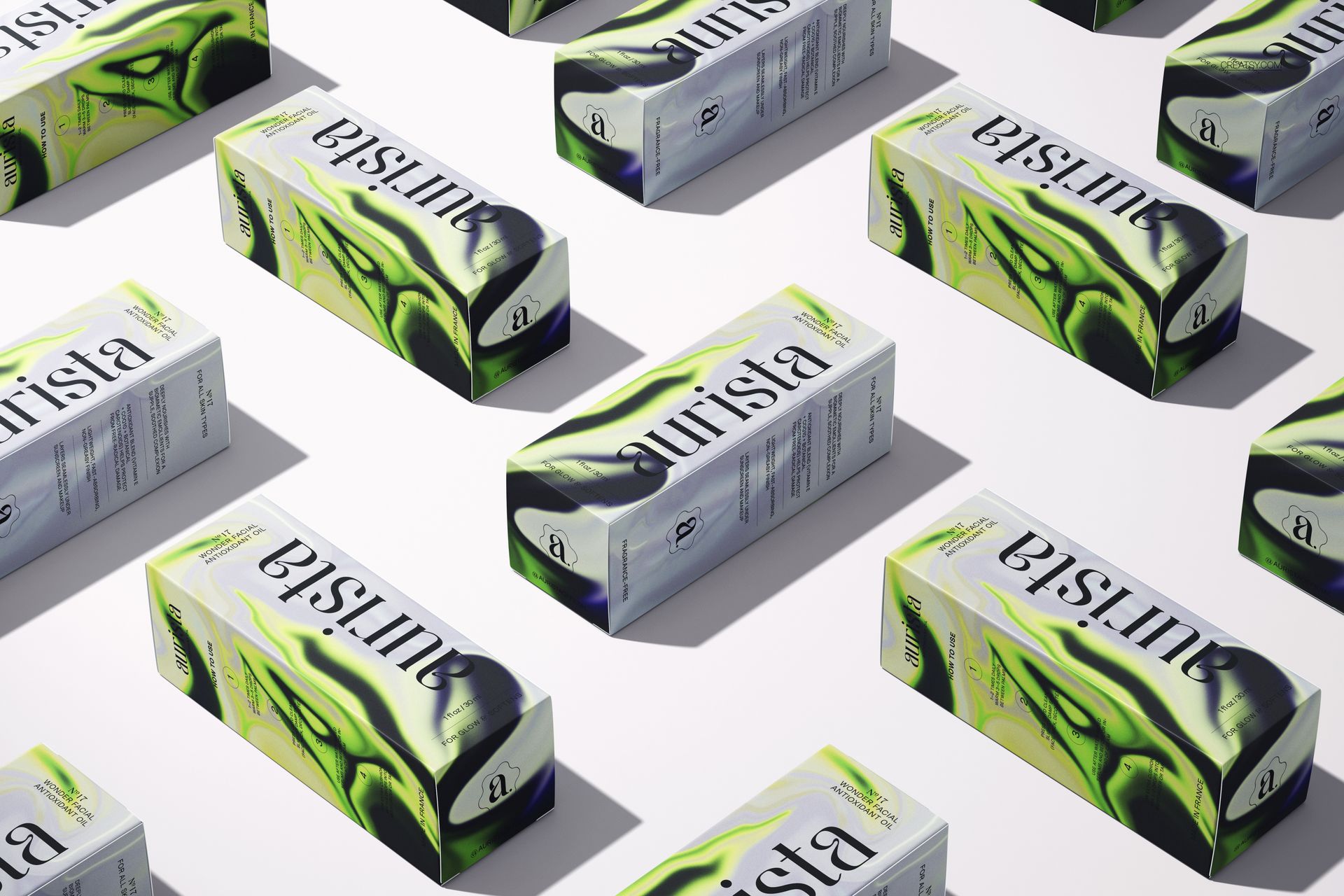
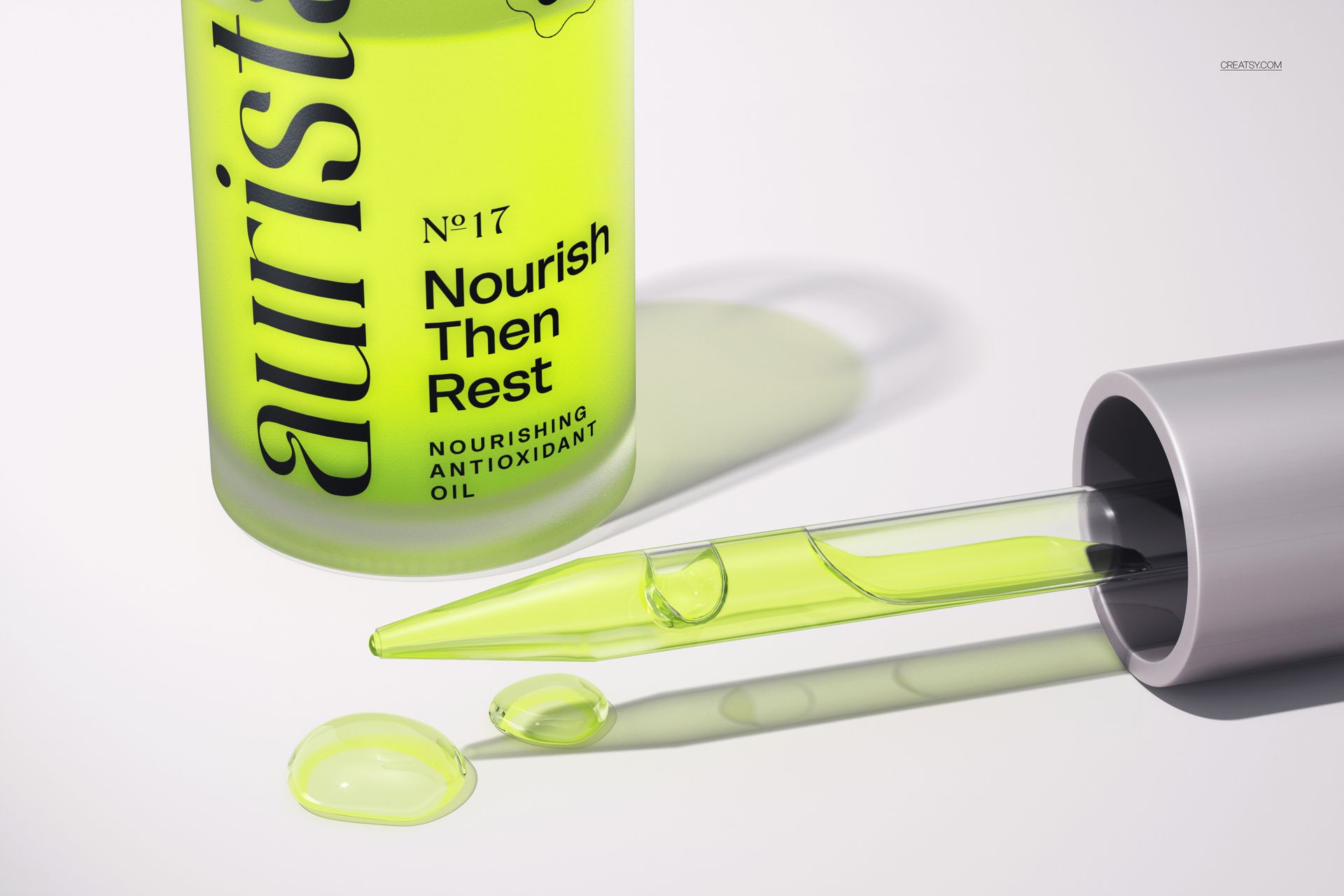
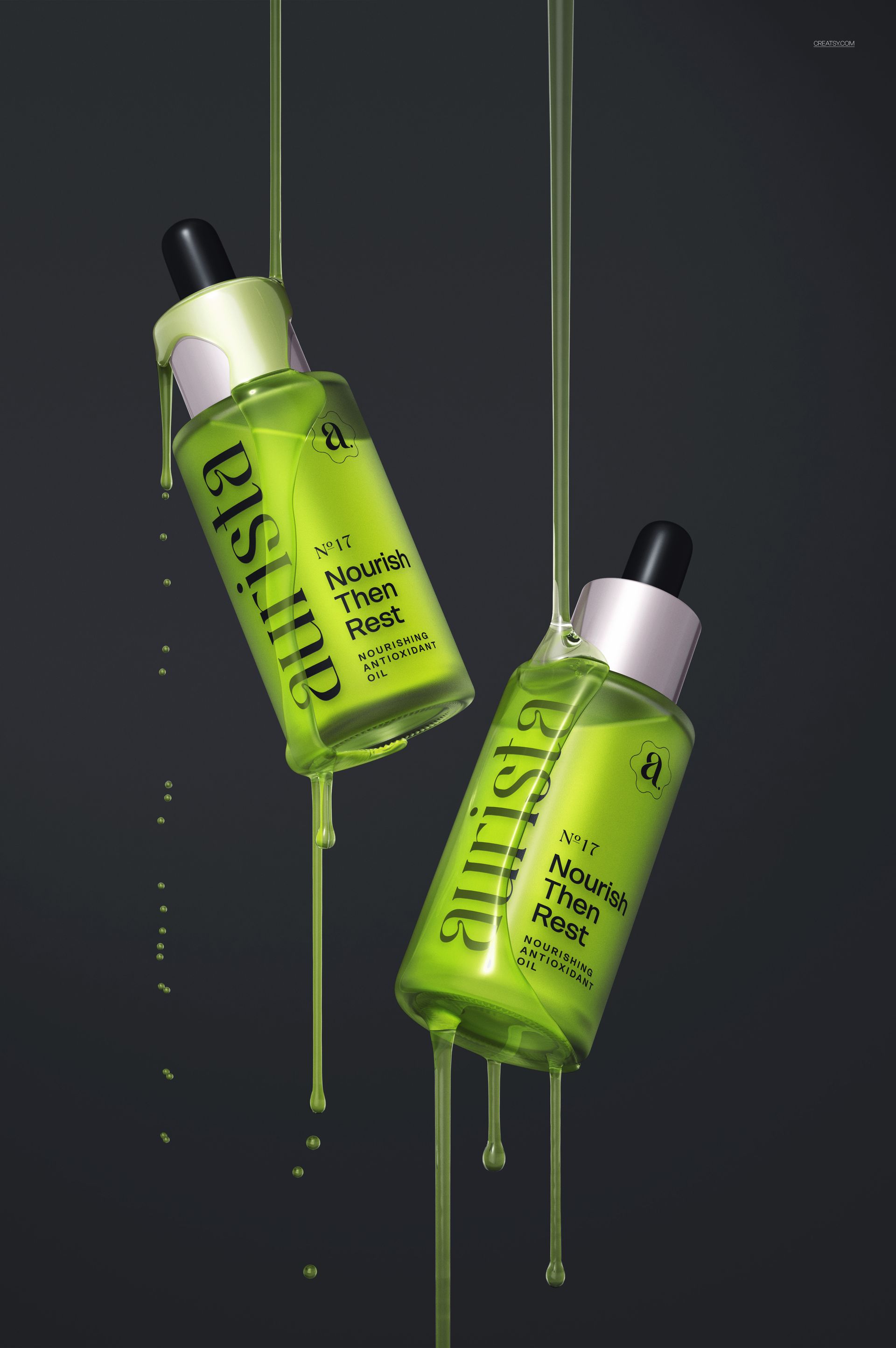
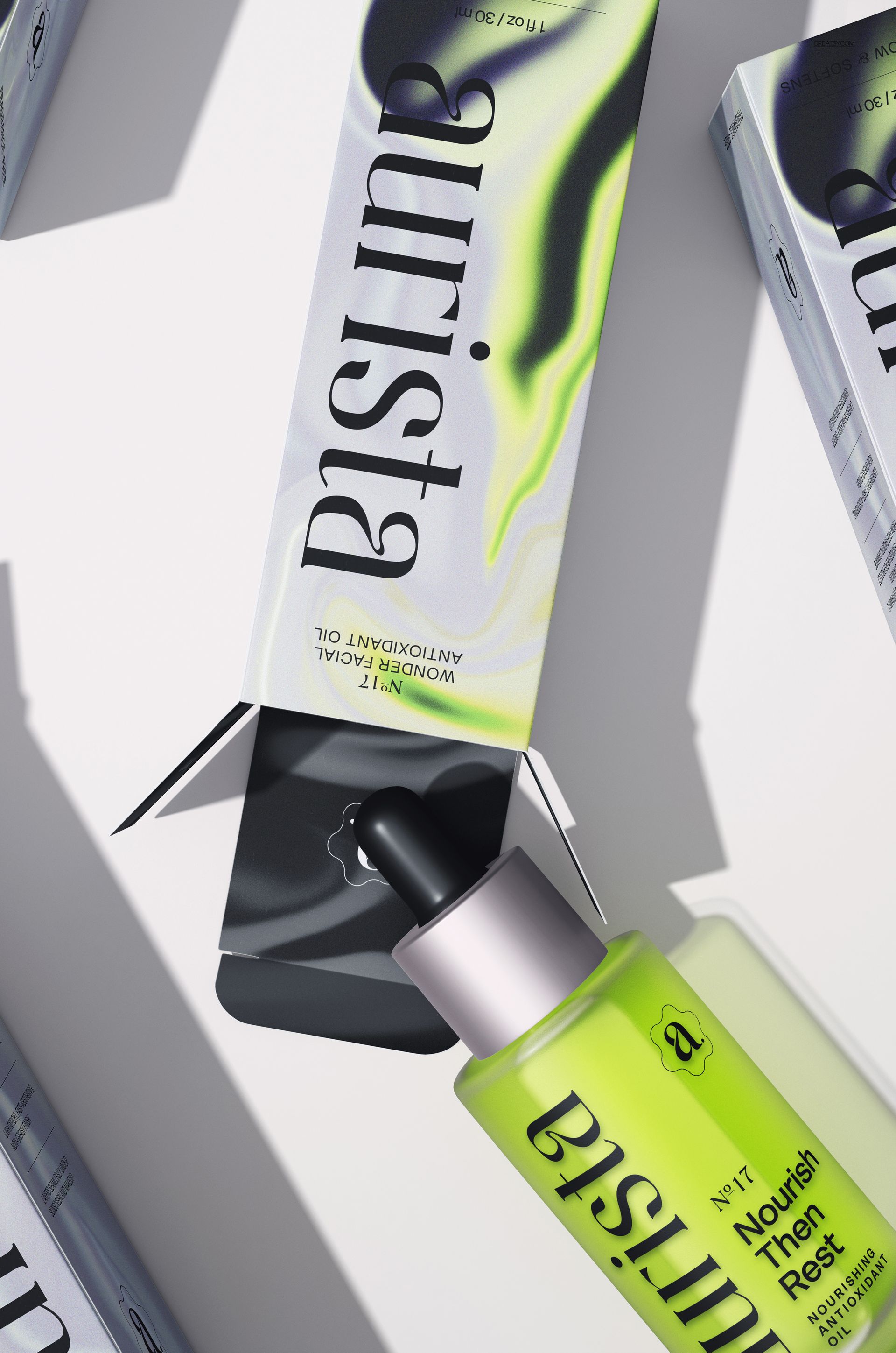
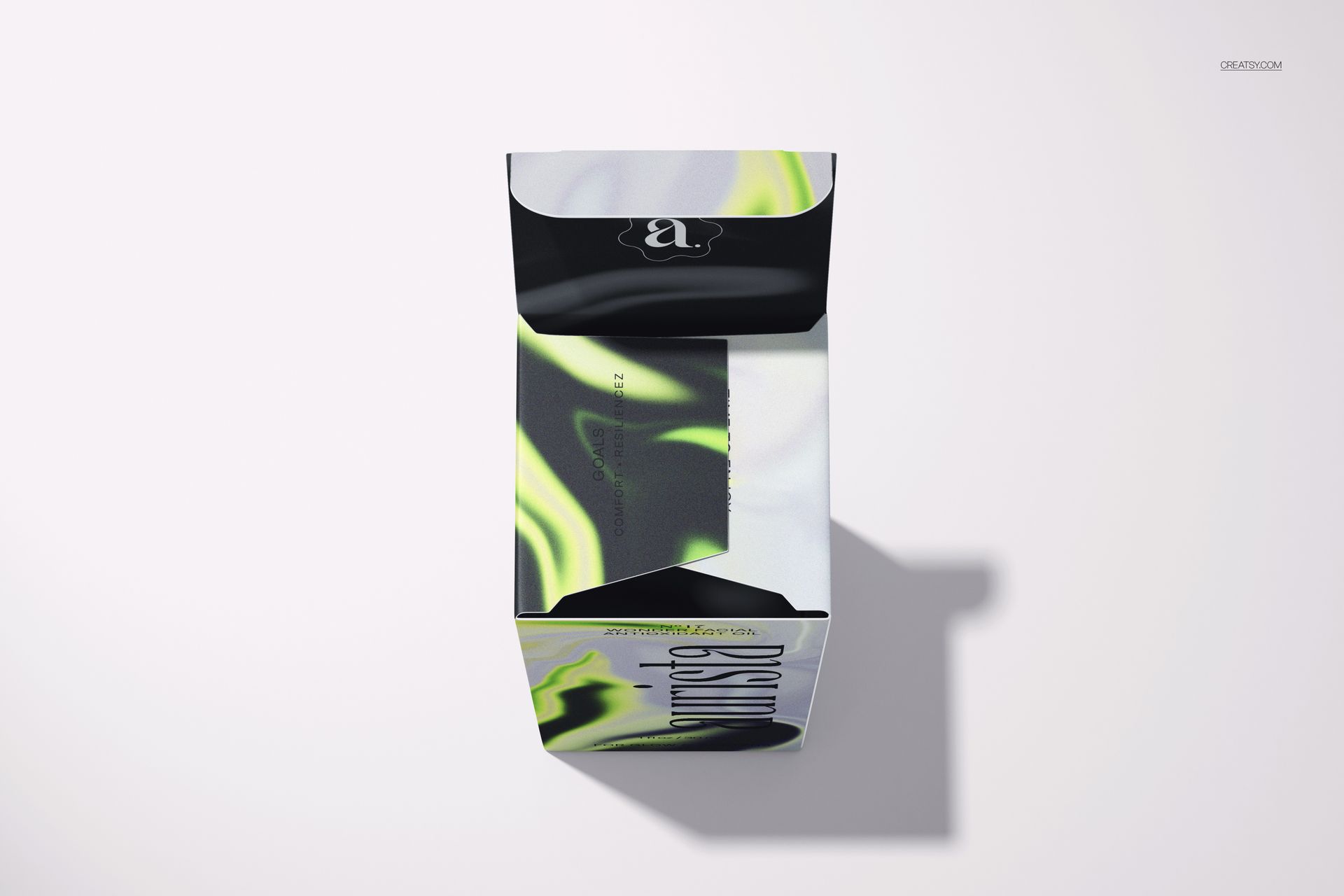
Build a complete serum packaging presentation with 30 mockup scenes covering dropper bottles, cartons, applicator details and styled product arrangements. Move from a clear bottle and box pairing to floating layouts, display blocks, unfolded cartons and close views of pipettes. The range helps you present a single skincare identity across several distinct compositions.
What You Can Customize
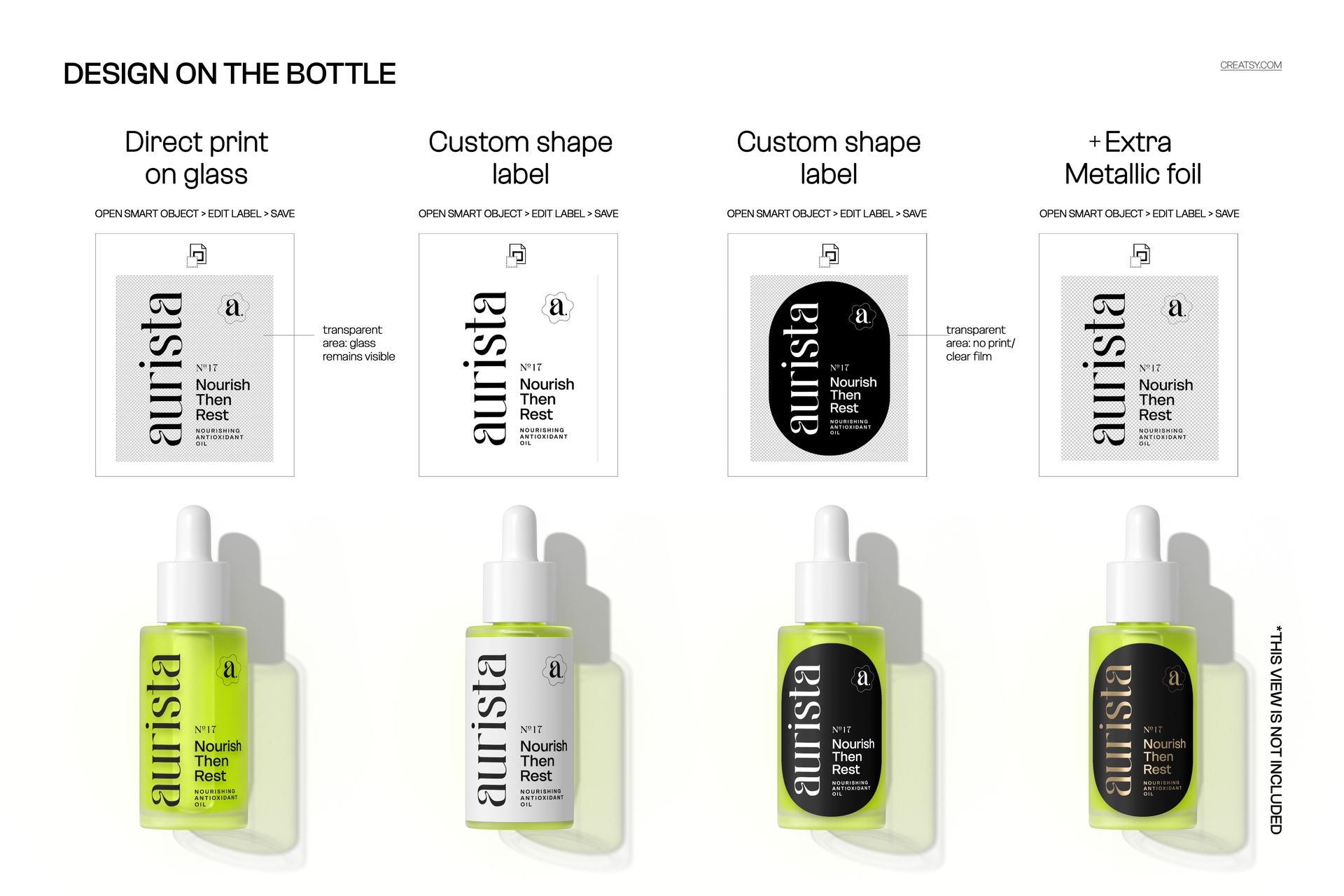
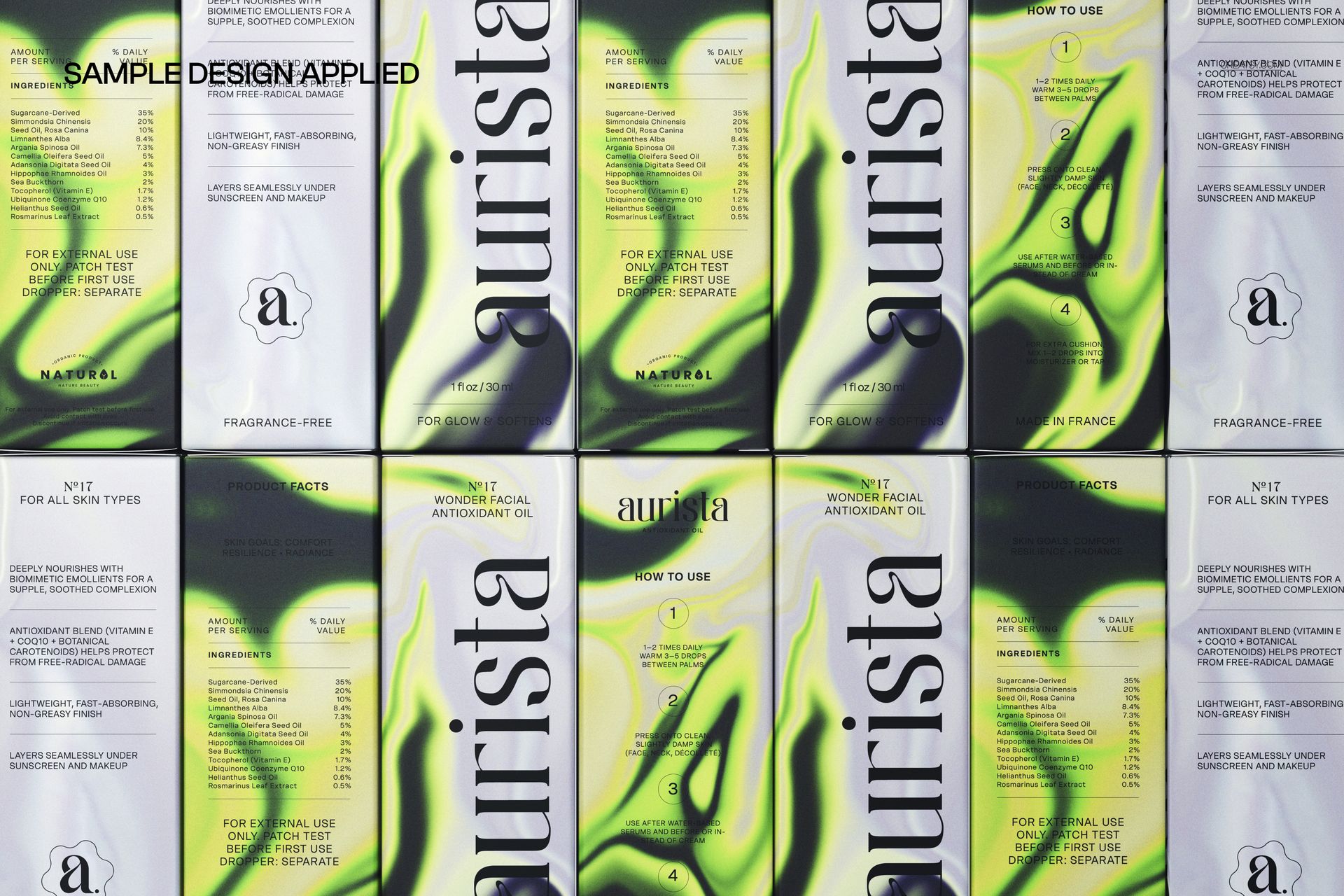
Replace bottle labels and carton artwork in the scenes that include them.
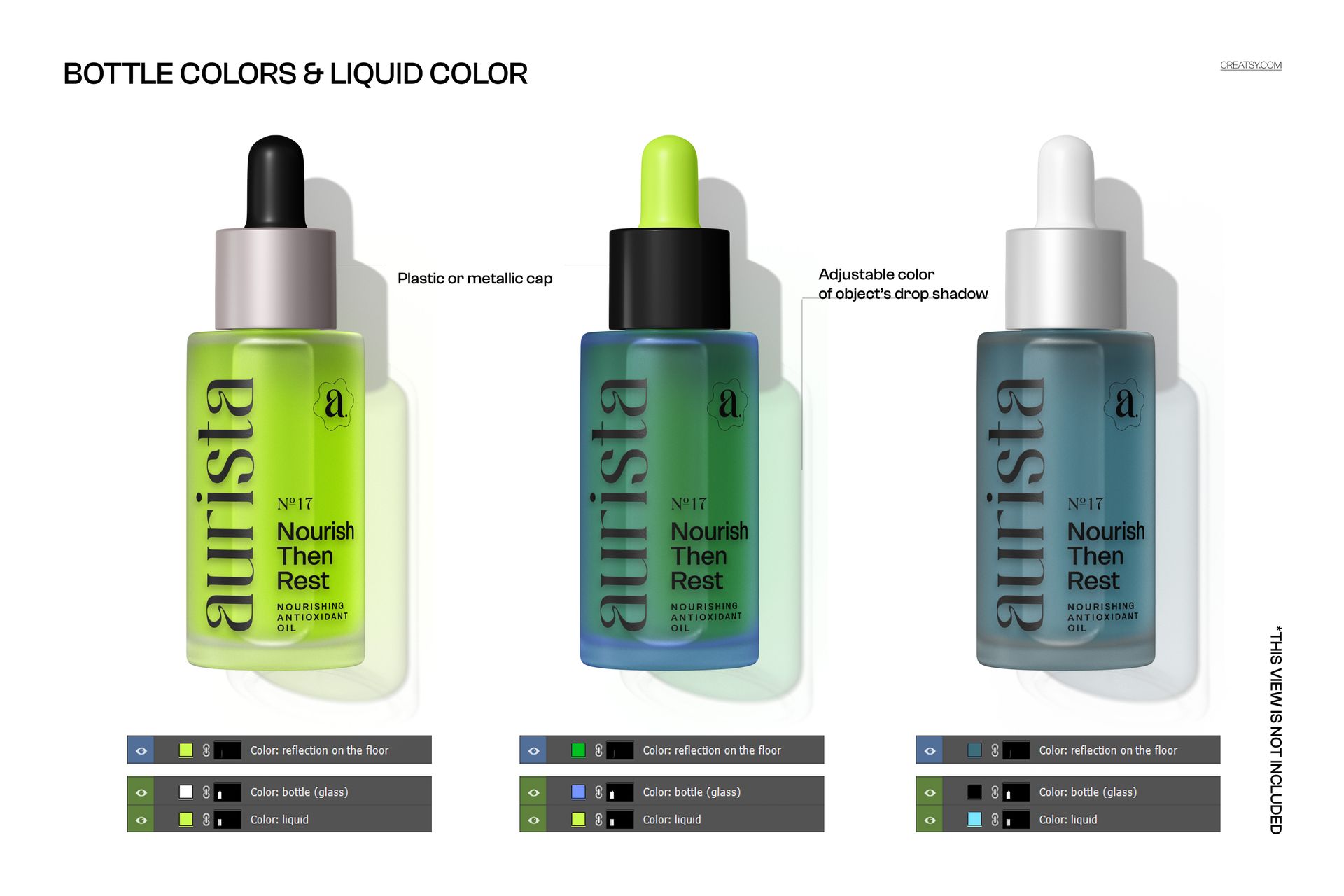
Explore glass, liquid, cap and packaging color options where provided.
Choose among studio layouts, floating products, display blocks, water and silk settings.
Use scene-specific background and object controls as shown in each product preview.
Files and Compatibility
30 editable mockup scenes across the included products: 28 PSD and 2 PSB files.
Each included product also lists a JPG preview.
Includes landscape (6000 × 4000 px) and portrait (4000 × 6000 px) scenes at 300 DPI. Dimensions vary by file.
Adobe Photoshop CC 2020 or newer.
Well organized layers; available controls vary by scene.
File details
- Compatibility

- Products in bundle
- 30
- Package size
- 11.9 GB
 |12.8 GB

- Files type
- .psd, .jpg
- Files size
- 6000x4000
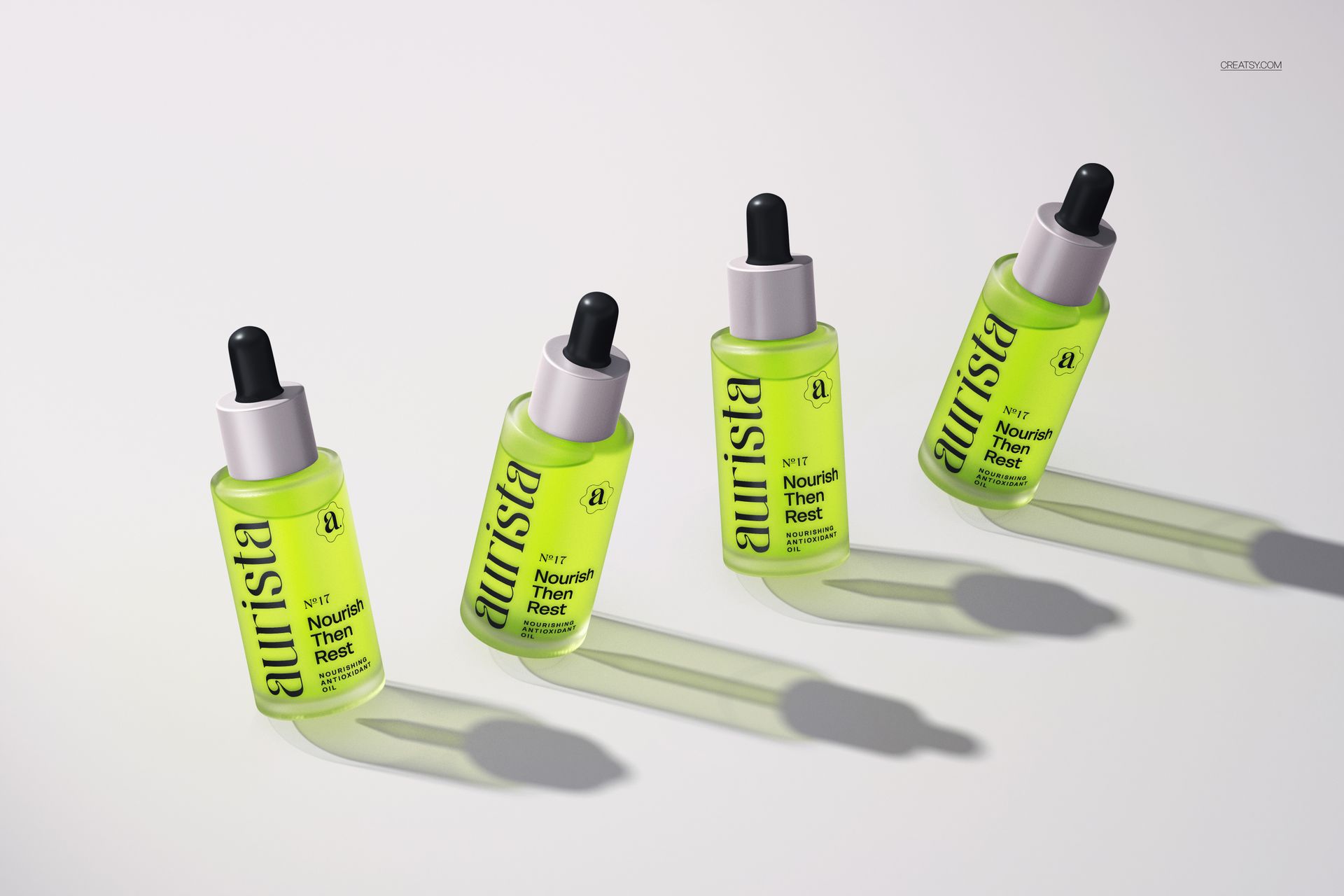
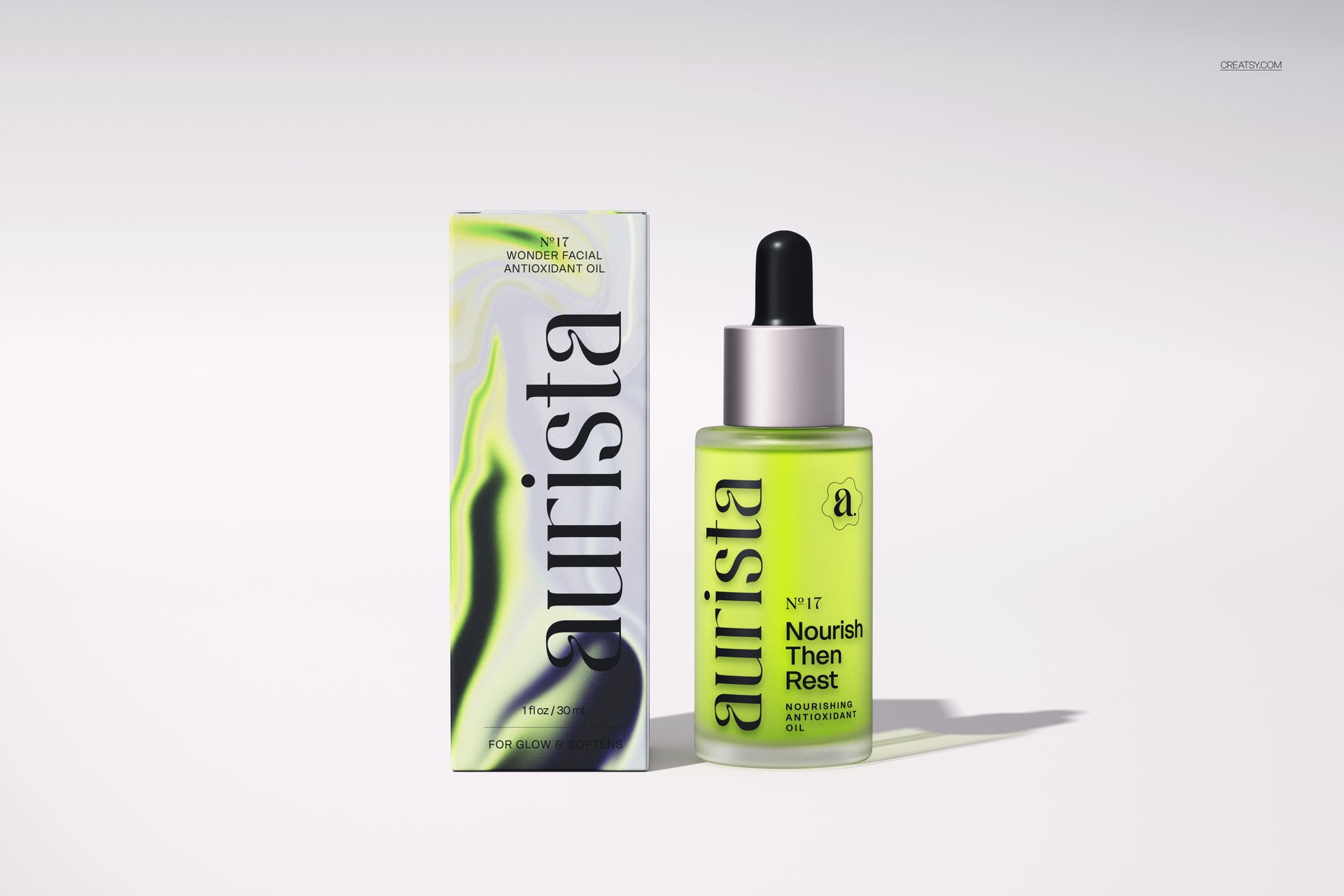
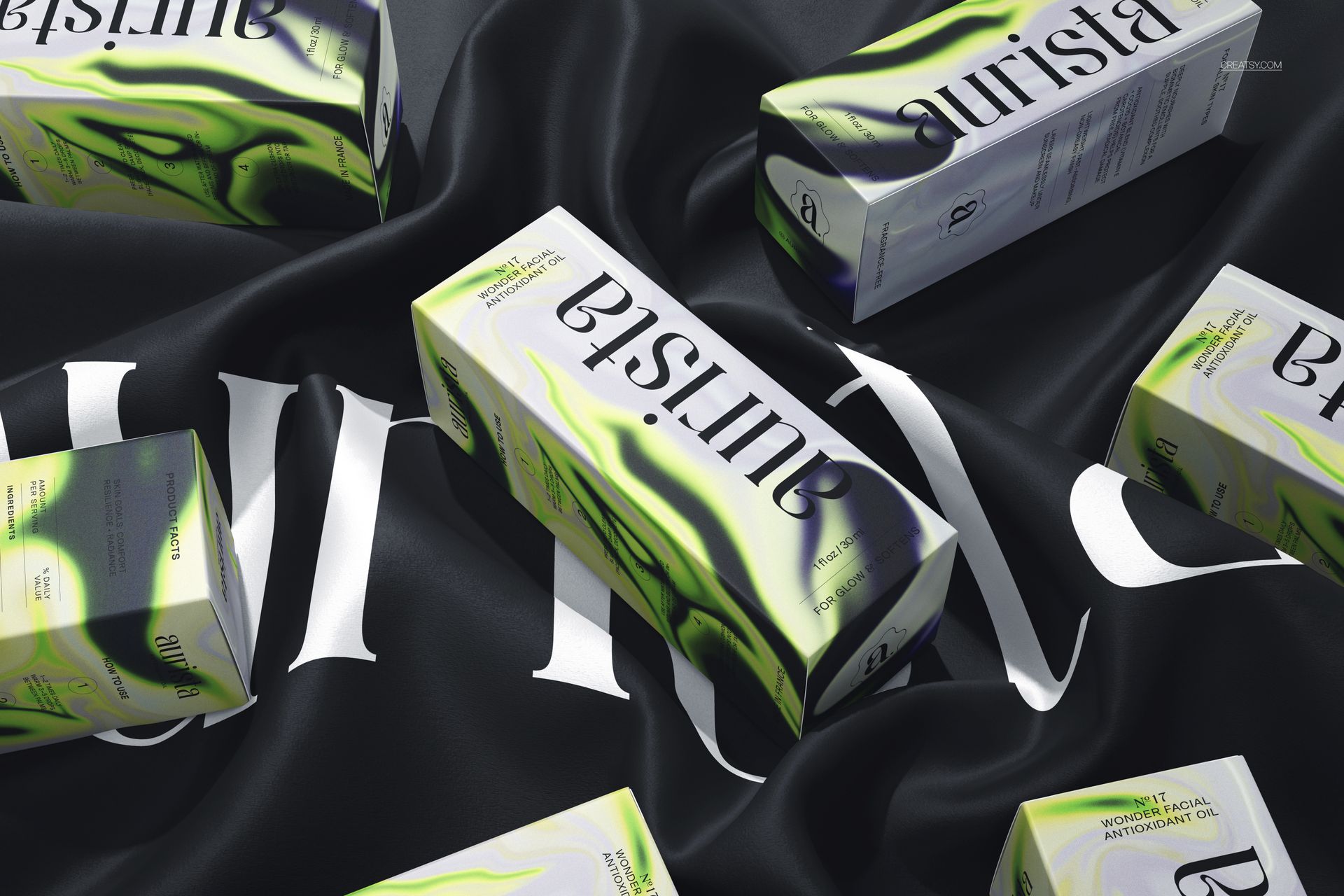
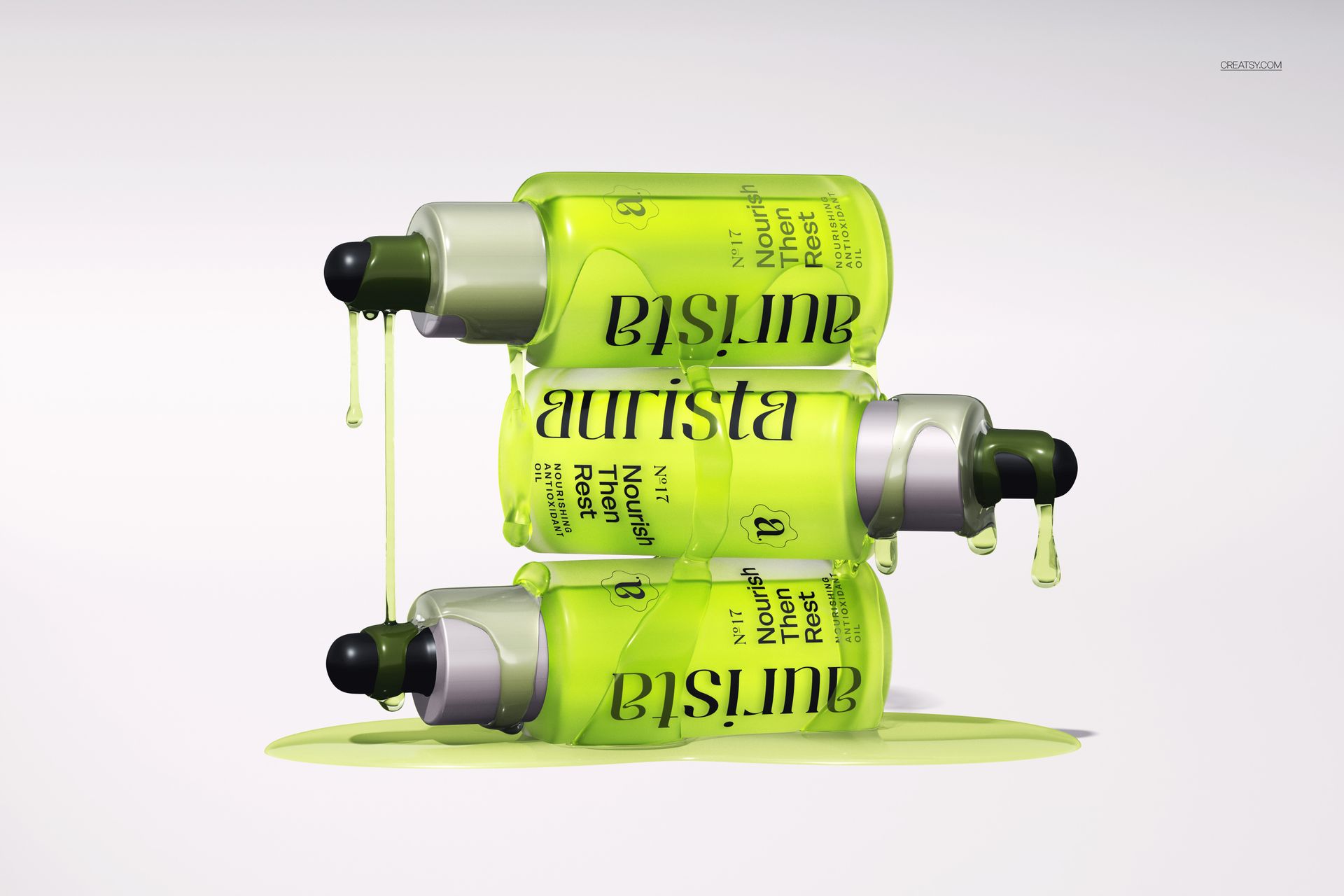
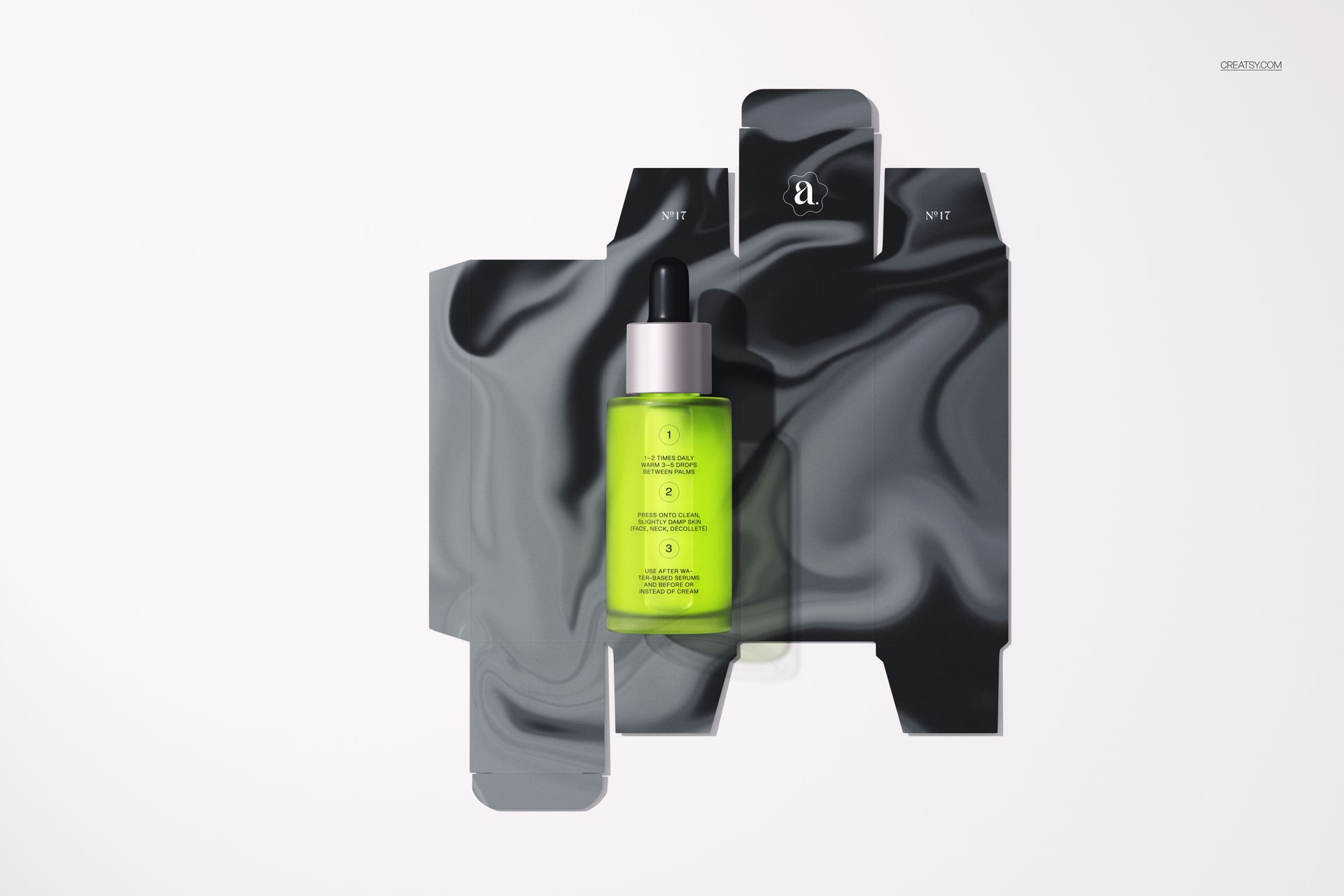
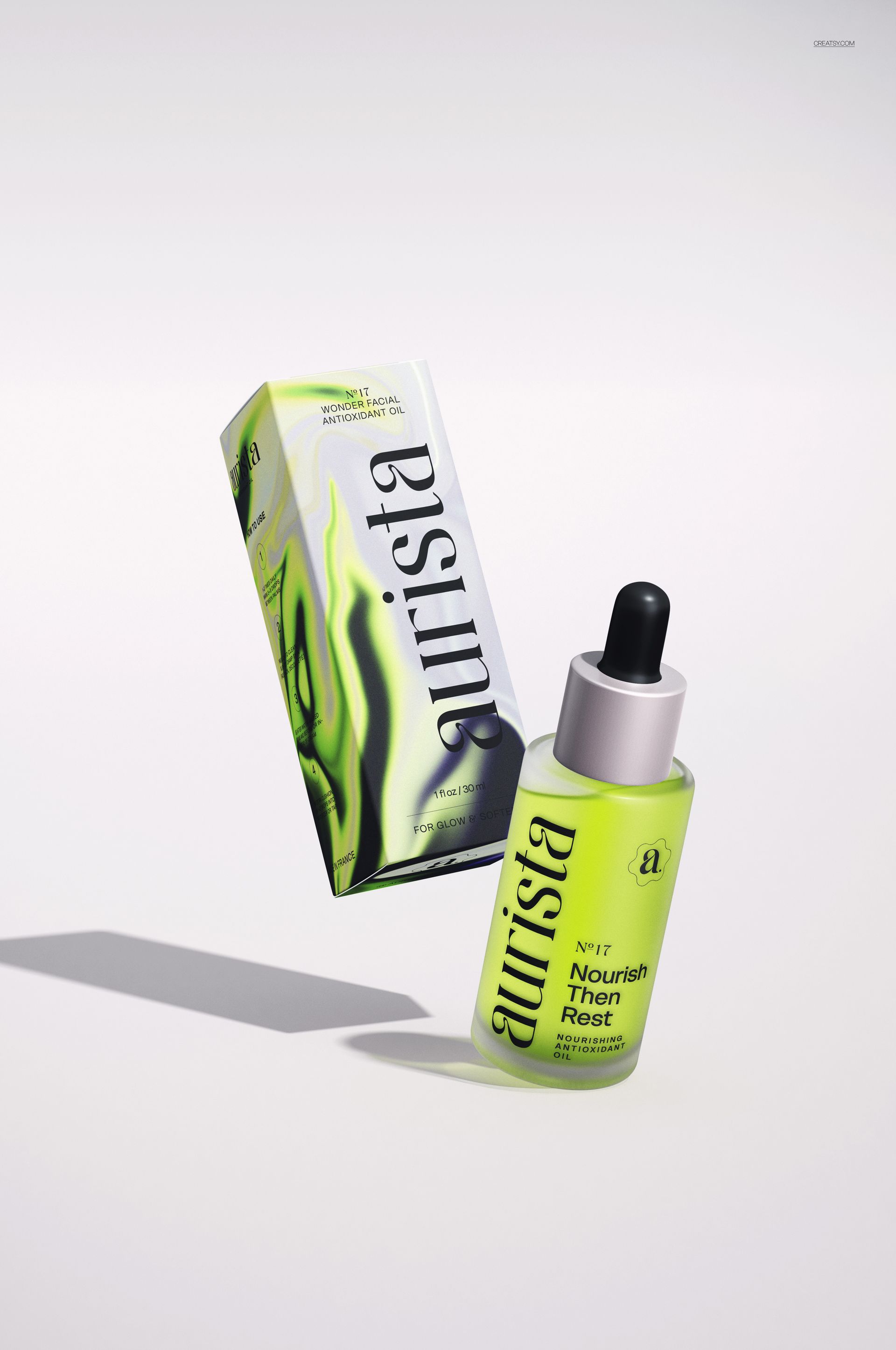
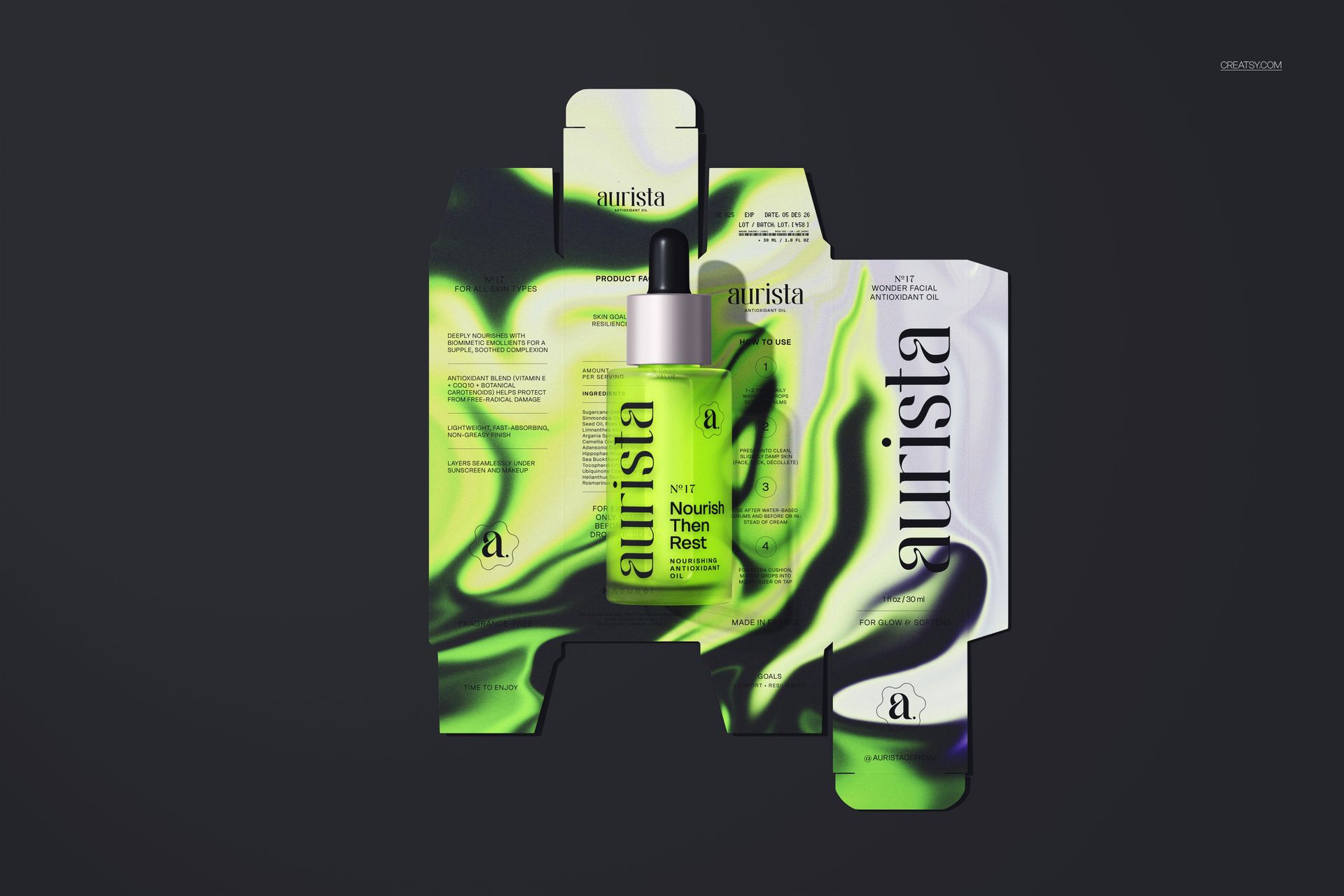
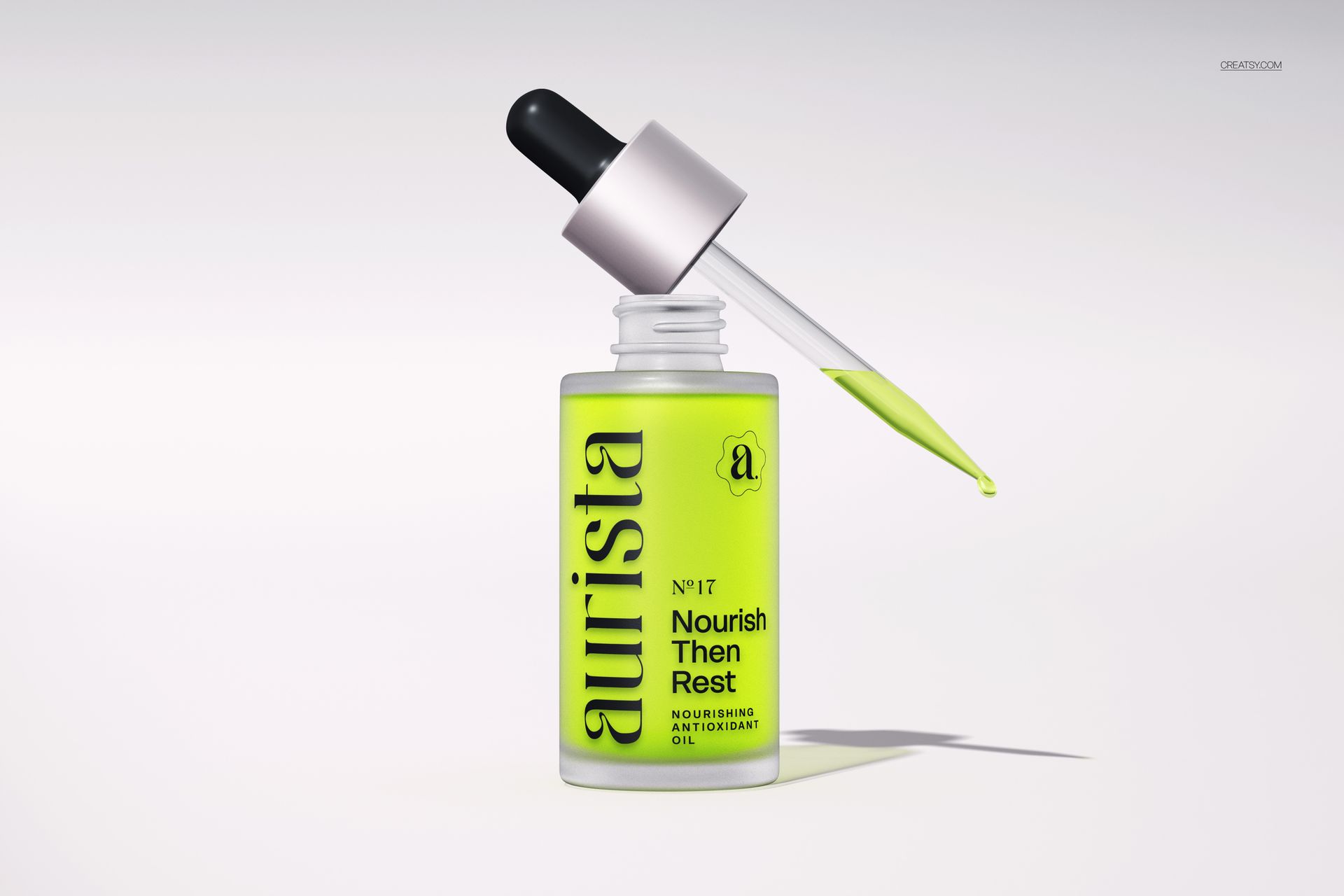
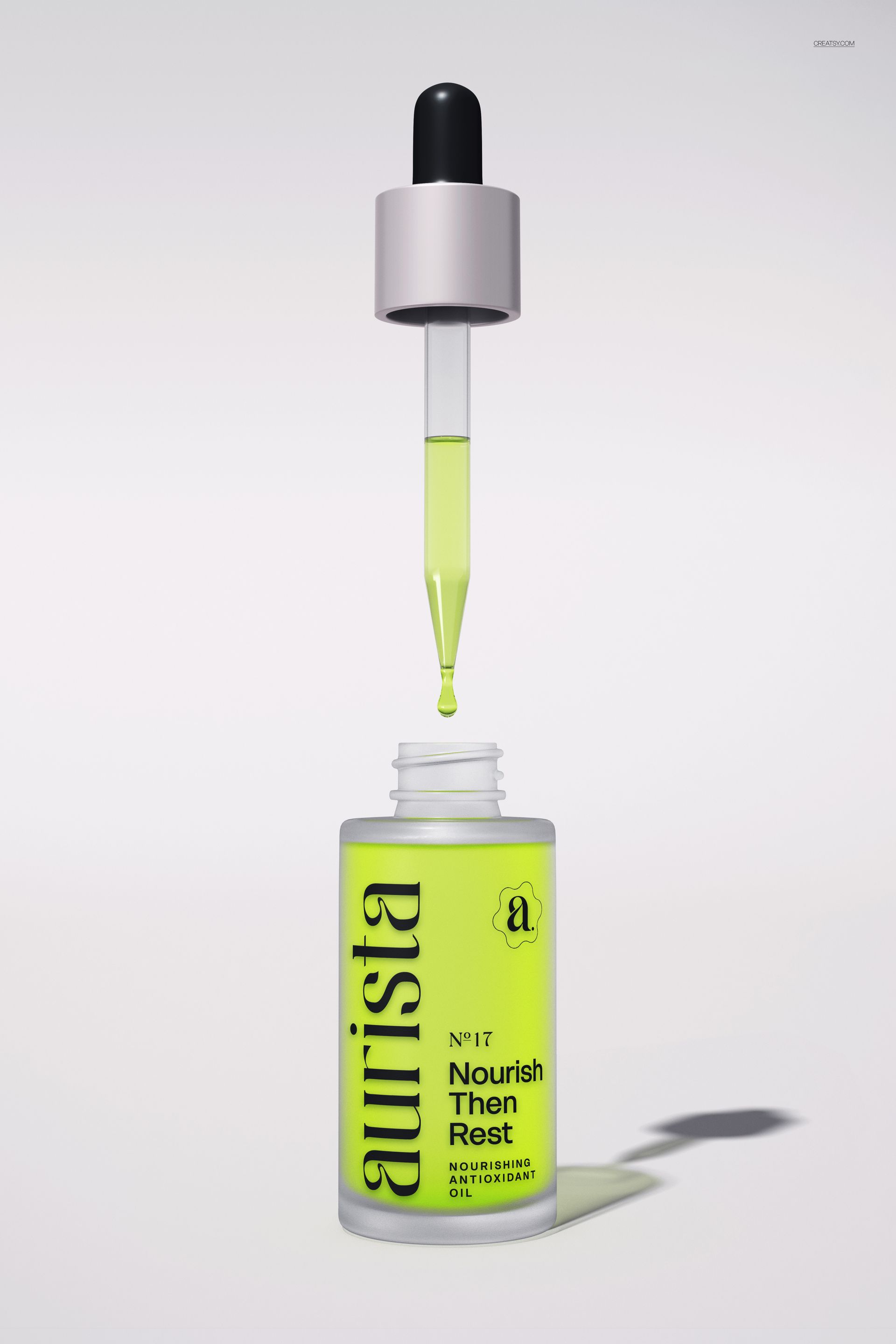
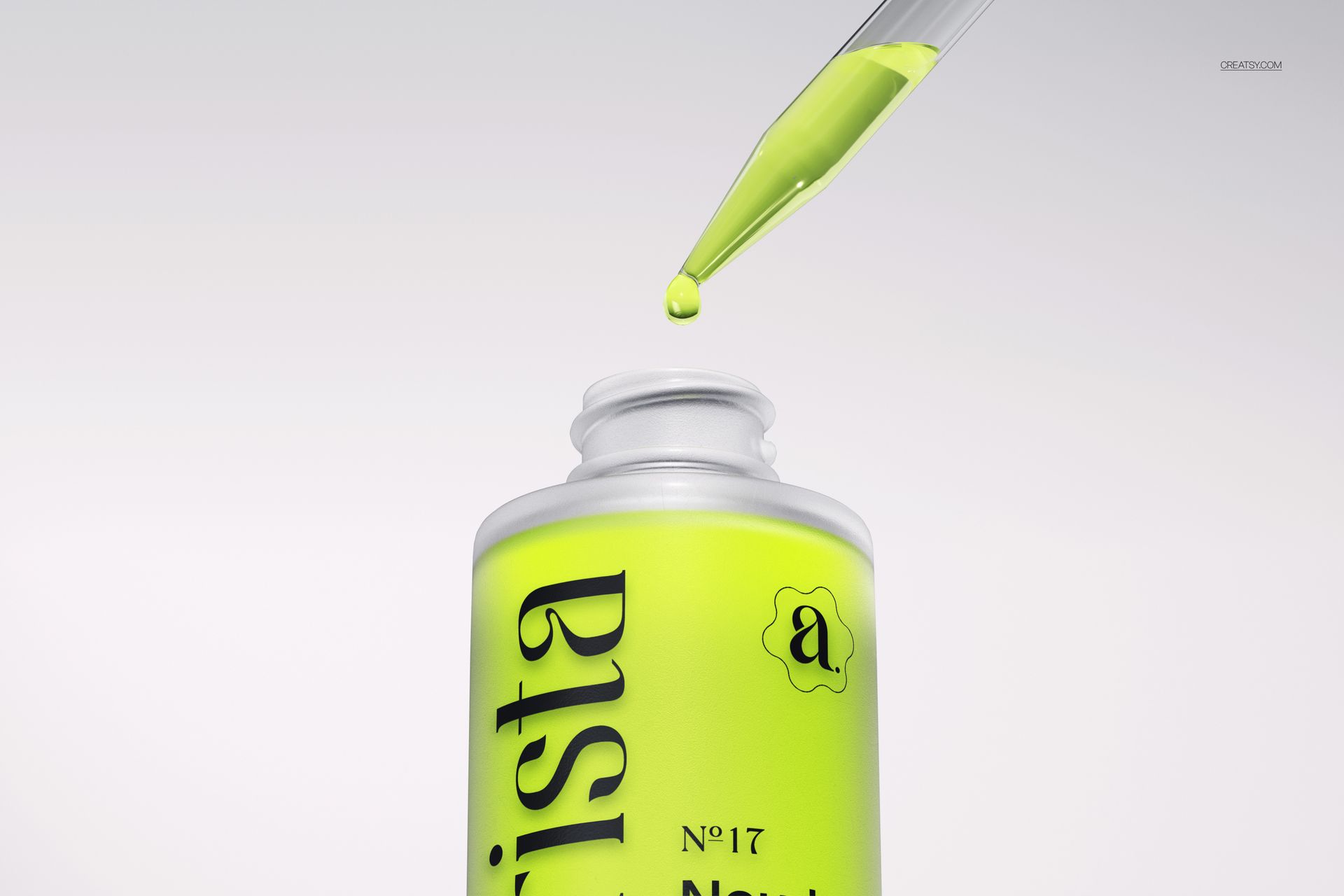
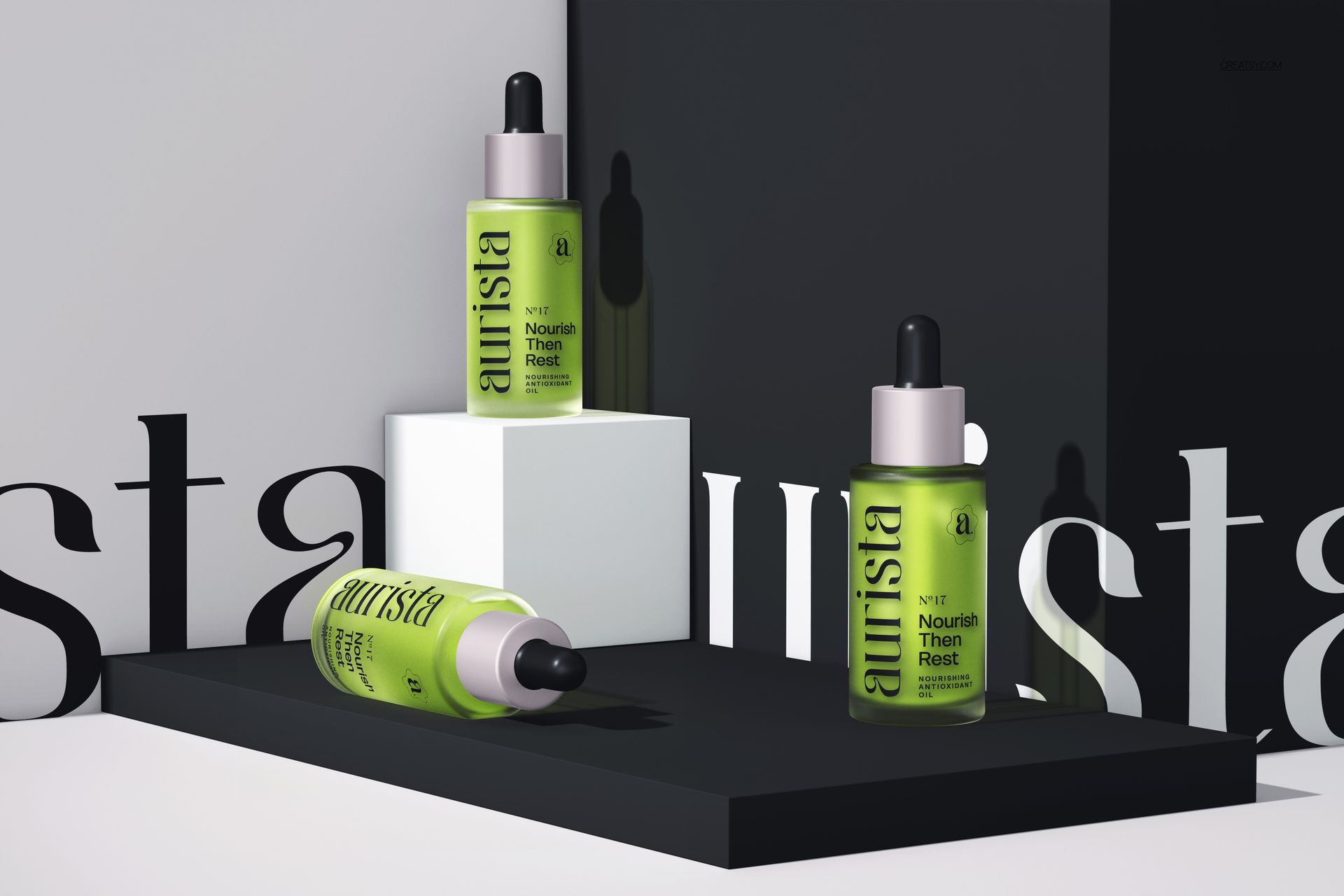
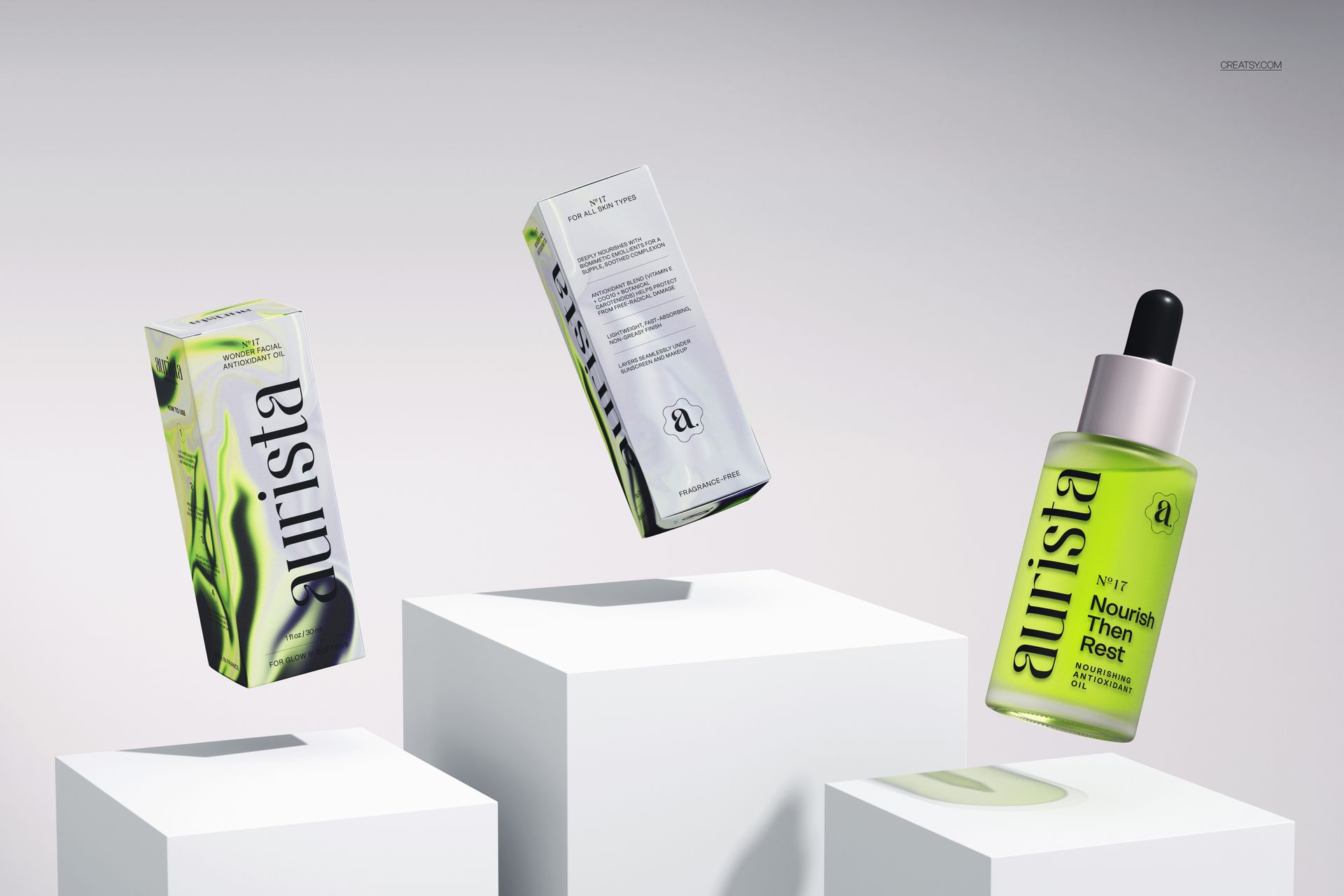
INCLUDED/30
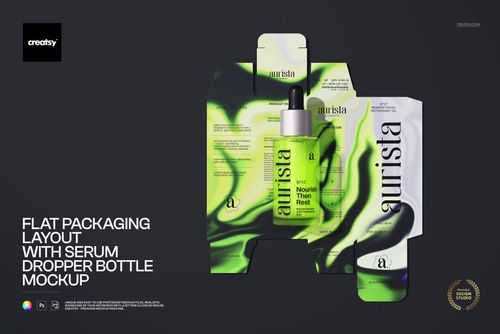
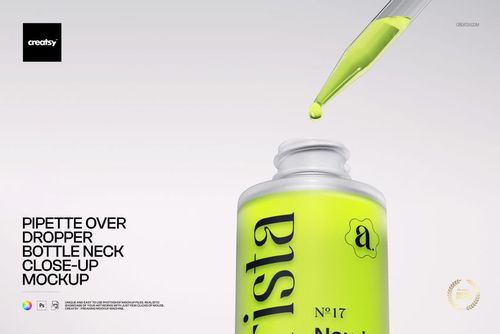
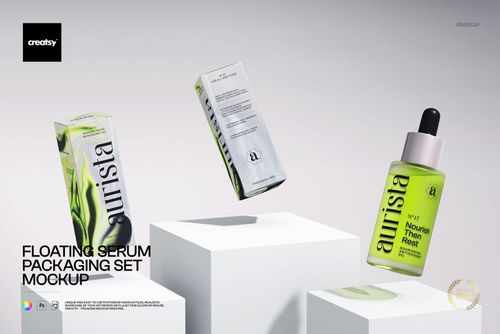
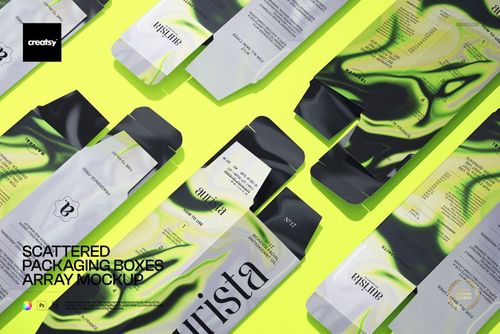
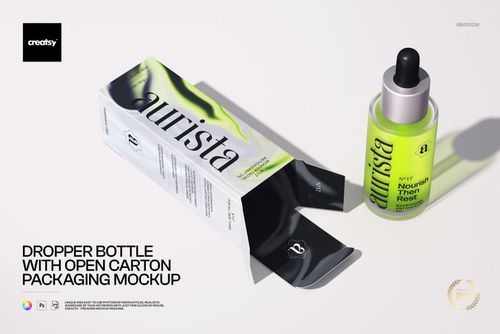
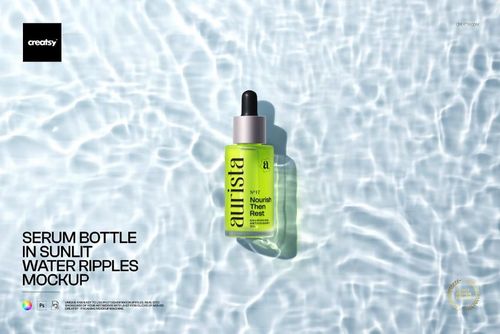
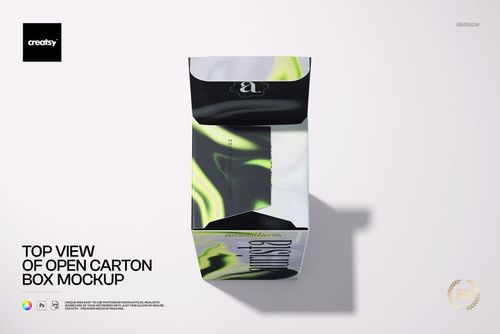
All 30 products in this bundle
MEET THE SHOP

Creatsy
Poland
Bring your ideas to life.
We're a family-run studio in Katowice, Poland, making PSD mockups by hand since 2016. Everything in this shop starts in our own studio. We shoot the photography, build the 3D, and put together every Smart Object PSD ourselves - then we test it, organize the layers, and only ship it once it actually works...
 40$1140$19.00
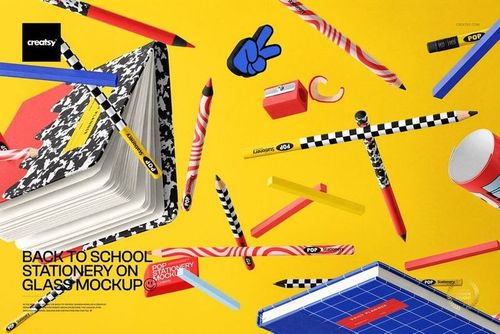 40$1140$19.00
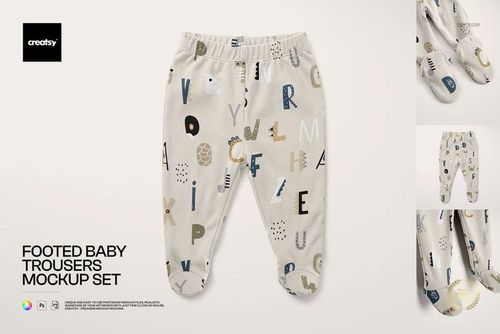 40$1380$23.00
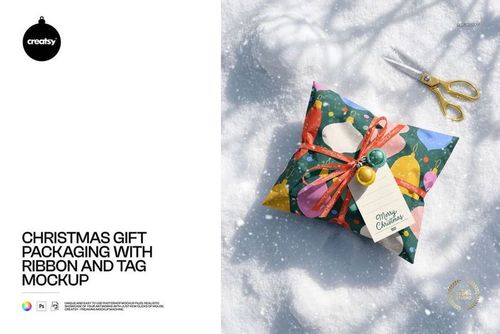 40$1140$19.00
HOW IT WORKS
3 clicks. That's it.
No tutorial needed. If you can copy-paste, you can use this.
- 1OpenDouble-click the smart object inside the PSD - in Adobe Photoshop, or free in your browser with Photopea.
- 2PasteDrop in your pattern, print, or artwork. Any design, any style.
- 3SaveHit save and the mockup wraps it in for you - shadows, folds, and lighting included.
FROM IDEA TO IMAGE
Built for real workflows
Skip the photo shoot Show your artwork on the real product type for approvals or listings - no studio, no model, no sample.
See it on the product, not a swatch Drop your file into the smart object and the scene's lighting and folds wrap around it, so you judge the real thing before you commit.
Smart Objects
Edit once and you're done. Your artwork drops into a smart object and the mockup updates itself - no masking, no warping by hand.
Perfectly Organized
Named layers and folders you can actually navigate. Find what you need, change what you want, and get out fast.
Print-Ready
High-resolution files built to hold up on screen and in print. Exact size and DPI are in this product's Details above.
Related Products
 40
 40
 40$1140$19.00
 40$1140$19.00
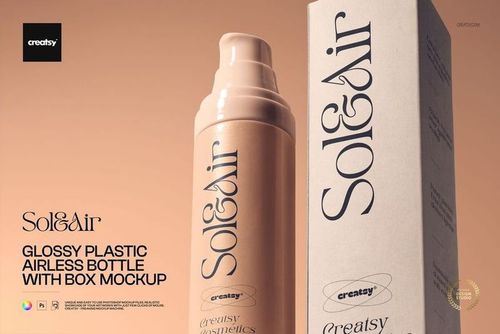 40$1140$19.00
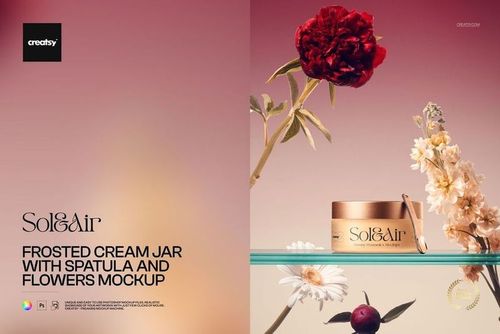 40
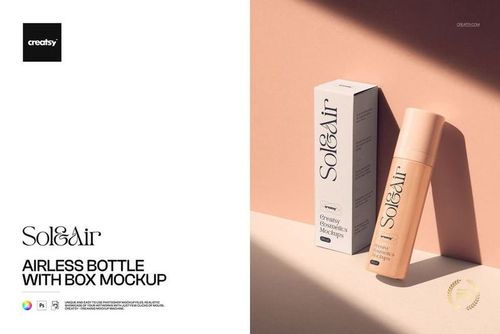 40$1140$19.00
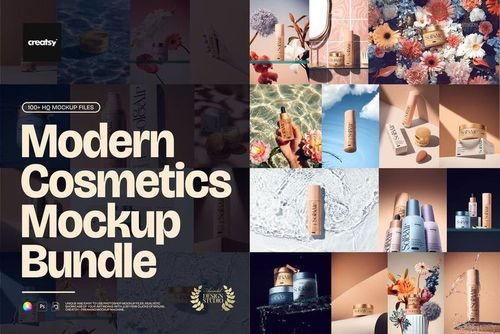 35Early Access$4485$69.00