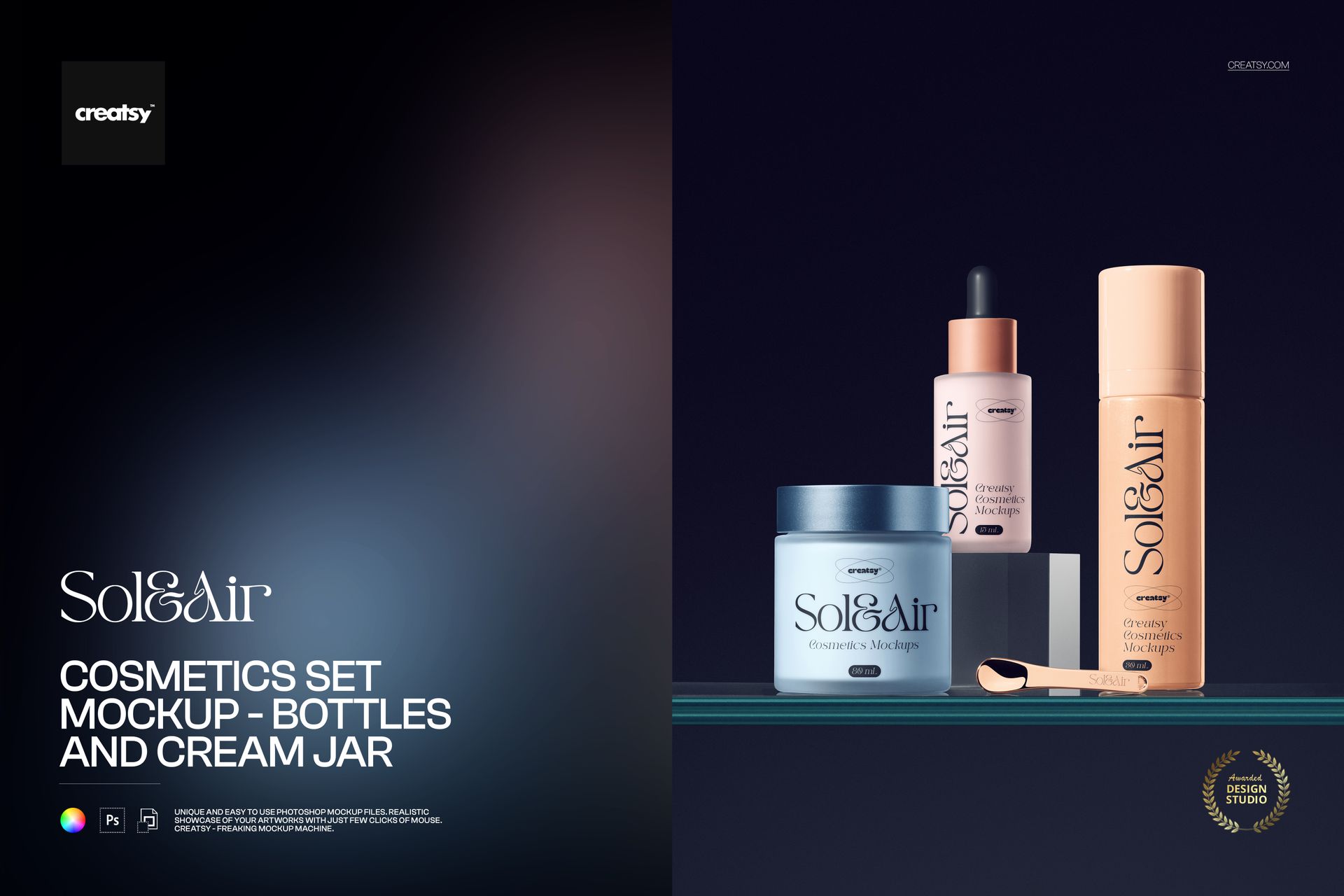
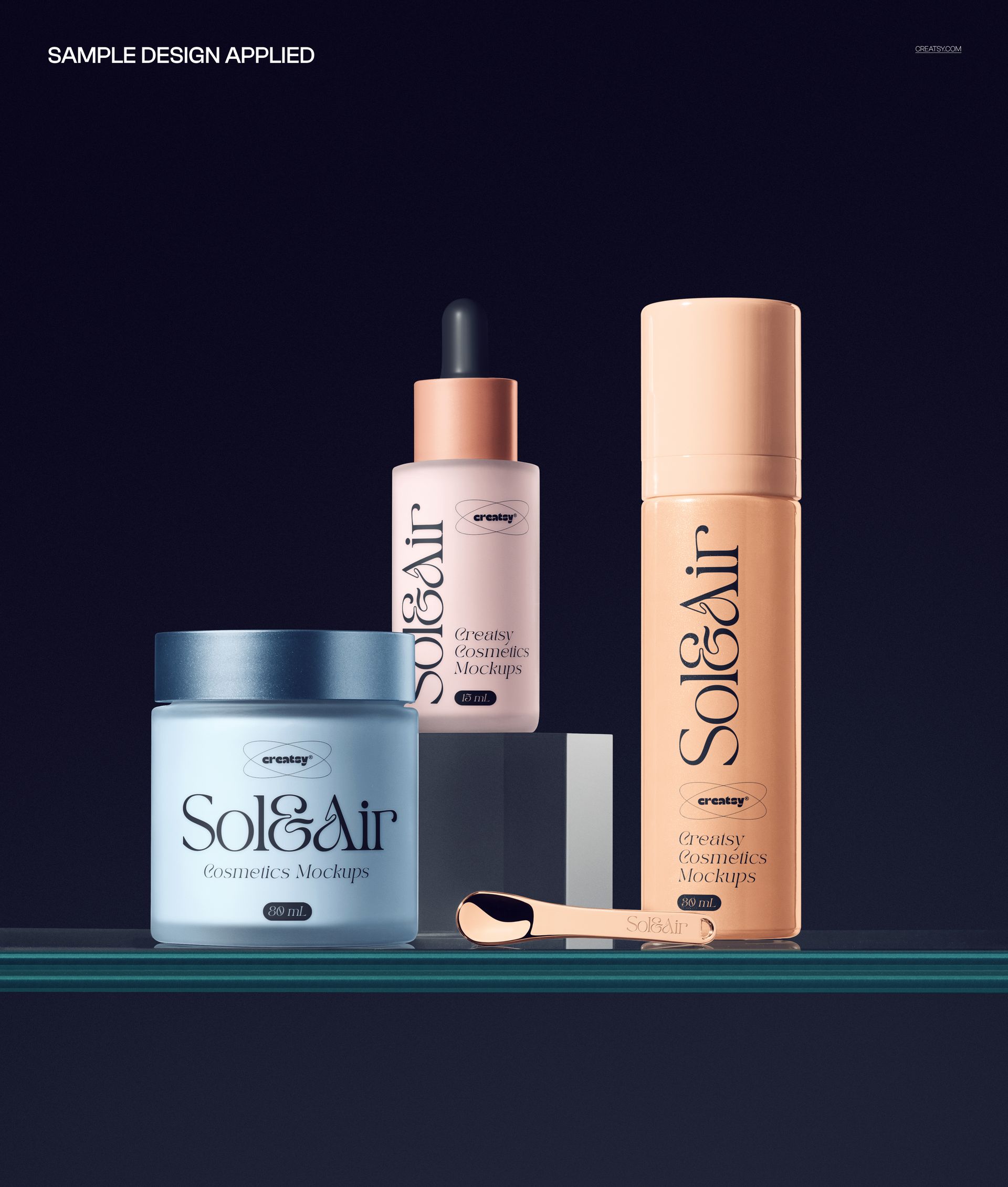
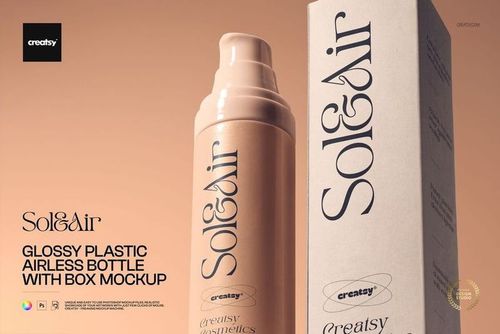
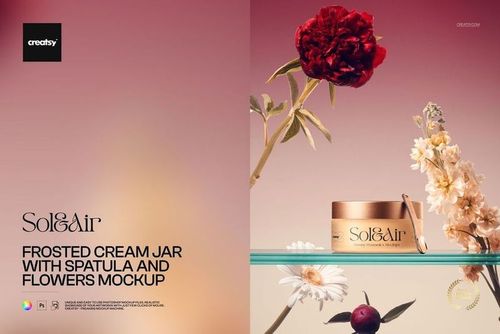
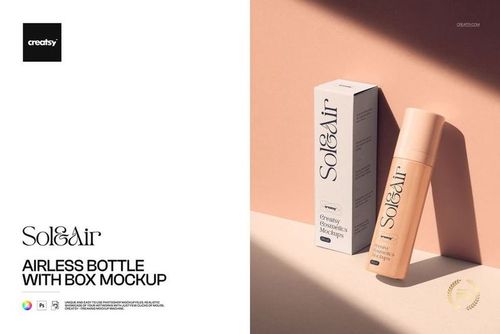
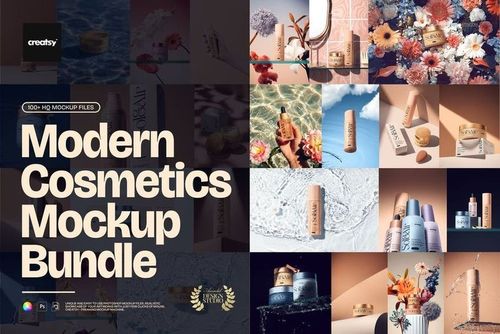
Cosmetics Set Mockup - Bottles and Cream Jar from Creatsy presents your skincare or beauty brand packaging across a coordinated product set featuring bottles and a cream jar arranged in a studio-lit composition. This mockup lets you show how your label design, logo, and brand identity work together across multiple product containers in a single cohesive image. Whether you design packaging for skincare lines, beauty startups, or established cosmetics brands, this set composition demonstrates the visual consistency and shelf presence that brands need to see before committing to production. The 6000 x 4000 pixel file at 300 DPI delivers the resolution needed for detailed packaging presentations, pitch decks, and marketing materials where every typographic detail and color nuance must read clearly.
Why This Mockup Set Works
Cosmetics brands rarely sell single products. They launch collections, and buyers need to see how different containers in the line look together. This mockup solves that by showing bottles and a cream jar arranged as a unified set, demonstrating how your branding carries across different packaging shapes and sizes. The studio lighting creates the kind of premium product photography that beauty consumers associate with quality brands, and the dark backdrop provides strong contrast that makes packaging artwork and label details stand out. Presenting your designs on a complete set rather than individual containers helps clients evaluate brand cohesion at a glance.
What Is Included
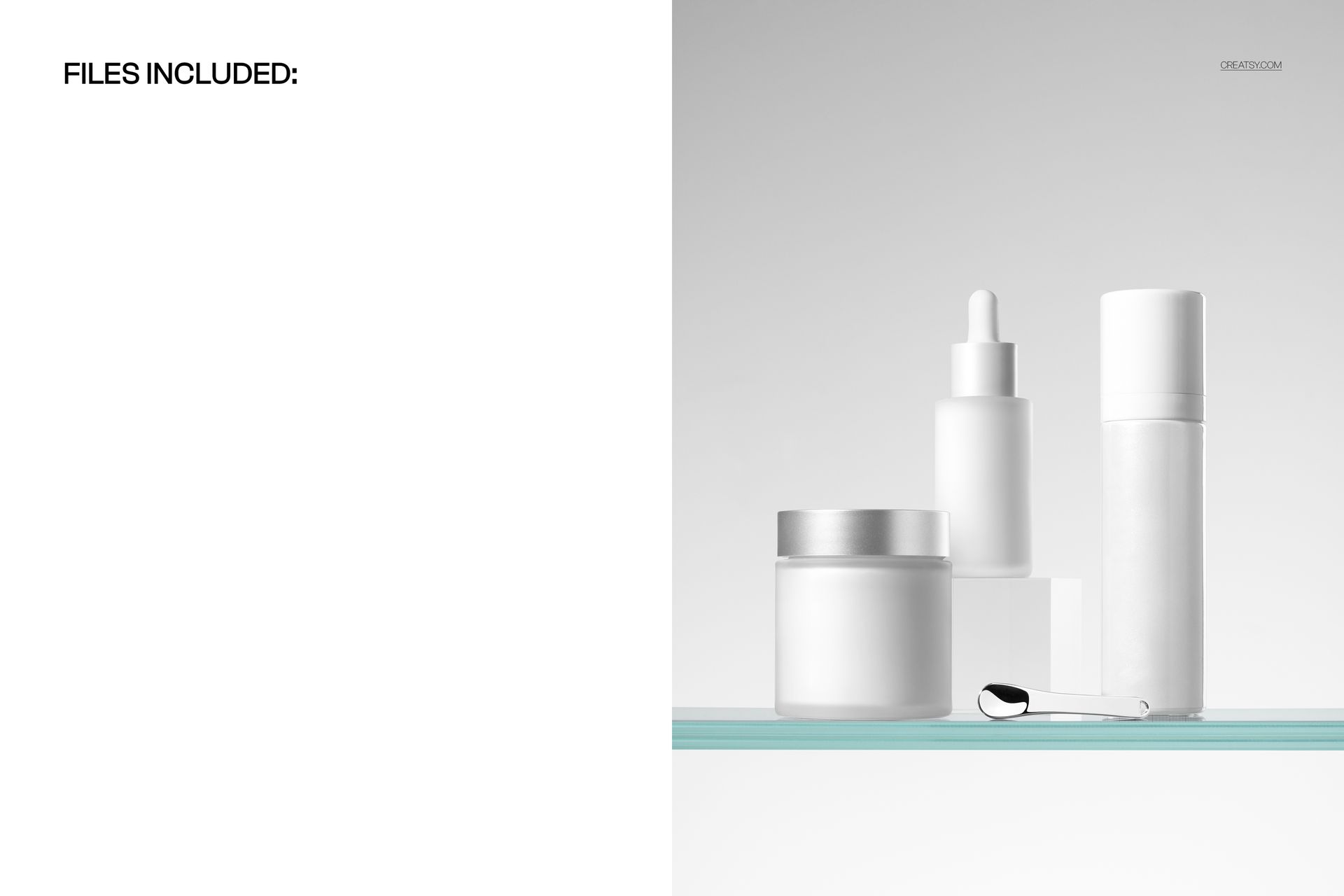
This download contains 1 PSD file at 6000 x 4000 pixels and 300 DPI. The file features a cosmetics product set with bottles and a cream jar arranged in a styled studio composition with professional lighting and clean background. Layers are well organized so you can navigate to each container and customize them independently. The file works in Adobe Photoshop (minimum version CC 2020) and in Photopea, a free browser-based editor that supports PSD files and smart object editing.
What You Can Customize
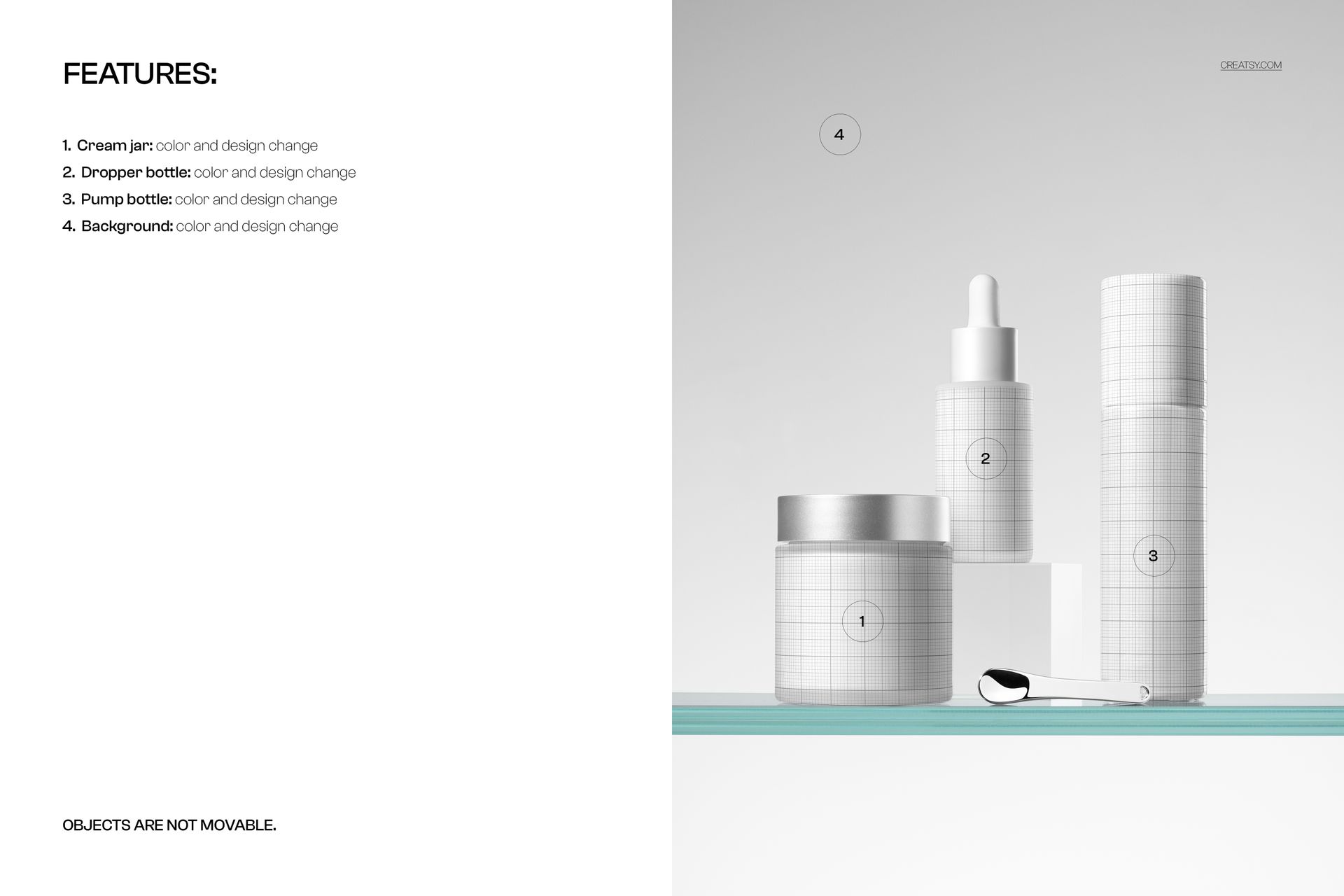
Smart object layers let you place your label artwork, logo, or brand design onto each container surface with accurate curvature mapping and realistic material interaction. You can customize each bottle and the cream jar independently, allowing you to show a complete product line with different product names on a unified brand template. Adjust background color, lighting mood, and overall color tone to match your brand palette or presentation requirements. The organized layer structure keeps each customizable element clearly separated for efficient editing.
Who This Mockup Is For
This mockup serves cosmetics packaging designers presenting skincare line concepts to beauty brands, brand identity studios building comprehensive visual systems for beauty startups, and marketing teams preparing product launch materials for new skincare collections. Private label cosmetics companies evaluating label designs before production, beauty brand founders building investor pitch decks, and e-commerce managers creating product listing imagery for Shopify or Amazon storefronts will all find the multi-container set composition valuable for demonstrating how a complete product line looks when displayed together.
File Specifications
File count: 1 PSD. Dimensions: 6000 x 4000 pixels. Resolution: 300 DPI. File size: 149.02 MB. Compatibility: Adobe Photoshop CC 2020 or newer, Photopea. Editing method: smart object layers for non-destructive label placement with realistic container curvature and studio lighting interaction.