Product Details
Men's Fashion Mockup Set
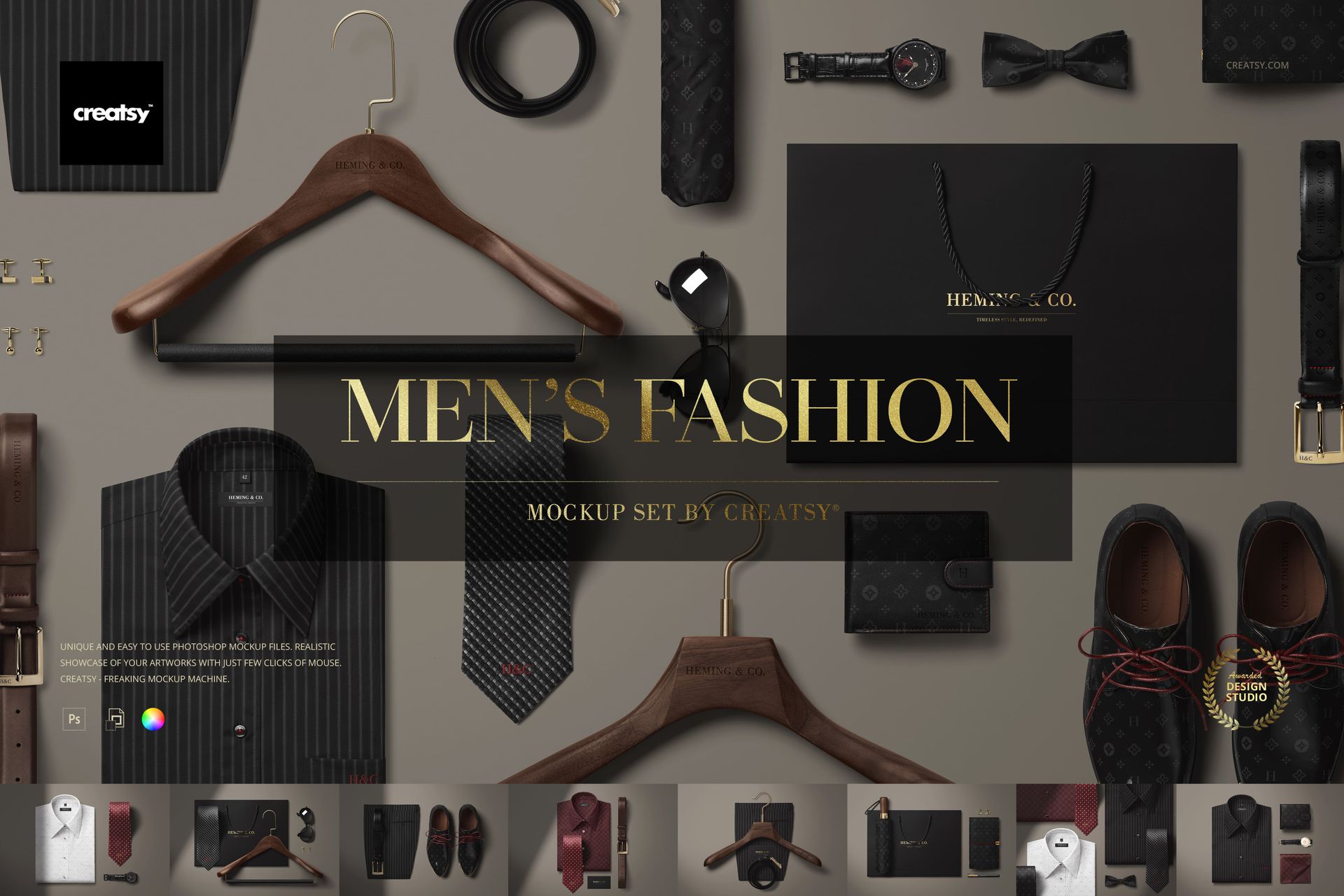
In a design world often buzzing with glitter and maximalism, this one quietly walks in wearing bespoke shoes and a tailored shirt – and turns every head. The Men's Fashion Mockup Set is Creatsy’s tribute to craftsmanship, precision, and the subtle power of polished presentation.
Tailored to Impress
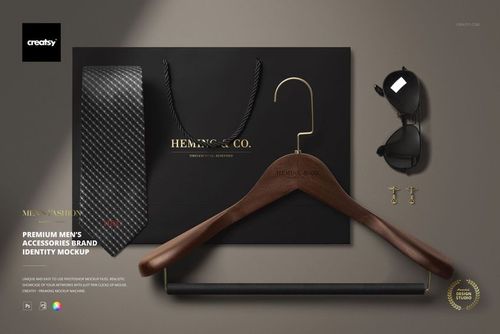
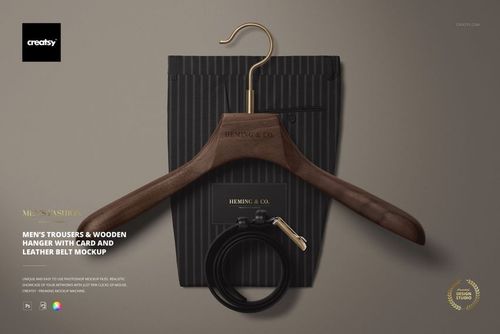
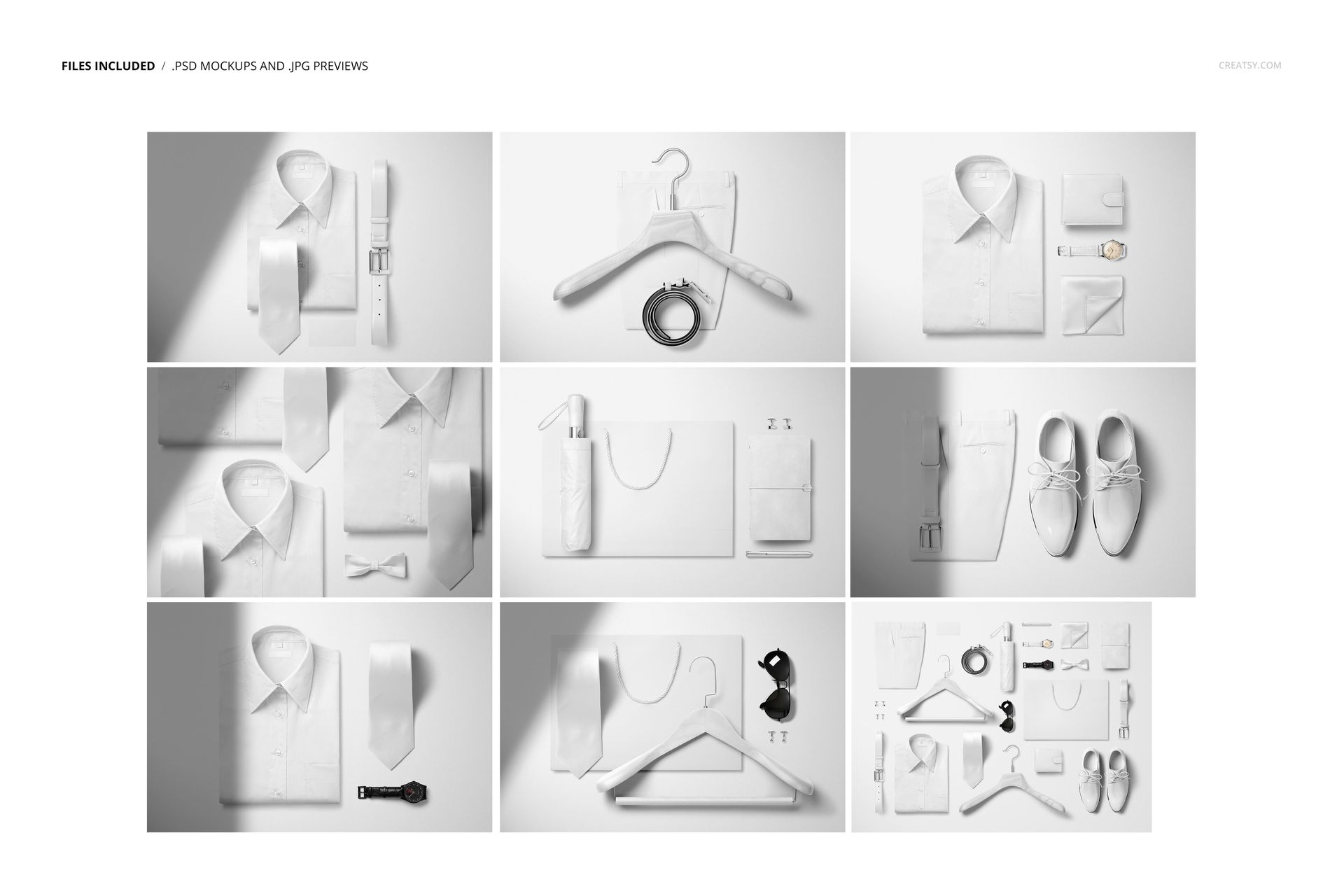
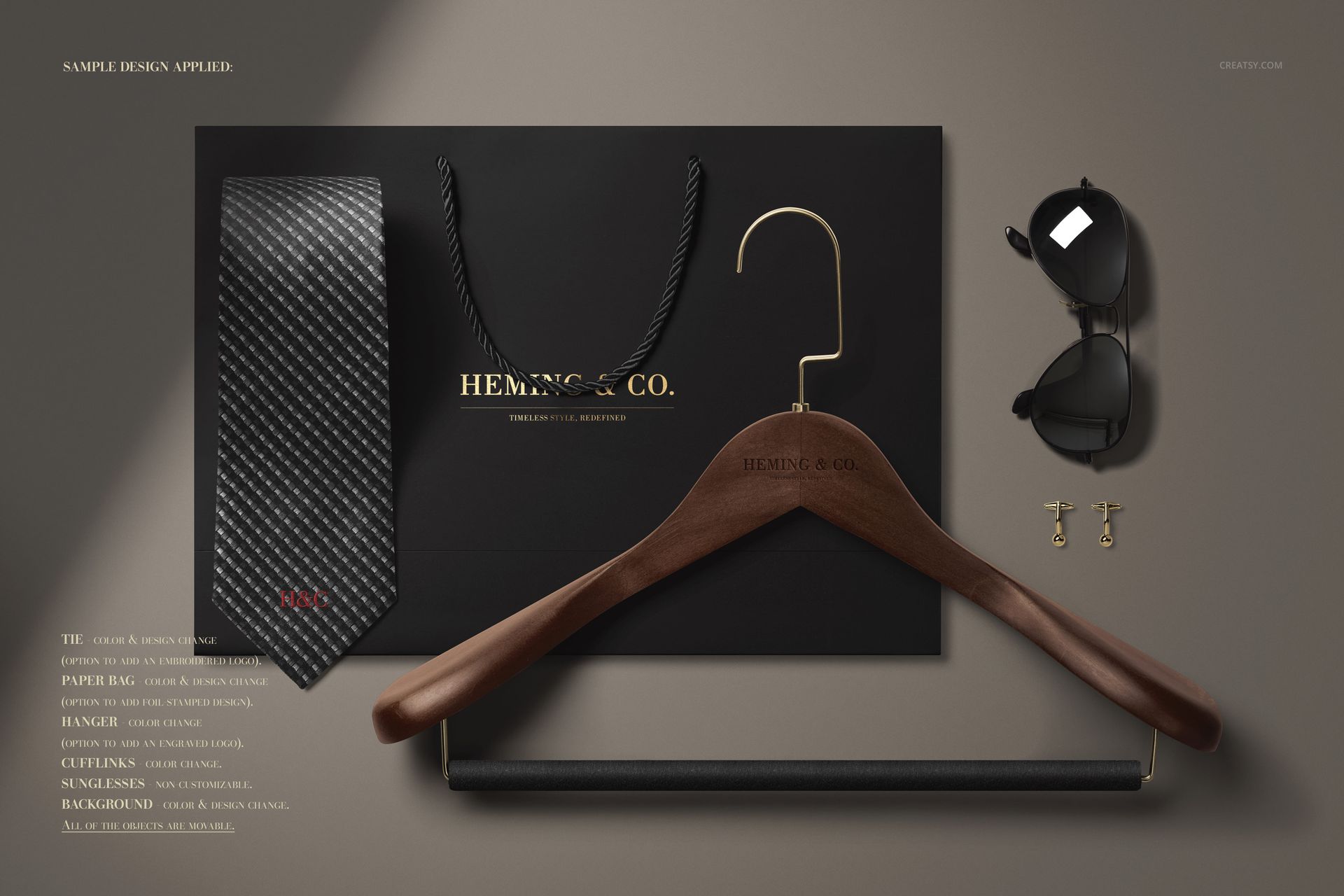
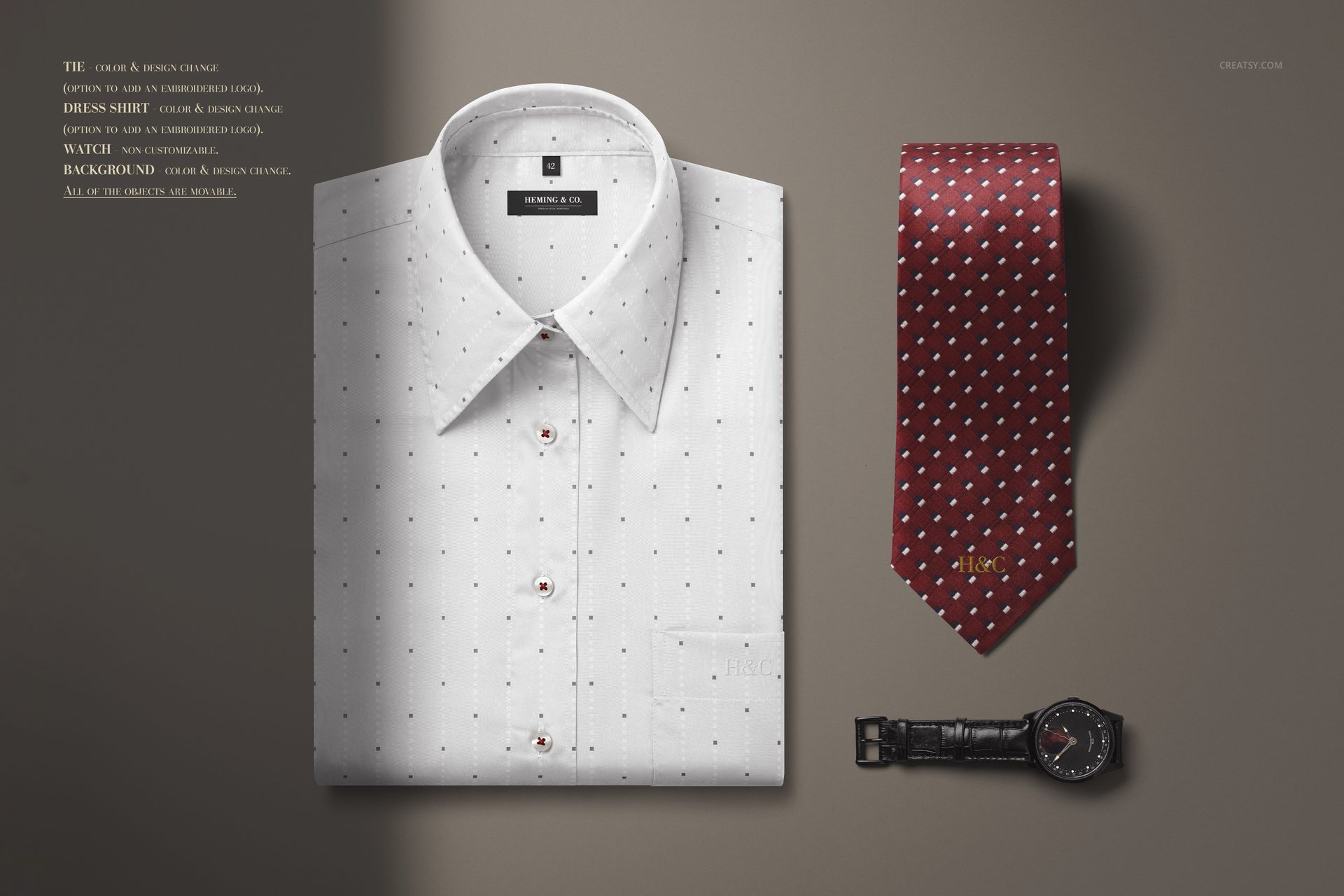
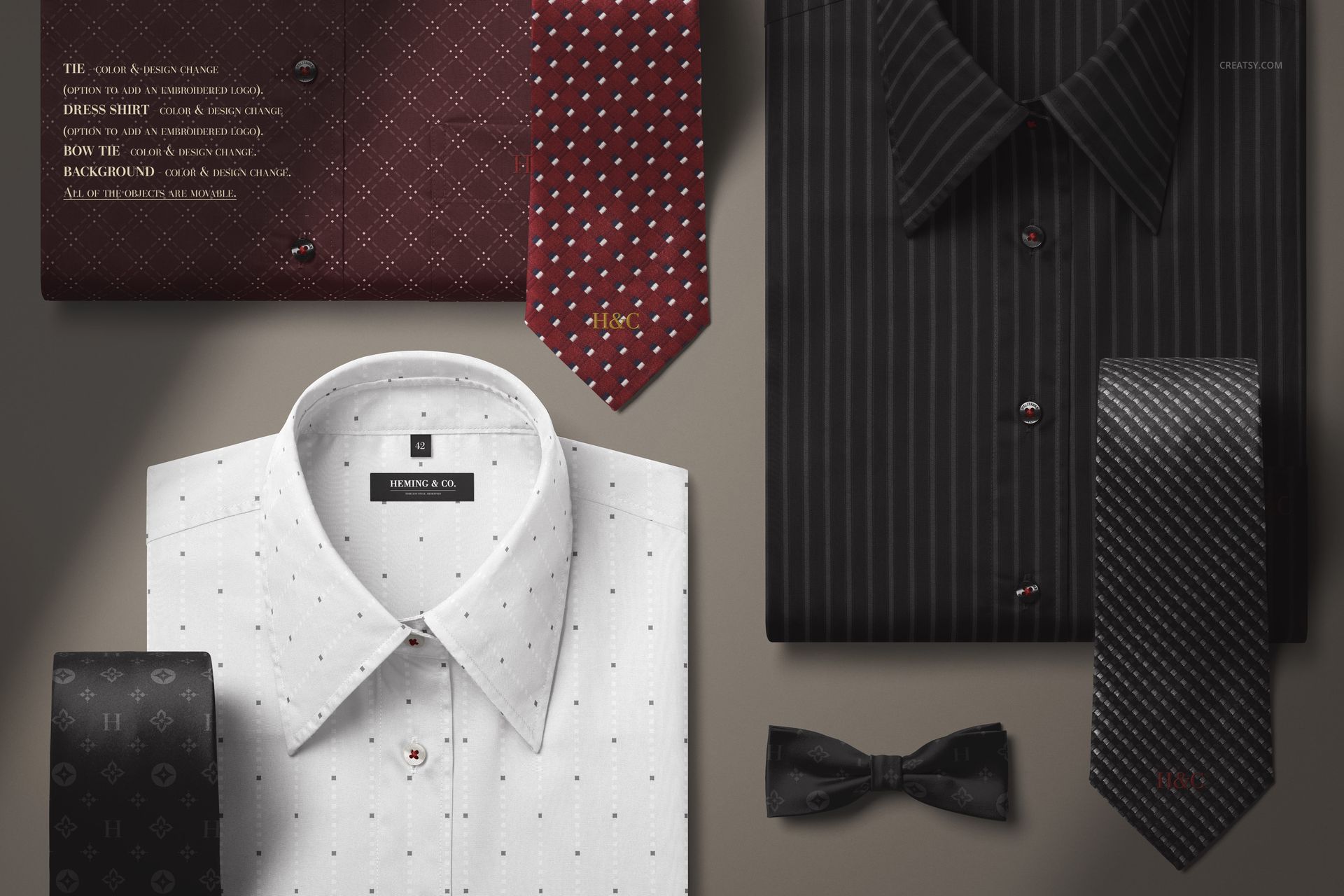
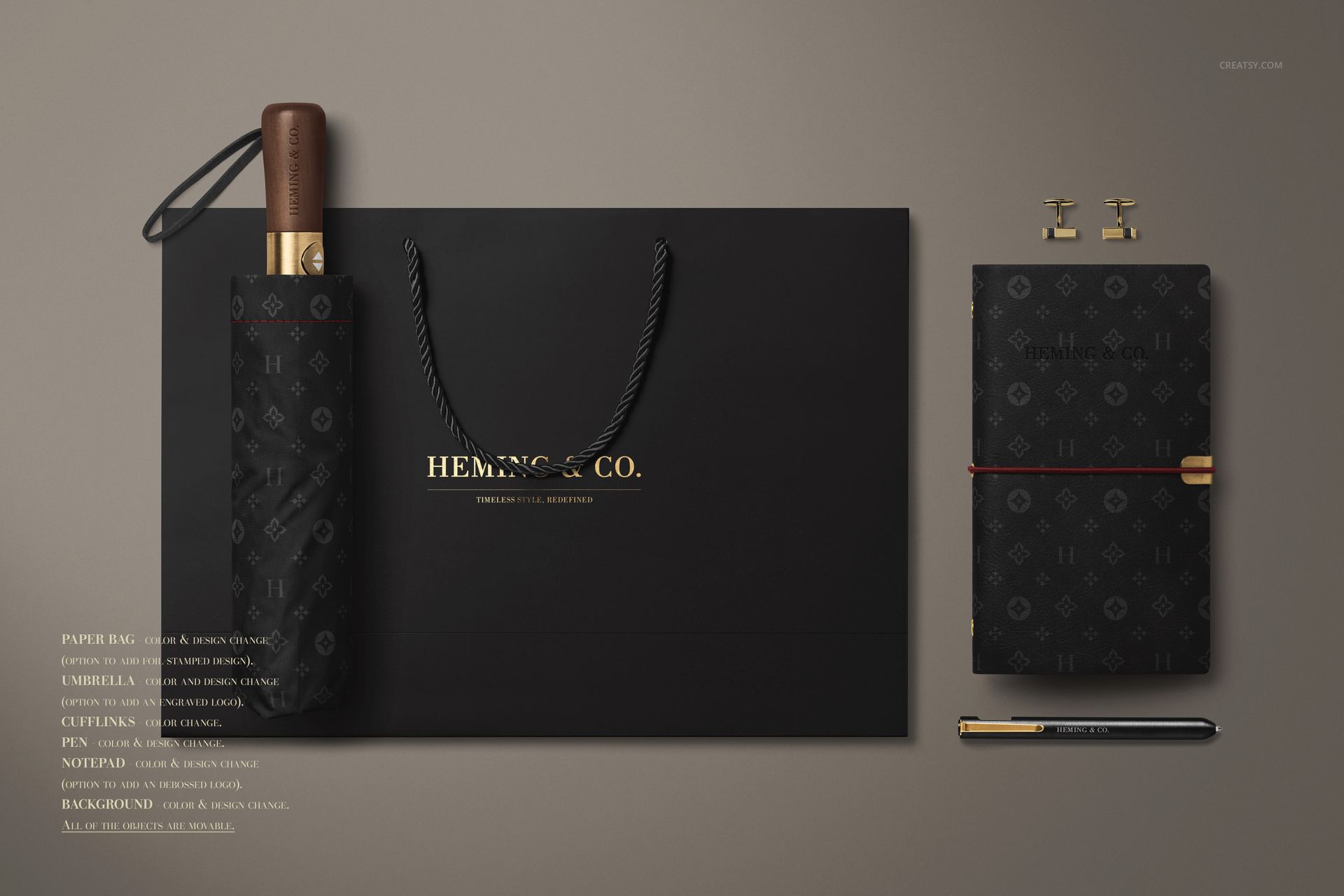
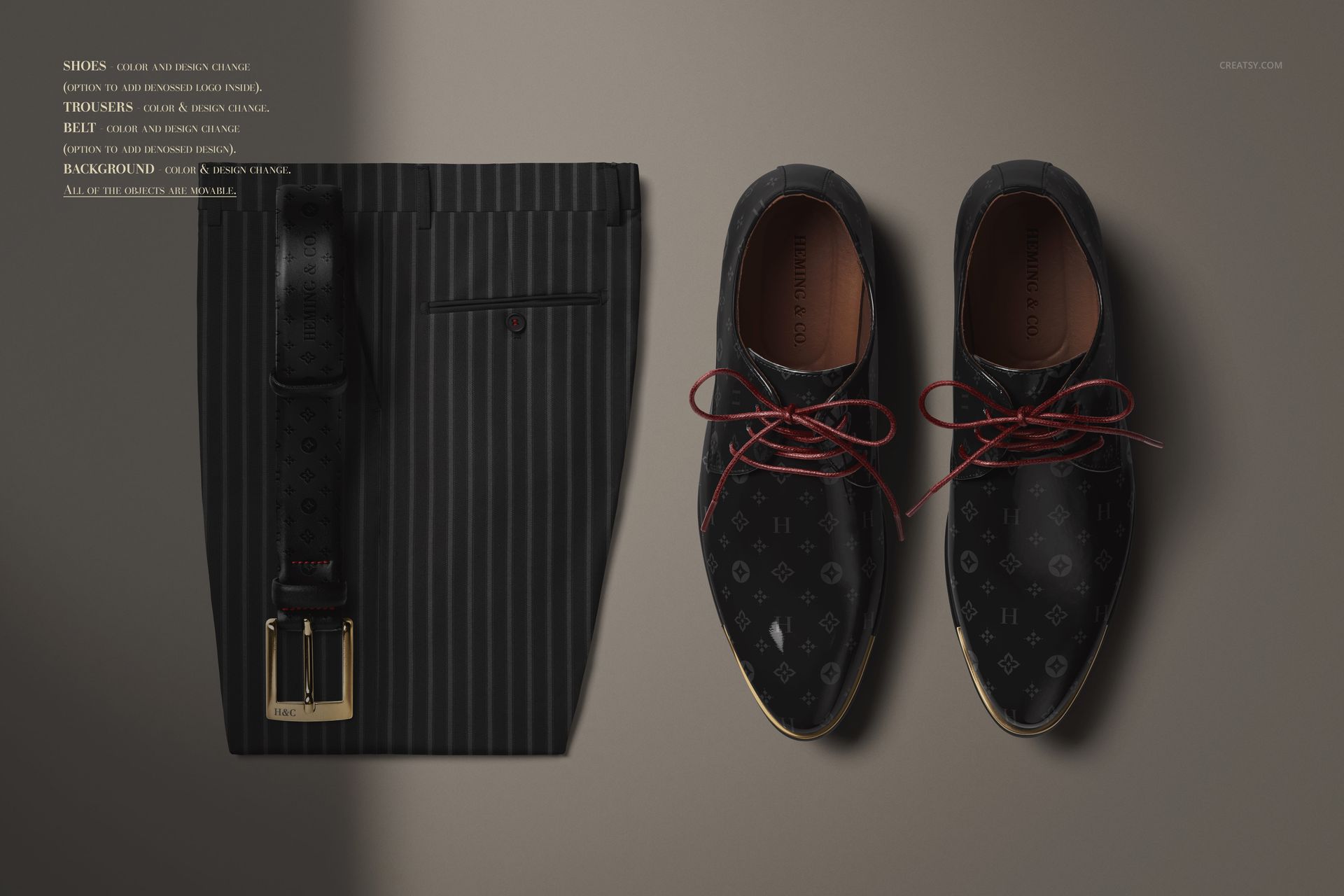
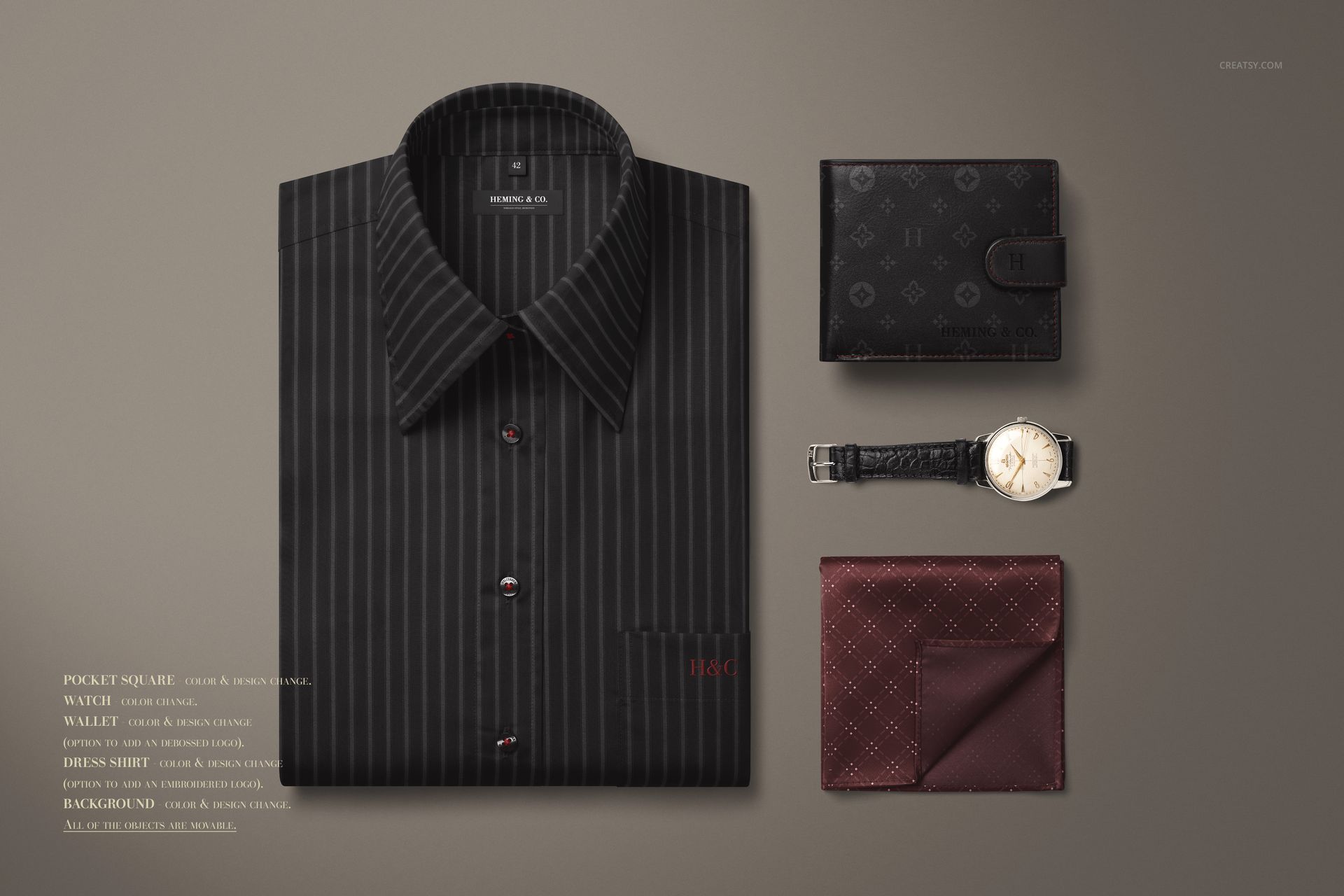
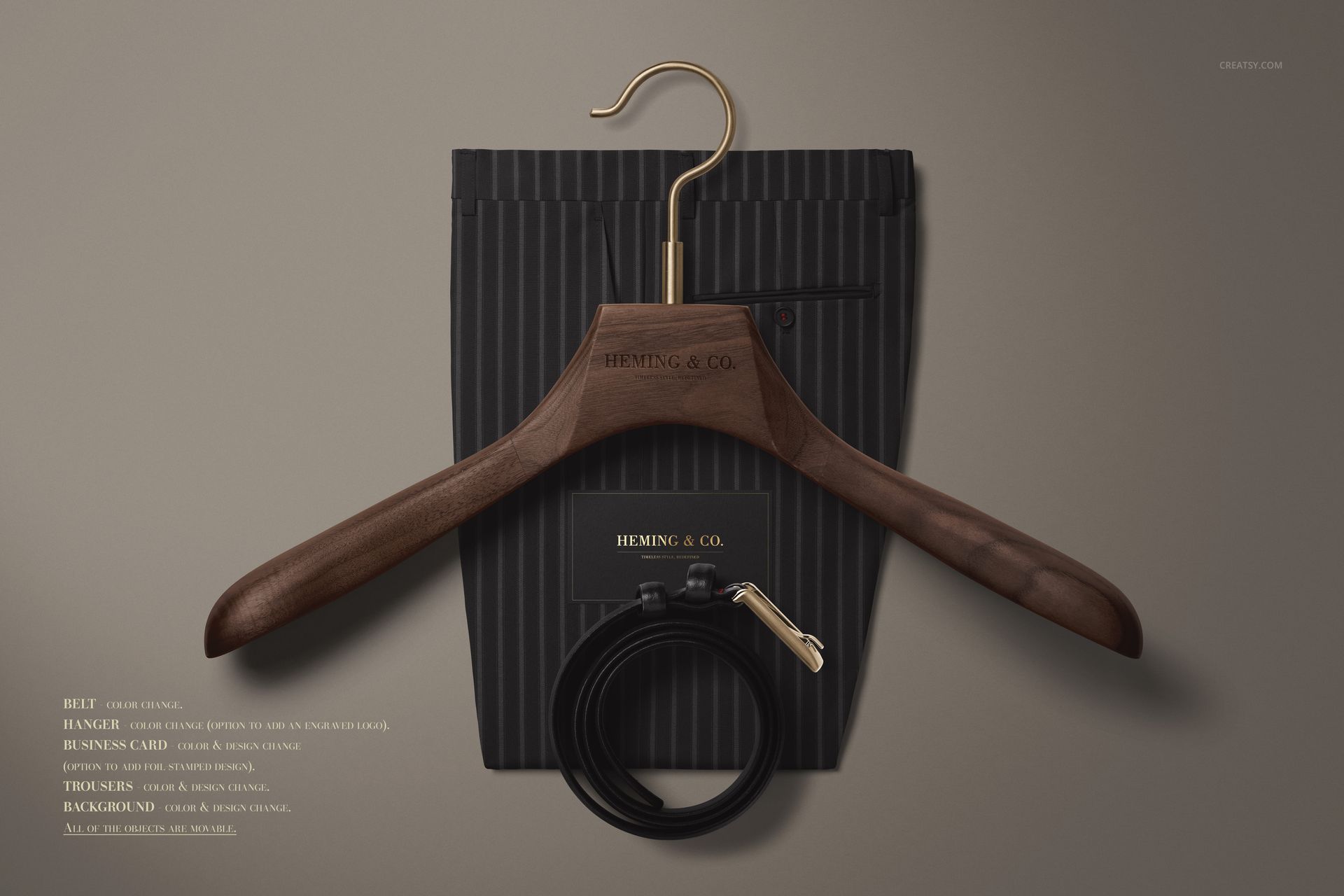
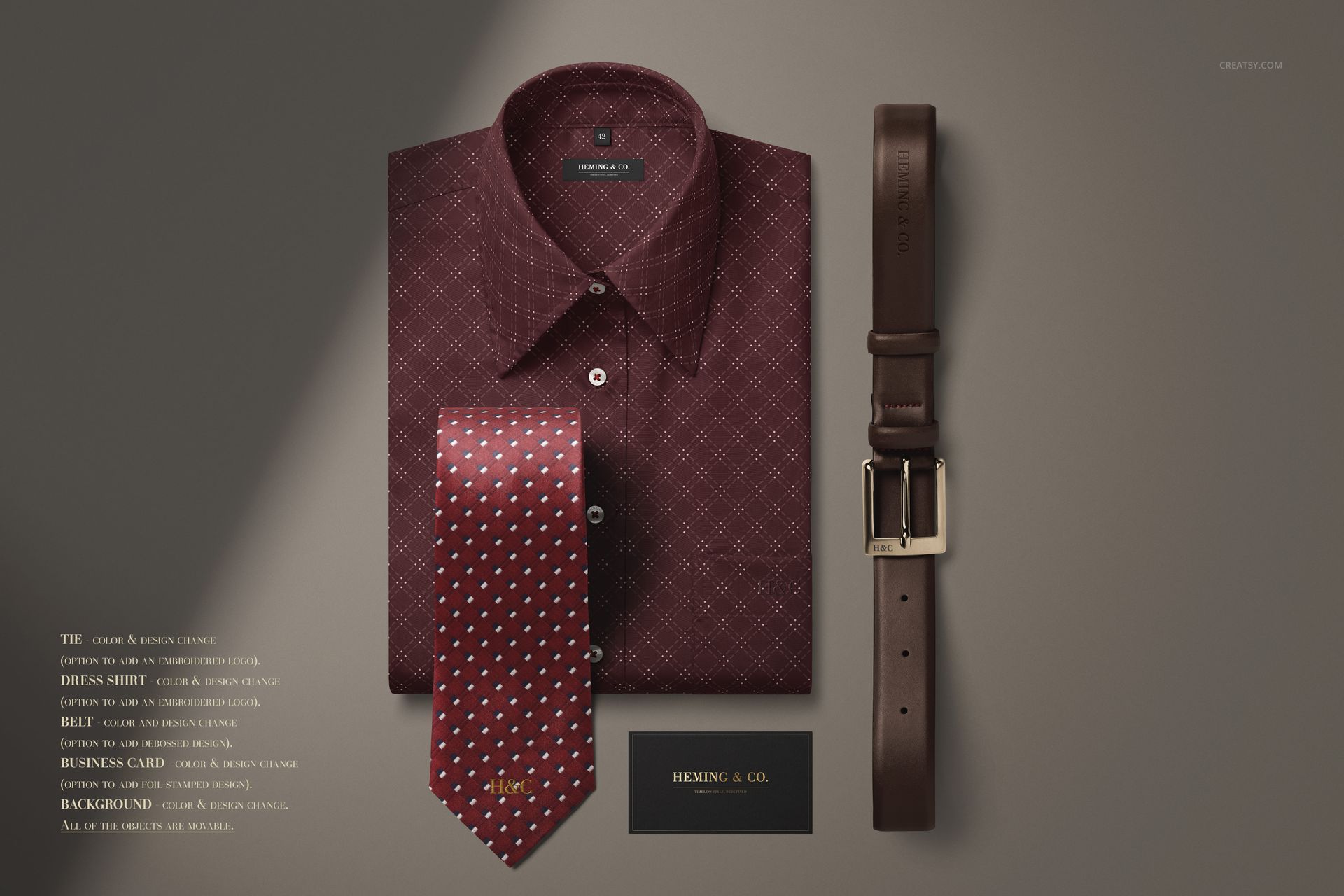
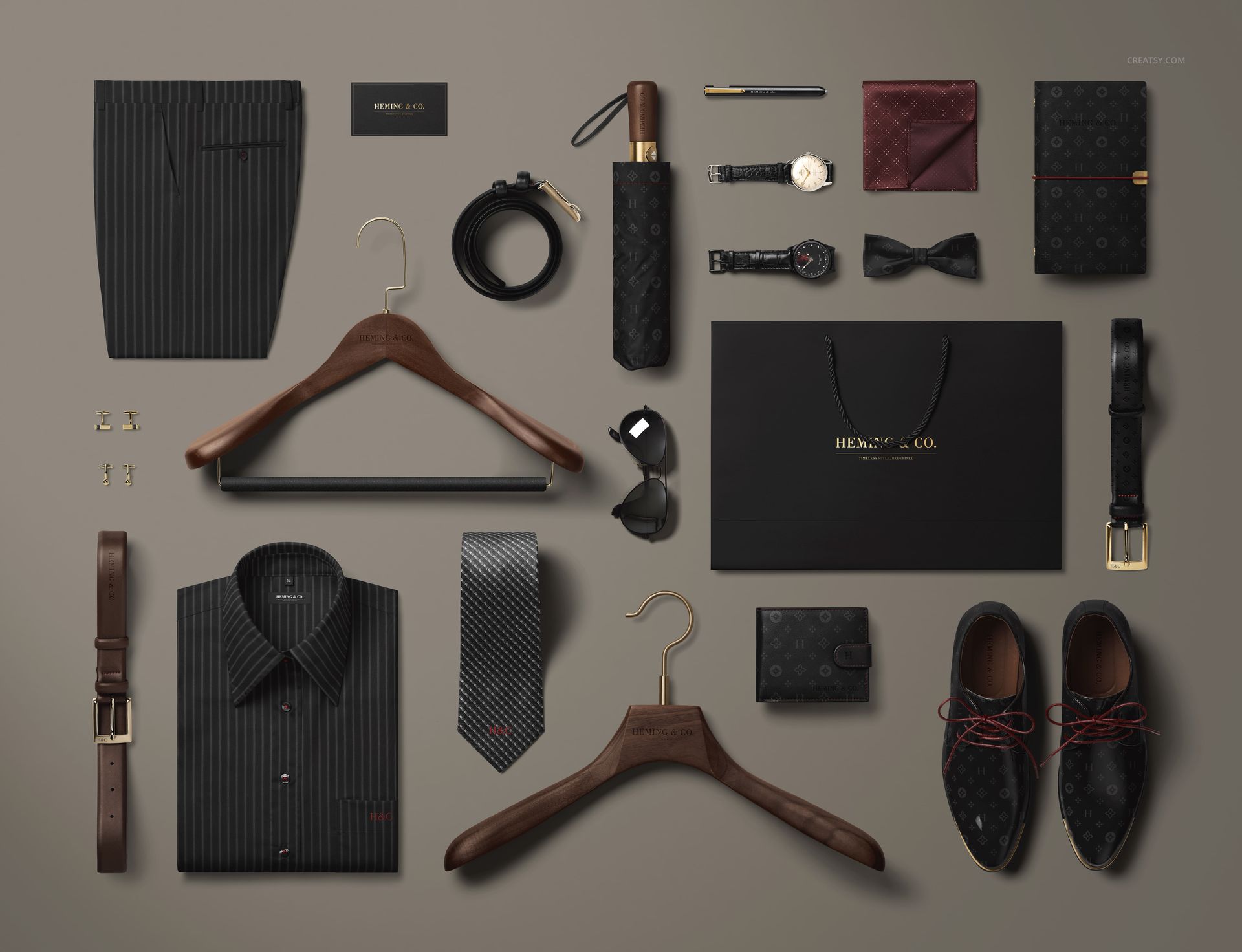
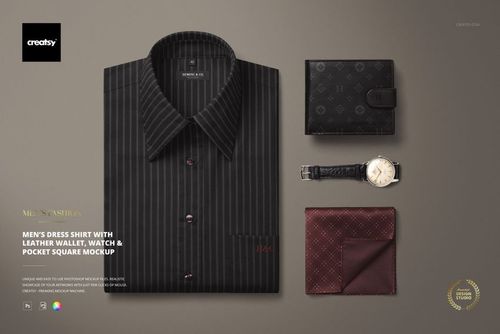
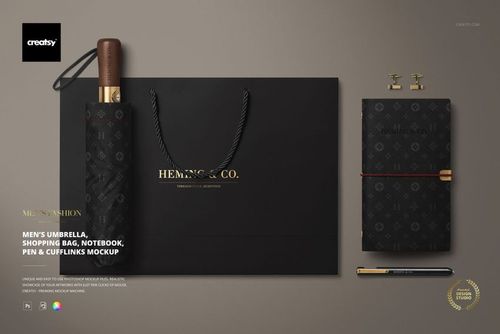
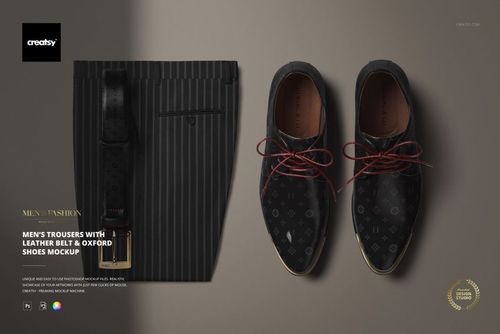
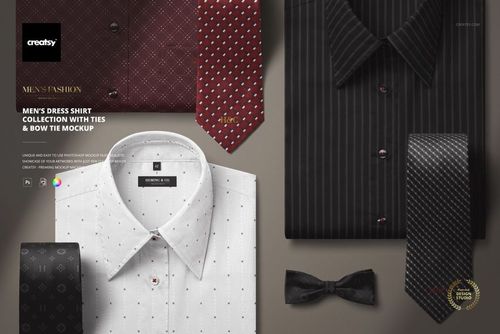
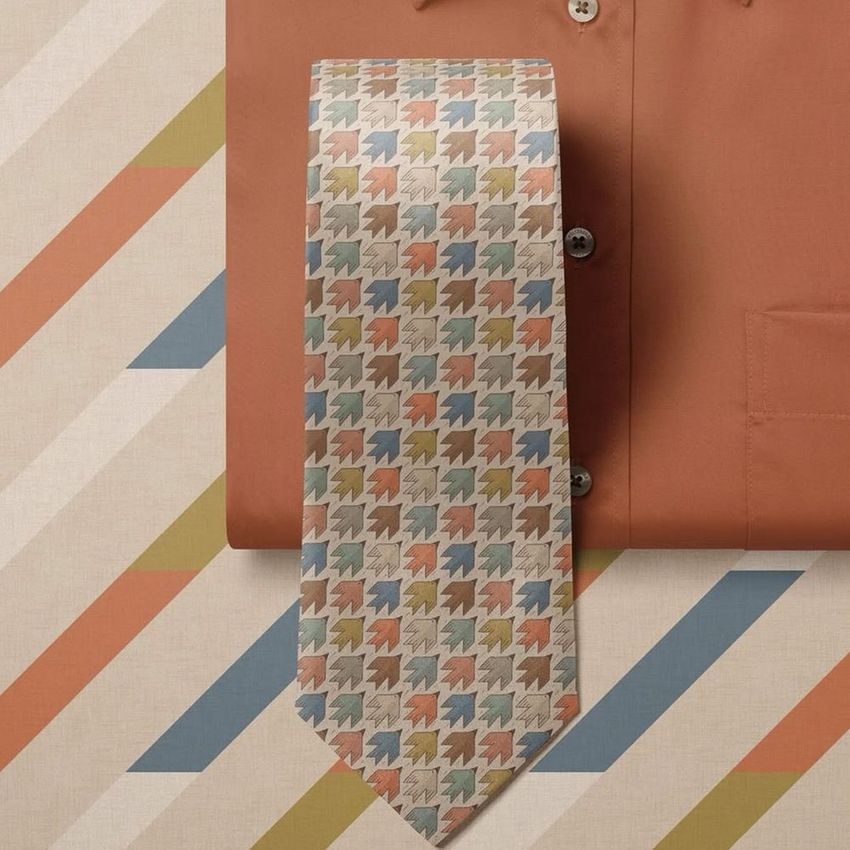
This set includes 9 high-resolution PSD mockups (including one extra bonus scene), each featuring a curated flatlay of timeless menswear essentials. From structured shirts and tailored trousers to leather accessories, ties, watches, and umbrellas – everything has been arranged with editorial precision. No fluff, just fine design waiting for your signature.
Understated Luxury, Bold Possibilities
You can fully customize shirt patterns, pocket squares, tie designs, belt materials, and shoe finishes. Add subtle monograms to shirt labels or engrave your logo into hangers, sunglasses, and umbrella handles. Personalize every detail down to the foil-embossed shopping bag, business card, and notebook. And when you're ready to take over the creative direction entirely, the bonus file gives you the freedom to build your own flatlay scene from scratch.
Files work in Photoshop (min. CC2015) and in free online editor: Photopea.com;
Pack includes 9 .psd files: 6000x4000 px, 300dpi;
Check screenshots for all the features;
Well organized layers.
File details
- Compatibility


- Products in bundle
- 8
- Package size
- 2.88 GB
 |3.09 GB
- Files type
- .psd, .jpg
- Files size
- 6000x4000
INCLUDED/8
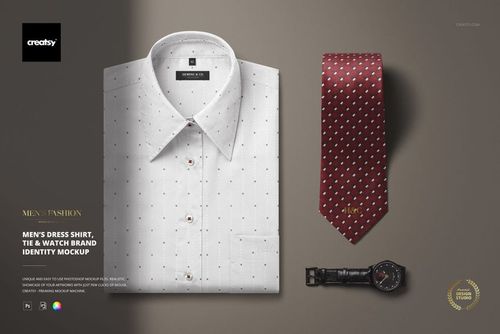
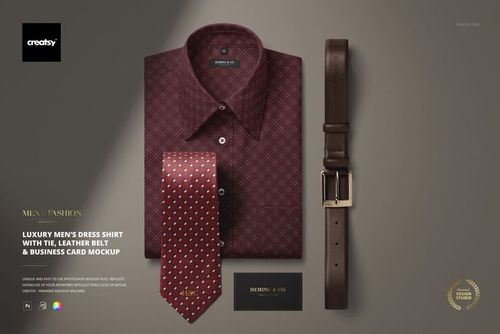
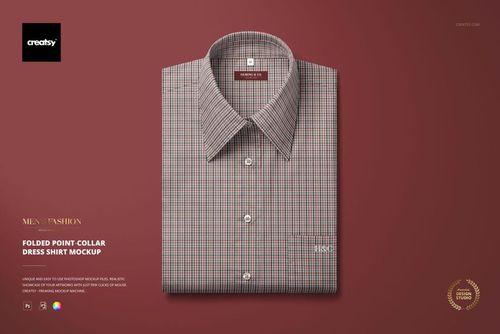
Made with Creatsy
Real designs. Real customers. See how creatives use Creatsy mockups to turn their artwork, branding, and product ideas into polished visuals.
MEET THE SHOP

Creatsy
Poland
Bring your ideas to life.
We're a family-run studio in Katowice, Poland, making PSD mockups by hand since 2016. Everything in this shop starts in our own studio. We shoot the photography, build the 3D, and put together every Smart Object PSD ourselves - then we test it, organize the layers, and only ship it once it actually works...
 15$2550$30.00
 15$1870$22.00
 15$1615$19.00
 15$2040$24.00

HOW IT WORKS
3 clicks. That's it.
No tutorial needed. If you can copy-paste, you can use this.
- 1OpenDouble-click the smart object inside the PSD - in Adobe Photoshop, or free in your browser with Photopea.
- 2PasteDrop in your pattern, print, or artwork. Any design, any style.
- 3SaveHit save and the mockup wraps it in for you - shadows, folds, and lighting included.
FROM IDEA TO IMAGE
Built for real workflows
Approve the print on the garment first Send the client a photoreal shot on the actual garment instead of a flat tile, so sign-off doesn't wait on a sample sew.
See it on the product, not a swatch Drop your file into the smart object and the scene's lighting and folds wrap around it, so you judge the real thing before you commit.
Smart Objects
Edit once and you're done. Your artwork drops into a smart object and the mockup updates itself - no masking, no warping by hand.
Perfectly Organized
Named layers and folders you can actually navigate. Find what you need, change what you want, and get out fast.
Print-Ready
High-resolution files built to hold up on screen and in print. Exact size and DPI are in this product's Details above.