Men’s Dress Shirt, Tie & Watch Brand Identity Mockup
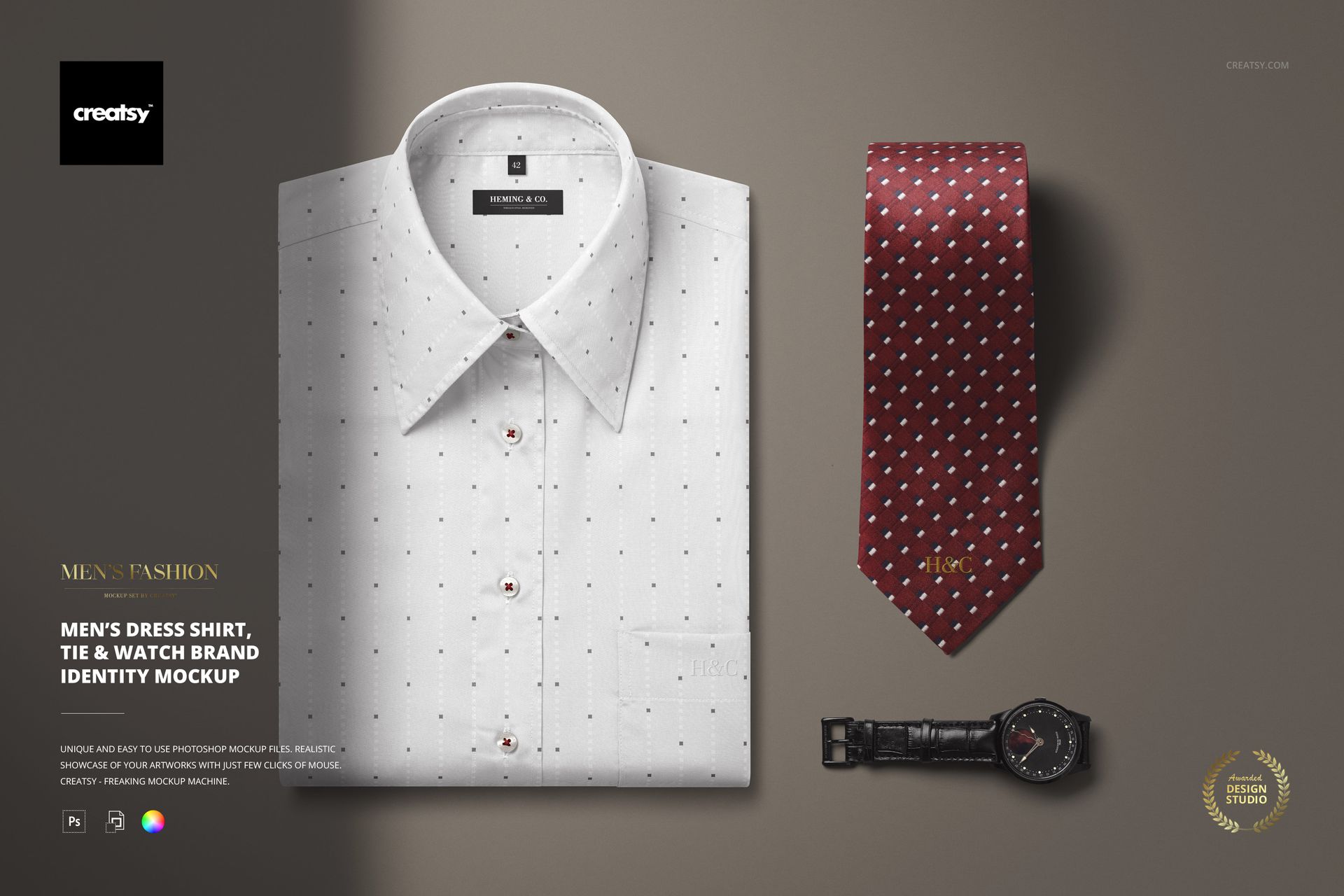
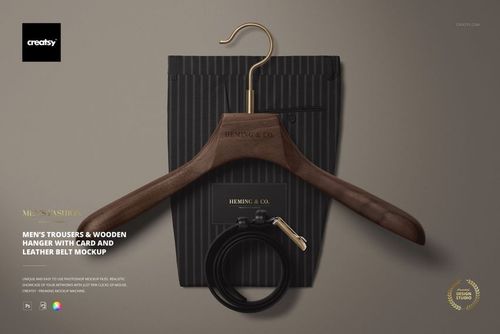
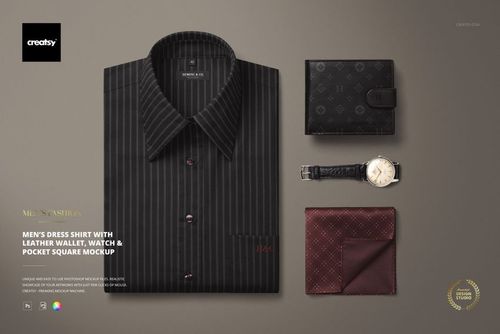
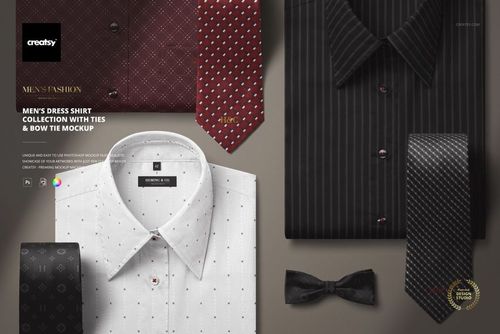
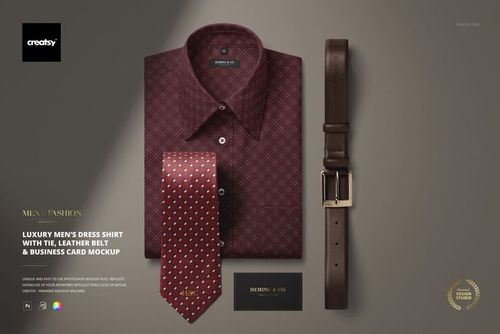
Create a polished menswear brand presentation with this Men’s Dress Shirt, Tie & Watch Brand Identity Mockup. Designed for fashion brands, menswear designers, branding studios, apparel shops and creative agencies, this editable PSD mockup helps you present shirt, tie and accessory designs in a clean, elegant and realistic flat lay scene.
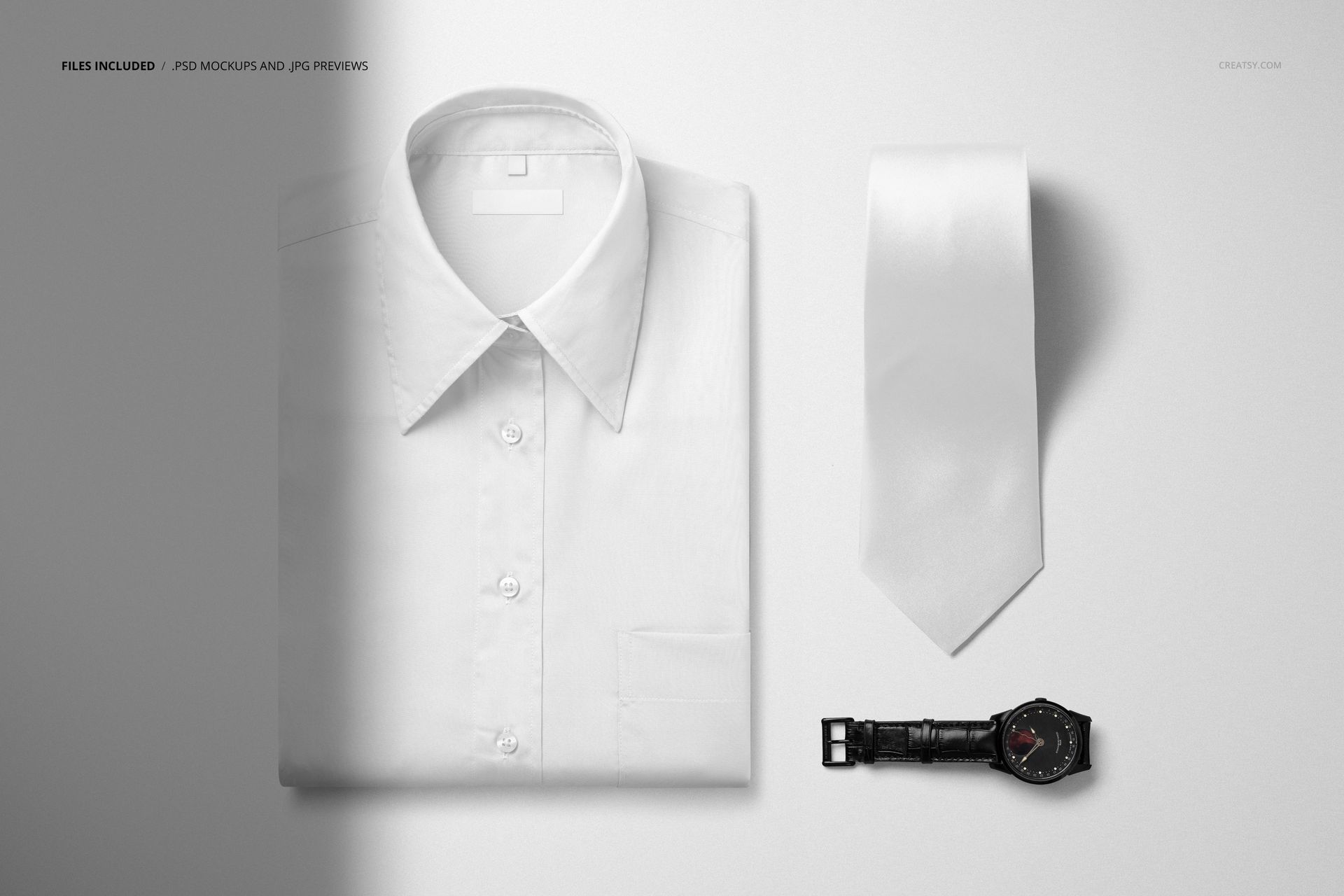
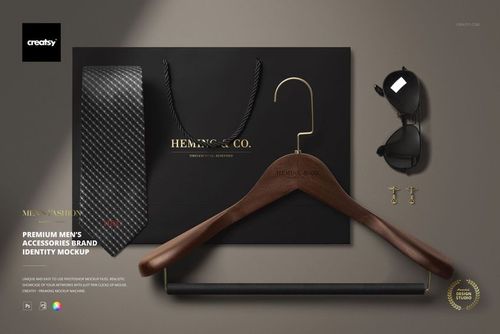
The composition features a folded men’s dress shirt, a tie and a wristwatch arranged in a refined product setup. It is ideal for showcasing menswear branding, dress shirt patterns, tie designs, monogram concepts, luxury fashion identity, boutique clothing collections, corporate apparel, formalwear visuals and fashion portfolio projects.
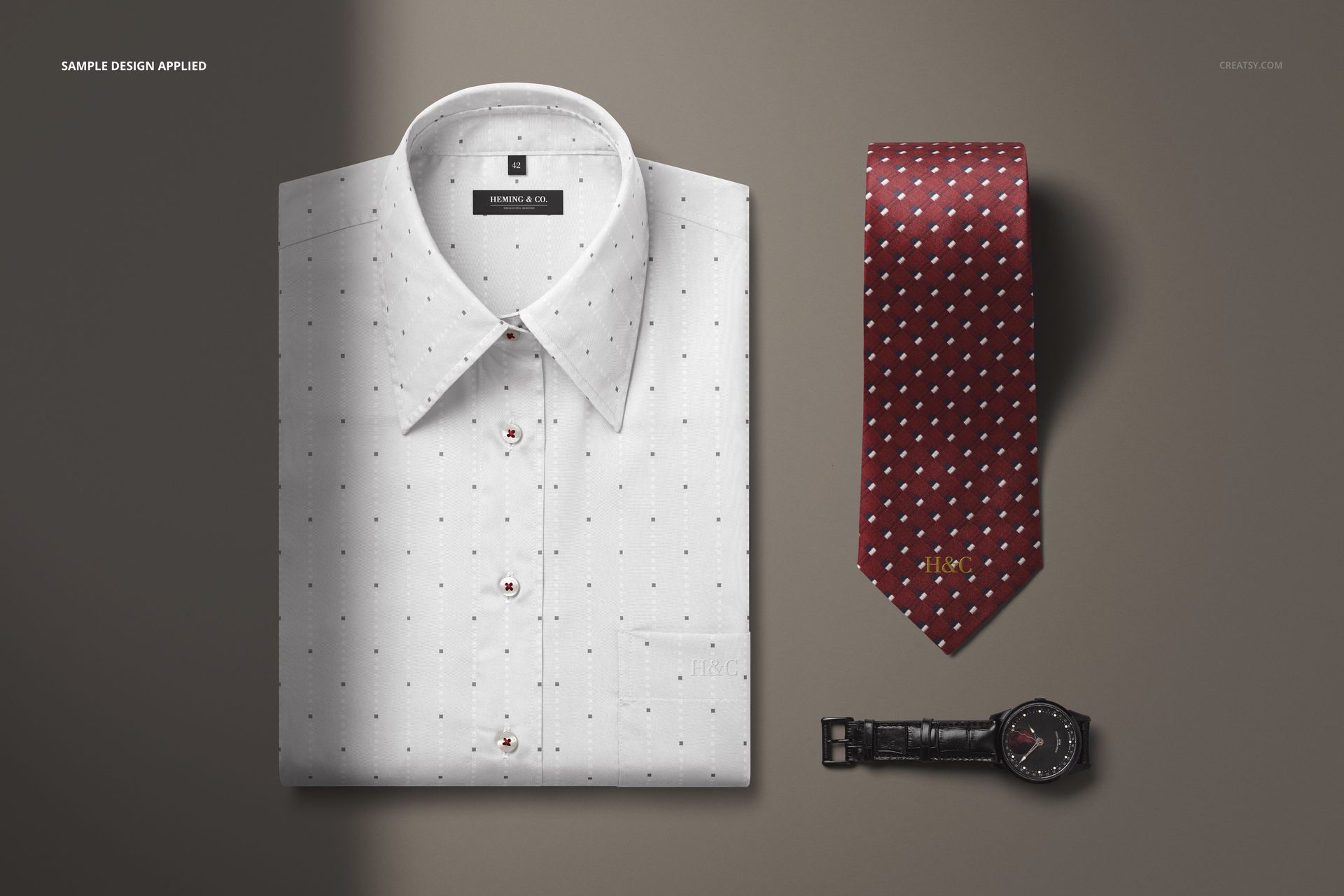
Instead of showing your logo, pattern or apparel artwork as a flat file, you can place it into a realistic menswear scene and show how the final brand experience could look. This gives your design more context, more atmosphere and a stronger premium feel.
Why This Menswear Mockup Works
Menswear branding often depends on small details: fabric pattern, accessory pairing, color palette, styling and overall mood. A dress shirt or tie design becomes much more persuasive when it is shown in a complete, well-styled fashion setting.
This mockup helps your presentation feel sharp, sophisticated and client-ready. The shirt, tie and watch combination instantly communicates formal style, business fashion, premium accessories and classic menswear. It works especially well for elegant logos, subtle patterns, luxury brand identities, tailoring concepts, corporate apparel designs and refined fashion campaigns.
Use it for client presentations, ecommerce product images, Shopify stores, Etsy listings, Behance projects, fashion lookbooks, social media graphics, branding portfolios, product previews and pitch decks.
Perfect For
This mockup is a strong choice for:
Menswear brands building polished product visuals
Branding studios presenting fashion identity concepts
Fashion designers showcasing dress shirt and tie designs
Accessory brands creating watch or tie presentation images
Etsy and Shopify shops selling custom menswear products
Graphic designers presenting logos on clothing and accessories
Tailoring brands creating premium visual materials
Corporate apparel designers previewing formalwear concepts
Creative agencies preparing brand identity presentations
Portfolio designers creating realistic fashion case studies
Easy Customization with Smart Objects
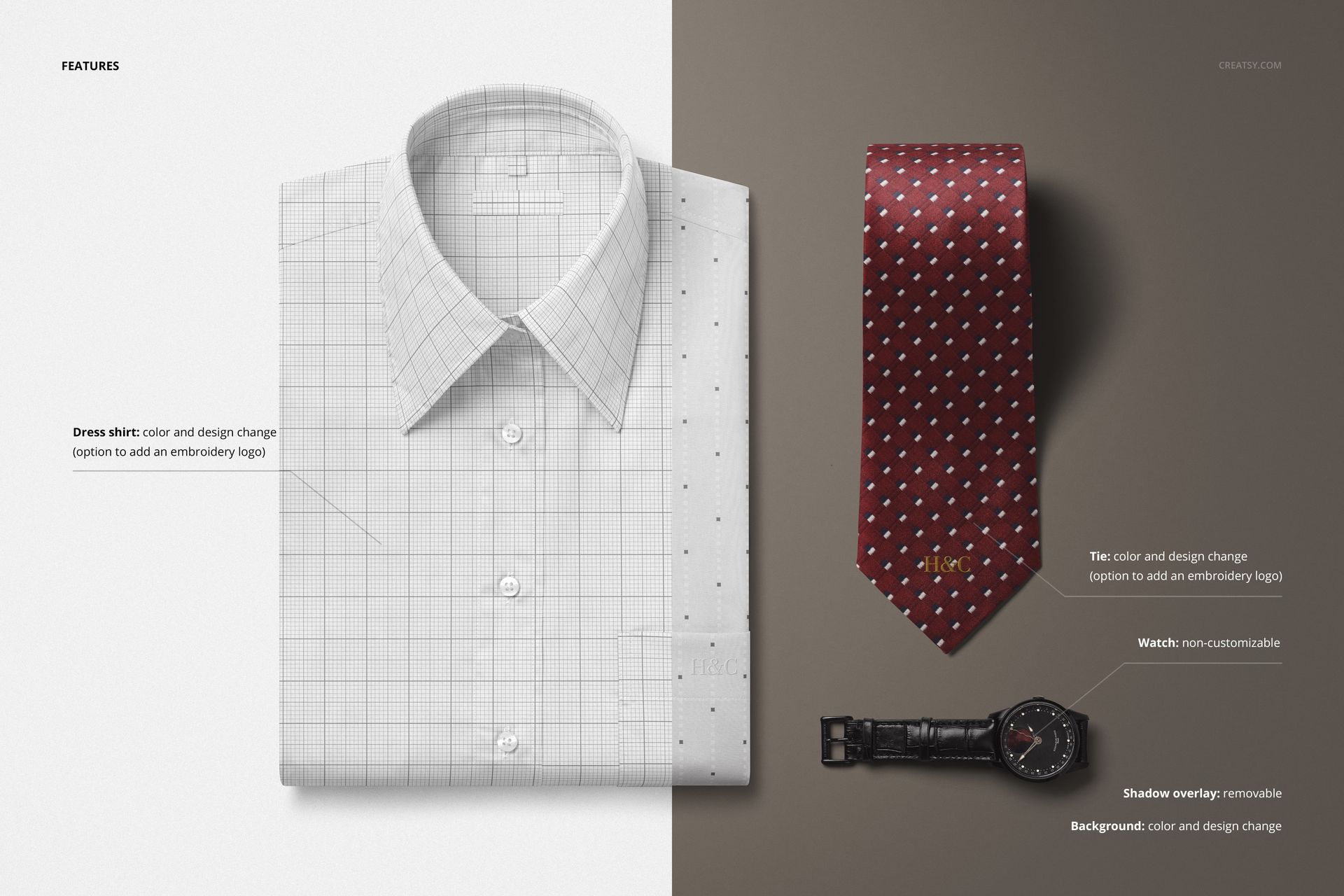
The PSD file is designed for a simple editing workflow in Adobe Photoshop and Photopea. Place your artwork, logo, pattern or design into the editable smart object, save the file and create a realistic visual with built-in lighting, shadows and product perspective.
This makes it easy to test different shirt patterns, tie designs, logo placements, color palettes and fashion identity directions before producing samples or arranging a photoshoot.
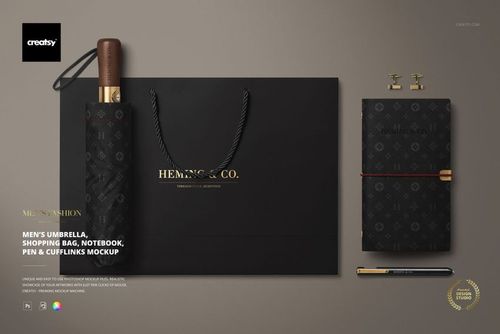
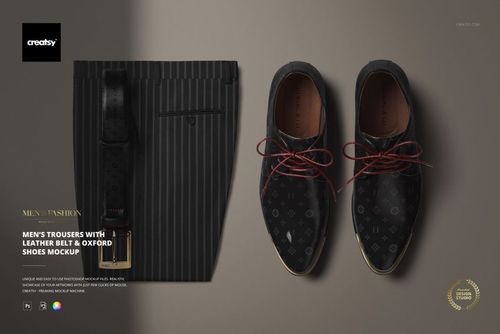
The mockup works beautifully with subtle grids, stripes, geometric patterns, classic menswear textures, elegant monograms, minimal logos, luxury branding, corporate identity systems and boutique fashion concepts.
What You Can Showcase
Use this mockup to present:
Men’s dress shirt designs
Tie patterns and textile artwork
Menswear brand identity
Fashion logo concepts
Formalwear branding
Corporate clothing visuals
Luxury fashion presentations
Men’s accessory styling
Boutique apparel collections
Tailoring and suiting concepts
Etsy and Shopify product images
Fashion portfolio projects
Client presentation visuals
Social media and campaign graphics
File Specifications
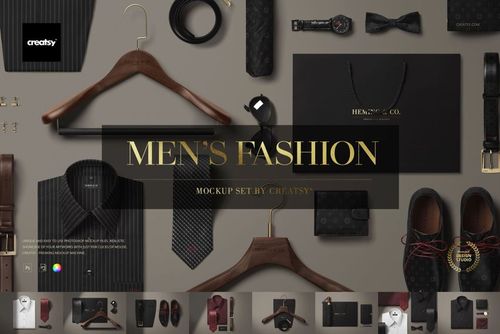
Part of the Men's Fashion Mockup Set
Includes PSD and JPG files
Pack includes 1 PSD file
2 files included in total
PSD size: 6000x4000 px
Resolution: 300 DPI
Compatible with Adobe Photoshop CC2020 or newer
Compatible with Photopea
Well organized layers