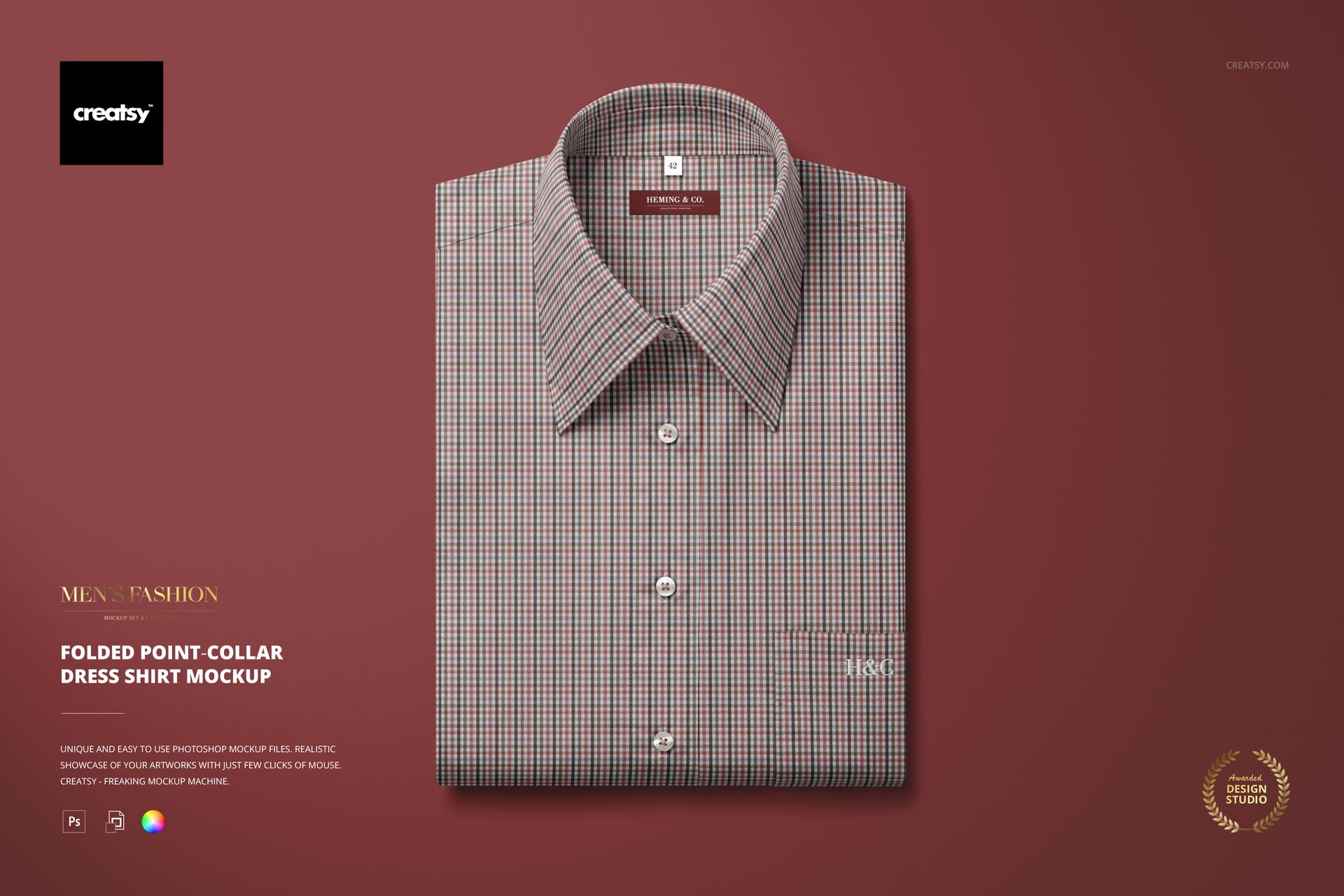
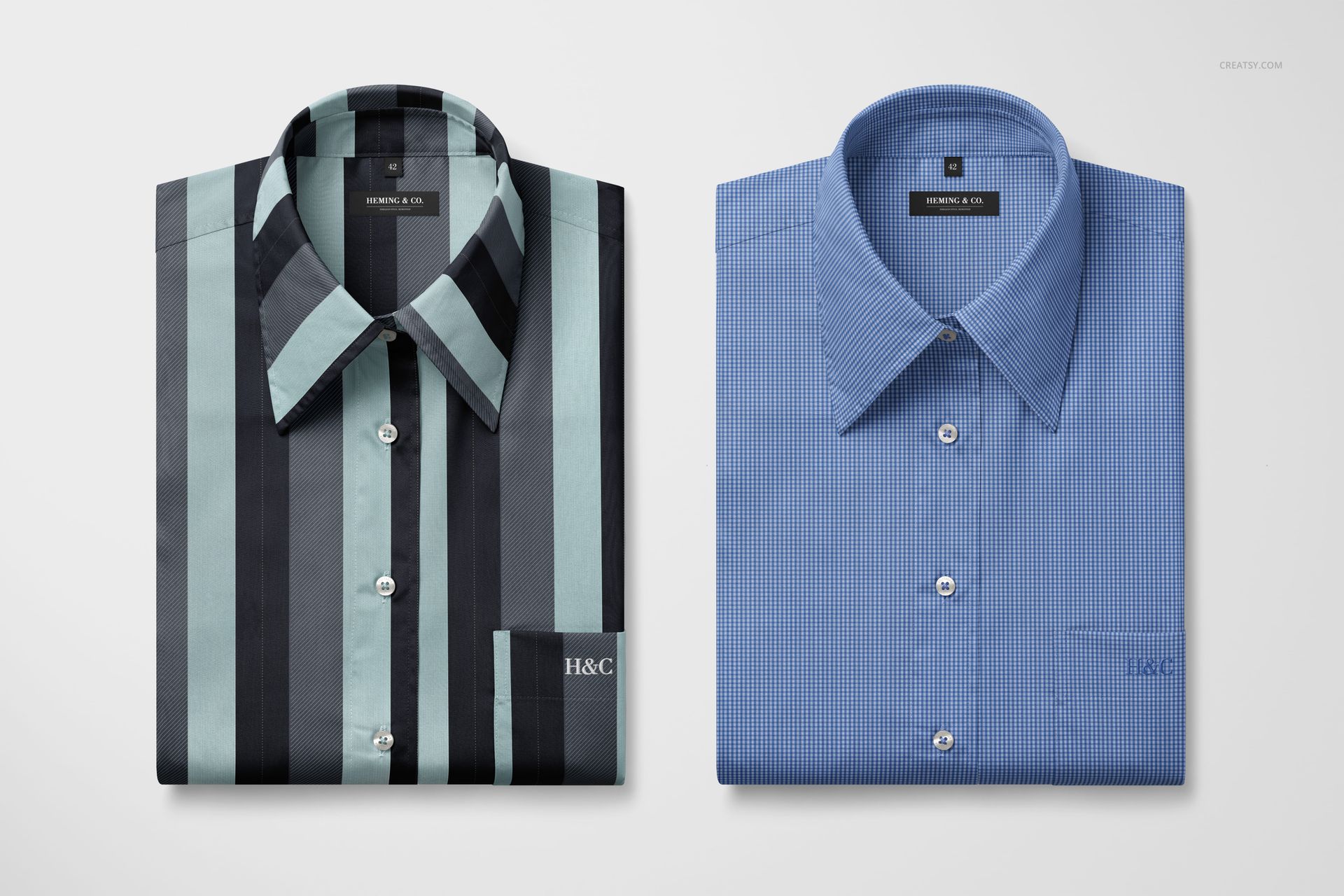
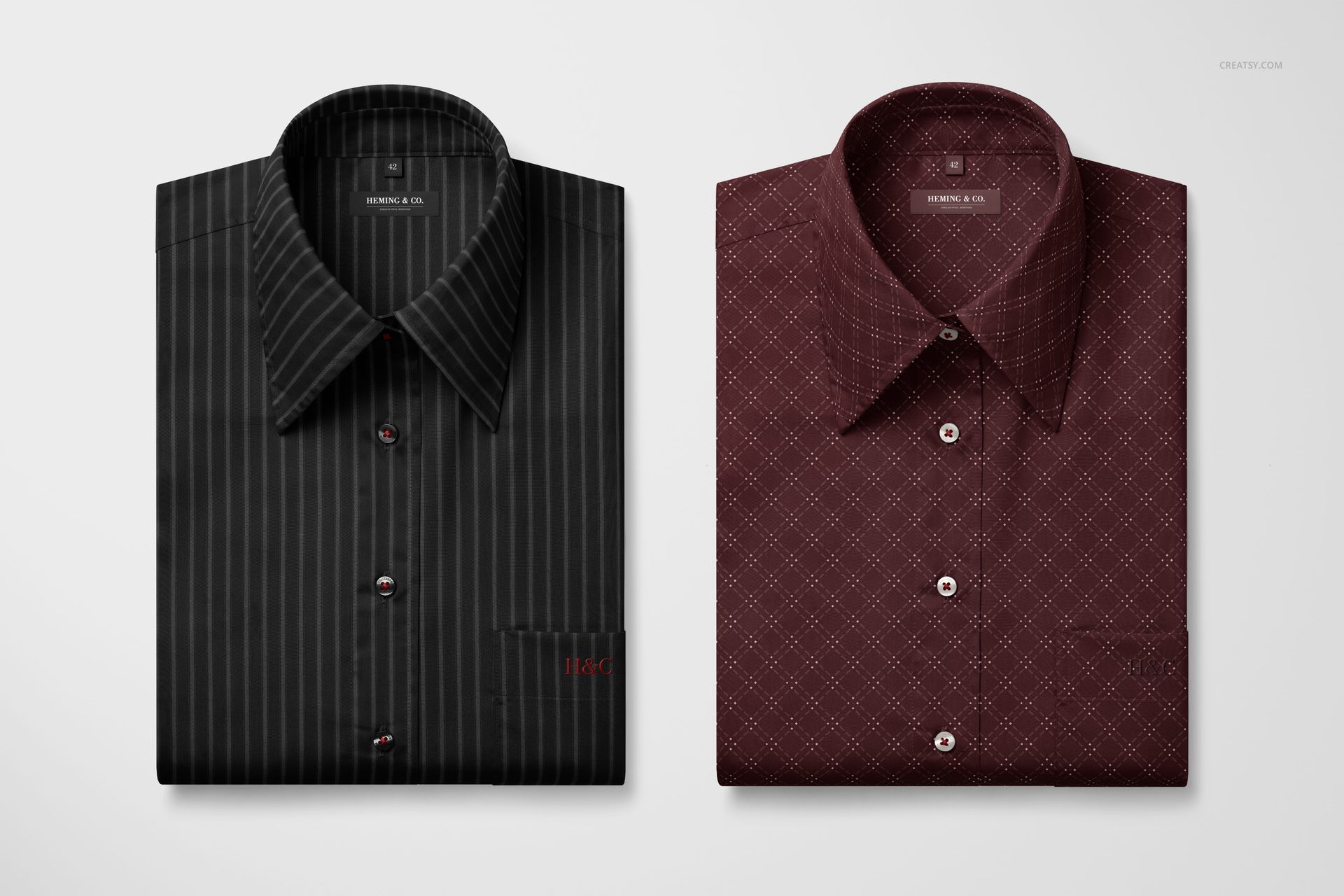
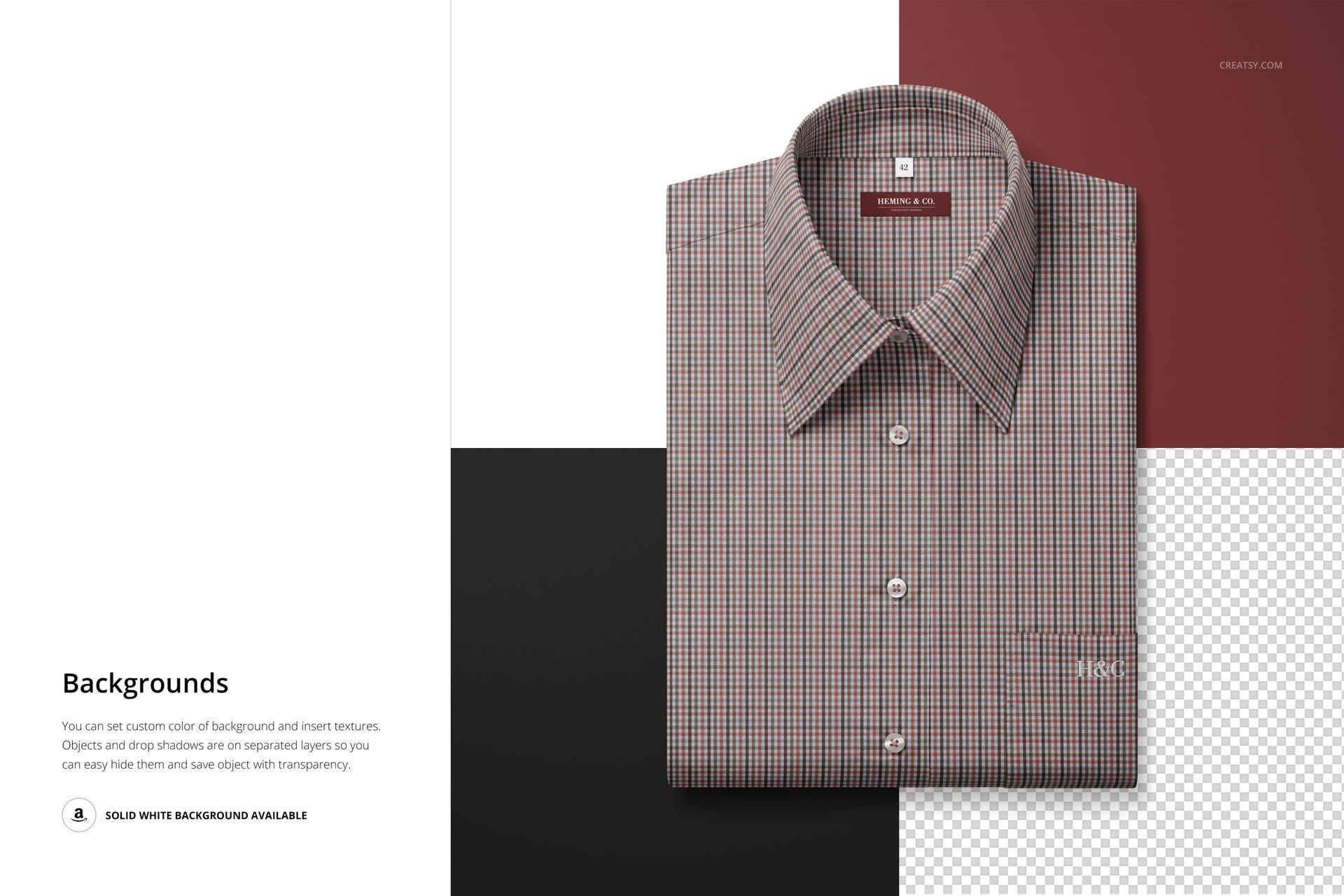
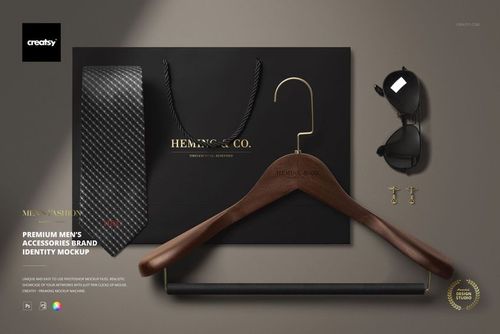
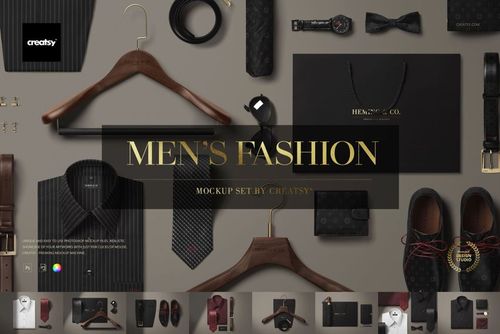
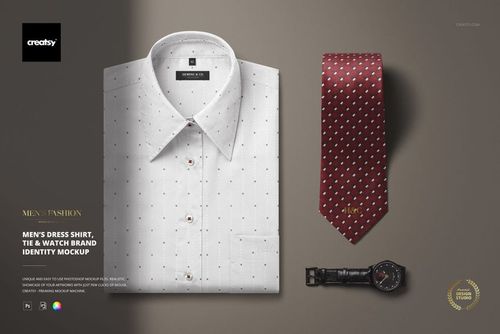
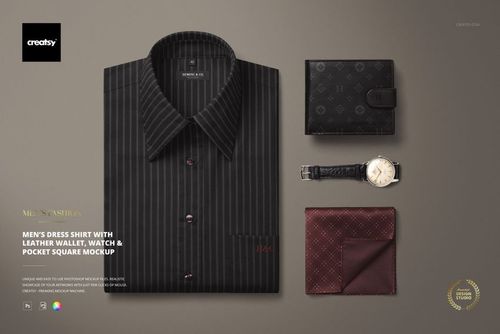
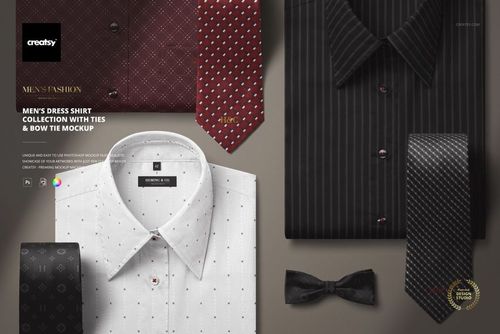
Folded Point-collar Dress Shirt Mockup from Creatsy presents your fabric pattern, textile design, or shirt branding on a neatly folded dress shirt with a classic point collar, photographed from above in a clean product photography format. This mockup captures the standard retail presentation style used by menswear brands for e-commerce listings, catalog pages, and packaging inserts where the folded shirt view communicates quality, precision, and attention to detail. Whether you design shirting fabrics for apparel manufacturers, create patterns for custom shirt brands, or build product listings for menswear retailers, this mockup delivers the polished presentation that buyers associate with premium dress shirts. The 6000 x 4000 pixel file at 300 DPI provides full resolution for any output from web listings to print catalogs.
Why This Mockup Works
The folded shirt view is the industry standard for menswear product photography because it shows collar construction, fabric pattern, and overall shirt quality in a single clean composition. This mockup replicates that retail standard with realistic fabric draping, accurate collar shaping, and natural fold lines that make your pattern look like it was actually printed and sewn into a finished garment. The overhead perspective captures the full front panel and collar in focus, which is exactly what buyers scan when evaluating dress shirts online. The clean background keeps attention entirely on the shirt design and fabric quality.
What Is Included
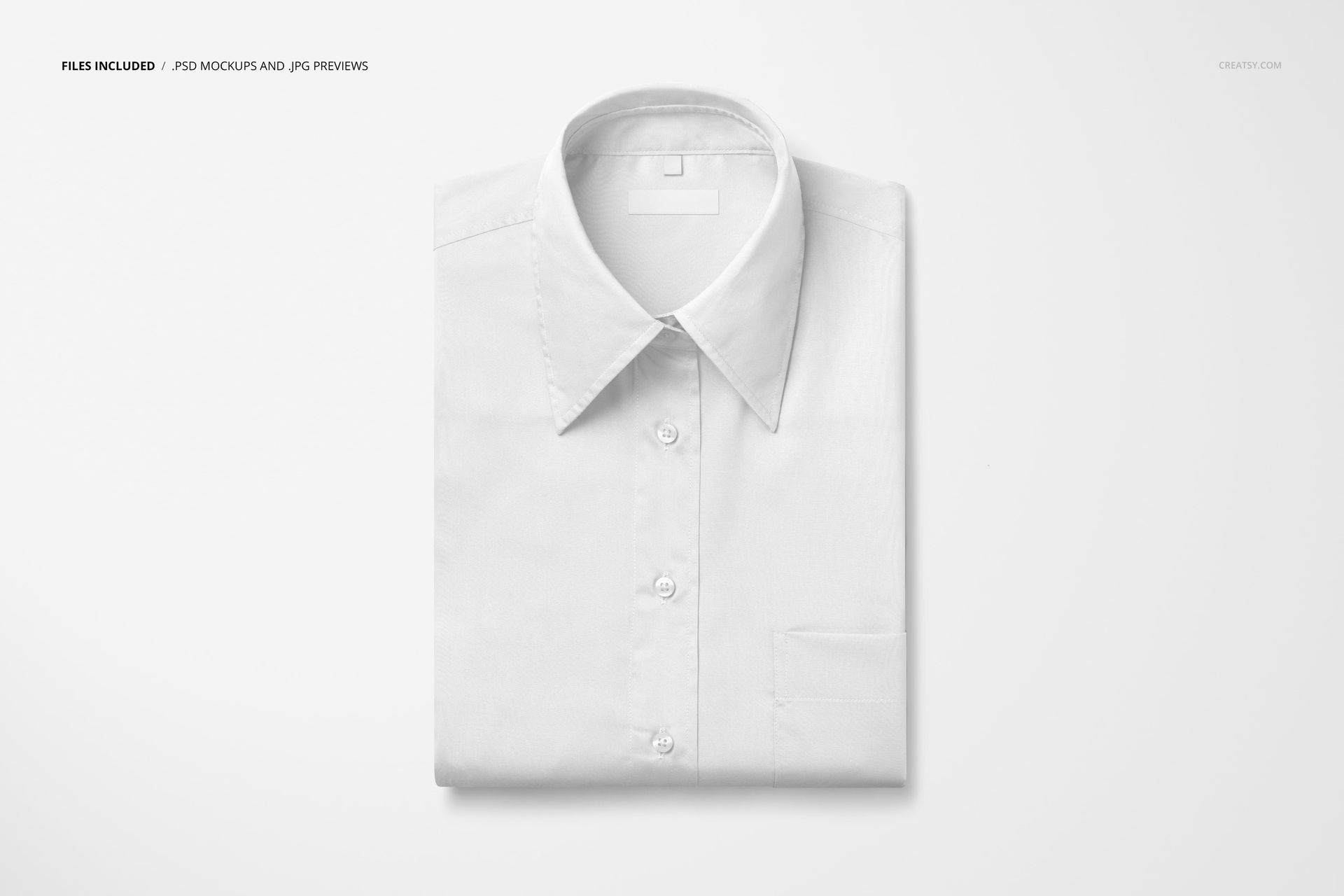
This download contains 1 PSD file at 6000 x 4000 pixels and 300 DPI. The file features a folded point-collar dress shirt photographed from above with clean studio lighting and a neutral background. Layers are well organized so you can navigate to each editable element quickly without searching through unnamed groups. The file works in Adobe Photoshop (minimum version CC 2020) and in Photopea, a free browser-based editor that supports PSD files and smart object editing.
What You Can Customize
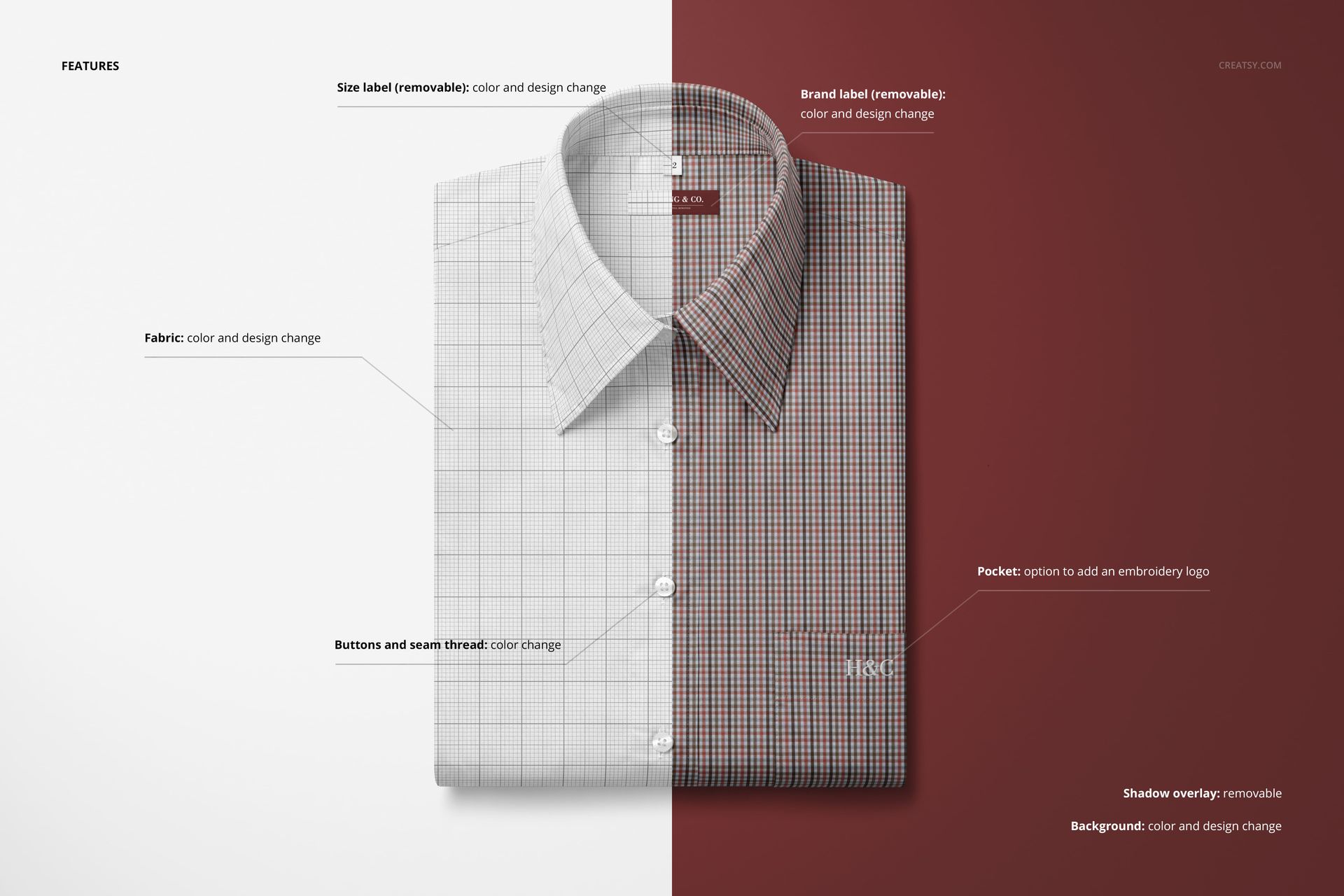
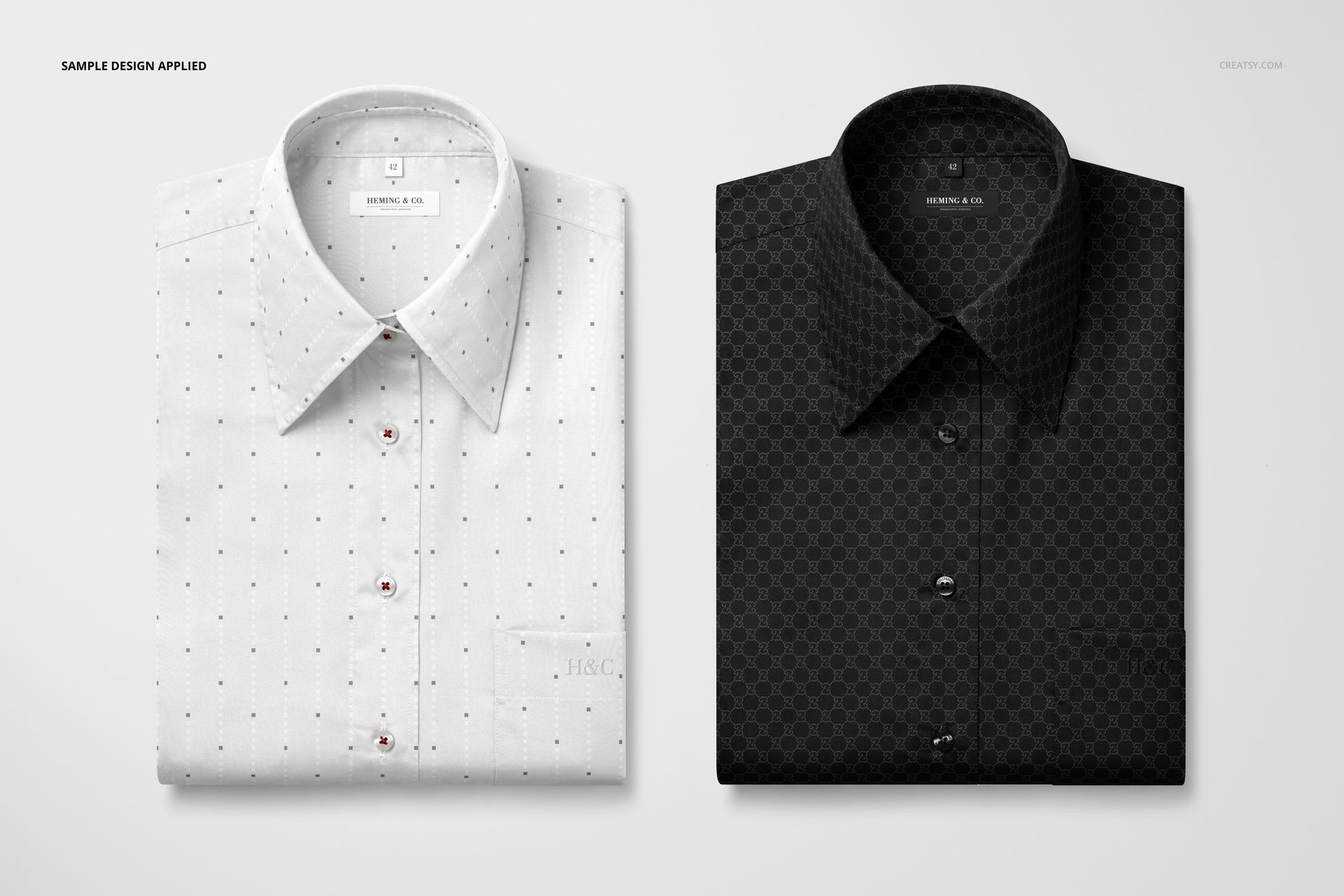
Smart object layers let you place your fabric pattern, textile design, or shirt branding onto the shirt surface with accurate fold mapping, realistic fabric texture, and natural wrinkle interaction. Your pattern follows the collar shape and fold lines automatically, showing how the design responds to the garment construction. You can adjust shirt color, background settings, and overall tone to match your brand palette or product listing requirements for a polished final presentation.
Who This Mockup Is For
This mockup serves textile designers presenting shirting fabrics to apparel manufacturers, custom shirt brands building e-commerce product listings, and menswear retailers creating catalog imagery for their dress shirt collections. Fashion designers preparing line sheets or lookbooks, fabric suppliers showcasing woven patterns for the shirting market, and print-on-demand apparel sellers will find the folded shirt format matches the professional product photography standard their customers expect from premium menswear listings.
File Specifications
File count: 1 PSD. Dimensions: 6000 x 4000 pixels. Resolution: 300 DPI. File size: 236.11 MB. Compatibility: Adobe Photoshop CC 2020 or newer, Photopea. Editing method: smart object layers for non-destructive fabric placement with realistic fold mapping and collar construction detail.