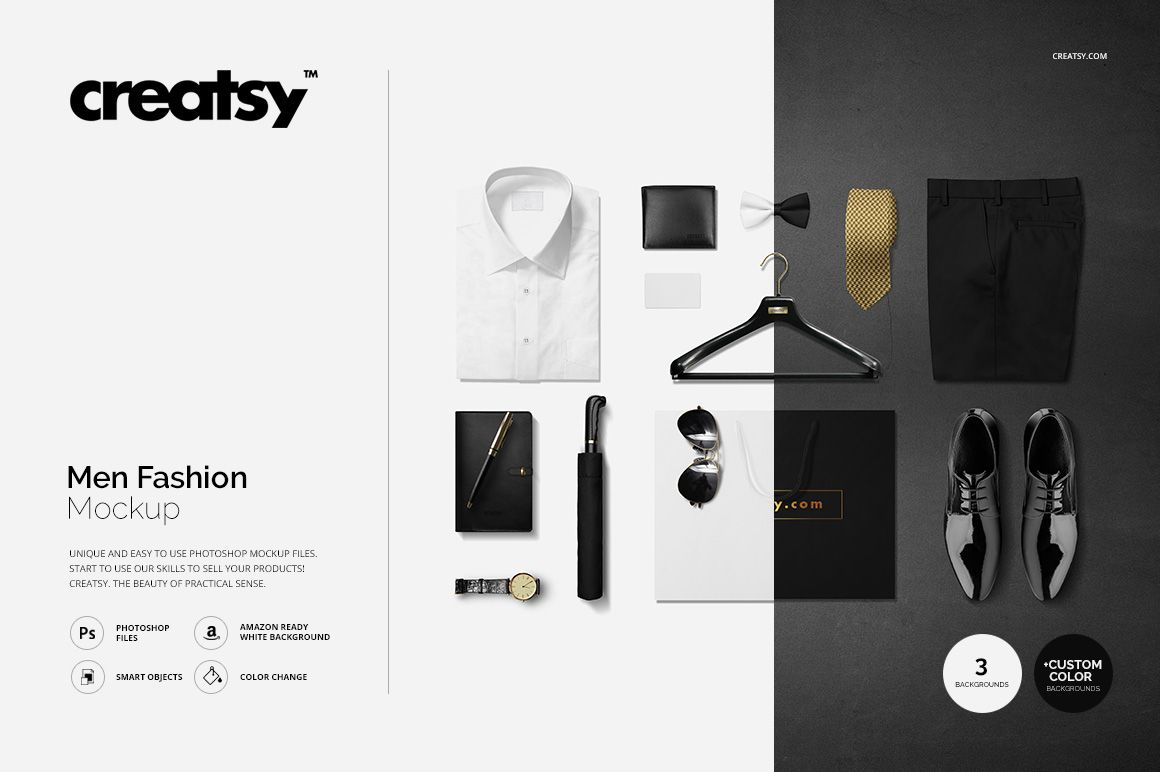
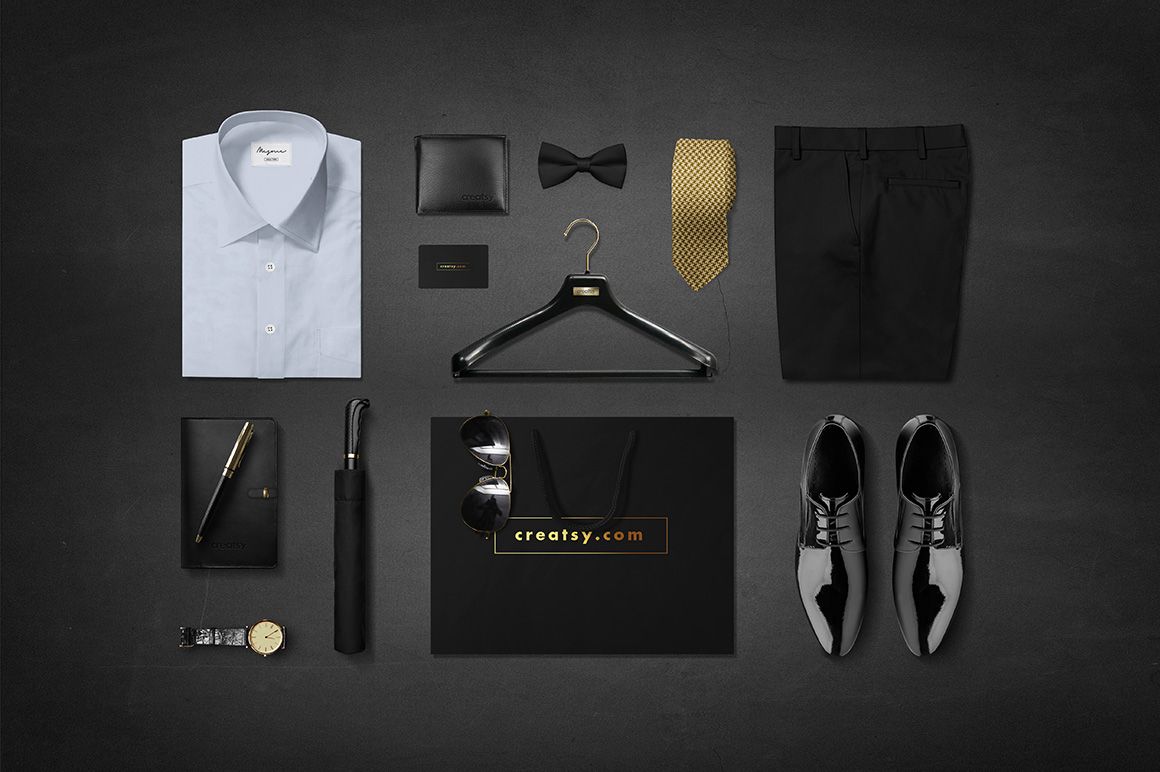
Men Fashion Mockup

Product Details
- files works only in Photoshop (min. PS CS6);
- pack includes 1 .psd file, file specs: 5000x3000 px 300dpi;
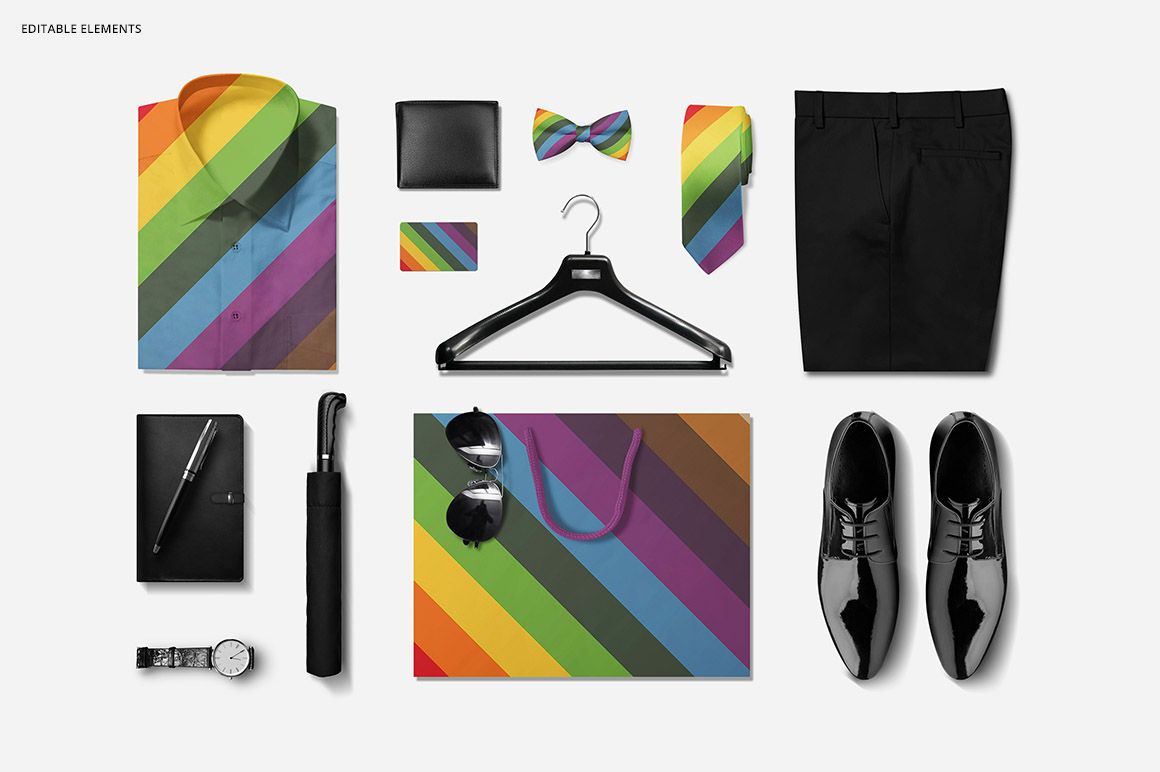
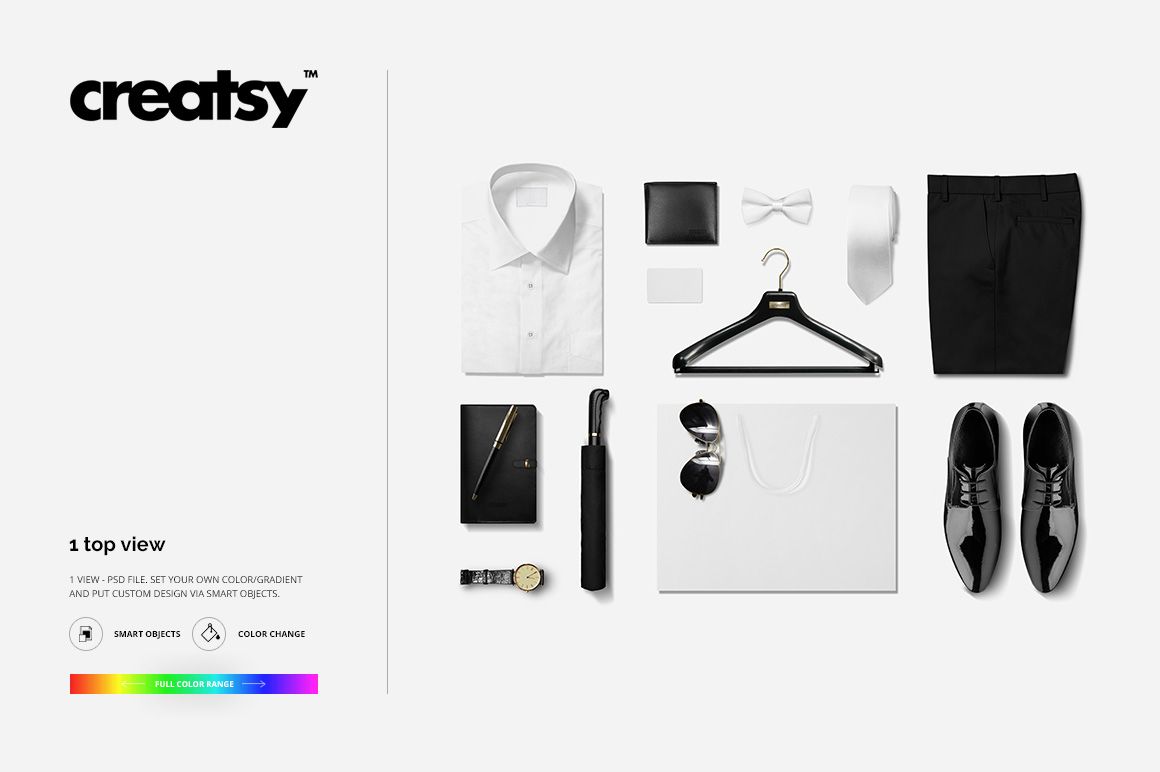
- changeable colors, gradients (full range) and design (via smart objects);
- You can edit and move all elements;
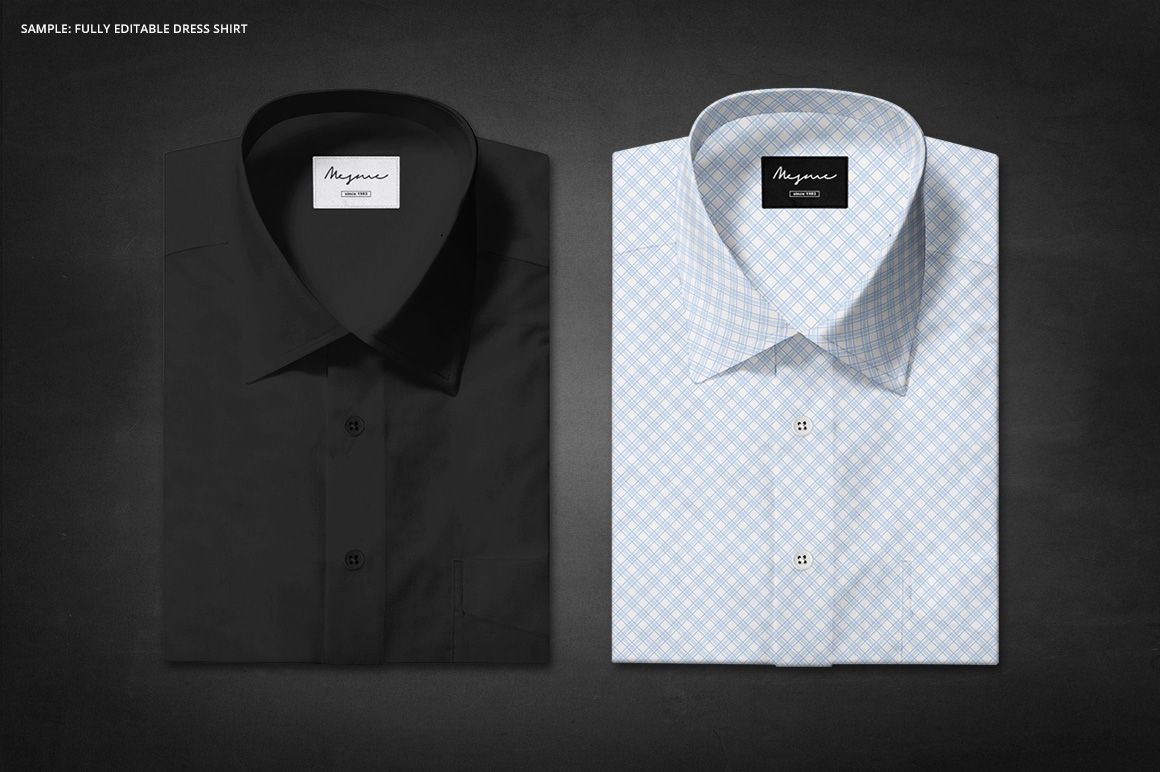
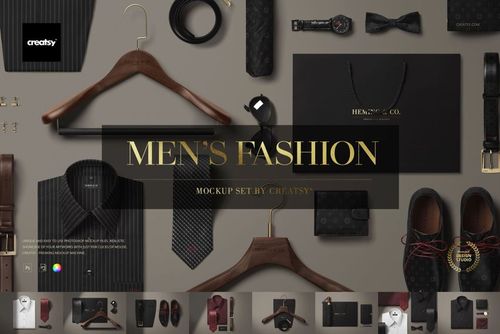
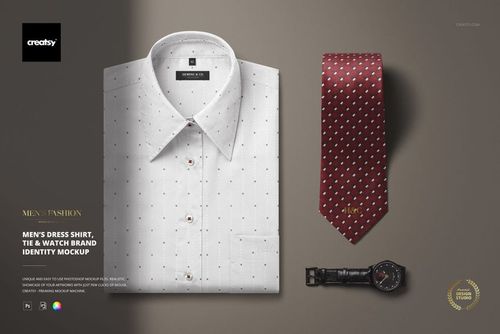
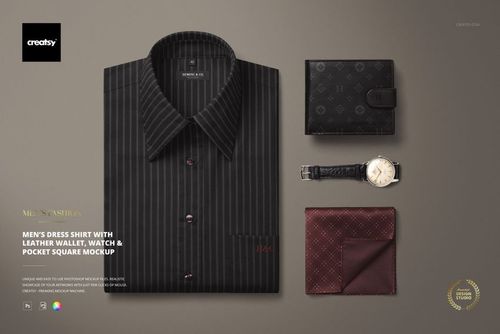
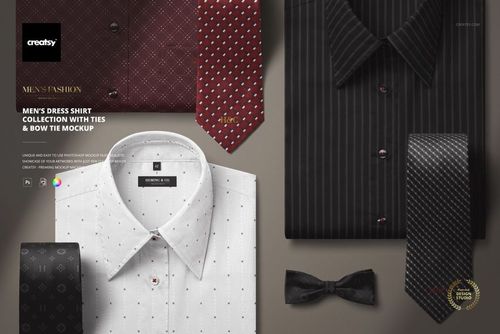
- Dress Shirt /you cn edit color nd pattern, you can add label with your own design;
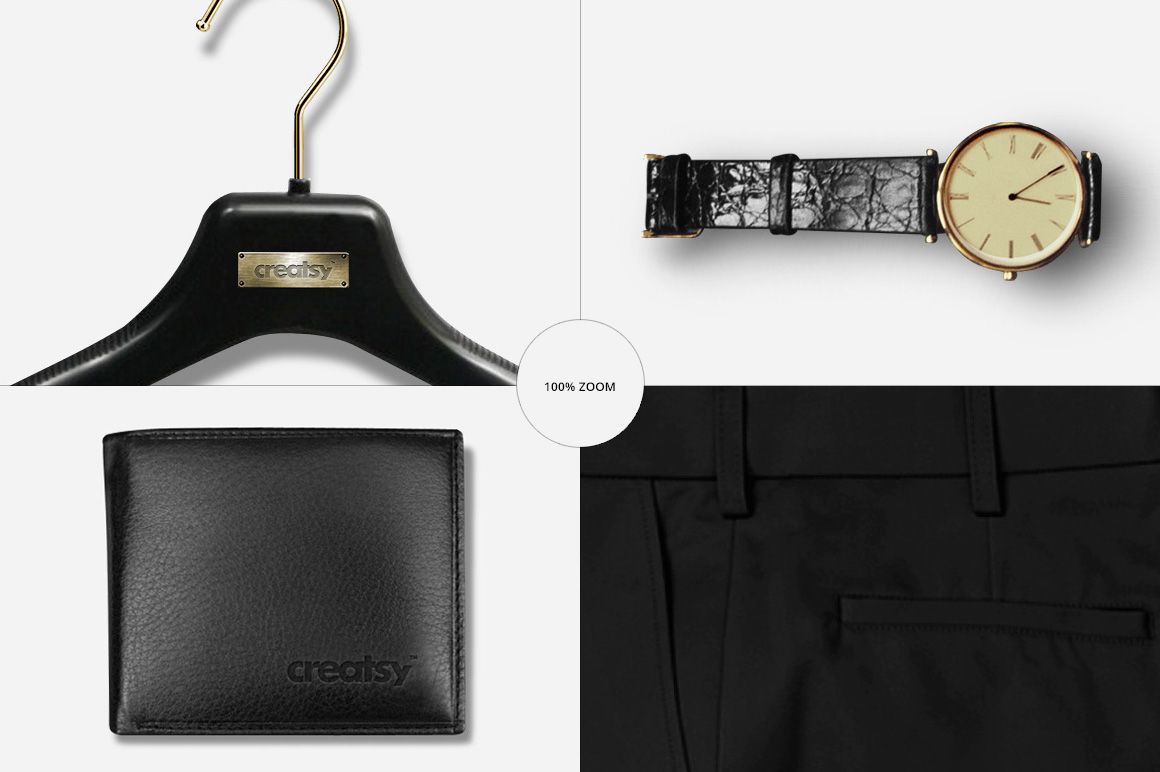
- Wallet /you can add emboss logo;
- Loyalty Card /you can change color and design;
- Bow Tie /you can edit color and design;
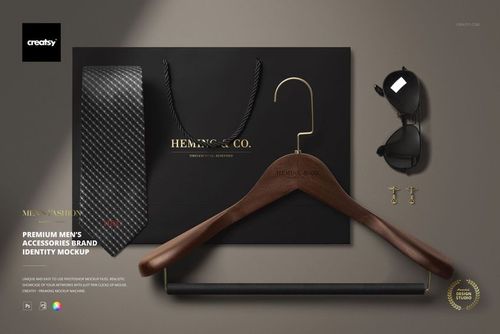
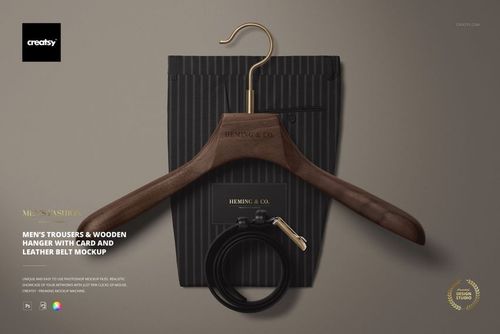
- Hanger /you can add your logo on metal (gold/silver) badge;
- Tie /you can edit color and design;
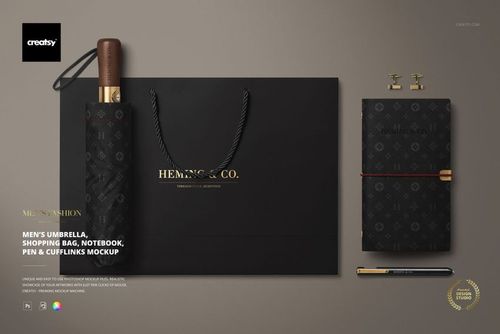
- Bag /you can edit color and design;
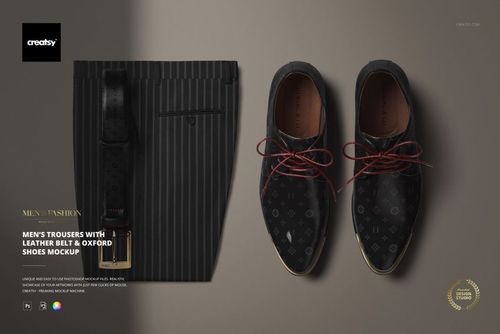
- Shoes, trousers, glasses /move and rotate;
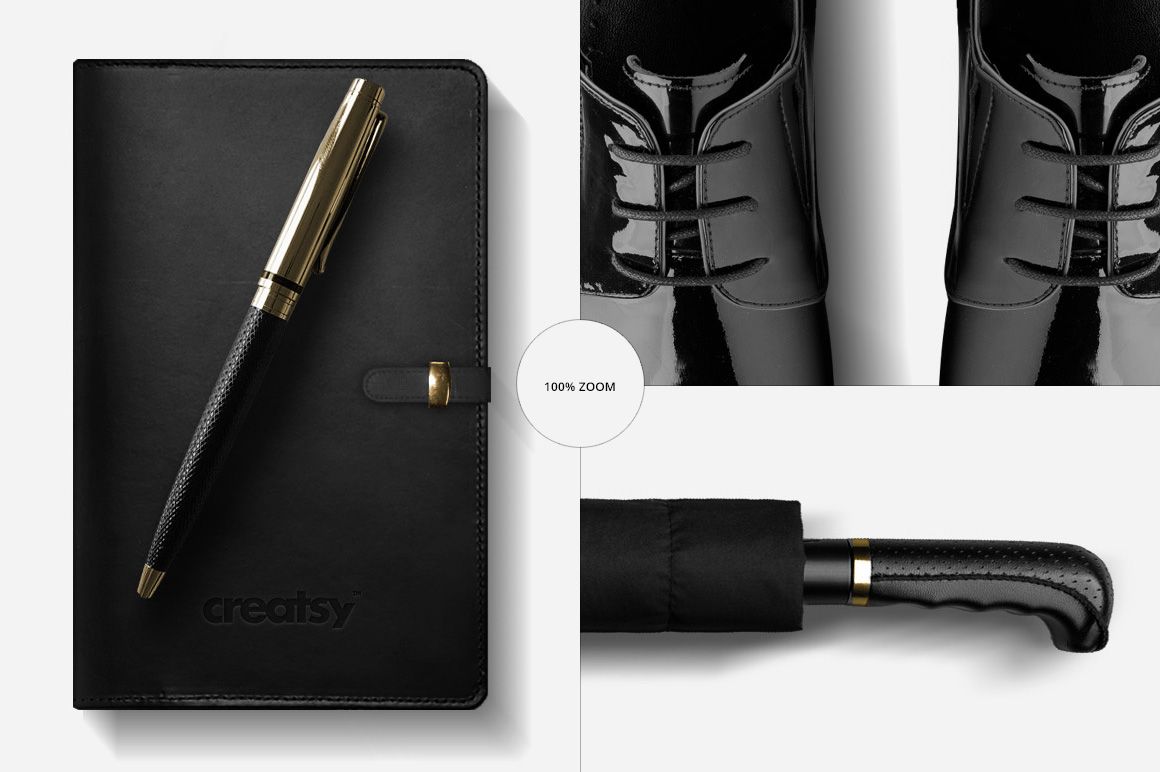
- Pen /silver or gold metal elements;
- Sunglasses /silver or gold frame;
- Watch /gold or silver elements
- Notepad/ goldor siver element, you can also add emboss logo;
- Umbrella /gold or silver element;
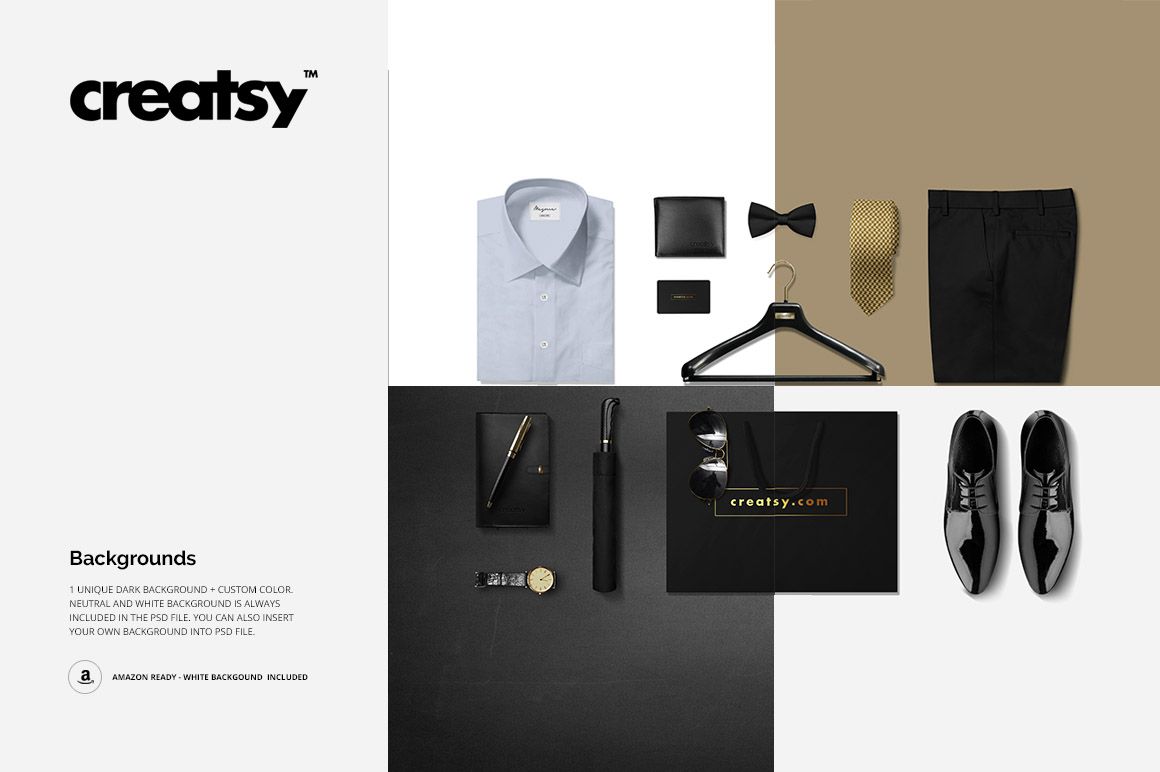
- backgrounds: 1 dark background, custom color, neutral and white (check preview);
- Amazon ready: white background is always included;
- well organized layers as in all of other Creatsy mockups.
File details
- Compatibility
- Number of files included
- 3
- Package size
- 108 MB
|114 MB
- Files type
- .psd, .jpg, .pdf
- Files size
- 5000x3000


MEET THE SHOP

HOW IT WORKS
3 clicks. That's it.
No tutorial needed. If you can copy-paste, you can use this.
- 1OpenDouble-click the smart object inside the PSD - in Adobe Photoshop, or free in your browser with Photopea.
- 2PasteDrop in your pattern, print, or artwork. Any design, any style.
- 3SaveHit save and the mockup wraps it in for you - shadows, folds, and lighting included.
FROM IDEA TO IMAGE
Built for real workflows
Approve the print on the garment first Send the client a photoreal shot on the actual garment instead of a flat tile, so sign-off doesn't wait on a sample sew.
See it on the product, not a swatch Drop your file into the smart object and the scene's lighting and folds wrap around it, so you judge the real thing before you commit.
Smart Objects
Edit once and you're done. Your artwork drops into a smart object and the mockup updates itself - no masking, no warping by hand.
Perfectly Organized
Named layers and folders you can actually navigate. Find what you need, change what you want, and get out fast.
Print-Ready
High-resolution files built to hold up on screen and in print. Exact size and DPI are in this product's Details above.