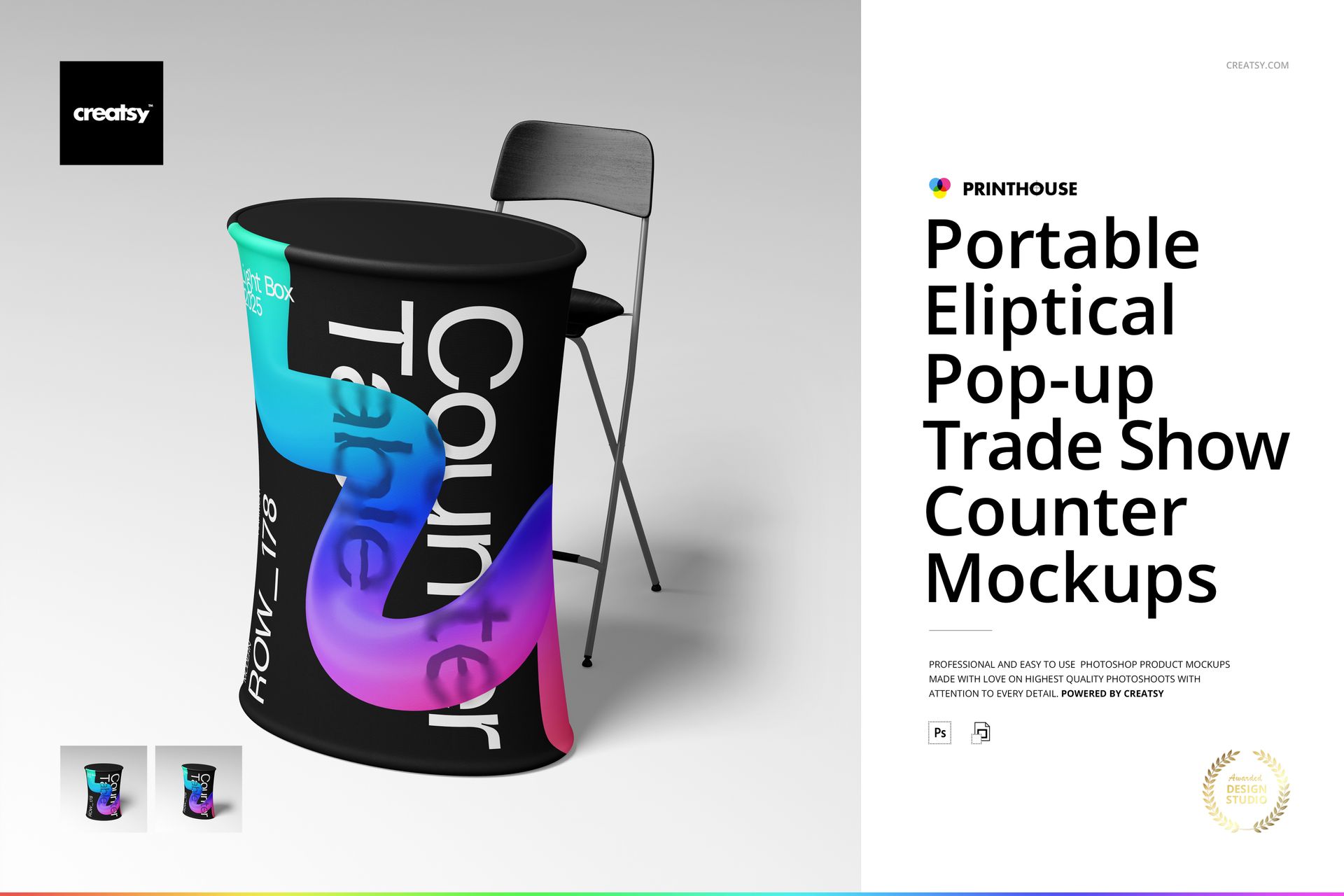
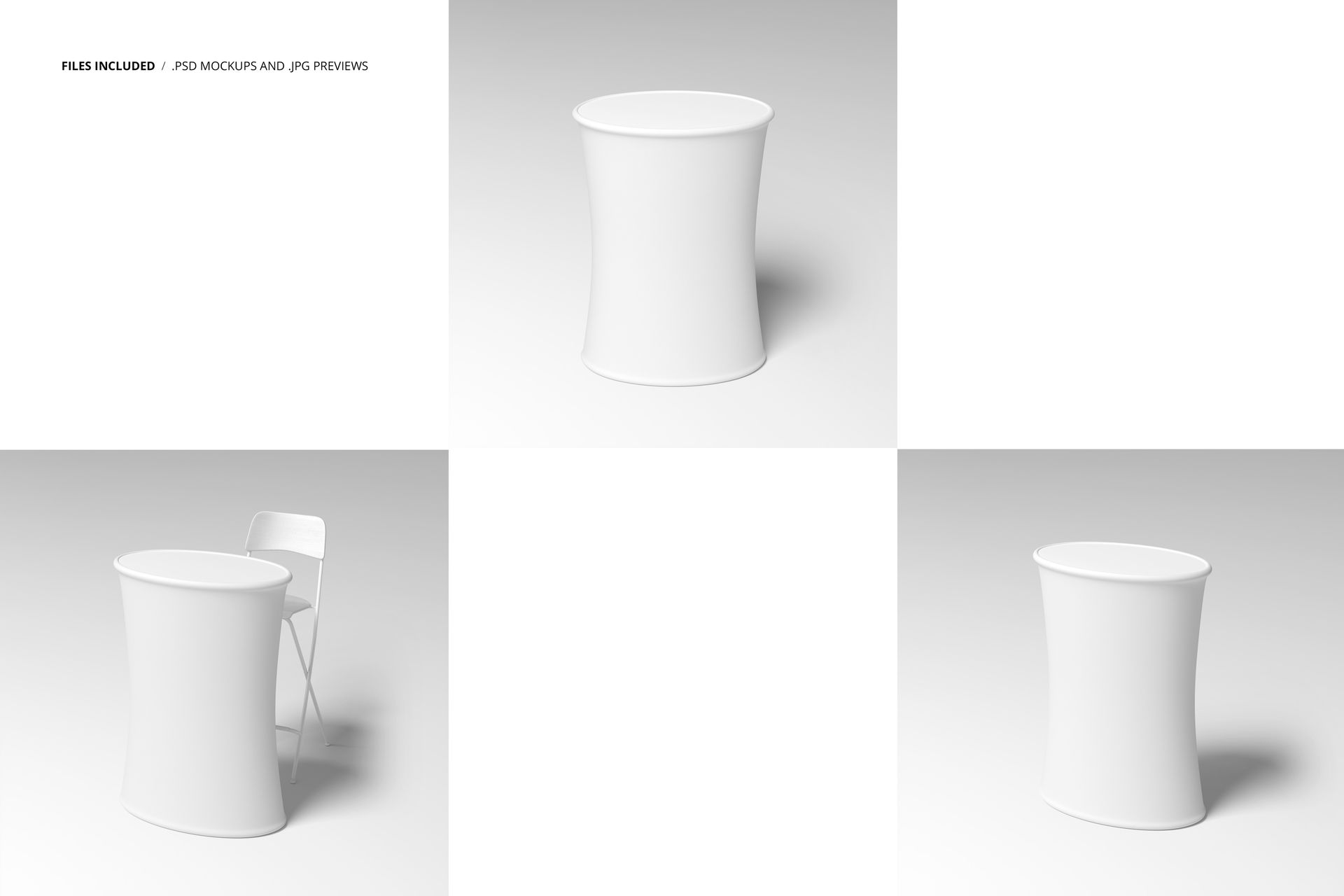
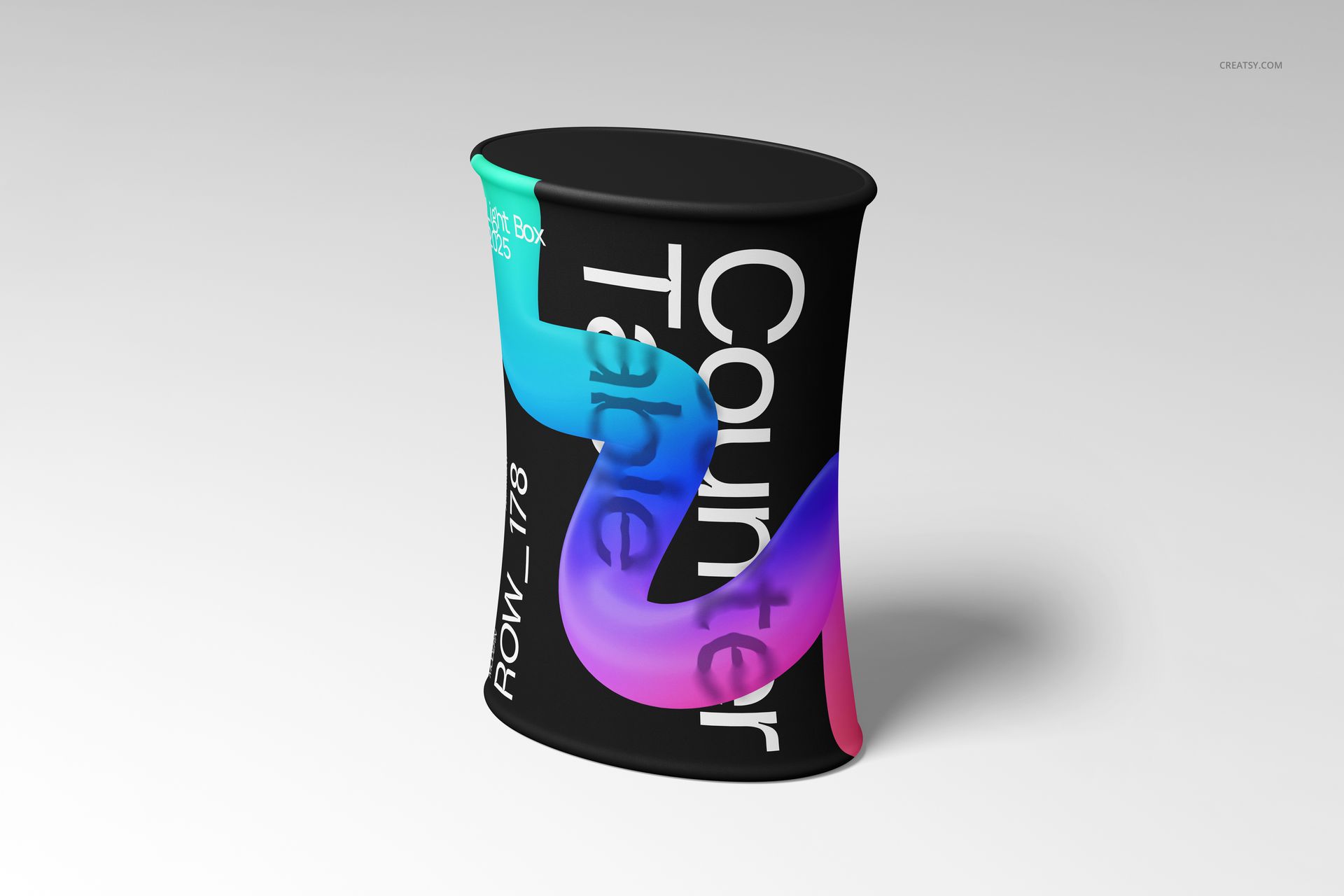
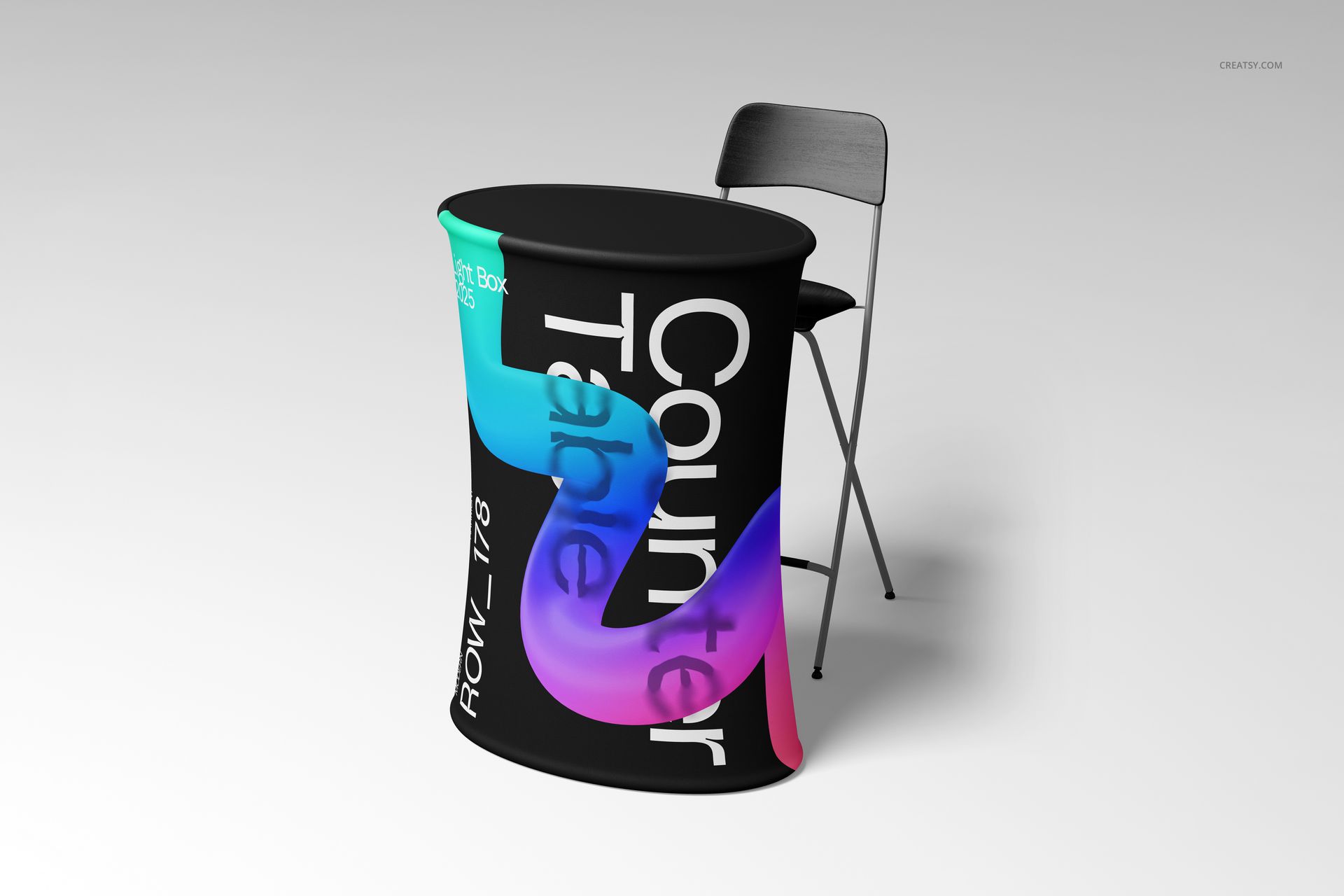
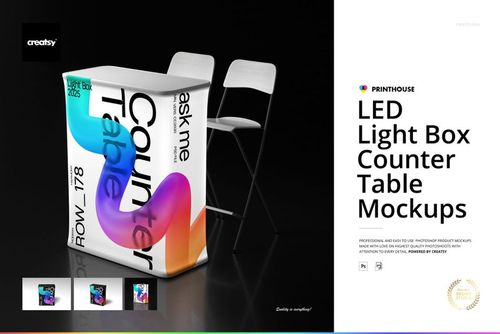
Three PSD files showing a portable elliptical pop-up trade show counter from front, angled, and detail perspectives. The counter is the curved fabric-wrapped display unit that sits at the front of exhibition booths, trade show stands, and conference registration areas - the piece that greets every visitor and carries the brand graphics that set the tone for the entire booth experience. Each file renders at 6000 x 6000 pixels and 300 DPI, producing images sharp enough for client presentations, print proposals, and large-format booth design decks where the graphic detail needs to remain legible at full zoom.
What This Counter Represents in Event Marketing
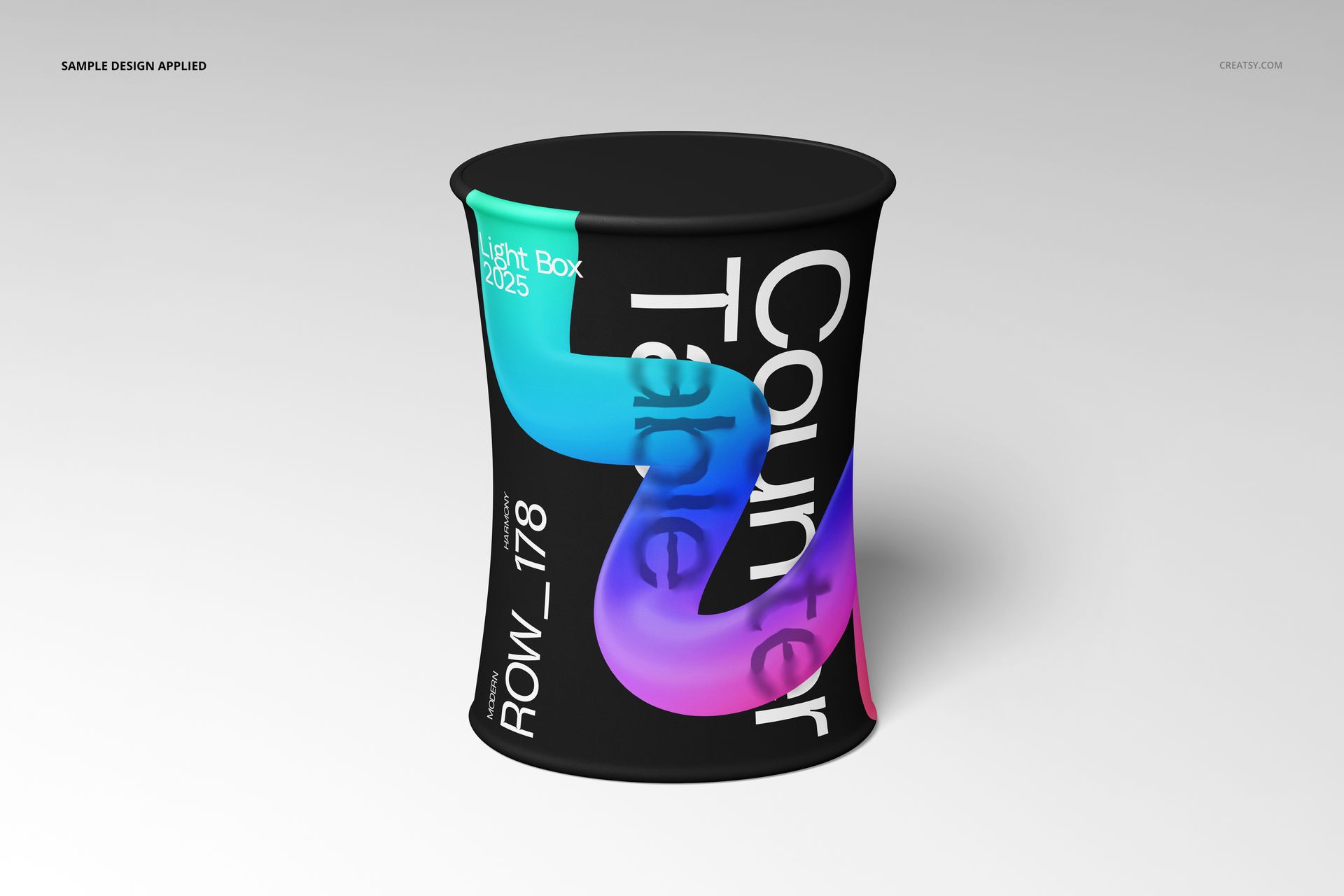
The elliptical pop-up counter occupies a specific role in trade show booth design. It stands at the transition point between the aisle and the booth interior, functioning simultaneously as a reception desk, product display surface, and branded graphic panel. Event designers specify this piece early in the booth planning process because its curved front panel is the first branded element that attendees see from the aisle. A mockup that shows how graphics wrap across that curved surface answers the most common client question in booth design: will my branding look right on a three-dimensional curved panel, or will it distort?
Three Views, Three Conversations
The front-facing view delivers the marketing approval shot - the image that goes into slide decks for stakeholder review, social media teasers for upcoming events, and printed booth proposals for trade show coordinators. The angled perspective shows the counter as it appears to approaching attendees, revealing how the graphic wraps around the elliptical curve and how the counter profile reads from the aisle approach angle. The detail view moves in close enough to evaluate print quality, color accuracy at the fabric surface level, and the relationship between the graphic and the counter's structural edges.
Smart Object Workflow
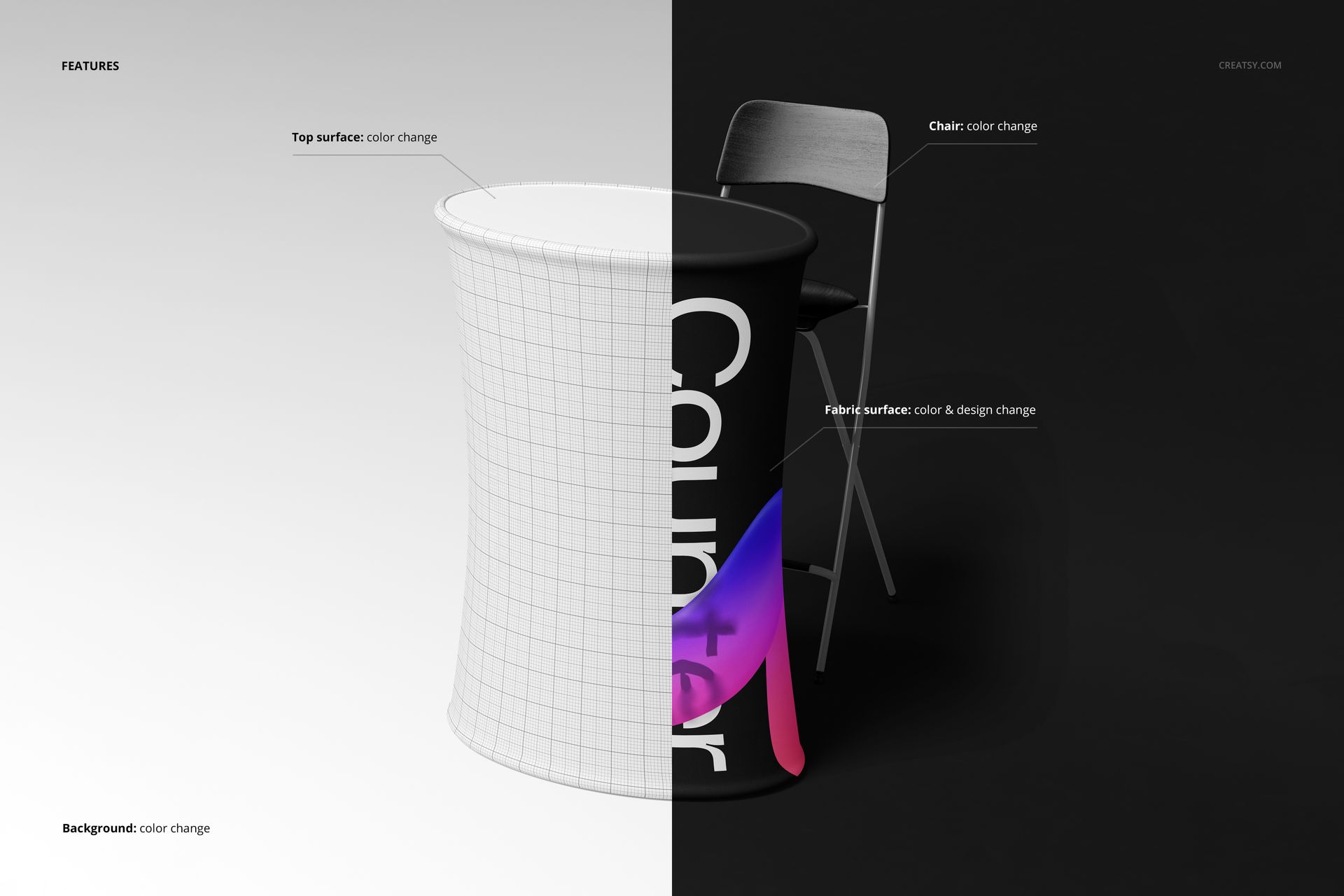
Each of the three PSD files contains smart object layers for the counter's graphic panels. Open any file in Adobe Photoshop CC 2020 or newer, or in Photopea, the free browser-based PSD editor. Double-click the smart object thumbnail to access the design canvas, place your booth graphics, and save. The main document updates with your design mapped accurately across the curved counter surface, including the natural fabric texture, lighting gradients, and edge transitions that make the visualization read as a photograph rather than a flat overlay.
Pre-Production Visualization
Exhibition booth vendors typically require graphic files weeks before an event, and revisions after production begins cost thousands. This mockup set compresses the approval cycle by letting designers present photorealistic counter visualizations before any fabric is printed or any frame is shipped. Clients can evaluate branding, color choices, and graphic placement on a realistic curved surface, approve or request changes, and finalize designs with confidence that the printed result will match what they saw in the mockup. For agencies managing multiple trade shows per quarter, this review efficiency compounds across every event on the calendar.
Technical Specifications
Each file measures 6000 x 6000 pixels at 300 DPI, with the total download package at 681.56 MB across three PSD files. The square format works natively as social media content for event promotion, portfolio thumbnails for exhibition design studios, and product listing images on mockup marketplaces. Layers are organized and labeled for quick navigation between the graphic surface, background, shadow, and structural elements of the counter.