Pop Up Tent 17x17 Mockup
This product is a part of Trade Show & Event Mockup Bundle
Product Details
Pop Up Tent 17x17 Mockup
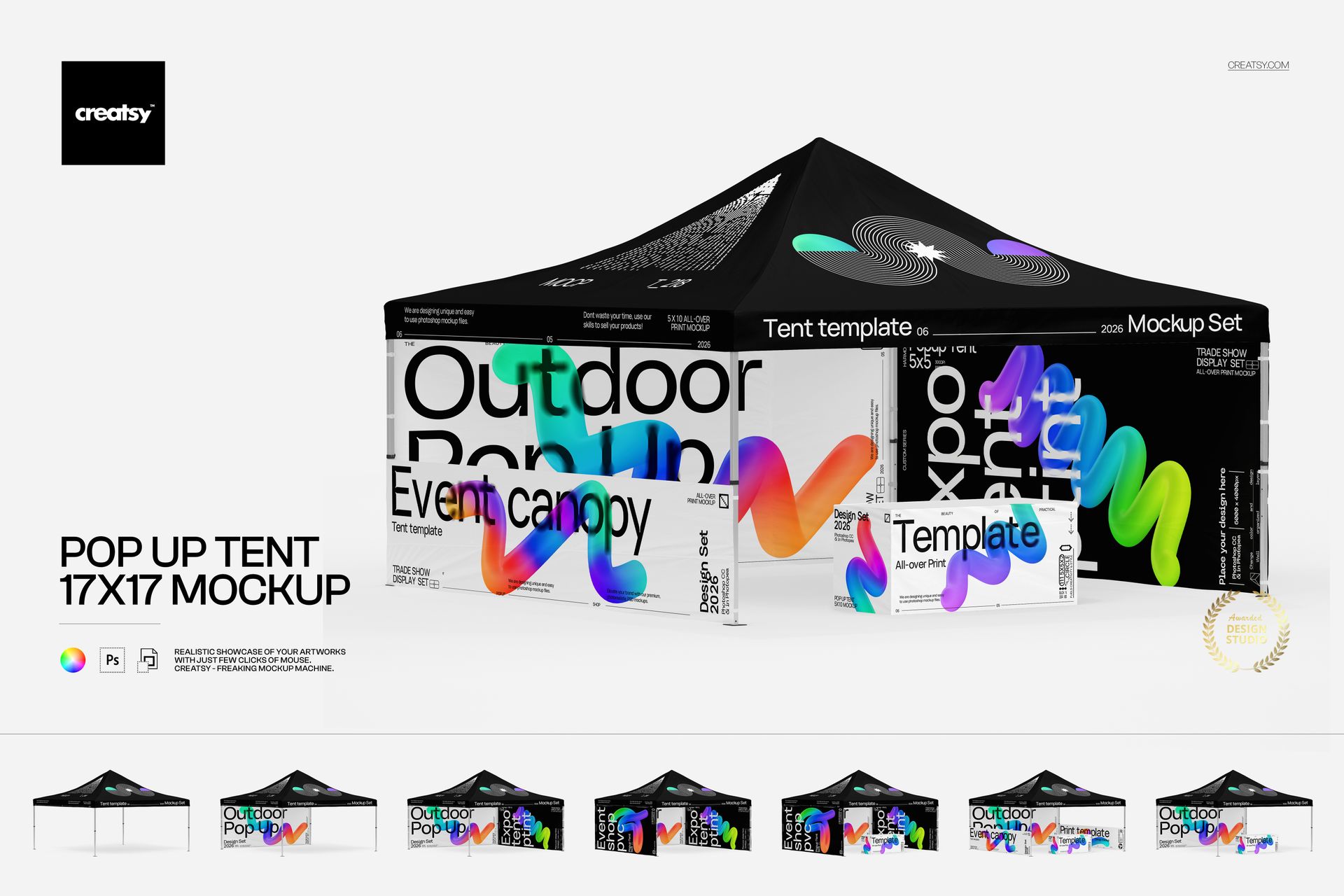
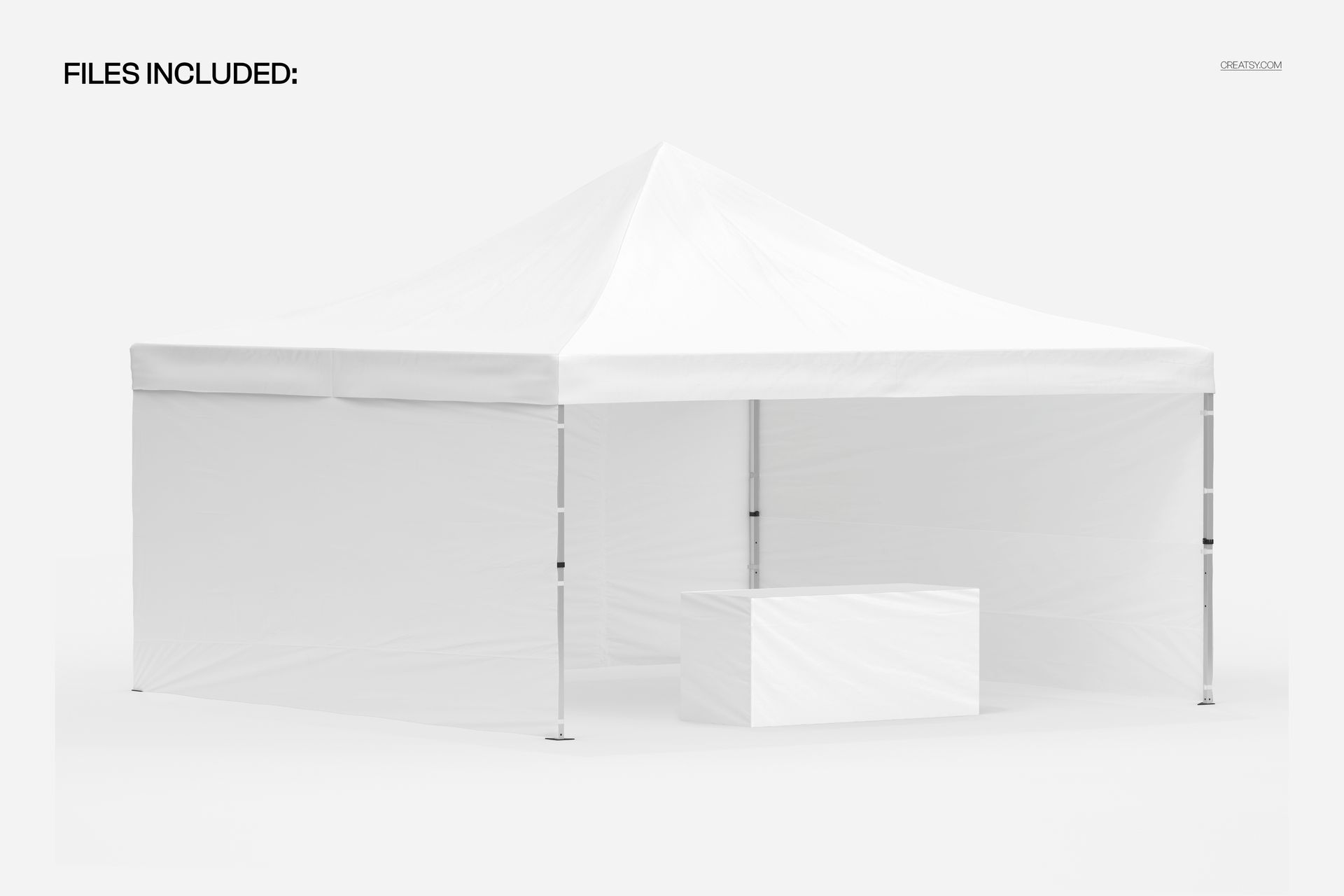
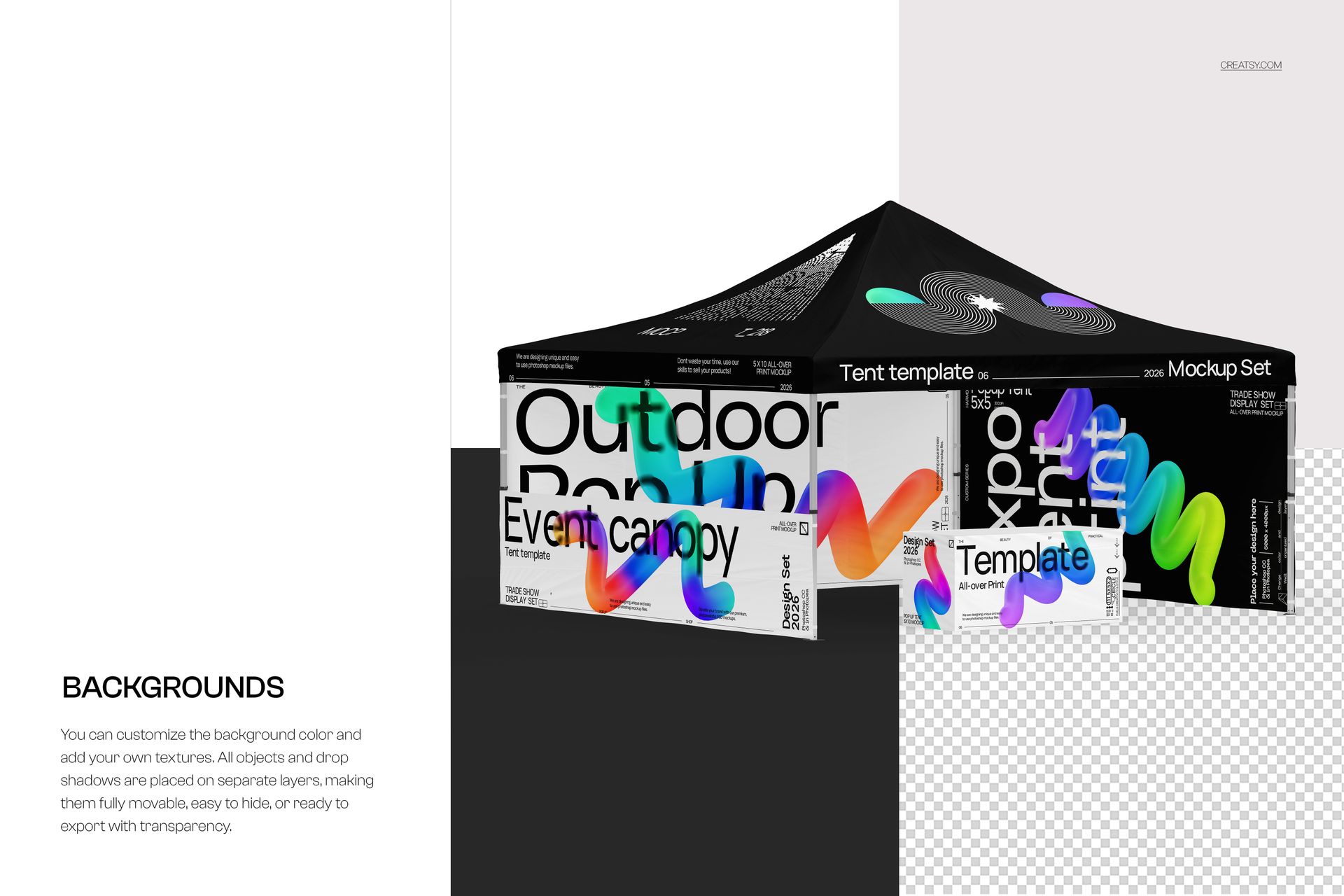
Show a 17x17 event canopy as an open shelter or a branded booth with walls and a covered table. The angled view brings the canopy roof, front edge and side graphics into the same presentation.
Coordinate the roof, walls and table cover
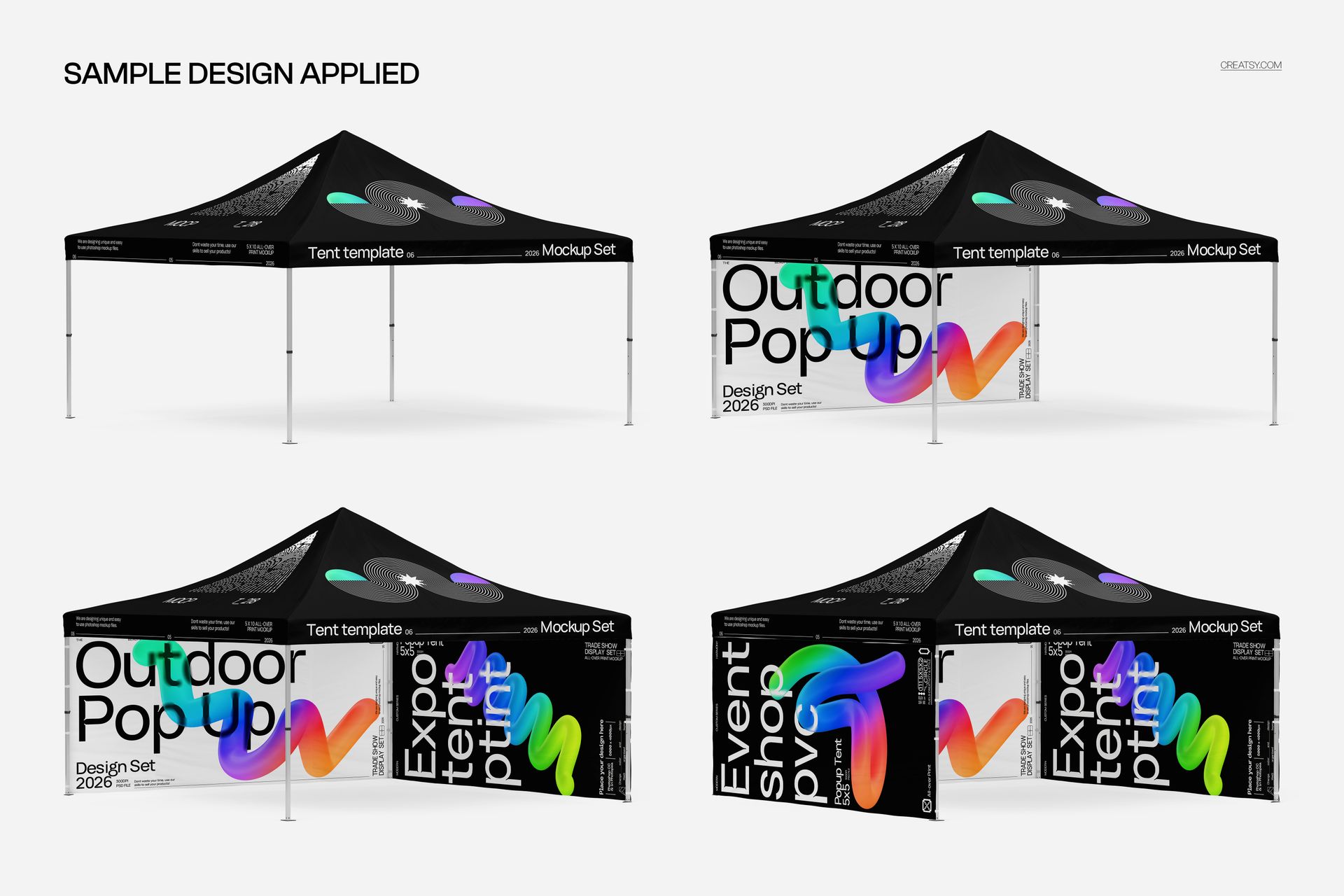
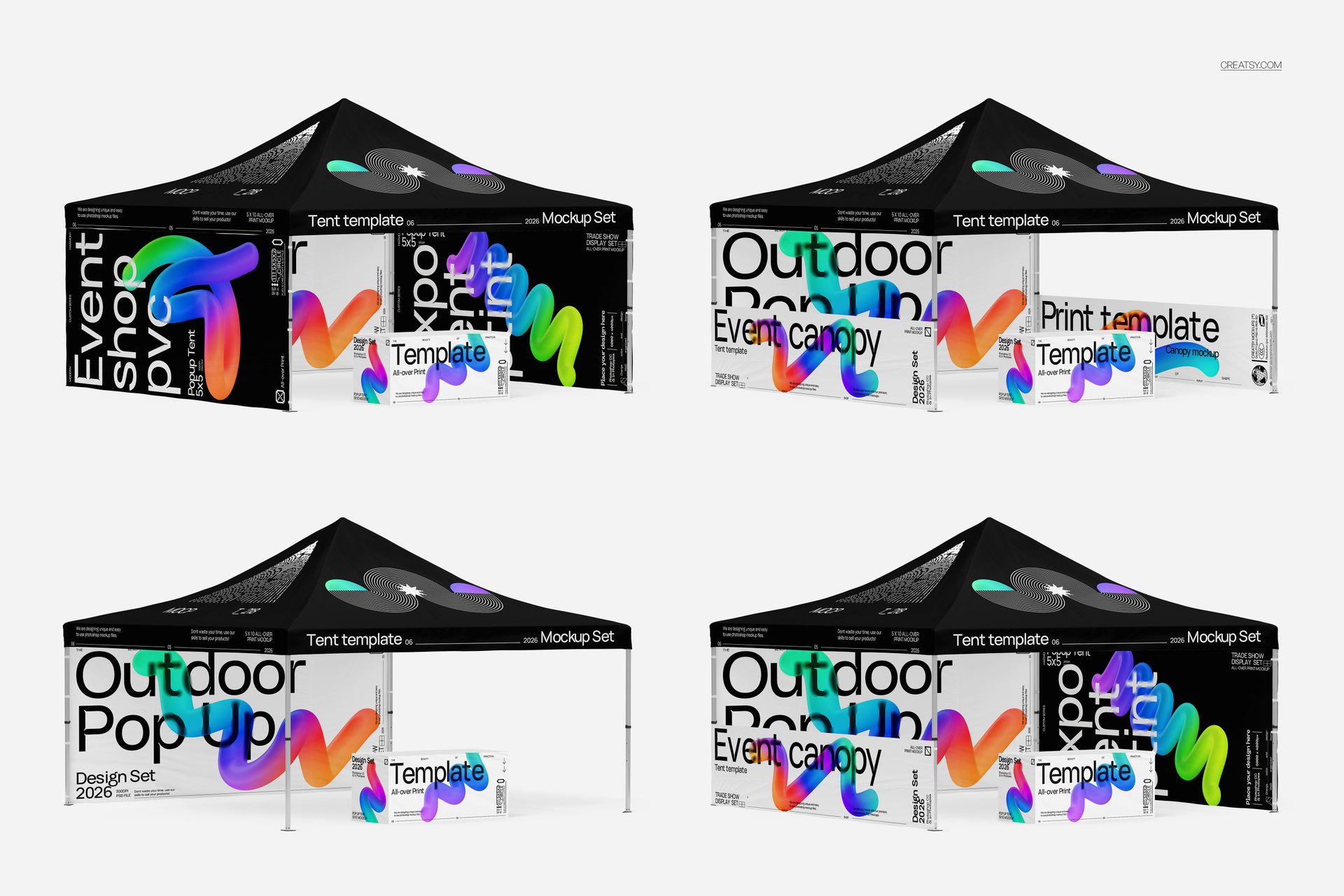
Replace the sample graphics through Smart Objects and use color layers to build a consistent event identity. Compare the back-wall, side-panel and half-height-panel arrangements shown in the gallery, with or without the covered table.
Objects and drop shadows are on separate layers, so you can move or hide them. Choose a background color, add your own texture or export with transparency. Use the mockup for exhibition concepts, outdoor promotional stands, festival branding and client proposals.
What is included
1 layered PSD mockup, 6000 × 6000 px at 300 DPI.
1 JPG preview.
Compatible with Adobe Photoshop CS5 or later and Photopea.
Digital mockup files only. No physical products are included. The sample artwork shown in the previews is not included; add your own designs.
File details
- Compatibility
- Package size
- 75.6 MB
|79.3 MB
- Files type
- .psd, .jpg
- Files size
- 6000x6000


MEET THE SHOP
- $6715$79.00
- $2550$30.00
- $1870$22.00
- $1615$19.00

HOW IT WORKS
3 clicks. That's it.
No tutorial needed. If you can copy-paste, you can use this.
- 1OpenDouble-click the smart object inside the PSD - in Adobe Photoshop, or free in your browser with Photopea.
- 2PasteDrop in your pattern, print, or artwork. Any design, any style.
- 3SaveHit save and the mockup wraps it in for you - shadows, folds, and lighting included.
FROM IDEA TO IMAGE
Built for real workflows
Skip the photo shoot Show your artwork on the real product type for approvals or listings - no studio, no model, no sample.
See it on the product, not a swatch Drop your file into the smart object and the scene's lighting and folds wrap around it, so you judge the real thing before you commit.
Smart Objects
Edit once and you're done. Your artwork drops into a smart object and the mockup updates itself - no masking, no warping by hand.
Perfectly Organized
Named layers and folders you can actually navigate. Find what you need, change what you want, and get out fast.
Print-Ready
High-resolution files built to hold up on screen and in print. Exact size and DPI are in this product's Details above.