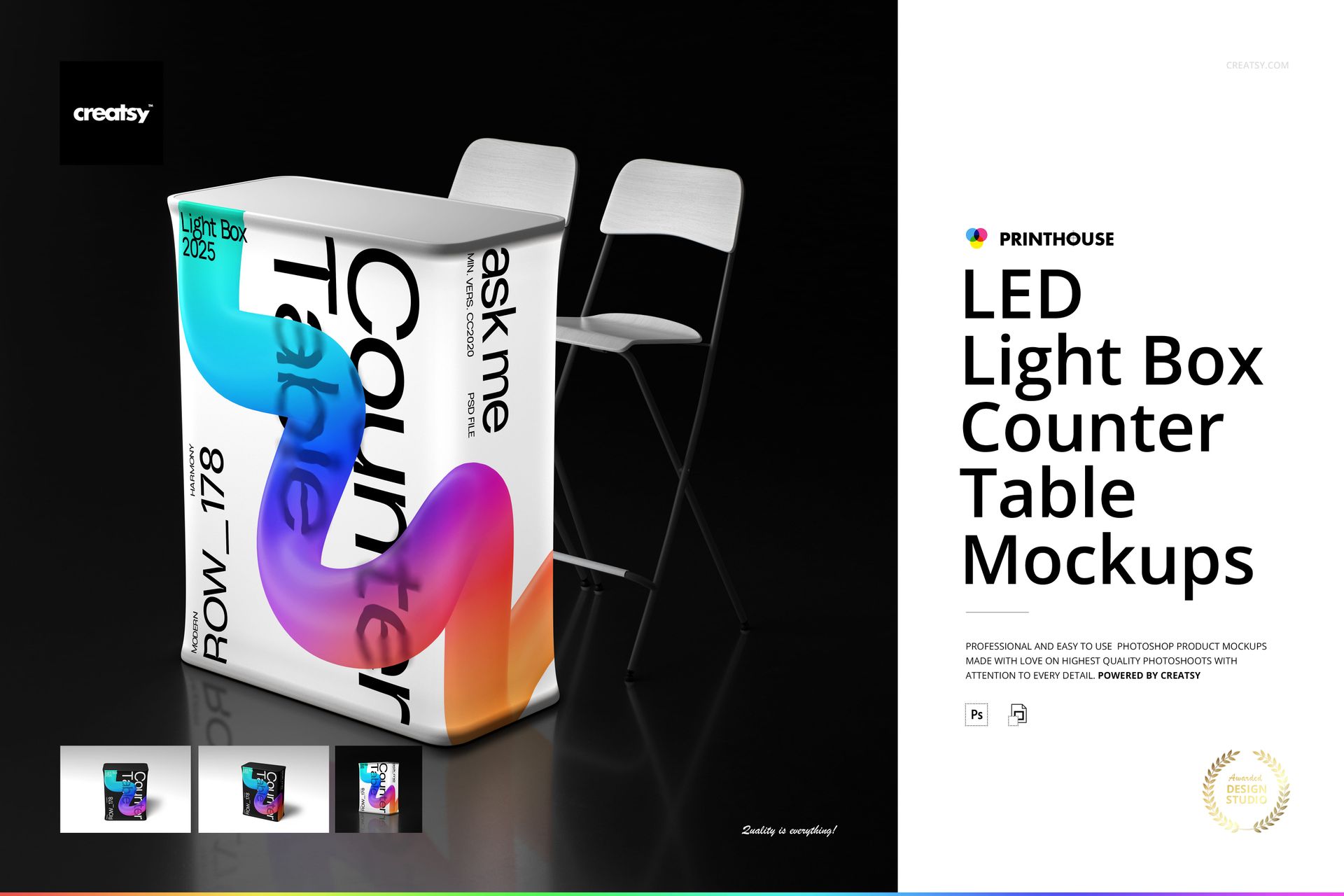
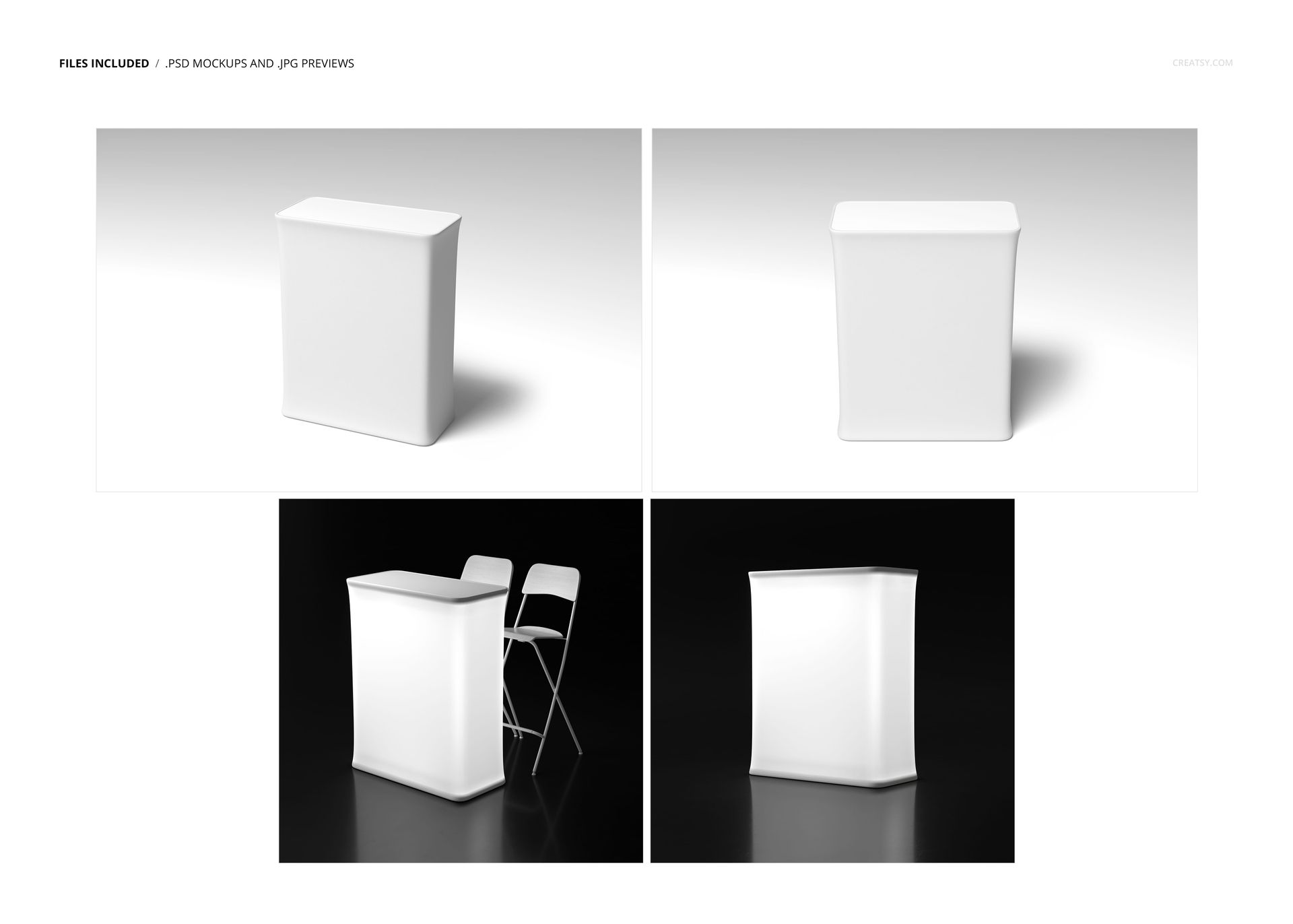
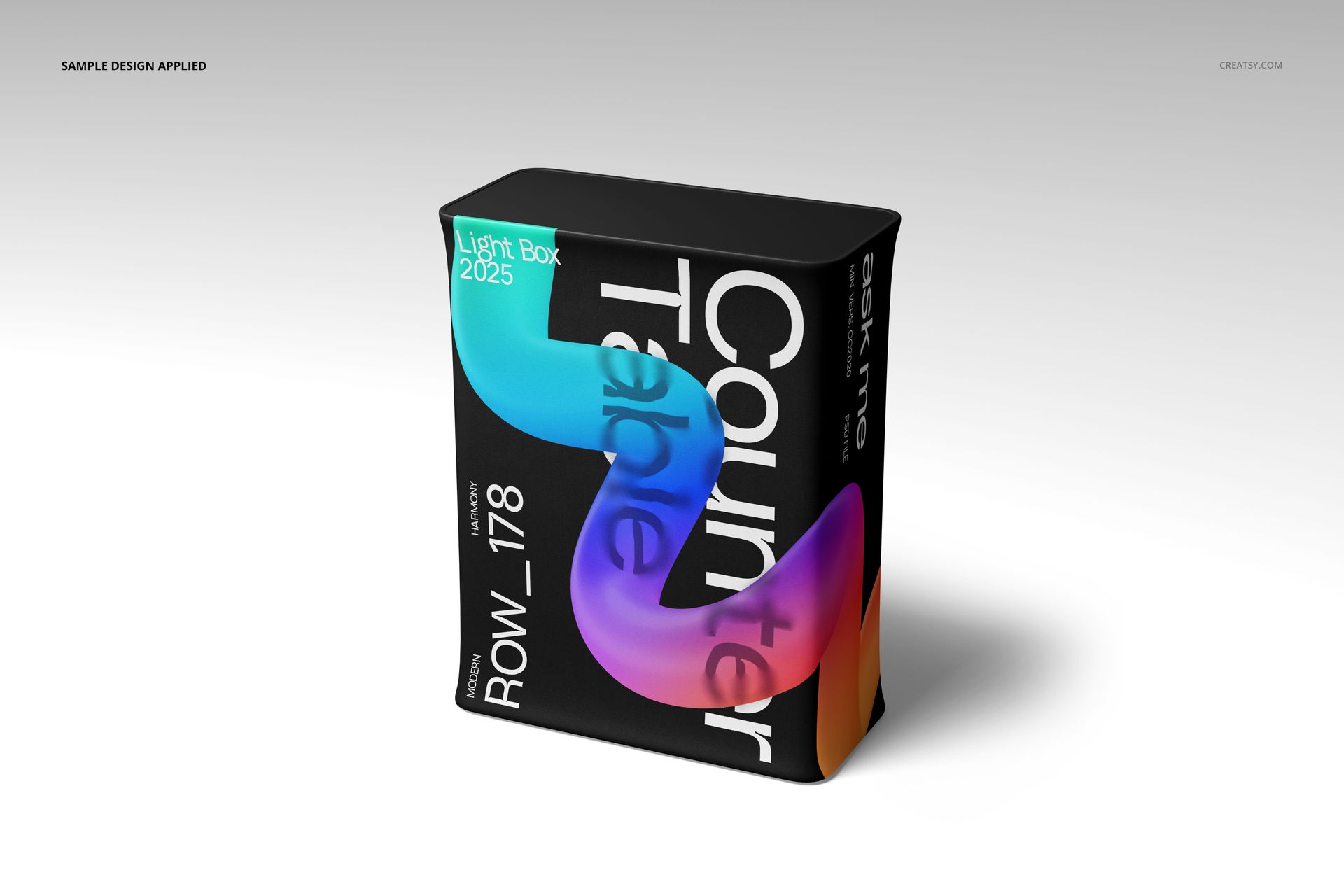
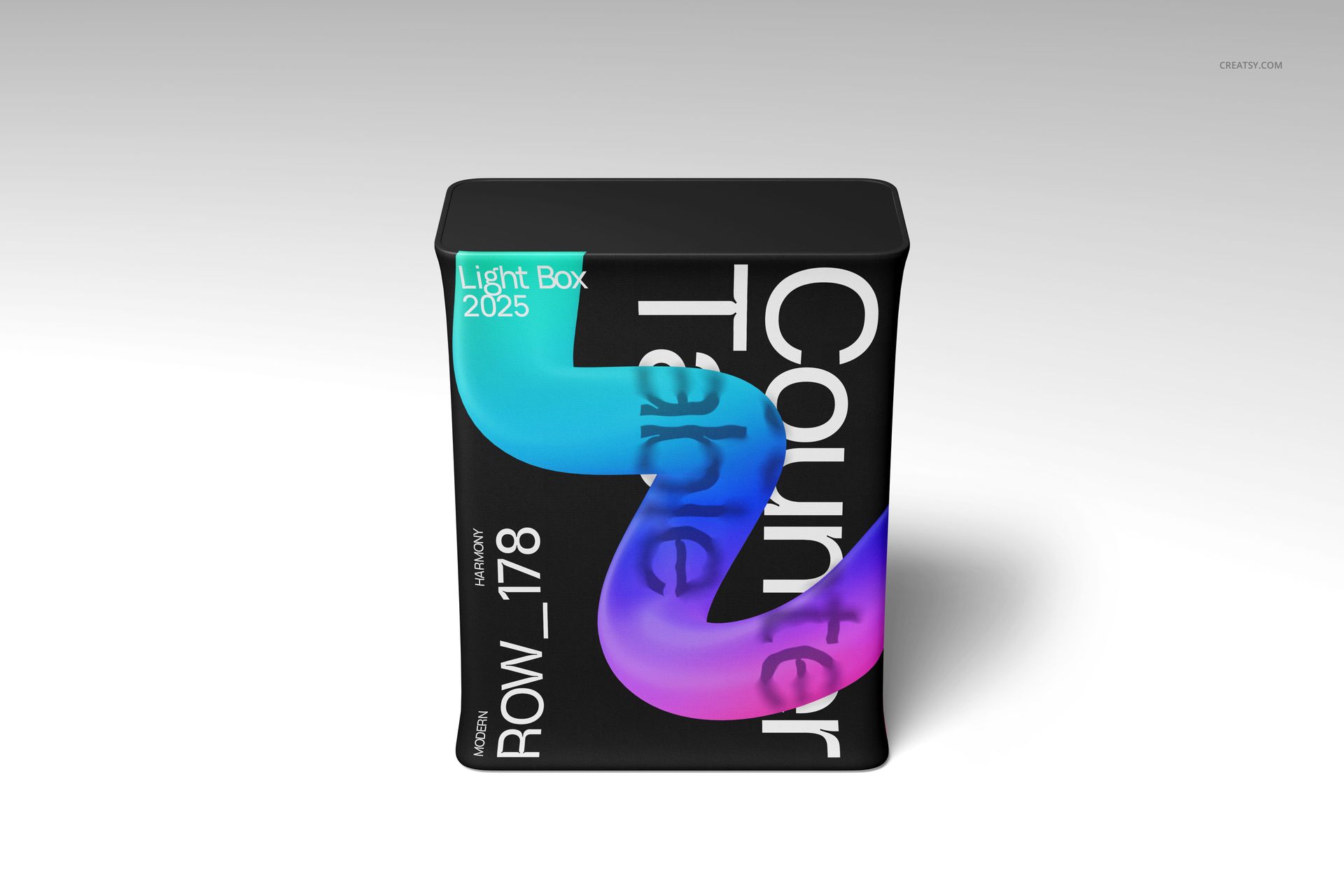
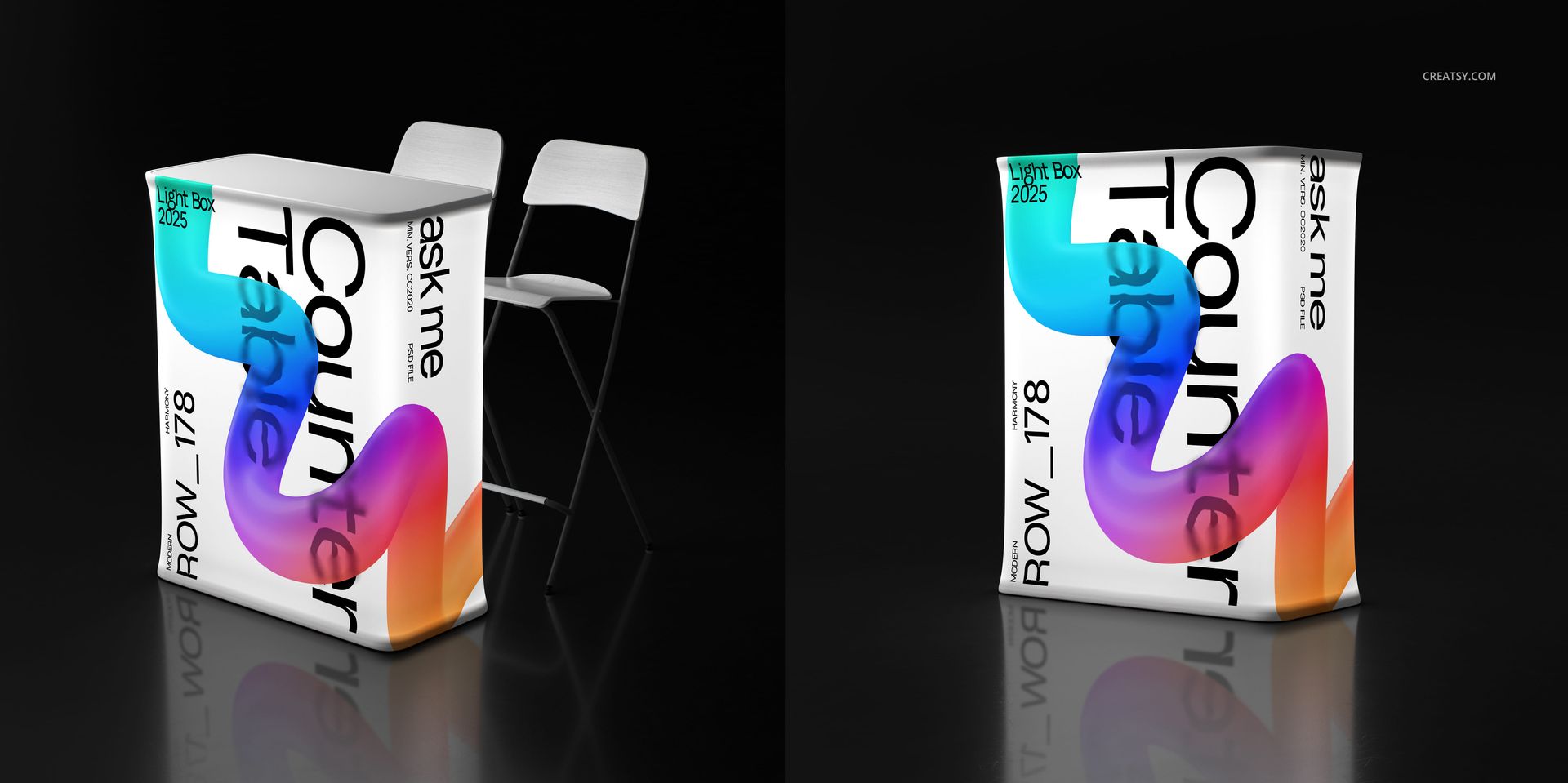
The LED Light Box Counter Table Mockup Set from Creatsy includes 4 PSD files showing an illuminated LED counter table from multiple angles in a dark event environment. The backlit panels turn your graphic design into a glowing branded display that commands attention in any trade show, exhibition, or retail setting. Two portrait and two landscape compositions give you the variety needed for booth planning presentations, event pitch decks, and promotional materials where showing your brand in a realistic event context makes the difference between approval and another revision round.
Why This Mockup Set Works
Flat artwork files and 2D booth layouts do not communicate the visual impact of a backlit LED display in a darkened exhibition hall. Clients, event managers, and brand directors need to see how their graphics will glow, how colors shift under LED illumination, and how the counter table anchors the overall booth experience. This mockup set delivers that visualization with photorealistic accuracy. The dark environment setting makes the LED panels the clear focal point of every composition, showing exactly how your branded display will draw foot traffic on a busy show floor. Use these renders to win booth design approvals, sell display rental packages, or pitch event branding concepts.
What Is Included
You receive 4 layered PSD files across two canvas orientations - 2 files at 4000x6000 px (portrait) and 2 files at 6000x4000 px (landscape), all at 300 DPI. Each composition shows the LED counter table from a different angle in an event hall environment with realistic ambient lighting, floor reflections, and atmospheric depth. The files include clearly labeled smart object layers for the illuminated panel graphics, adjustable chair accent elements, and customizable background settings. All LED glow effects and light interaction are built into the template.
What You Can Customize
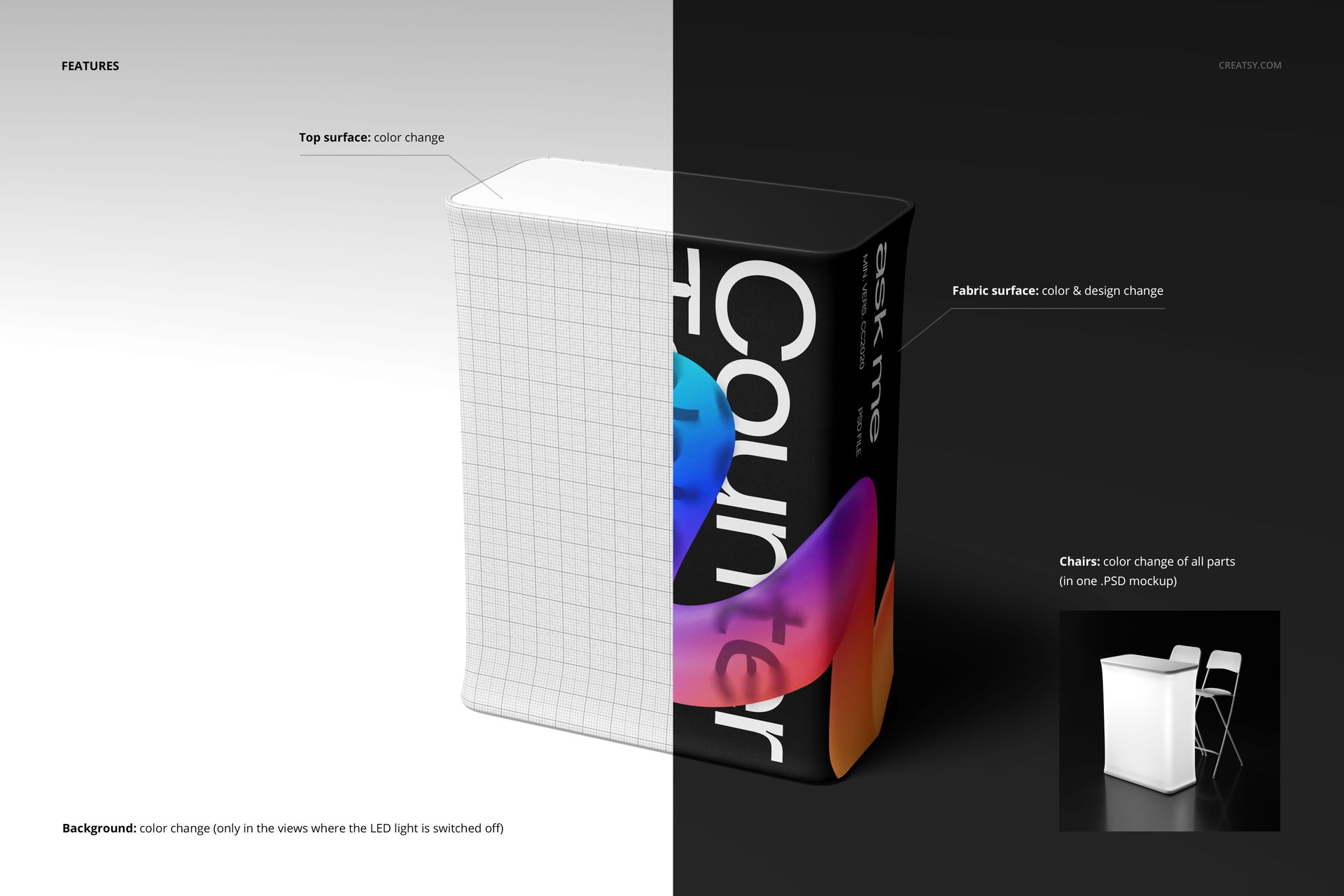
The counter table panel graphics are applied through smart object layers. Double-click the smart object, paste your design, save, and the main canvas updates with your artwork displayed as a glowing LED backlit graphic with realistic light diffusion and color saturation. The illumination effect automatically adapts to your design colors, so darker artwork glows differently than bright, saturated graphics - just like real LED panels. Chair accent colors are adjustable to match your booth color scheme. Background lighting and environment can be fine-tuned through dedicated layers to simulate different venue conditions.
Who This Mockup Set Is For
This set serves exhibition and trade show designers visualizing branded booth elements for client approval. Event production companies use these renders in proposals to show clients how their LED counter displays will look on the show floor. Brand managers preview event activations, product launches, and experiential marketing setups before committing to fabrication costs. Display rental and exhibit companies showcase their LED counter table inventory on their websites and in sales materials. Retail brands planning in-store promotions and pop-up shop installations use the mockups to visualize illuminated point-of-sale counters in a realistic dark retail environment.
File Specifications
Format: 4 PSD files with organized smart object layers. Canvas: 2x 4000x6000 px (portrait) and 2x 6000x4000 px (landscape). Resolution: 300 DPI for presentations, print, and web. Compatibility: Adobe Photoshop CC 2020 or newer. Also works in Photopea. File size: 490.39 MB total.