ID: 2127520085 | Updated: Nov 4, 2026

Product Details

Pop Up Tent 5x5 Mockup

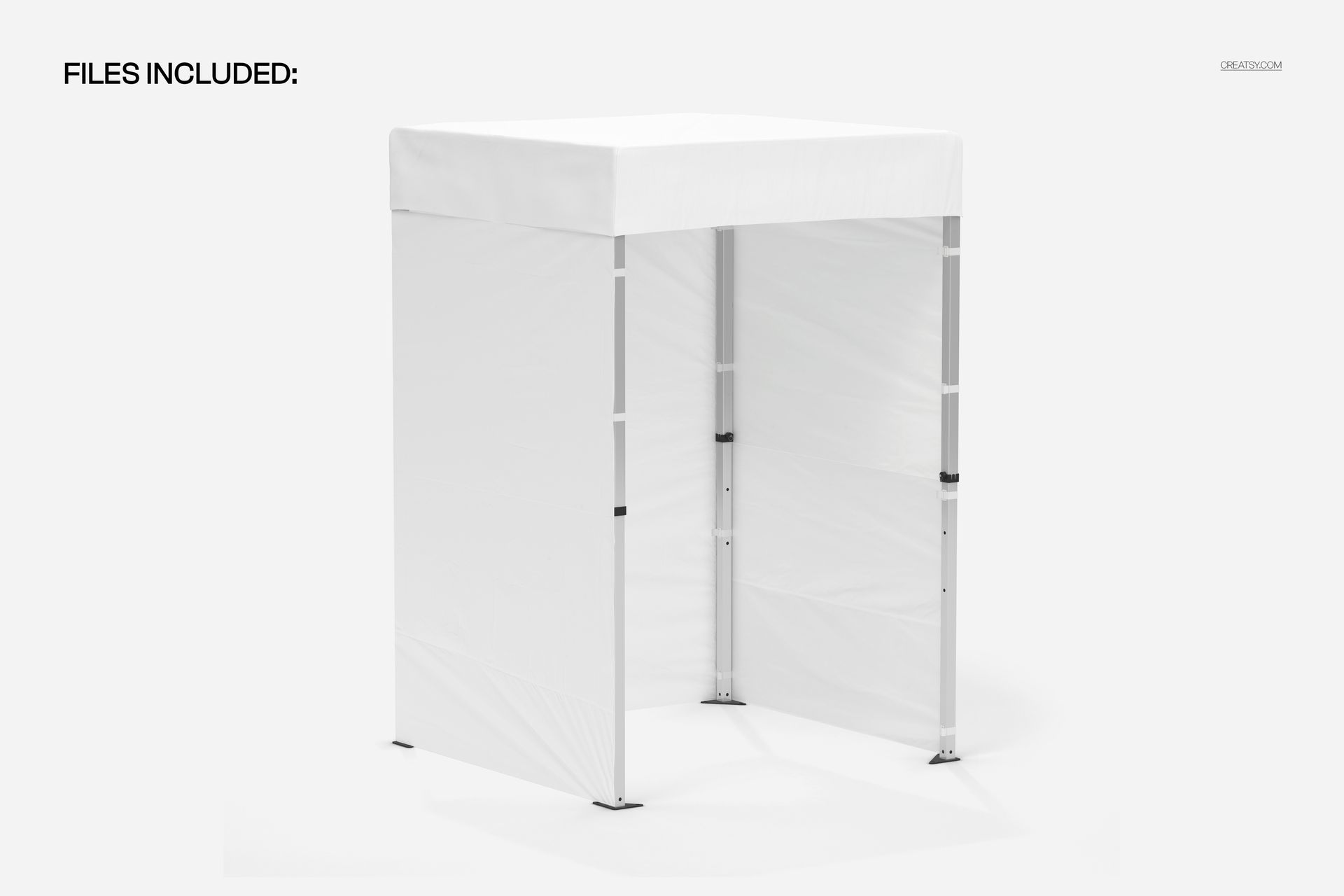
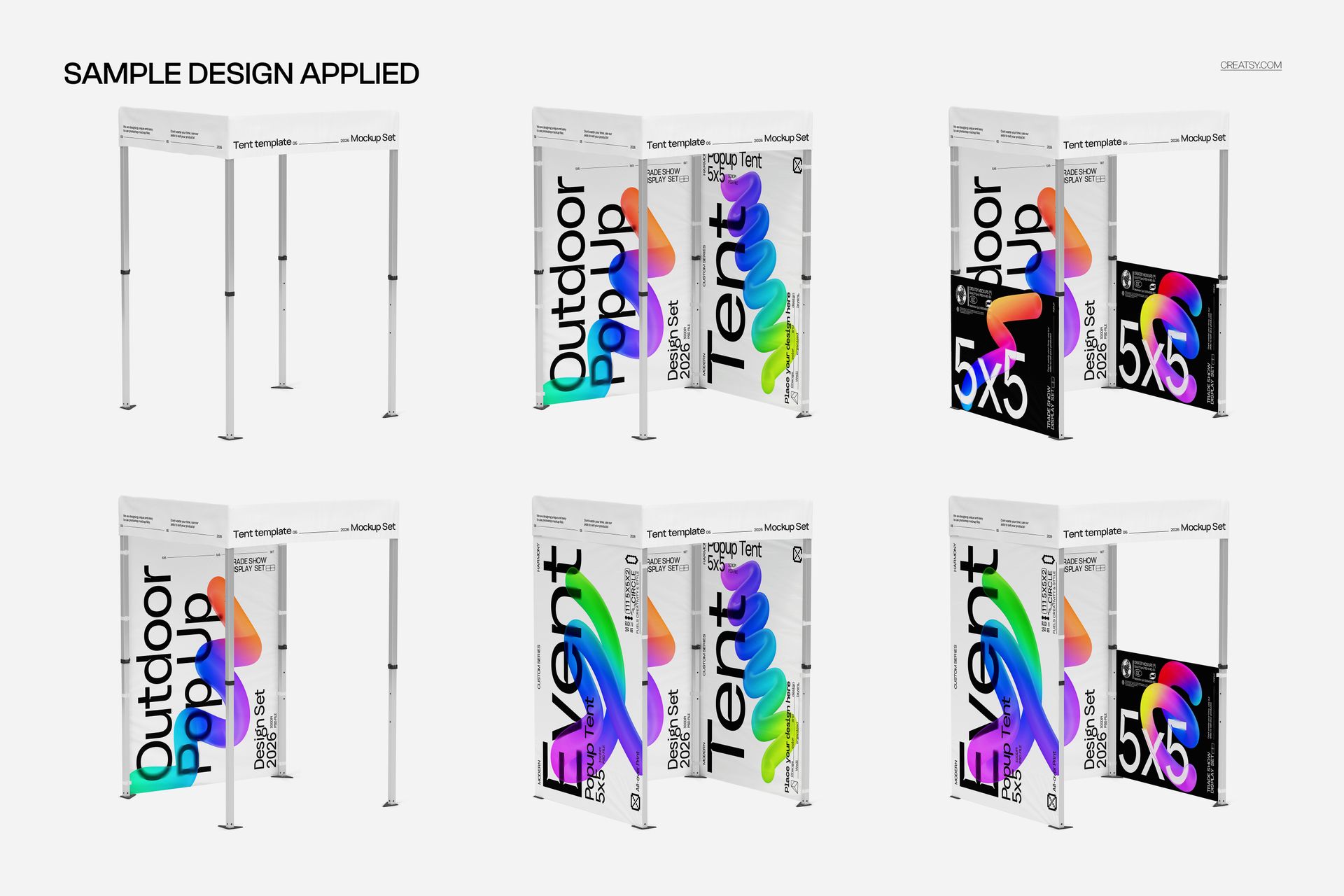
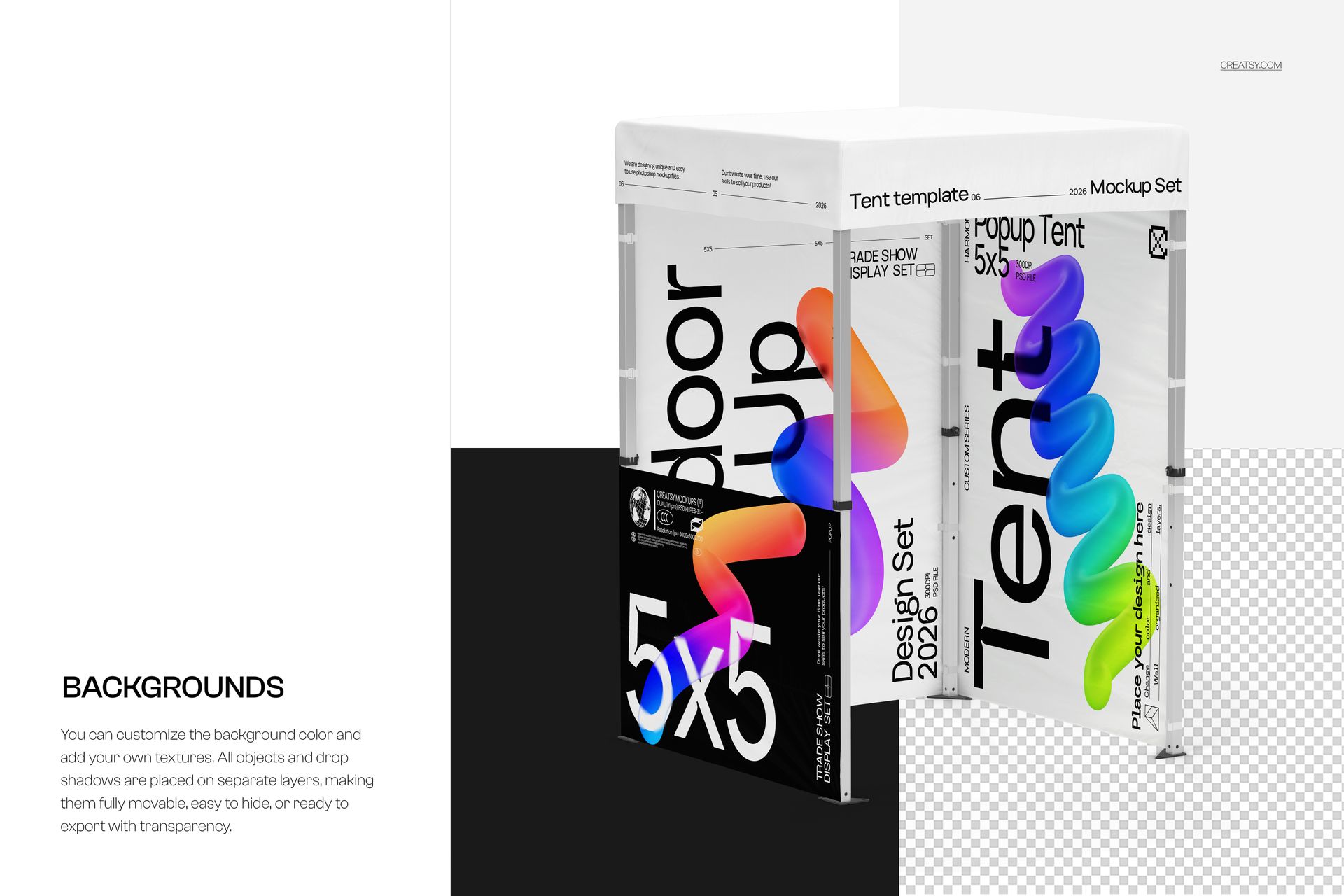
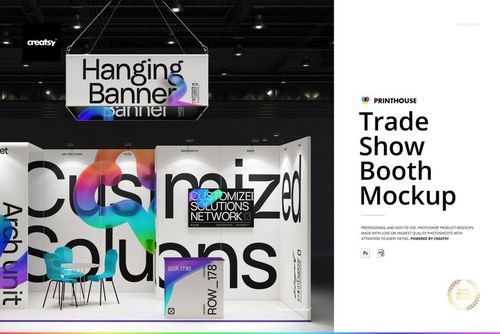
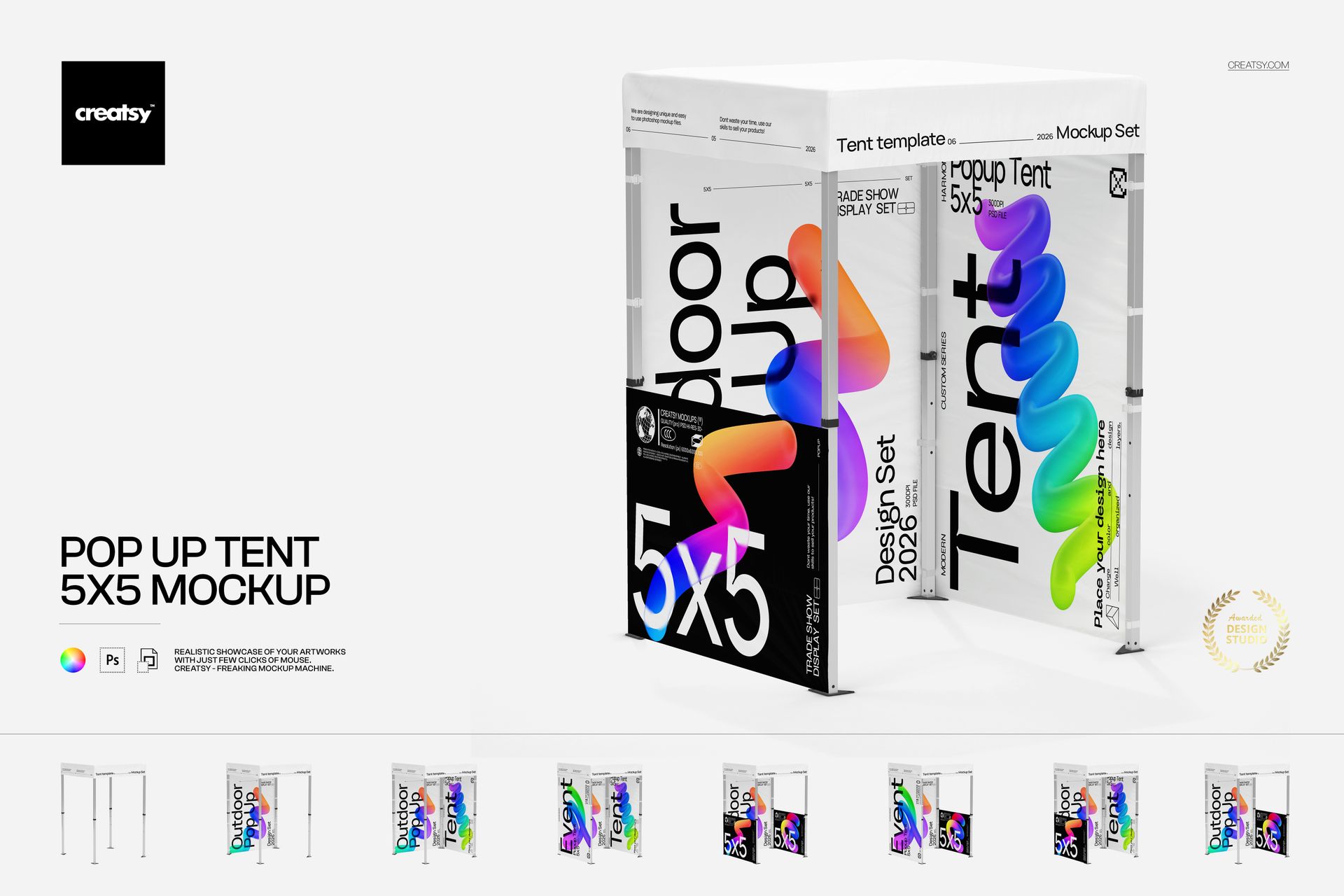
Present a compact 5x5 event stand with a straight top fascia and a choice of wall-panel arrangements. The corner view shows graphics on two sides, making it useful for comparing tall panels, half-height panels and an open frame within one composition.

Create a compact branded display

Apply your logo, typography, illustrations or patterns through Smart Objects and coordinate the surface colors. The gallery shows an open structure and different combinations of full and half-height panels, letting you explore how much branding to show around the stand.

Objects and drop shadows are on separate layers, so you can move or hide elements. Change the background color, add your own texture or export with transparency for an event proposal, promotional display concept or portfolio image.

What is included

  • 1 layered PSD mockup, 6000 × 6000 px at 300 DPI.

  • 1 JPG preview.

  • Compatible with Adobe Photoshop CS6 or later and Photopea.

Digital mockup files only. No physical products are included. The sample artwork shown in the previews is not included; add your own designs.

File details

Compatibility
PhotopeaAdobe Photoshop
Package size
102 MB102 MB|107 MB107 MB
Files type
.psd, .jpg
Files size
6000x6000
FREE MOCKUPS

MEET THE SHOP

Creatsy logo

Creatsy

Poland
4.8 (716)

Bring your ideas to life.

We're a family-run studio in Katowice, Poland, making PSD mockups by hand since 2016. Everything in this shop starts in our own studio. We shoot the photography, build the 3D, and put together every Smart Object PSD ourselves - then we test it, organize the layers, and only ship it once it actually works...
GO TO SHOP

HOW IT WORKS

3 clicks. That's it.

No tutorial needed. If you can copy-paste, you can use this.

  1. 1OpenDouble-click the smart object inside the PSD - in Adobe Photoshop, or free in your browser with Photopea.
  2. 2PasteDrop in your pattern, print, or artwork. Any design, any style.
  3. 3SaveHit save and the mockup wraps it in for you - shadows, folds, and lighting included.

FROM IDEA TO IMAGE

Built for real workflows

Skip the photo shoot Show your artwork on the real product type for approvals or listings - no studio, no model, no sample.

See it on the product, not a swatch Drop your file into the smart object and the scene's lighting and folds wrap around it, so you judge the real thing before you commit.

Smart Objects

Edit once and you're done. Your artwork drops into a smart object and the mockup updates itself - no masking, no warping by hand.

Perfectly Organized

Named layers and folders you can actually navigate. Find what you need, change what you want, and get out fast.

Print-Ready

High-resolution files built to hold up on screen and in print. Exact size and DPI are in this product's Details above.