Jacquard Fringed Woven Throw Blanket Mockup Set v.7
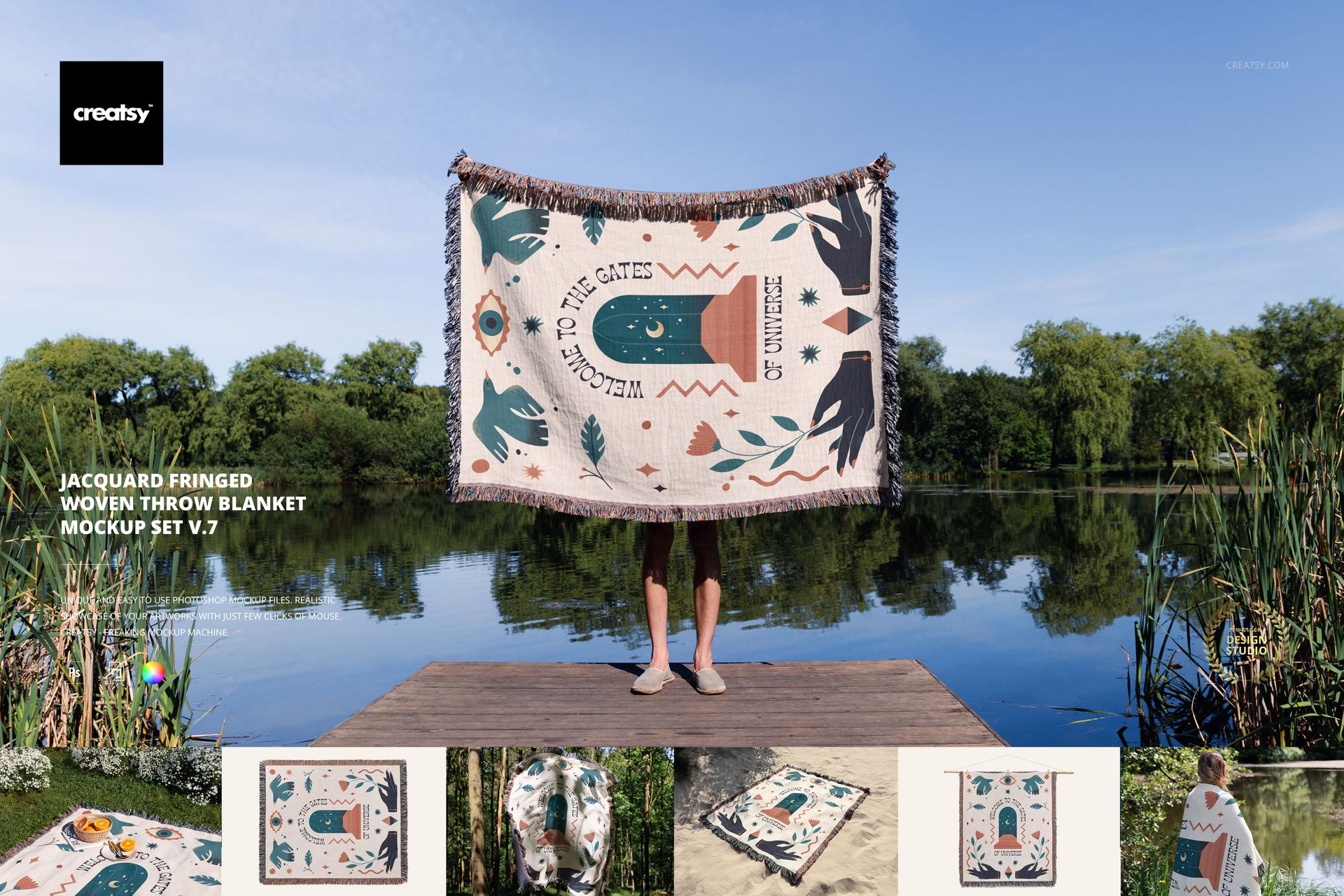
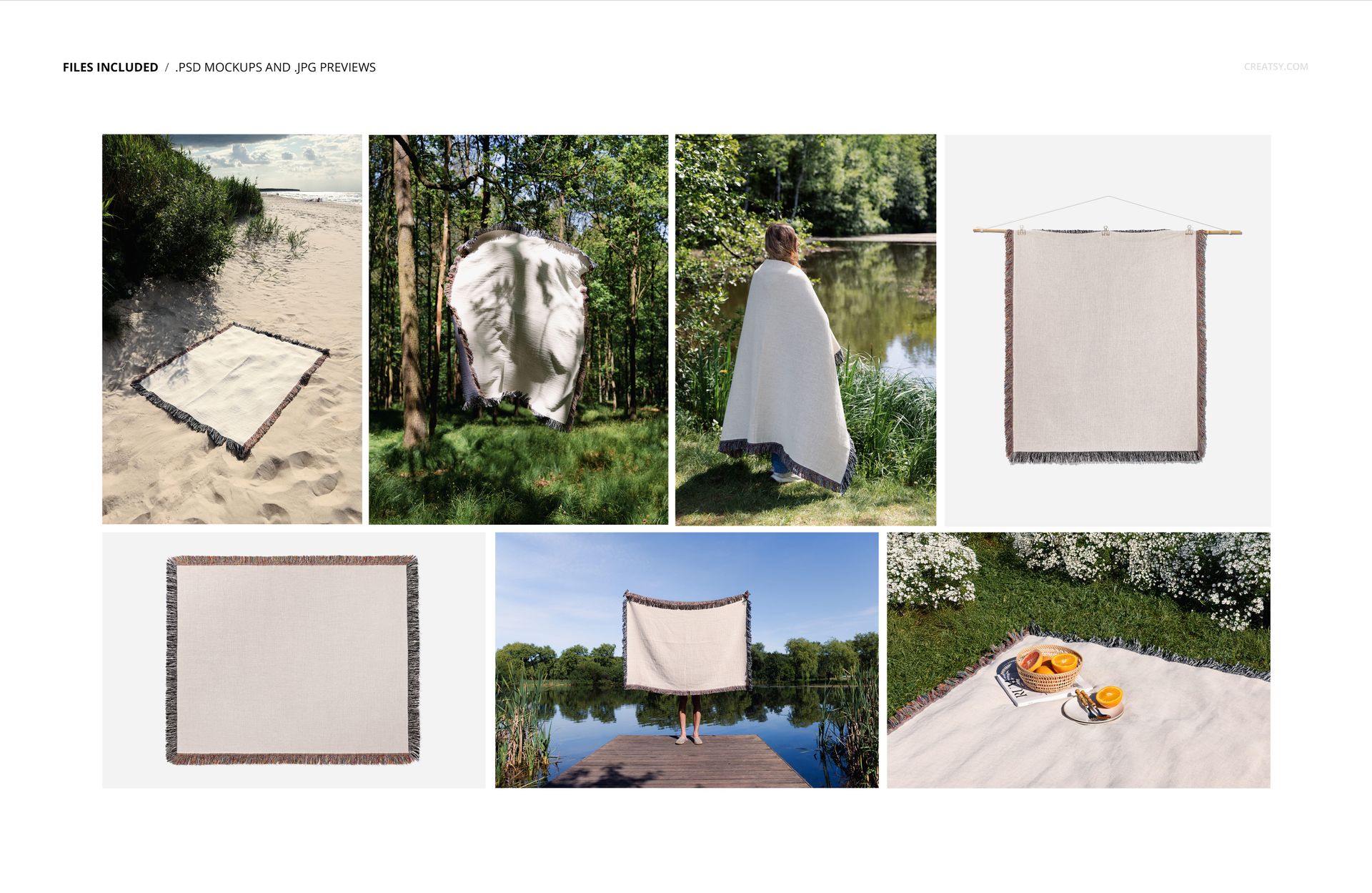
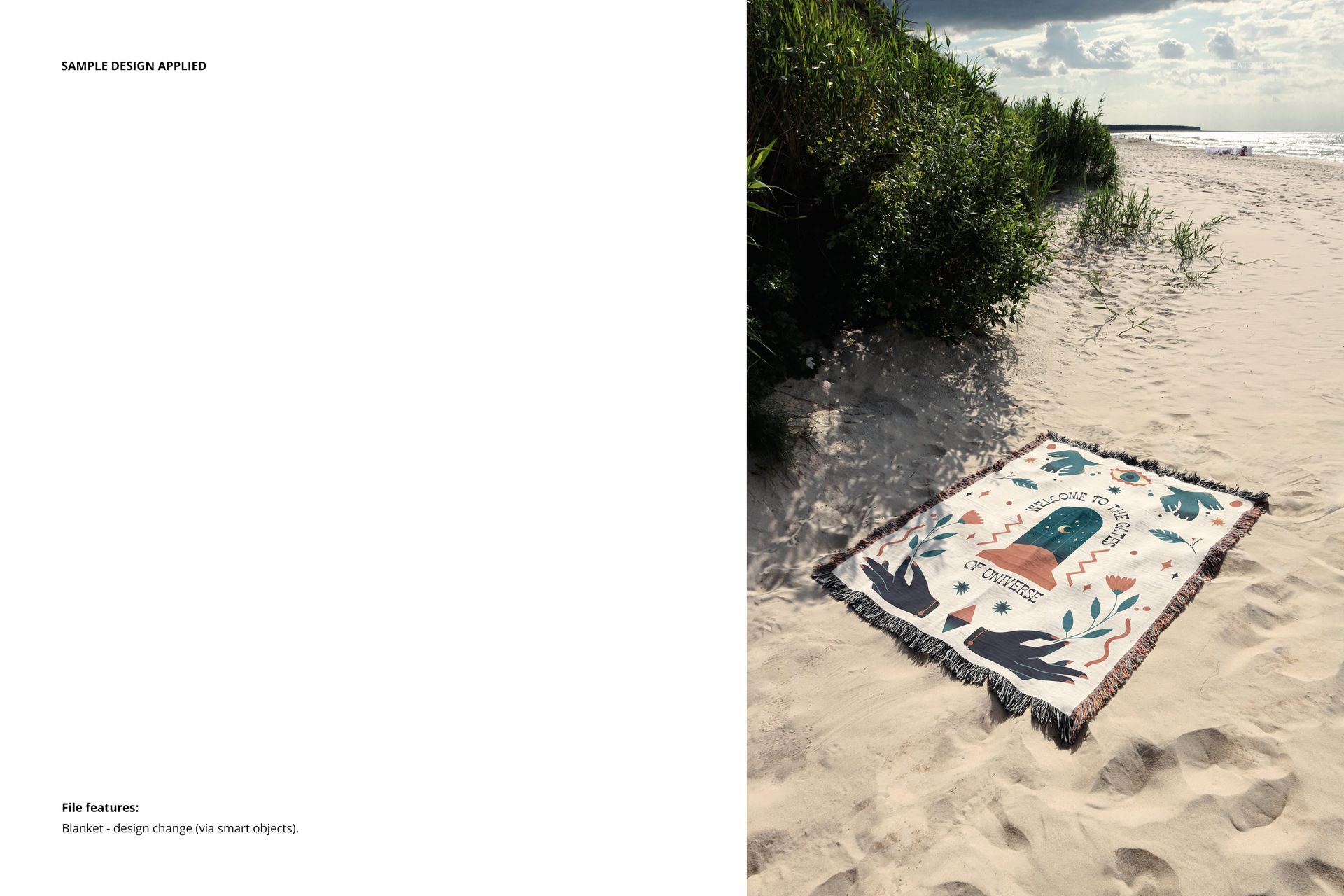
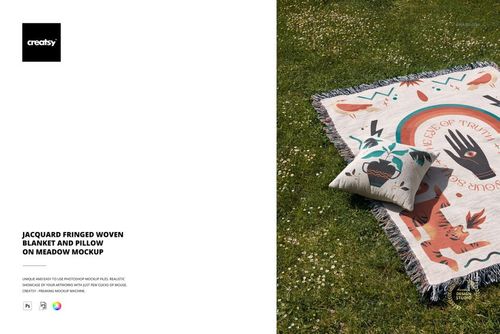
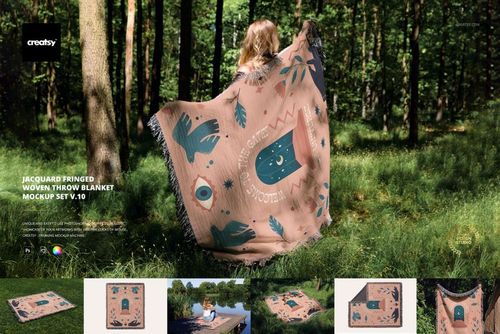
Do you miss the golden days of summer picnics, quiet forest walks, or cozy lakeside escapes? This mockup set captures all of that seasonal nostalgia in one beautifully versatile collection. The Jacquard Fringed Woven Throw Blanket Mockup Set v.7 includes 7 professionally photographed PSD files that showcase the blanket in a variety of natural and serene settings – from a sandy beach and grassy field to peaceful woodland and still lake views.
Scenes That Tell a Story
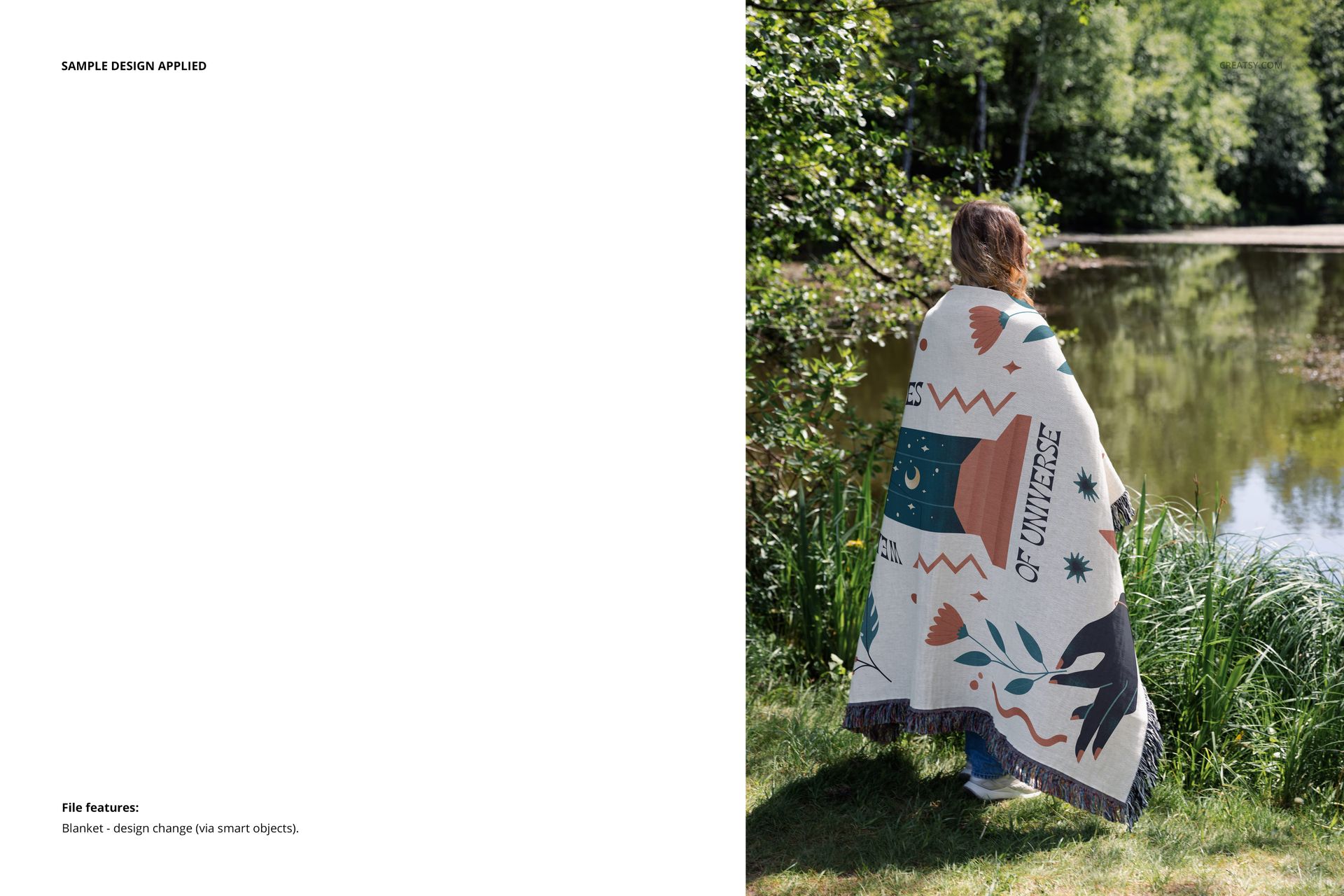
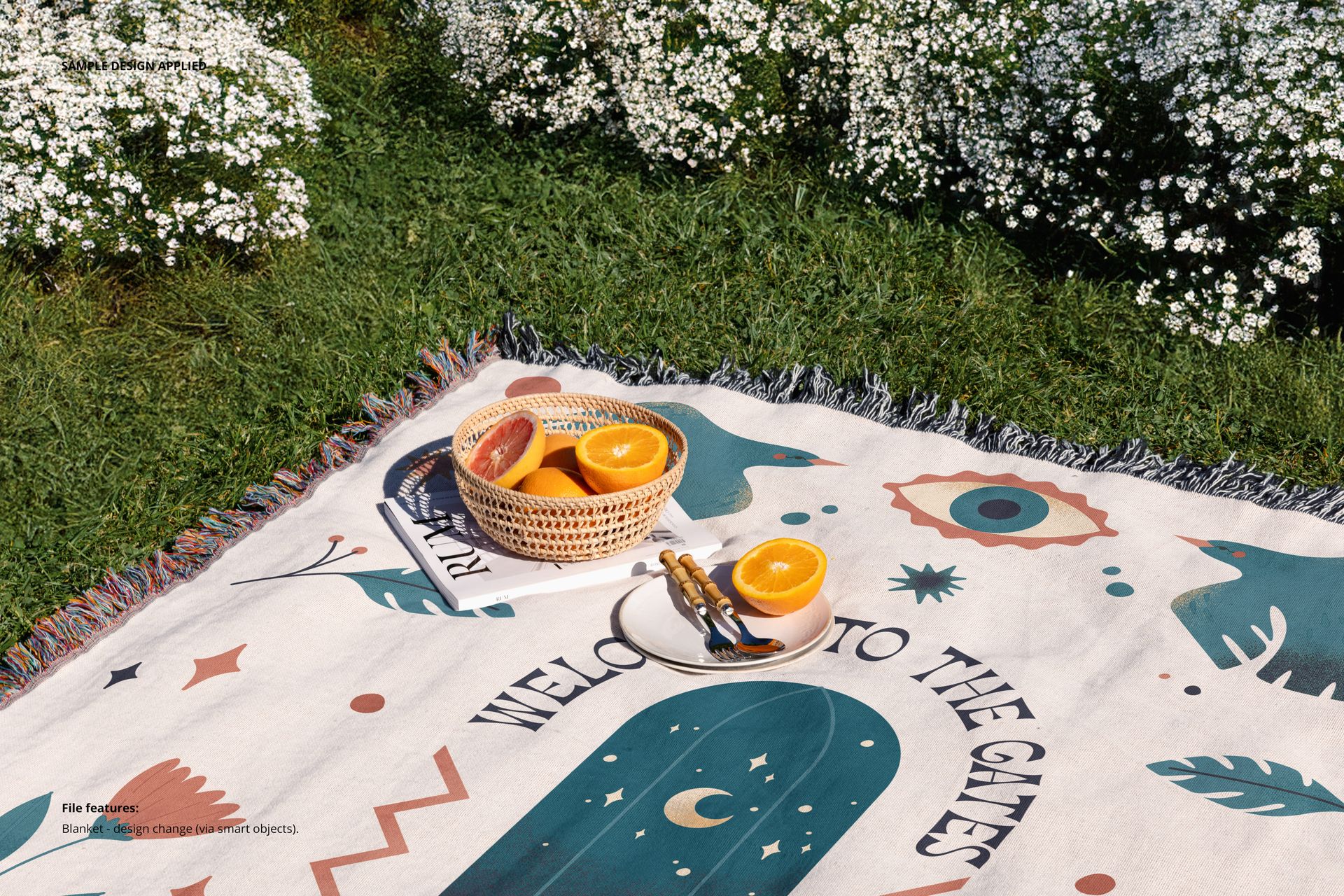
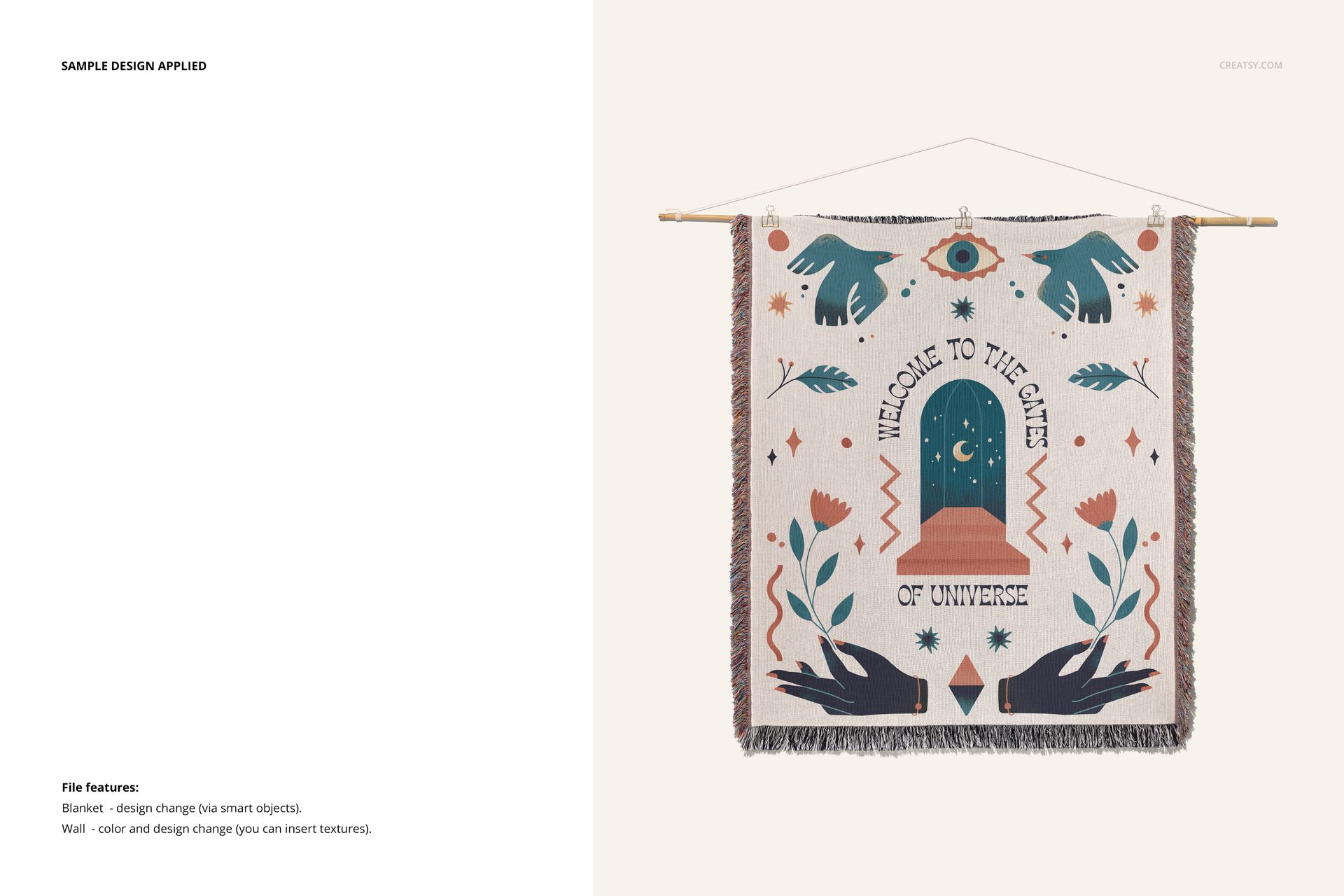
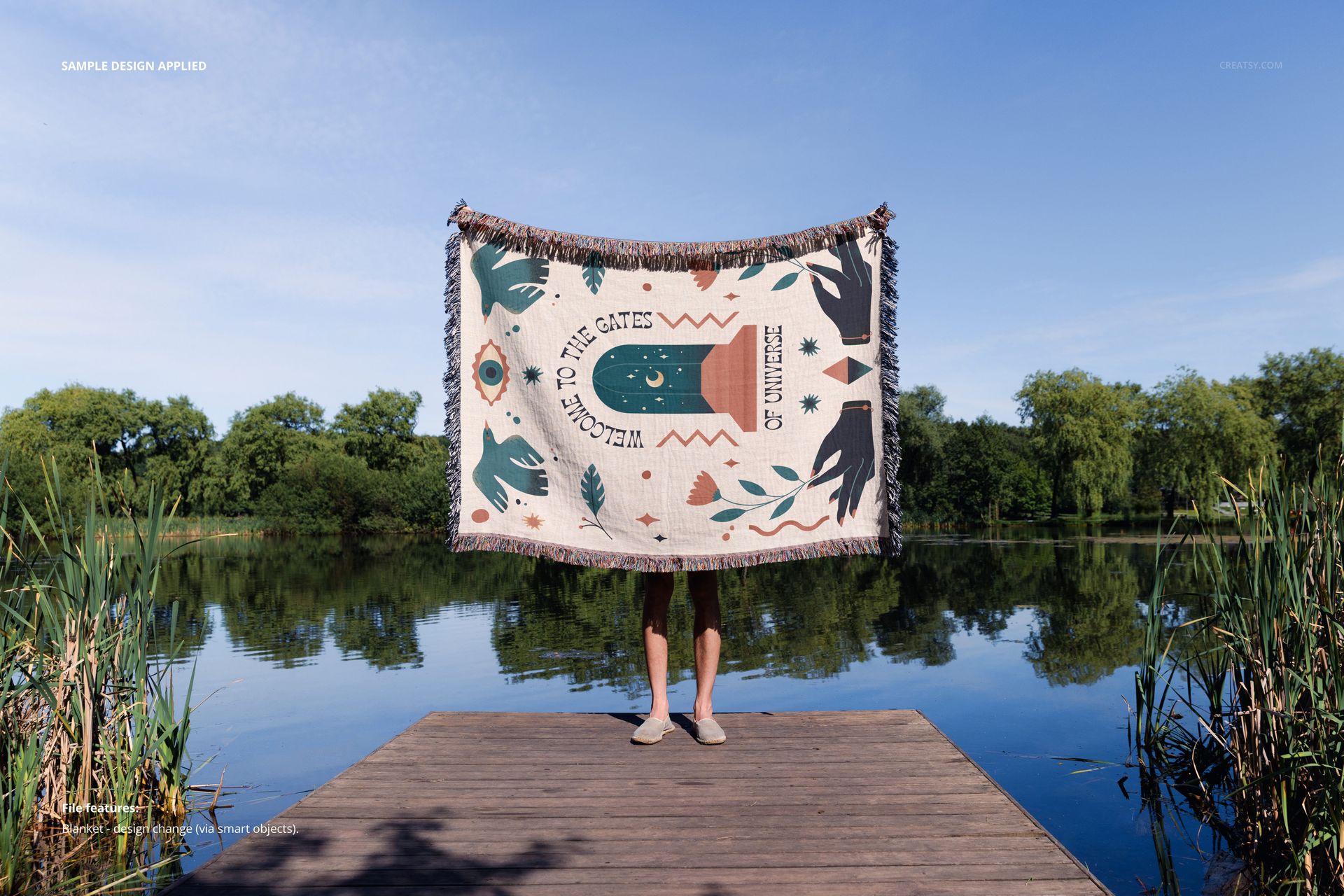
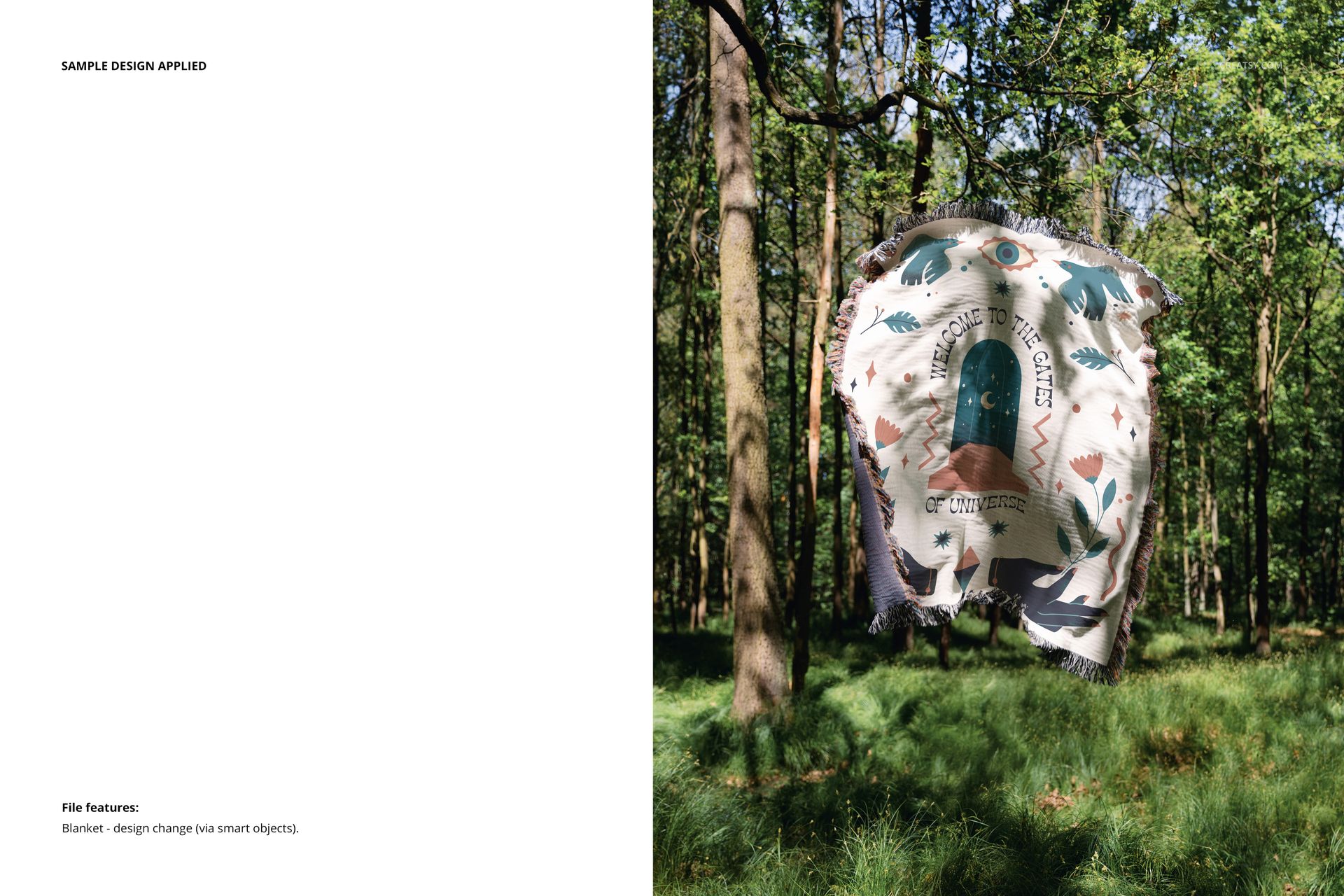
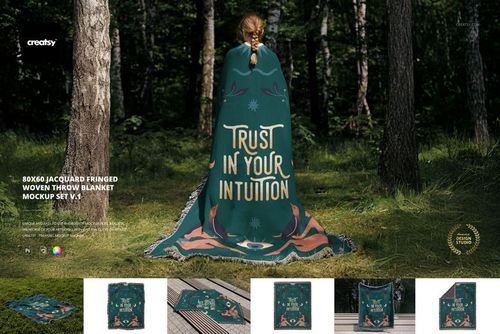
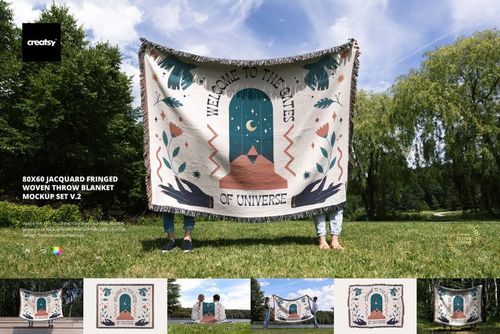
Each mockup invites you into a different moment: a model wrapped in the blanket at the edge of a lake, a solitary picnic laid out with fruit and a book, a floating throw suspended in forest air, and a dramatic scene of the blanket hanging on a wall like woven art. And for more controlled presentations, there are also clean studio shots – perfect for highlighting fine details and textures in your design.
Custom Made for Pattern Designers
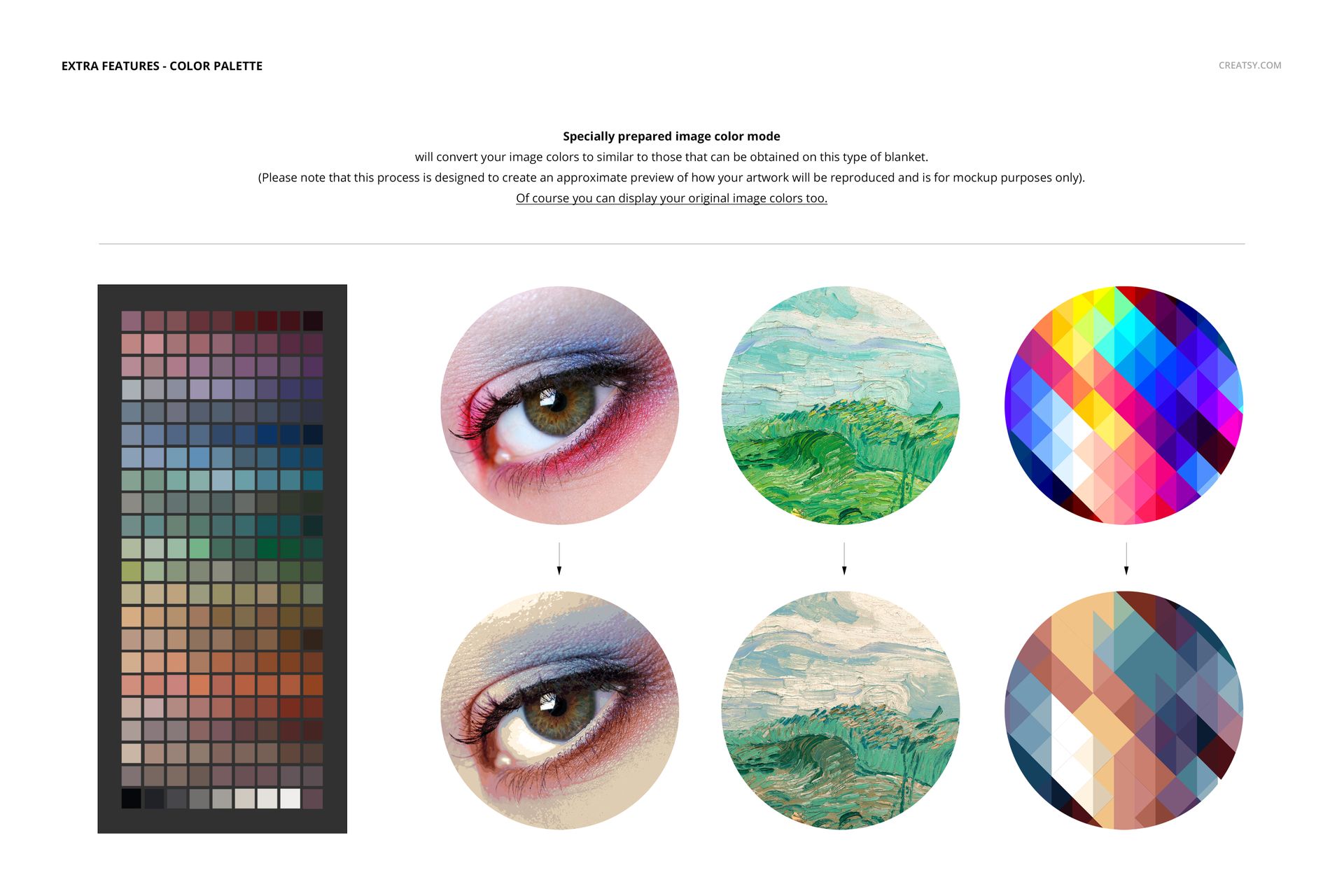
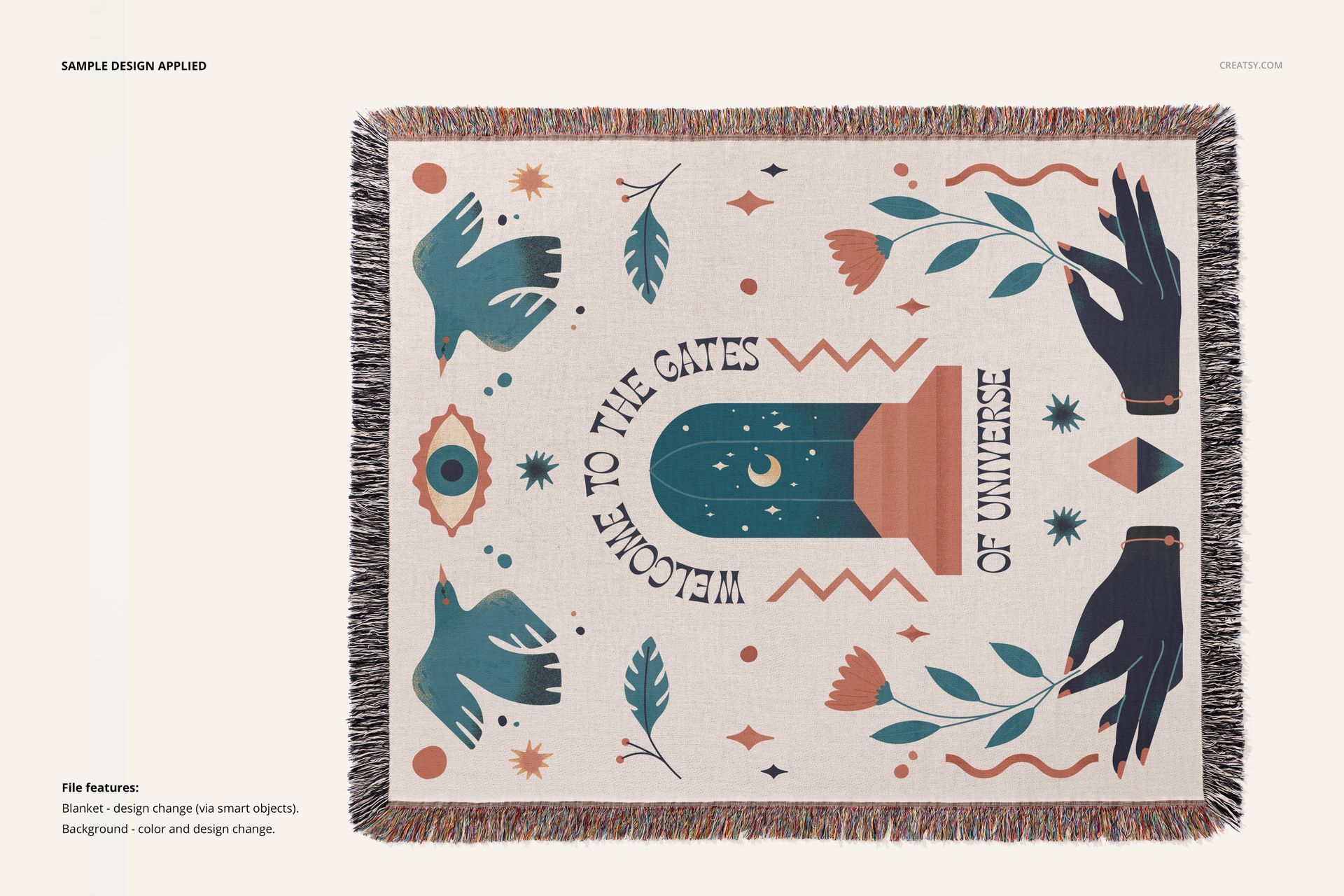
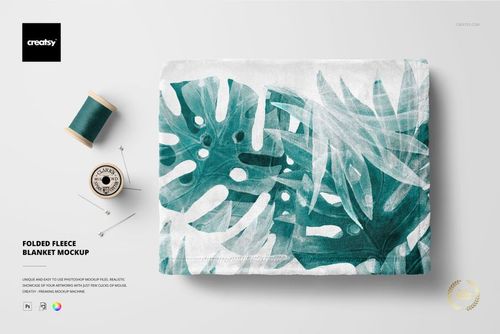
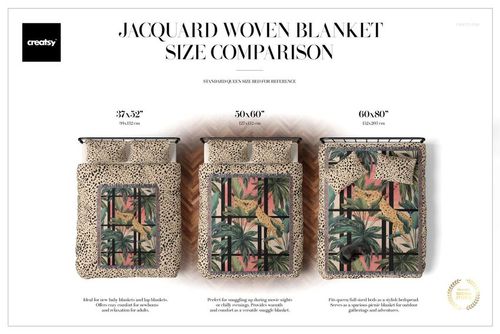
The blanket surface is fully editable, allowing you to apply your own textile design, pattern, or artwork seamlessly. You can easily change the fringe color and use the Image Color Mode feature for precise color matching and natural lighting. Want even more flexibility? Customize the studio backgrounds with your preferred wall color, textures, or decorative styling – ideal for presenting interior concepts or launching seasonal product mockups.
Files work only in Photoshop (min. version CC2020) and in free online editor: Photopea.com;
Pack includes 7 .psd files: ~6000x4000 px, 300dpi;
Check screenshots for all the features;
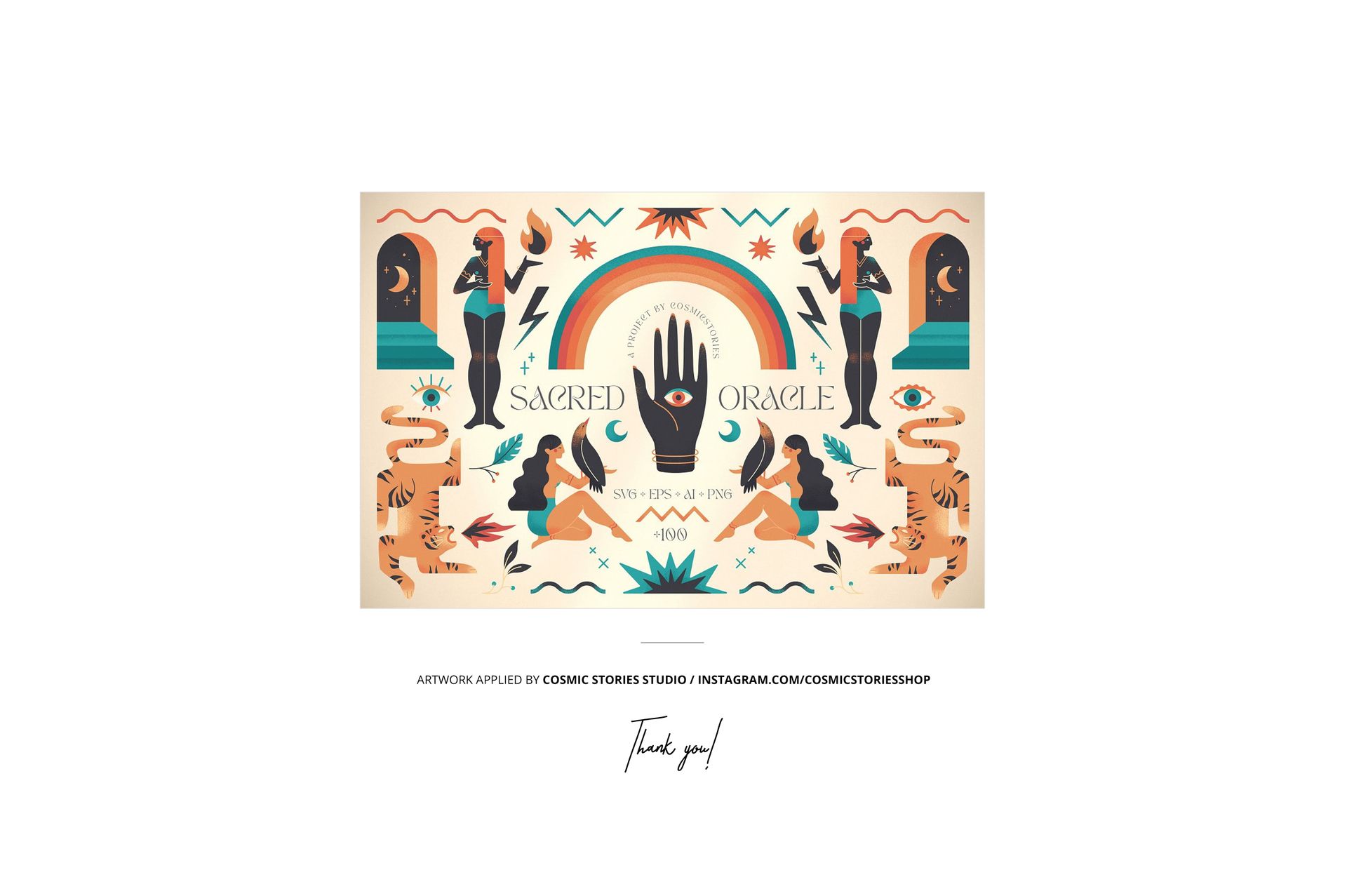
Design applied on mockups by Cosmic Stories Studio: instagram.com/cosmicstoriesshop (not included in the main zip file);
Well organized layers.