ID: 2120087893 | Updated: Dec 19, 2025

Product Details

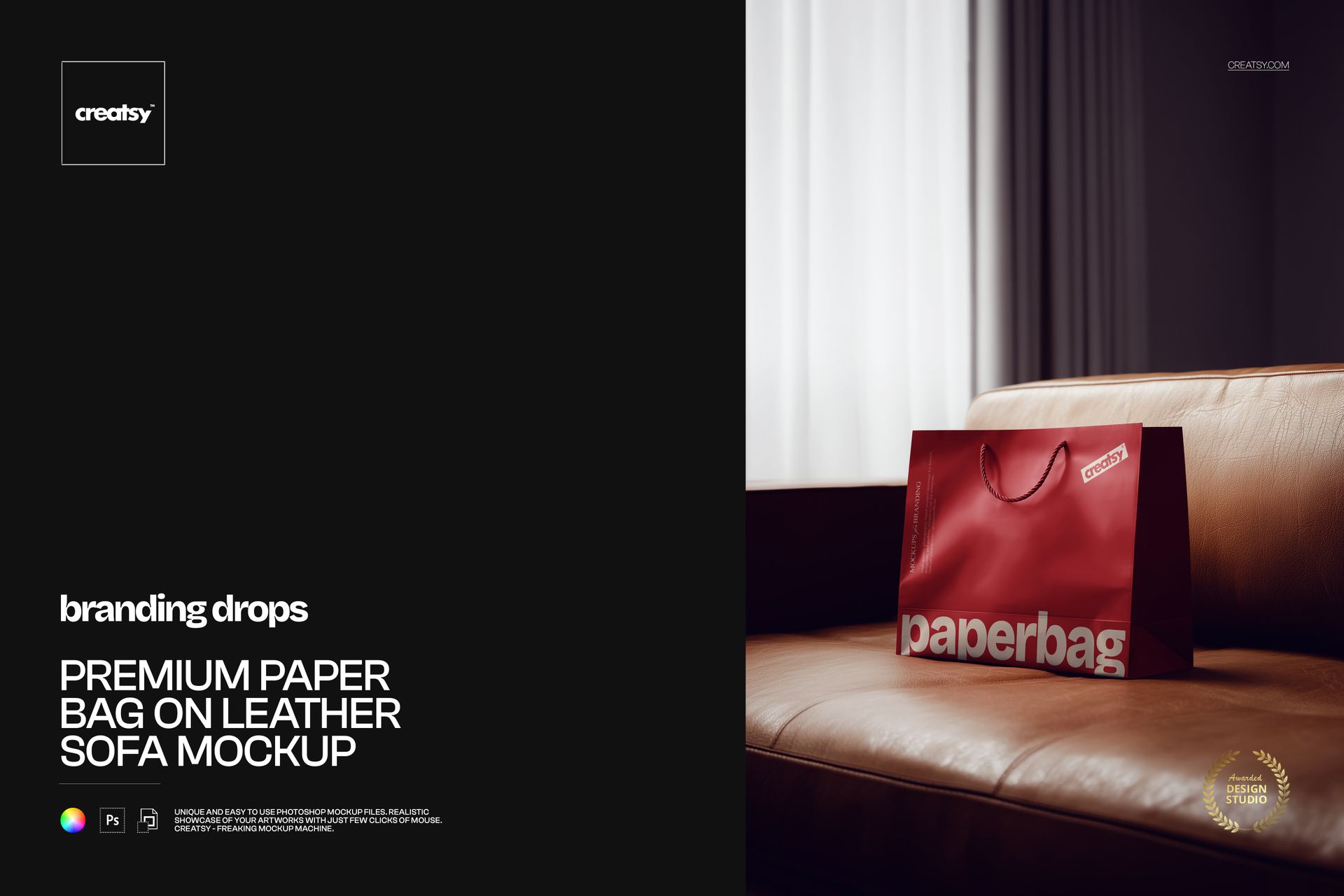
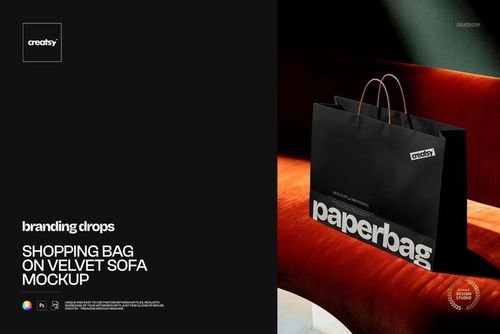
Premium Paper Bag on Leather Sofa Mockup

Some packaging visuals look like technical previews. This one feels like a finished campaign.

The Premium Paper Bag on Leather Sofa Mockup places your retail bag design in a warm, thoughtfully styled interior. Resting on a light brown leather sofa beside sheer curtains, the bag is surrounded by soft daylight and tactile materials that give the scene a calm, premium atmosphere.

The result is polished without feeling overly staged. It works beautifully for fashion boutiques, beauty brands, jewelry stores, homeware businesses, premium stationery shops and lifestyle labels that want their packaging to feel considered, modern and desirable.

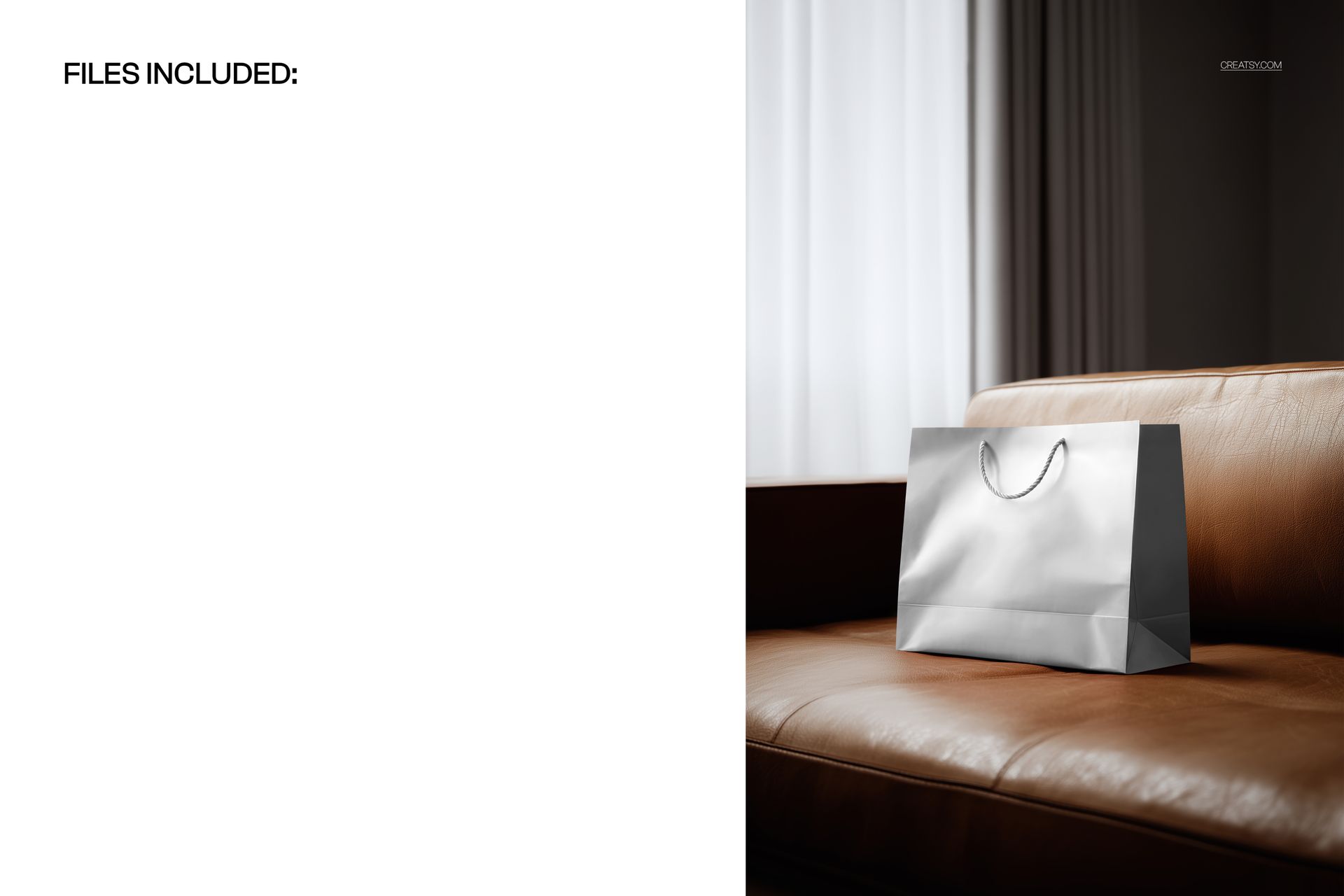
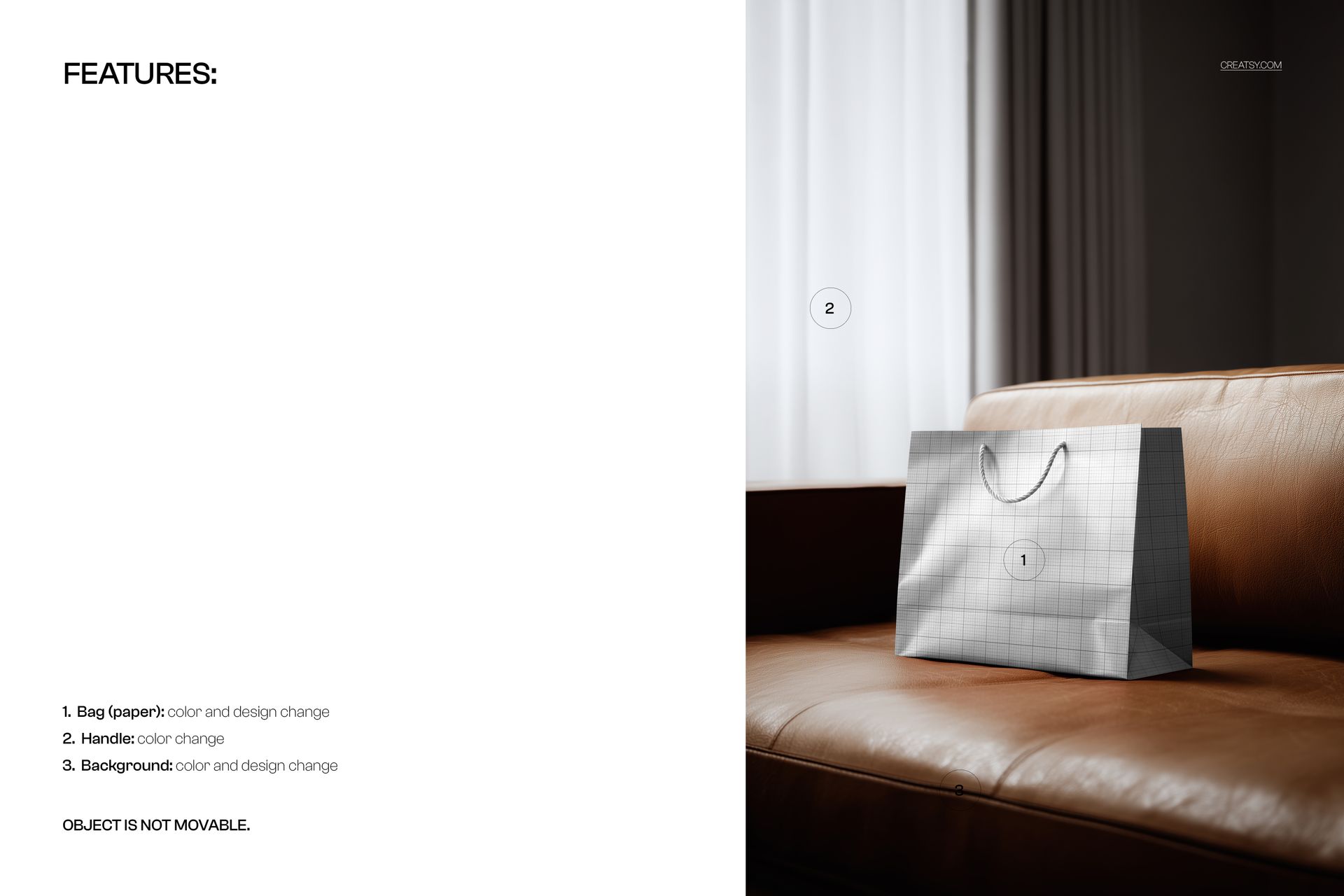
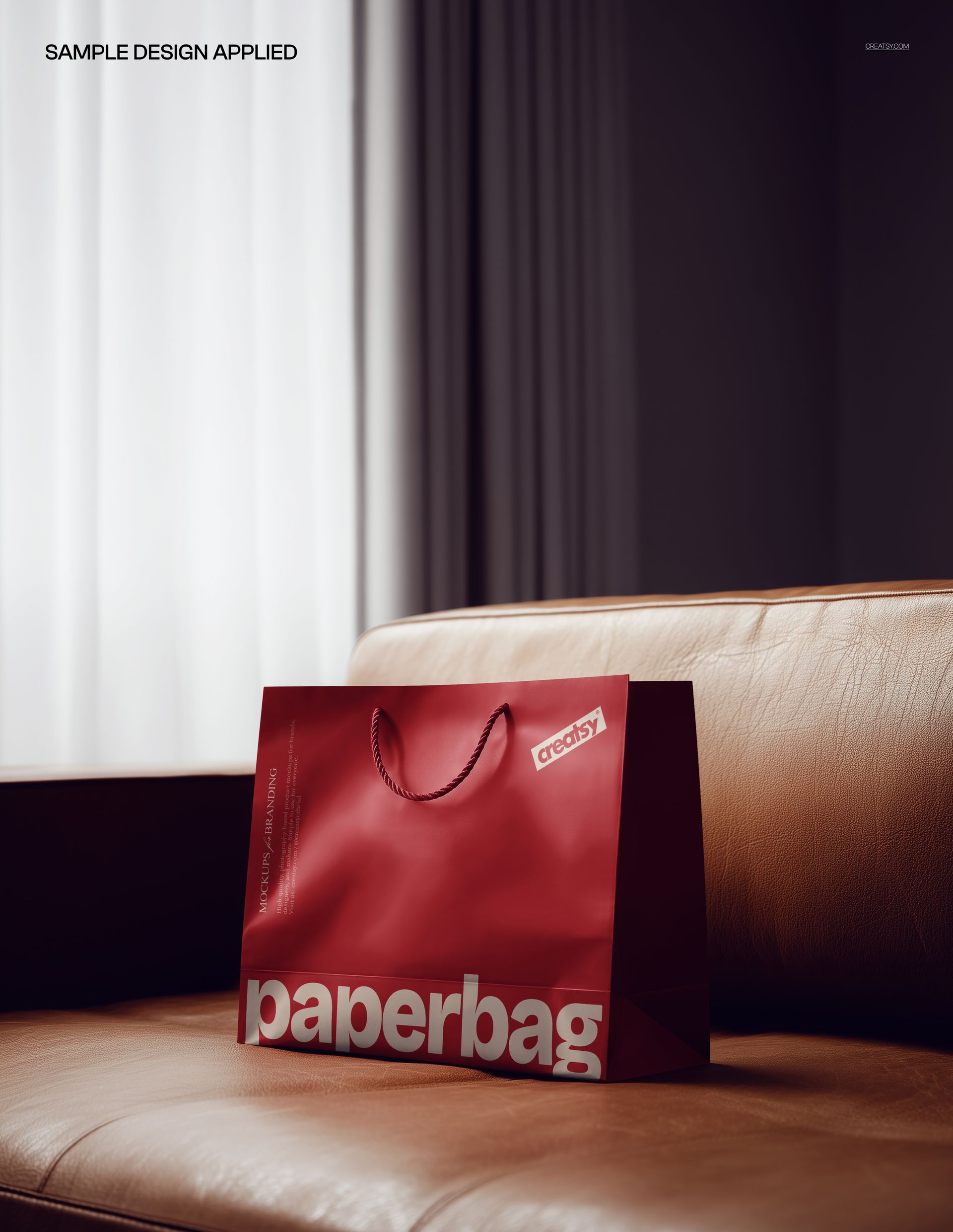
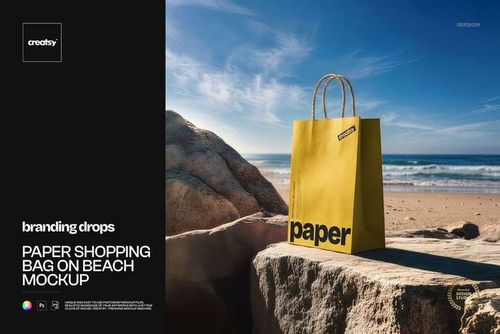
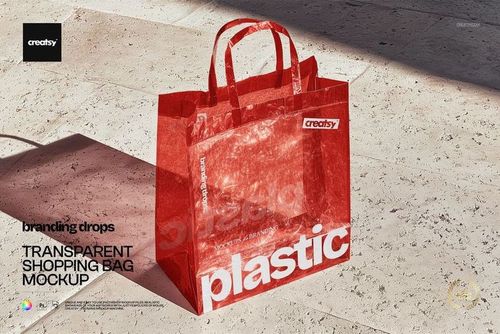
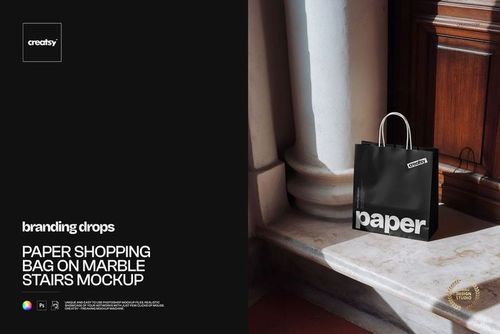
The preview gallery demonstrates several visual directions, including a silver bag, a clean grid-based design and a glossy red treatment with bold typography.

A Softer Approach to Luxury Packaging

Luxury does not always need dramatic shadows or a dark studio background. Sometimes it is communicated through natural materials, quiet lighting and a scene that feels comfortable and lived in.

The leather sofa adds warmth and texture, while the light filtering through the curtains creates a subtle editorial quality. This makes the mockup especially useful for brands that want to appear premium but still approachable.

Use it for:

Fashion and accessory packaging
Beauty and skincare retail bags
Jewelry boutique branding
Premium homeware collections
Independent lifestyle brands
Stationery and gift shops
Limited edition launches
Seasonal retail campaigns
Luxury logo presentations
Brand identity case studies

The interior setting helps your packaging feel like part of a wider customer experience rather than an isolated object.

Keep the Bag at the Center of the Story

Lifestyle scenes can easily become crowded, but this composition remains focused on the paper bag.

The sofa and curtains provide context without competing with the artwork. Your logo, pattern, illustration or typography remains easy to see, while the surrounding environment adds a sense of quality and scale.

This balance makes the mockup suitable for both minimal branding and more expressive designs. Try it with a small centered logo, oversized typography, a repeating pattern, metallic-inspired artwork, bold color blocking or an elegant monogram.

Designed for Retail and Brand Campaigns

This mockup can support more than a packaging presentation. It can become a complete marketing visual for a new collection or brand launch.

Use the final image as:

A website hero graphic
An Instagram campaign post
A Pinterest product visual
A newsletter banner
A portfolio cover
A client presentation slide
An ecommerce branding image
A launch announcement
A packaging design case study
A seasonal retail campaign asset

The scene has enough personality to work as a campaign image while remaining versatile enough for different brands and design styles.

Present Packaging Before Production

Printed samples can be expensive and time-consuming, especially when a design is still being reviewed. This mockup allows you to place the packaging concept into a realistic setting before ordering physical bags.

You can use it to compare logo placement, evaluate the balance of the design, test color directions or show several concepts to a client. It is also useful for preparing marketing materials while the final packaging is still in production.

Instead of presenting only a flat dieline, you can show how the branding may feel in a real retail environment.

Simple Smart Object Editing

Open the PSD in Adobe Photoshop or Photopea, double-click the Smart Object and paste in your design. After saving the Smart Object, the artwork appears within the original perspective, lighting and shadows of the scene.

The file uses organized layers and folders, so you can move through the mockup efficiently without manually masking or warping the artwork.

This workflow makes it easy to:

Test several branding directions
Compare different color palettes
Create multiple campaign images
Prepare client approval visuals
Build a cohesive packaging portfolio
Preview the design before printing

What You Can Showcase

Use this mockup to present:

Premium paper shopping bags
Boutique retail packaging
Luxury logo designs
Fashion store branding
Beauty and skincare packaging
Jewelry shop identity
Lifestyle brand packaging
Custom bag patterns
Typography-led packaging
Seasonal store bags
Limited edition packaging
High-end retail concepts
Client presentation visuals
Editorial brand campaigns

File Specifications

Product title: Premium Paper Bag on Leather Sofa Mockup
Category: Retail Bags & Reusable Shoppers
Part of Branding Drops Mockup Bundle
Pack includes 1 PSD file
2 files included in total
File formats: PSD and JPG
PSD dimensions: 5400x3600 px
Resolution: 300 DPI
Compatible with Adobe Photoshop CC2020 or newer
Compatible with Photopea
Smart Object editing workflow
Well organized layers

File details

Compatibility
PhotopeaAdobe Photoshop
Package size
139 MB139 MB|145 MB145 MB
Files type
.psd, .jpg
TEST FOR FREE

MEET THE SHOP

Creatsy logo

Creatsy

Poland
4.7 (665)

Bring your ideas to life.

We're a family-run studio in Katowice, Poland, making PSD mockups by hand since 2016. Everything in this shop starts in our own studio. We shoot the photography, build the 3D, and put together every Smart Object PSD ourselves - then we test it, organize the layers, and only ship it once it actually works...
GO TO SHOP

HOW IT WORKS

3 clicks. That's it.

No tutorial needed. If you can copy-paste, you can use this.

  1. 1OpenDouble-click the smart object inside the PSD - in Adobe Photoshop, or free in your browser with Photopea.
  2. 2PasteDrop in your pattern, print, or artwork. Any design, any style.
  3. 3SaveHit save and the mockup wraps it in for you - shadows, folds, and lighting included.

FROM IDEA TO IMAGE

Built for real workflows

Skip the photo shoot Show your artwork on the real product type for approvals or listings - no studio, no model, no sample.

See it on the product, not a swatch Drop your file into the smart object and the scene's lighting and folds wrap around it, so you judge the real thing before you commit.

Smart Objects

Edit once and you're done. Your artwork drops into a smart object and the mockup updates itself - no masking, no warping by hand.

Perfectly Organized

Named layers and folders you can actually navigate. Find what you need, change what you want, and get out fast.

Print-Ready

High-resolution files built to hold up on screen and in print. Exact size and DPI are in this product's Details above.