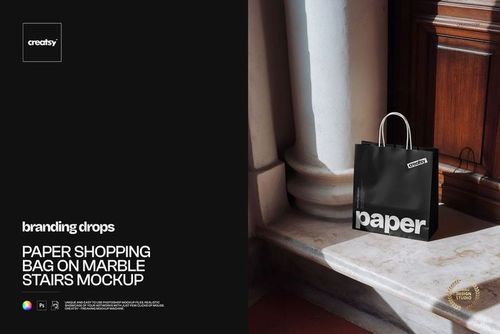
Paper Bag on Stone Stairs Mockup
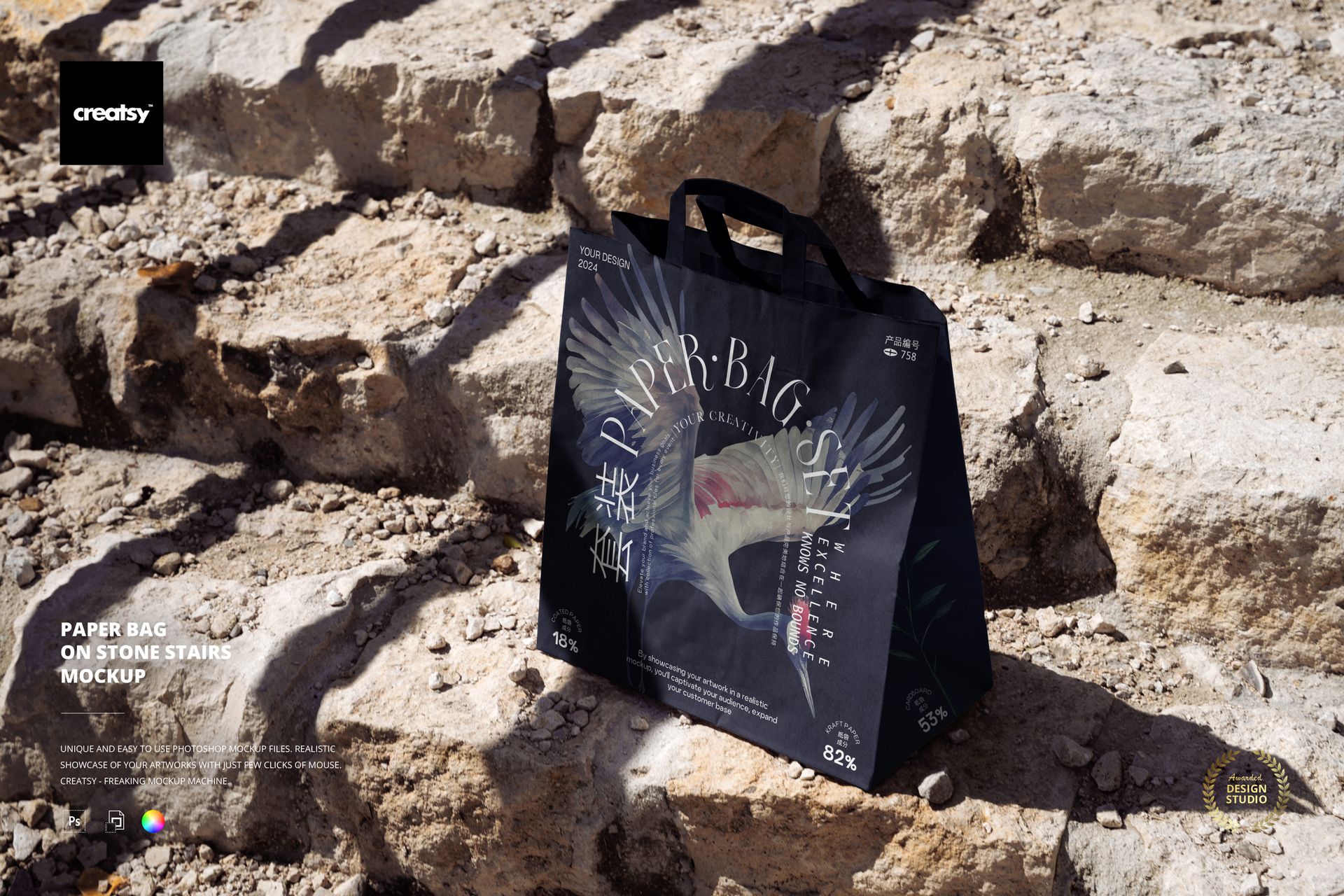
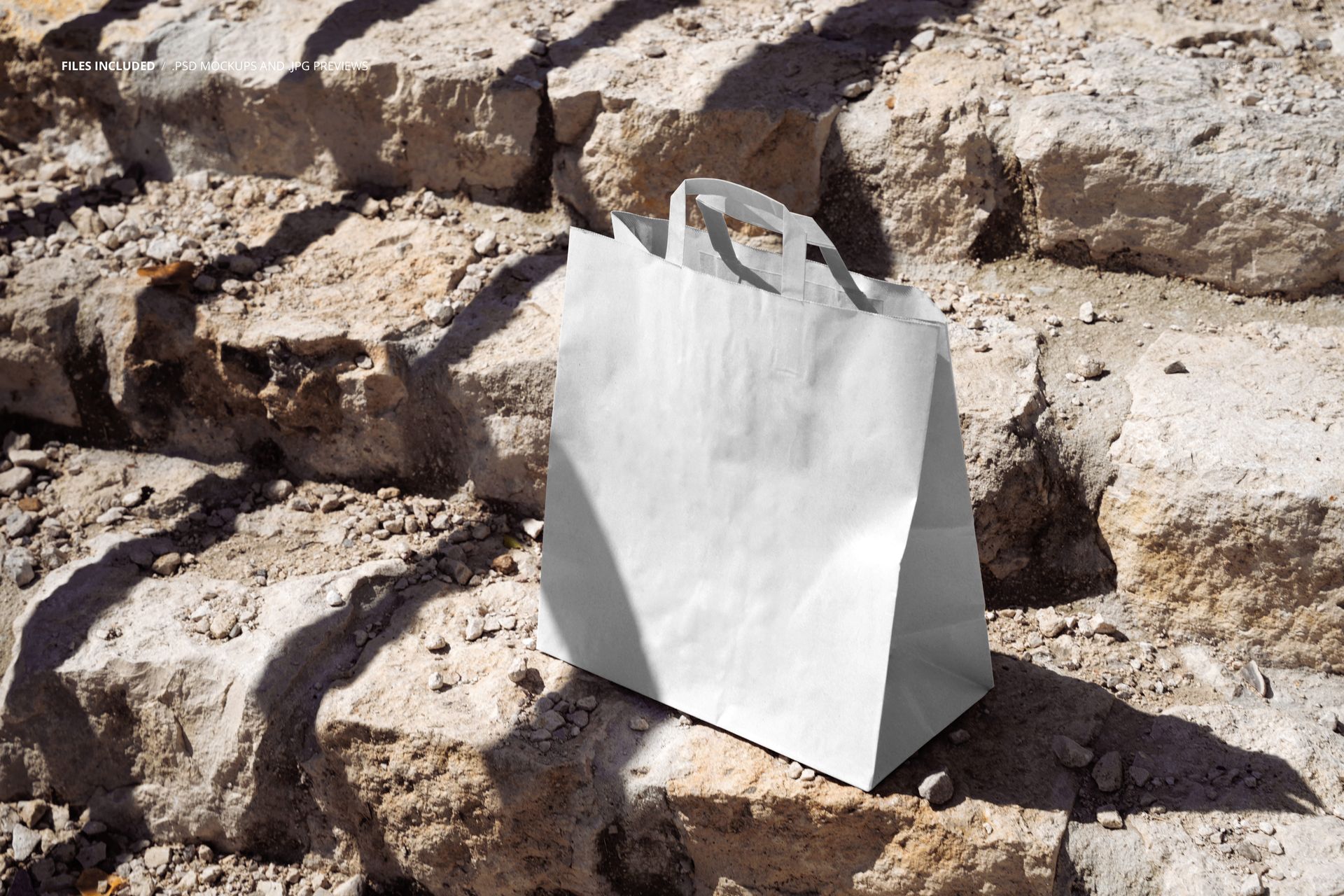
Place retail branding on a wide paper shopping bag with folded flat handles, standing upright on rugged pale stone stairs in direct outdoor light. The front three-quarter view reveals the main artwork panel, right side gusset, paper folds, and long cast shadows, giving a clean design a tactile architectural setting.
The contrast between the smooth bag surface and irregular steps helps teams assess logo scale, typography, pattern density, and color in a realistic lifestyle context. Use the scene for packaging approvals, brand presentations, portfolio case studies, online shop imagery, or campaign concepts.
What Is Included
1 layered PSD mockup at 6000 x 4000 px and 300 DPI
1 JPG reference preview at 6000 x 4000 px
2 files in total
123 MB for Windows and 129 MB for Mac
Direct Sunlight Reveals Material Detail
Strong directional light travels across the handles, front panel, and stone texture. It gives artwork a clear visual test in both bright and shaded areas while retaining the creases and side depth of the photographed paper bag.
Easy Smart Object Editing
Open the prepared Smart Object, insert your front-panel design, save it, and review the result in the scene. Organized layers support a focused workflow, and the bag color can be adjusted to compare brand colorways.
Perfect For
Boutique, cafe, restaurant, and takeaway identities
Logos, editorial typography, and packaging patterns
Client approvals and brand guideline examples
Portfolio, campaign, and online shop visuals
This is a digital mockup product. The sample artwork shown in the previews is not included.
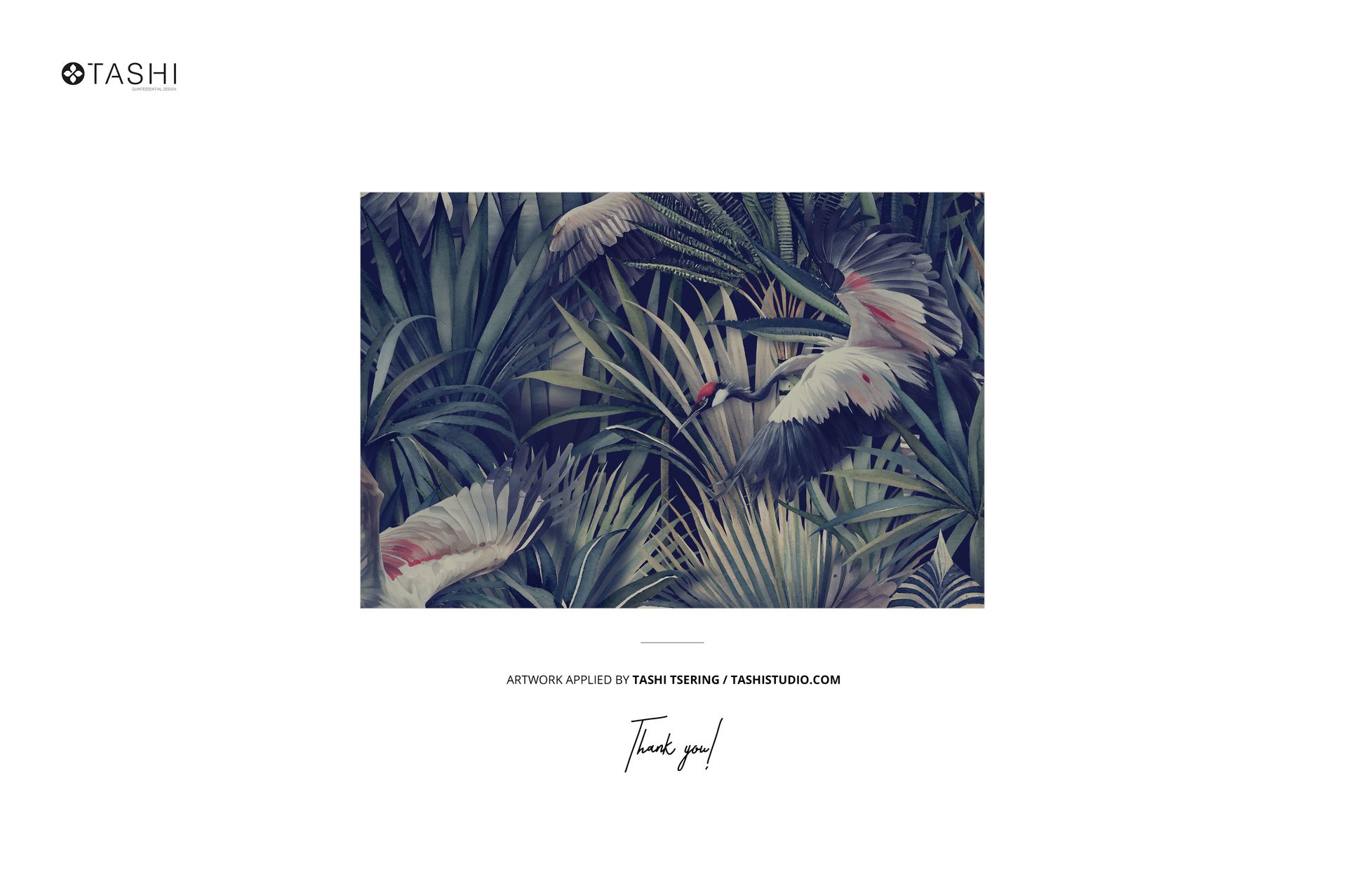
Preview Artwork Credit
The example design featured in the product previews is by Tashi Tsering of TashiStudio. The artwork is used for presentation purposes only and is not included with the mockup files.