Handheld Envelope with Sticker Mockup
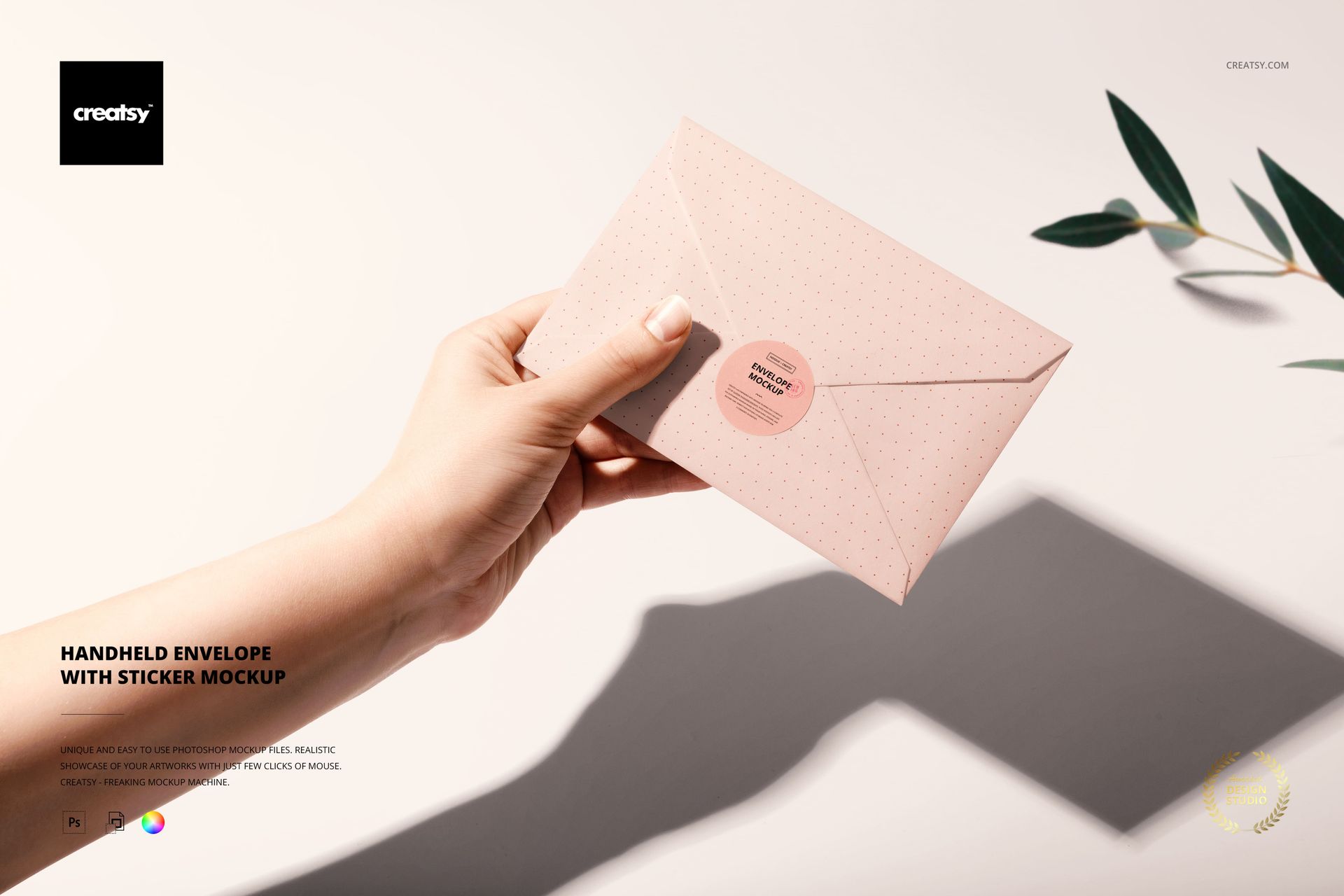
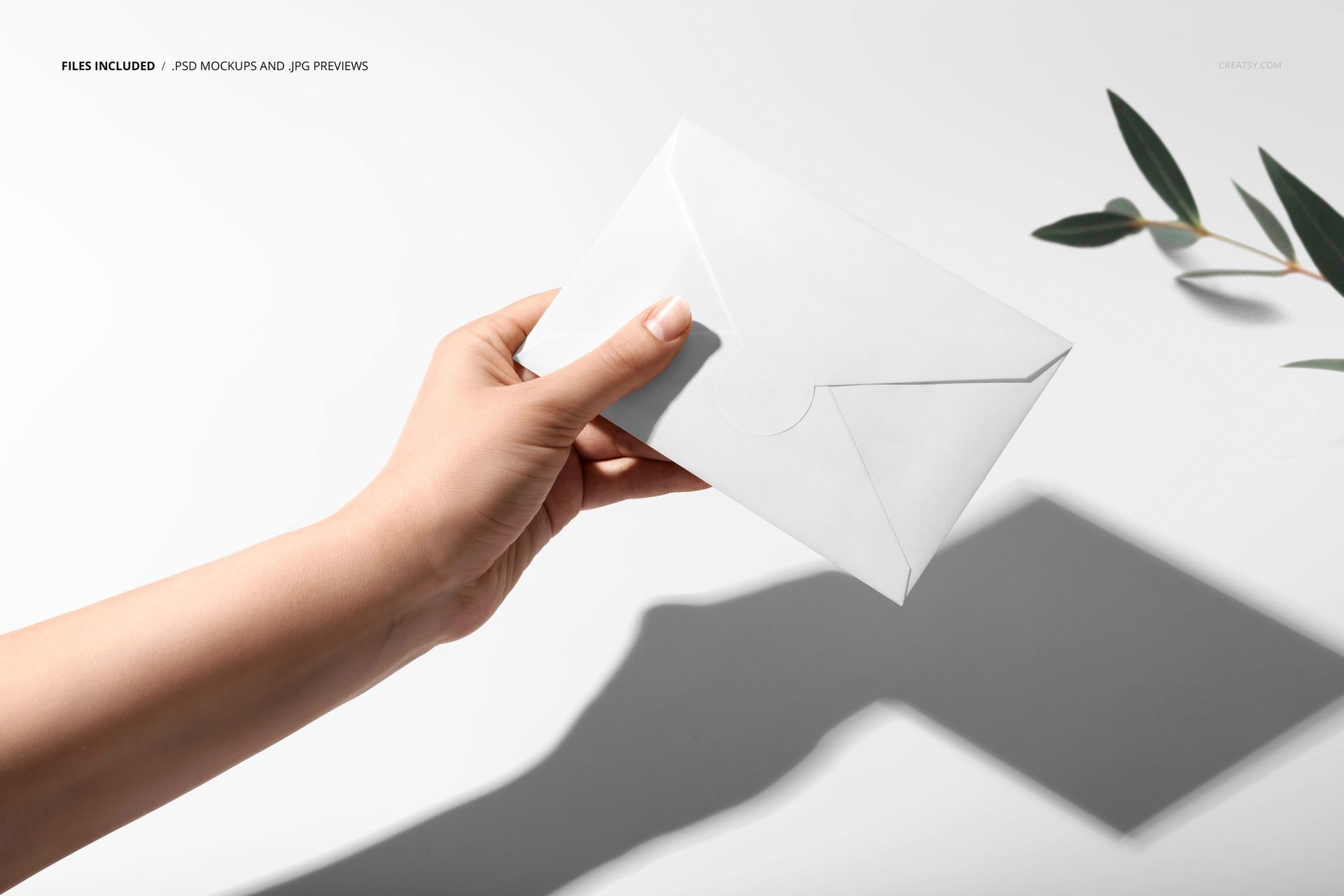
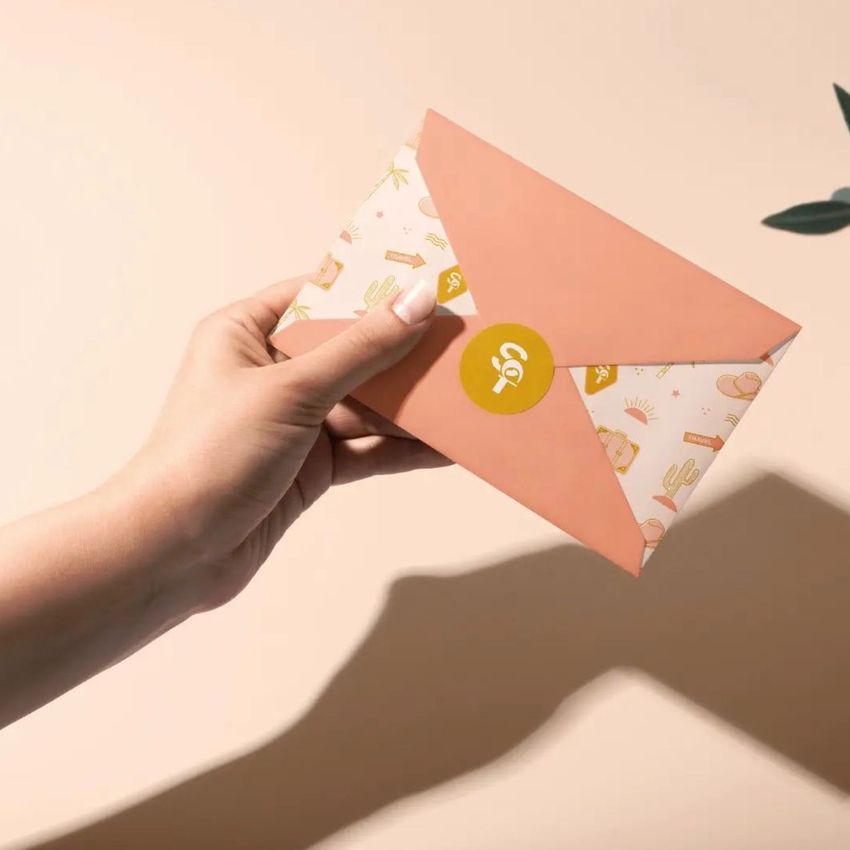
Give envelope branding a clear sense of scale with a sunlit landscape scene showing a paper envelope held in one hand and closed with a round sticker. A pale surface, strong geometric shadow, and leafy detail frame the stationery while keeping the envelope flap and seal easy to see.
Use the mockup to present coordinated envelope and sticker artwork, compare color directions, or show how a seal completes an invitation, mailing, or branded stationery concept. The human element adds context without covering the main editable areas.
What Is Included
1 layered and well-organized PSD mockup file
1 JPG preview file
2 files in total
6000 × 4000 px PSD at 300 DPI
Smart Object editing in Adobe Photoshop CC and Photopea
Coordinate the Envelope and Round Sticker
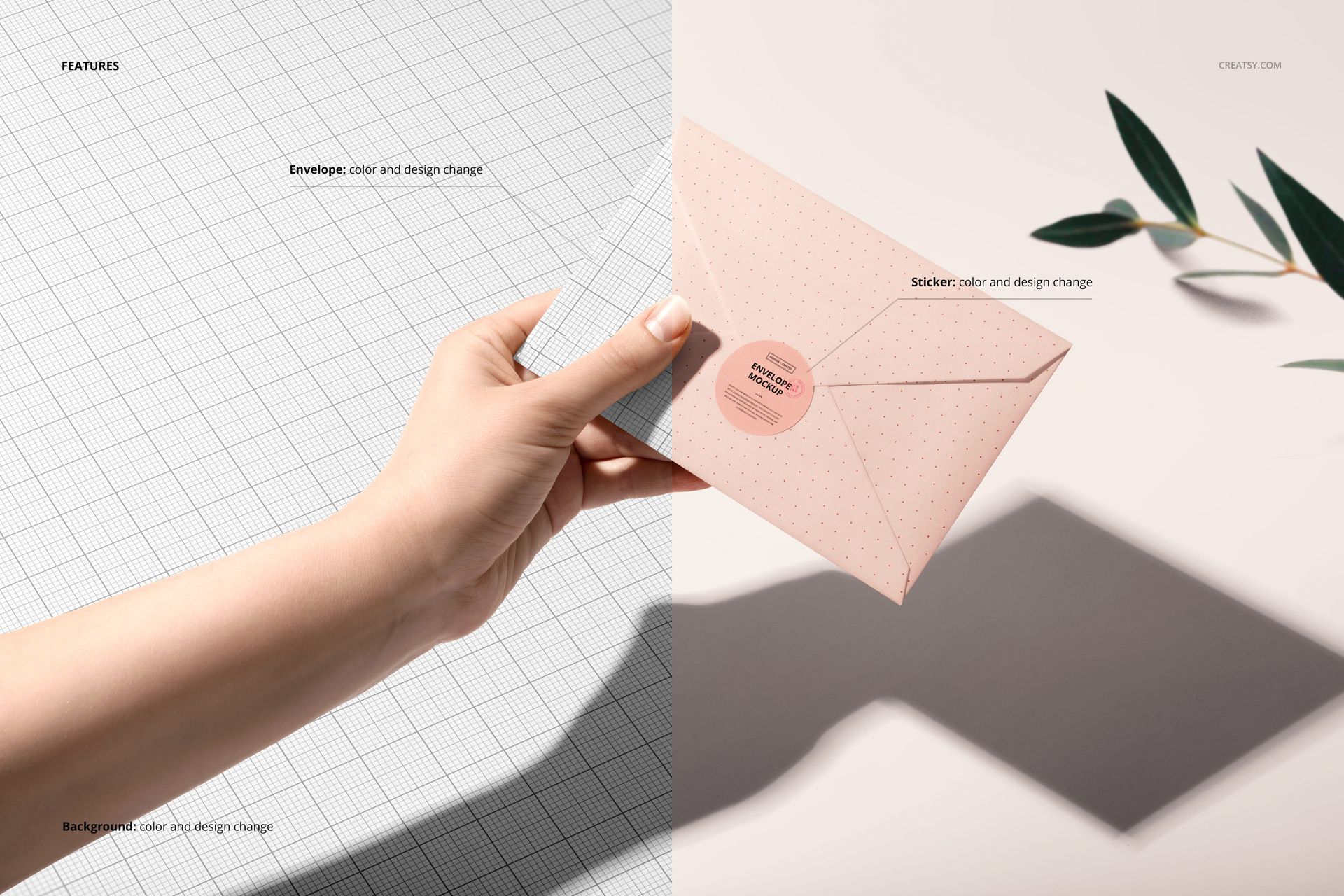
Change the envelope color or apply a custom design, then edit the round sticker to create a matching seal. Preview a logo, monogram, illustration, pattern, or short message across two connected stationery surfaces.
Flexible Background and Shadow Layers
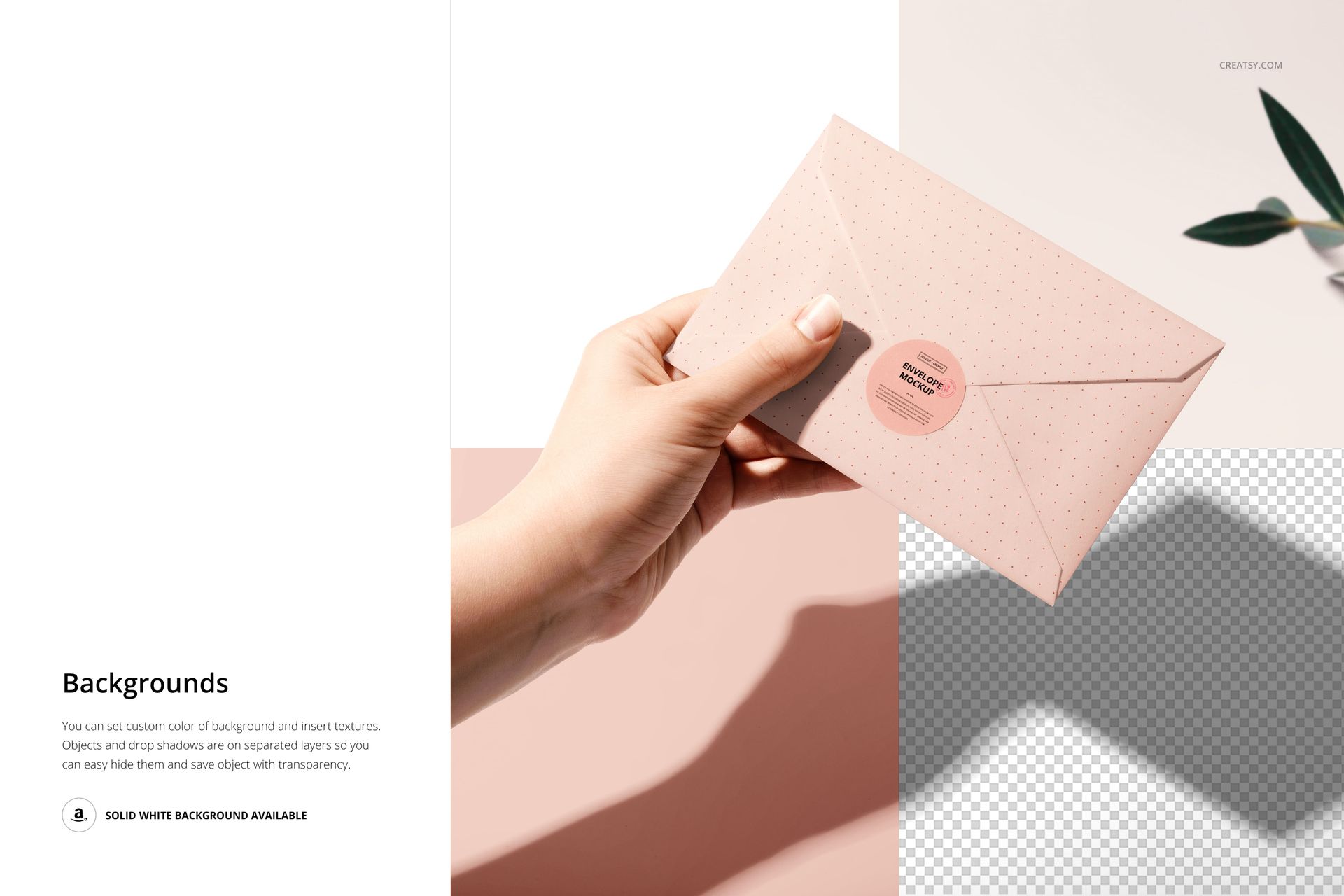
Change the background color or insert a custom texture to support the artwork. Objects and drop shadows are placed on separate layers, allowing you to hide them when a simpler presentation is needed. You can also save the composition with transparency or use the available solid white background.
Easy Smart Object Editing
Open the relevant Smart Object, place your artwork, save the edited layer, and return to the main PSD to review the result. The organized file works in Adobe Photoshop CC and Photopea.
Perfect For
Envelope and sticker branding presentations
Invitation and event stationery concepts
Mailing and correspondence collections
Round logo seal and packaging sticker previews
Client approvals and portfolio projects
Online shop, launch, and social media imagery
This is a digital mockup product. No physical envelope, sticker, stationery, or decorative prop will be shipped. Sample artwork is not included.