About the Product
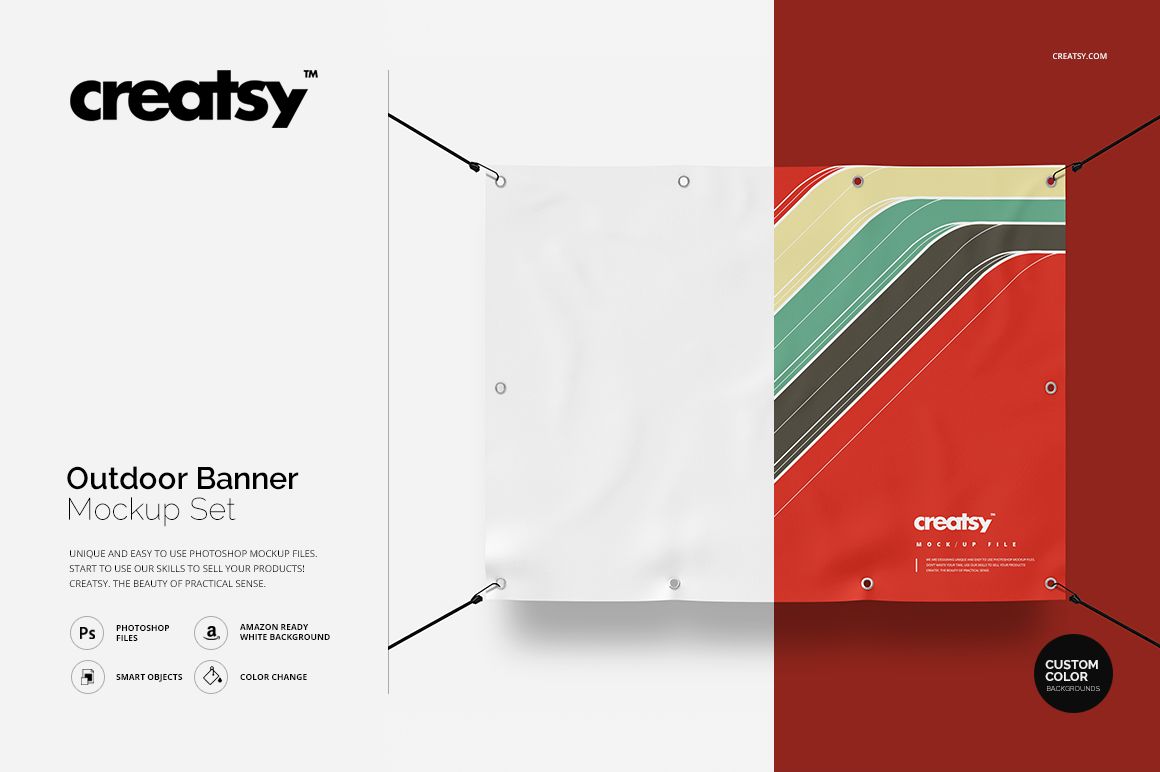
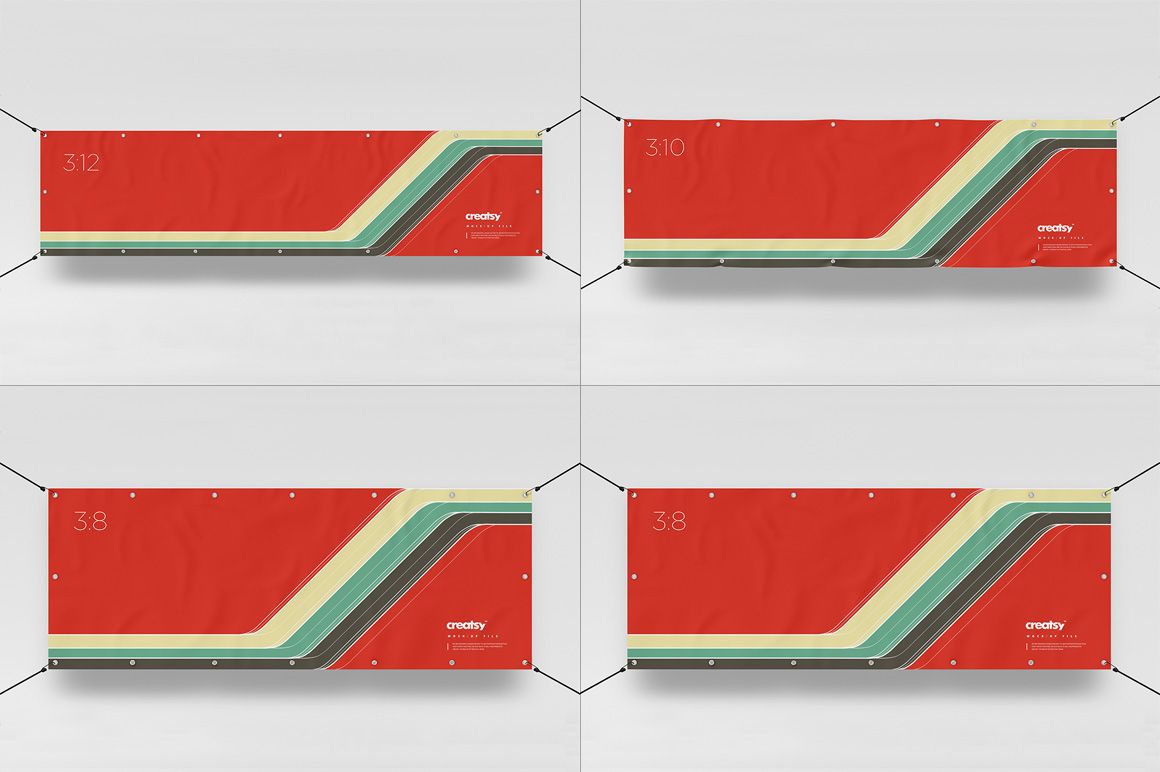
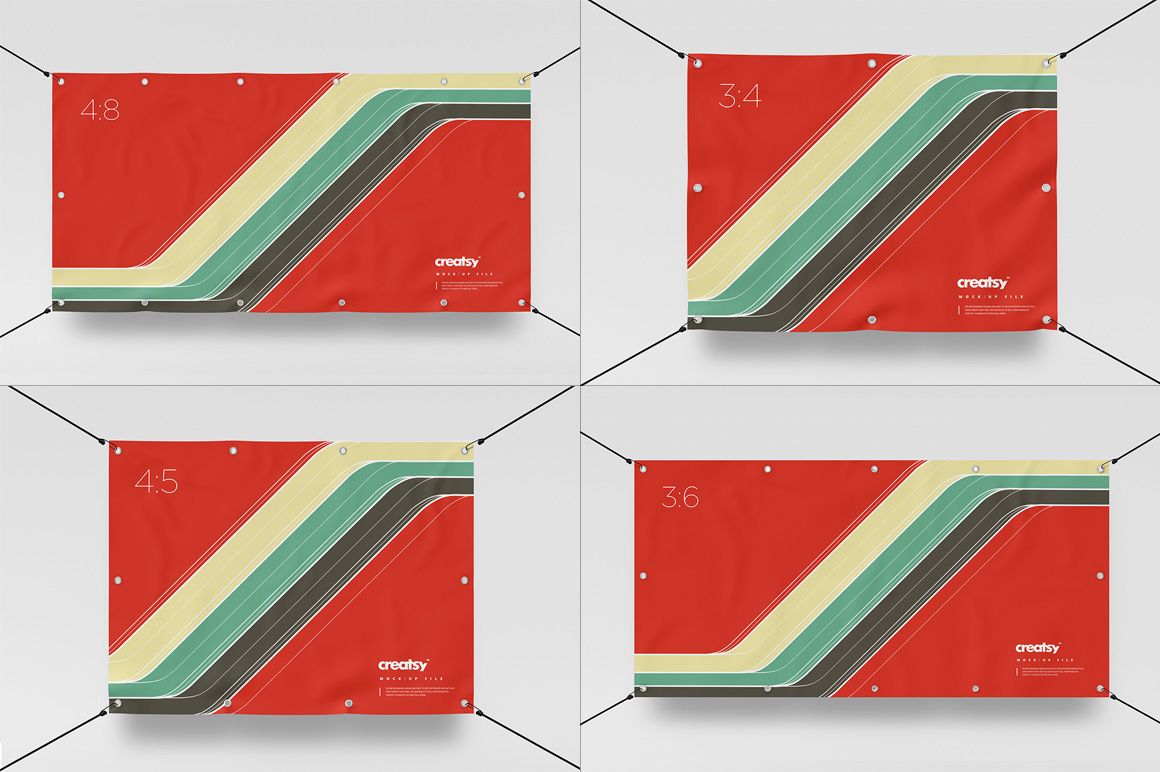
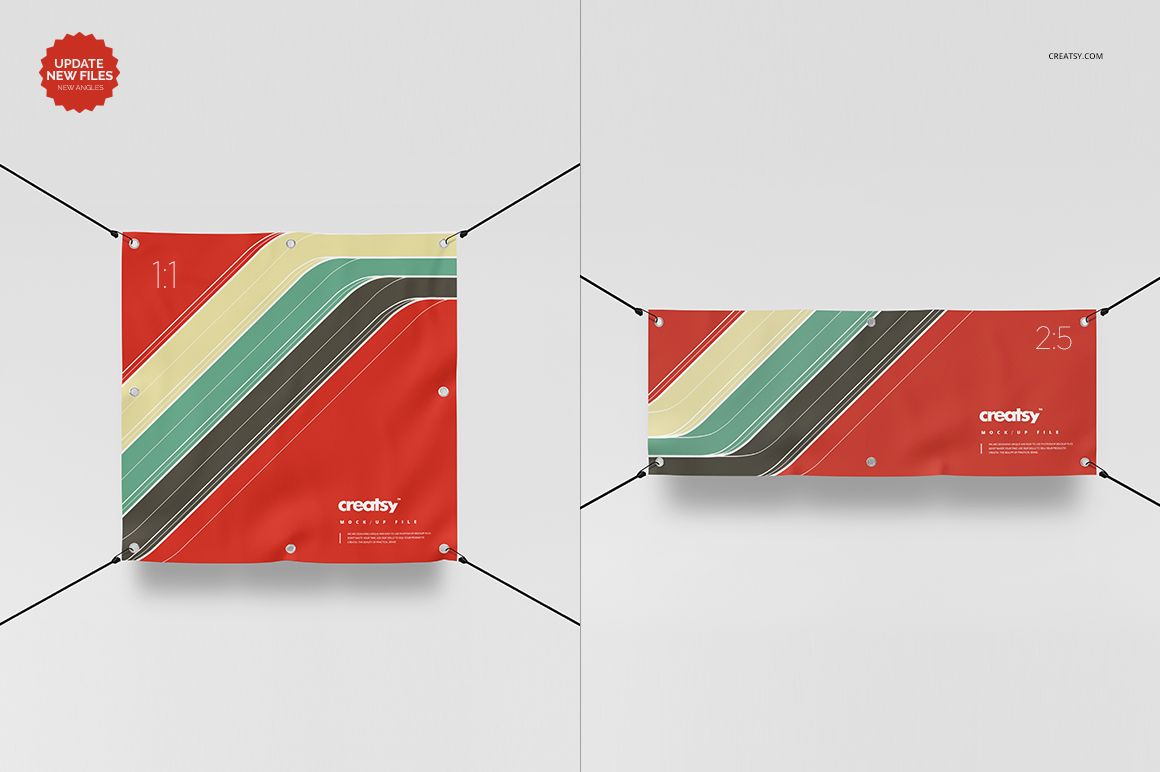
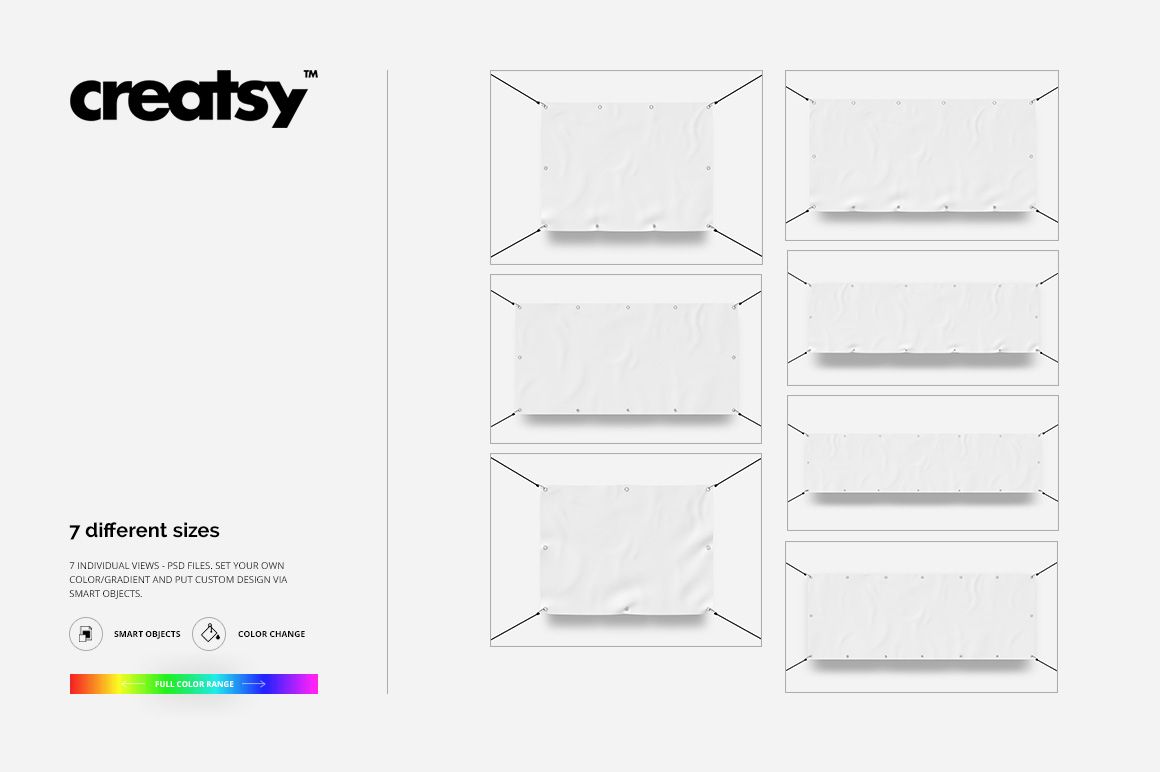
Outdoor Banner Mockup Set by Creatsy is a set of 7 outdoor banner PSD mockups, each a single banner at 3500 x 2500 px or larger with a Smart Object for your design. The 7 files run across different sizes and proportions, so a print shop can hand a client a full-size vinyl banner while a designer exports the same artwork at each size for a row of listing images.
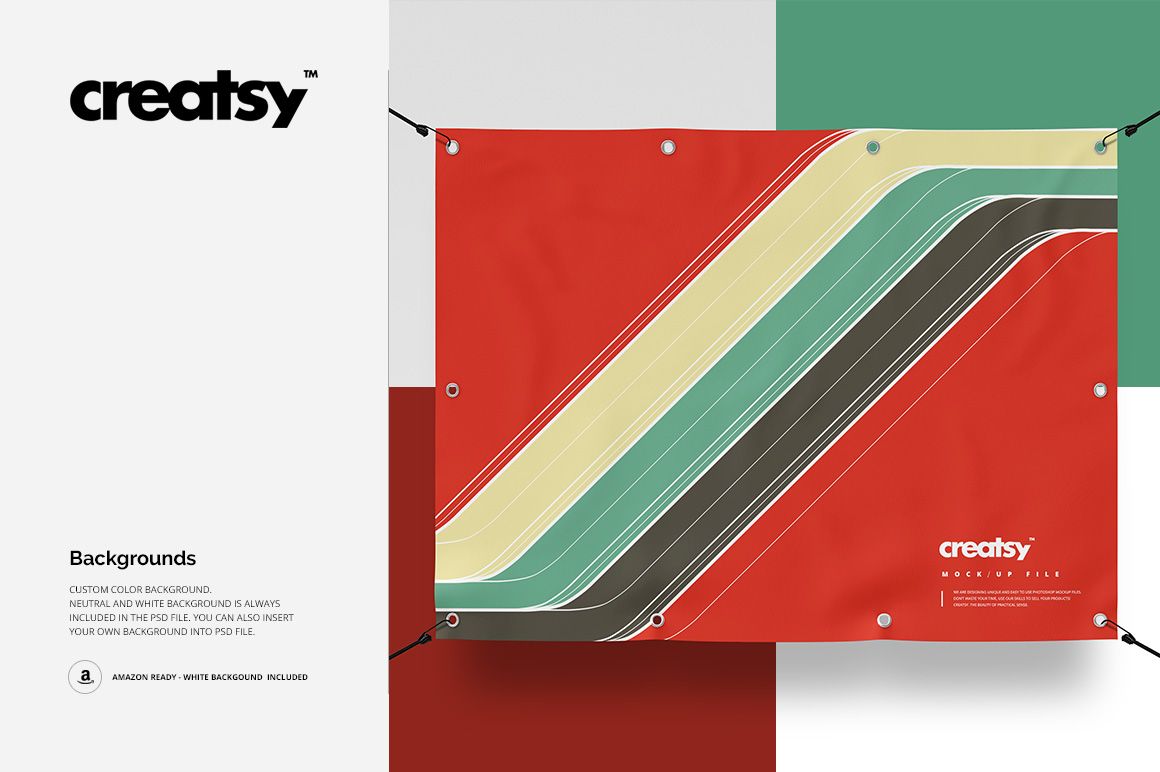
Every banner starts blank. Double-click the Smart Object, paste your design, and it takes on the banner's angle and edges. The striped artwork in the previews shows the effect only and is not included. Color, background, and the handles each sit on their own layer, so you can recolor the banner, switch between the custom, neutral, and white backdrops, or turn the handles off when a print hangs differently.
What's Inside
7 layered PSD files, each a single banner at a different size and proportion
A Smart Object on every banner for drop-in design placement
Editable banner color on a layer apart from your design
3 background options in each file: custom, neutral, and white (Amazon-ready white always included)
A removable layer for the handles
Minimum size 3500 x 2500 px at 300 DPI; file types .psd and .jpg
Download size 290 MB on Windows, 304 MB on macOS
Opens in Adobe Photoshop (CC2020 or later) or Photopea (free)
How to Use It
Open a PSD in Adobe Photoshop (CC2020 or newer) or free in Photopea, double-click the Smart Object thumbnail, and paste your artwork. Save it, and your design sits on the banner in the right perspective. From there, set the banner color, choose a background, and export a flat JPG for a listing or a client. The files are detailed, so the download runs 290 MB on Windows and 304 MB on macOS; on an older laptop, open a single PSD at a time rather than all 7 at once.
How do these banner mockups handle different sizes?
The set covers 7 single-banner PSDs at different sizes and proportions. Each banner is its own file, so your design goes into that file's Smart Object and takes the correct shape. Run the same artwork through each file to show a client or a shop the full size range. These are flat outdoor banners with handles, not roll-up or retractable stands; for a pull-up display, the rest of the advertising and signage mockups covers more formats.
One-time $25 - 1 Seat + Commercial license (creatsy.com/licenses). Questions before you buy? The Creatsy team answers within 48 hours.