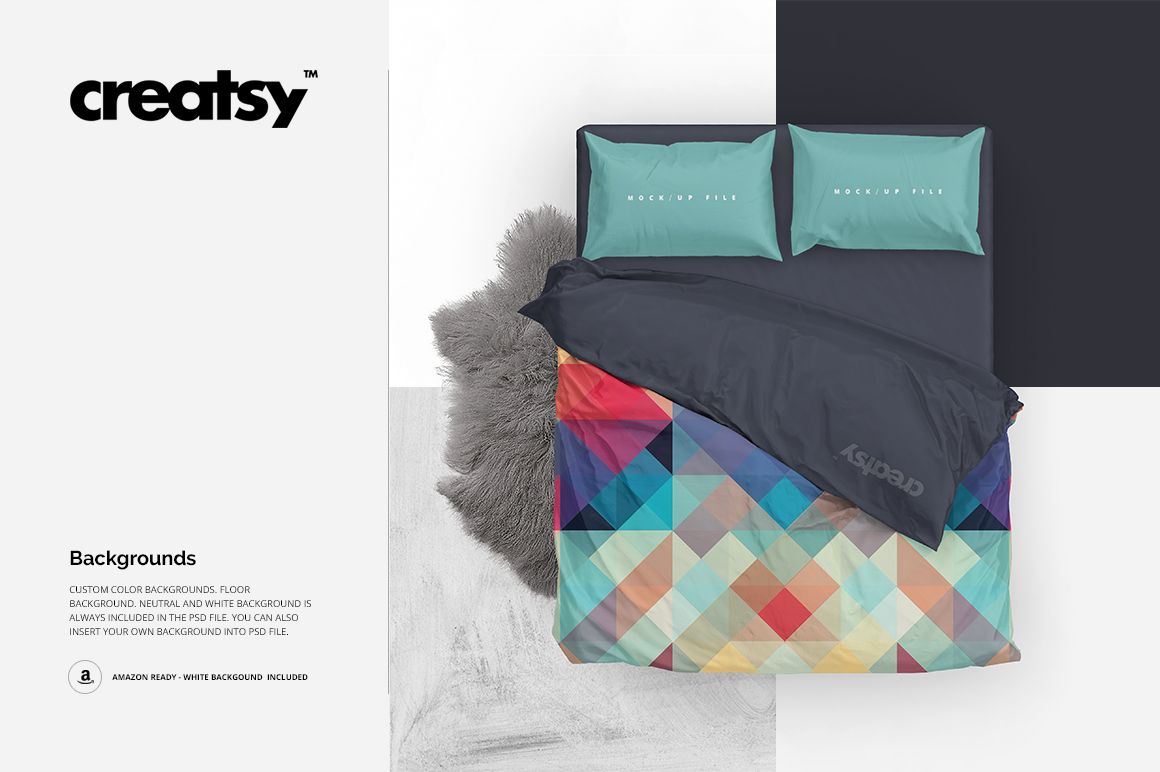
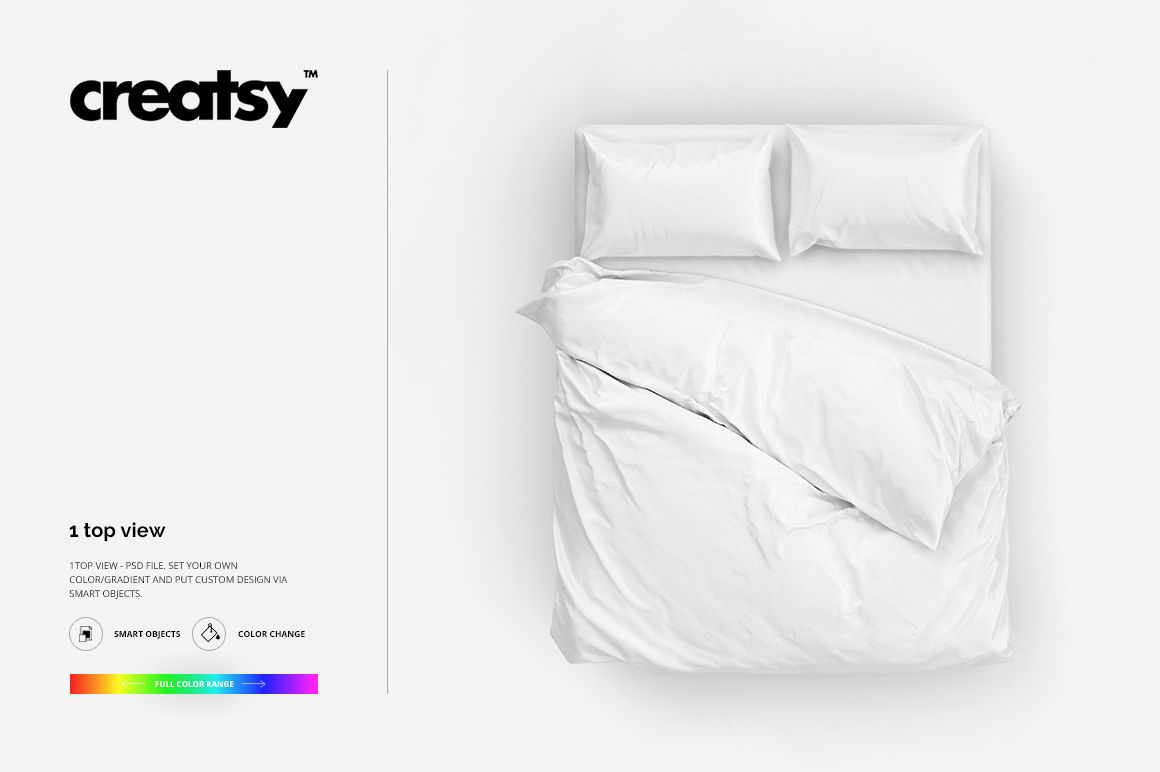
What is Double Bed 2 Bedding Mockup?
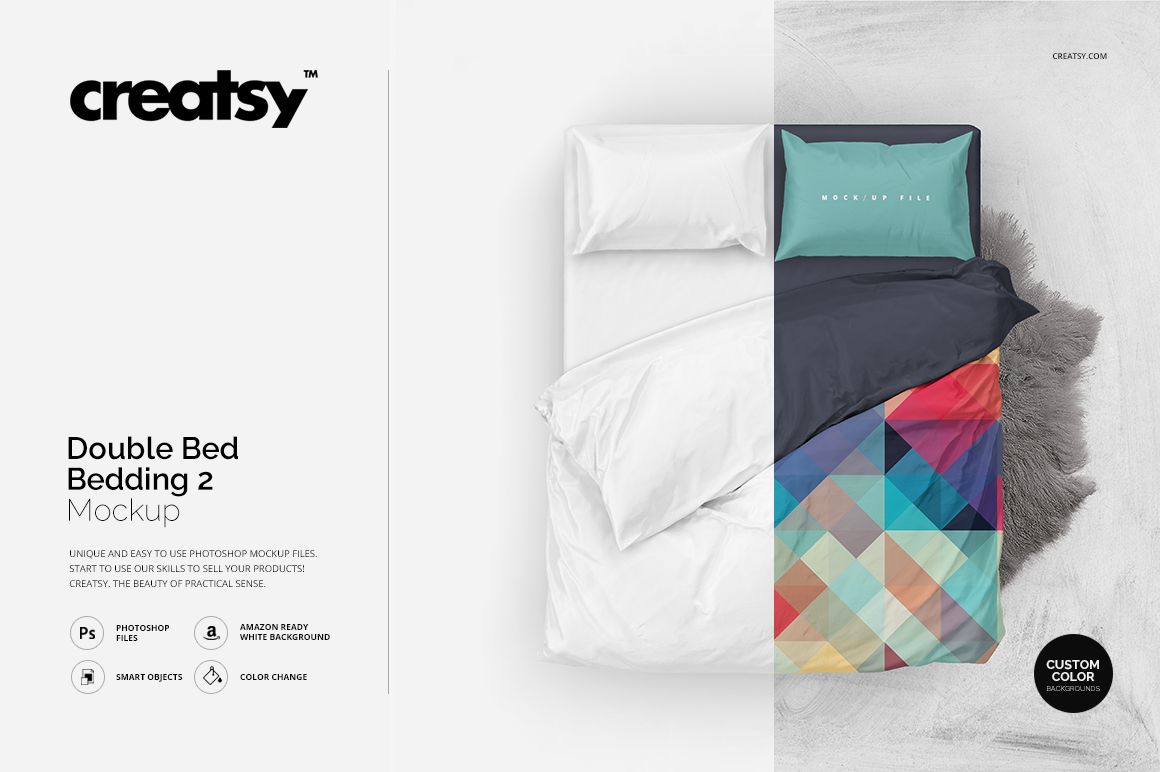
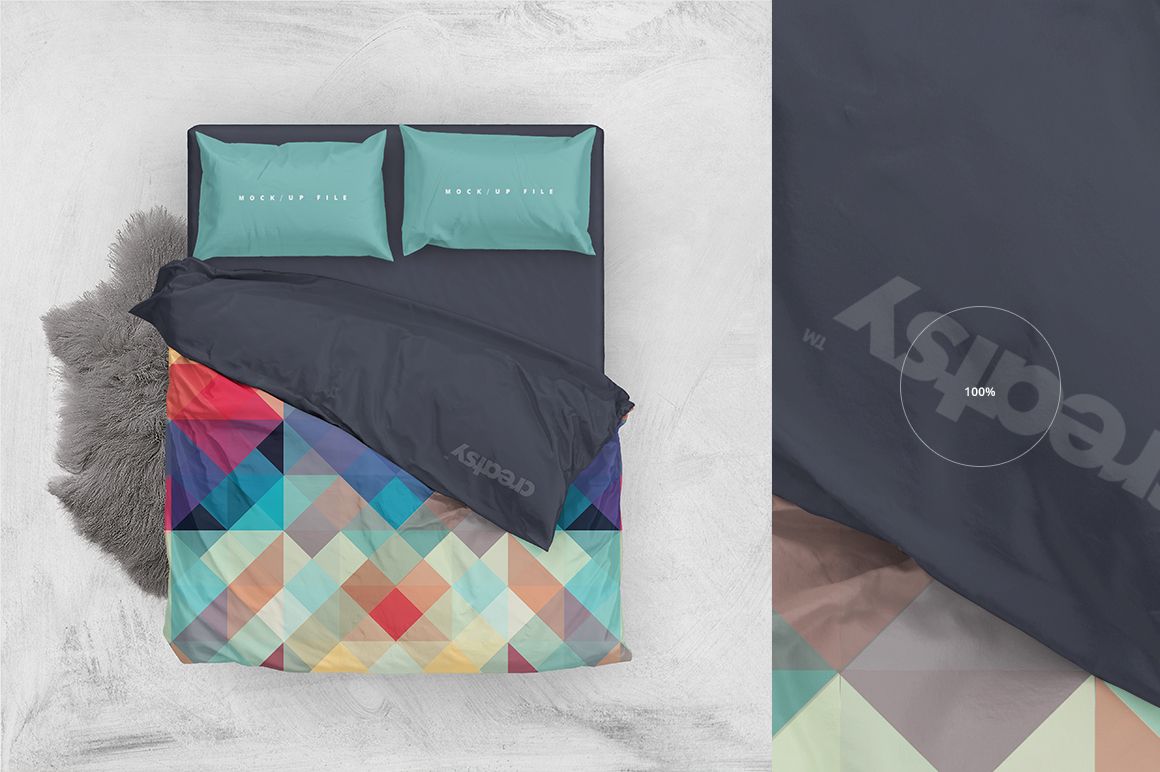
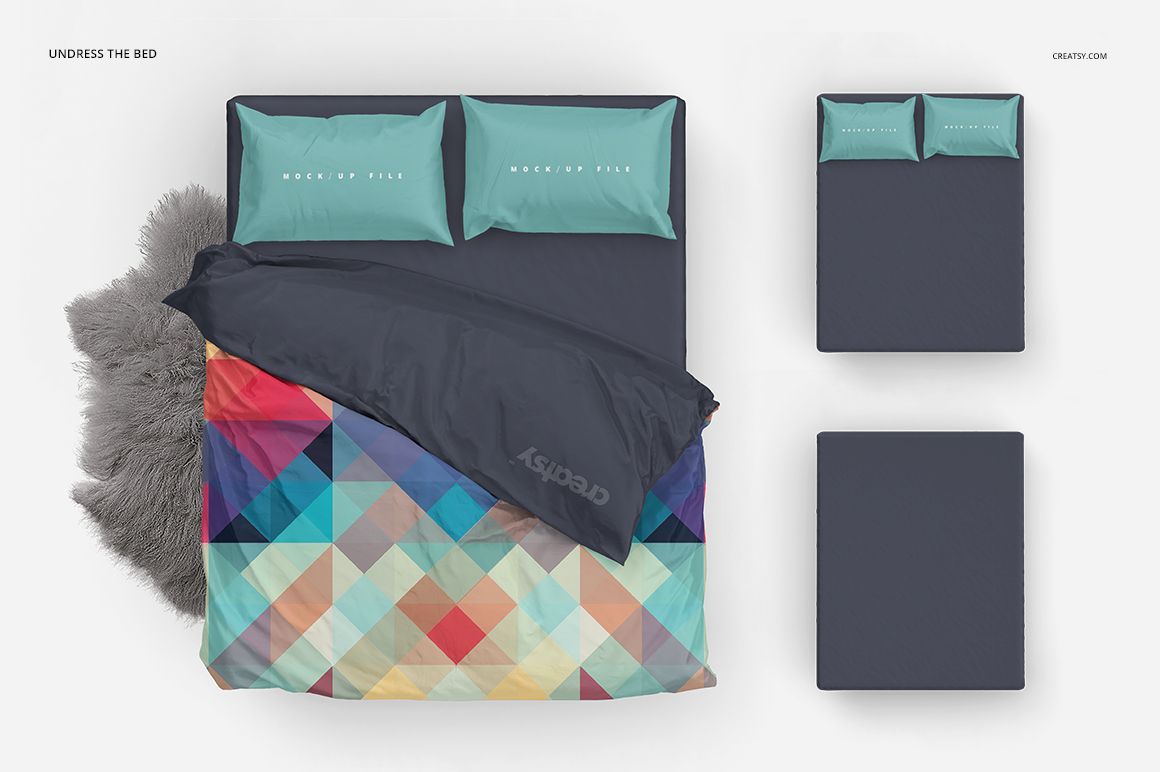
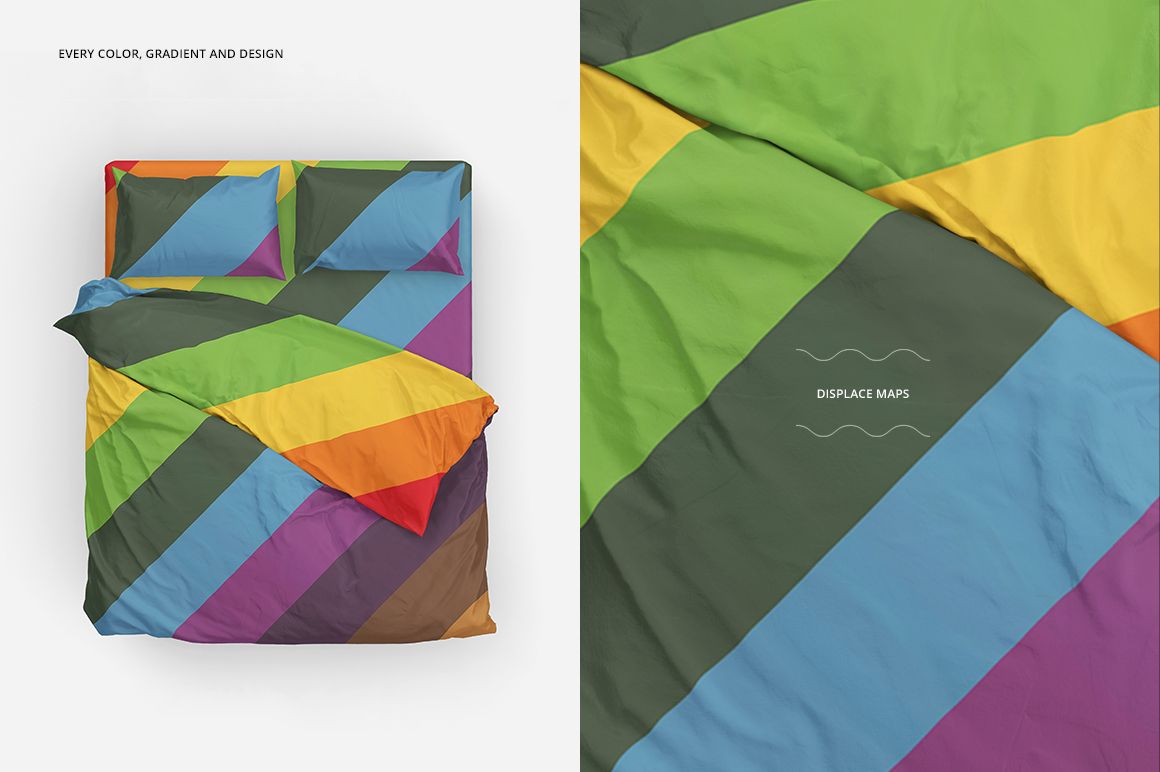
Double Bed 2 Bedding Mockup is a mockup template by Creatsy that provides you with editable elements to showcase your design in an Adobe Photoshop mockup file. This digital asset is entirely customizable. You can edit the Double Bed 2 Bedding Mockup to complement your design perfectly. The well-organized color layers and smart objects allow you to hide objects and drop-shadows to save your mockup file with transparency, making it a great way to show off your design skills and enhance your portfolio.
Why should you choose Creatsy mockups for your designs?
Creatsy delivers only the best in every product and scene mockup we create. We love providing a variety of product mockups and interior and exterior scenes to help you express yourself and put your designs in the best light possible. All our mockups come with well-organized layers, making them easy to edit quickly.
We look forward to seeing your designs come to life on our mockups! Feel free to tag us on Instagram at #CreatsyOfficial for a chance to be featured in an upcoming blog!
Compatibility: Photoshop min. version PS C6,
Includes: 1 PSD files with well-organized layers: 3500x3500 px, 300 dpi,
Editable components: color and design change,
(patterns are NOT included, this product is a mockup intended for you to add your own designs).