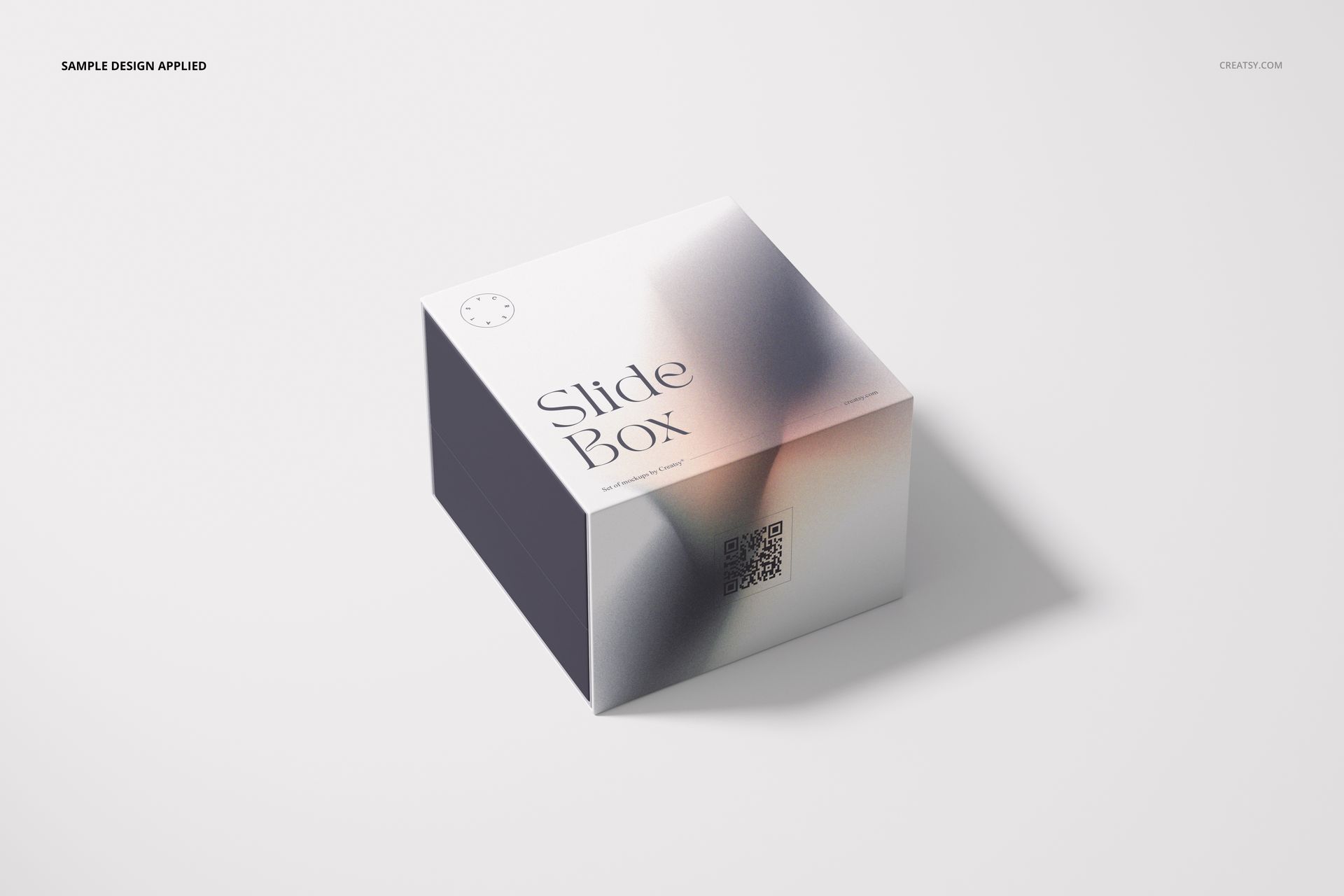
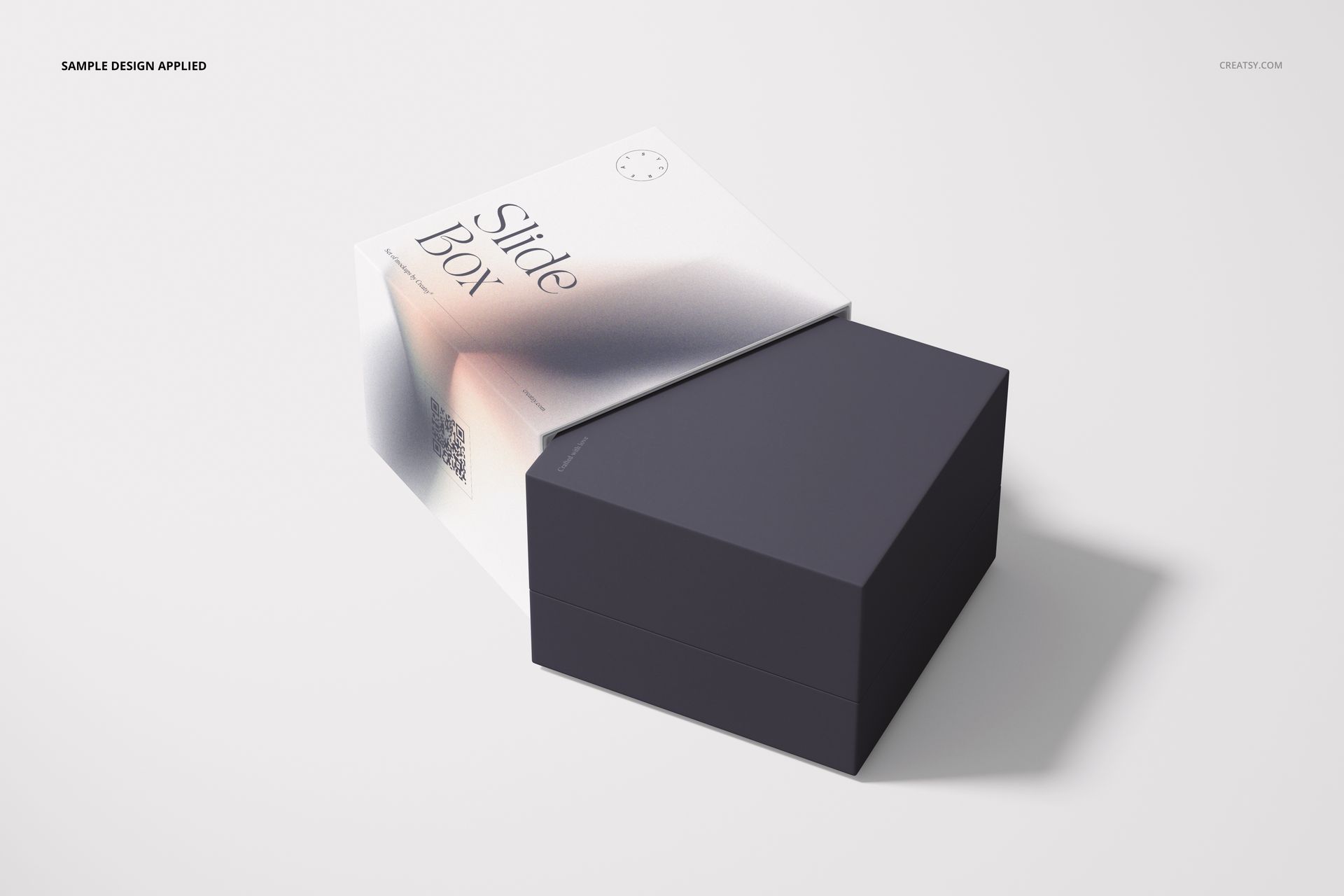
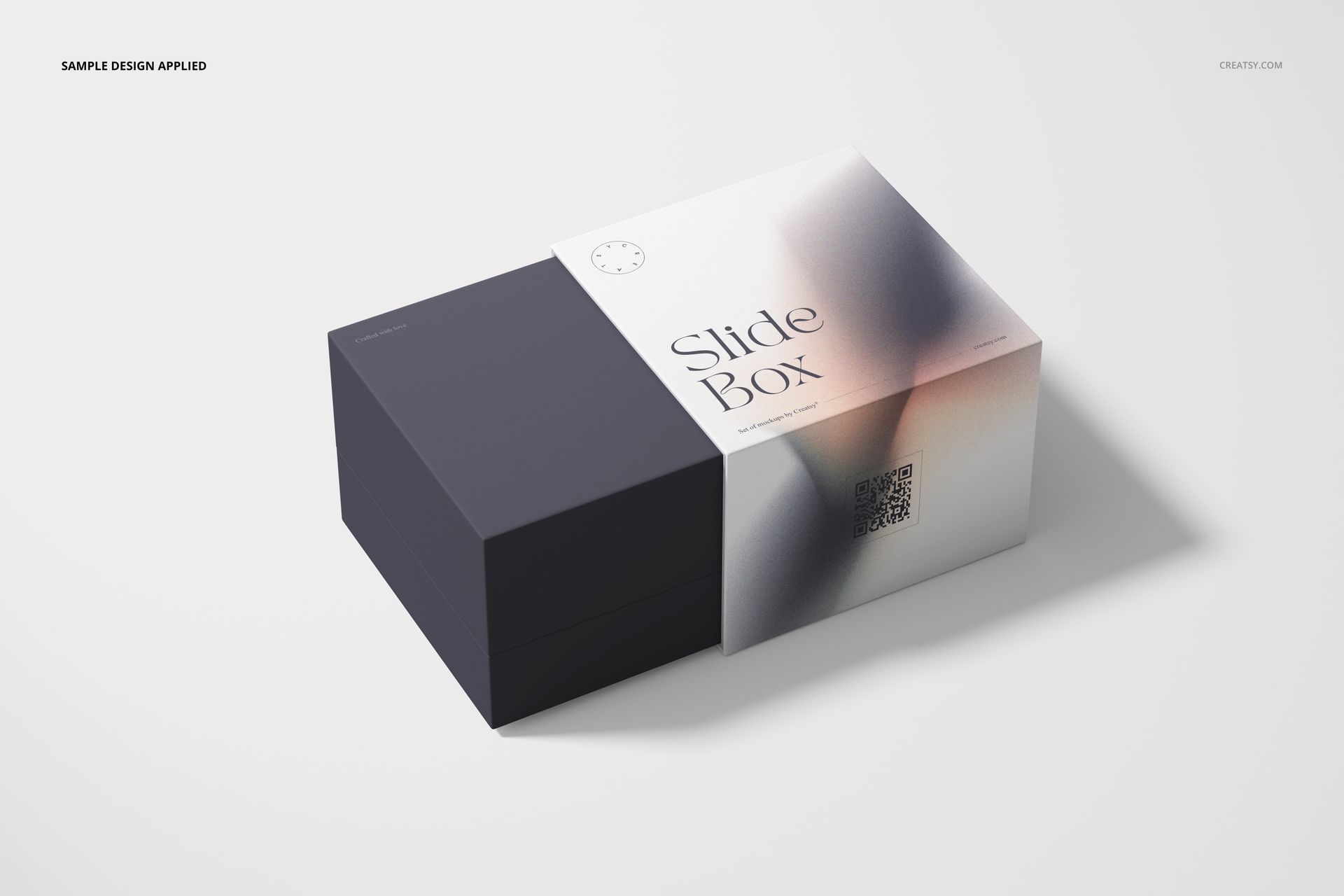
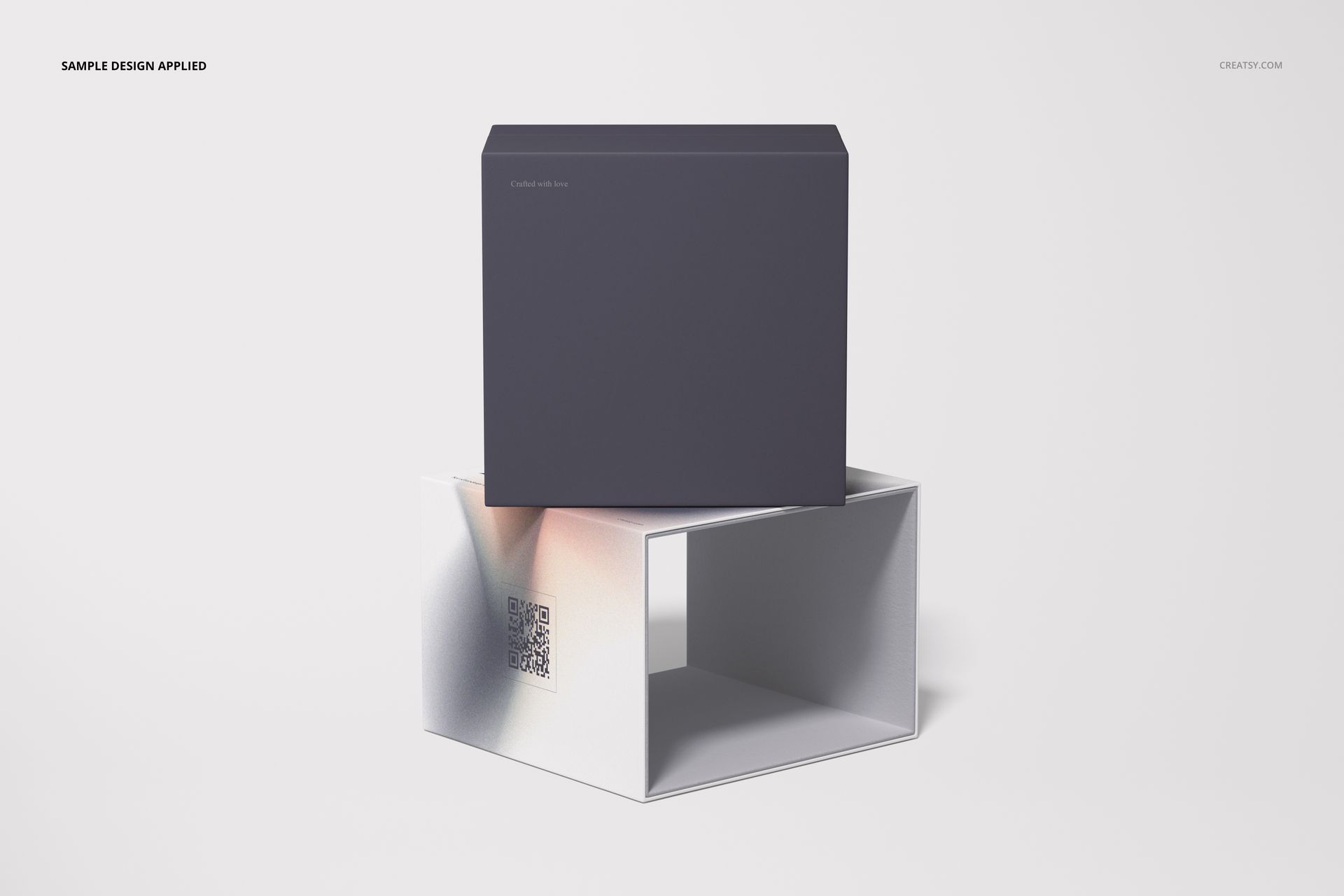
Slide Gift Box Mockup Set
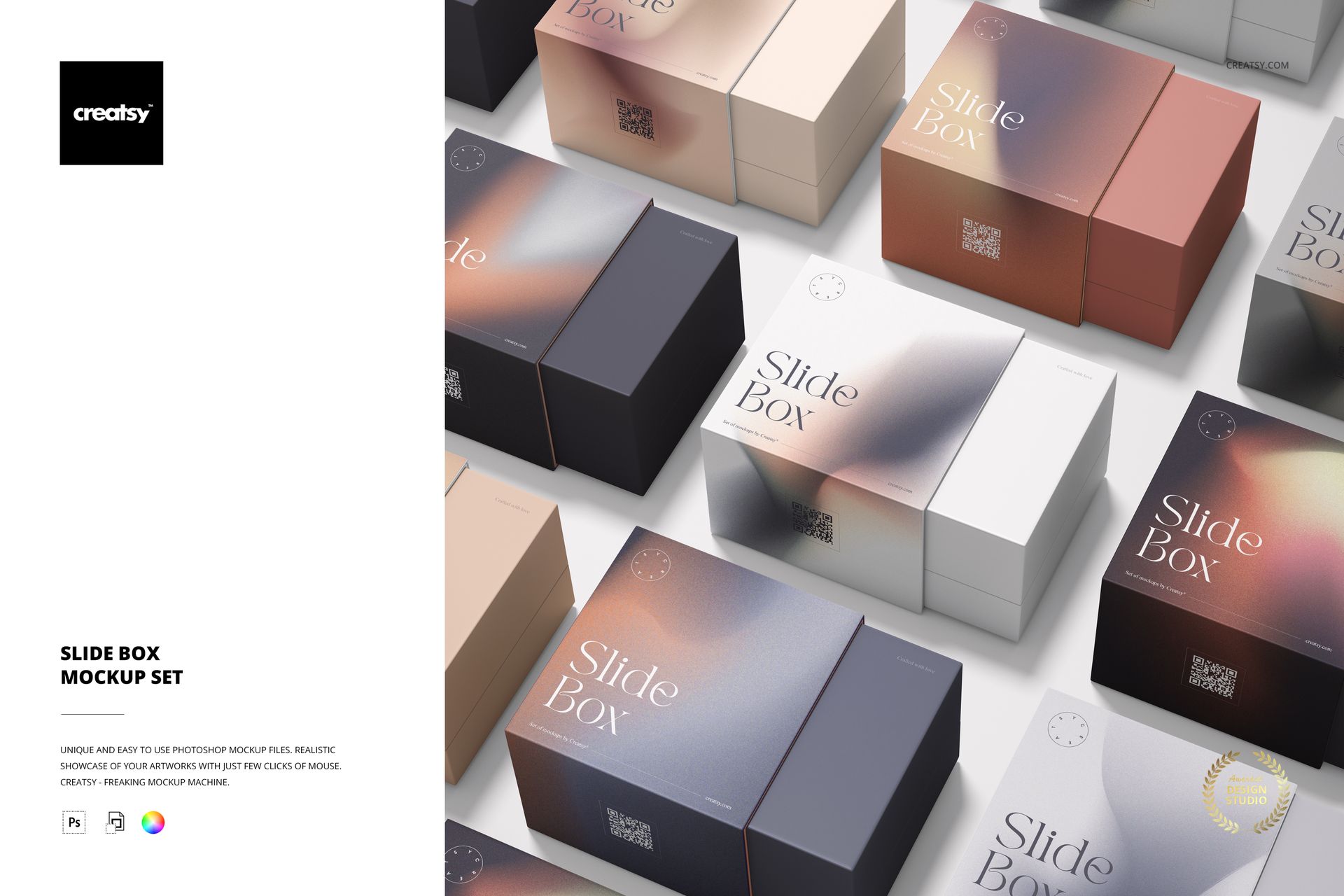
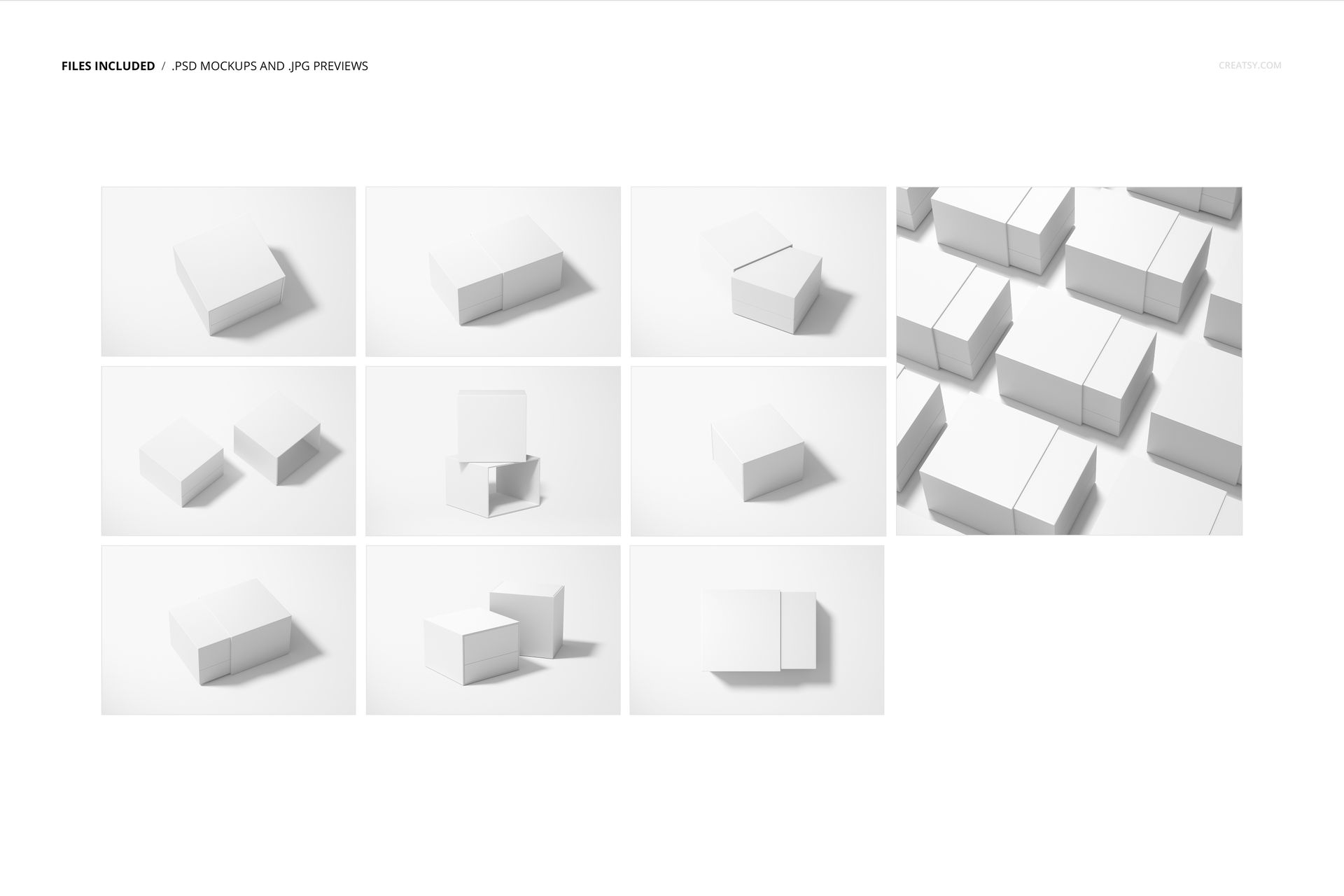
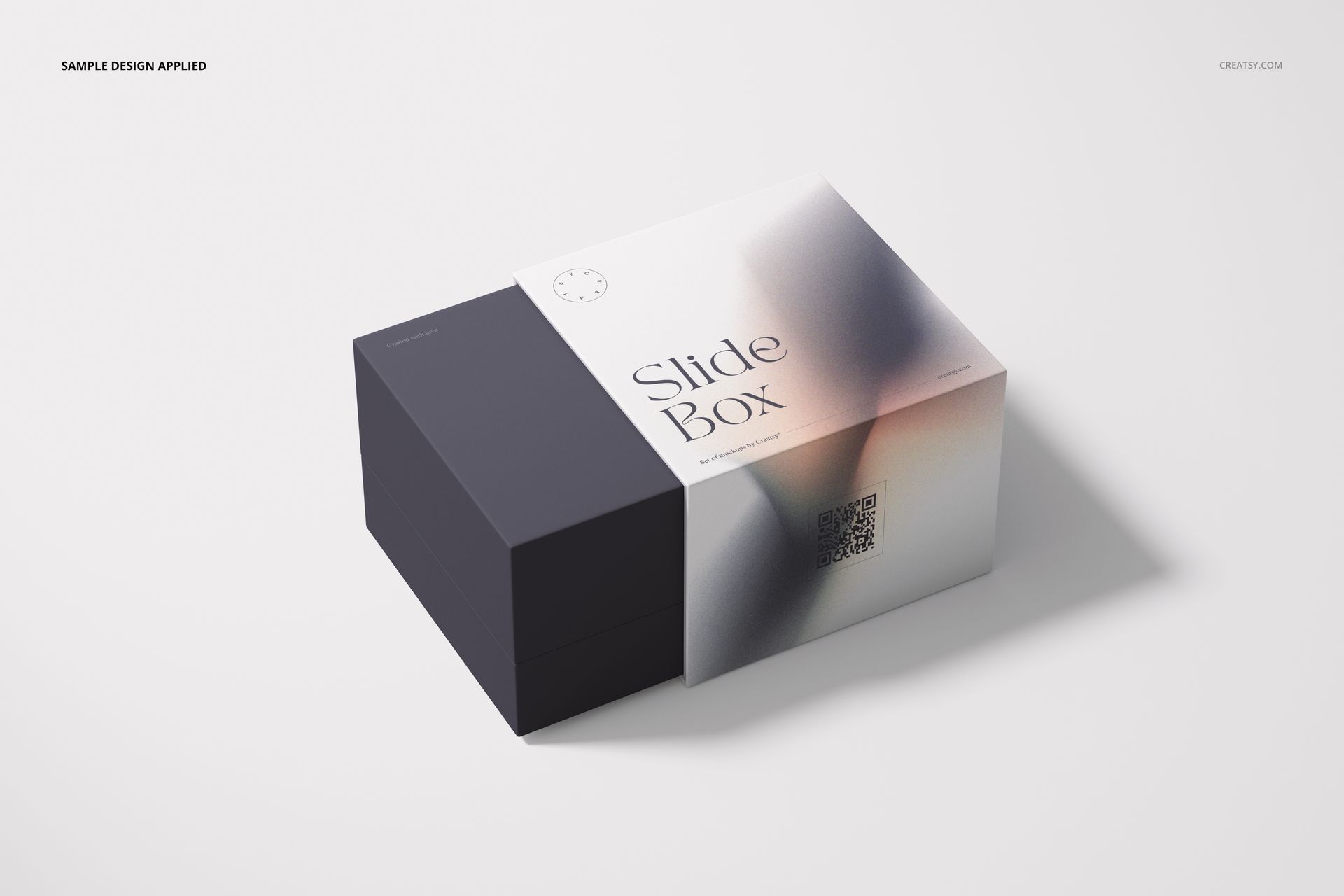
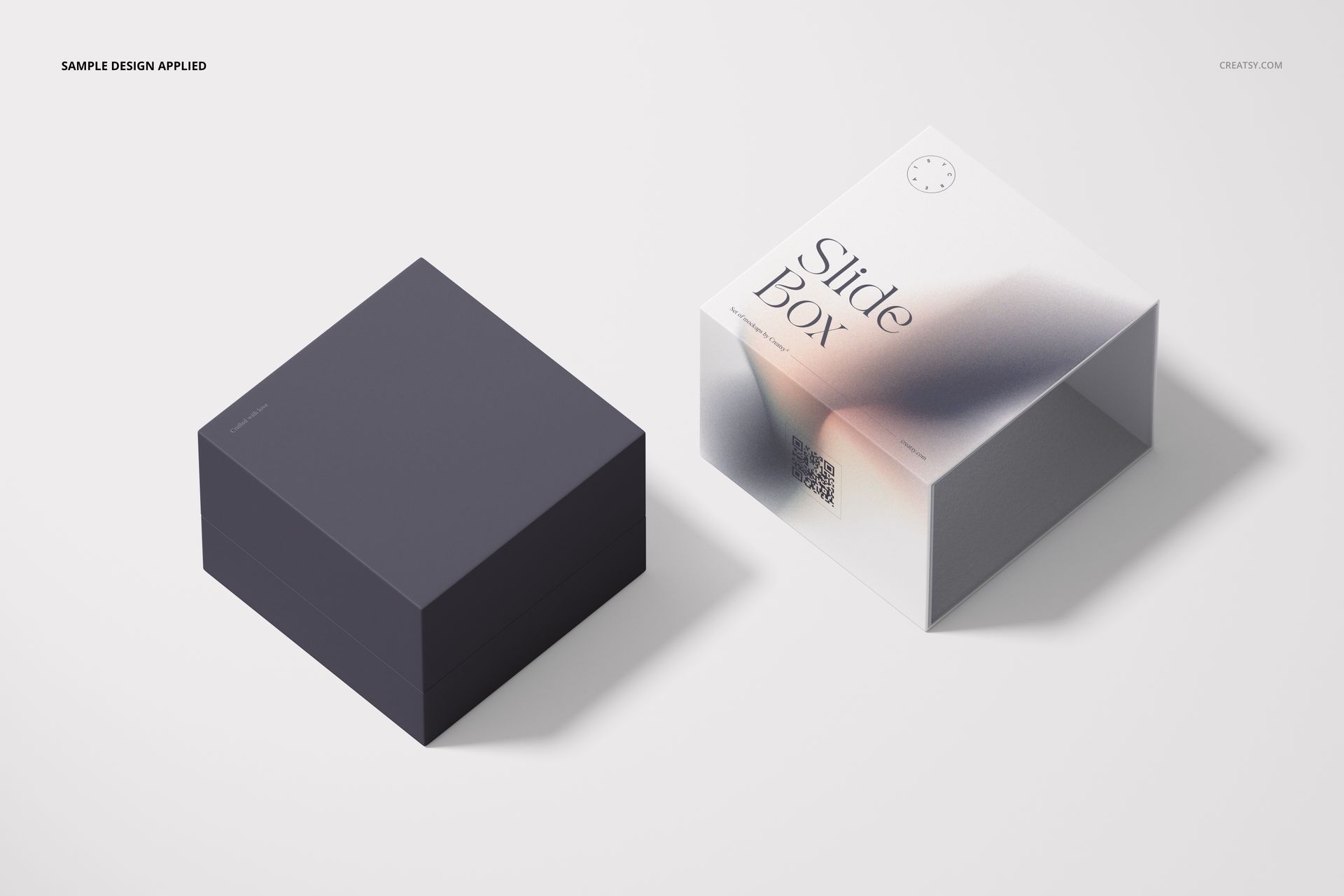
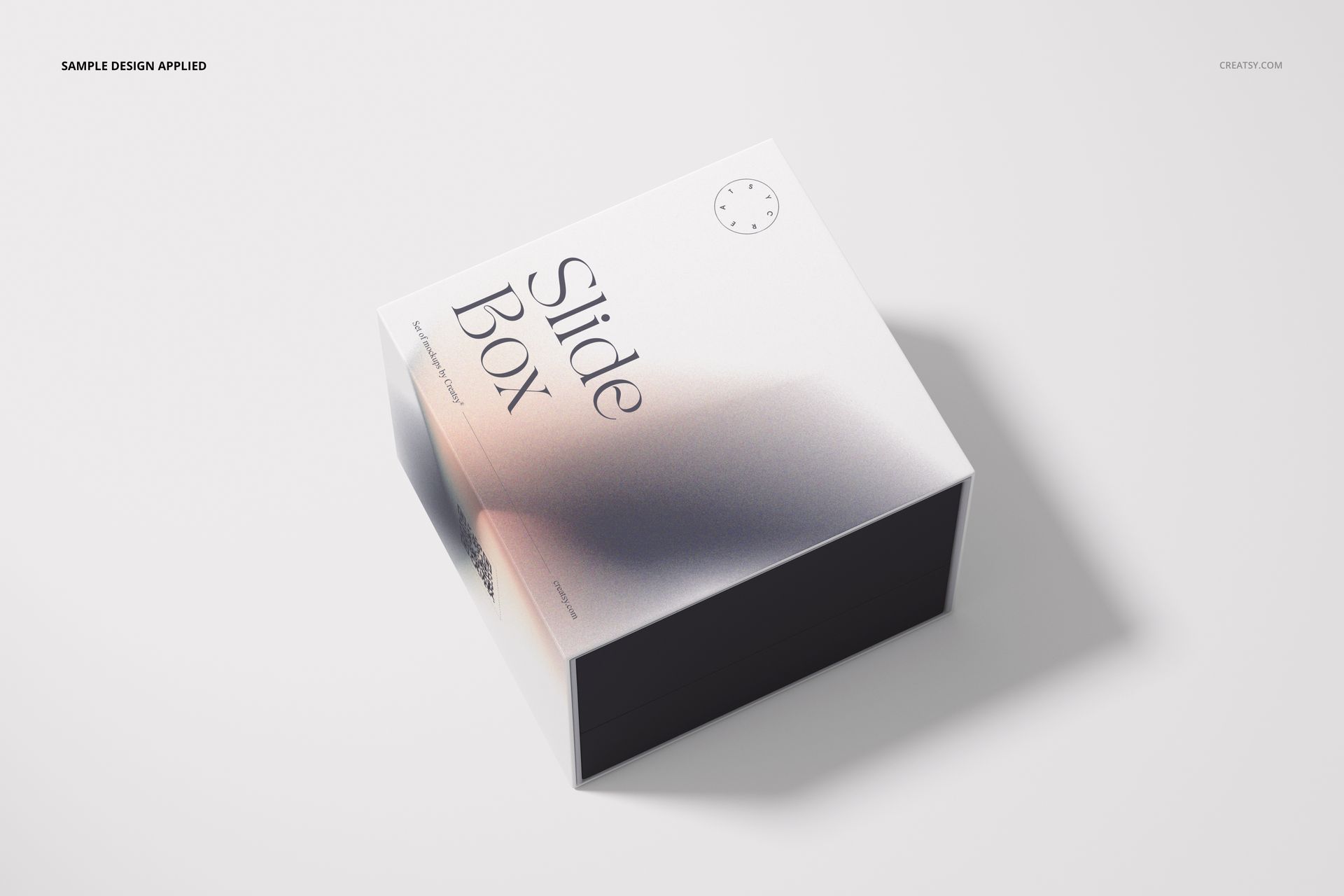
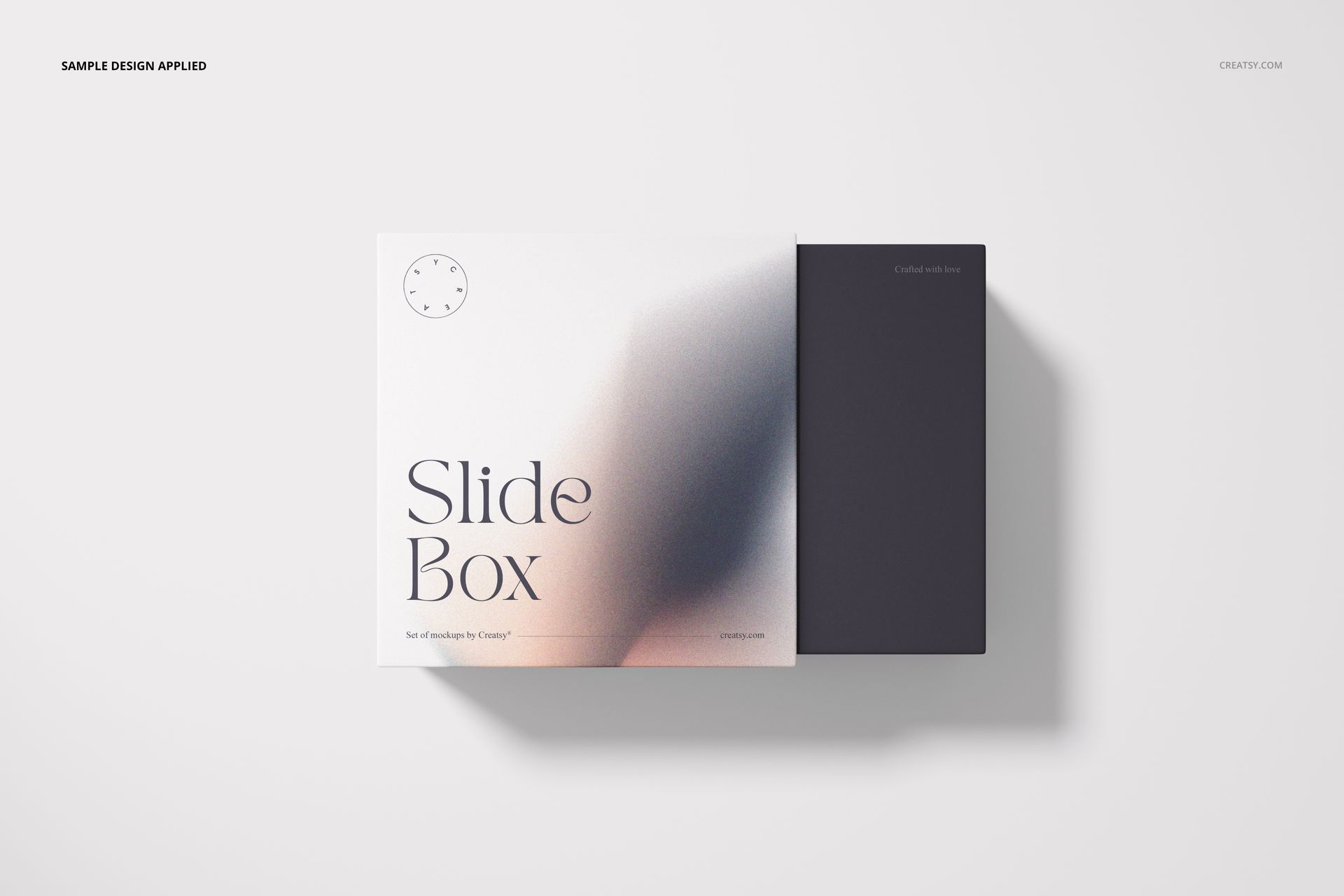
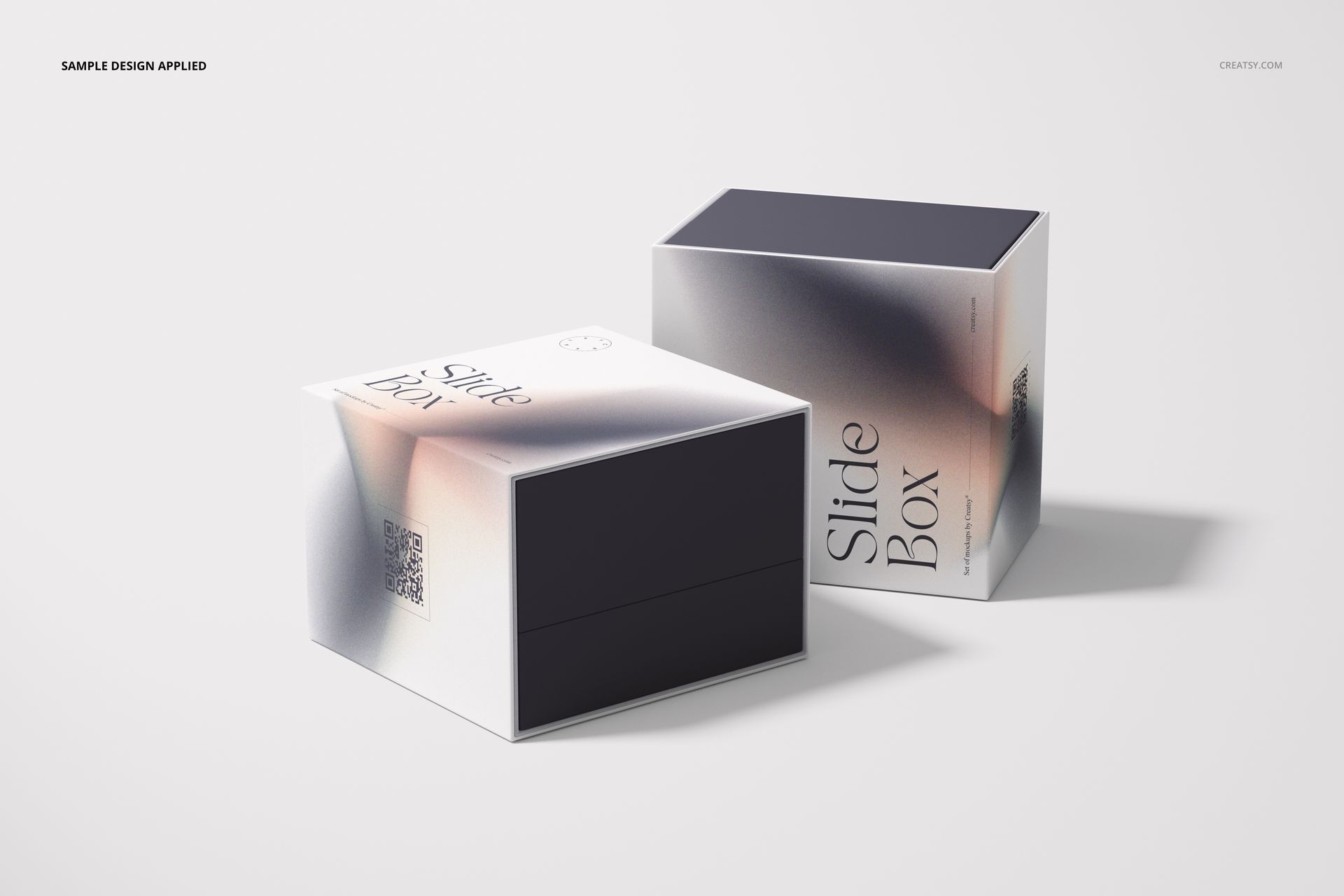
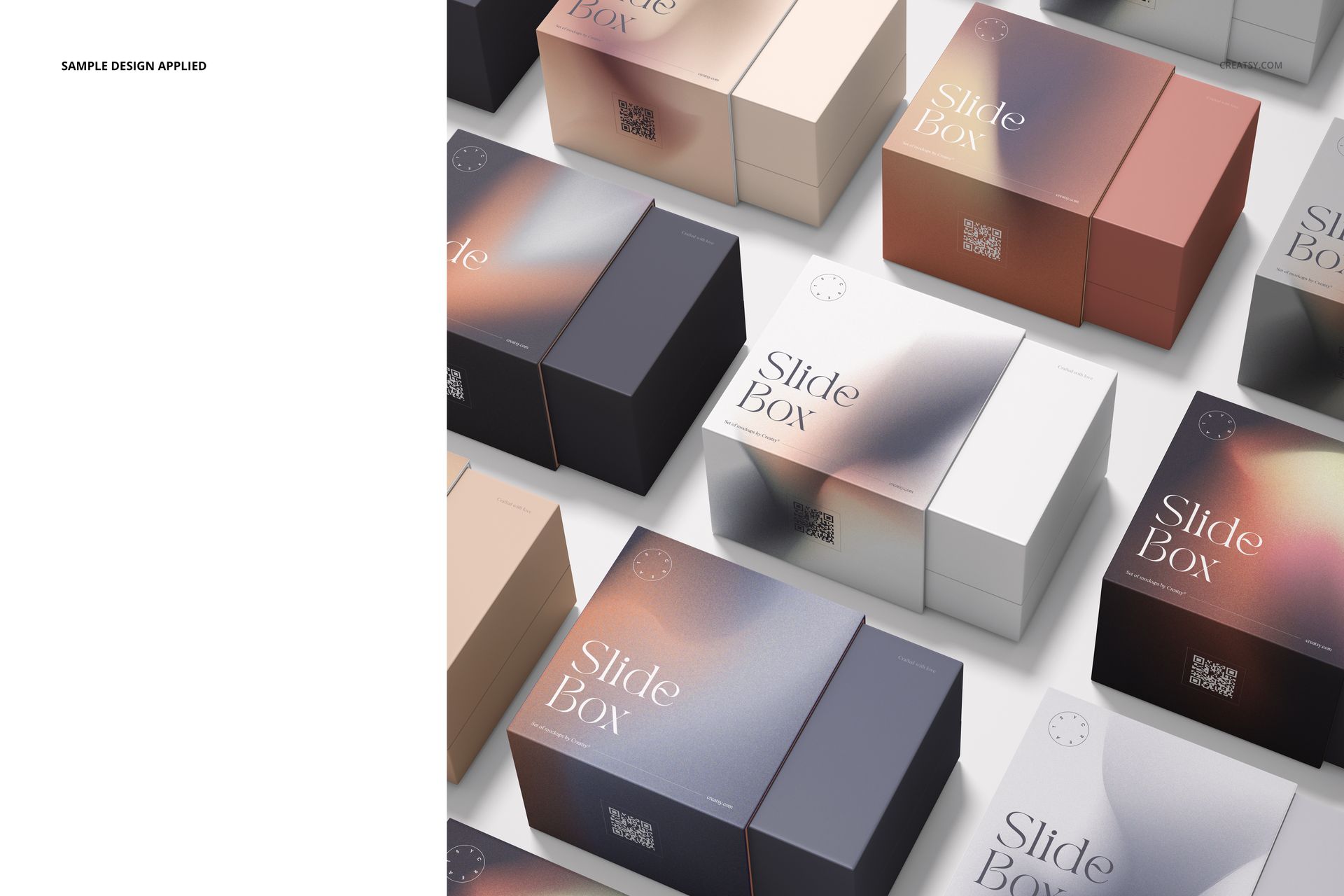
Let the sleeve introduce your brand and the box carry the reveal. This gift box mockup set presents a sliding sleeve and inner box in ten compositions, from individual packaging views to coordinated groups. Show how a logo, illustration or repeating pattern works across the two parts before presenting a packaging concept to your client.
What Is Included
10 editable scenes: 9 layered PSD files and 1 PSB file.
9 landscape PSD scenes at 6000 × 4000 px; square scene 9 in PSB format at 6000 × 6000 px, at 300 DPI.
10 JPG previews and a PDF user manual, 21 files in total.
Adobe Photoshop CC2020 or newer; organized layers and Smart Object artwork editing.
Design the Box and Sleeve as a Pair
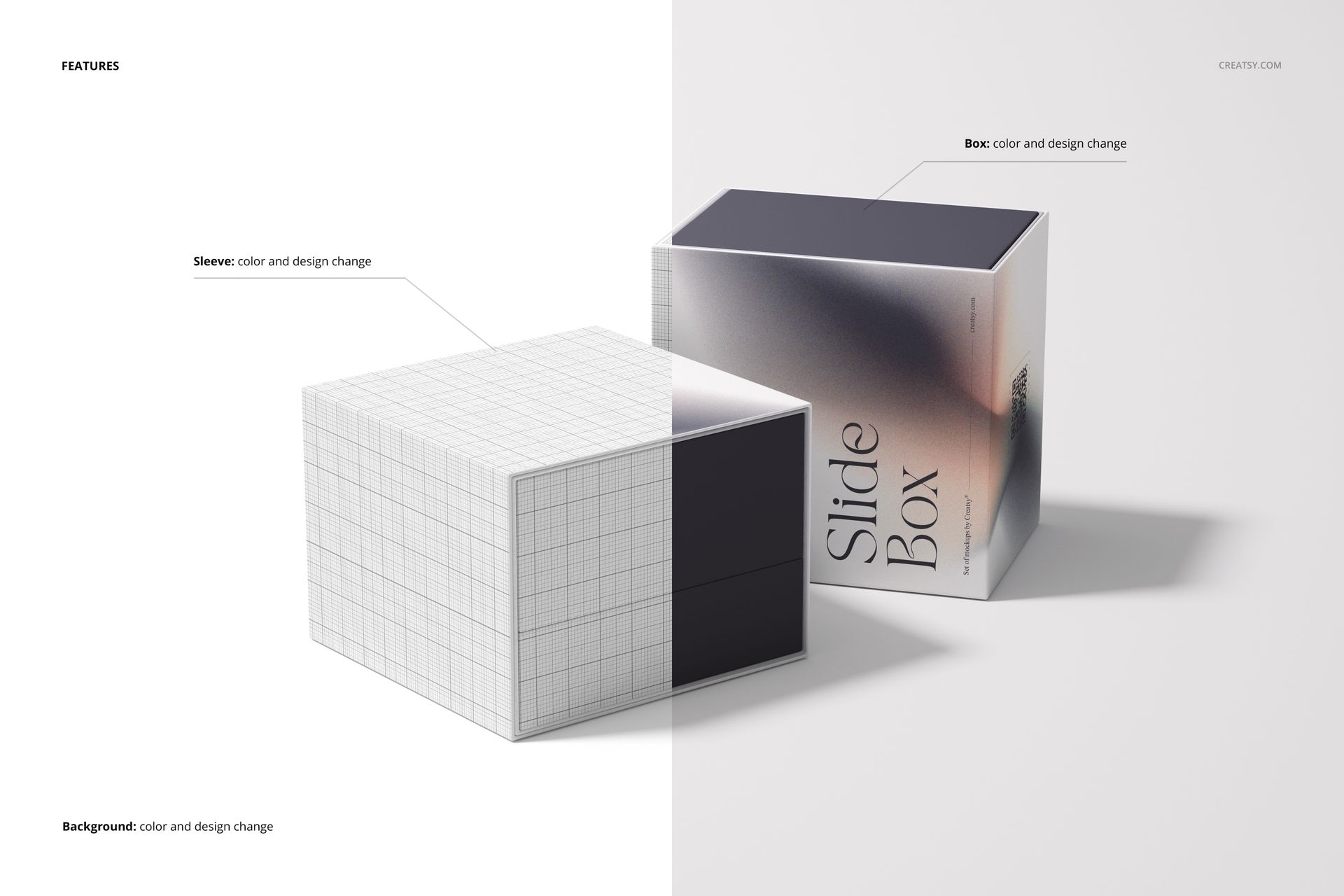
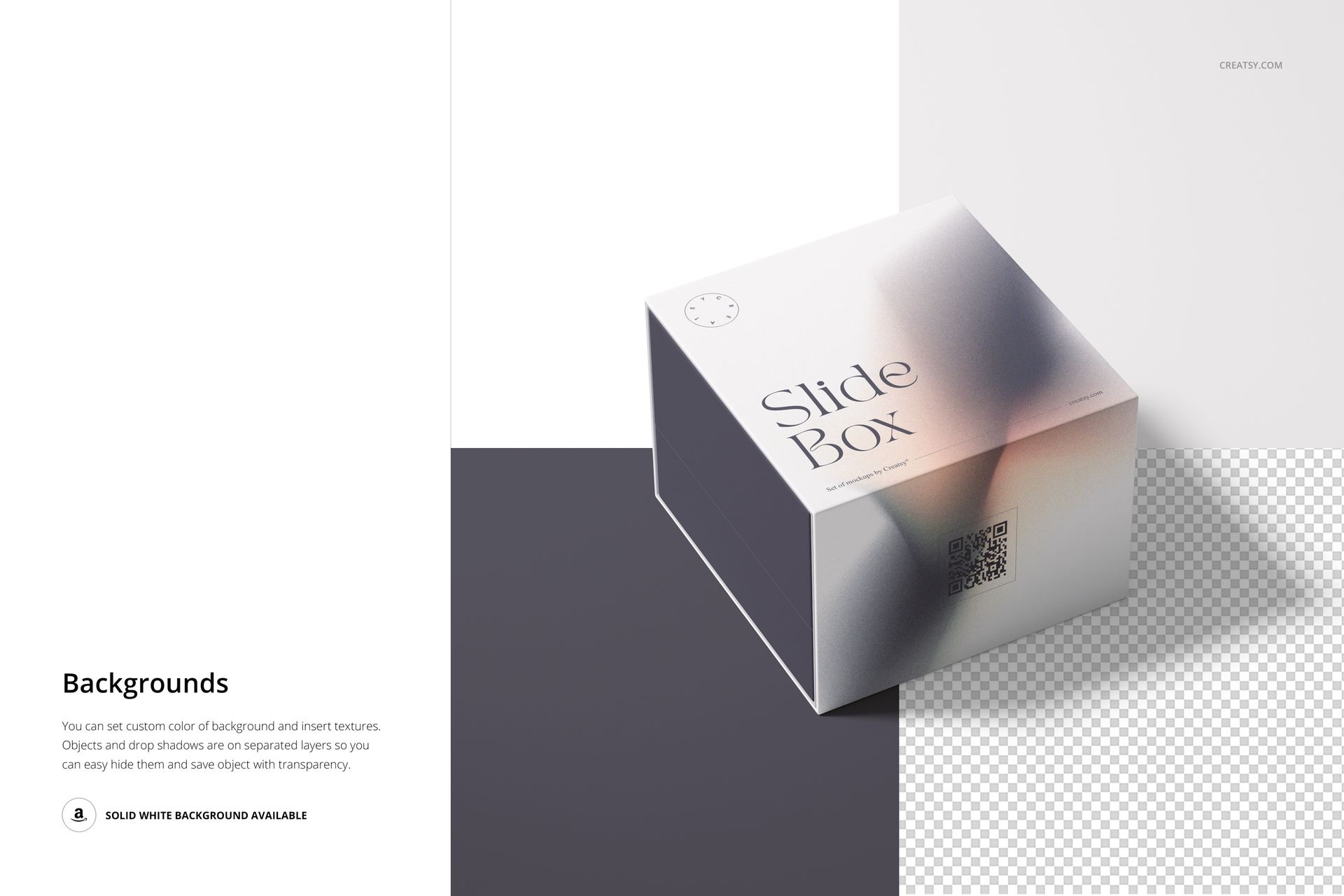
Change the color and artwork of the box and sleeve, then adjust the background color or design. Partially revealed and separated sleeve compositions help you judge whether the two surfaces feel connected without repeating the same graphic everywhere. Separate object and shadow layers also support a transparent-background presentation.
Easy Smart Object Editing
Open a scene in Photoshop, enter the relevant Smart Object, place your artwork and save that Smart Object to update the packaging. Use the color layers to coordinate the sleeve, box and background, and consult the included PDF manual for the file workflow.
Perfect For
Branded gift packaging and corporate gifting proposals.
Illustrated sleeve concepts and seasonal packaging collections.
Surface pattern presentations and coordinated colorways.
Client decks, portfolio case studies and packaging campaign visuals.
This is a digital mockup product, not a physical box or a production dieline. Sample artwork and patterns shown in the previews are not included.