Square Box Mockup Set v.1
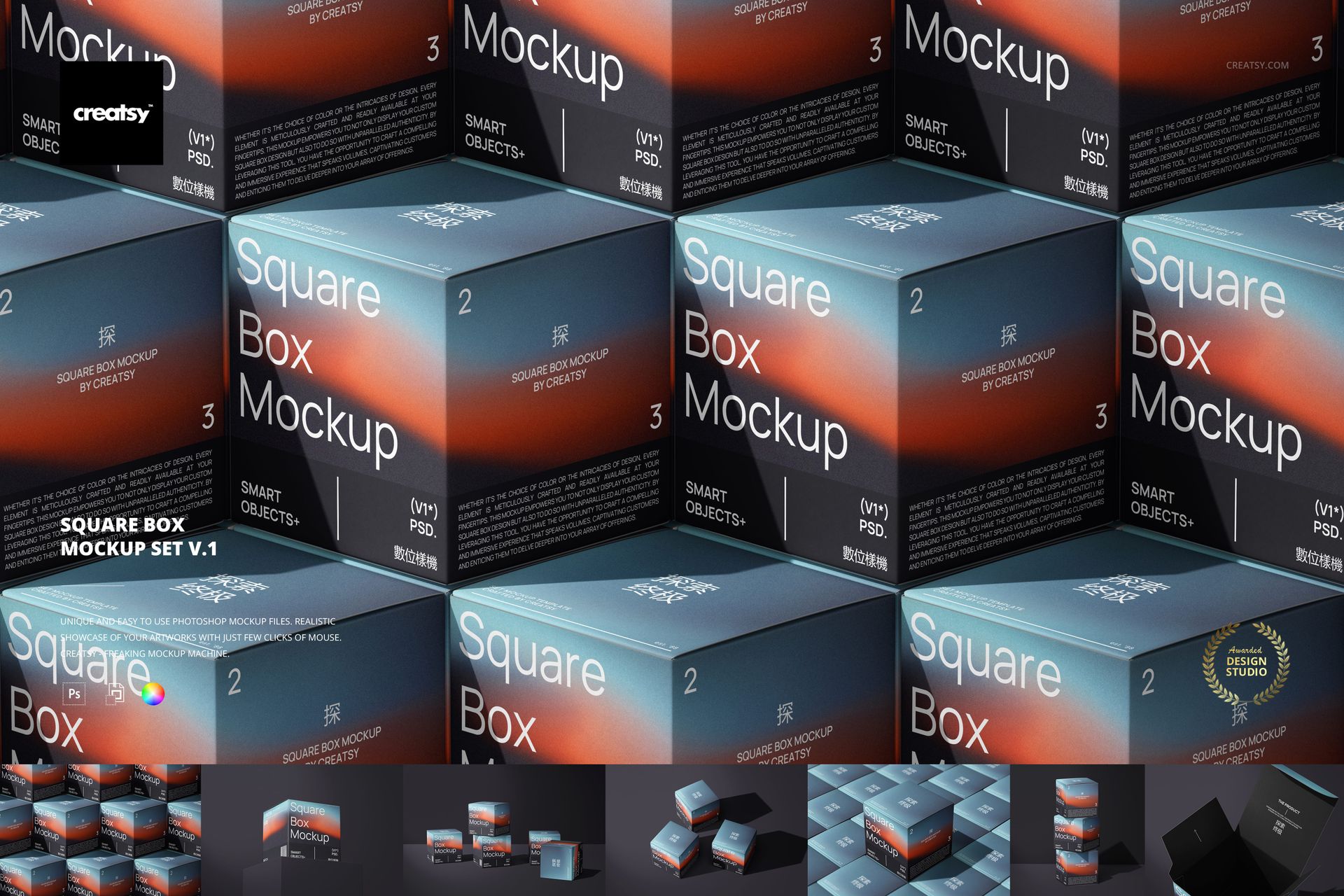
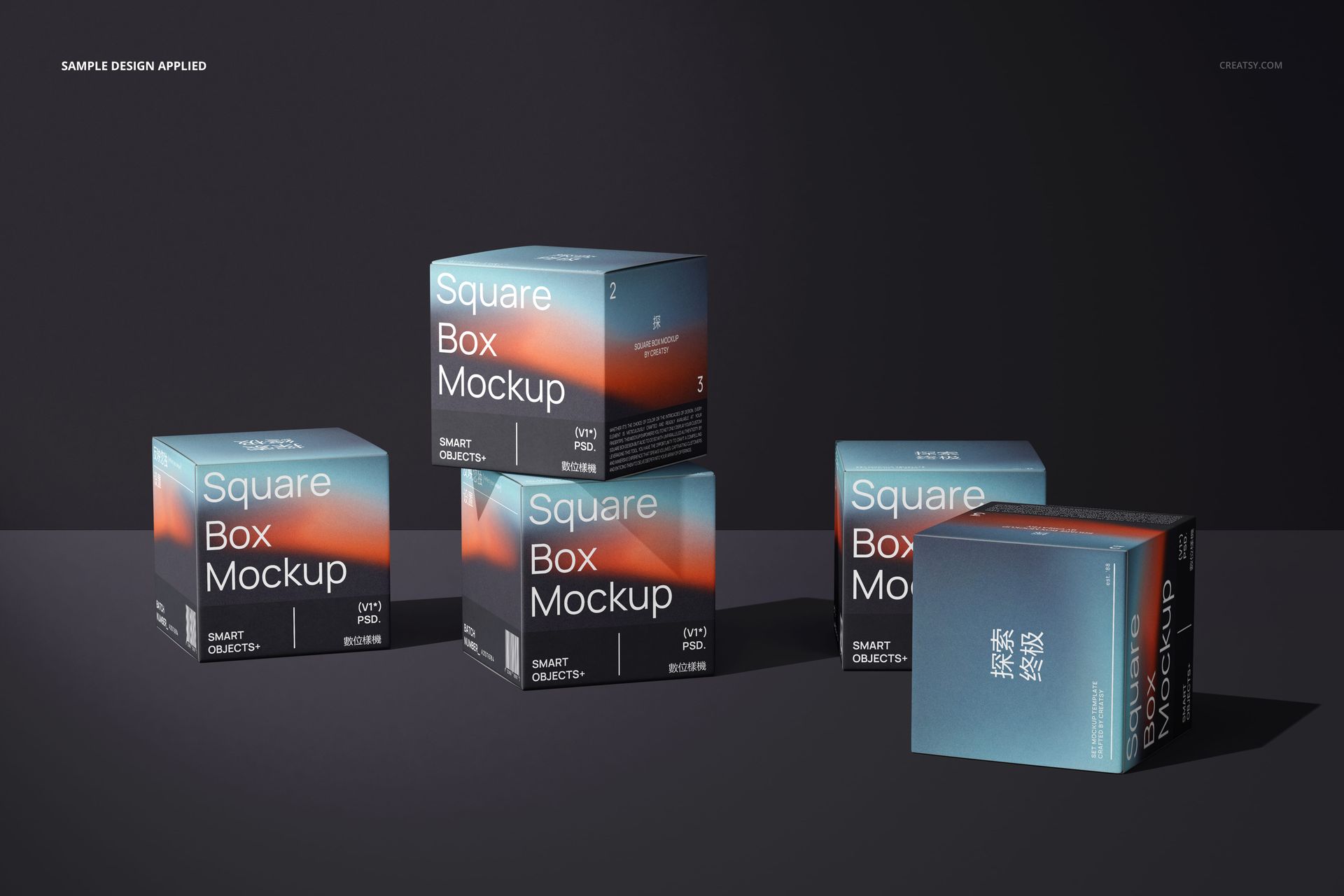
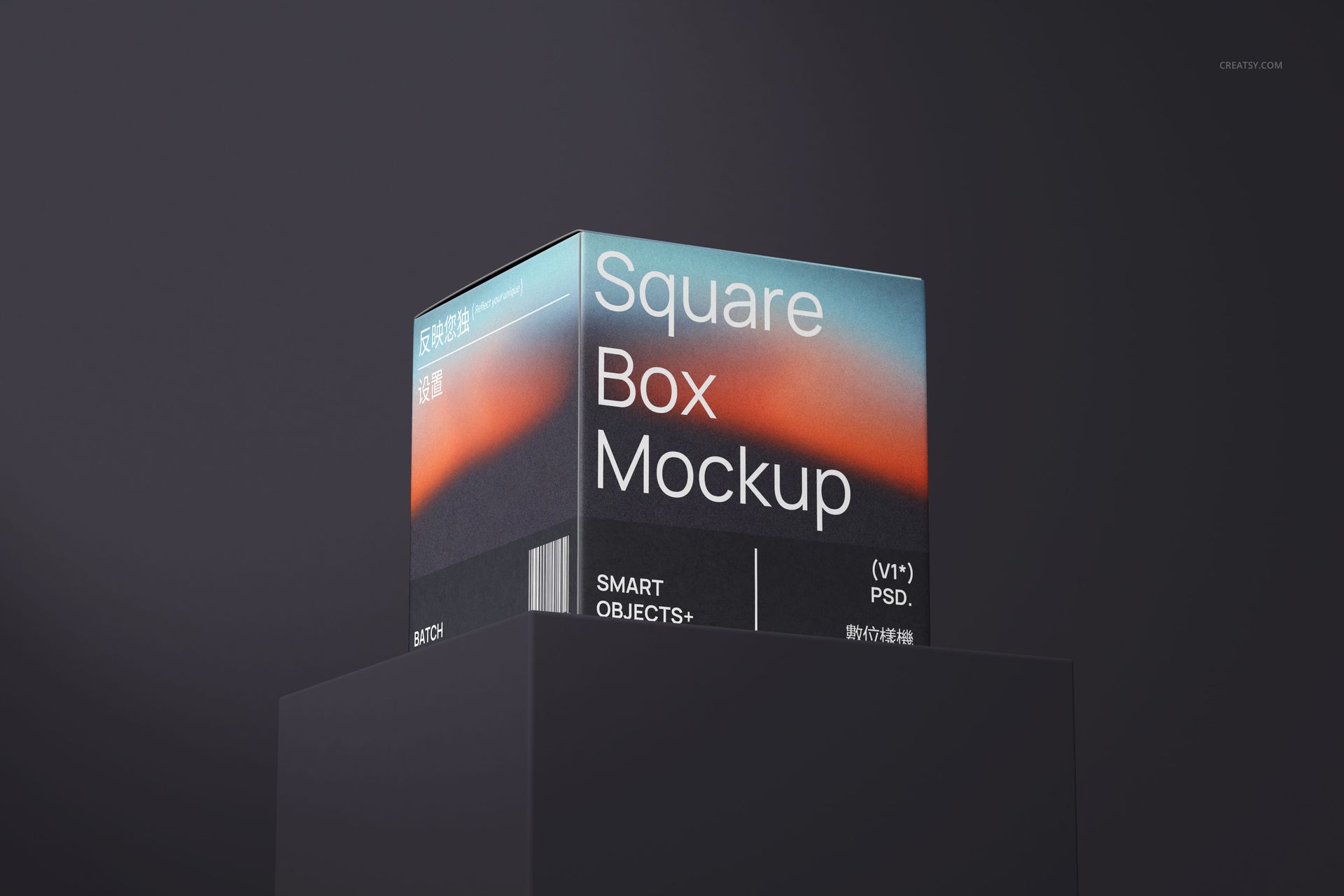
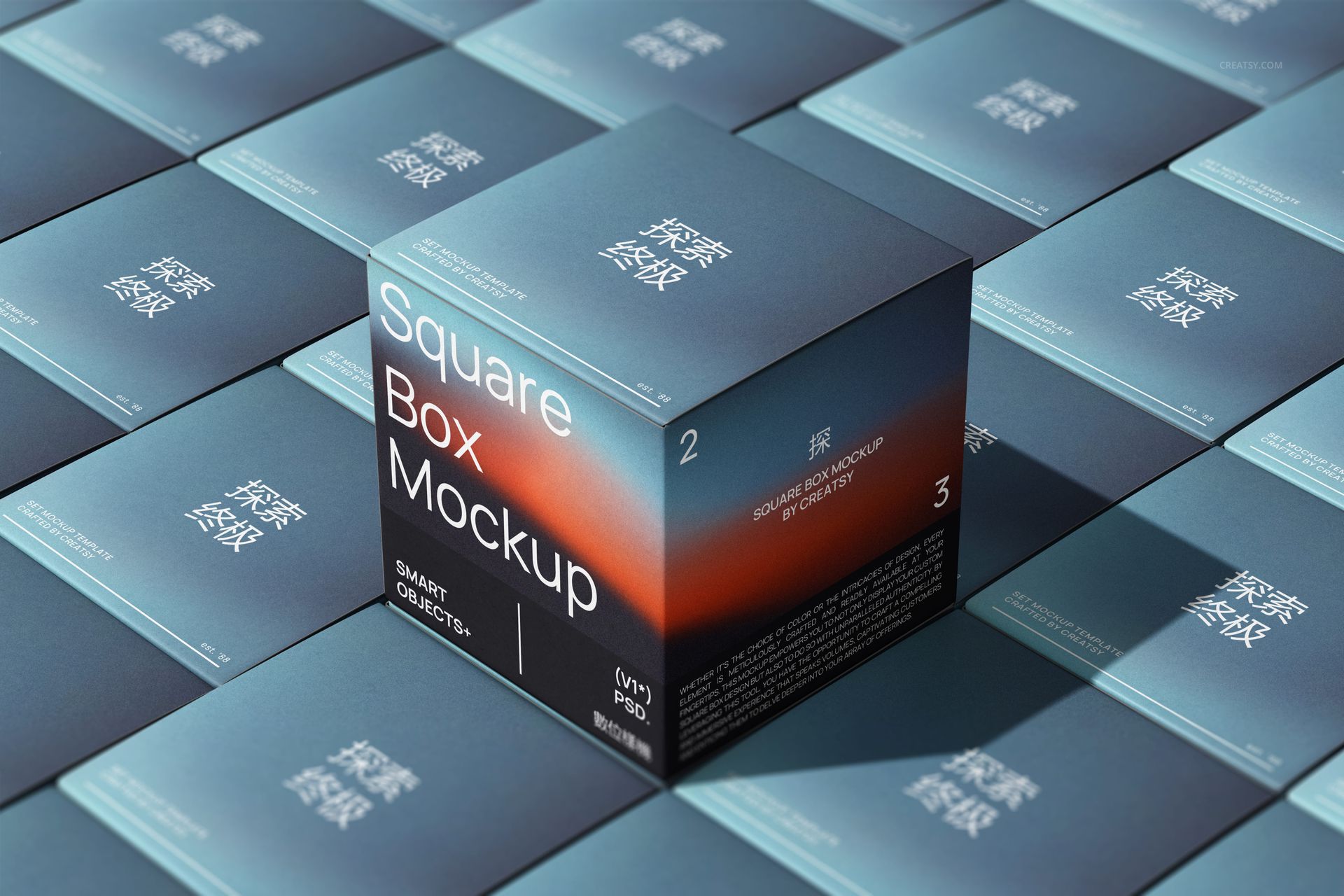
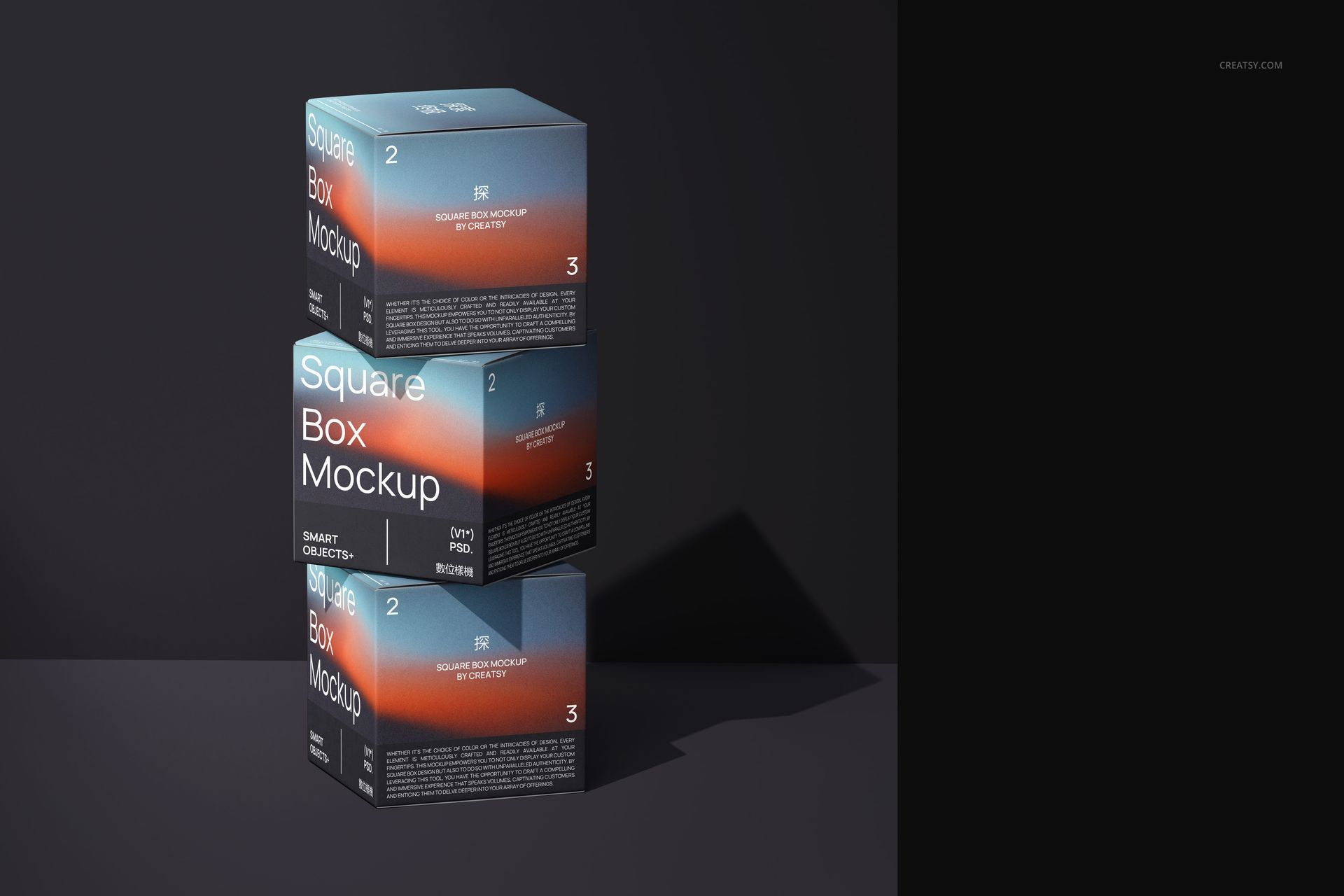
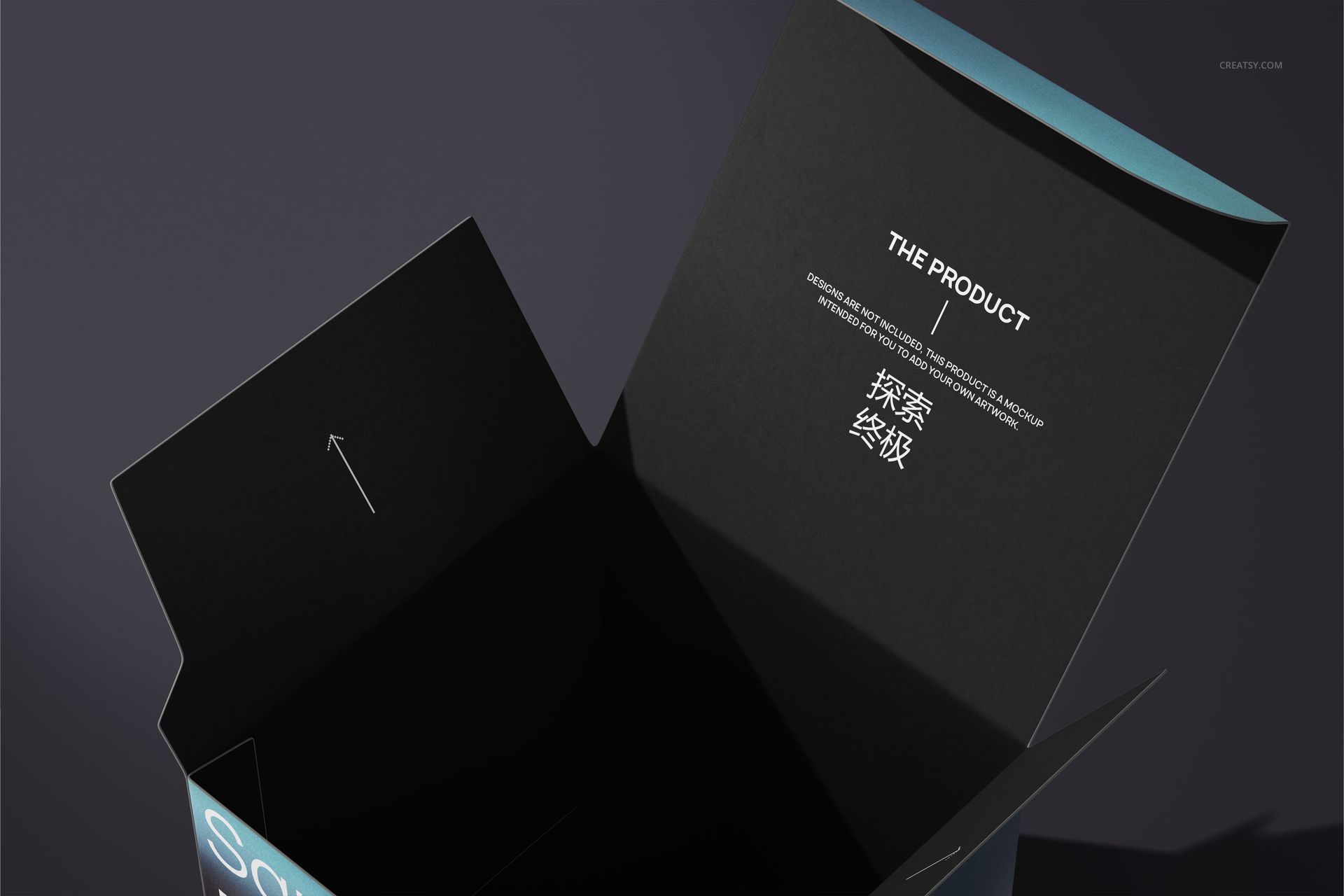
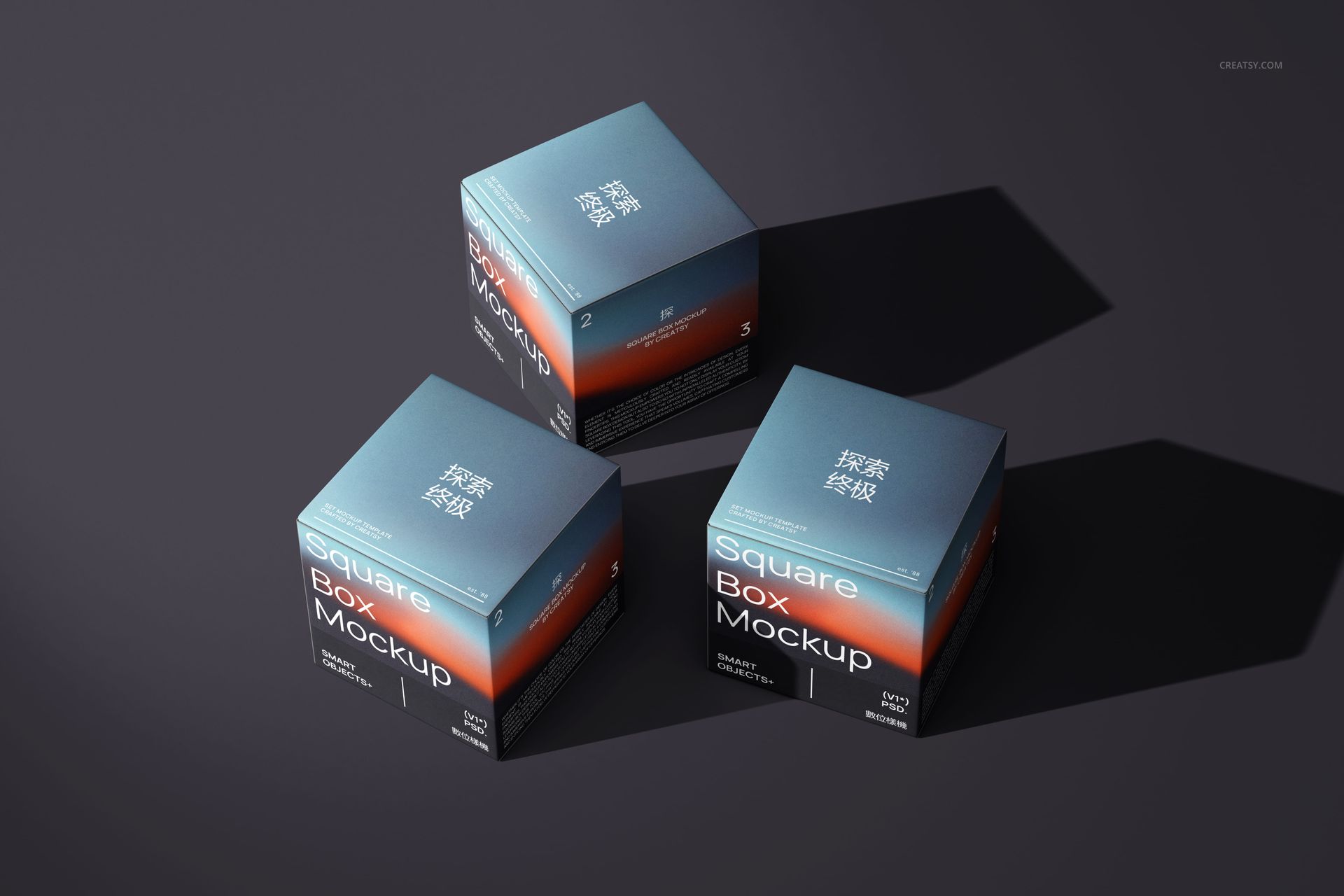
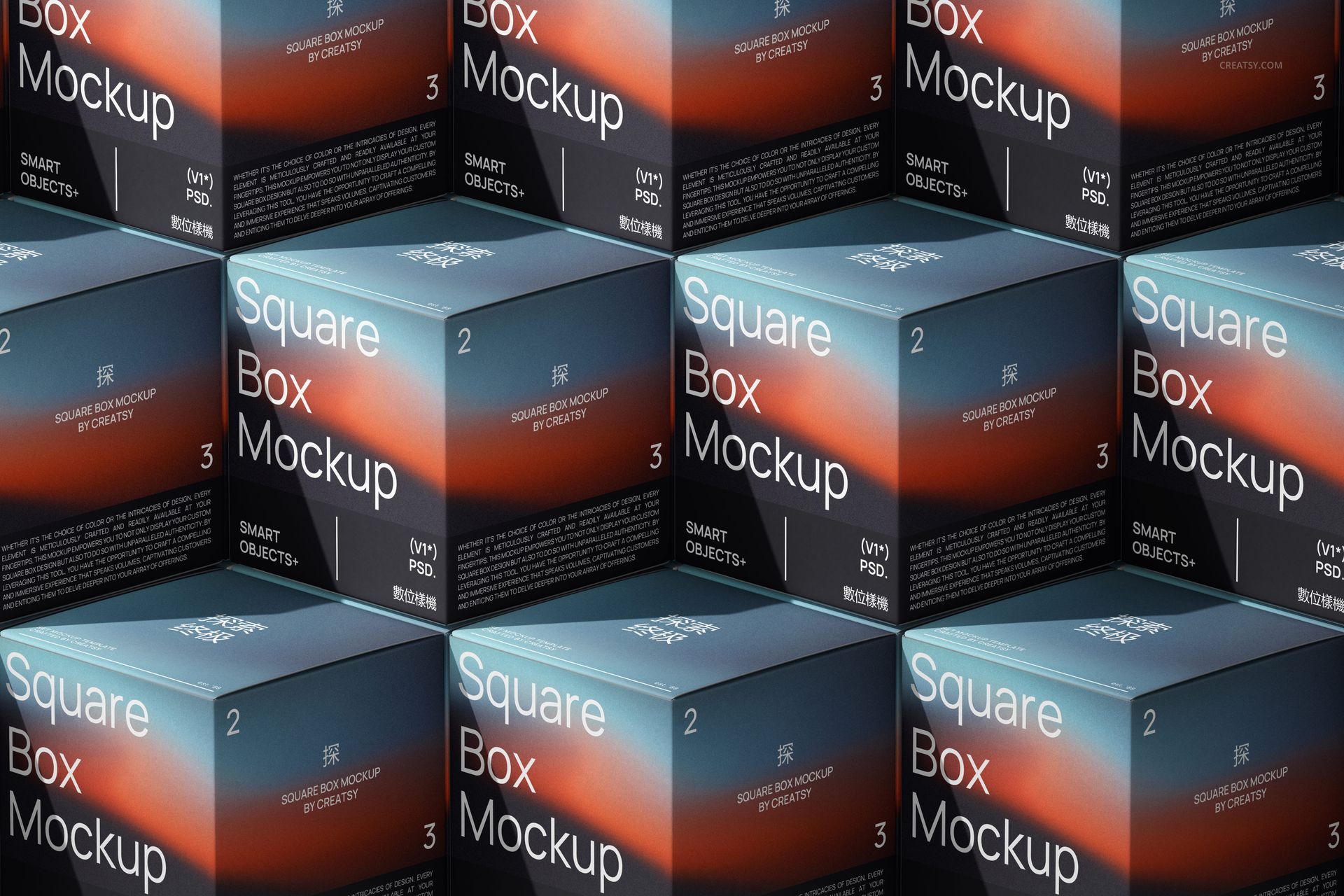
A square carton can tell a different story from each angle. This seven-scene square box mockup set combines a pedestal display, grouped boxes, stacked compositions and an open-flap view, giving you a way to present both the overall identity and the details around the folds. Use it to turn flat packaging artwork into a focused brand presentation.
Seven Views for One Packaging Identity
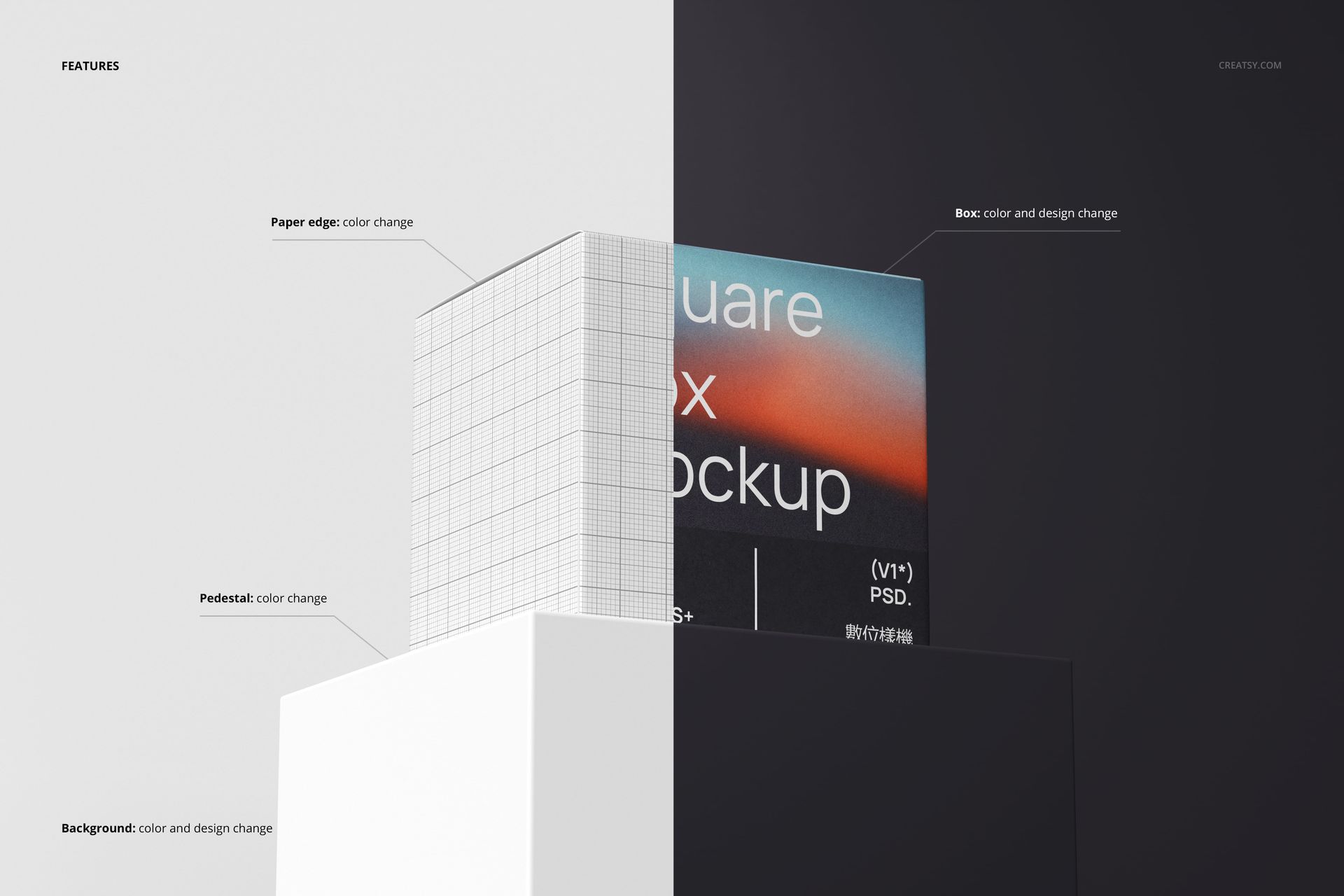
The pedestal composition gives a single design room to stand out, while groups and repeated layouts show how it reads as a collection. Adjust the box artwork, box color, paper edge color and background; change the pedestal color in the scene that includes it to support your palette.
What Is Included
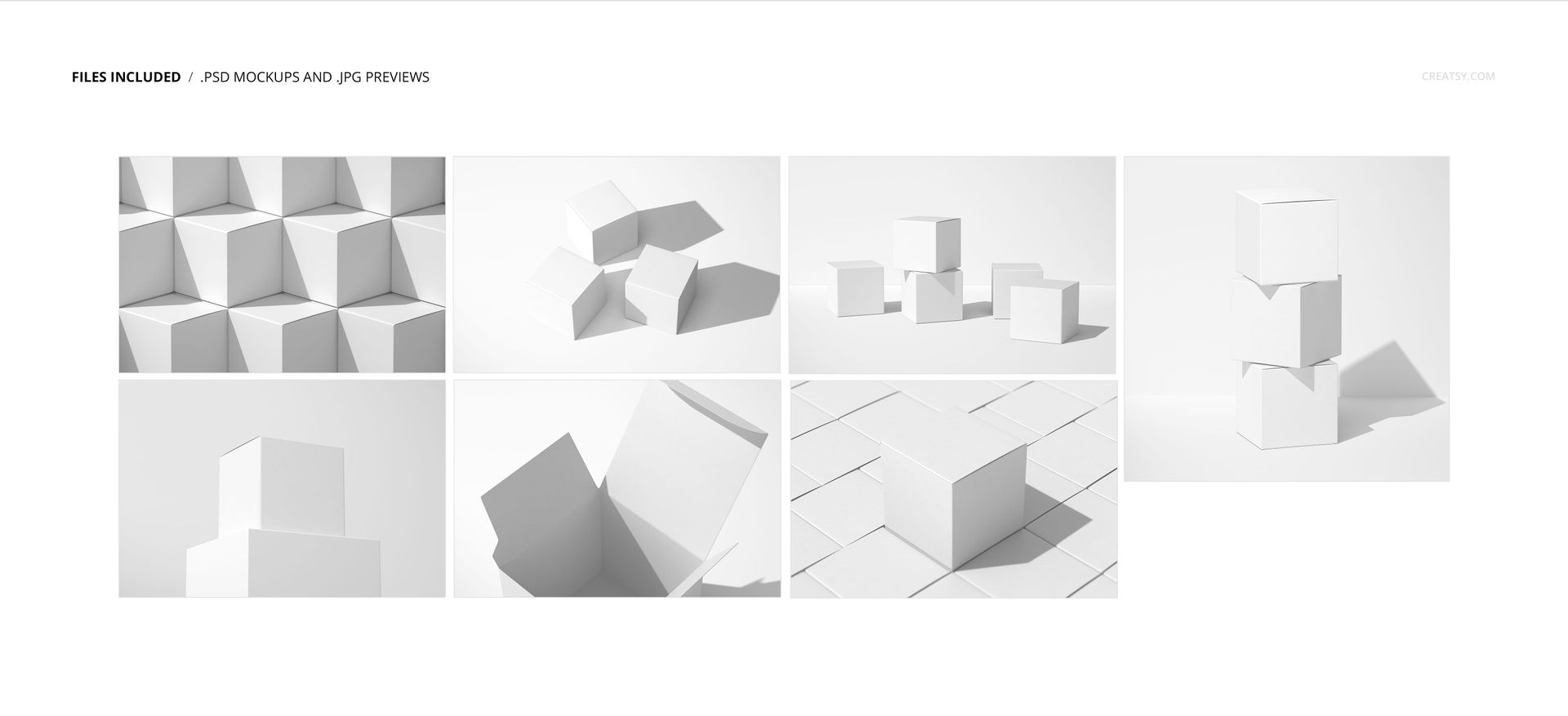
7 layered PSD mockup files covering 7 compositions.
Scene 1 at 6000 × 6000 px; scenes 2–7 at 6000 × 4000 px, at 300 DPI.
7 JPG previews, 14 files in total.
Compatibility with Adobe Photoshop CC2015 or newer and Photopea.
Easy Smart Object Editing
Place your packaging graphics into the Smart Objects and save the artwork changes to update the scene. Work through the organized layers to coordinate the box, paper edges and background, then use the different viewpoints to check the relationship between the top and side panels.
Perfect For
Square carton branding and illustrated packaging concepts.
Product-range presentations with consistent colors and typography.
Surface pattern portfolios showing artwork across folds.
Client approval decks that combine hero, group and detail views.
Digital mockup files only. No physical packaging, production dielines or sample artwork from the previews are included.