Pepper Jar Label Mockup
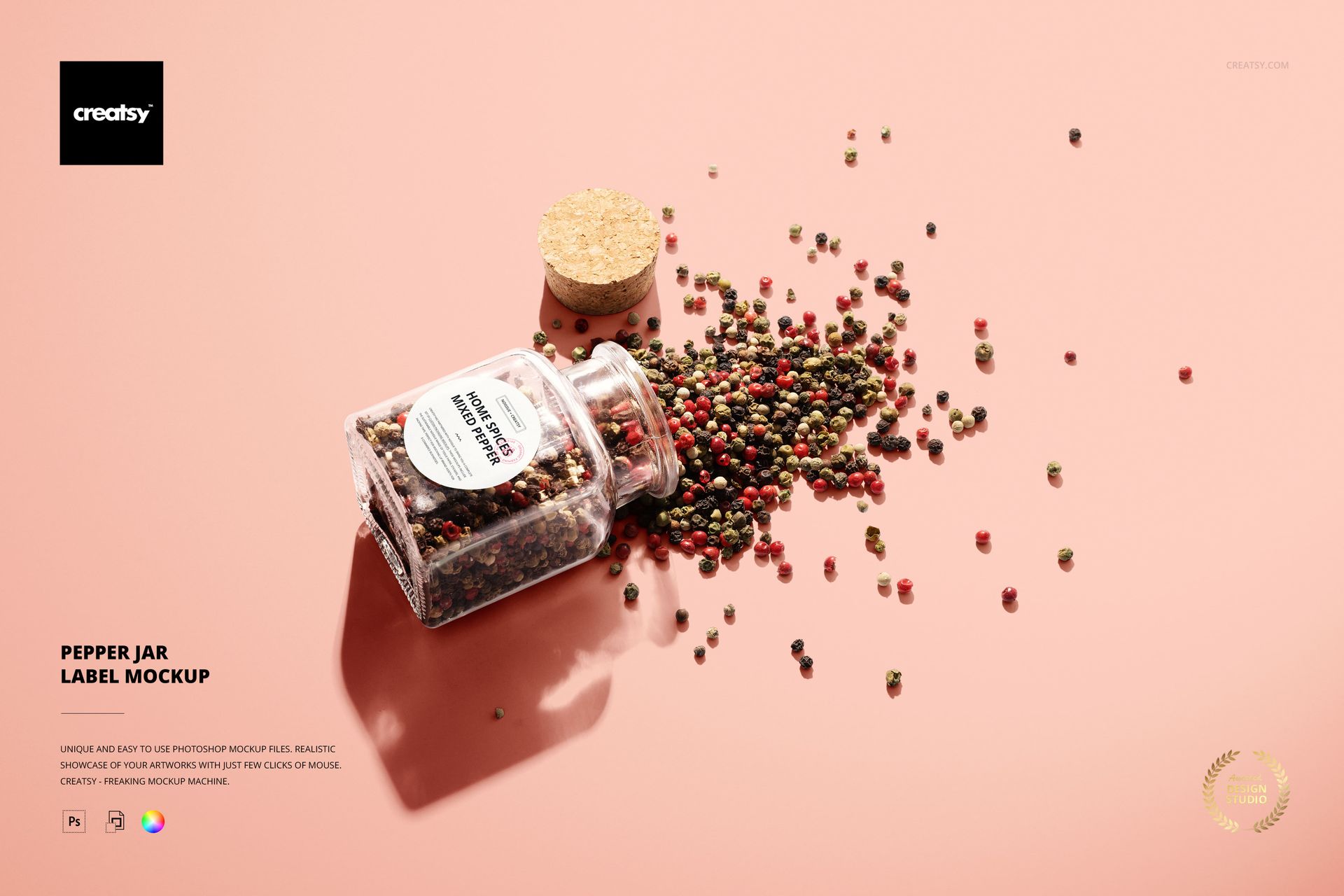
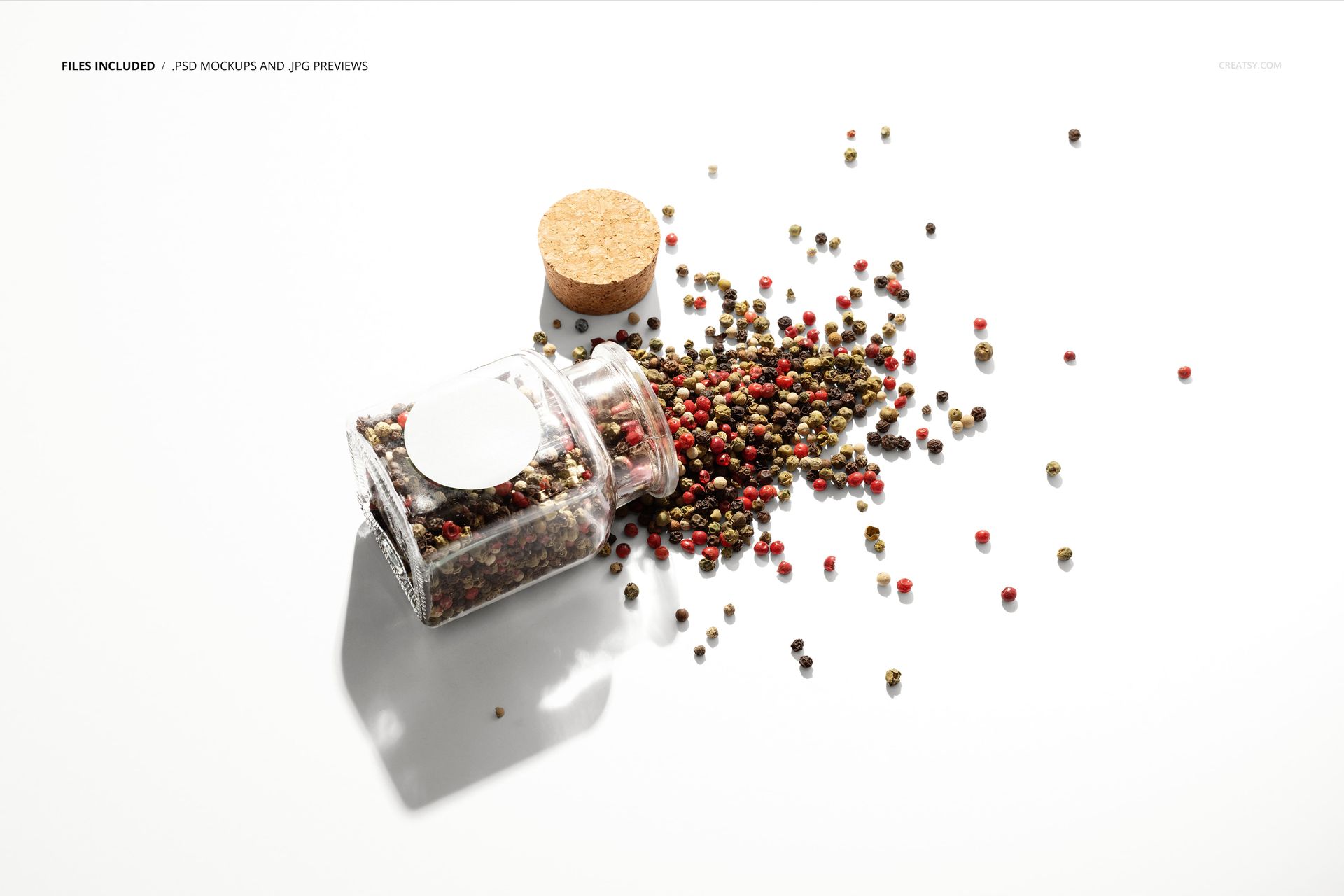
A tipped jar and scattered peppercorns give this pepper jar label mockup with spilled spices a sense of a product in use. The open square-sided glass jar lies at an angle, with its cork stopper nearby and a circular label visible on the front. It is a distinctive ingredient-led setting for pepper packaging and round-sticker artwork.
What Is Included
1 layered PSD containing one pepper-jar composition.
6000 × 4000 px landscape canvas at 300 DPI.
1 JPG thumbnail preview at 256 × 171 px, 2 files total.
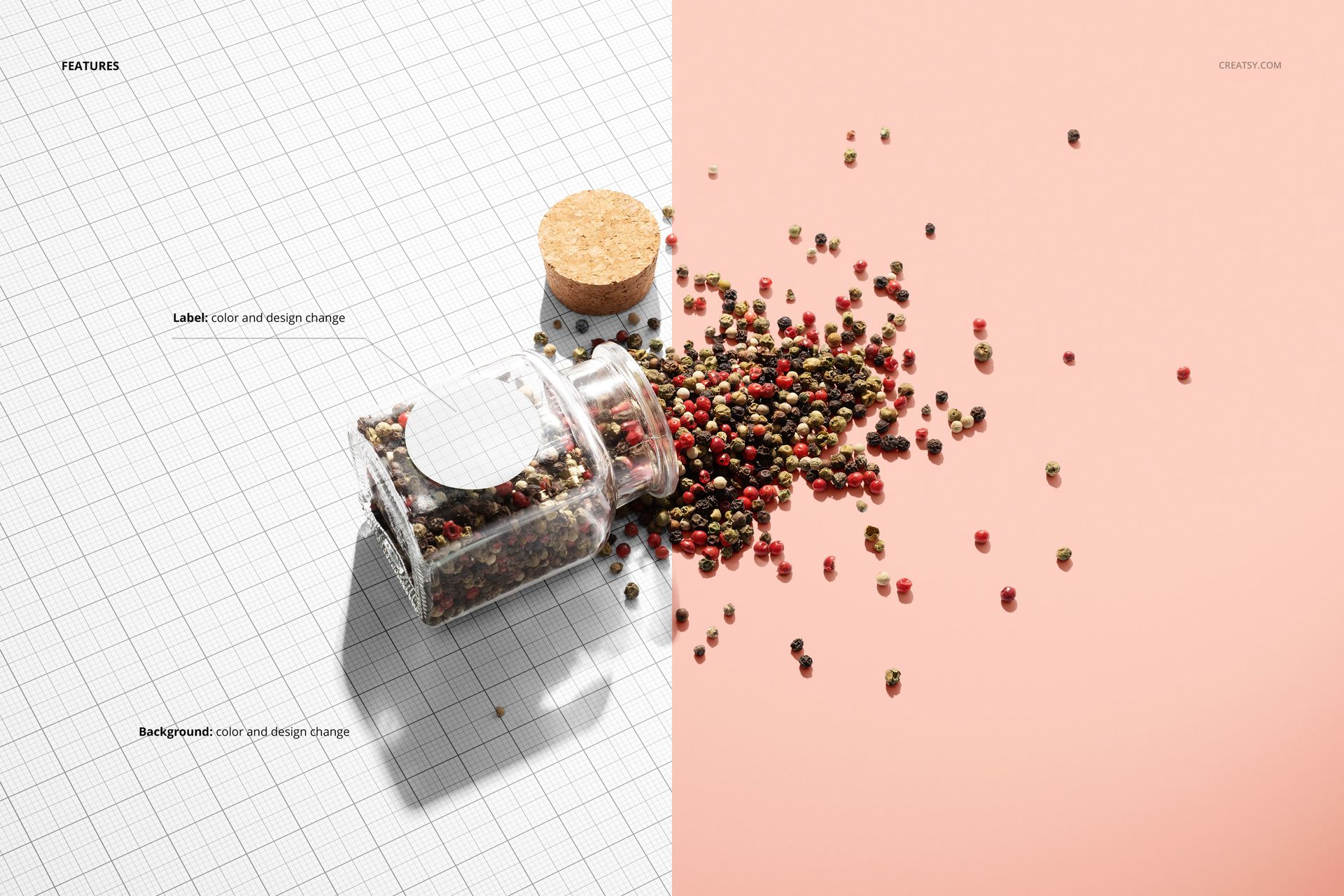
Organized layers with label and background color and design controls.
Bring the Contents into the Brand Presentation
The mixed peppercorns and open jar introduce color, texture and a clear connection to the ingredient. Use the label as the visual anchor, then choose a background that supports the branding without competing with the scattered spices or the directional shadows.
Easy Smart Object Editing
The PSD works in Adobe Photoshop CS5 or newer, or Photopea. Insert your label artwork through its Smart Object and save that object to update the presentation. Adjust the label and background colors or designs, and inspect the lettering at the angle shown in the scene.
Perfect For
Pepper brands and specialty-spice packaging concepts.
Round-label artwork and food-brand portfolios.
Ingredient-focused campaign images and client presentations.
This is a digital mockup. It does not include physical packaging, peppercorns or the example label artwork shown in the previews.