ID: 1980684629 | Updated: Oct 1, 2024

Product Details

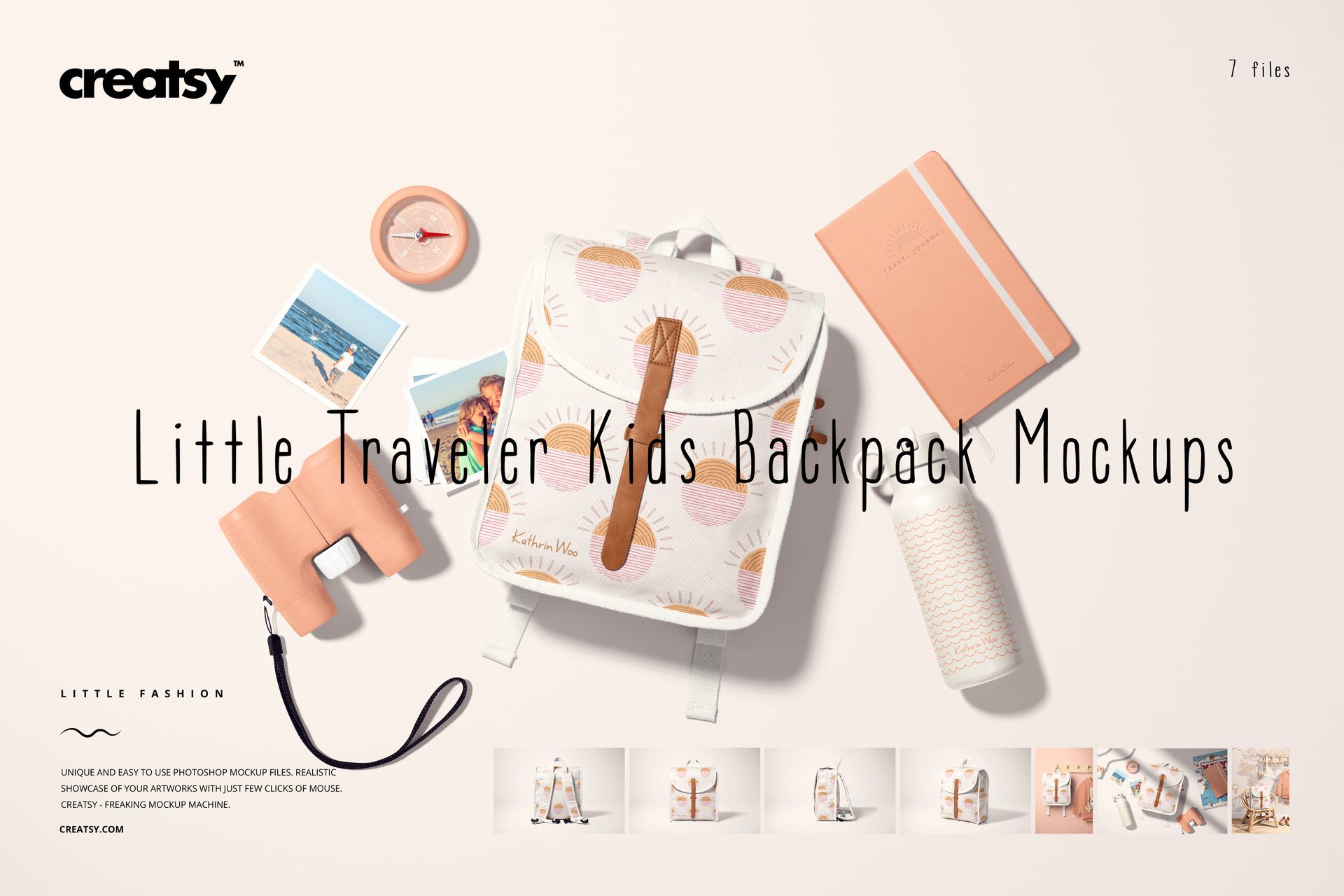
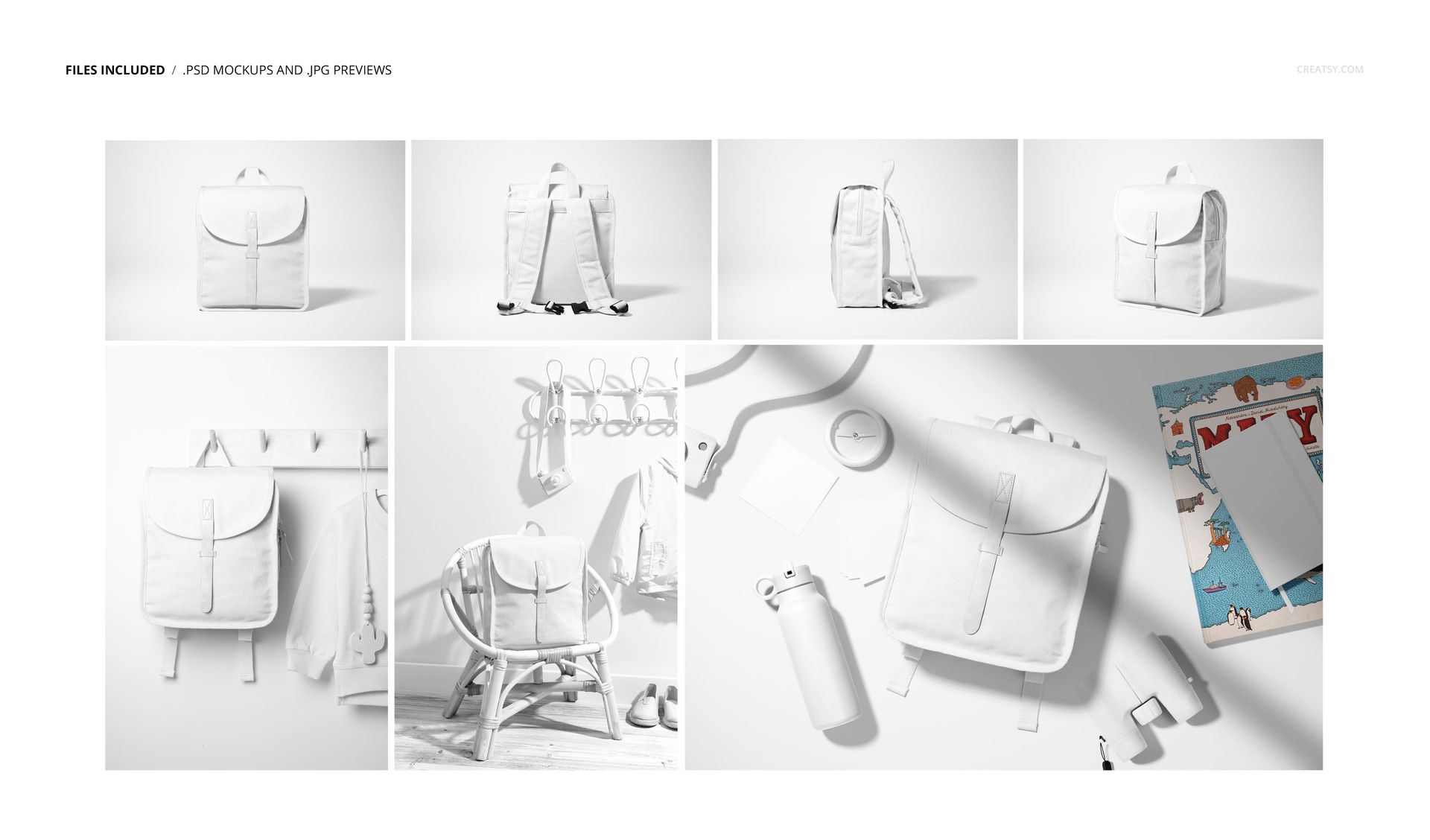
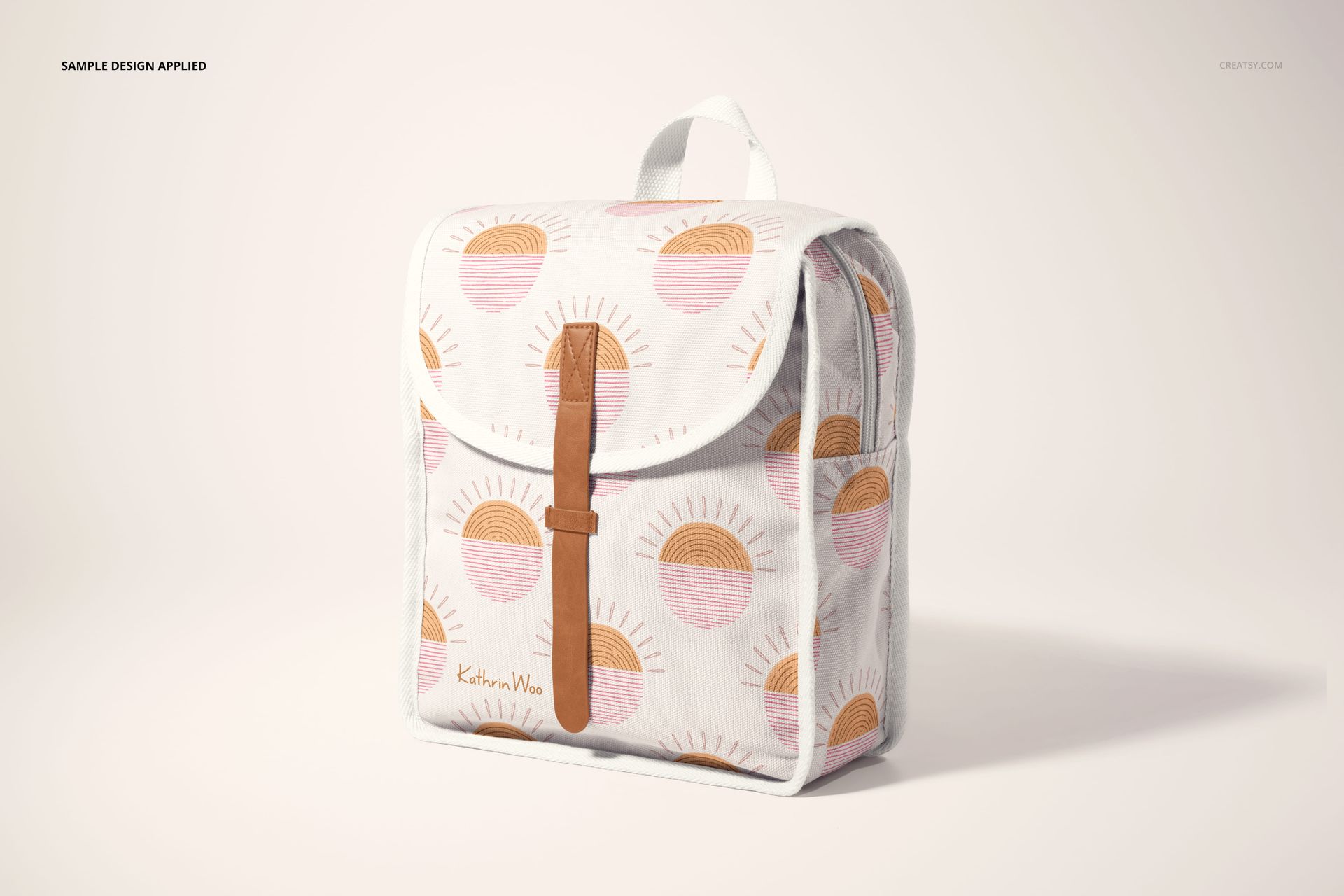
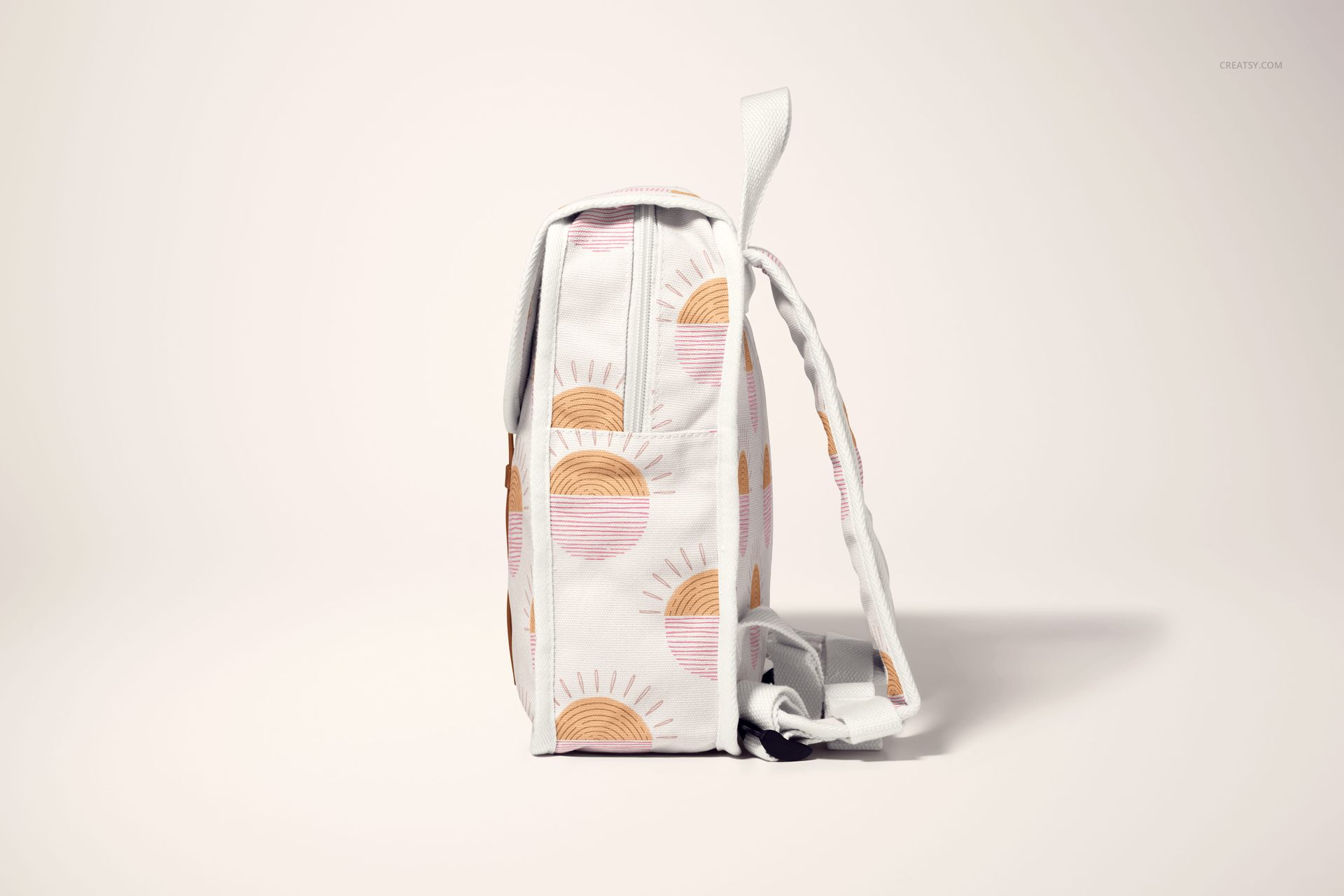
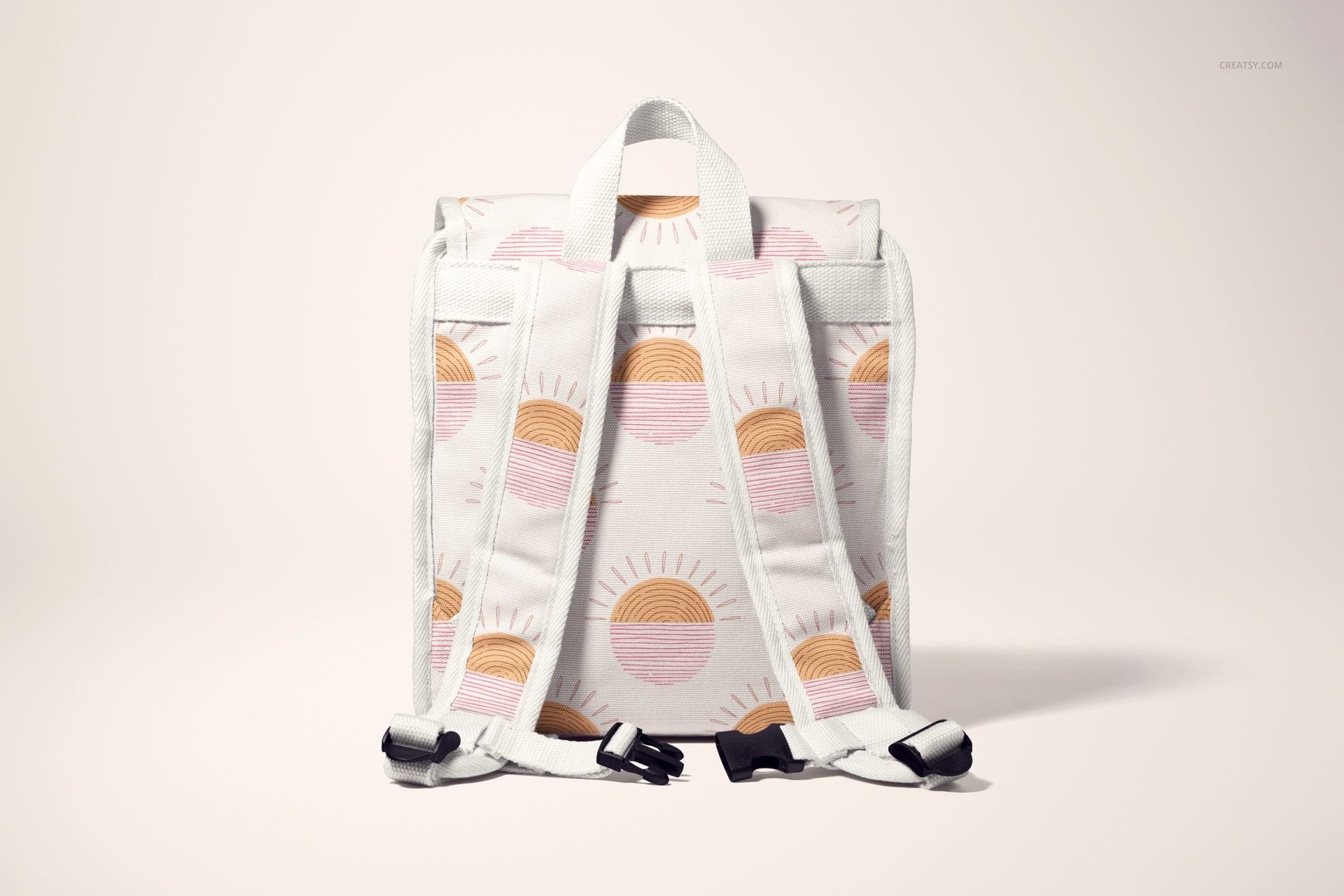
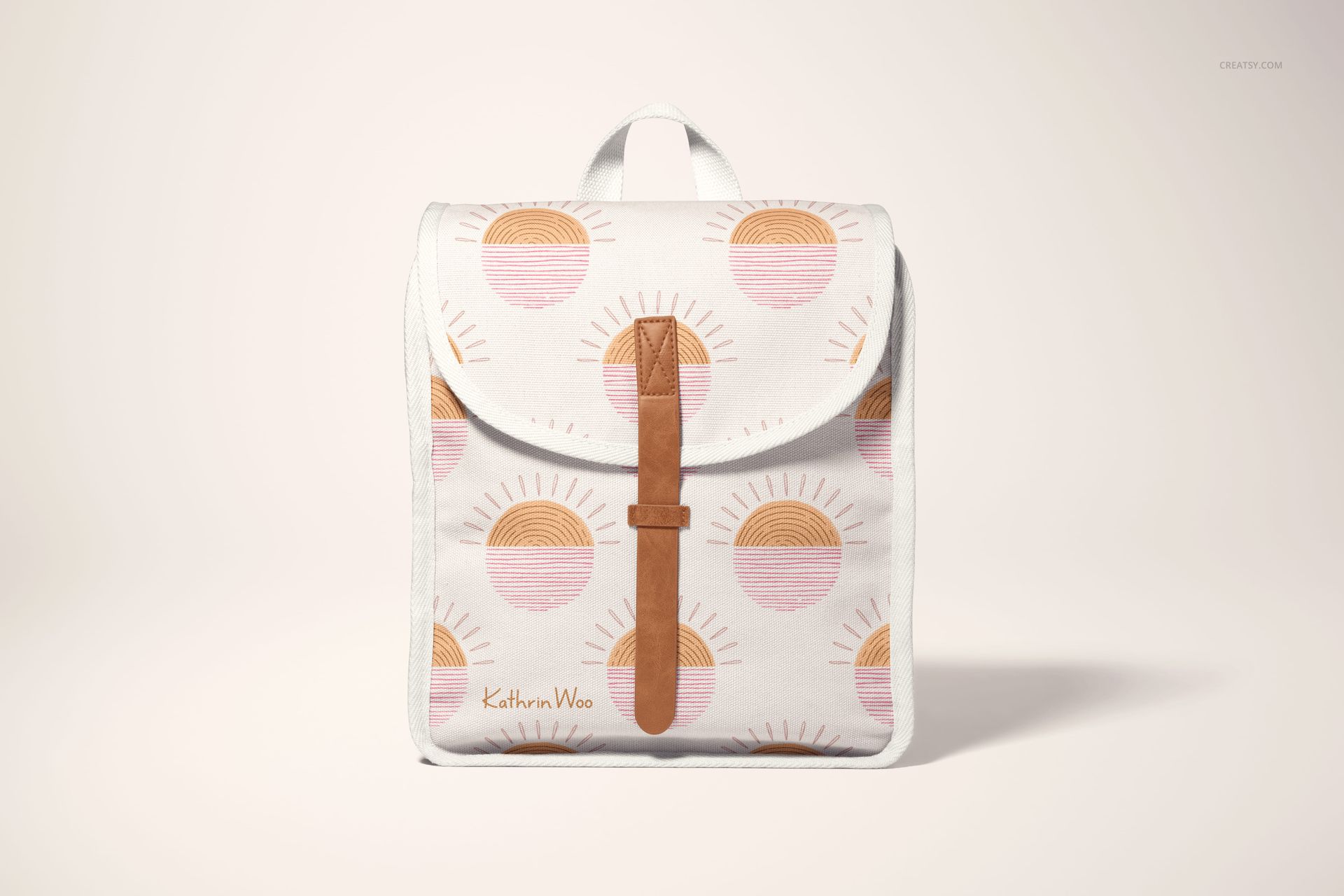
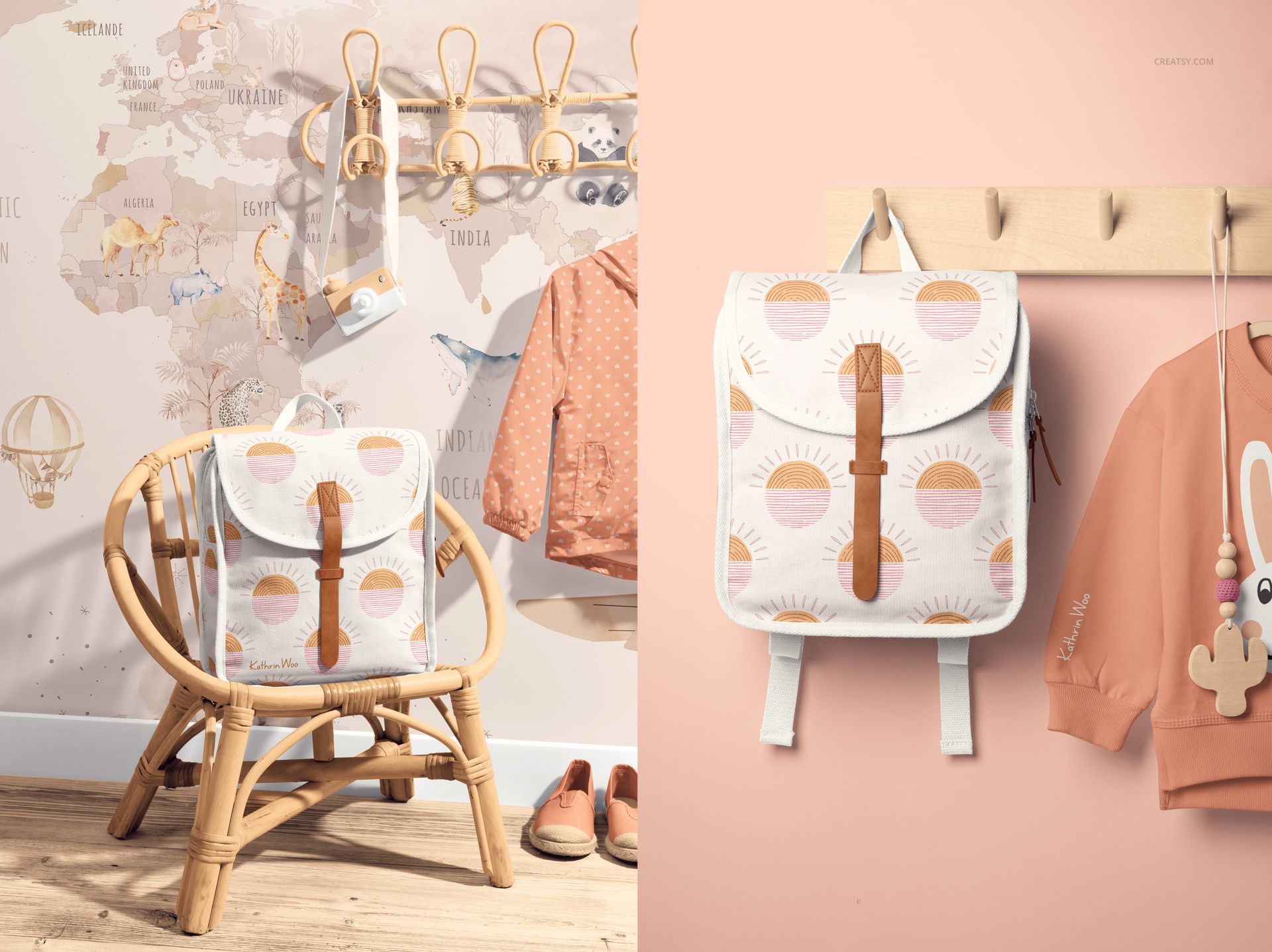
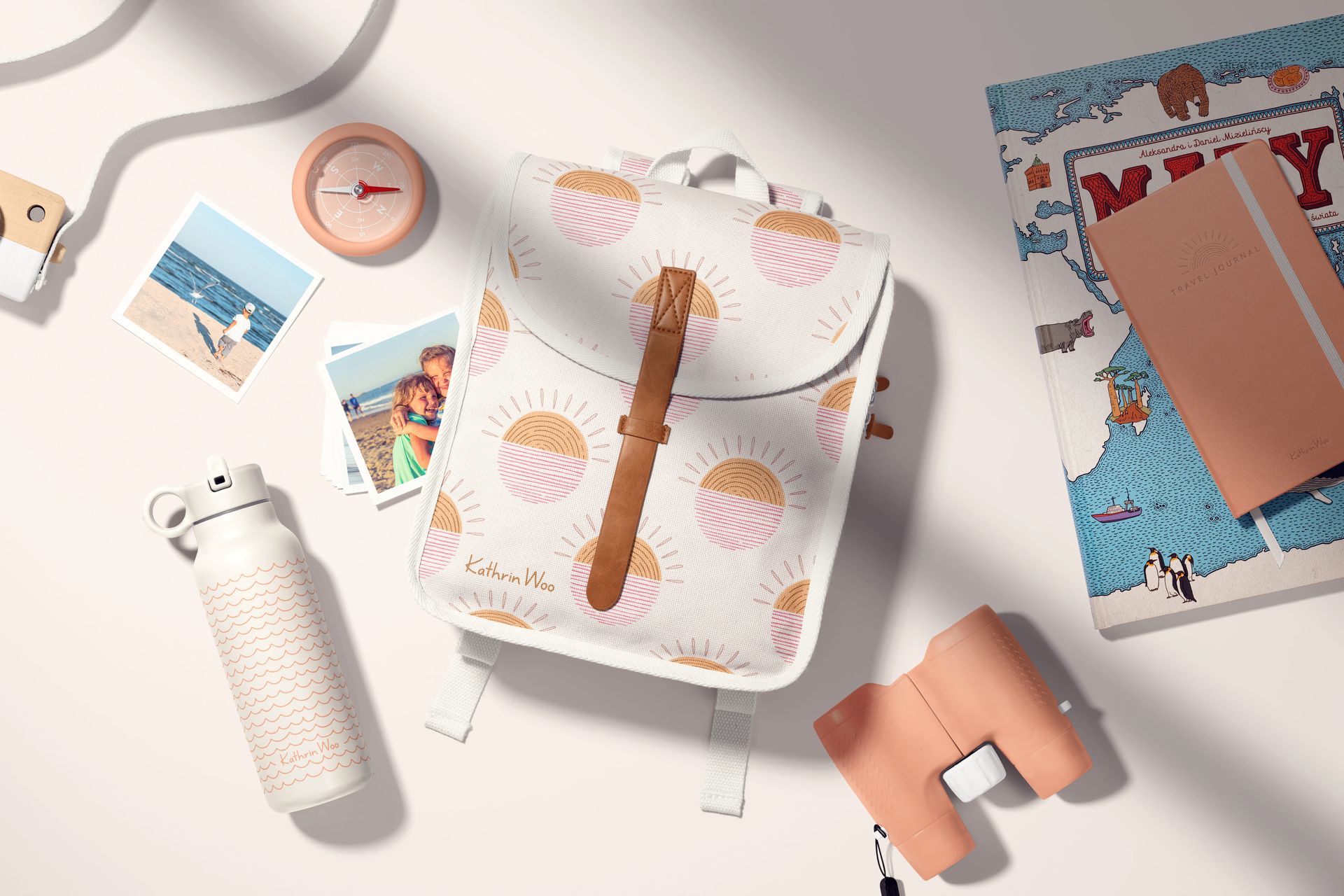
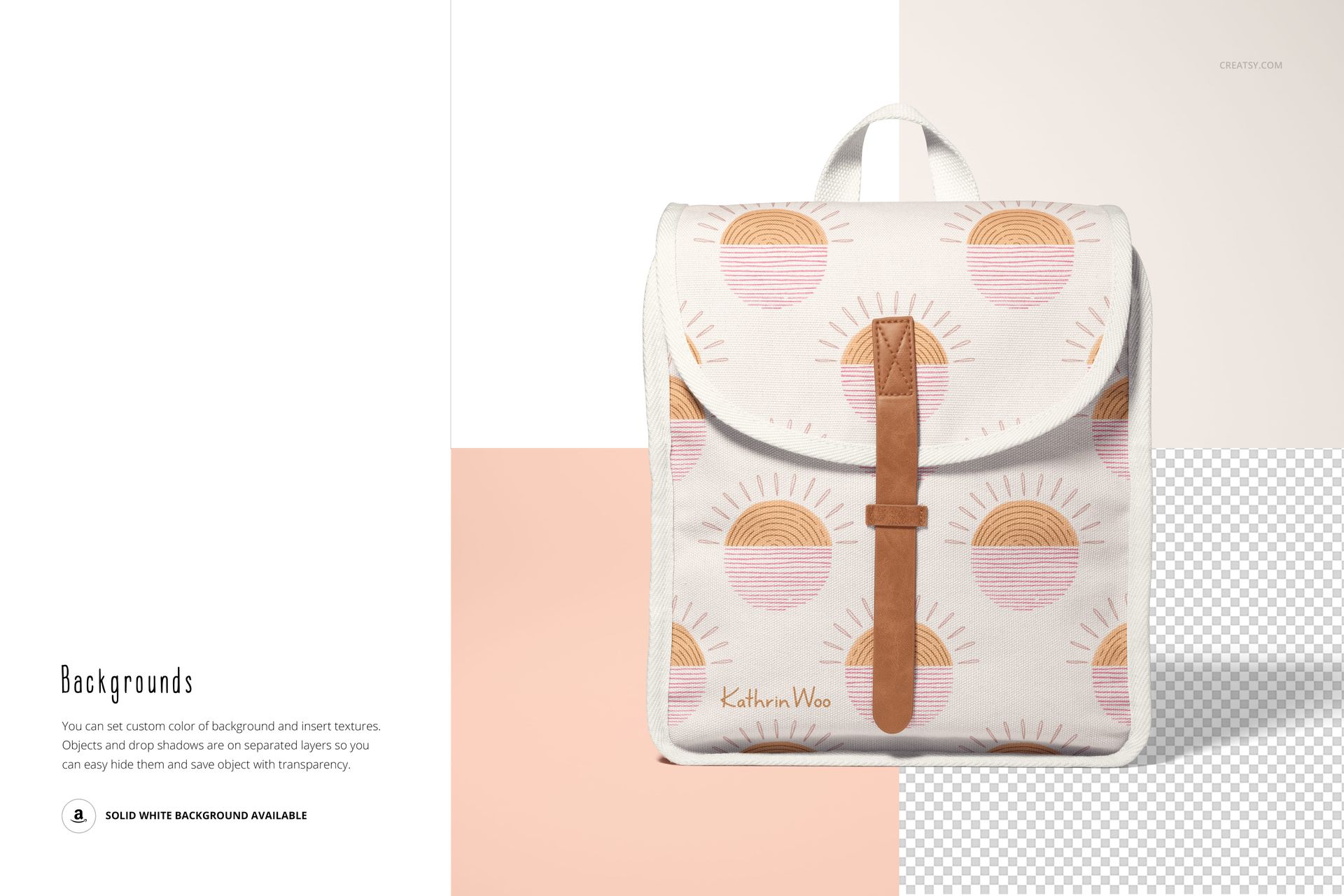
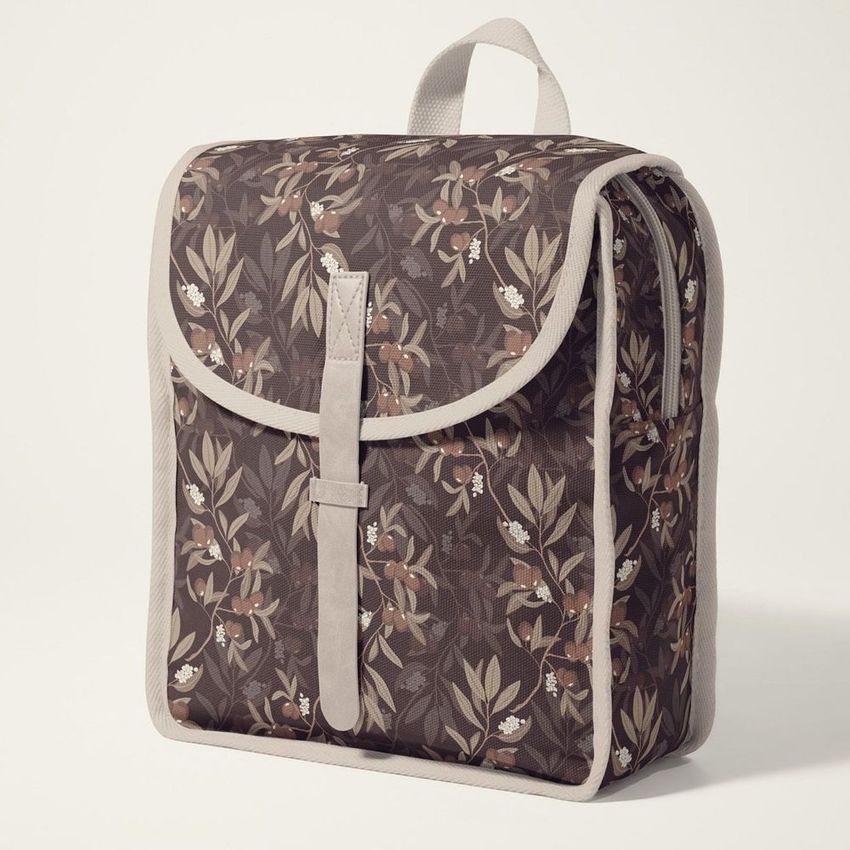
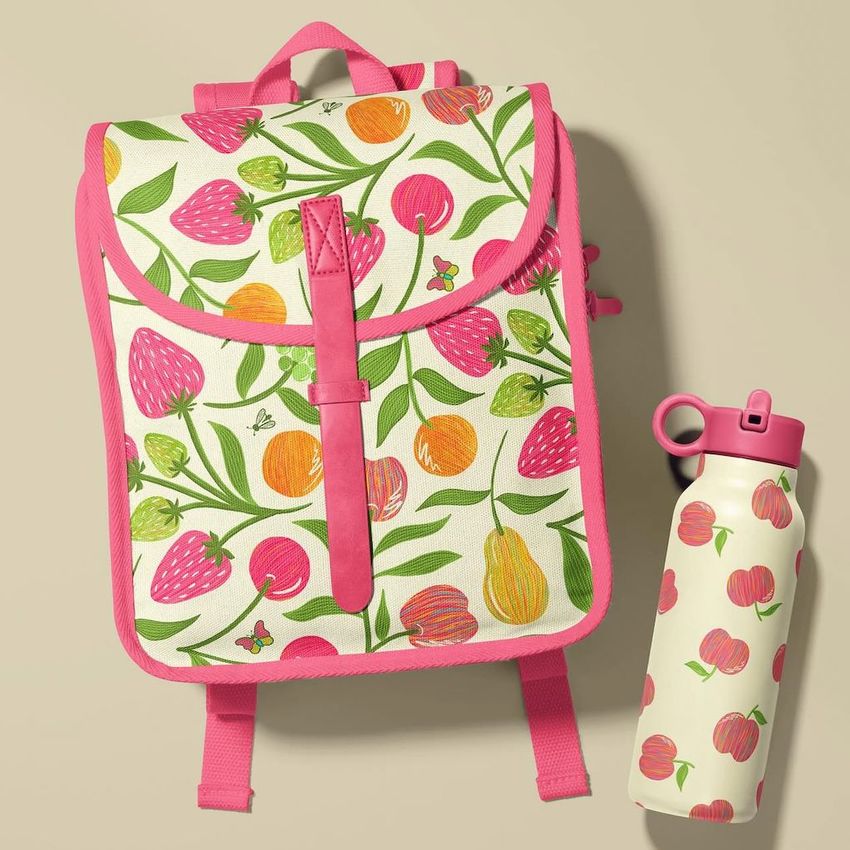
Little Traveler Kids Backpack Mockup is a set of seven PSD files that present a small children's backpack from multiple angles and in styled scenes designed to look like a real product shoot. The files include clean studio shots of the backpack on its own as well as lifestyle compositions with travel accessories, a hallway coat hook setting, and flat lay arrangements with kids' essentials. Built for children's brands, surface pattern designers, and print-on-demand sellers who need realistic product previews of a toddler or preschool-age backpack with their own artwork applied to the fabric panels.

Why This Mockup Works

Kids' backpack photography is expensive because the product is small, the surfaces curve in multiple directions, and the props need to match a specific age group and aesthetic. This mockup set handles all of that with seven pre-styled compositions that cover individual product angles and contextual lifestyle scenes. The lifestyle shots with travel items and hallway settings give your listing or portfolio the storytelling depth that plain product photos cannot achieve on their own. Parents and buyers respond to context, and these scenes show the backpack in situations they recognize from their own daily routines with young children.

What Is Included

The download contains 7 PSD files, each at 6000x4000 pixels and 300 DPI. You get simple backpack shots captured from various angles showing the front panel, side pockets, straps, and zipper details, plus imaginative scene compositions with coordinated props and backgrounds. The full set gives you enough images to populate a complete e-commerce listing, build a portfolio case study, or create a social media campaign with distinct content for each post. Total download size is 1.73 GB.

What You Can Customize

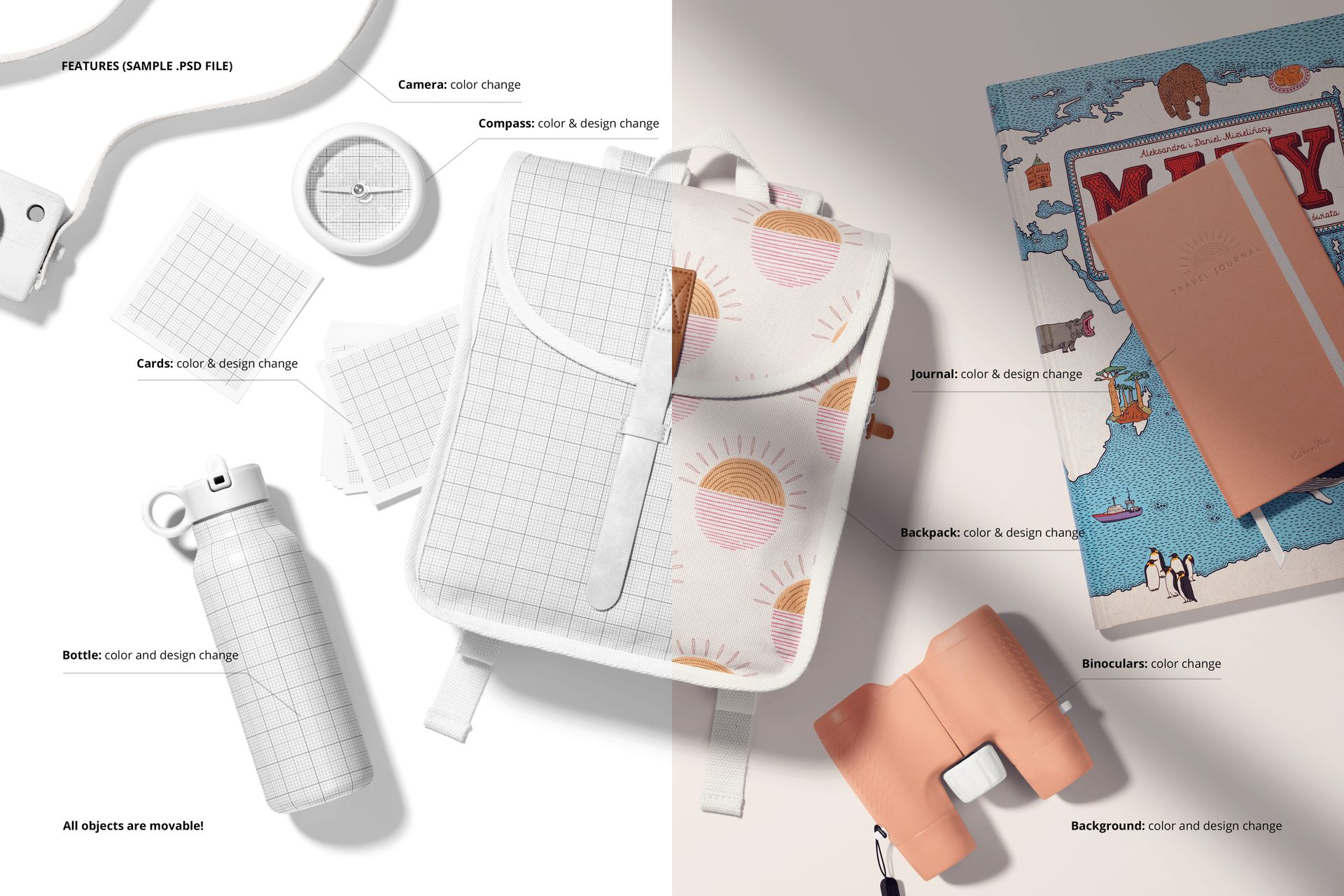
Open any PSD in Adobe Photoshop CC2020 or later, or use the free browser-based editor at photopea.com. Locate the smart object layers and place your surface pattern, illustration, or brand artwork. The mockup maps your design onto the backpack fabric with realistic texture and curvature built into the displacement. In the scene files, you can customize additional elements like the wallpaper, floor, and prop colors to match your brand palette or seasonal campaign direction. Well organized layers make it straightforward to toggle individual elements on or off depending on your creative needs.

Who This Mockup Is For

Children's fashion and accessories brands building product pages or wholesale catalogs for backpacks and school bags. Surface pattern designers showcasing how their repeats look on a three-dimensional kids' product. Print-on-demand sellers listing custom toddler backpacks on Etsy, Amazon, or Shopify who need lifestyle-quality images without a photo shoot. Gift shop owners previewing personalized backpack designs for their seasonal inventory. Marketing teams creating back-to-school campaign content or travel-themed promotions targeting parents of young children.

File Specifications

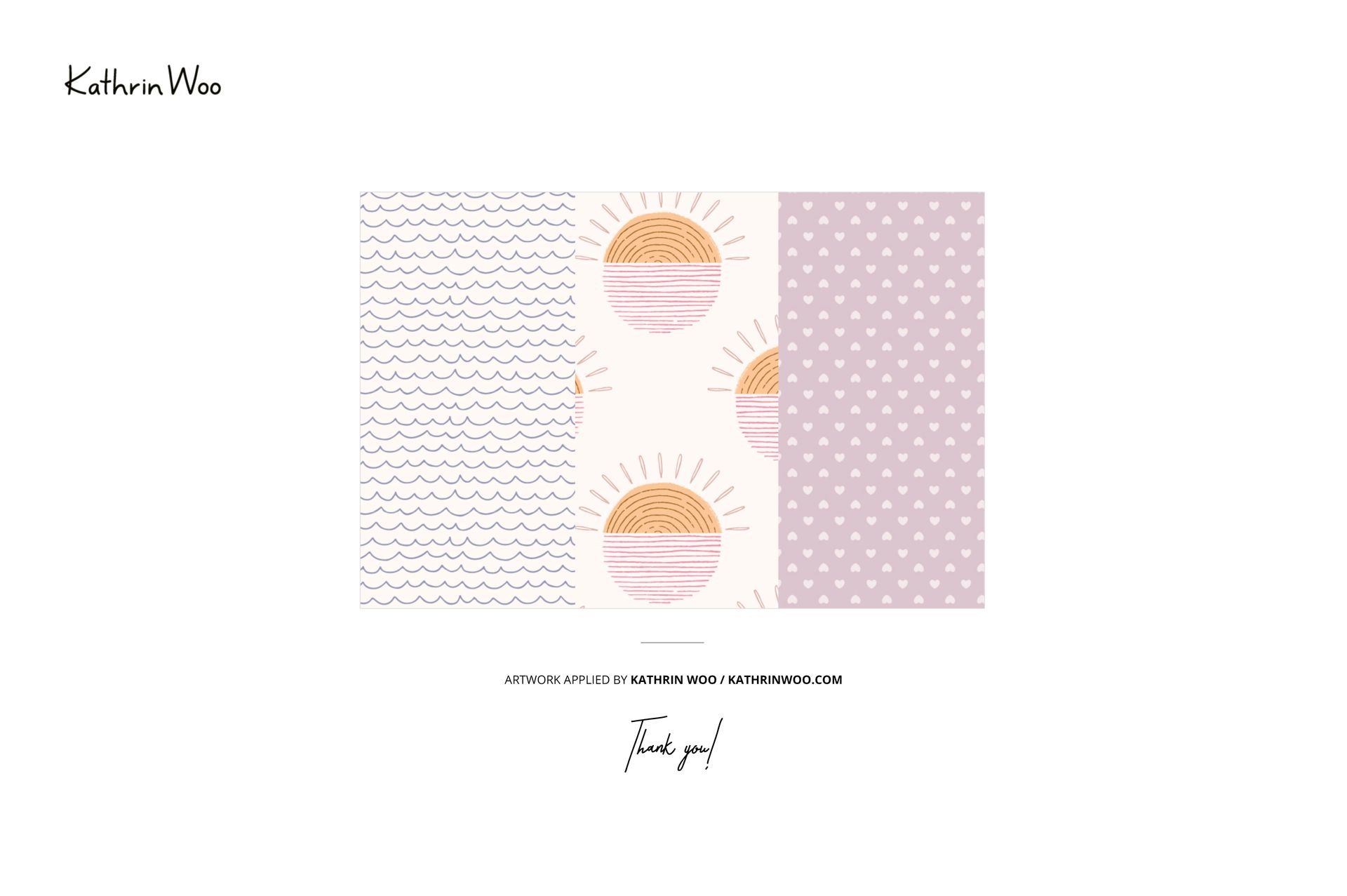
Format: PSD (Adobe Photoshop). Files: 7. Resolution: 6000x4000 px. DPI: 300. Size: 1.73 GB. Compatibility: Adobe Photoshop CC2020 and newer, Photopea (free browser-based editor). Smart object layers for design placement. Customizable scene elements including backgrounds, props, and colors. Well organized layer structure. Example artwork by Kathrin Woo: kathrinwoo.com (not included in the download).

File details

Compatibility
PhotopeaAdobe Photoshop
Number of files included
14
Package size
1.73 GB1.73 GB|1.85 GB1.85 GB
Files type
.psd, .jpg
Files size
6000x4000
TEST FOR FREE

Reviews

Professional PSD mockups built in-house - editable, realistic, high-resolution, and supported by real people.

5 (1 rating)
Sort by:

adaundeddy avatar
adaundeddy
Nov 6, 2024

I love those mockups!!! Great work!!!!

Malgorzata Hapon avatar
Malgorzata Hapon Author
Jun 9, 2026

Thank you so much for your lovely review! We’re so happy to hear you love the mockups. Your support truly means a lot to us.


Made with Creatsy

Real designs. Real customers. See how creatives use Creatsy mockups to turn their artwork, branding, and product ideas into polished visuals.

MEET THE SHOP

Creatsy logo

Creatsy

Poland
4.7 (642)

Bring your ideas to life.

We're a family-run studio in Katowice, Poland, making PSD mockups by hand since 2016. Everything in this shop starts in our own studio. We shoot the photography, build the 3D, and put together every Smart Object PSD ourselves - then we test it, organize the layers, and only ship it once it actually works...
GO TO SHOP

HOW IT WORKS

3 clicks. That's it.

No tutorial needed. If you can copy-paste, you can use this.

  1. 1OpenDouble-click the smart object inside the PSD - in Adobe Photoshop, or free in your browser with Photopea.
  2. 2PasteDrop in your pattern, print, or artwork. Any design, any style.
  3. 3SaveHit save and the mockup wraps it in for you - shadows, folds, and lighting included.

FROM IDEA TO IMAGE

Built for real workflows

Skip the photo shoot Show your artwork on the real product type for approvals or listings - no studio, no model, no sample.

See it on the product, not a swatch Drop your file into the smart object and the scene's lighting and folds wrap around it, so you judge the real thing before you commit.

Smart Objects

Edit once and you're done. Your artwork drops into a smart object and the mockup updates itself - no masking, no warping by hand.

Perfectly Organized

Named layers and folders you can actually navigate. Find what you need, change what you want, and get out fast.

Print-Ready

High-resolution files built to hold up on screen and in print. Exact size and DPI are in this product's Details above.