Kids Puffer Jacket on Snow Mockup
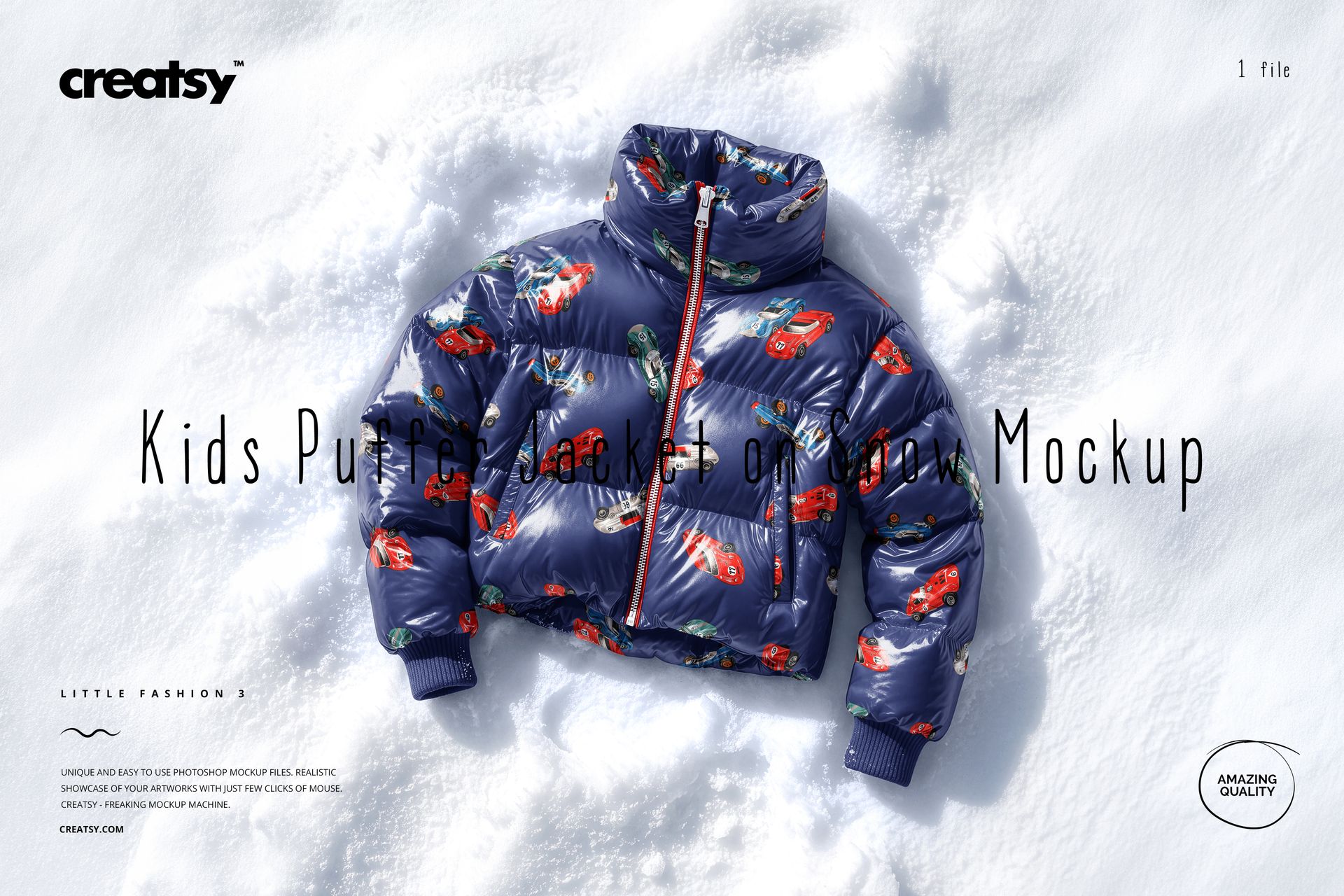
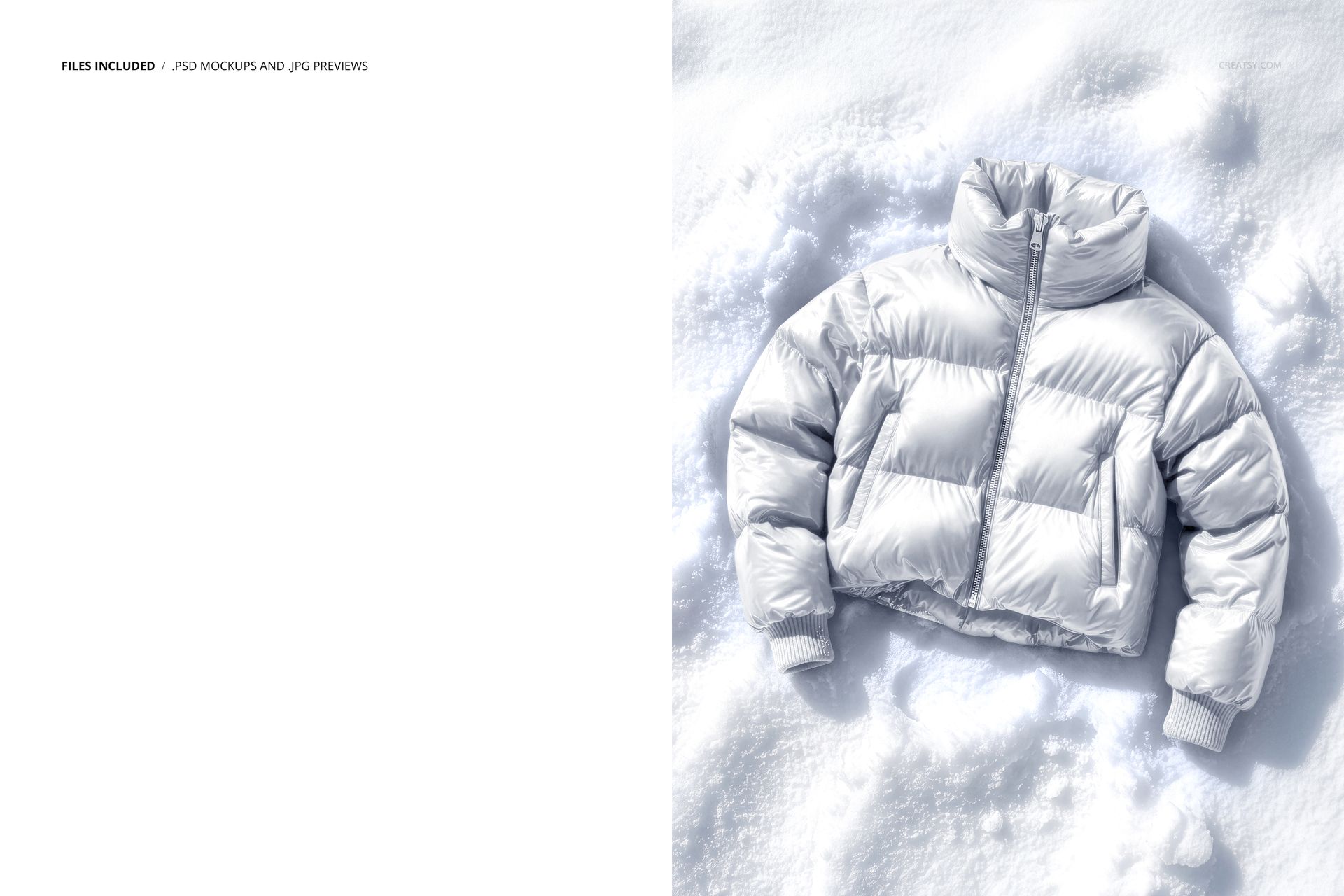
The Kids Puffer Jacket on Snow Mockup by Creatsy is a kids puffer jacket mockup built on one PSD file, 4500x6000 px at 300 dpi. The jacket lies in real snow, photographed from above, and your pattern goes onto the quilted fabric.
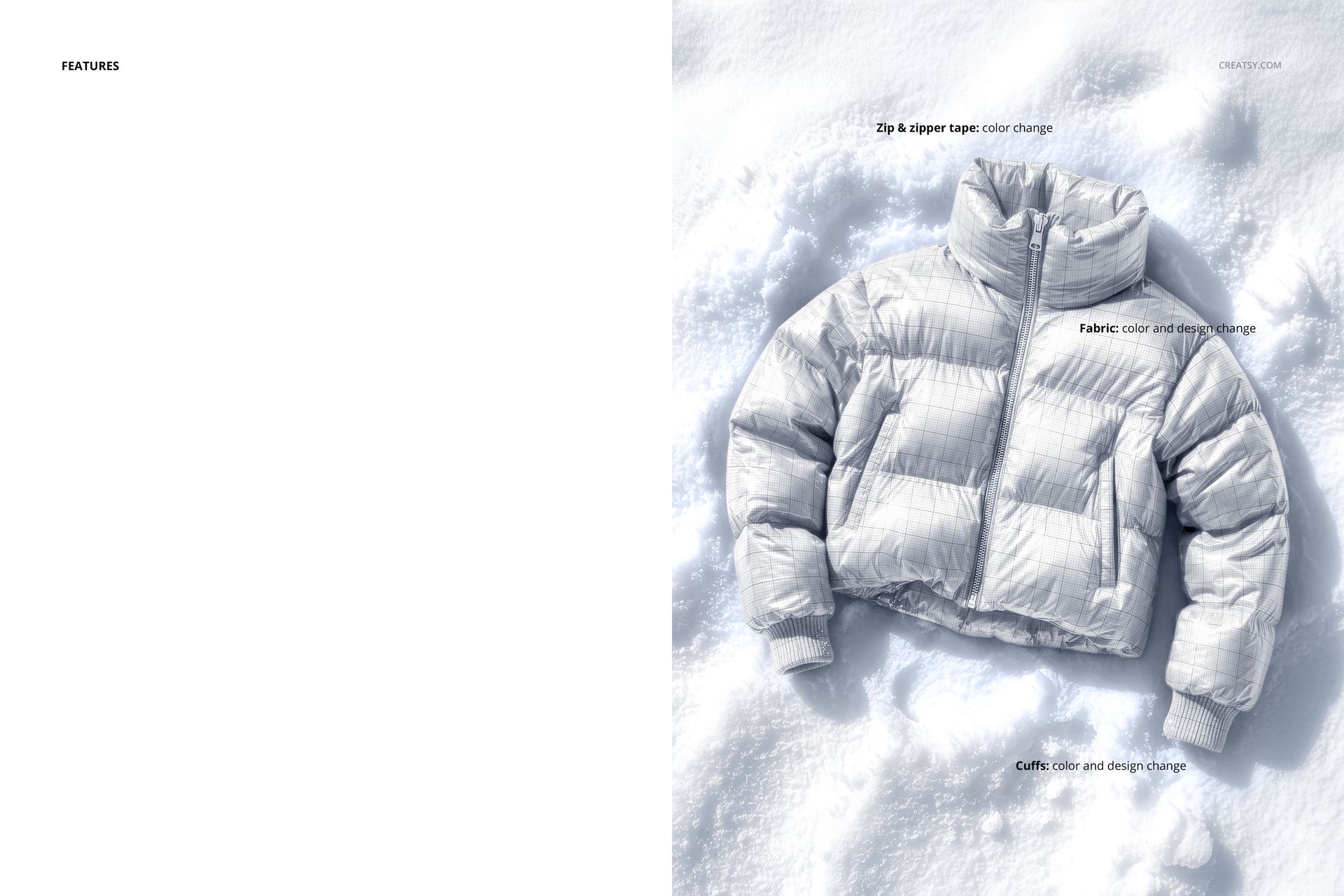
Three zones are editable. The fabric takes a flat color or a full design, and the pattern follows the puffed baffles, the stitched seams and the sheen of the fabric instead of sitting flat, which is what makes the result read as a photo. The ribbed cuffs take their own color or design, so a contrast trim works. The zip and its tape recolor to match the palette or cut against it.
The scene does the winter storytelling for you: packed snow with real texture and tracks, soft daylight shadows, a high collar and a cropped cut that stays readable at thumbnail size. Shooting this for real would mean a photographer, a winter day and untouched snow. The file skips all three.
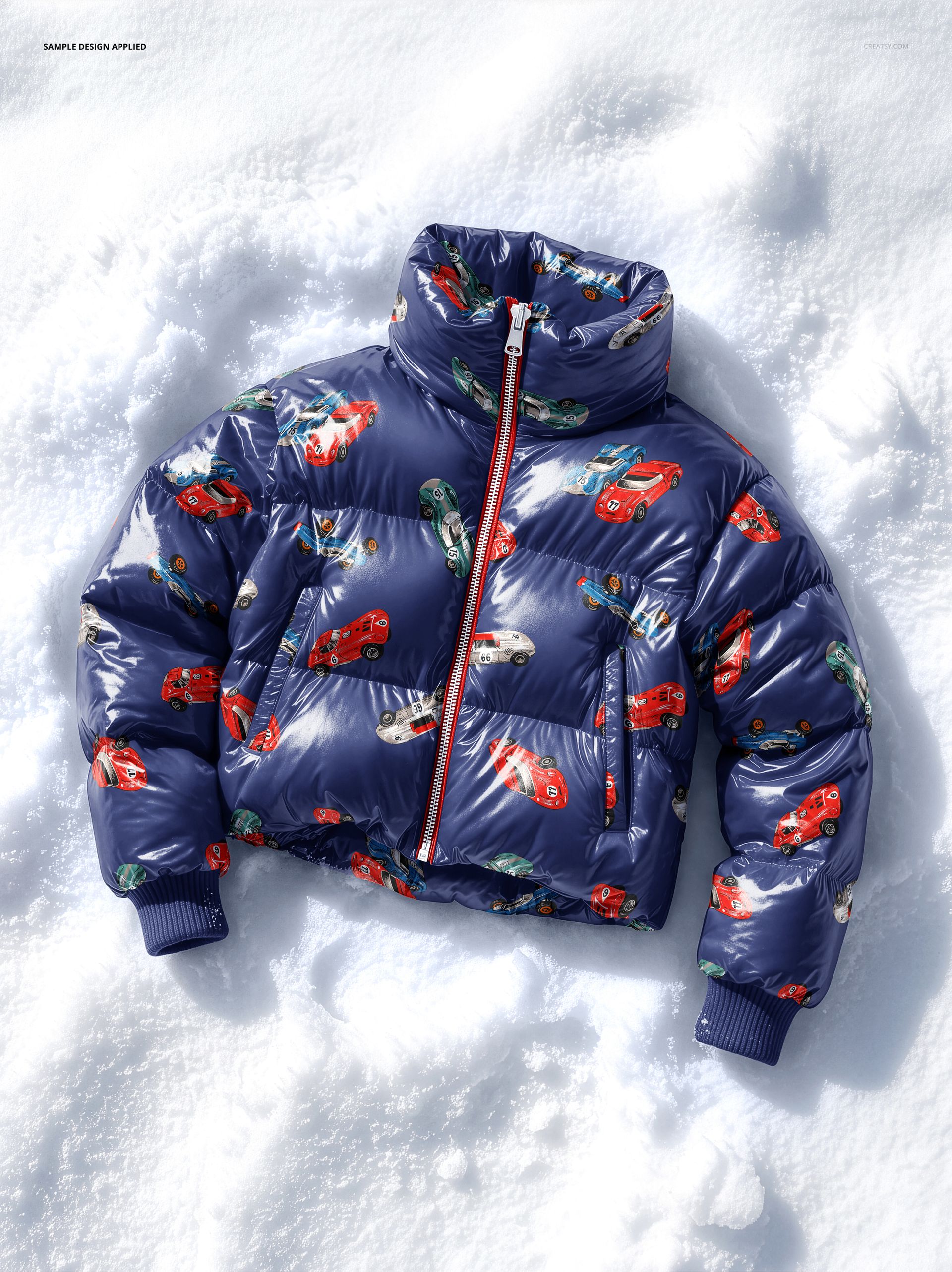
The retro car print and the glossy navy in the previews are sample artwork. They are not part of the file, the jacket arrives blank.
Use it for winter drops, Etsy and Shopify listings, lookbooks and seasonal social posts. The portrait format crops cleanly for Pinterest and stories.
What you get
Editable jacket fabric: flat color or a full pattern following the quilting
Separate color and design change on the ribbed cuffs
Color change on the zip and zipper tape
A top-down scene of the jacket lying in real snow with natural shadows
Well organized, easy to follow layer stack
How it works
Open the PSD in Photoshop (CC 2020 or newer) or Photopea.
Double-click the fabric's smart object layer, paste your pattern, scale it, then save and close.
Do the same for the cuffs if you want a contrast trim.
Set the zip and tape colors, then export your jacket mockup.
Specifications
Files: 1 layered PSD
Dimensions: 4500x6000 px, 300 dpi
Download: .psd and .jpg files
Package size: 203 MB (Windows), 213 MB (macOS)
Software: Adobe Photoshop CC 2020 or newer, or Photopea in a browser
License: Standard or Extended
Who it is for
Surface pattern designers testing winter repeats, kidswear and outerwear brands building a lookbook, and print-on-demand sellers who need the seasonal listing photo ready before the season starts.