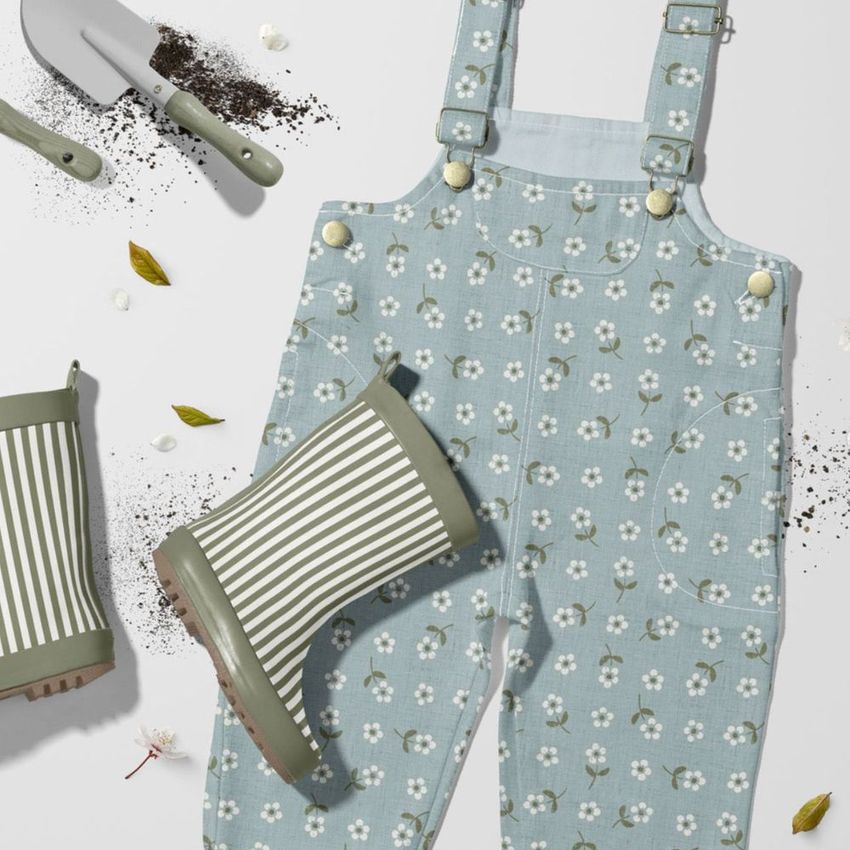
Little Gardener Dungarees Mockup Set
This product is a part of Little Fashion 3 Mockup Bundle
Product Details
Little Gardener Dungarees Mockup Set
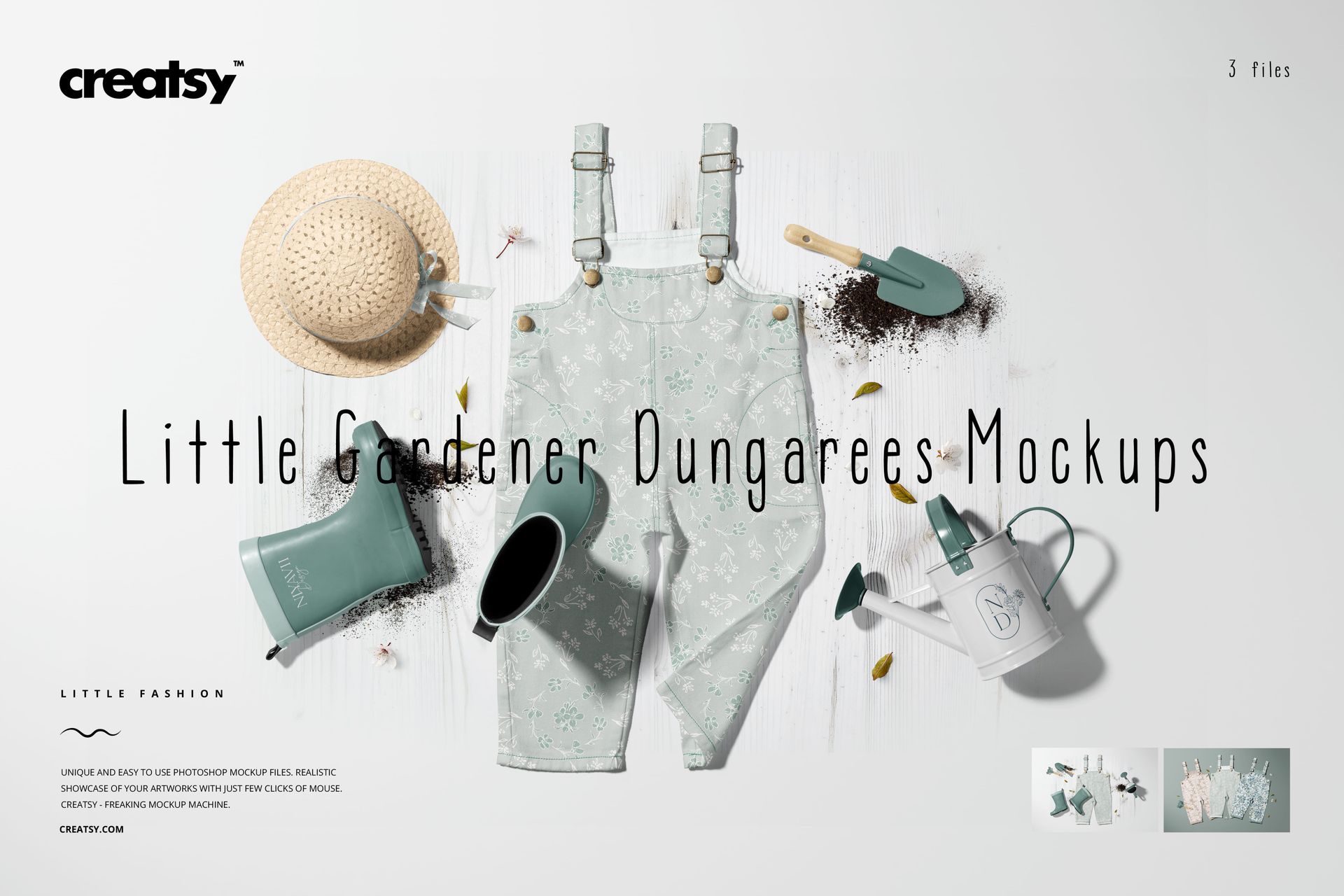
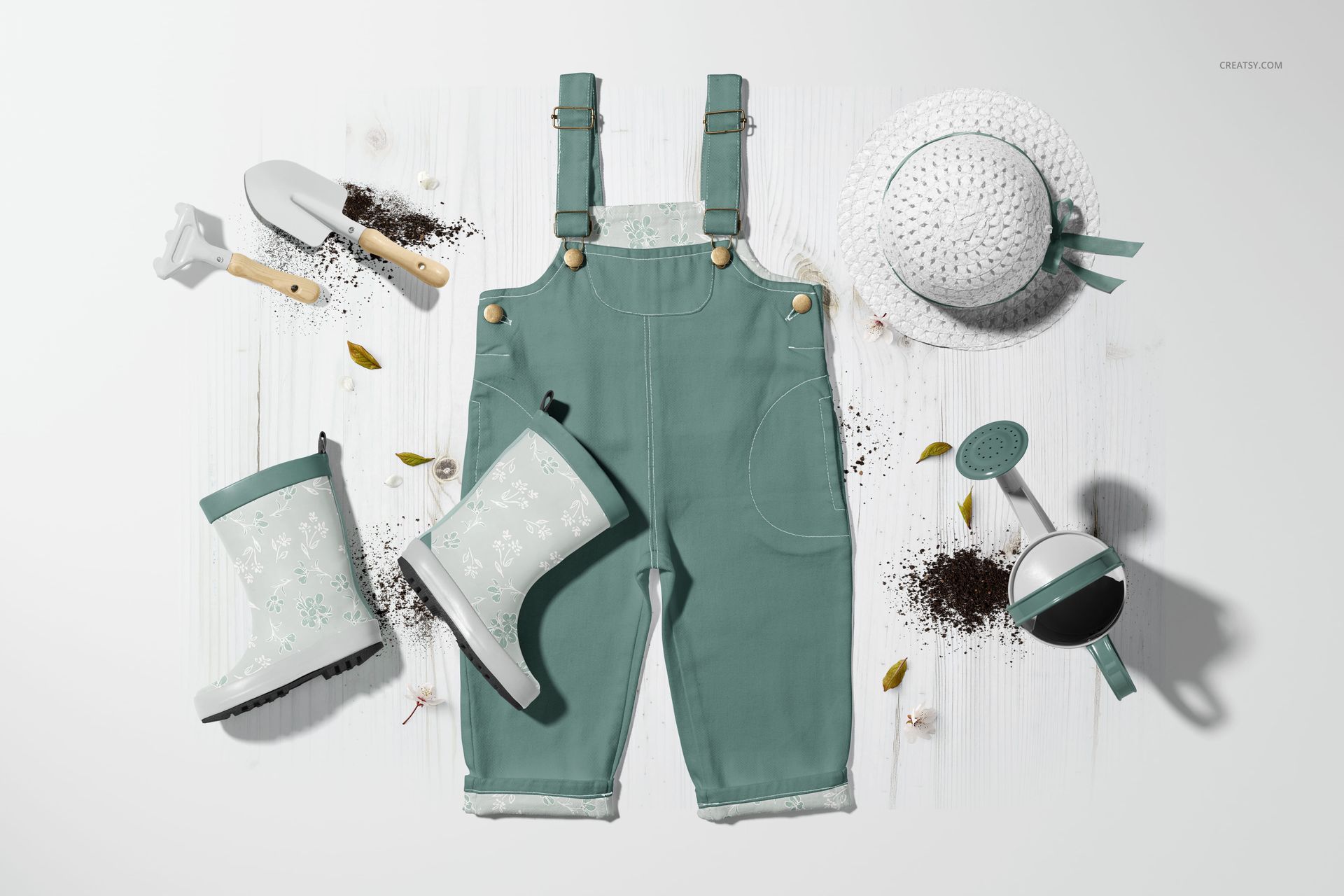
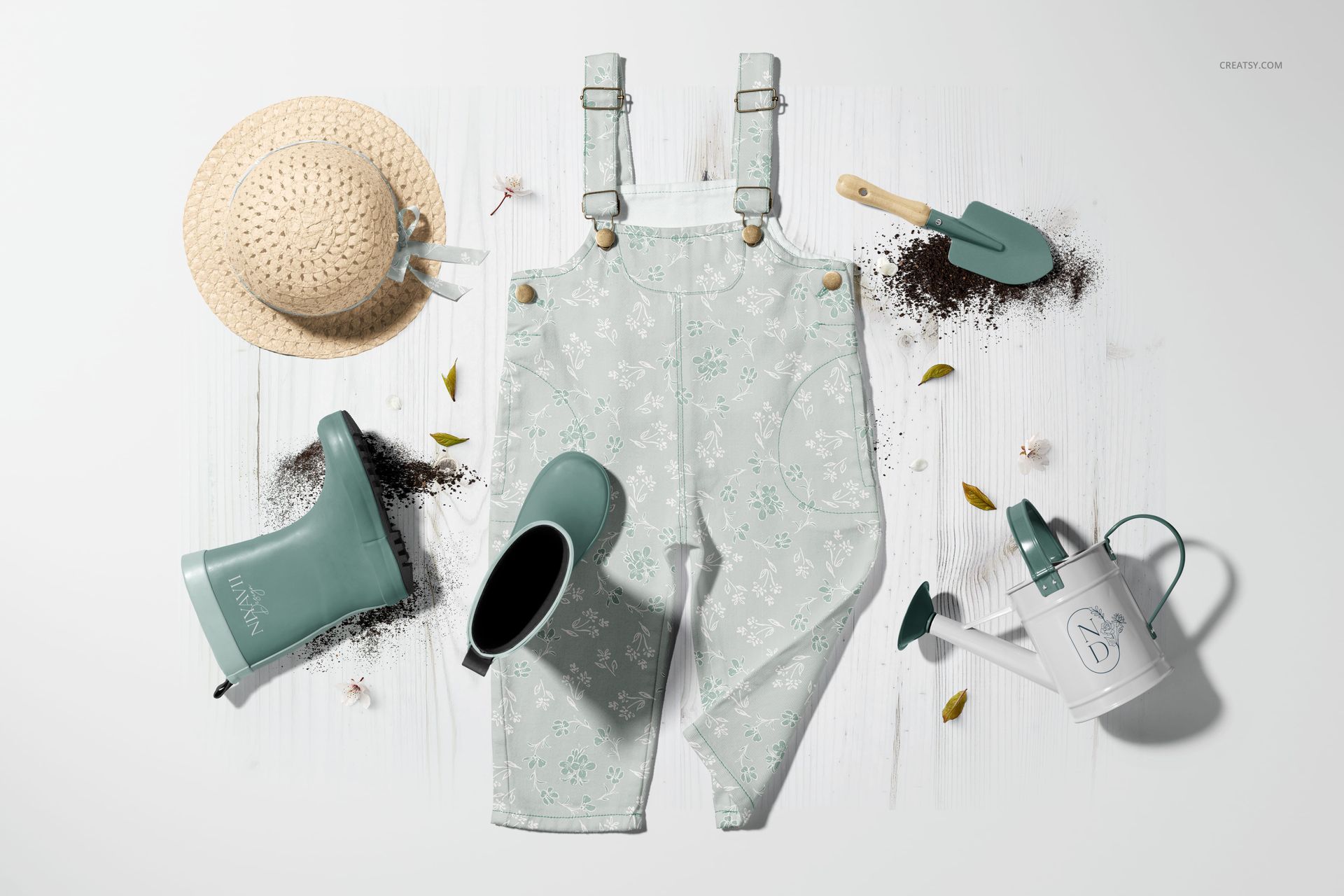
Welcome to a world of blooming creativity with our Little Gardener Dungarees Mockup Set! Designed to inspire, this collection invites you to craft delightful designs that celebrate the joy of gardening and childhood charm. Ready to plant the seeds of your imagination?
Features That Blossom with Possibilities
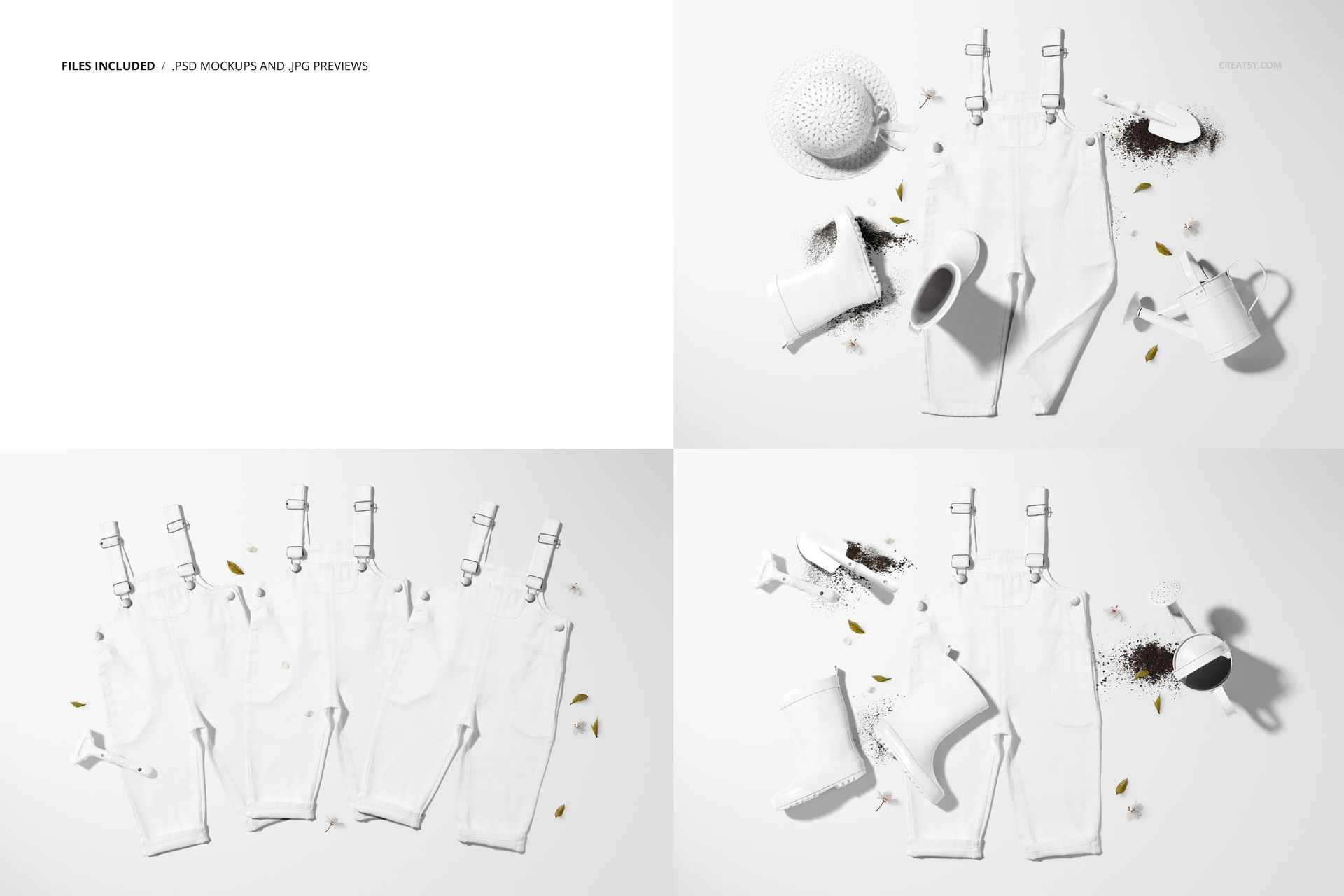
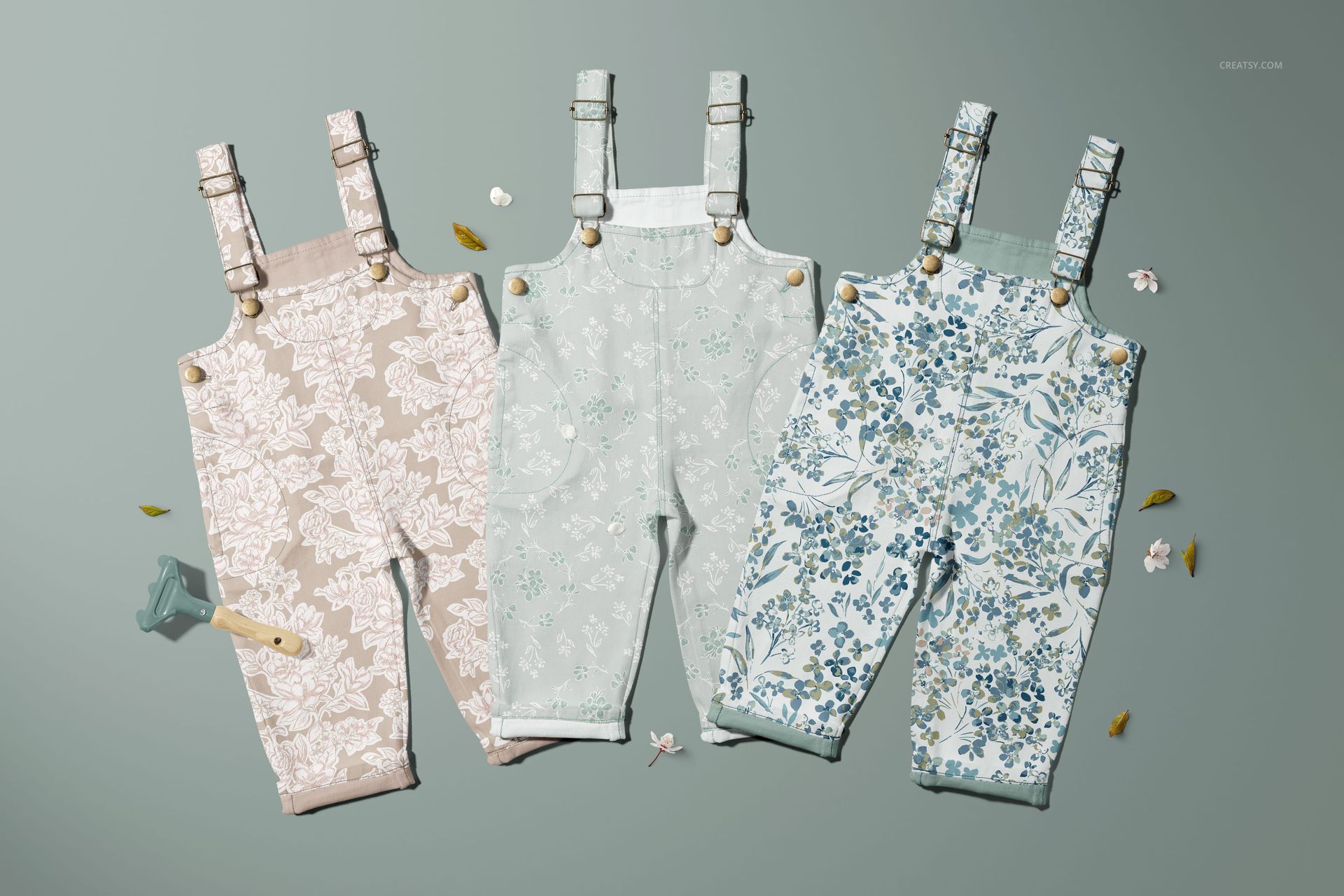
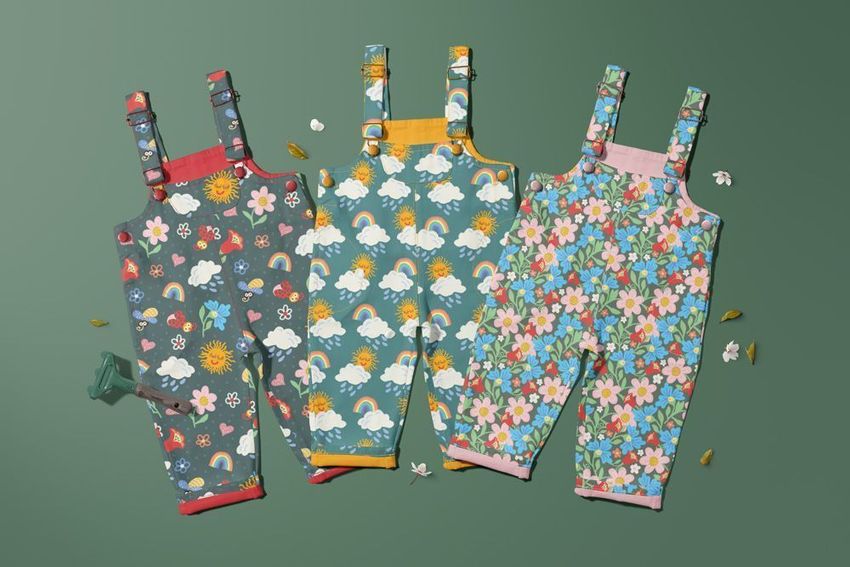
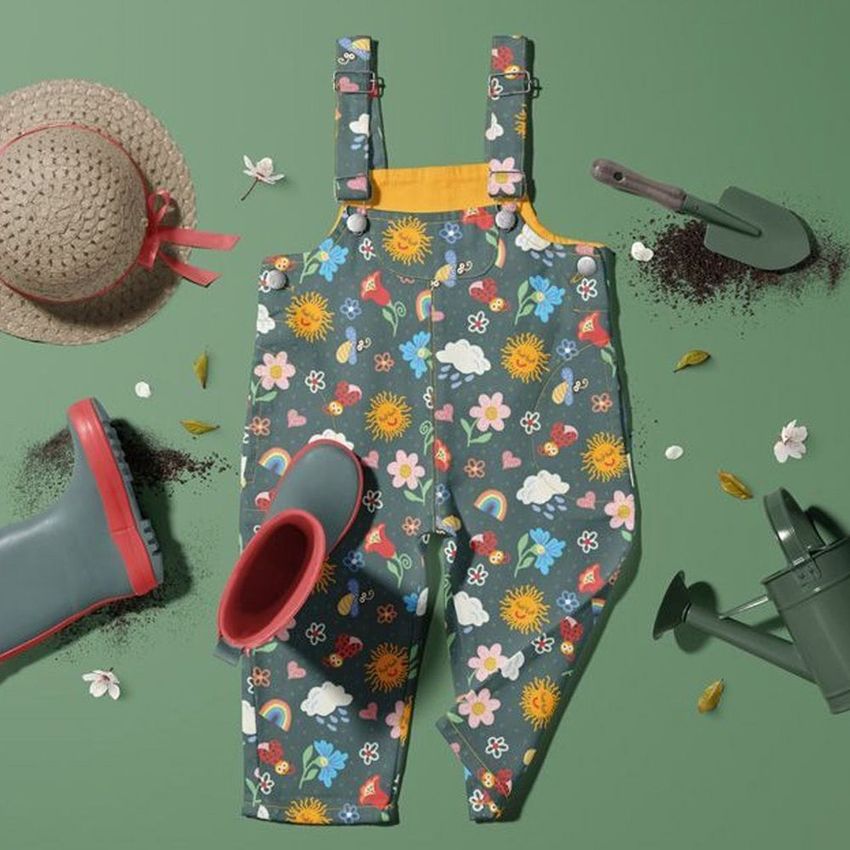
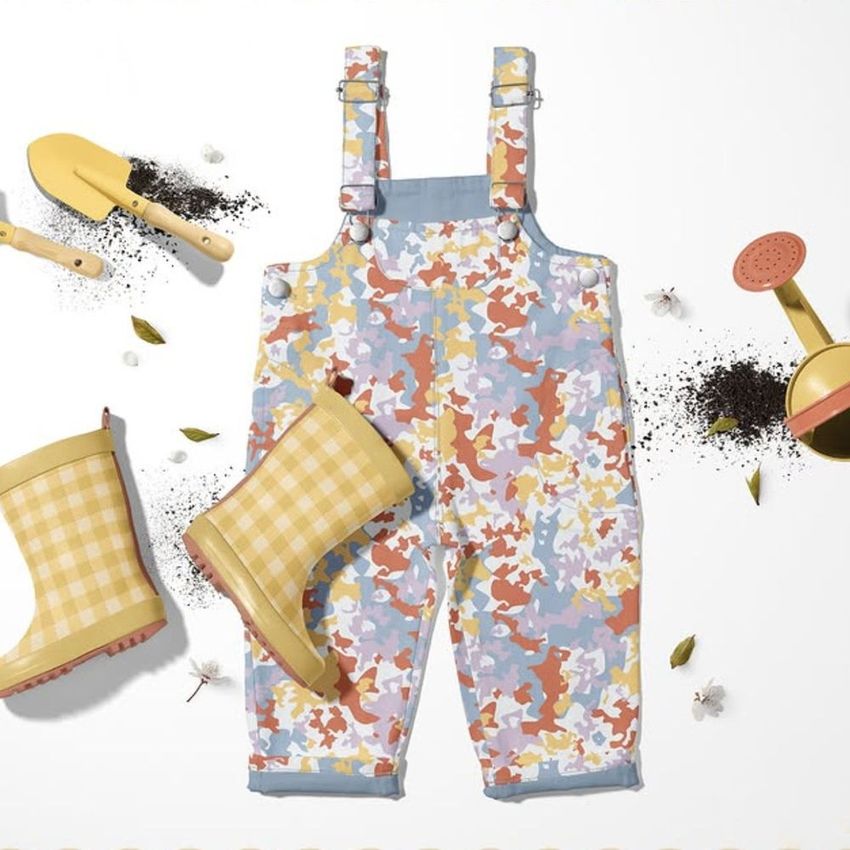
This set includes 3 high-quality PSD files, offering a variety of scenes to showcase your designs. You’ll find dungarees in different arrangements, from single pairs surrounded by charming gardening accessories to a lineup of three pairs, perfect for presenting multiple designs at once. Every element has been carefully styled to evoke a sense of outdoor fun and creativity.
Step into Creatsy’s Garden
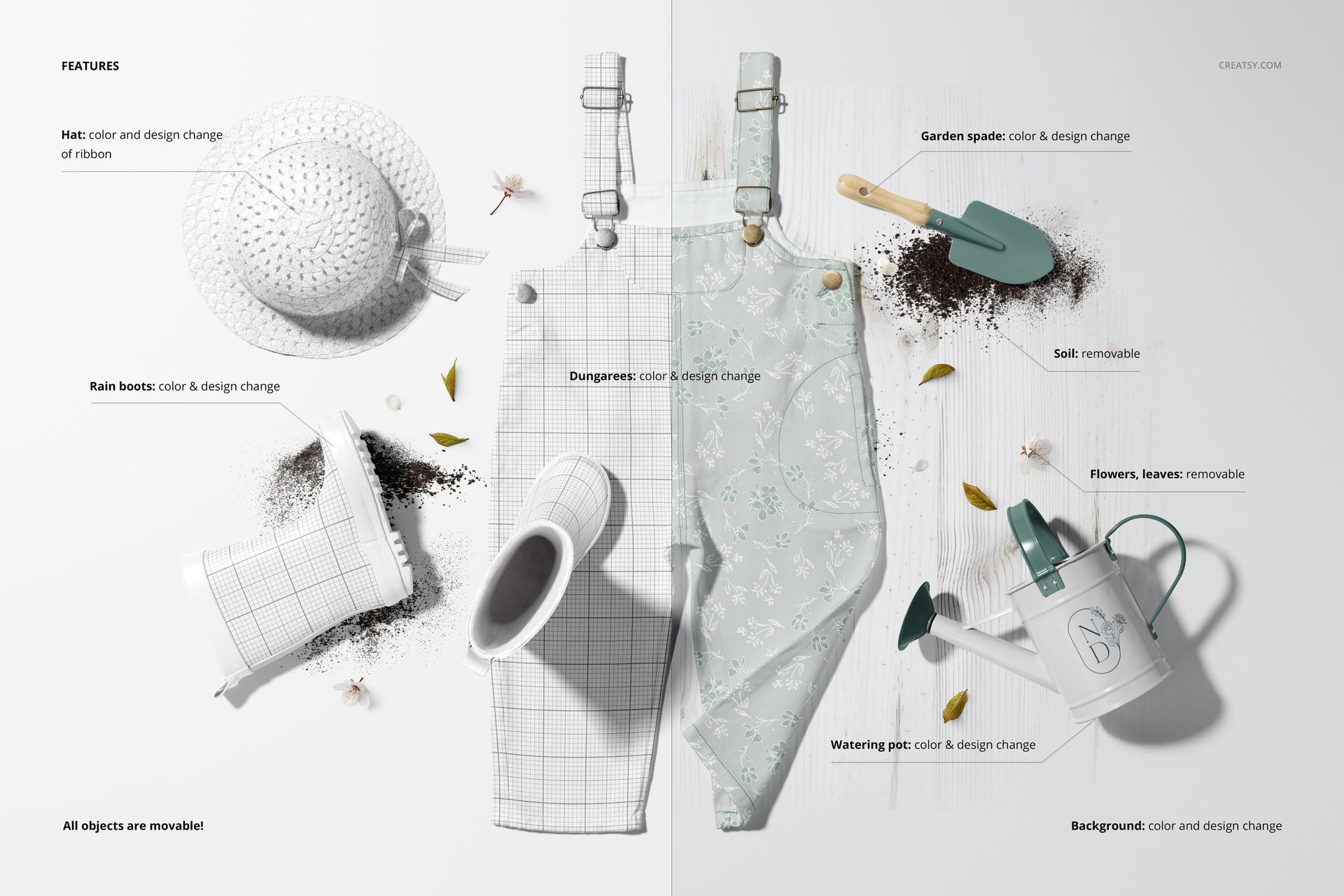
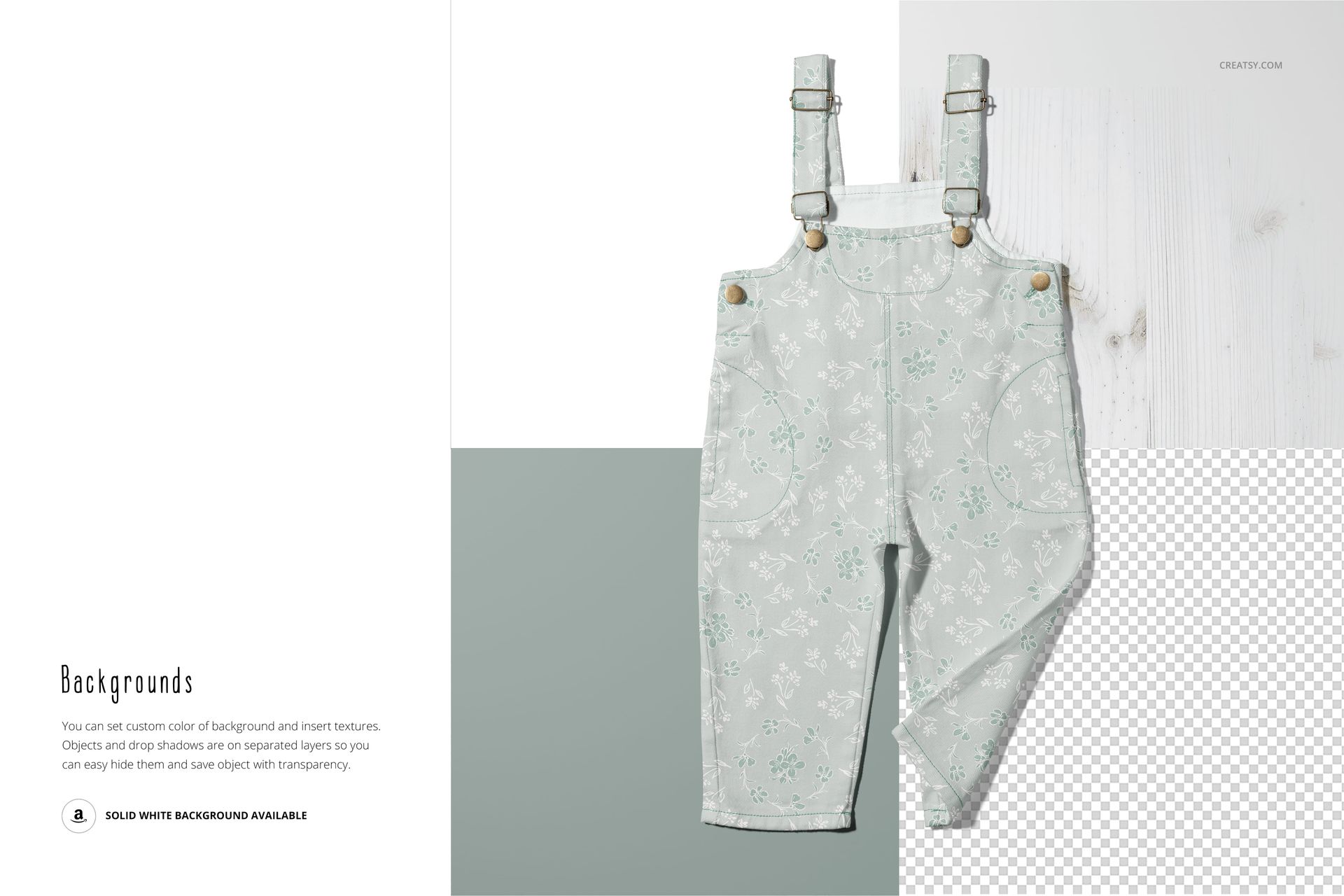
Customization is where this set truly shines. Add your own designs to the dungarees, rain boots, and even the gardening hat, complete with its ribbon detail. Take it further by personalizing the watering can, spade, and rake with your artwork and color choices. You can also modify the flowers, leaves, and soil elements, creating a scene as vibrant and unique as your designs.
Files work only in Photoshop (min. version CC2020);
Pack includes 3 .psd files: 6000x4000 px, 300dpi;
Check screenshots for all the features;
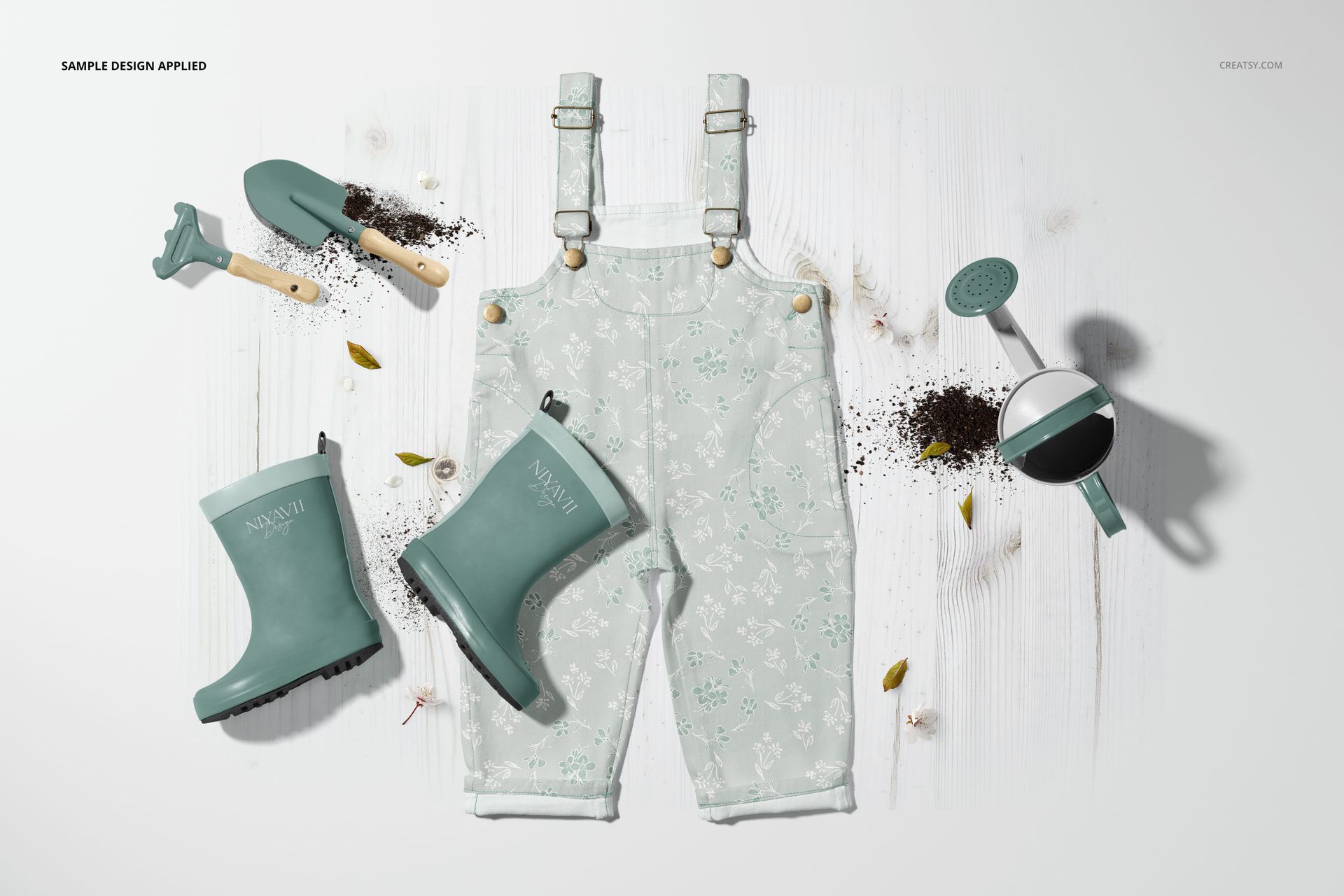
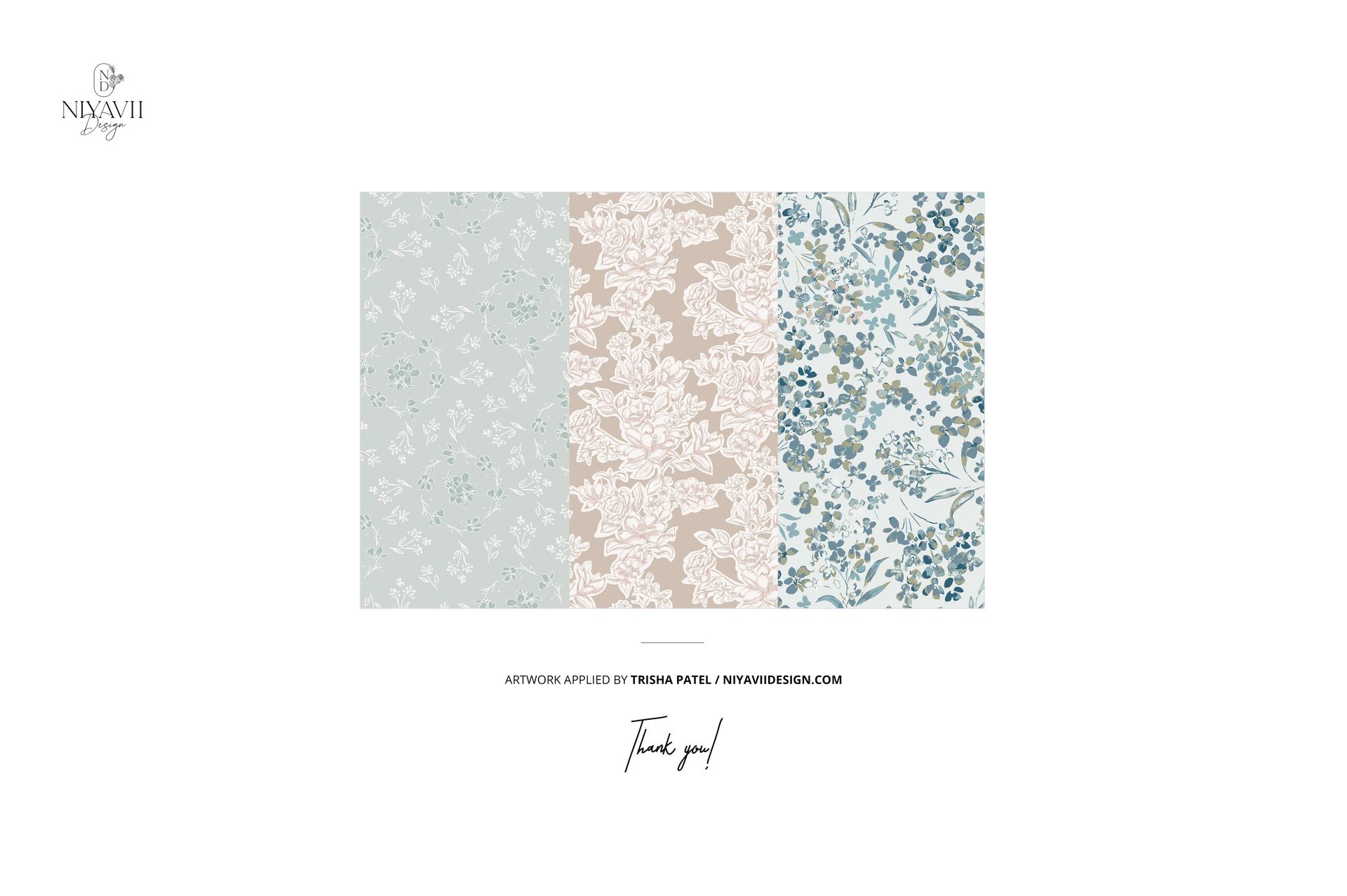
Design applied on mockups by Trisha Patel / niyaviidesign.com (not included in the main zip file)
Well organized layers.
File details
- Compatibility
- Number of files included
- 6
- Package size
- 973 MB
|1.02 GB
- Files type
- .psd, .jpg
- Files size
- 6000x4000


Reviews
Professional PSD mockups built in-house - editable, realistic, high-resolution, and supported by real people.
I love that you can personalize even the smallest details. Perfect Mockup
Thank you so much for your lovely review! We’re so happy to hear you enjoyed being able to personalize even the smallest details. That means a lot to us.
Made with Creatsy
Real designs. Real customers. See how creatives use Creatsy mockups to turn their artwork, branding, and product ideas into polished visuals.
MEET THE SHOP

HOW IT WORKS
3 clicks. That's it.
No tutorial needed. If you can copy-paste, you can use this.
- 1OpenDouble-click the smart object inside the PSD - in Adobe Photoshop, or free in your browser with Photopea.
- 2PasteDrop in your pattern, print, or artwork. Any design, any style.
- 3SaveHit save and the mockup wraps it in for you - shadows, folds, and lighting included.
FROM IDEA TO IMAGE
Built for real workflows
Skip the photo shoot Show your artwork on the real product type for approvals or listings - no studio, no model, no sample.
See it on the product, not a swatch Drop your file into the smart object and the scene's lighting and folds wrap around it, so you judge the real thing before you commit.
Smart Objects
Edit once and you're done. Your artwork drops into a smart object and the mockup updates itself - no masking, no warping by hand.
Perfectly Organized
Named layers and folders you can actually navigate. Find what you need, change what you want, and get out fast.
Print-Ready
High-resolution files built to hold up on screen and in print. Exact size and DPI are in this product's Details above.


This is one of my all time favourite mockups - just beautiful
Thank you so much for your lovely review! We’re truly happy to hear this is one of your all-time favourite mockups. Your kind words mean a lot to us.