Sleeveless Baby Bodysuit Mockup Set
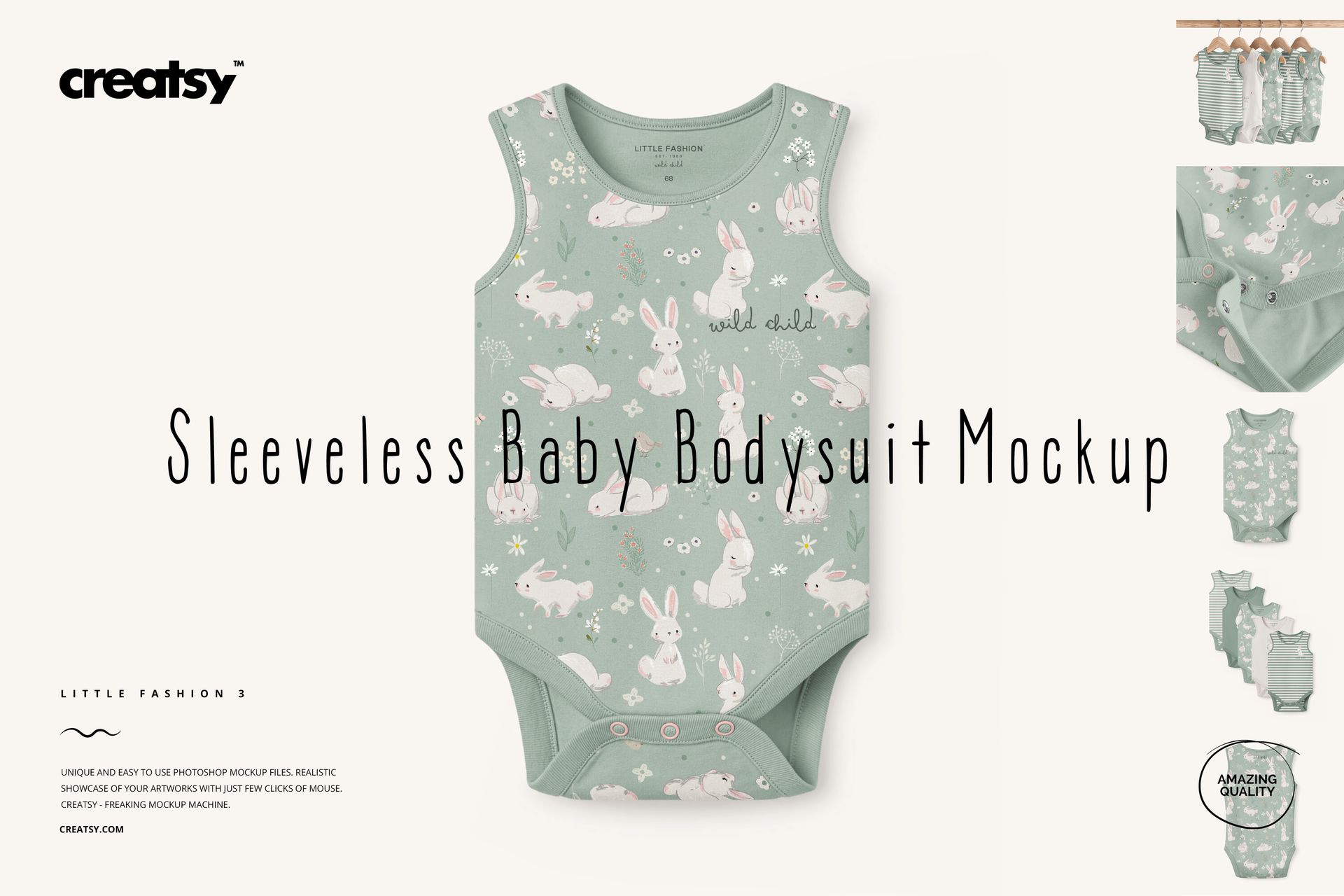
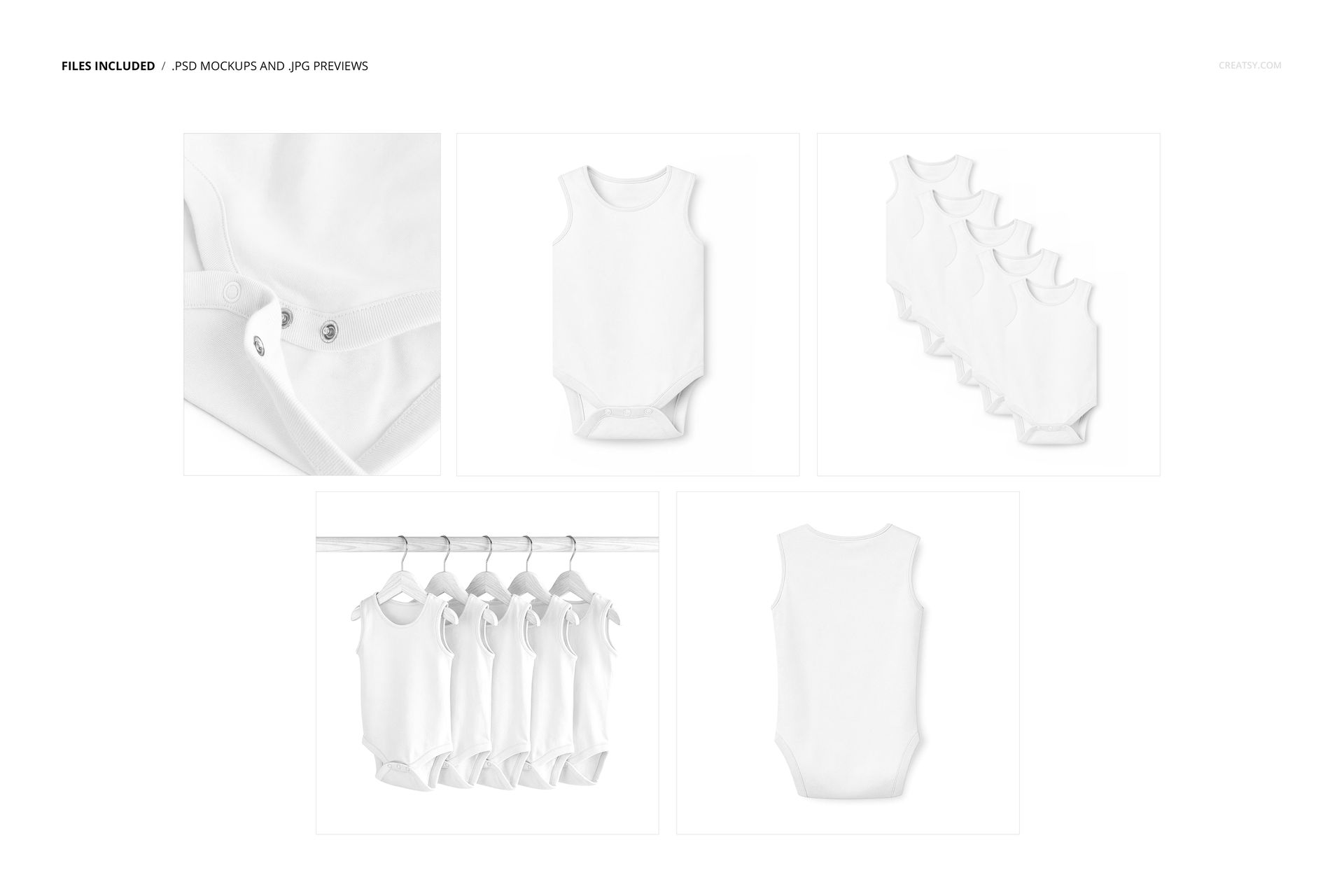
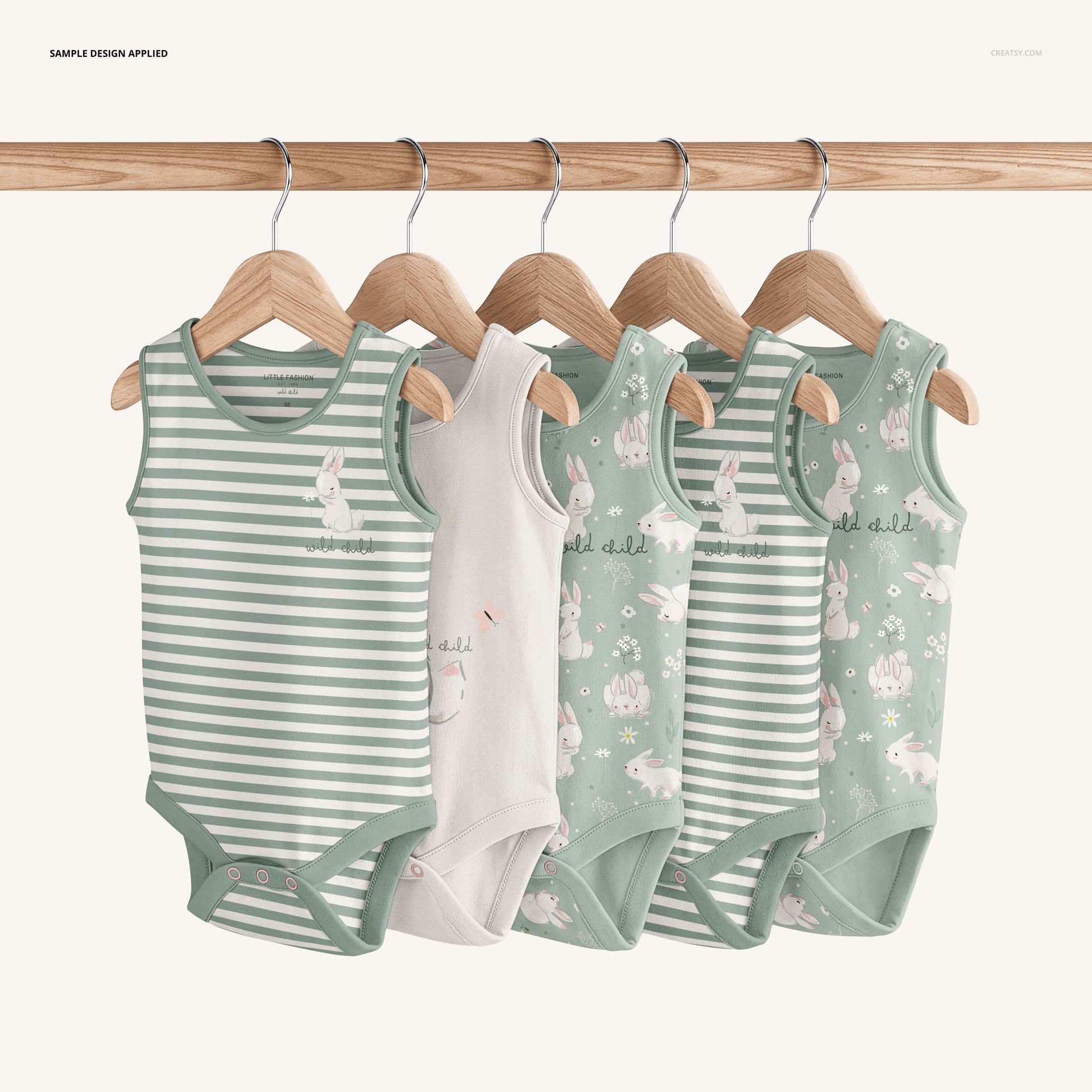
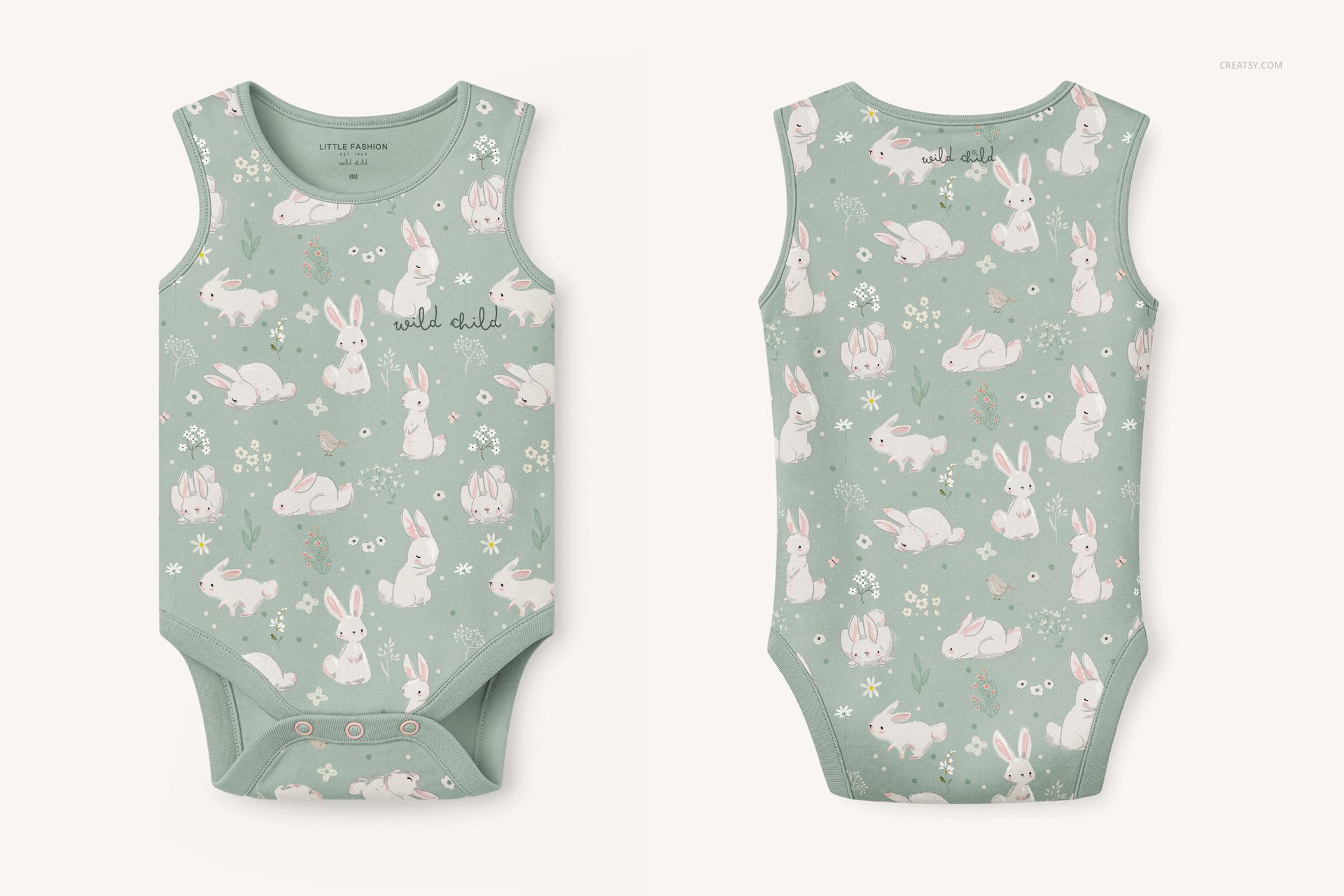
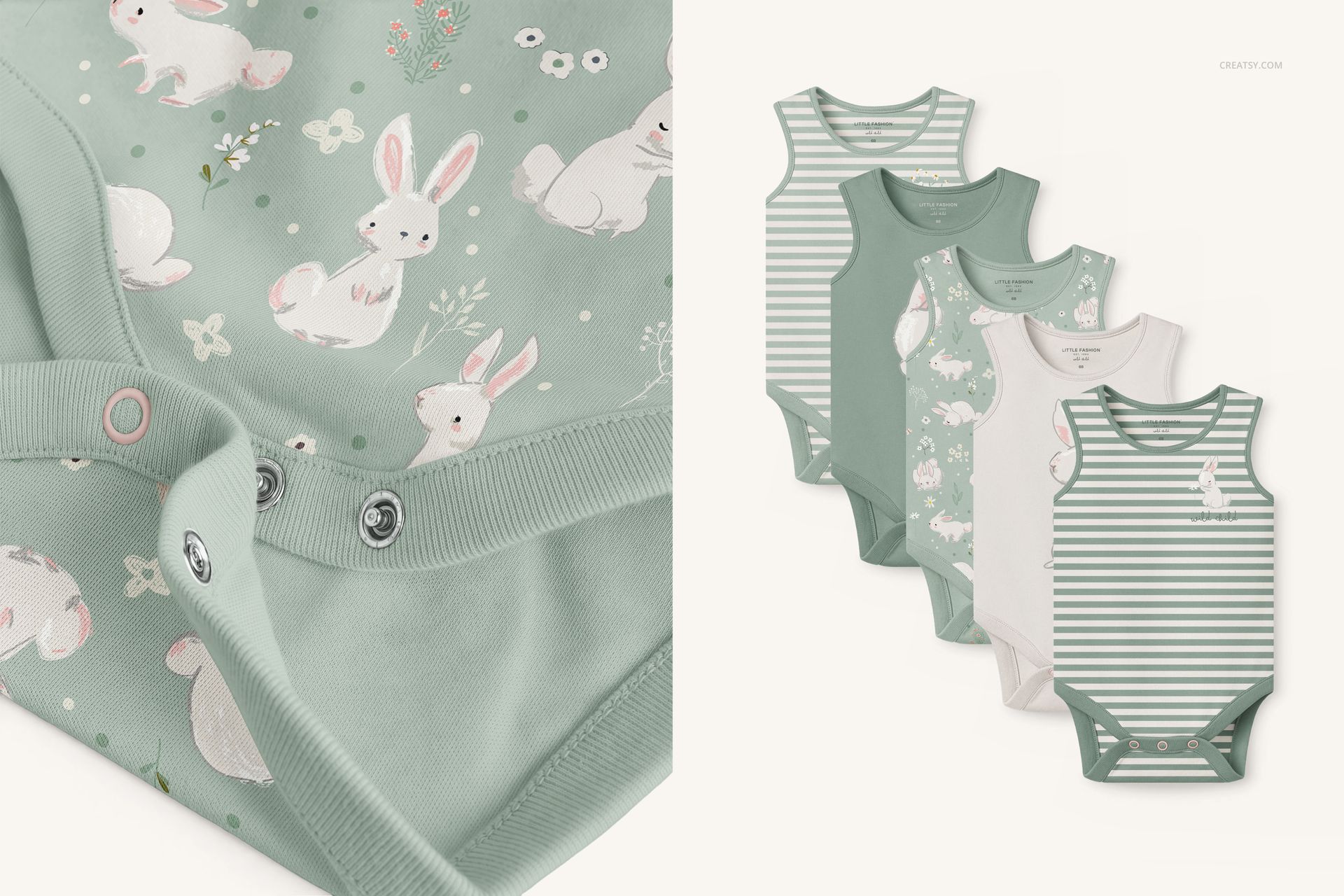
Sleeveless Baby Bodysuit Mockup Set by Creatsy shows your design on a sleeveless baby bodysuit across five separate PSD scenes. The set includes 4000 × 4000 px and 3500 × 4670 px files at 300 dpi, with the fabric set up as a Smart Object, so your pattern or print drops in and follows the fabric's folds, seams, and soft shadows. The set covers a front view, a back view, a close-up of the snap fastening, a grouped stack, and five bodysuits hanging on a wooden rack, so one purchase can fill a whole listing or a pattern collection page. It suits a print-on-demand baby line or a surface designer showing a nursery pattern on a real garment.
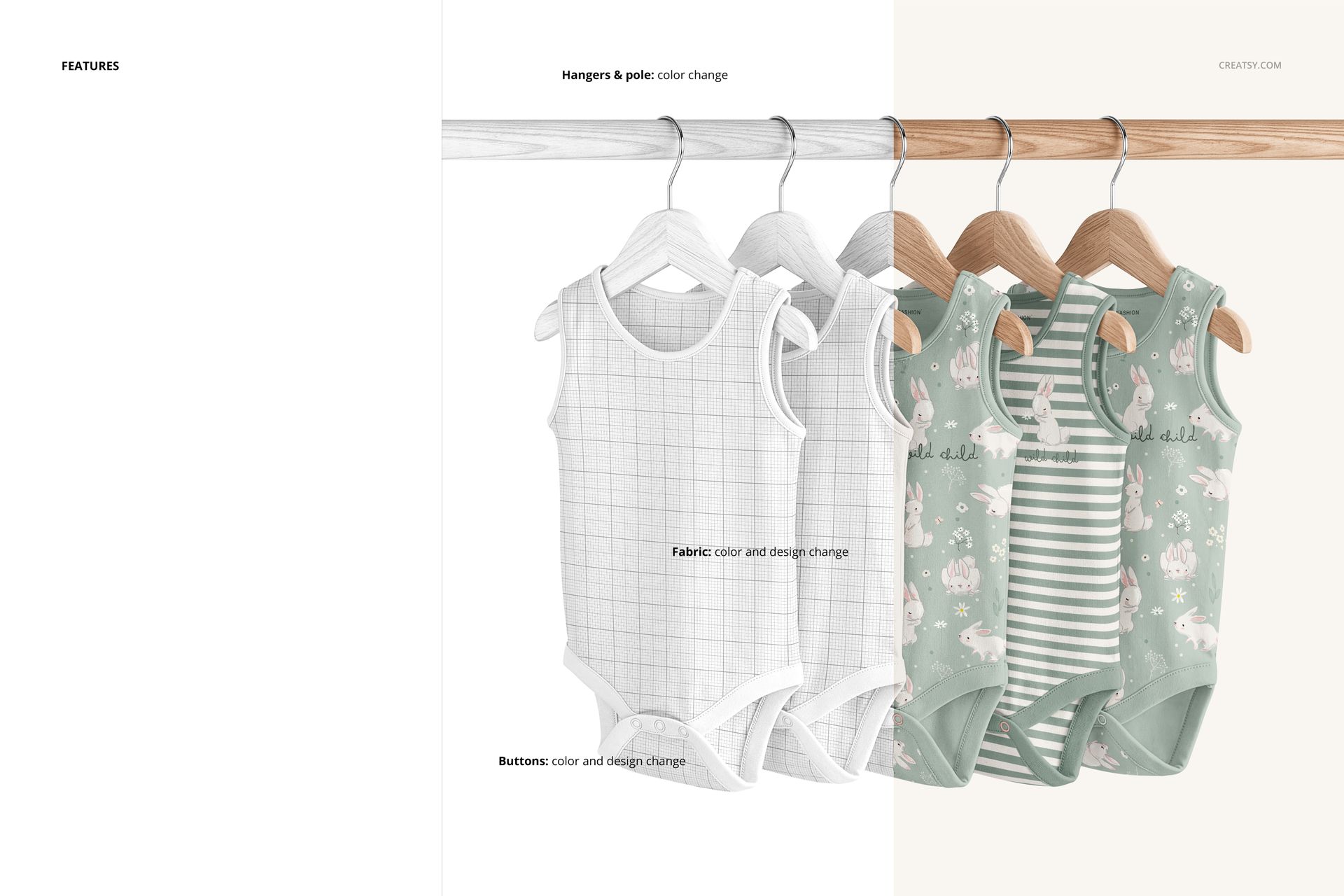
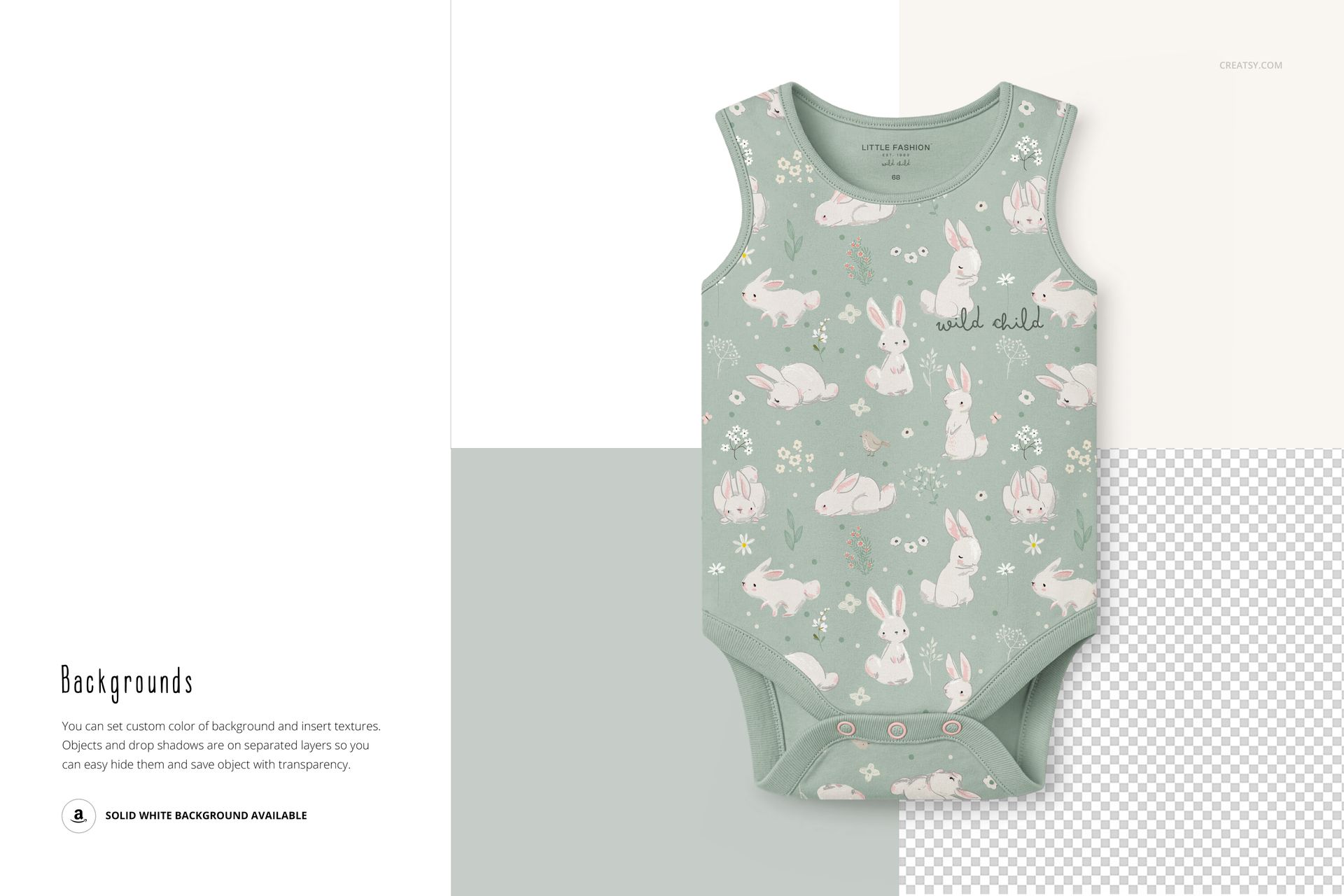
The fabric takes any color or print through the Smart Object, the snap buttons recolor and restyle on their own layer, and you can set a custom background color or drop in a texture. Objects and drop shadows sit on separate layers, so you can hide the background and export the bodysuit with transparency. A solid white background is also included for clean marketplace shots.
What you get
Five layered PSD scenes: front view, back view, snap-fastening close-up, a grouped stack, and five bodysuits hanging on a wooden rack
4000 × 4000 px and 3500 × 4670 px at 300 dpi, opening in Adobe Photoshop (CC2020 or newer) and free Photopea
Fabric set up as a Smart Object for color and print changes
Editable snap buttons (color and design) on their own layer
Custom background color or texture; objects and drop shadows on separate layers for a transparent export
A solid white background option for marketplace listings
Well-organized layers; the .psd working files plus .jpg previews
Package size 571 MB on Windows, 599 MB on macOS
How it works
Open a PSD in Adobe Photoshop (CC2020 or newer) or free Photopea.
Double-click the fabric Smart Object and paste your pattern or print.
Recolor the buttons, then set the background color or drop in a texture.
Hide the background for transparency or keep it white, then export a JPG or PNG.
Good to know
The fabric and buttons use Smart Objects and layer groups, so plan to edit in Adobe Photoshop (CC2020 or newer) or the free Photopea. This set is one garment style, a sleeveless bodysuit, so a design built for long-sleeve, footed, or romper styles will need a different file; browse the full baby and kids clothing mockups for other cuts. The patterns shown in the previews are for display only - you bring your own.
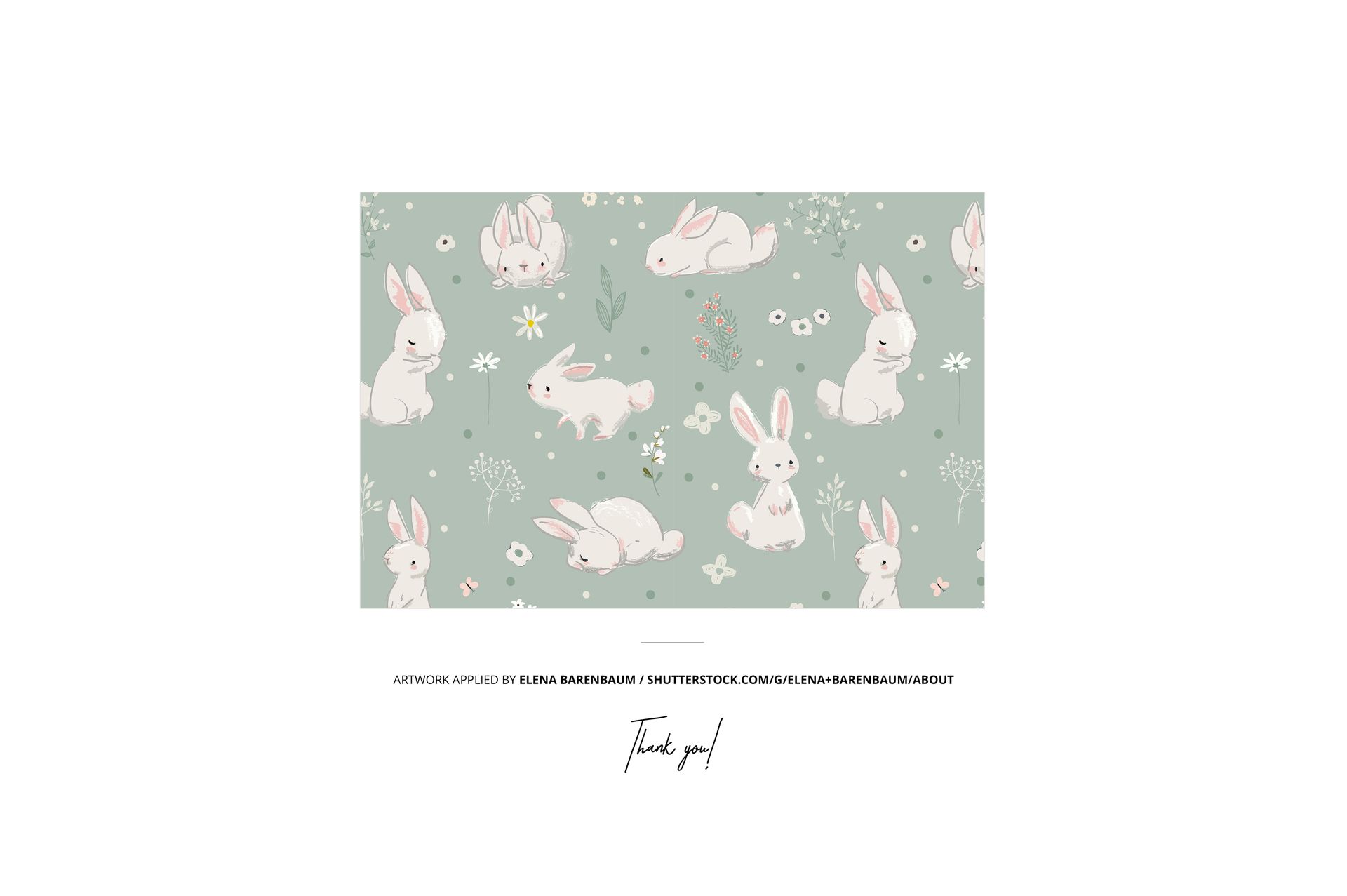
This is a digital mockup; no physical clothing is shipped. Preview artwork by Elena Barenbaum is not included.















Perfect in every way
Thank you so much for your lovely review! We truly appreciate your support! ❤️