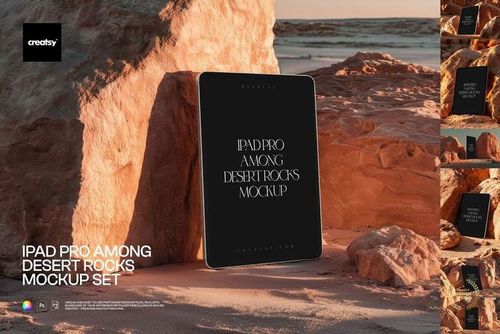
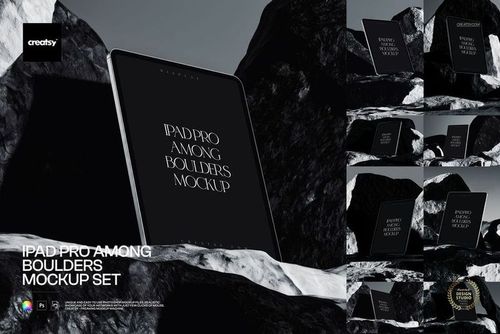
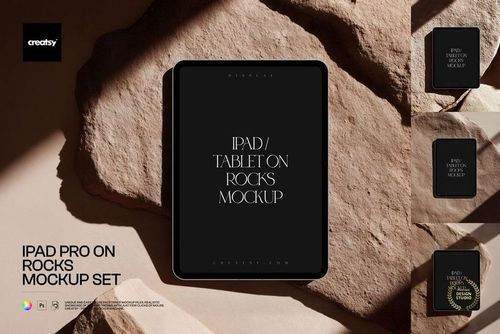
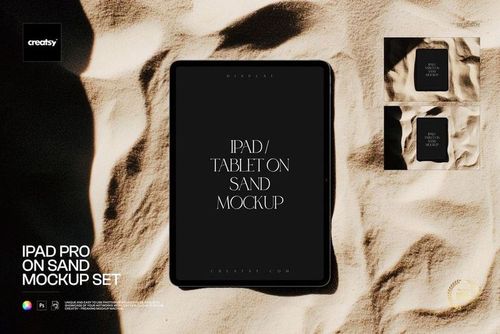
iPhone 12 Display Mockup Set

Product Details
iPhone 12 Display Mockups for Mobile Screens and Artwork
Create a presentation that shows both the overall idea and the screen details. The iPhone 12 Display Mockup Set includes twenty-four PSD files with standing phones, angled views, grouped arrangements, front-and-back pairs, and a composition held in a hand. Use the variety to introduce an app, show related mobile layouts, or present a wallpaper collection.
Included Files and Controls
24 layered PSD mockups, 24 JPG previews, and a PDF user manual.
Supplied version: the 6000 x 4000 px archive, at 300 dpi.
Screen artwork: replace the display content through Smart Objects.
Device customization: editable colors to coordinate the phone with your design.
Software: Adobe Photoshop CC 2015 or later, and Photopea.
Match the Composition to the Message
Use a standing device for a clear introduction to the screen. A hand-held composition adds context, while a multi-phone layout can compare related screens or artwork variants. Keep the sequence focused by choosing views that each communicate something useful about the project.
Sample designs shown in the gallery are for demonstration and are not included. This purchase contains digital mockup files; no physical phone is supplied.
File details
- Compatibility
- Package size
- 6.67 GB
|7.17 GB
- Files type
- .psd, .jpg, .pdf
- Files size
- 6000x4000
49 files total: 24 JPG, 24 PSD, 1 PDF.


MEET THE SHOP
- $6715$79.00
- $2550$30.00
- $1870$22.00
- $1615$19.00

HOW IT WORKS
3 clicks. That's it.
No tutorial needed. If you can copy-paste, you can use this.
- 1OpenDouble-click the smart object inside the PSD - in Adobe Photoshop, or free in your browser with Photopea.
- 2PasteDrop in your pattern, print, or artwork. Any design, any style.
- 3SaveHit save and the mockup wraps it in for you - shadows, folds, and lighting included.
FROM IDEA TO IMAGE
Built for real workflows
Skip the photo shoot Show your artwork on the real product type for approvals or listings - no studio, no model, no sample.
See it on the product, not a swatch Drop your file into the smart object and the scene's lighting and folds wrap around it, so you judge the real thing before you commit.
Smart Objects
Edit once and you're done. Your artwork drops into a smart object and the mockup updates itself - no masking, no warping by hand.
Perfectly Organized
Named layers and folders you can actually navigate. Find what you need, change what you want, and get out fast.
Print-Ready
High-resolution files built to hold up on screen and in print. Exact size and DPI are in this product's Details above.