Kids Bedding Mockup Set
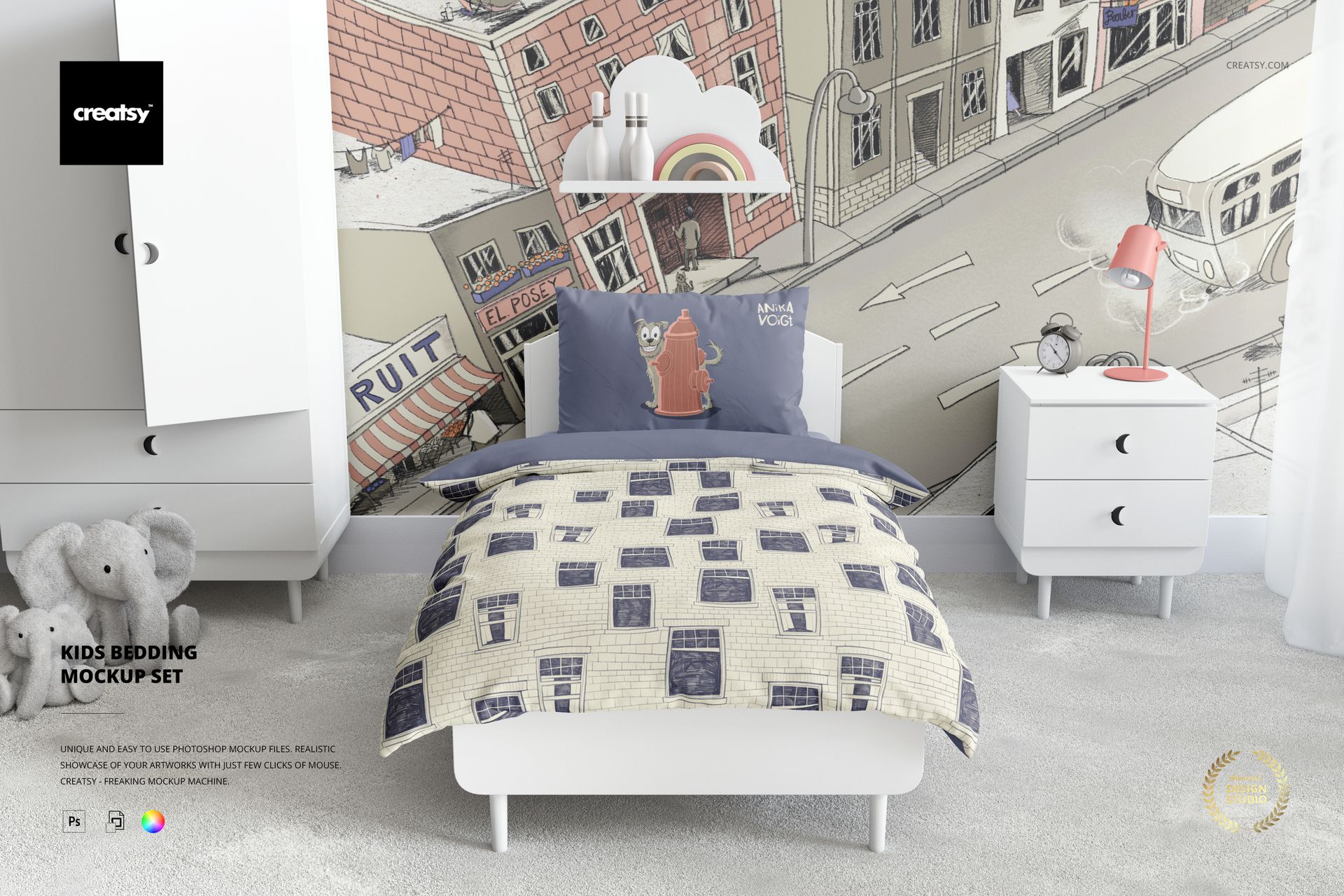
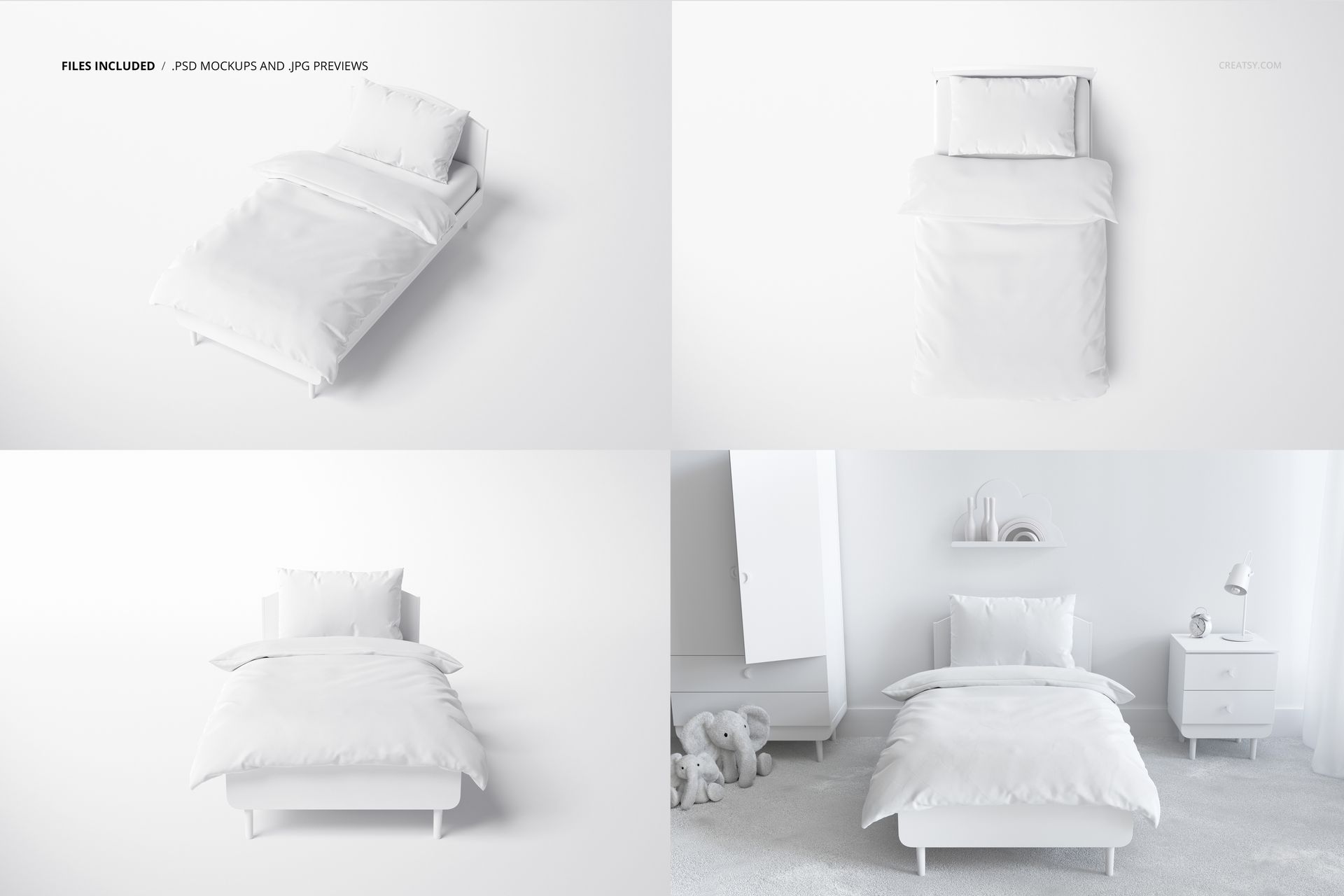
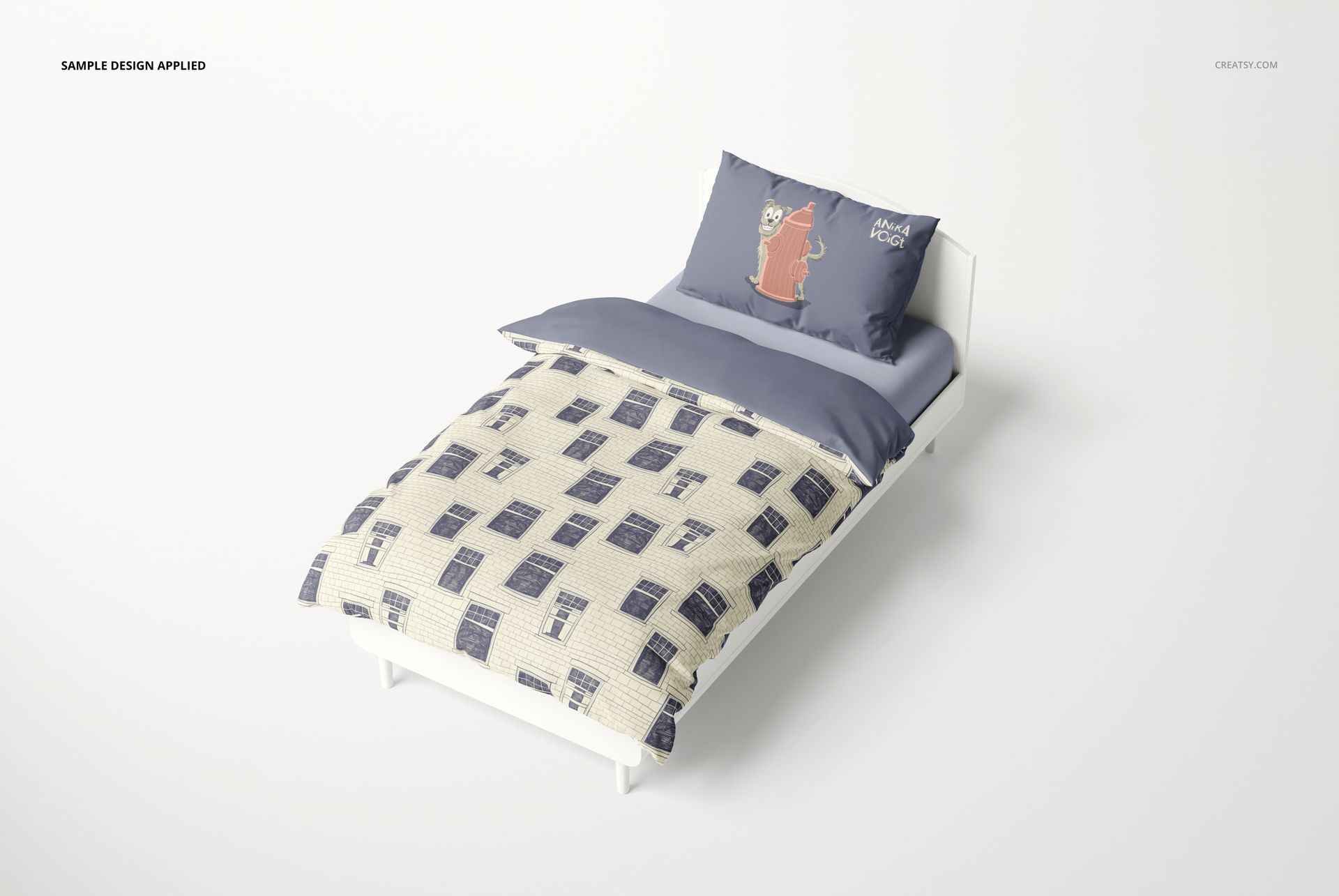
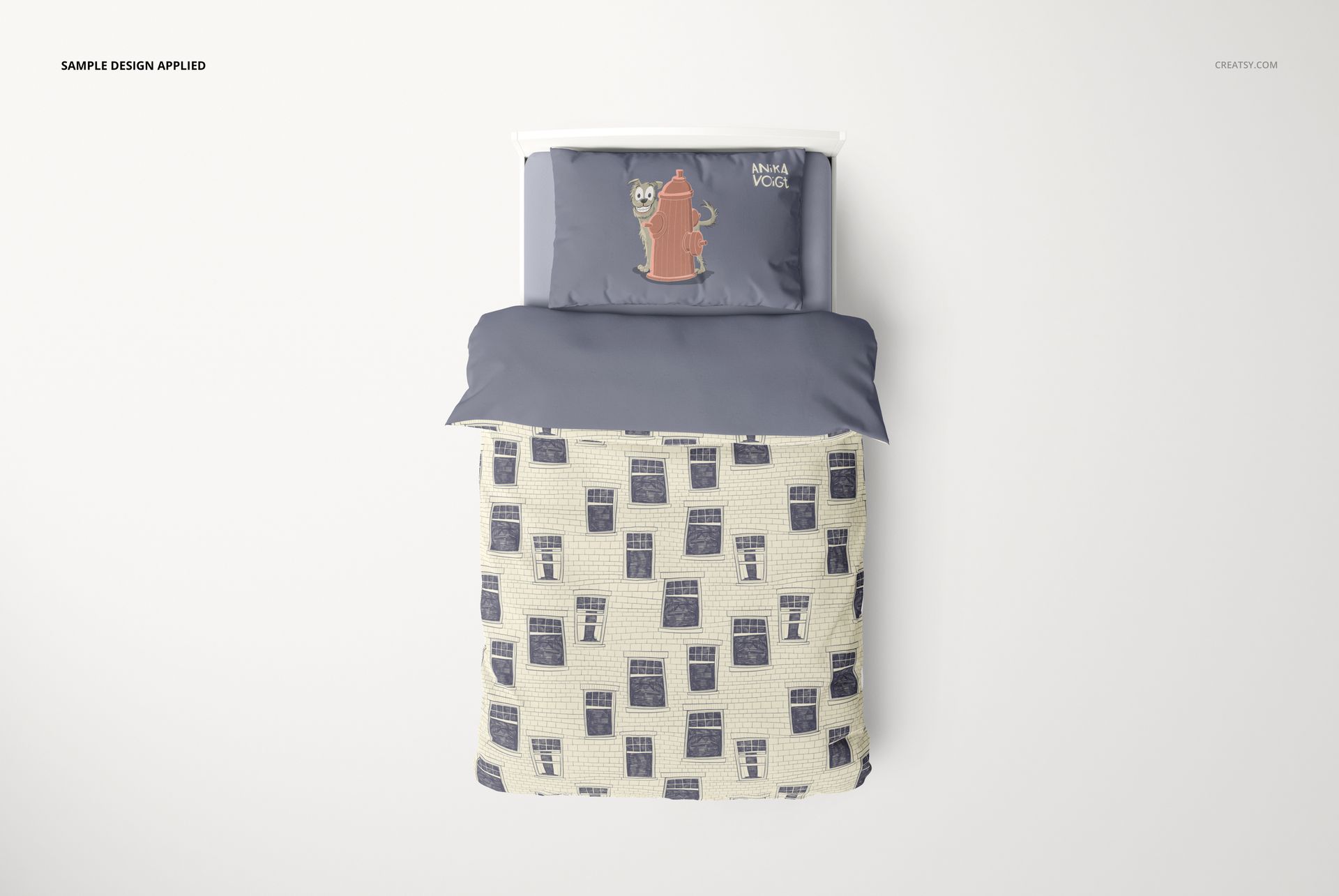
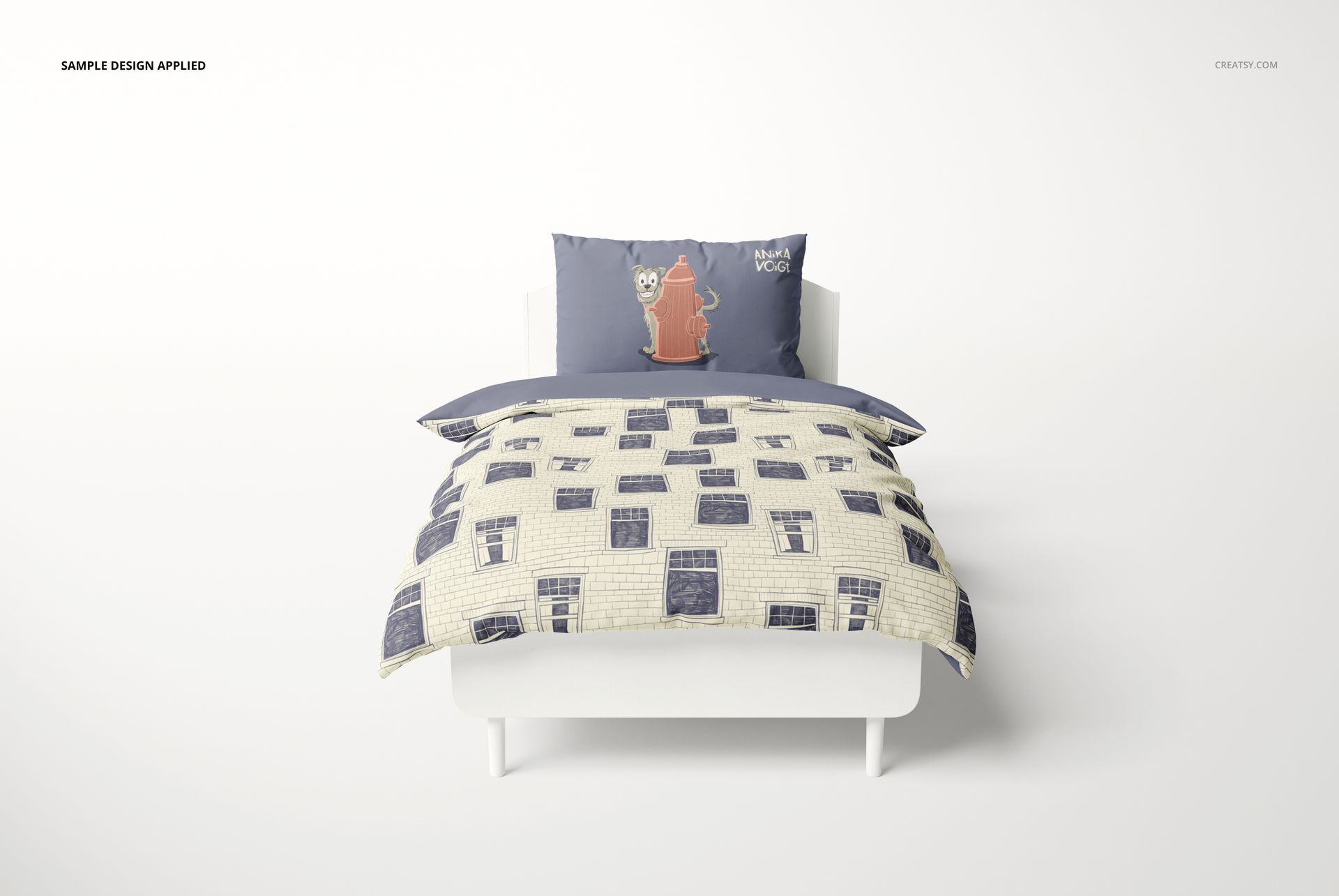
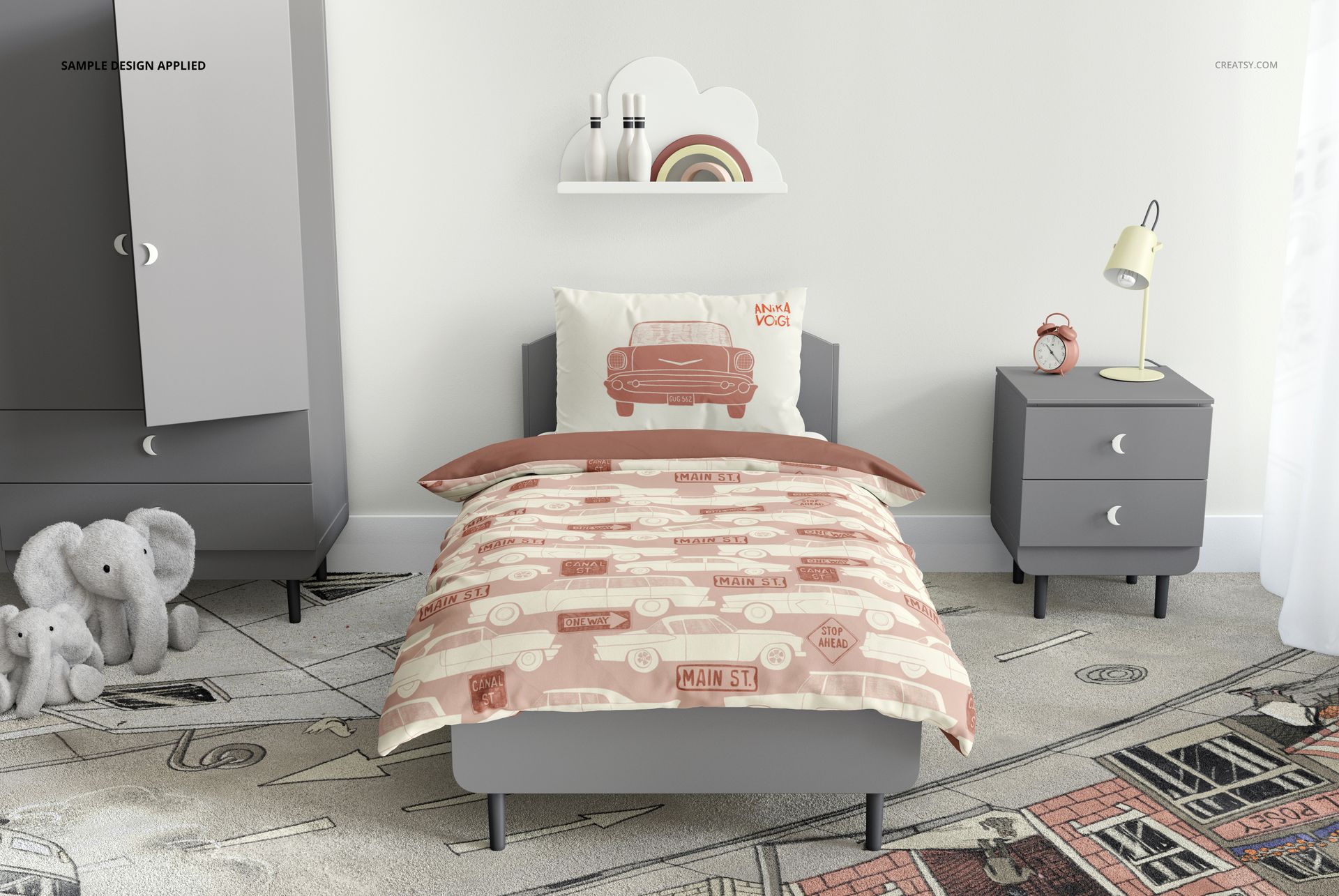
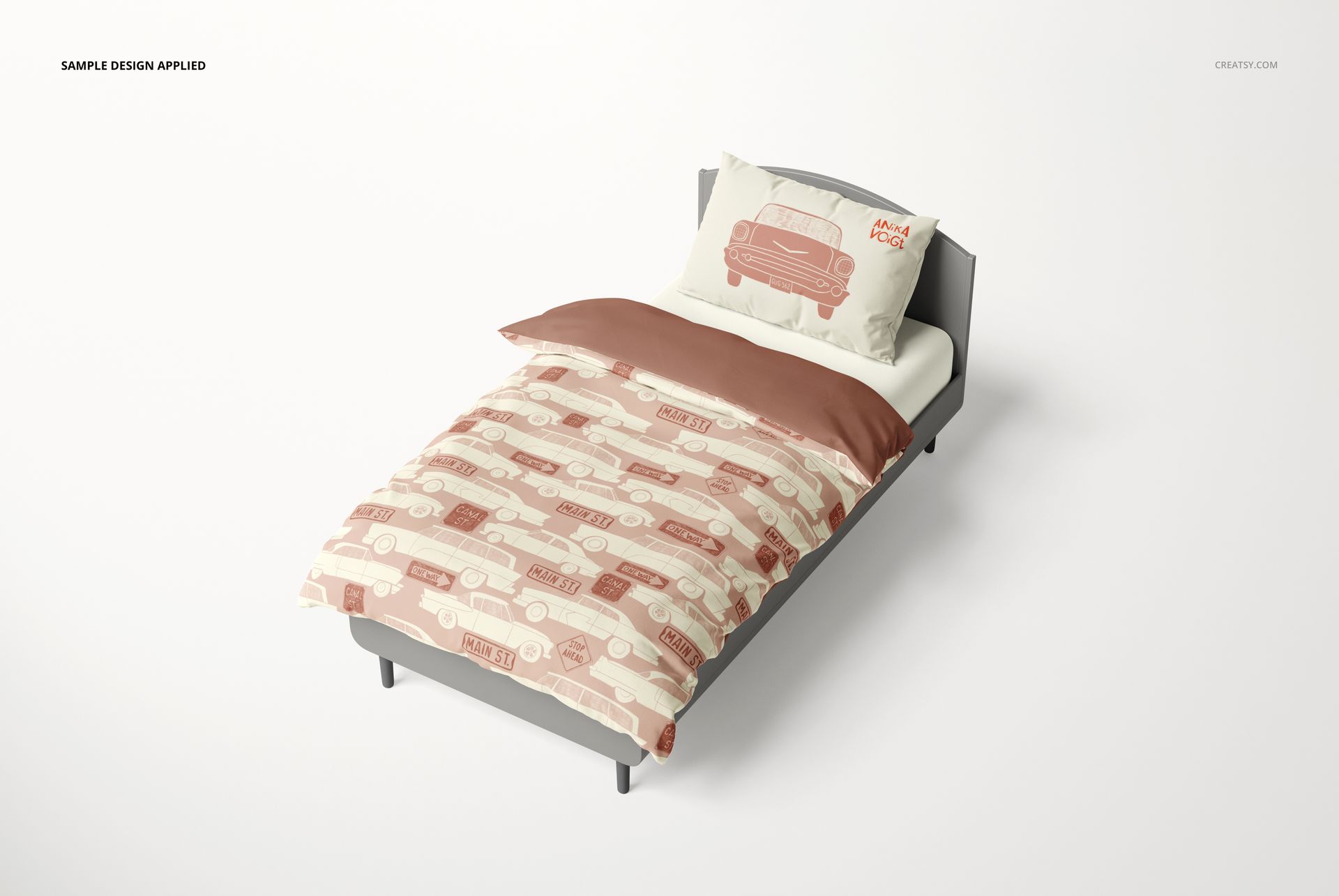
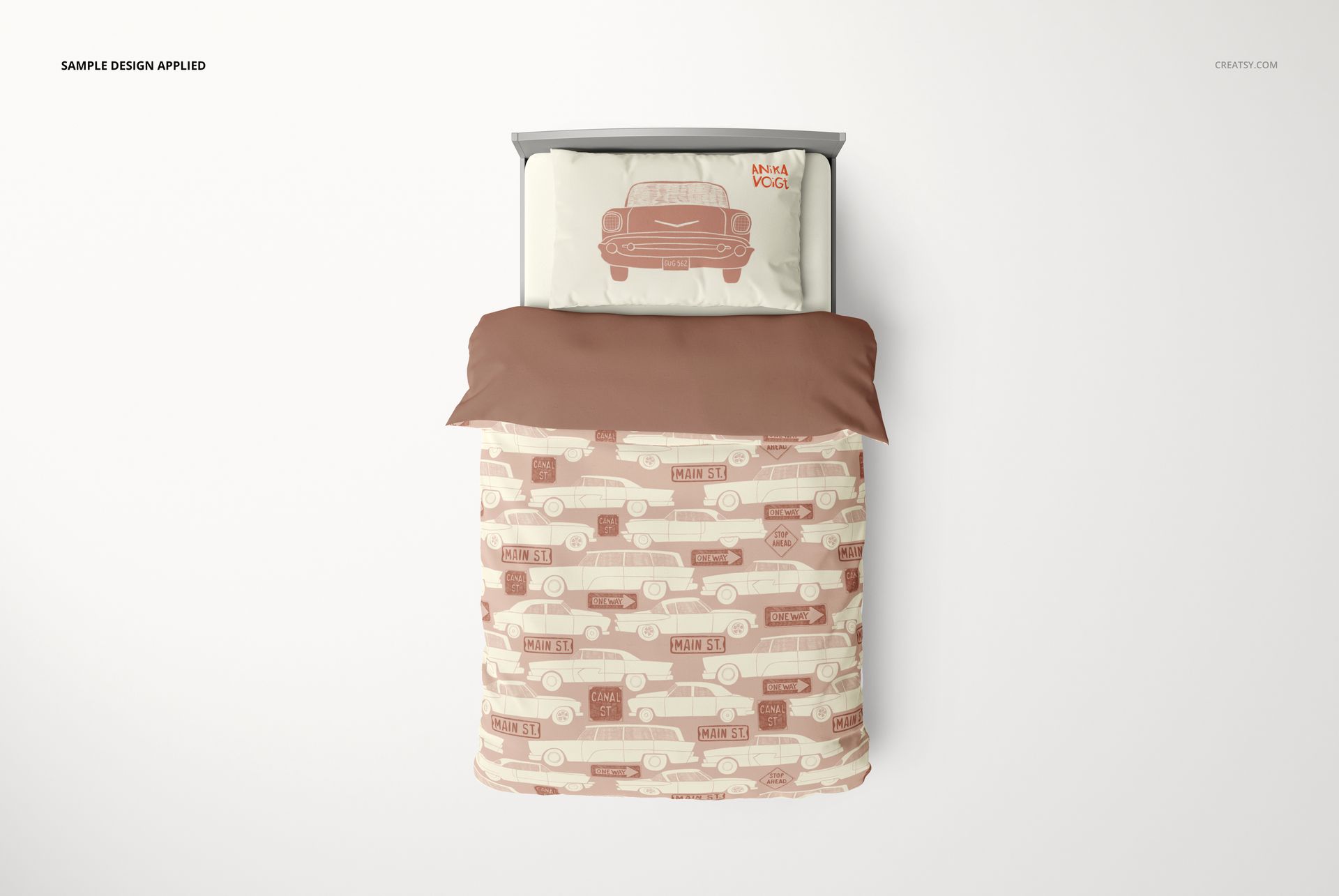
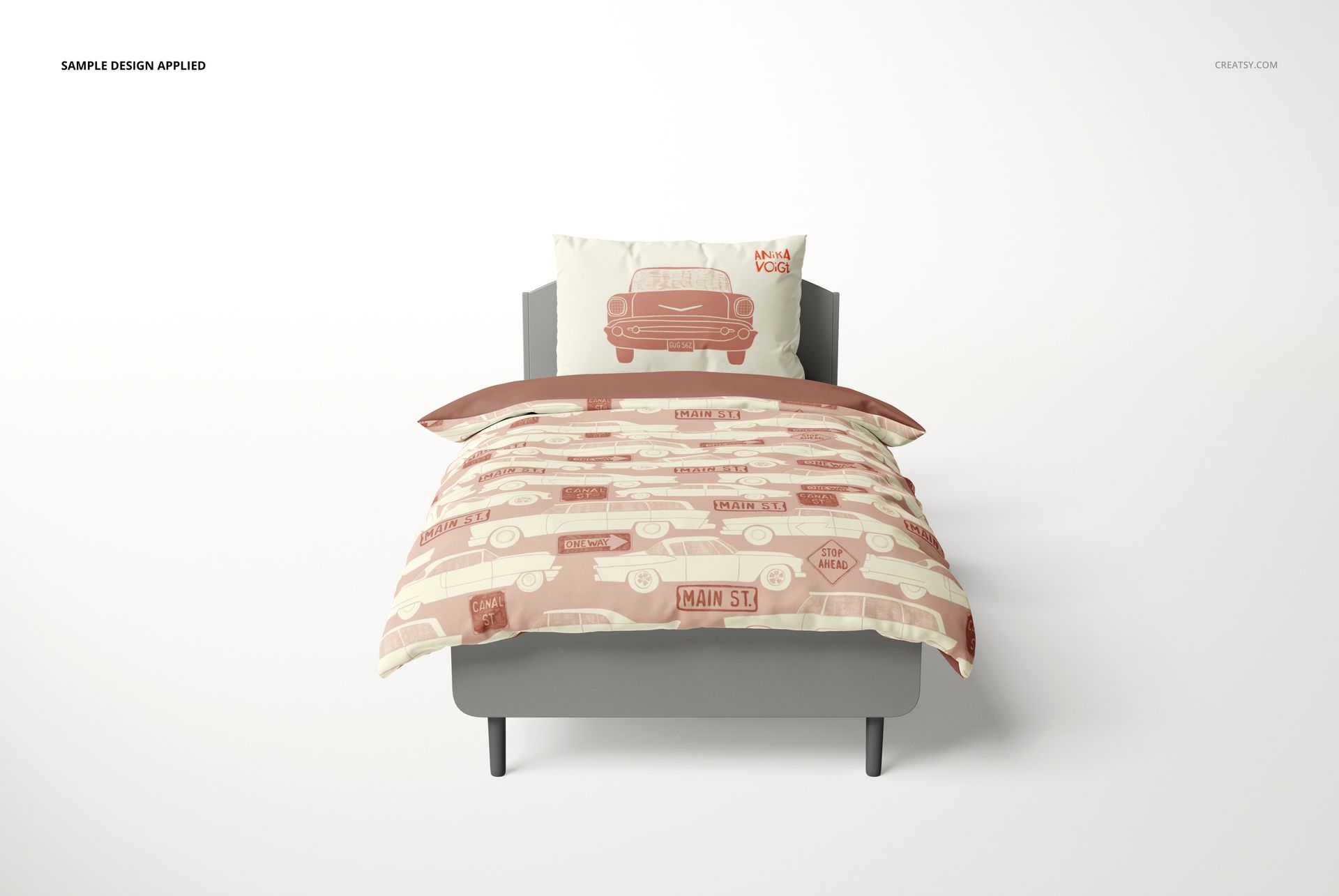
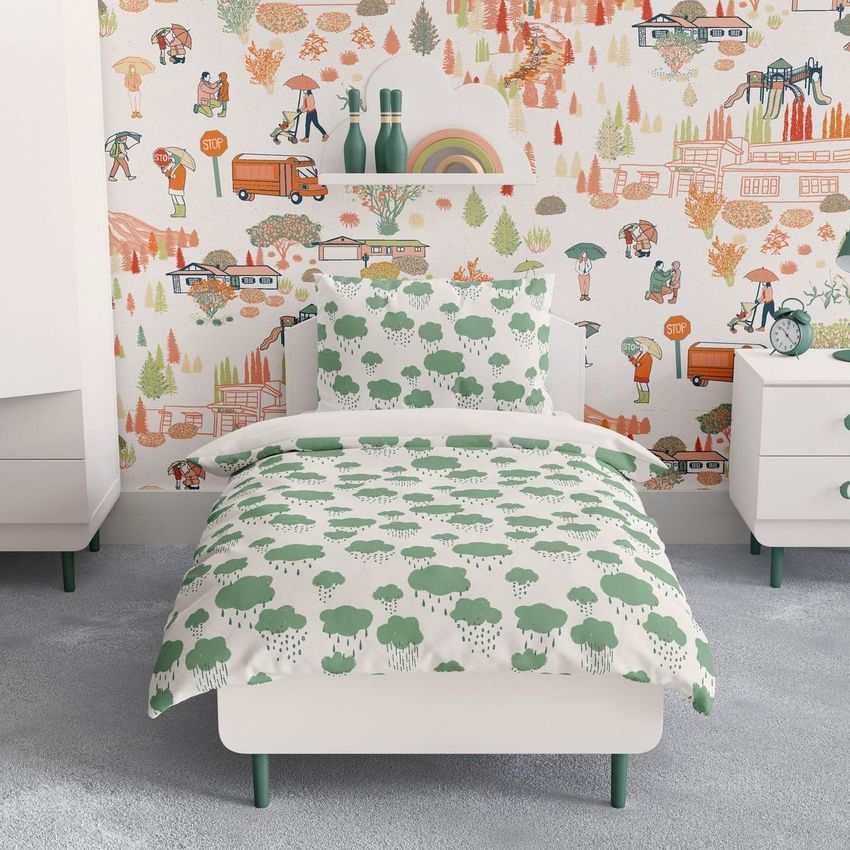
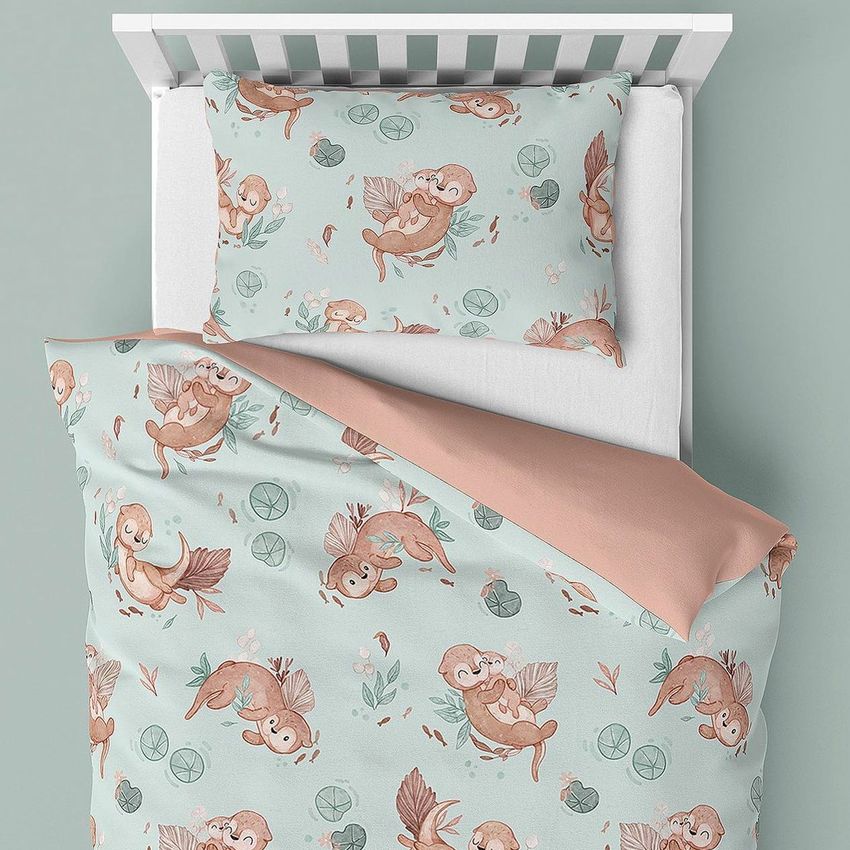
A bedding collection needs both a clear view of the print and a sense of the room it belongs in. This set provides four presentations of a child’s single bed: an angled view, an overhead view, a front view and a furnished bedroom scene.
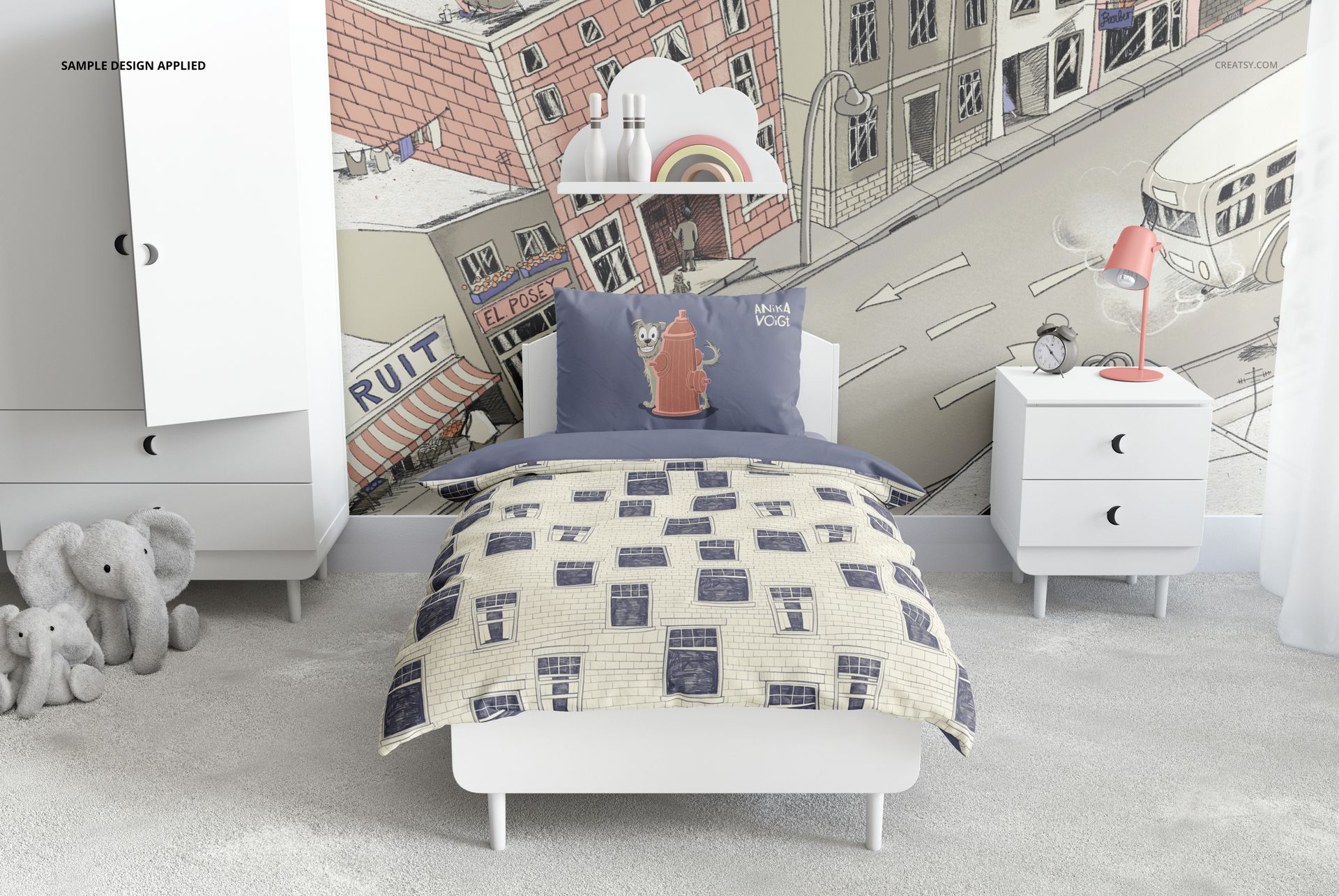
Show a placement illustration on the pillow beside a repeating duvet pattern, then carry the palette into the room. The isolated bed views make the textile design easy to inspect, while the bedroom image adds the context of furniture, toys and wall decor.
What Is Included
4 layered PSD scenes at 6000 × 4000 px and 300 DPI each.
4 JPG previews, one for each presentation.
1 PDF user manual, for a total of 9 files.
From Bedding Prints to Room Coordinates
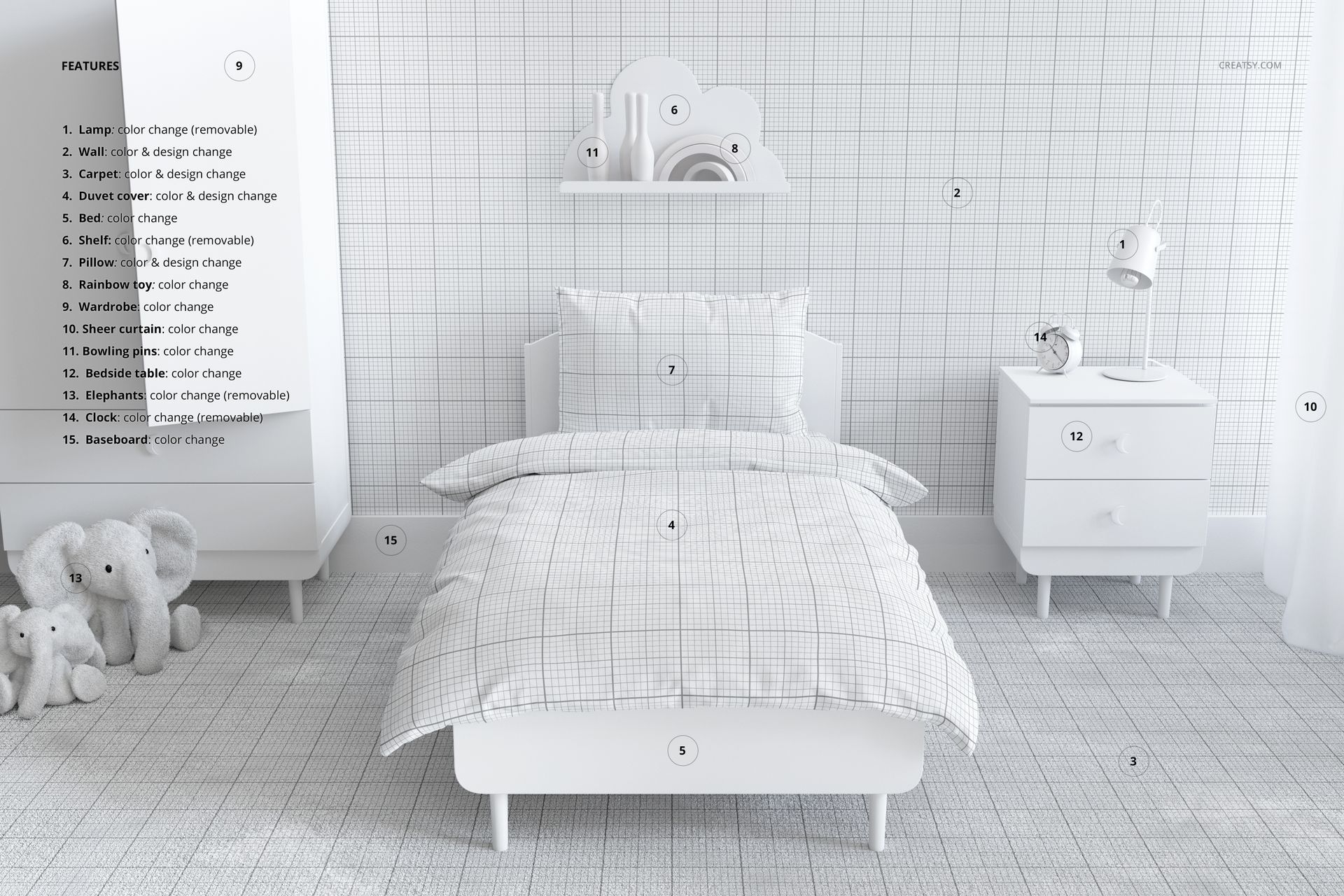
Edit the color and design of the duvet cover and pillow. In the room scene, the wall and carpet also accept color and artwork changes. Recolor the bed, wardrobe, bedside cabinet, baseboard, sheer curtain, rainbow toy and bowling pins. The lamp, shelf, elephant toys and clock have color controls and can be hidden.
Easy Smart Object Editing
Use Adobe Photoshop CC2020 or newer, or Photopea. Replace artwork through Smart Objects and adjust the organized color layers. Compare the overhead view with the front view to check how the duvet’s folds affect the visible print.
Perfect For
Children’s bedding brands, surface pattern designers and illustrators can build collection presentations, client previews and textile portfolios. This is a digital mockup, not physical bedding. The sample designs shown in the gallery are not included.














Simply great work!!!! It's always a pleasure to work with creasty!
Thank you so much! It’s always a pleasure to work with wonderful customers like you too. We truly appreciate your support.