Nursery Canvas Bean Bag Mockup Set
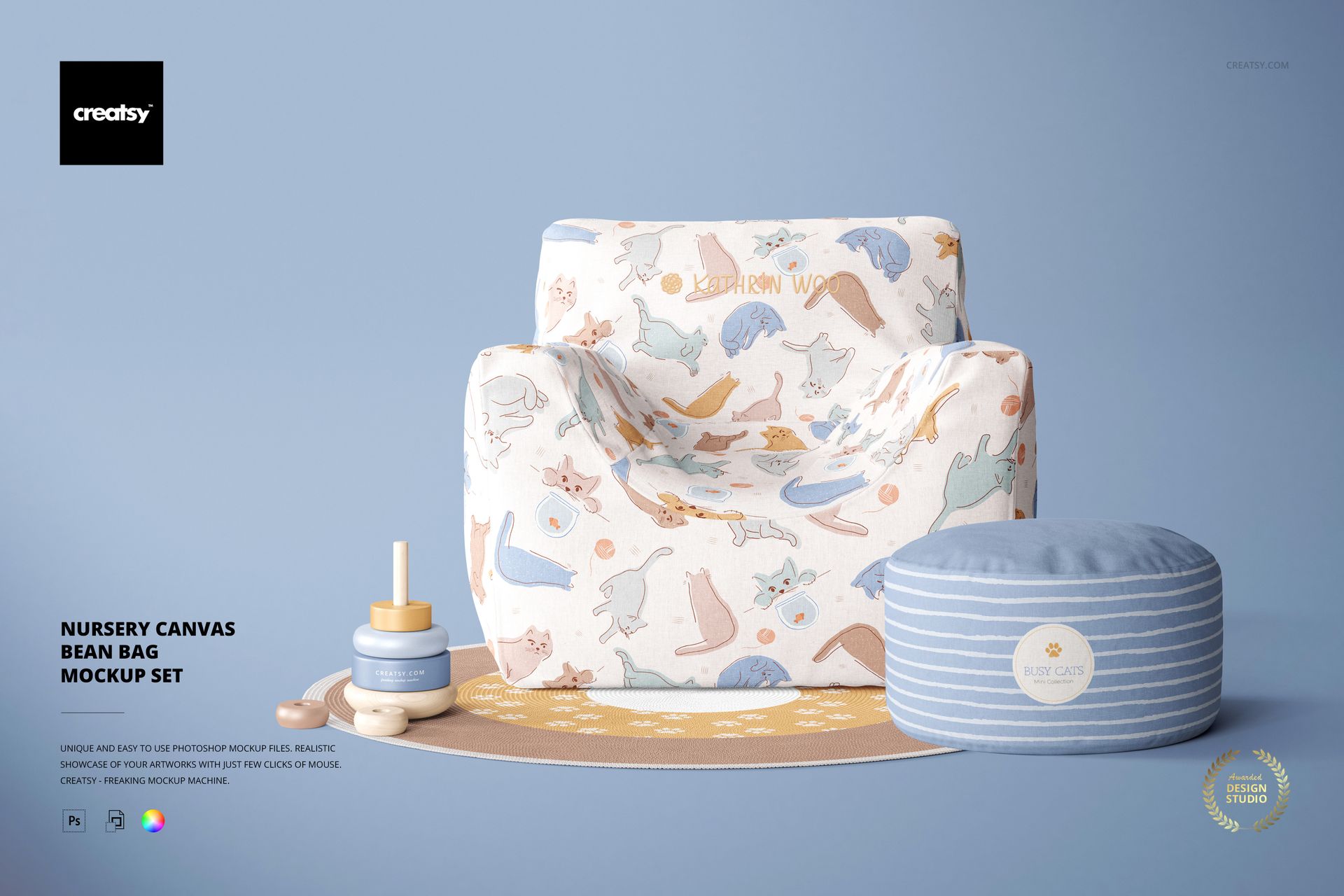
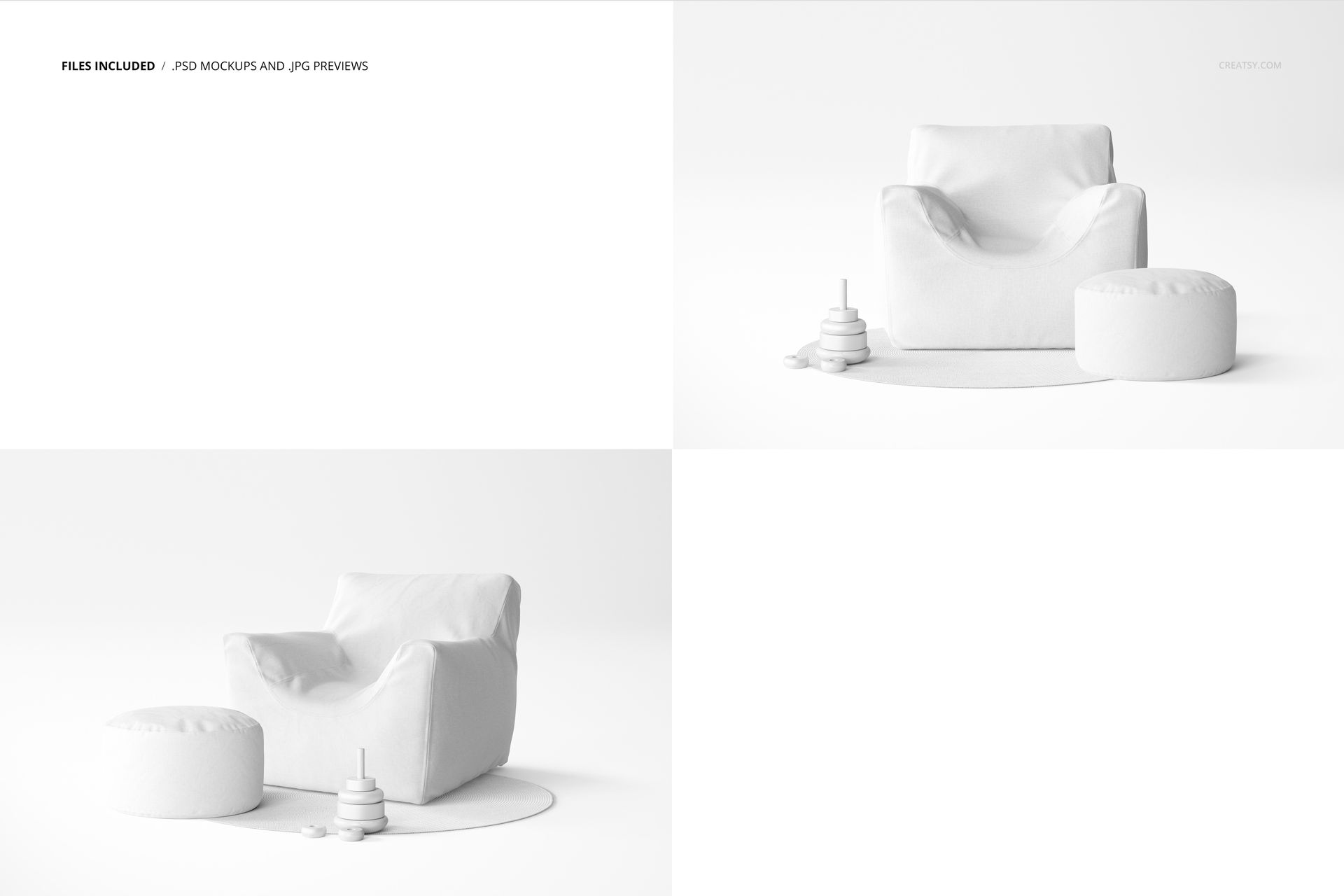
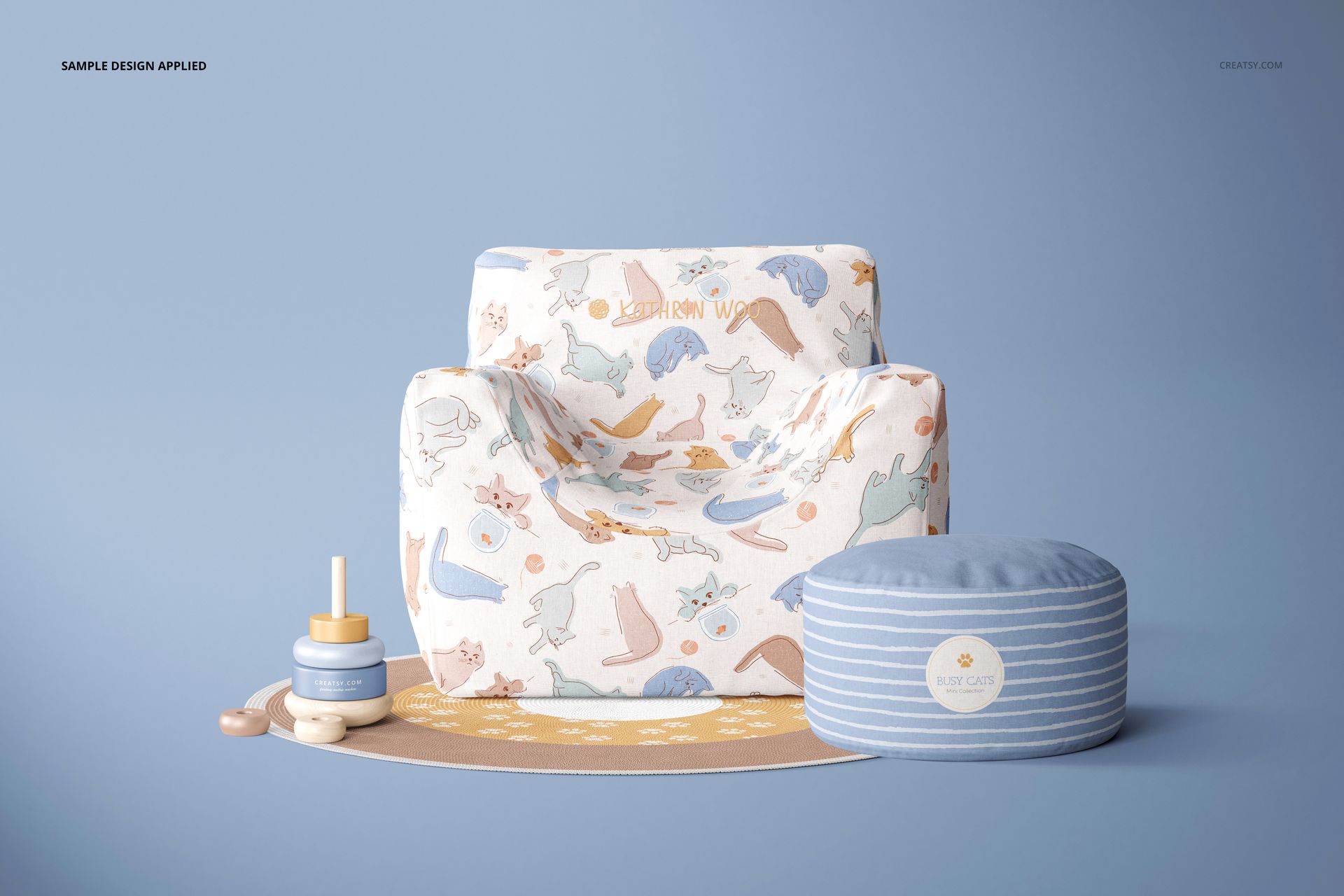
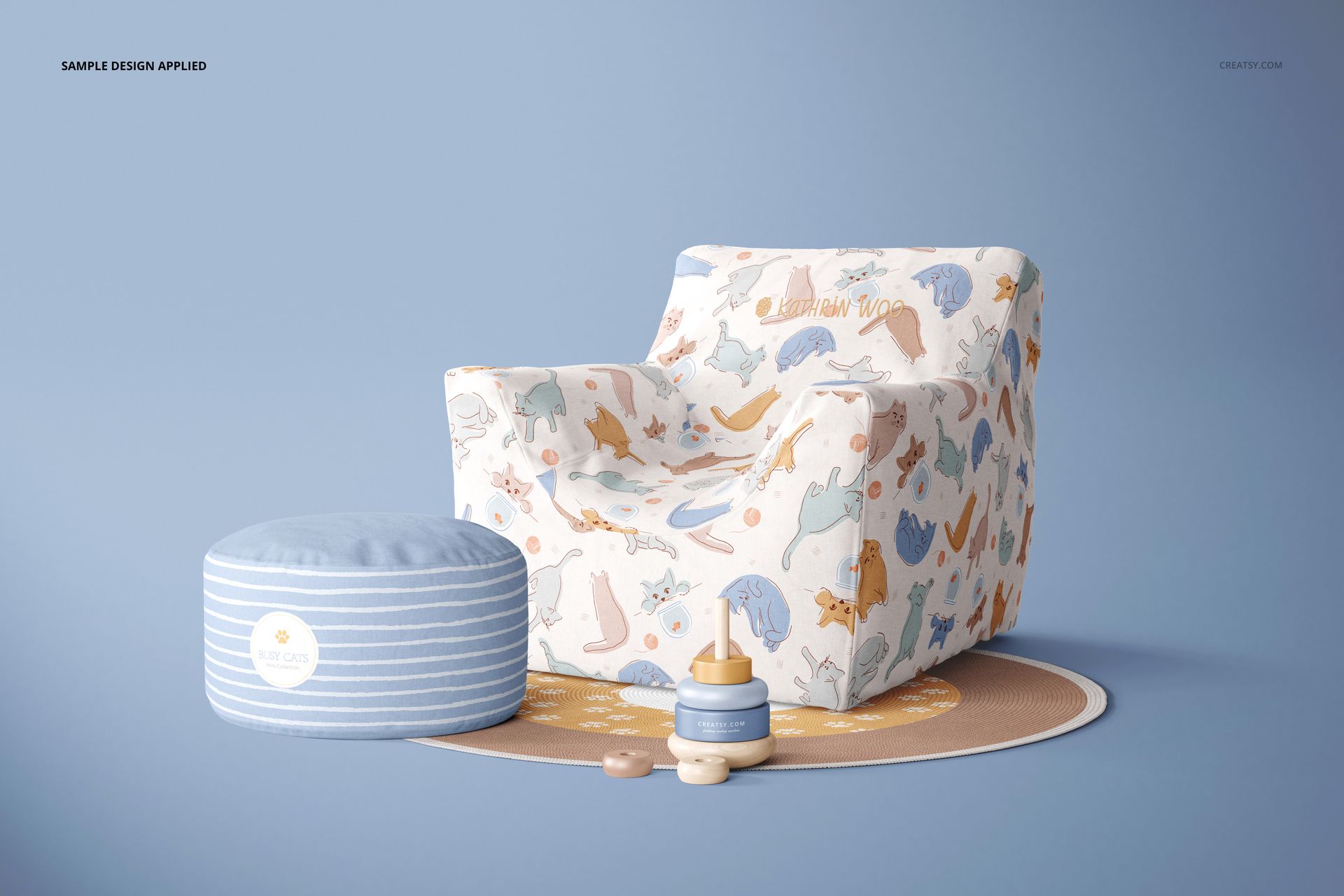
Give a nursery fabric collection a coordinated setting with a canvas bean bag chair, round ottoman and circular rug. Two angled views show how your artwork follows the chair’s arms, seat and back, while the matching footrest offers a second surface for a companion print.
Use the pair to compare a large illustration with a smaller repeat, or carry one palette across seating and floor decor. The visible fabric texture and soft contours help clients understand the design beyond a flat swatch.
What Is Included
2 layered PSD mockup files, each 6000 × 4000 px at 300 DPI.
2 JPG previews showing the two scene views.
1 PDF user manual, making 5 files in total.
Coordinate the Chair, Ottoman and Rug
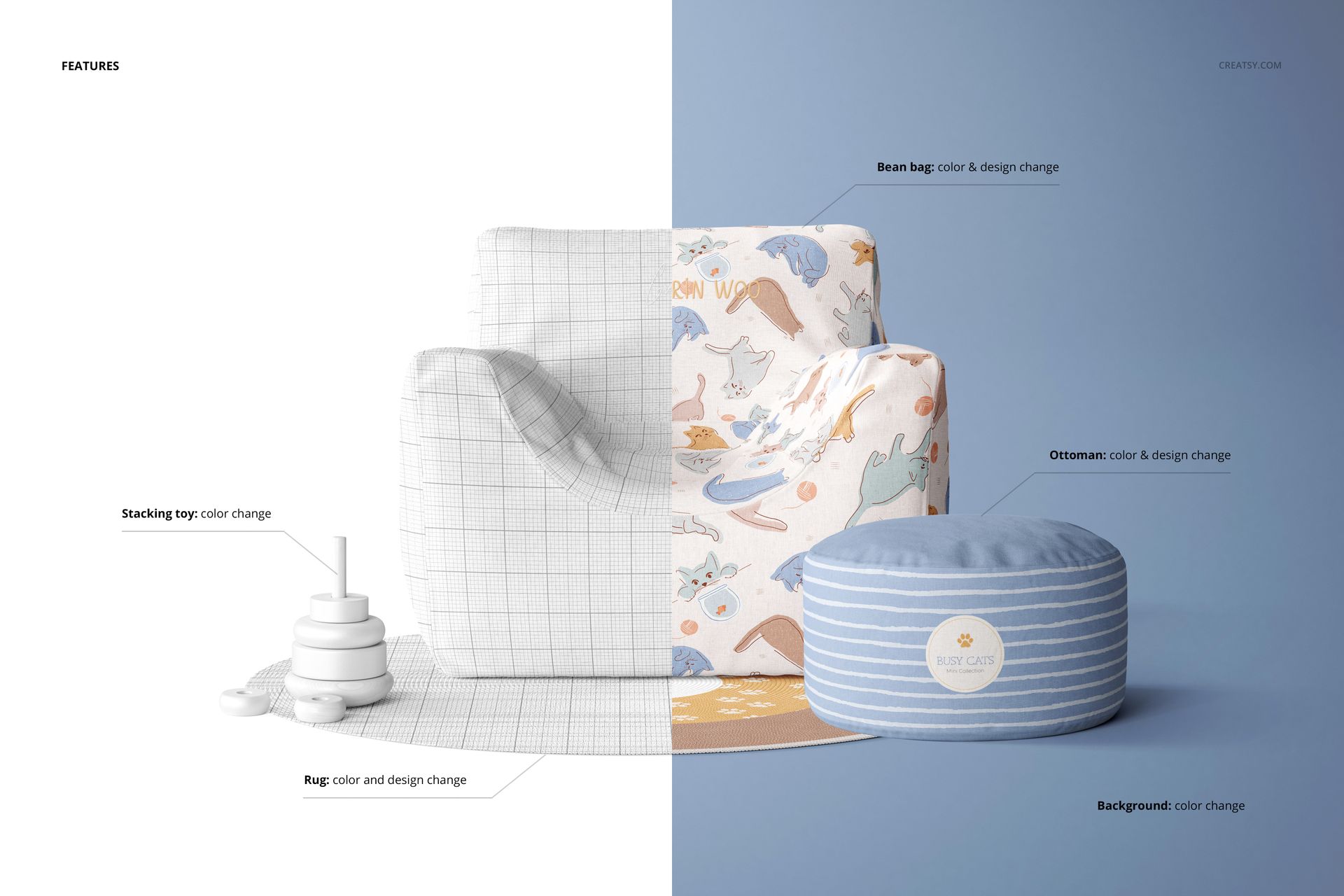
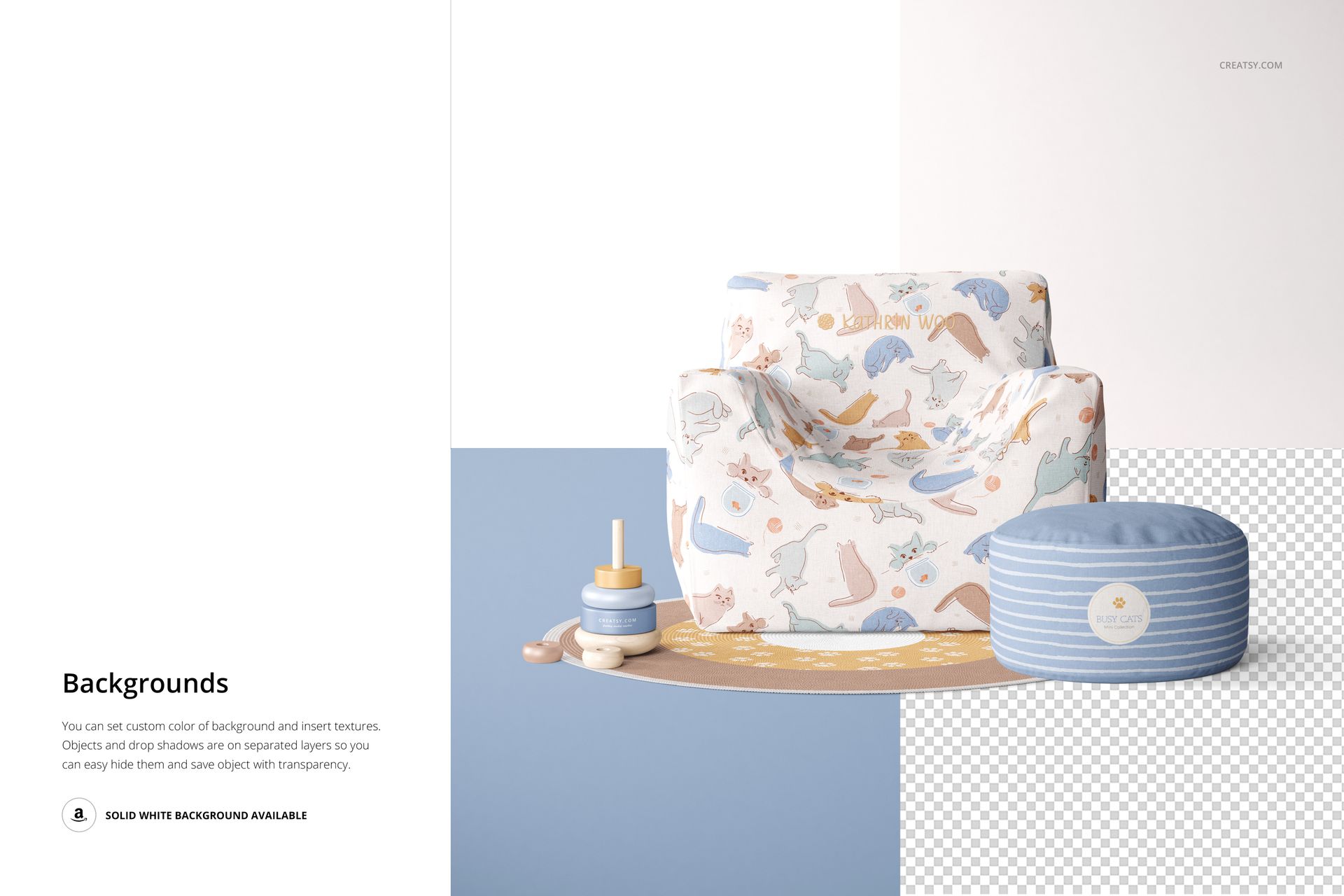
Change the color and design of the bean bag, ottoman and rug. Adjust the stacking toy’s colors to support your palette. Customize the background with color or texture; separate object and shadow layers also support presentations with transparency.
Easy Smart Object Editing
Open a PSD in Adobe Photoshop CC2020 or newer, or Photopea. Replace the artwork in the relevant Smart Objects, save the edited contents and adjust the color layers. Check both views before exporting your presentation.
Perfect For
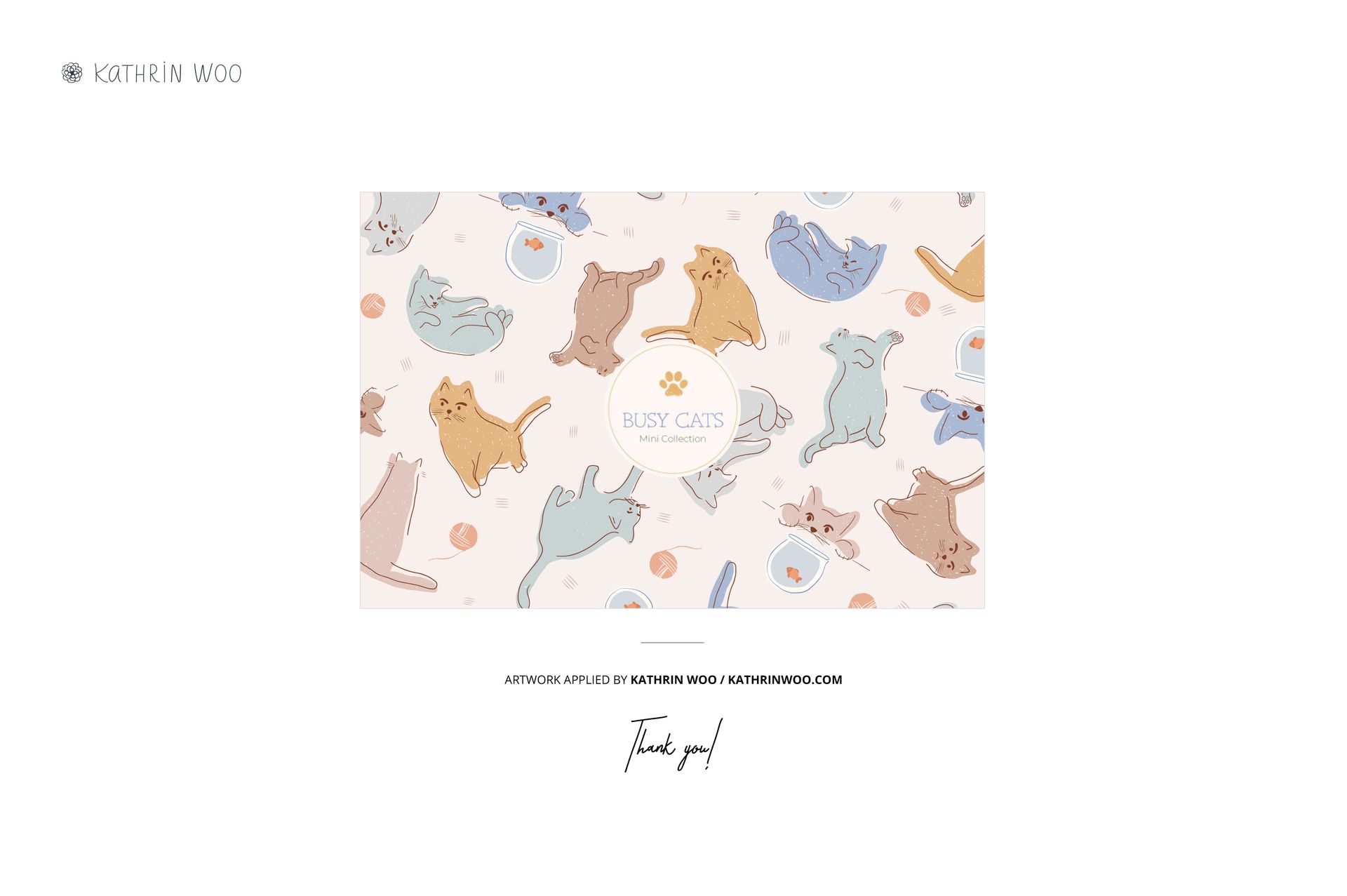
Surface pattern designers, children’s furniture brands and textile illustrators can use these scenes for collection pitches, fabric colorway comparisons and nursery decor portfolios. This is a digital mockup set, not physical furniture. Sample artwork is not included.