Teepee Tent Mockup Set
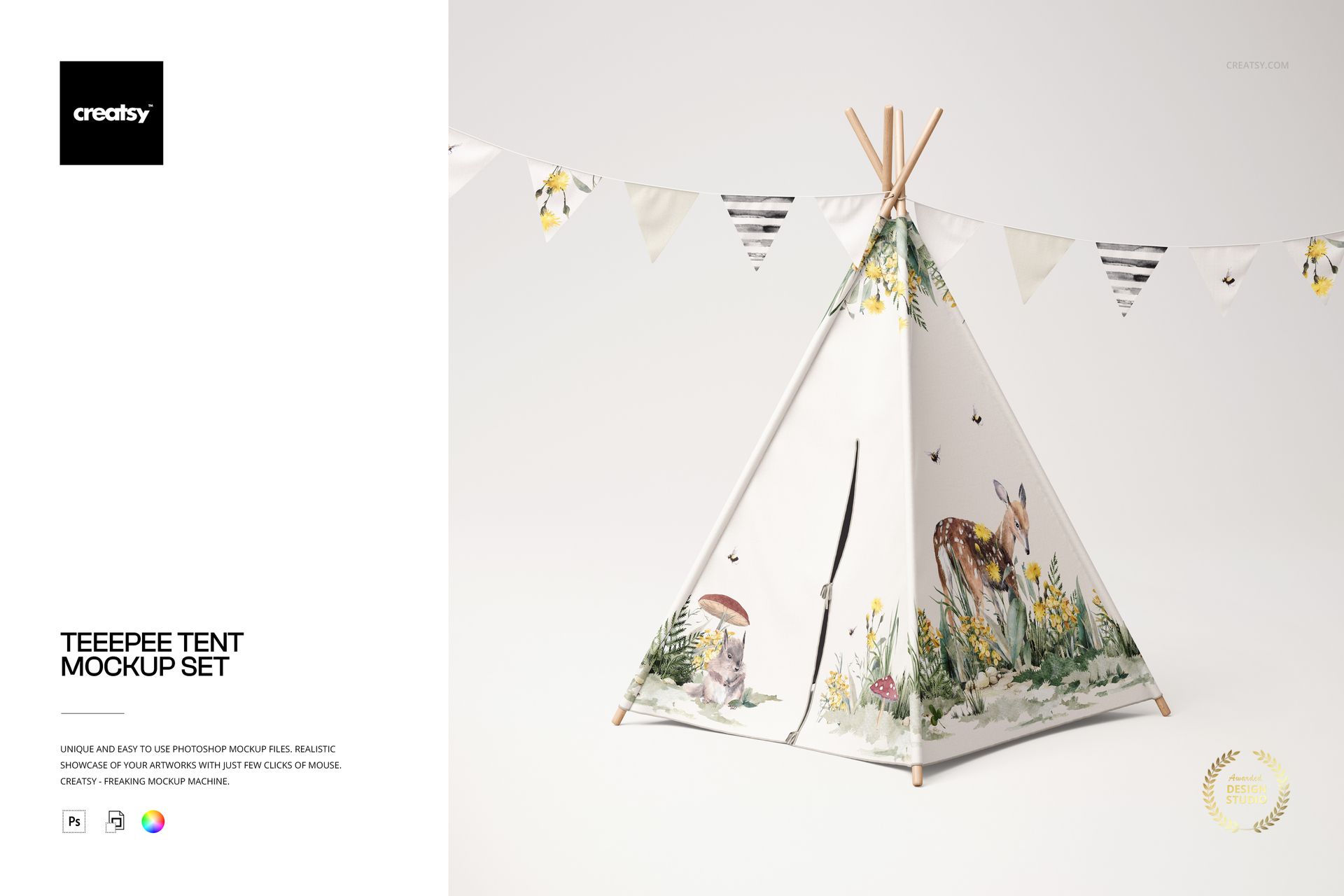
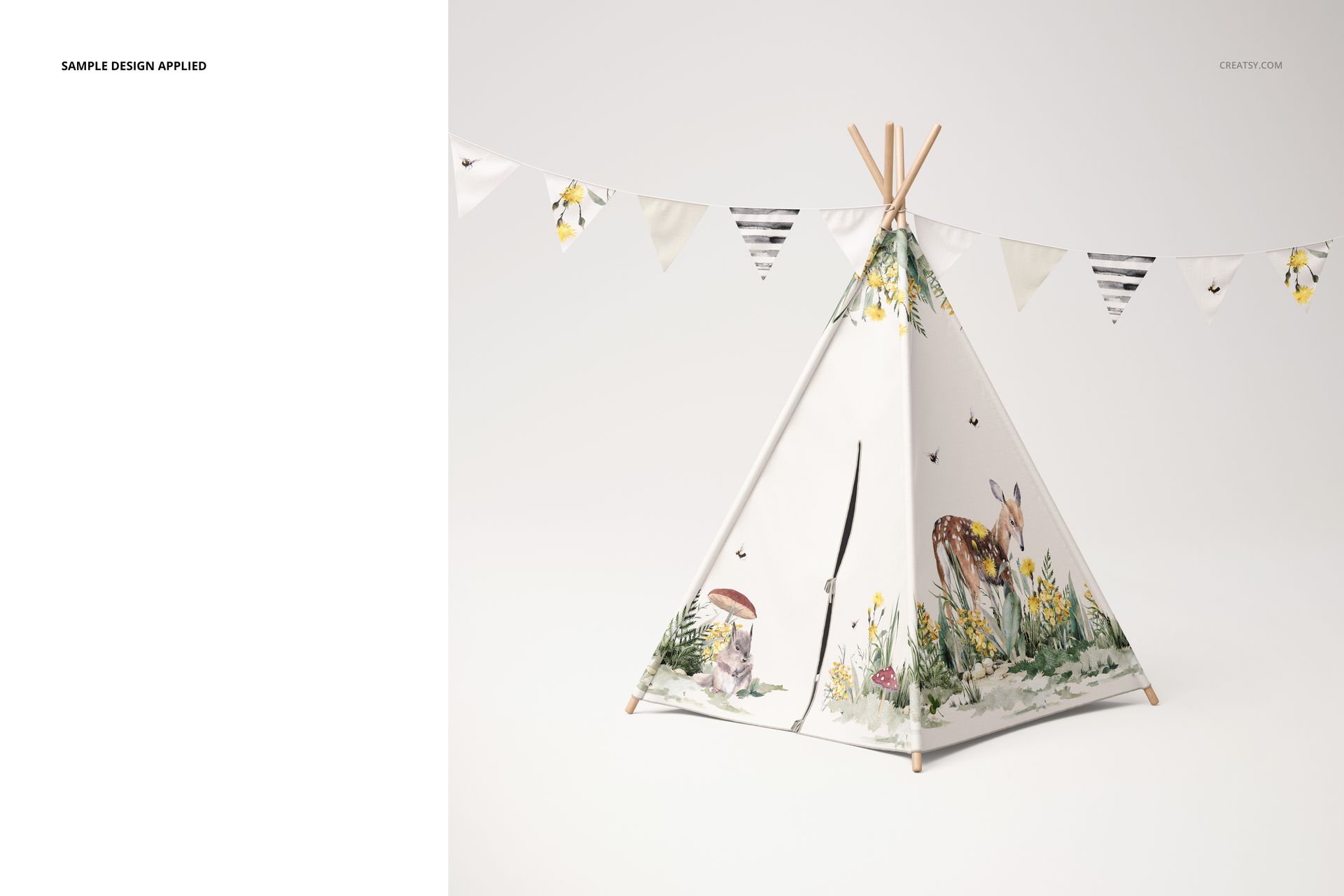
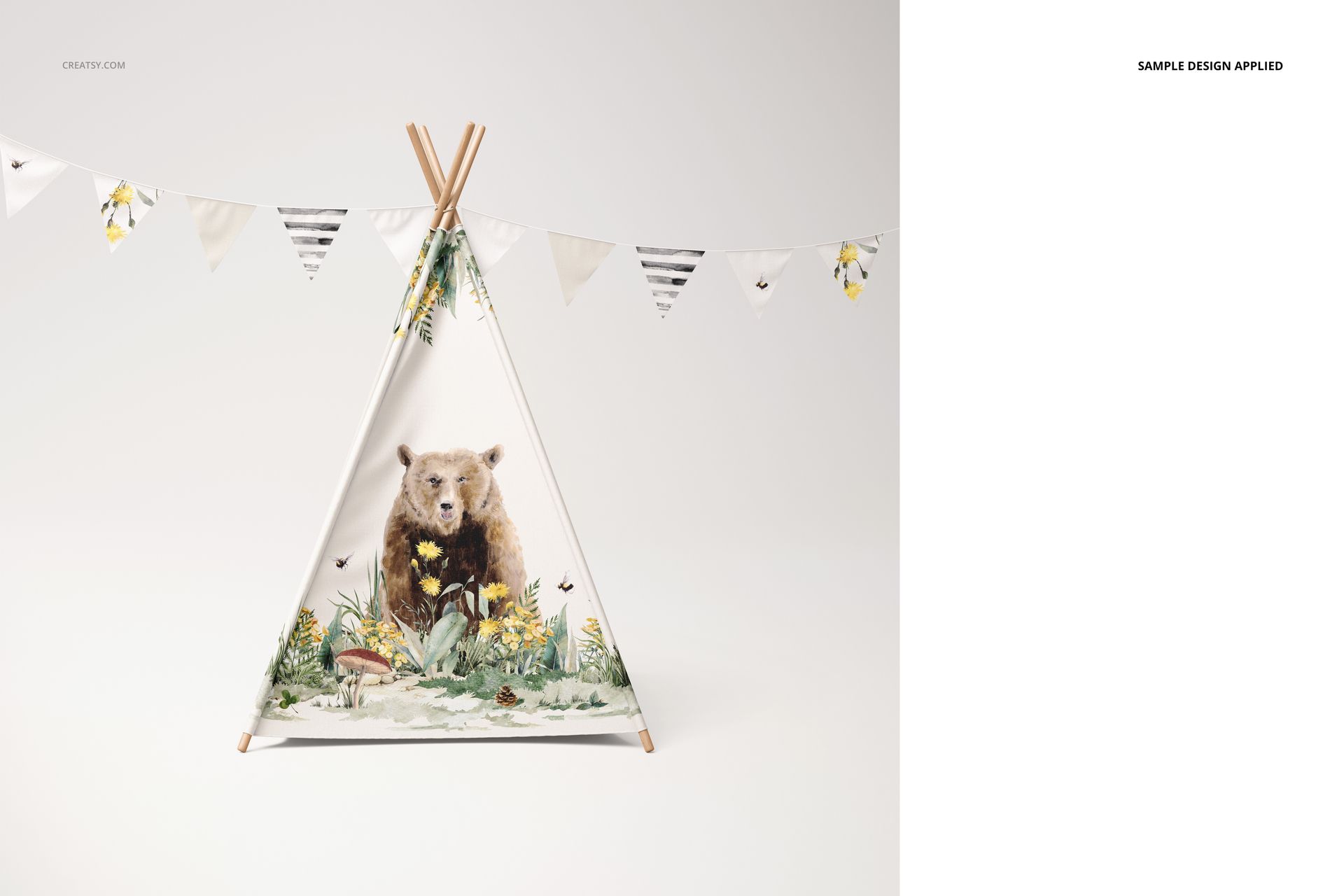
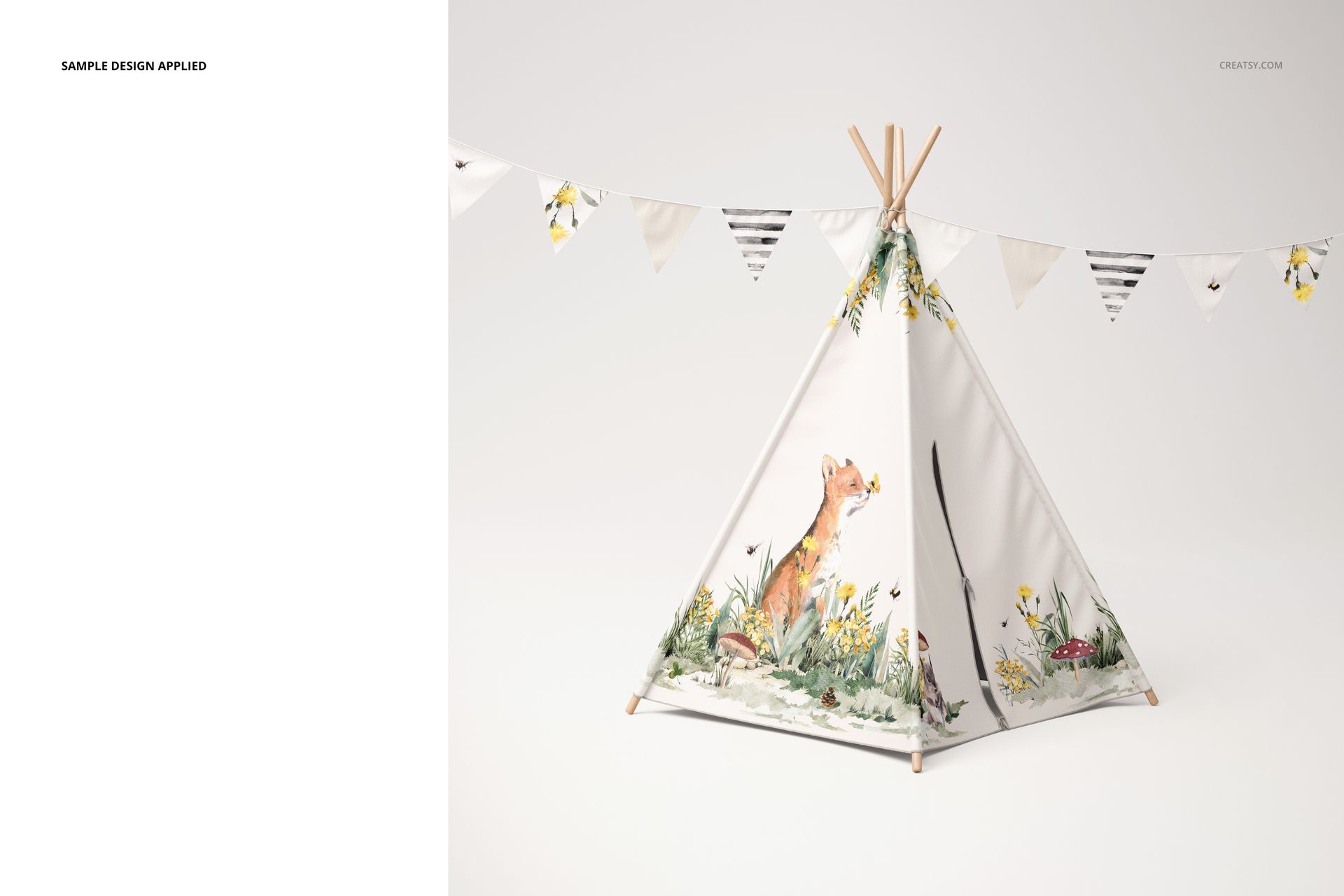
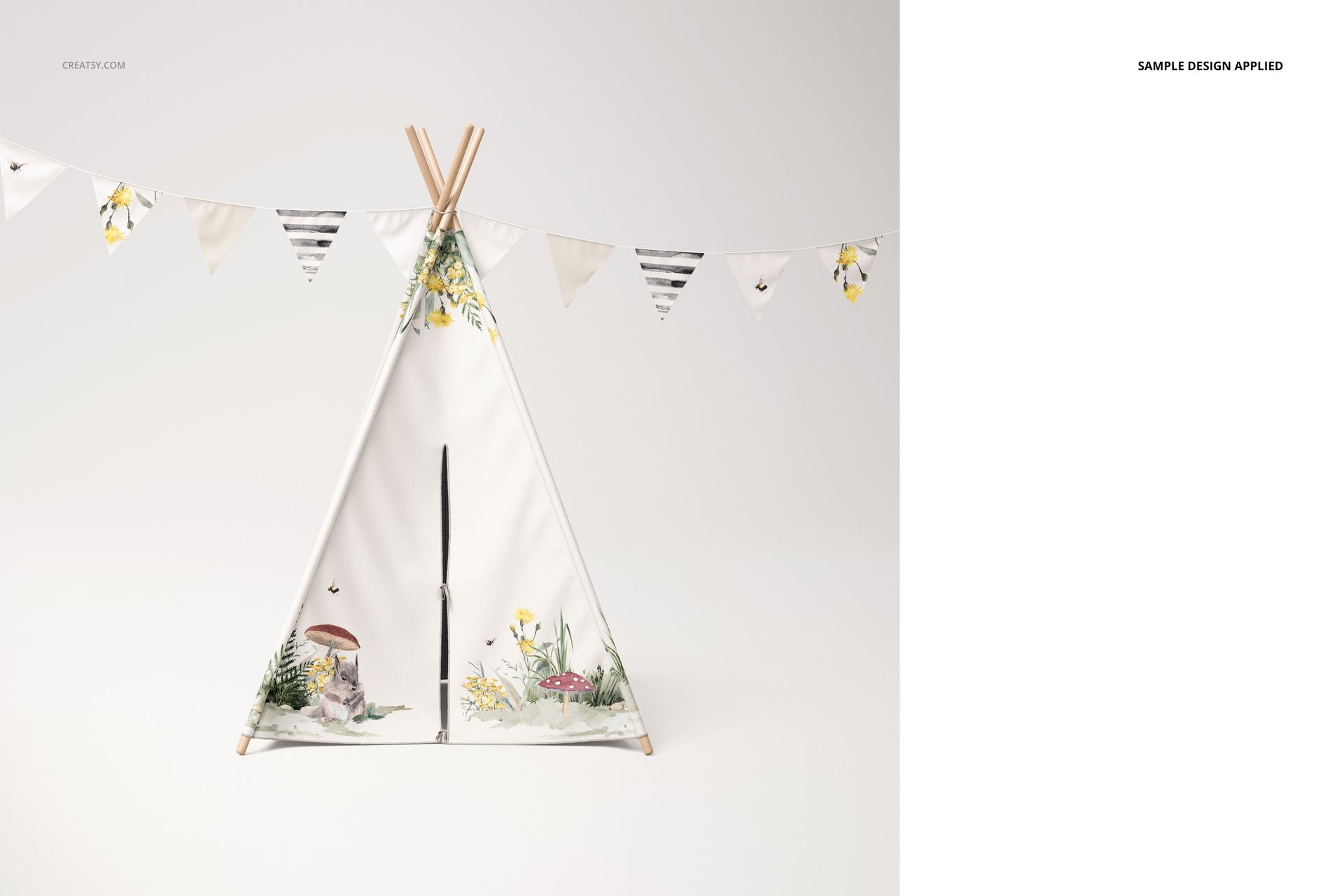
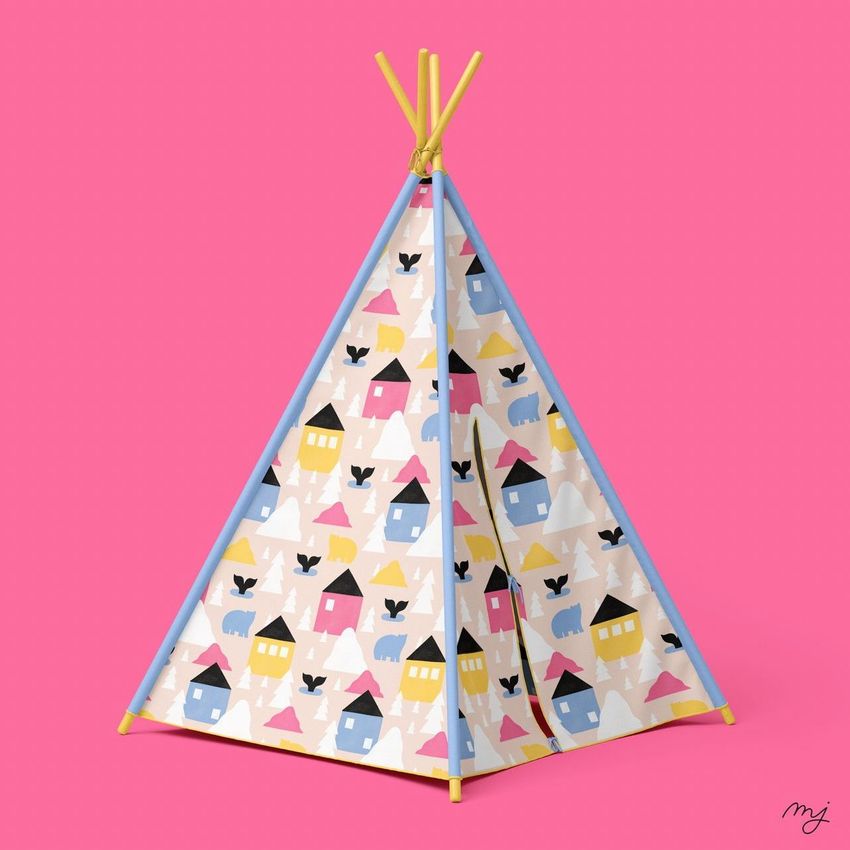
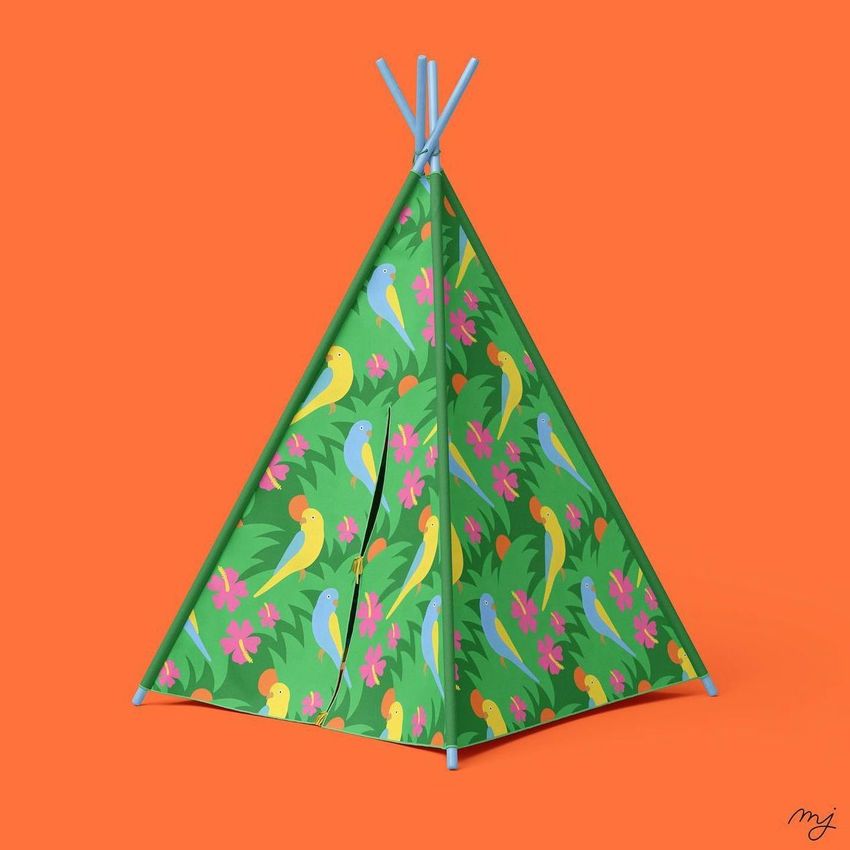
Turn a flat fabric print into a four-view presentation of a children’s play tent. This teepee tent mockup set combines tall triangular fabric panels, exposed wooden poles and a string of bunting, giving your collection a clear playroom context.
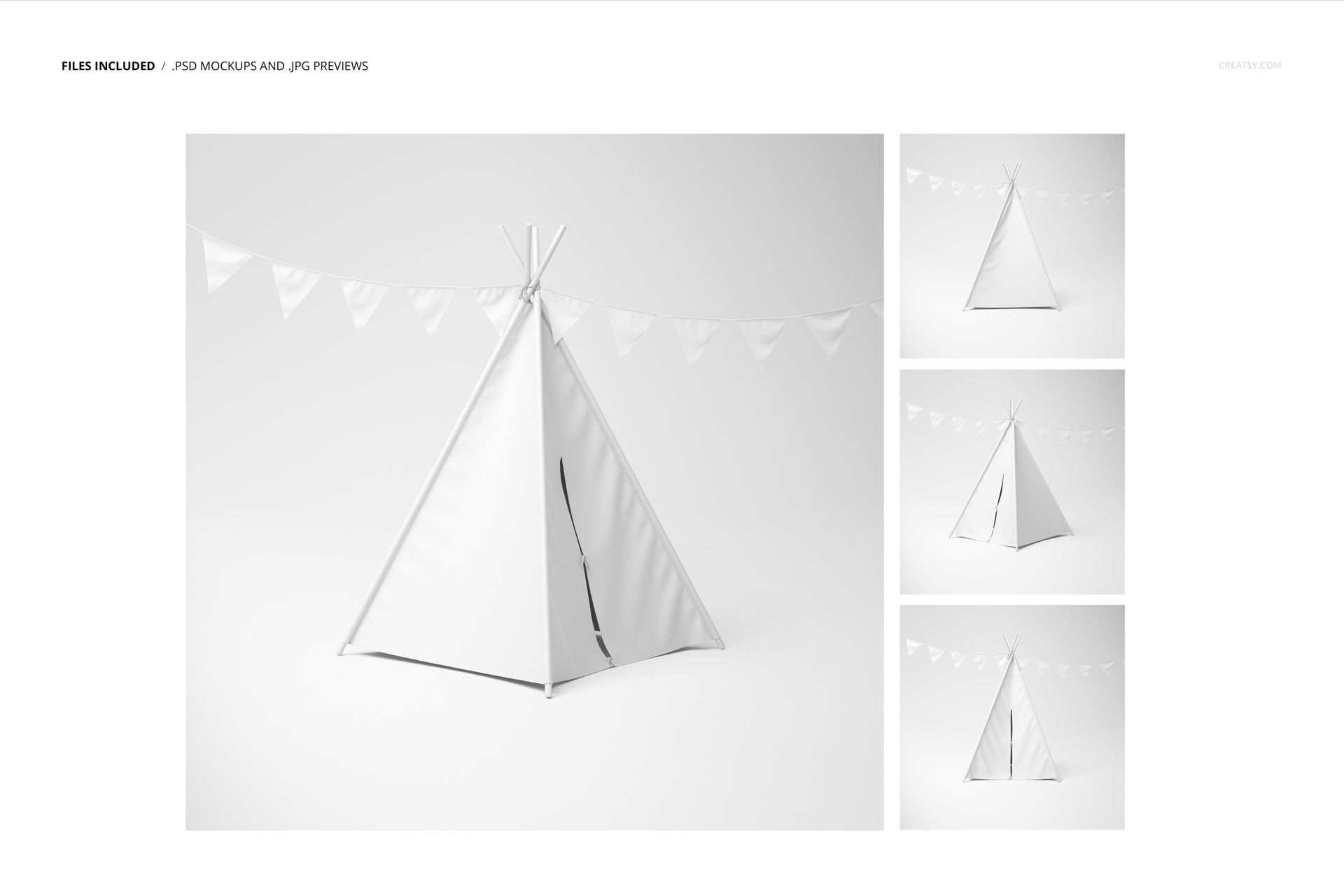
The front and angled views help reveal how artwork meets the entrance and panel seams. A plain-background presentation keeps the tent’s silhouette visible, making it easier to compare an all-over pattern with larger placement illustrations.
What Is Included
4 layered PSD mockup files, each 6000 × 6000 px at 300 DPI.
4 JPG previews corresponding to the four tent views.
1 PDF user manual, with 9 files in the package overall.
Fabric Panels, Wooden Poles and Optional Bunting
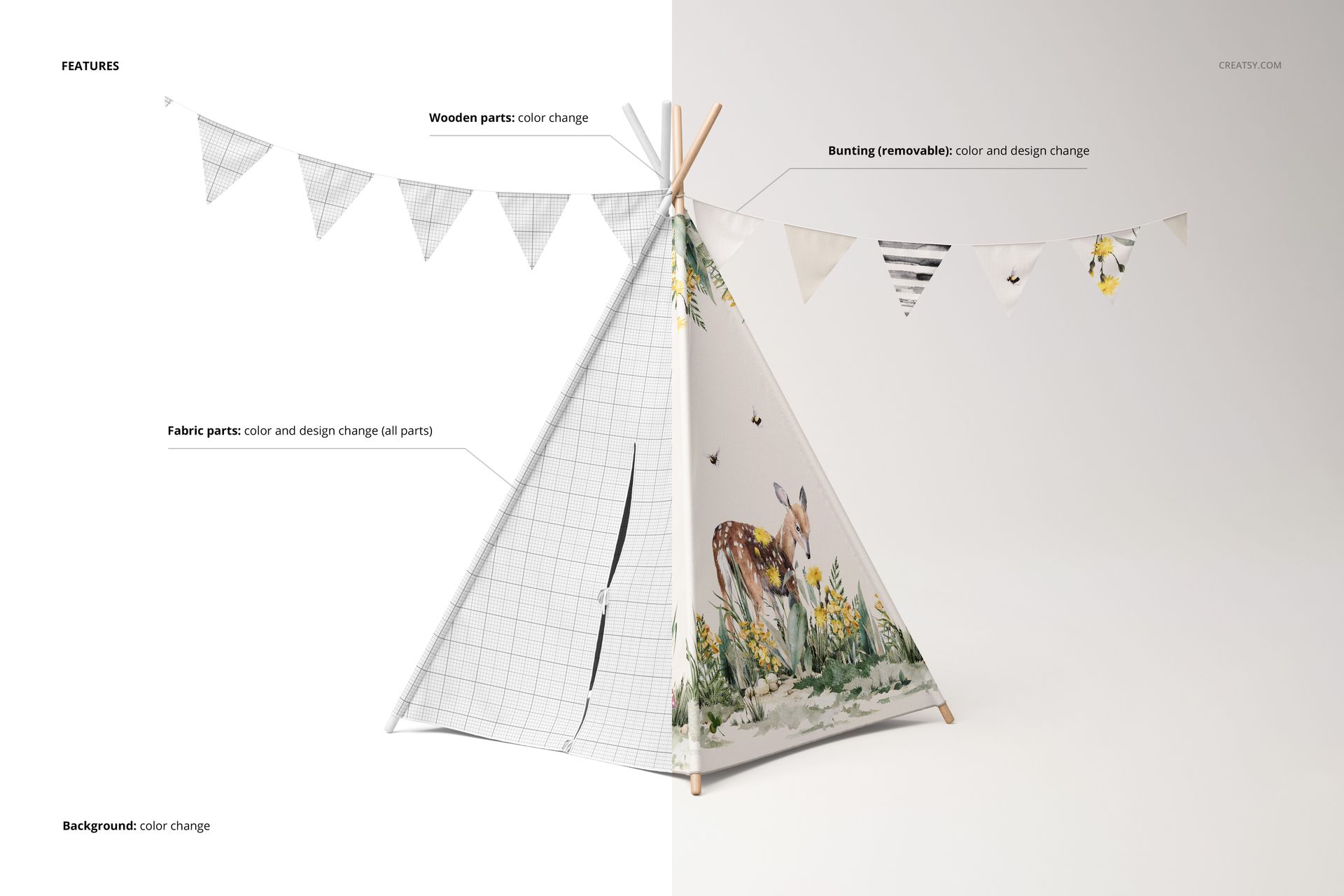
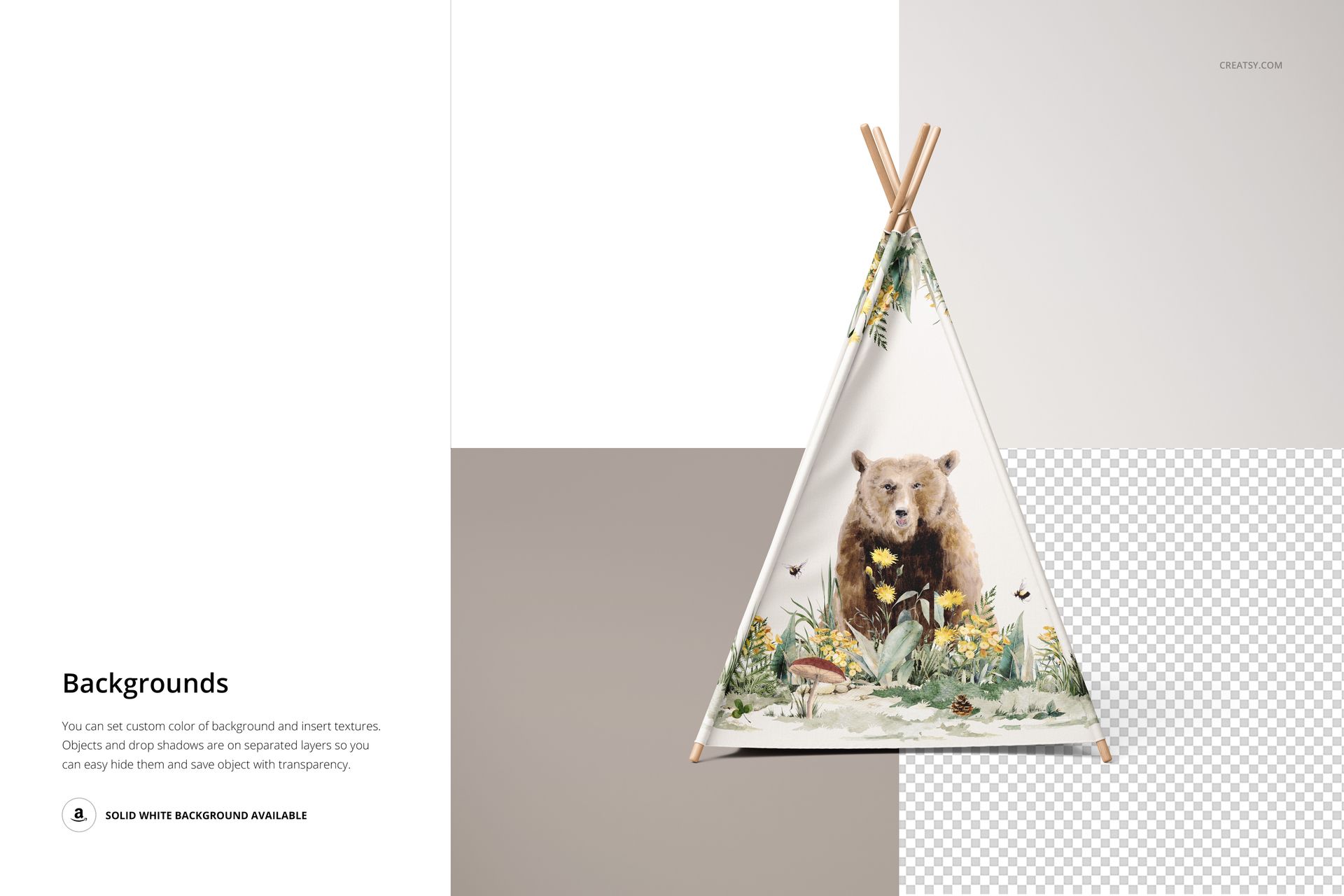
Apply your own colors and designs to the fabric parts, change the wooden parts’ colors and customize the bunting’s color and artwork. The bunting can also be hidden for a simpler presentation. Background color and texture are editable, with separate object and shadow layers for transparent-background exports.
Easy Smart Object Editing
The PSDs work in Adobe Photoshop CC2020 or newer and Photopea. Insert artwork through Smart Objects, save the changes and use the color layers to coordinate the supporting elements. Review the four views with the same design before choosing your final images.
Perfect For
Built for surface pattern designers, children’s decor brands and illustrators presenting play tent concepts or licensing collections. These are digital presentation files, not a physical tent or sewing pattern. Preview artwork is not included.