Flowers Bouquet Packaging Cone in Hand Mockup
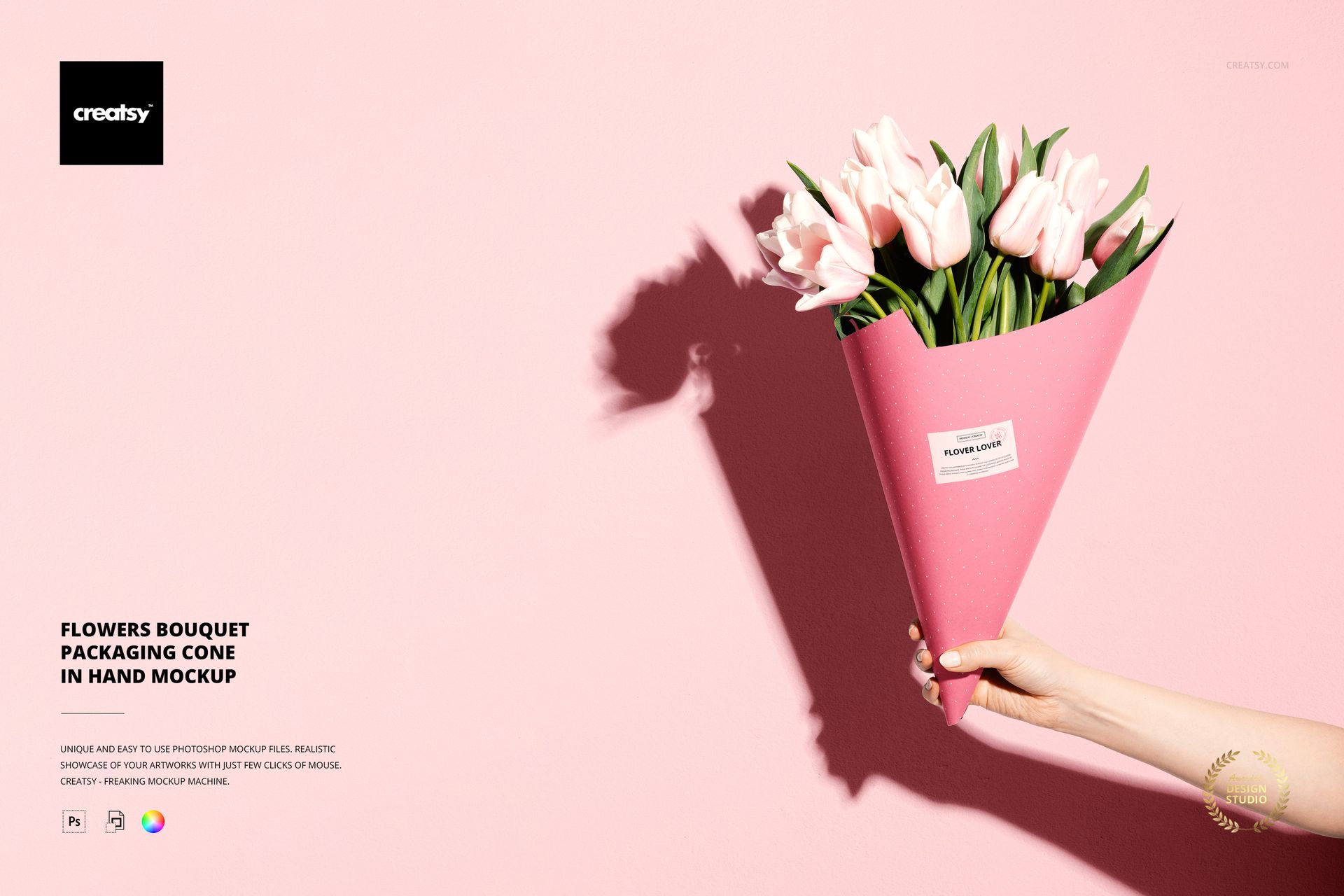
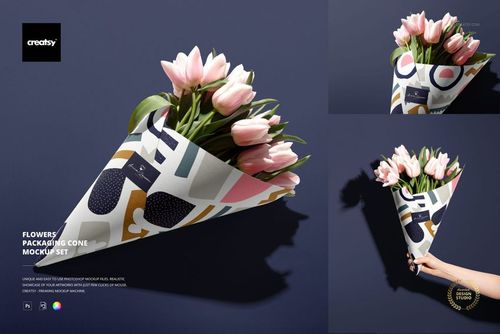
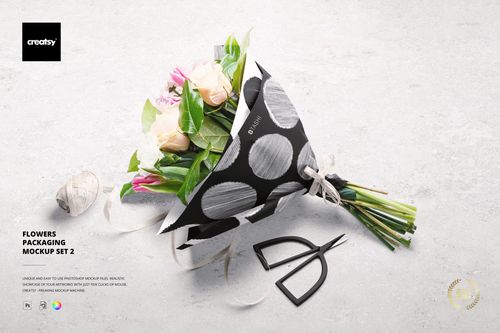
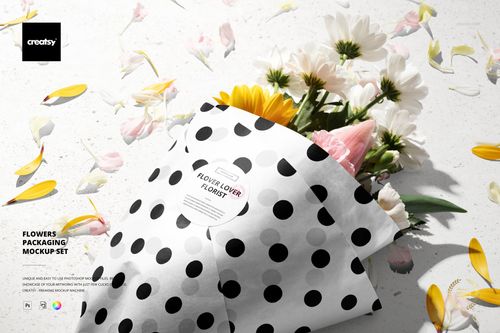
Put your florist branding into a gifting moment: a hand holds a tall paper cone filled with pale pink tulips, with a distinct bouquet shadow falling across the background. This single portrait flower cone mockup gives the paper wrap and front sticker a clear place in the composition.
Use it to present a flower shop identity, a seasonal wrapping pattern or a coordinated label concept. The tapered paper surface helps you assess whether a repeat stays readable as the cone narrows toward the hand.
What Is Included
1 layered PSD mockup, 4700 × 6000 px at 300 DPI.
1 small JPG preview thumbnail, 201 × 256 px.
2 files in total; no PDF guide is included in this individual download.
Coordinate the Cone and Sticker
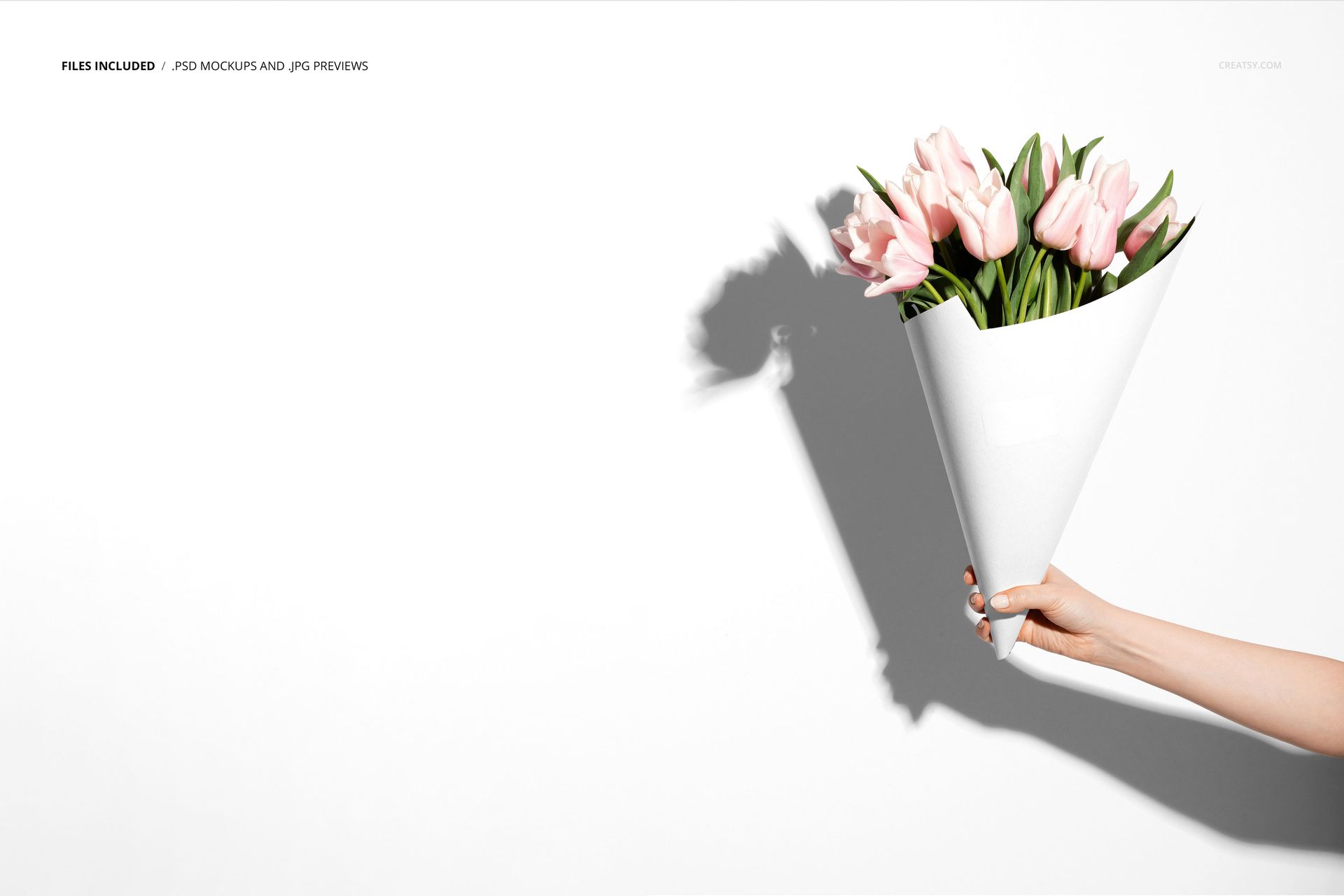
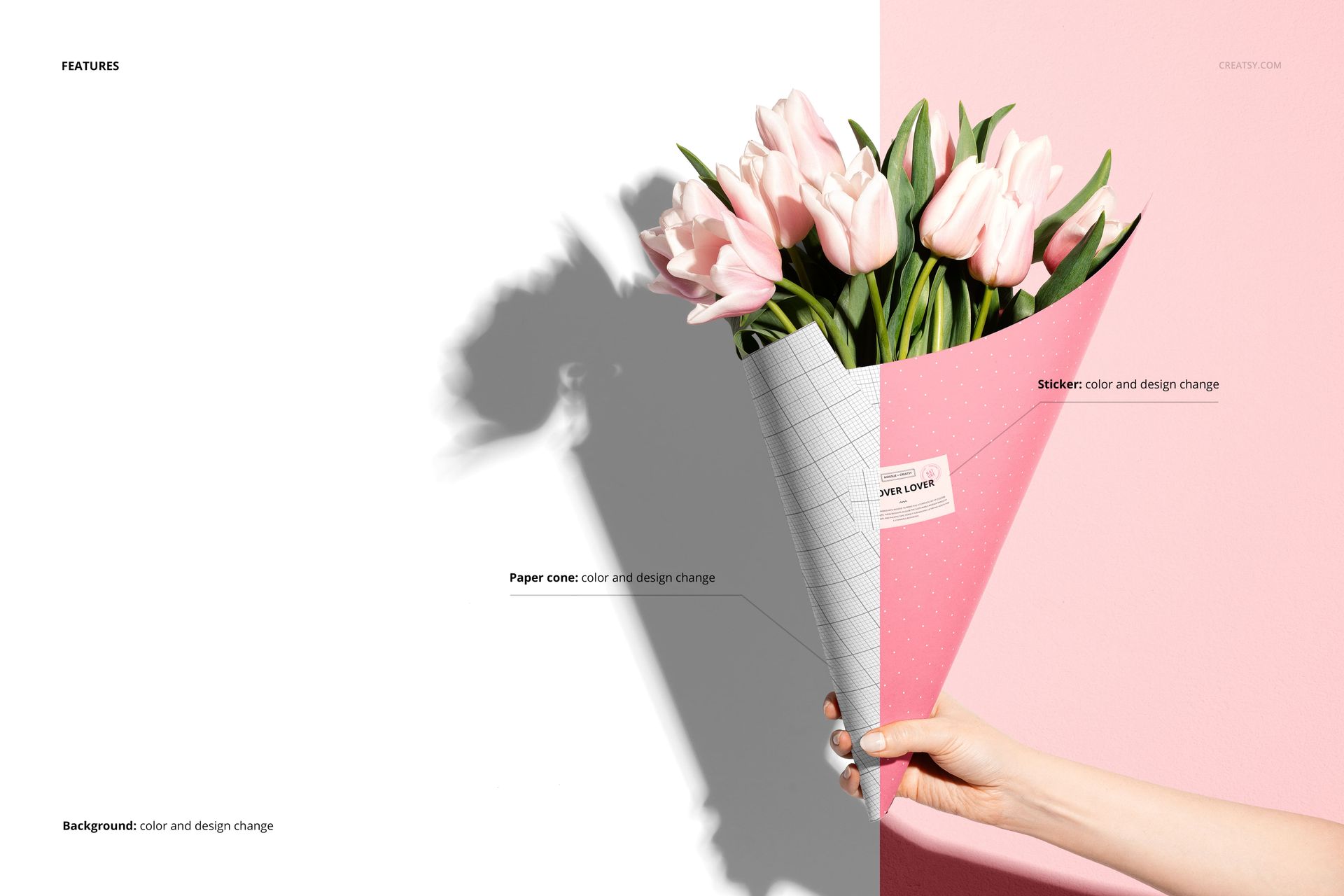
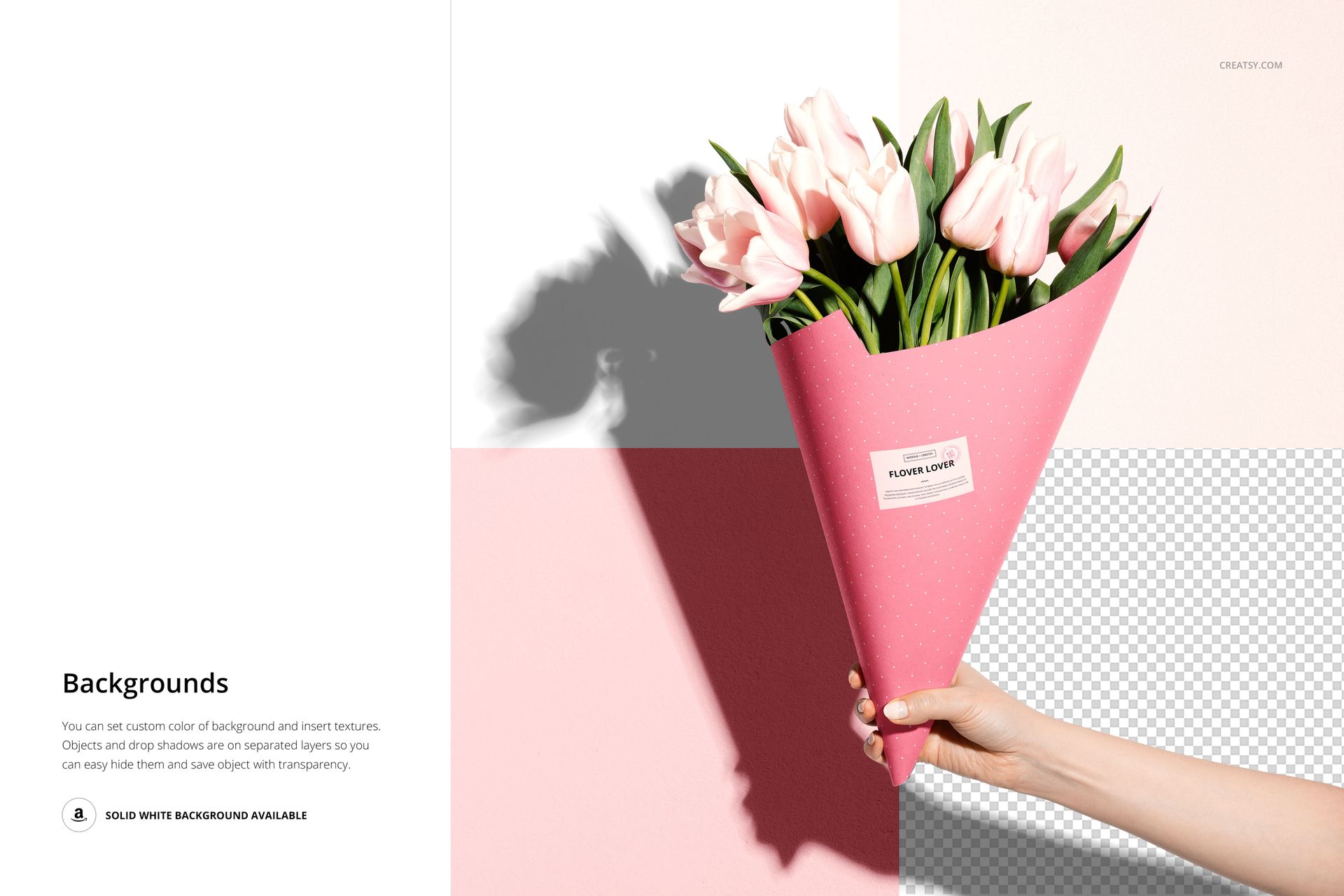
Replace the paper cone artwork and color, customize the sticker design and color, and change the background color or design. Object and shadow layers are separate, with white, colored, textured and transparent-background options demonstrated in the previews.
Easy Smart Object Editing
Work in Adobe Photoshop CC2020 or newer, or Photopea. Open the relevant Smart Object, insert your artwork, save it and return to the main composition. Review the sticker and paper together so the logo remains distinct from the surrounding pattern.
Perfect For
Florists developing branded bouquet packaging.
Packaging and branding designers preparing client previews.
Pattern designers presenting tulip wrapping concepts.
This scene is also included in Flowers Packaging Cone Mockup Set. It is a digital mockup, not a physical bouquet or printed cone; sample artwork is not included.